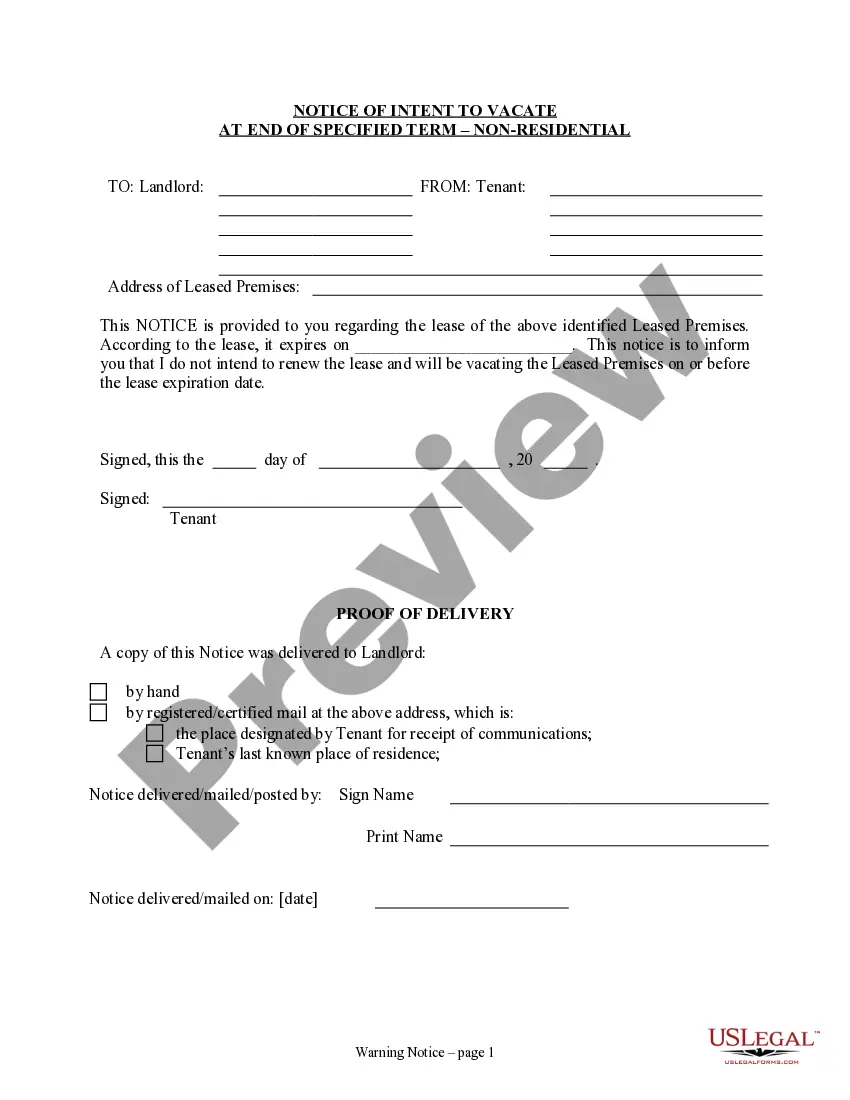
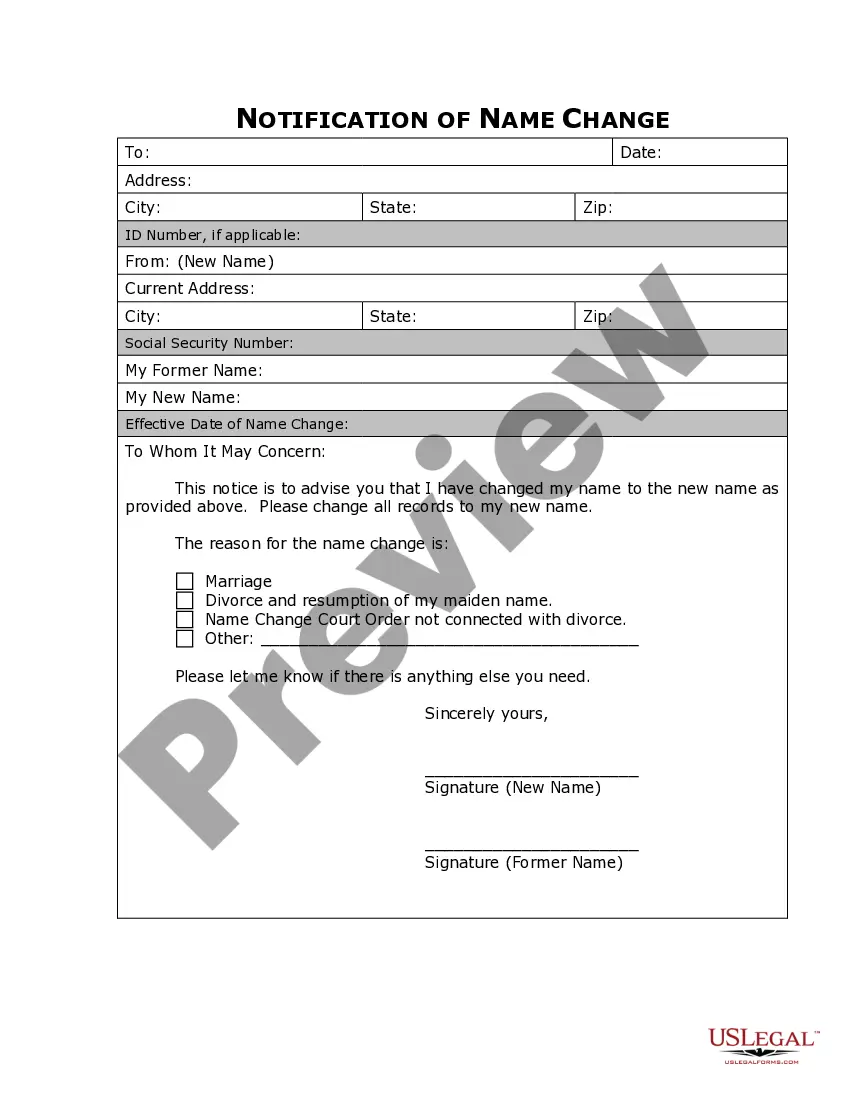
Massachusetts Name Change Notification Form
What this document covers
The Name Change Notification Form is a legal document used to inform various entities such as companies, organizations, and government agencies of your newly changed name after completing a legal name change process. This form ensures that all records are updated and that you can continue conducting your affairs under your new name. Unlike other forms that might address name changes in different contexts, this specific form is focused solely on the notification aspect, making it essential for anyone who has legally changed their name.
Key parts of this document
- Name of the individual changing their name.
- Previous name before the change.
- New name after the change.
- Date the name change became official.
- List of entities being notified.
- Signature and date of completion.




When to use this form
You should use the Name Change Notification Form when you have legally changed your name and wish to update important records and accounts. This form is particularly relevant if you need to notify banks, insurance companies, employers, and government agencies, as failing to do so can lead to complications in identification, documentation, and legal matters.
Intended users of this form
- Individuals who have completed a legal name change.
- Anyone needing to update their personal information with businesses and government offices.
- People looking to maintain consistency in their legal documents and records.
Steps to complete this form
- Begin by entering your full name as it currently appears on your legal documents.
- Provide your previous name before the change.
- Fill in your new name exactly as it will be used moving forward.
- Indicate the date when your name change was legally recognized.
- List all entities that need to be informed of your name change.
- Sign and date the form to affirm its accuracy.
Notarization guidance
This form does not typically require notarization unless specified by local law. However, it is advisable to check the requirements for your specific jurisdiction to ensure compliance.
Get your form ready online
Our built-in tools help you complete, sign, share, and store your documents in one place.
Make edits, fill in missing information, and update formatting in US Legal Forms—just like you would in MS Word.
Download a copy, print it, send it by email, or mail it via USPS—whatever works best for your next step.
Sign and collect signatures with our SignNow integration. Send to multiple recipients, set reminders, and more. Go Premium to unlock E-Sign.
If this form requires notarization, complete it online through a secure video call—no need to meet a notary in person or wait for an appointment.
We protect your documents and personal data by following strict security and privacy standards.

Make edits, fill in missing information, and update formatting in US Legal Forms—just like you would in MS Word.

Download a copy, print it, send it by email, or mail it via USPS—whatever works best for your next step.

Sign and collect signatures with our SignNow integration. Send to multiple recipients, set reminders, and more. Go Premium to unlock E-Sign.

If this form requires notarization, complete it online through a secure video call—no need to meet a notary in person or wait for an appointment.

We protect your documents and personal data by following strict security and privacy standards.
Common mistakes to avoid
- Not listing all entities that need notification.
- Failing to provide accurate names and dates.
- Not signing the form before submission.
Why complete this form online
- Easy access to a professionally drafted form.
- Editable templates that you can customize to your needs.
- Secure download with immediate availability.
Summary of main points
- The Name Change Notification Form is essential for informing others of your legal name change.
- Accurate completion of the form helps avoid future complications.
- Online access to the form provides convenience and reliability.
Looking for another form?
Form popularity
FAQ
A: You will have to ask the court for special permission to get the name change without letting the other parent know. To do this, the judge will ask you to look for the other parent, and you have to look as hard as possible, asking friends and family and looking up public records.
You do not have to report your name change directly to the IRS. However, it's important to report it to the Social Security Administration (SSA) before you file your tax return. You can change your name by mail or go to your local Social Security office.
Complete the Petition for Change of Name. Obtain the form Petition for Change of Name online or at the court. Complete the Court Activity Record Information form. Submit the forms. Publish the required notice. Finalizing the name change.
The passport office (see more details below) The DVLA (driving licence, vehicle registration) HM Revenue and Customs. Child Benefit. Local Authority (Council tax and electoral register) Land Registry. Student Loans. Your employer.
You will need to attend a registry or service centre in person and provide your proof of identity documents, plus a Full Marriage Certificate. For NSW, generally we only accept Marriage Certificates issued by the NSW Registry of Births, Deaths and Marriages (BDM). Commemorative certificates are not acceptable.
Yes you can be traced if you change it by deed poll. All deed polls are published in The Gazette, an arcane publication of official 'stuff' this is then used by various govt and private organisations to update their records. It is a public document.Some may only change your details with a deed poll.
Social Security Administration. Department of Motor Vehicles. Passport Office. Post Office. IRS. Voter Registration. Banks and other financial institutions. Credit Card companies (or issuers)
You can reach a DUA agent to discuss providing required documentation for reporting your name change at (877) 626-6800. Call center agents are available a.m.- p.m., Monday-Friday.
1Complete the Petition for Change of Name. Obtain the form Petition for Change of Name online or at the court.2Complete the Court Activity Record Information form.3Submit the forms.4Publish the required notice.5Finalizing the name change.