Merchandise Return Sheet
About this form
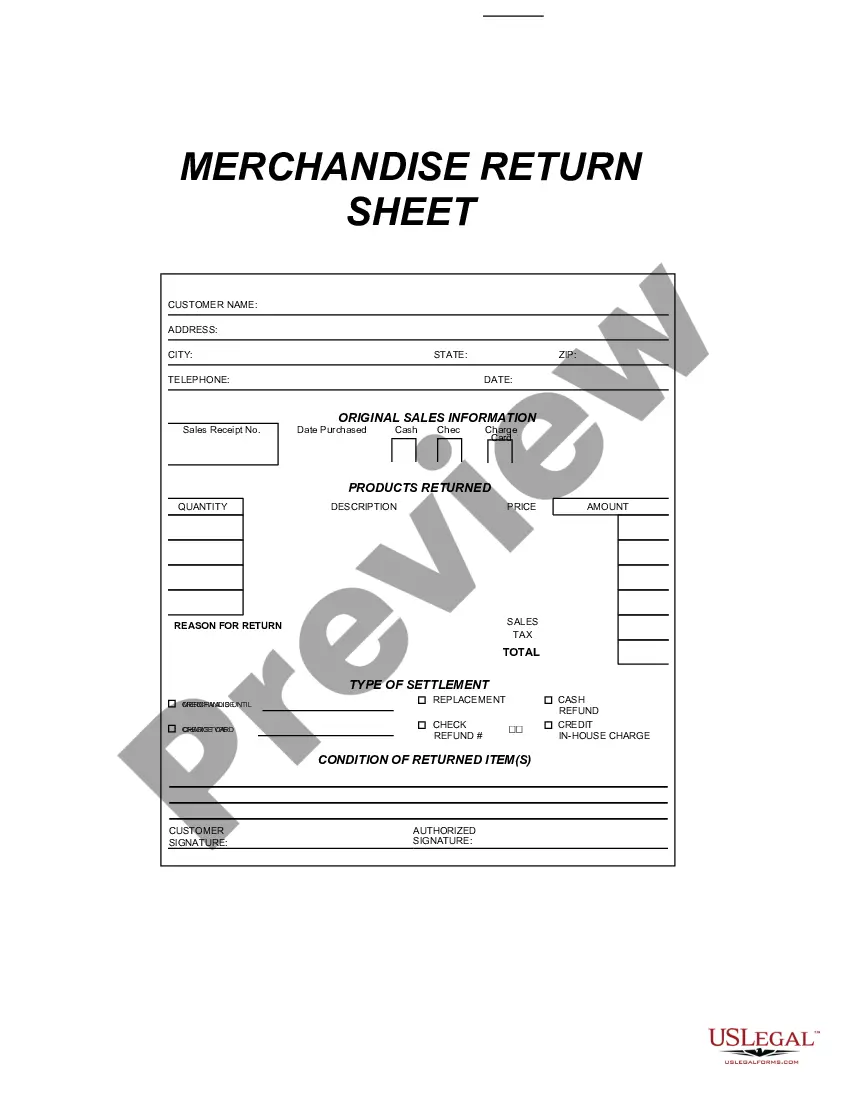
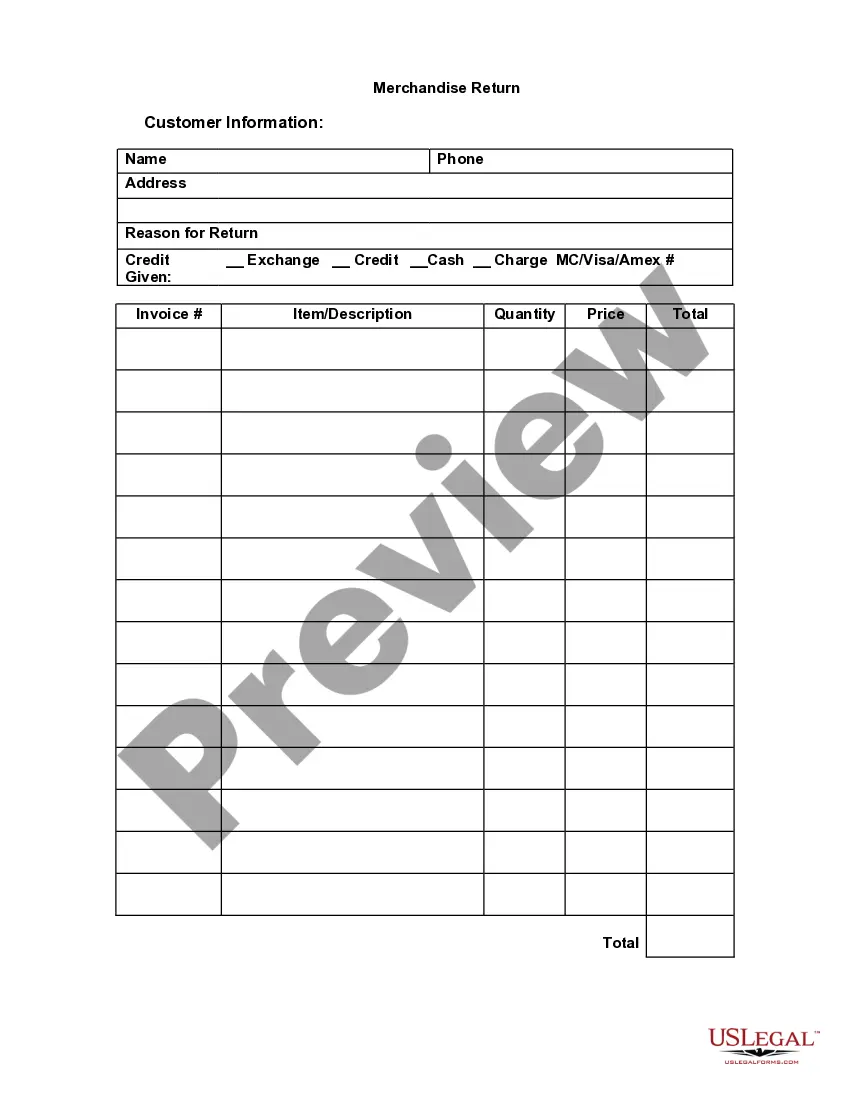
The Merchandise Return Sheet is designed for businesses to process product returns efficiently. This form helps document essential details regarding the return of goods purchased, including reasons for the return and the condition of the items. Its structured format distinguishes it from other return forms, making it easier for users to complete the necessary fields accurately using Adobe Acrobat or Word.
Main sections of this form
- Sales Receipt Number: Identifies the original purchase transaction.
- Date Purchased: The date when the item was bought.
- Products Returned: A detailed list of items being returned.
- Quantity: The number of units being returned.
- Description: The name or type of each product being returned.
- Price and Amount: The individual price of each item and the total amount being refunded.
- Reason for Return: Explanation for why the item is being returned.
- Condition of Returned Item(s): Notes whether the returns are new, used, or damaged.
- Signatures: Spaces for customer and authorized personnel signatures.
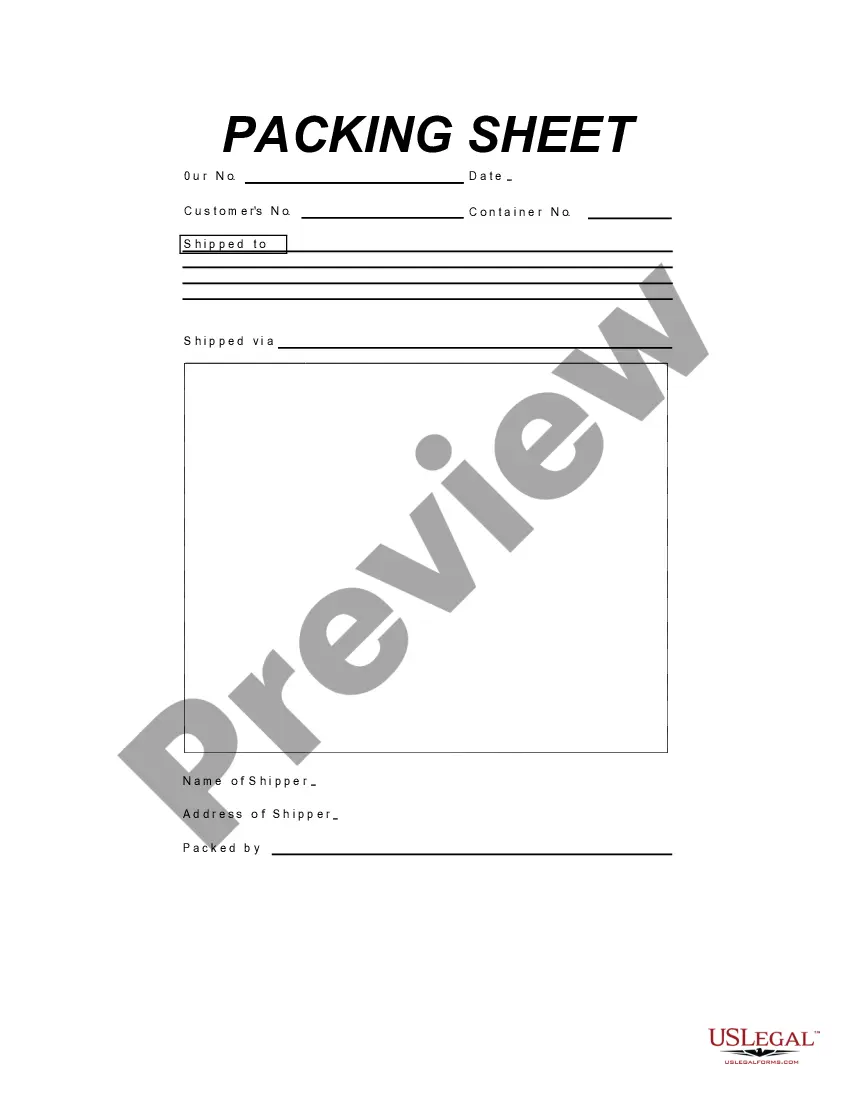
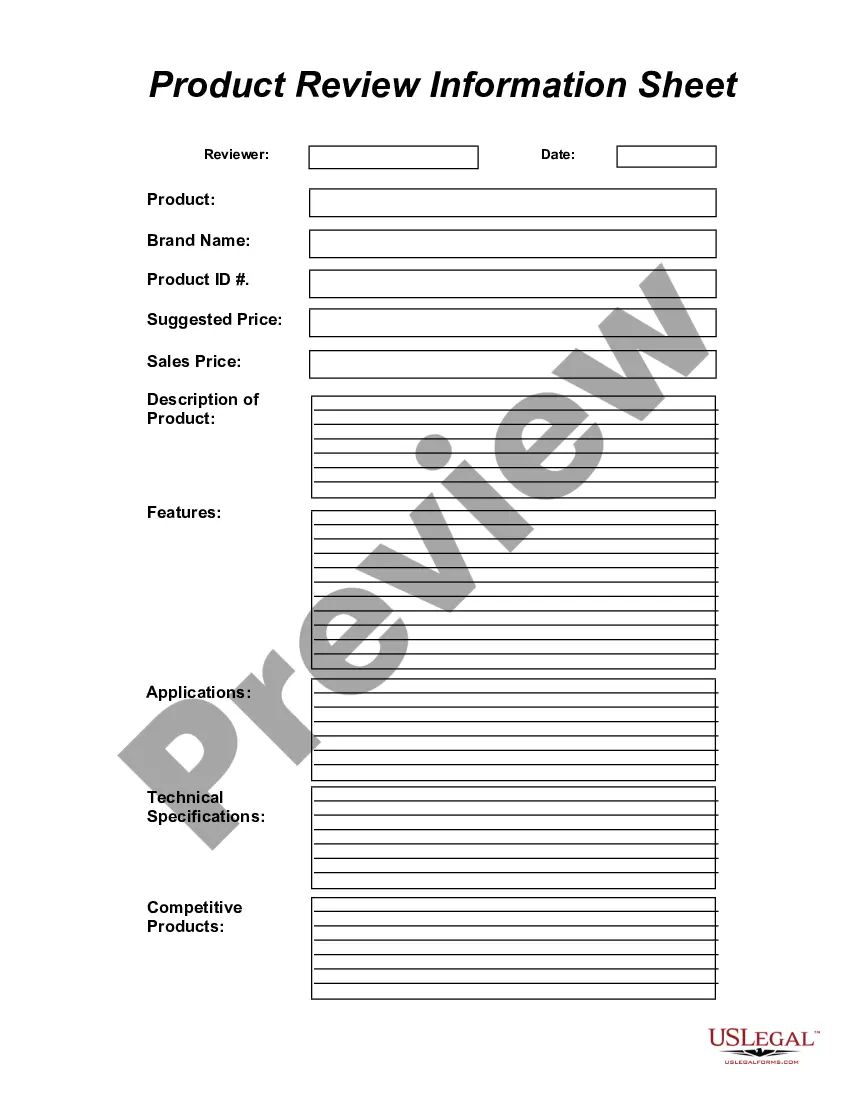
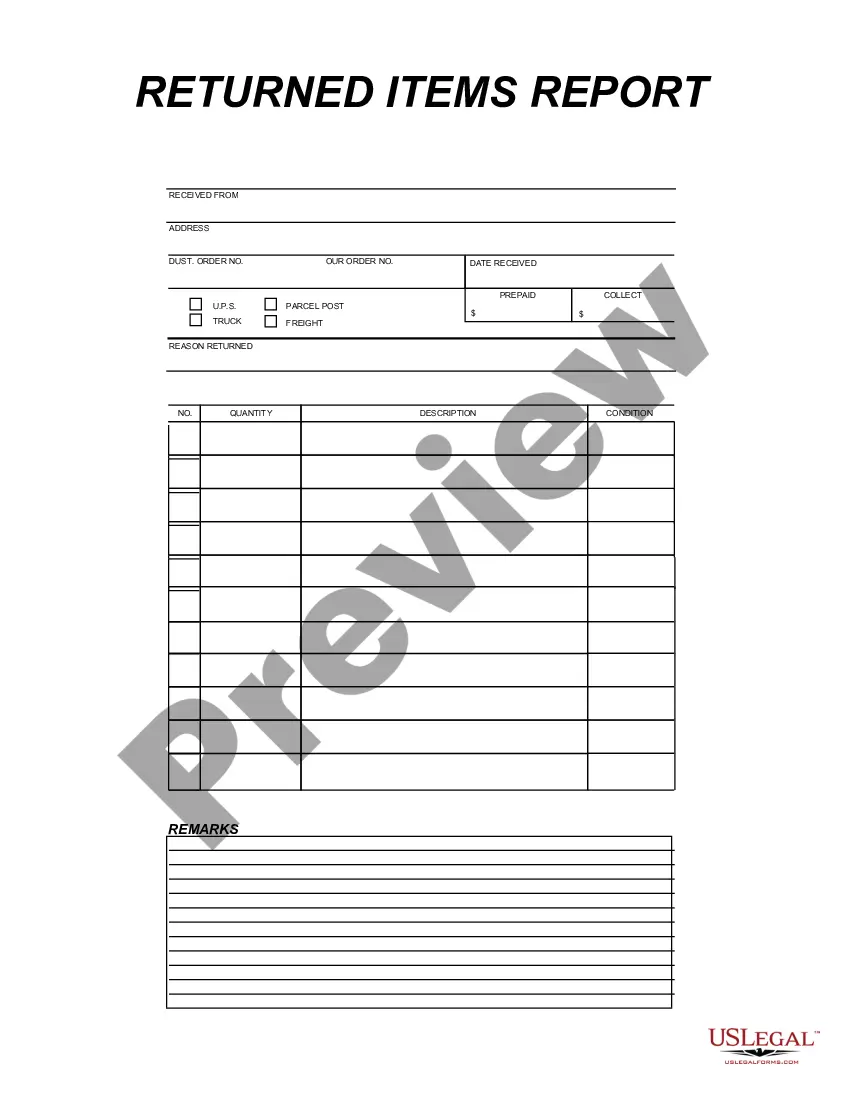
Situations where this form applies
This form should be used when a customer decides to return merchandise for any reason, such as receiving a defective item, wrong size, or simply a change of mind. It ensures that all necessary details are documented for efficient processing and refunding, ultimately simplifying your return policy management.
Intended users of this form
- Retail businesses that accept product returns.
- Online sellers managing returns from customers.
- Service-based businesses that sell tangible goods.
- Customers returning items to ensure a smooth transaction.
Completing this form step by step
- Fill in the sales receipt number and date of purchase.
- List the products being returned along with their quantities and descriptions.
- Enter the price and total amount for each item.
- Provide a reason for the return and the condition of the items.
- Sign the form as the customer, and have an authorized personnel sign as well.
Is notarization required?
Notarization is generally not required for this form. However, certain states or situations might demand it. You can complete notarization online through US Legal Forms, powered by Notarize, using a verified video call available anytime.
Get your form ready online
Our built-in tools help you complete, sign, share, and store your documents in one place.
Make edits, fill in missing information, and update formatting in US Legal Forms—just like you would in MS Word.
Download a copy, print it, send it by email, or mail it via USPS—whatever works best for your next step.
Sign and collect signatures with our SignNow integration. Send to multiple recipients, set reminders, and more. Go Premium to unlock E-Sign.
If this form requires notarization, complete it online through a secure video call—no need to meet a notary in person or wait for an appointment.
We protect your documents and personal data by following strict security and privacy standards.

Make edits, fill in missing information, and update formatting in US Legal Forms—just like you would in MS Word.

Download a copy, print it, send it by email, or mail it via USPS—whatever works best for your next step.

Sign and collect signatures with our SignNow integration. Send to multiple recipients, set reminders, and more. Go Premium to unlock E-Sign.

If this form requires notarization, complete it online through a secure video call—no need to meet a notary in person or wait for an appointment.

We protect your documents and personal data by following strict security and privacy standards.
Avoid these common issues
- Failing to attach the original sales receipt.
- Not providing clear reasons for the return.
- Leaving signature fields blank.
- Incorrectly entering quantities or descriptions of returned products.
Benefits of using this form online
- Convenient access that allows for quick completion and submission.
- Editability enables users to make adjustments as needed before finalizing.
- Reliability in documenting returns, which is essential for record-keeping.
Legal use & context
The Merchandise Return Sheet serves as a legal record of the return transaction between a business and its customer. It is enforceable under consumer protection laws that govern returns and refunds. Businesses should maintain a copy of this document for their records to resolve any disputes that may arise regarding returned items.
Key takeaways
- The Merchandise Return Sheet helps businesses process returns with accuracy.
- It is essential to document all necessary details to prevent confusion.
- Ensure both customer and authorized signatures are obtained for validation.
Looking for another form?

Form popularity
FAQ
Prepare your package for return. Pack your item securely, inserting any paperwork that was included when you requested your return from the Online Returns Center. If you don't have the original product packaging, use a sturdy box and include padding such as packing bubbles or newspaper.
Need to return something you purchased? Easily create and print a return label with Click-N-Ship®. To get started, sign into your USPS.comA® account or sign up for free today.
First, select the shipment for which you want to create the label by clicking the checkbox. Go to More and then select Create Return Label. Next, enter the customer information like a return address and the customer address.
Verify that your shipment is eligible for Package Intercept. If eligible, you can submit your request online after logging in with your USPS.com account.
If your packages have domestic shipping labels, you can drop them off at USPS collection locations without waiting in line. If the packages fit, you may drop them off at blue collection mailboxes and Post Office mail drop slots. Some Post Offices may also have a designated spot on the counter for prepaid packages.
From the History menu, select Shipping & Postage History. Select the desired USPS shipment. Select the Create Return Label button. Follow prompts to create the label.
Once USPS has approved your shipping system, you can store customers' prepaid or postage-guaranteed (return) labels in our secure Label Broker repository. You'll give your customers a unique USPS Label Broker ID that they can use to print a shipping label.We'll scan the ID and print the shipping label at the counter.
You can print a shipping label with postage from your own printer, then schedule a Package Pickup. Just log into or create your free USPS.com account to do it.
Return shipment must include an appropriate, postage-paid Postal Service label. Item(s) must be mailable according to Postal Service standards. For mailability restrictions, visit https://www.usps.com/ship/shipping-restrictions.htm. For details on free Package Pickup, visit usps.com/pickup.