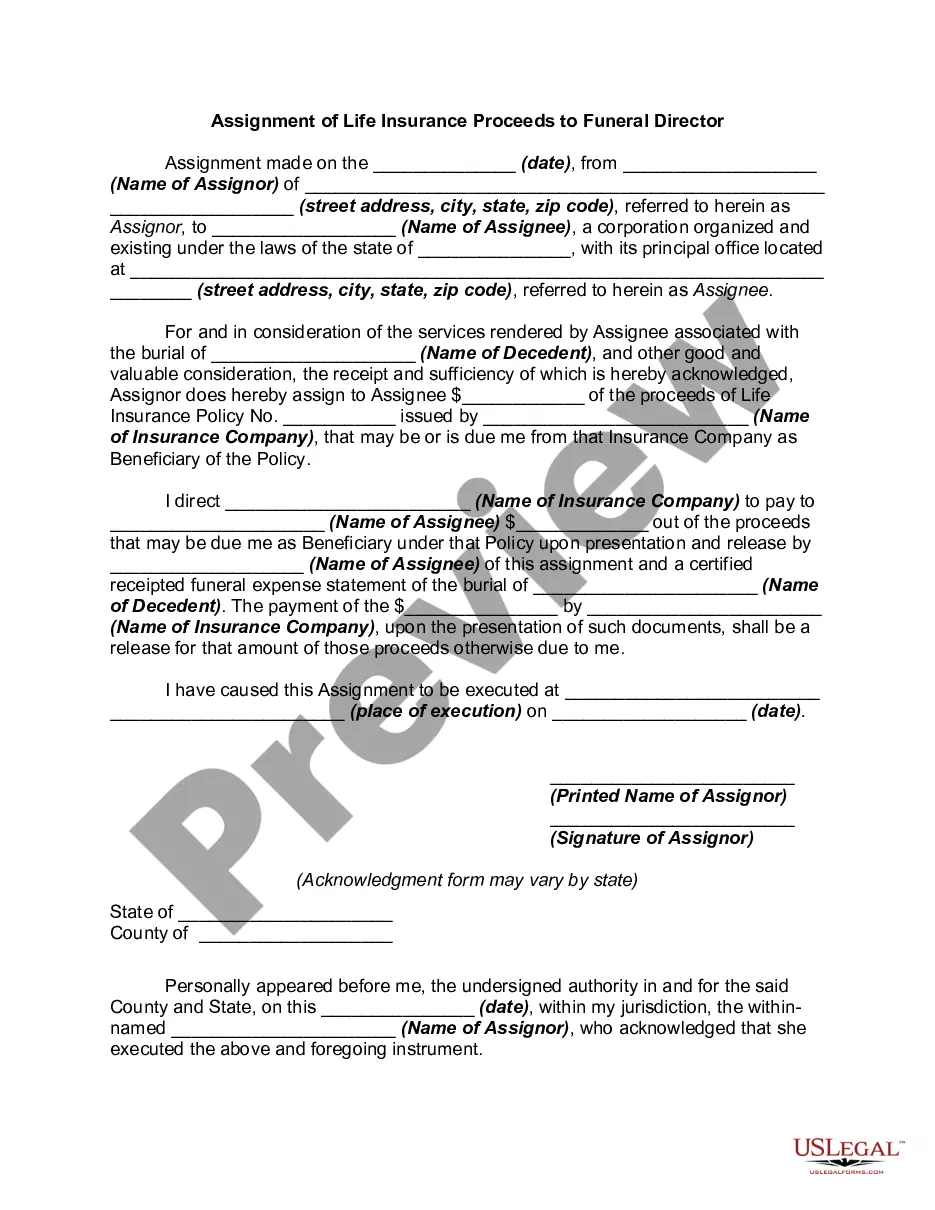
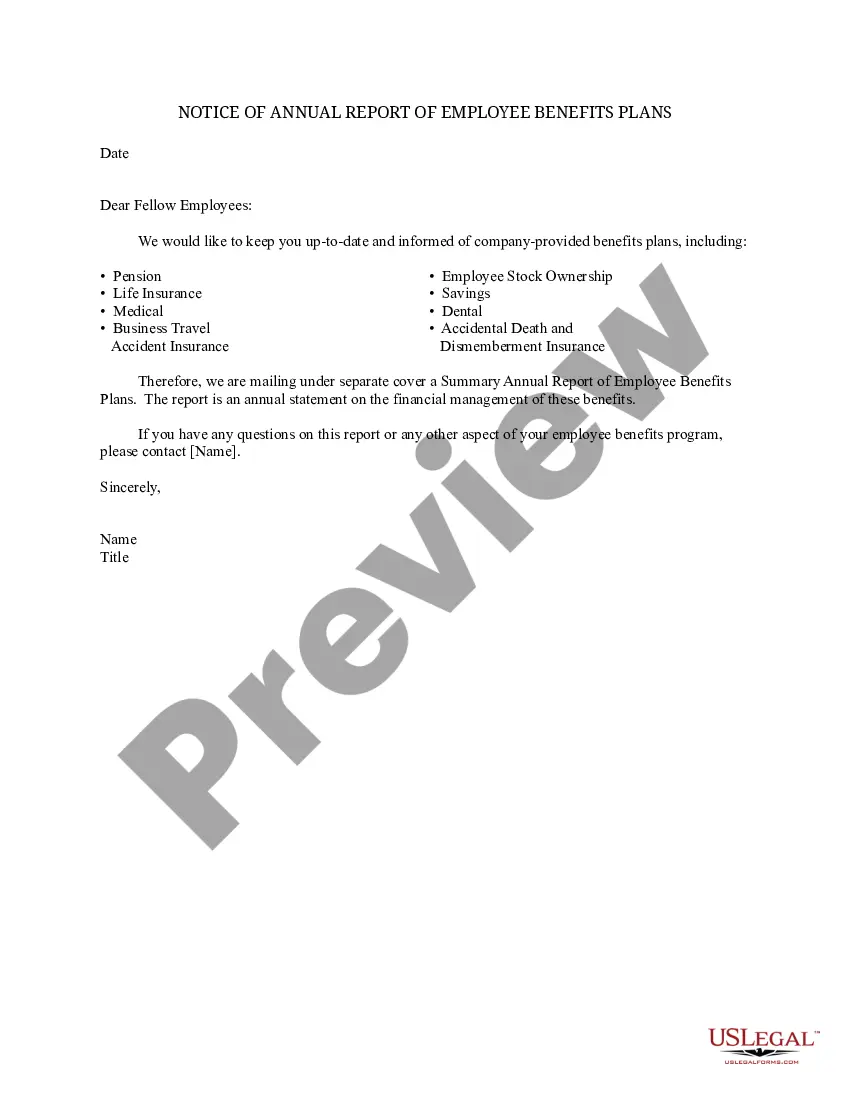
Illinois Notice of Annual Report of Employee Benefits Plans
Description
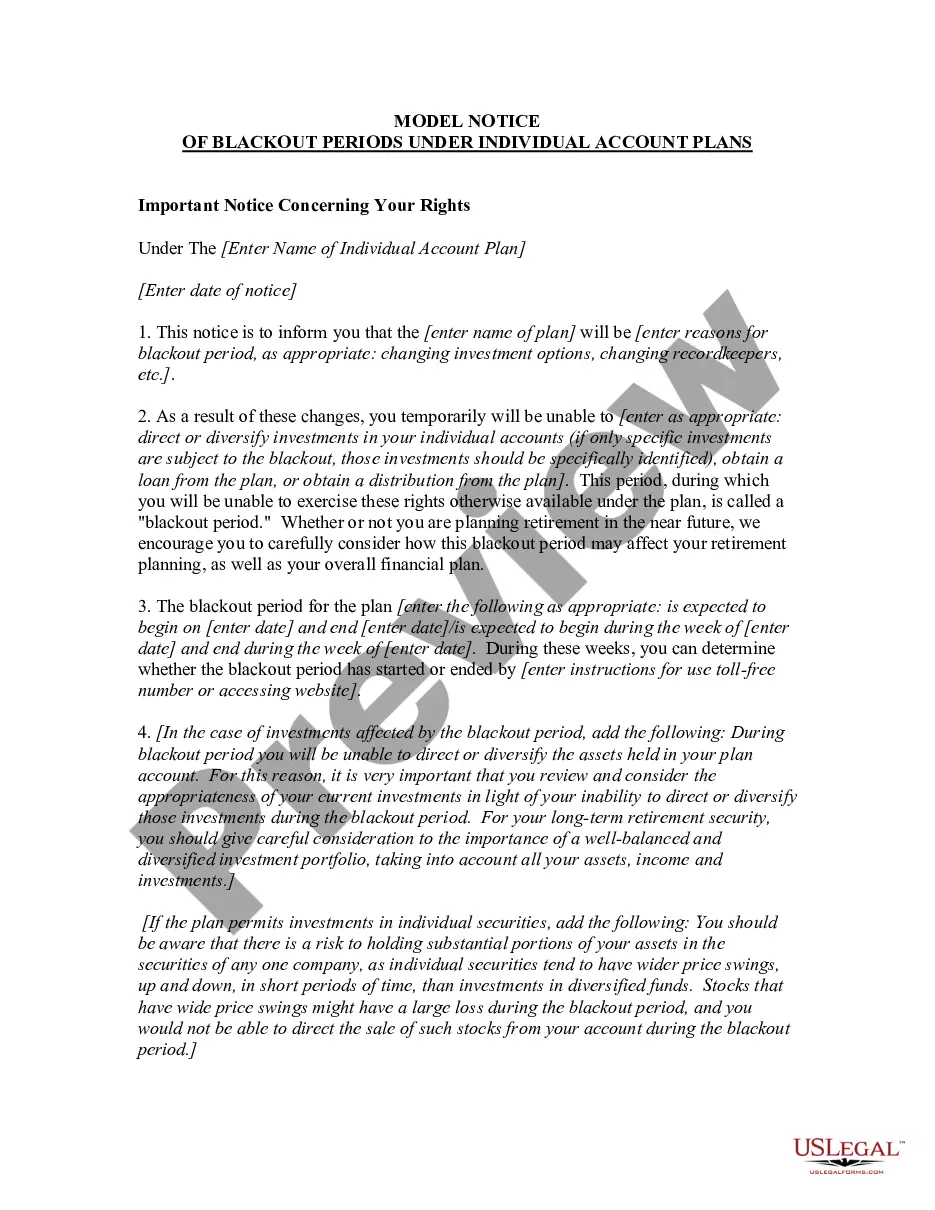
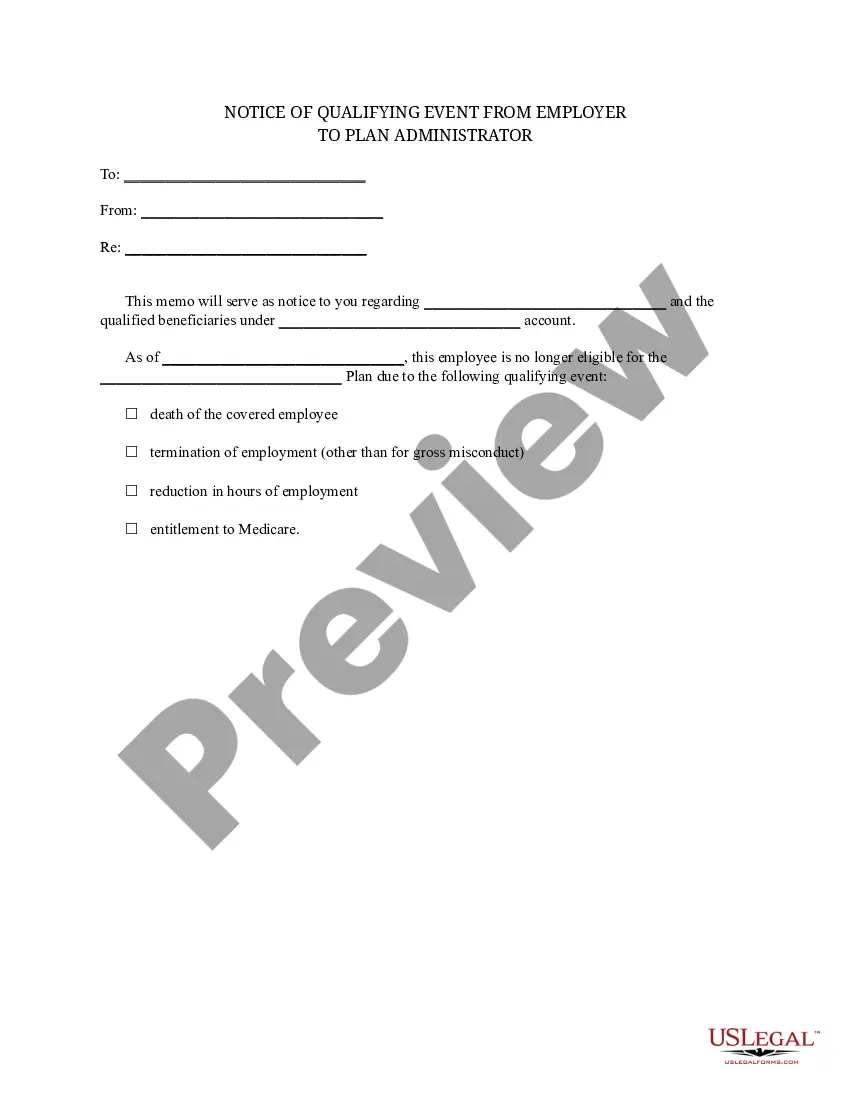
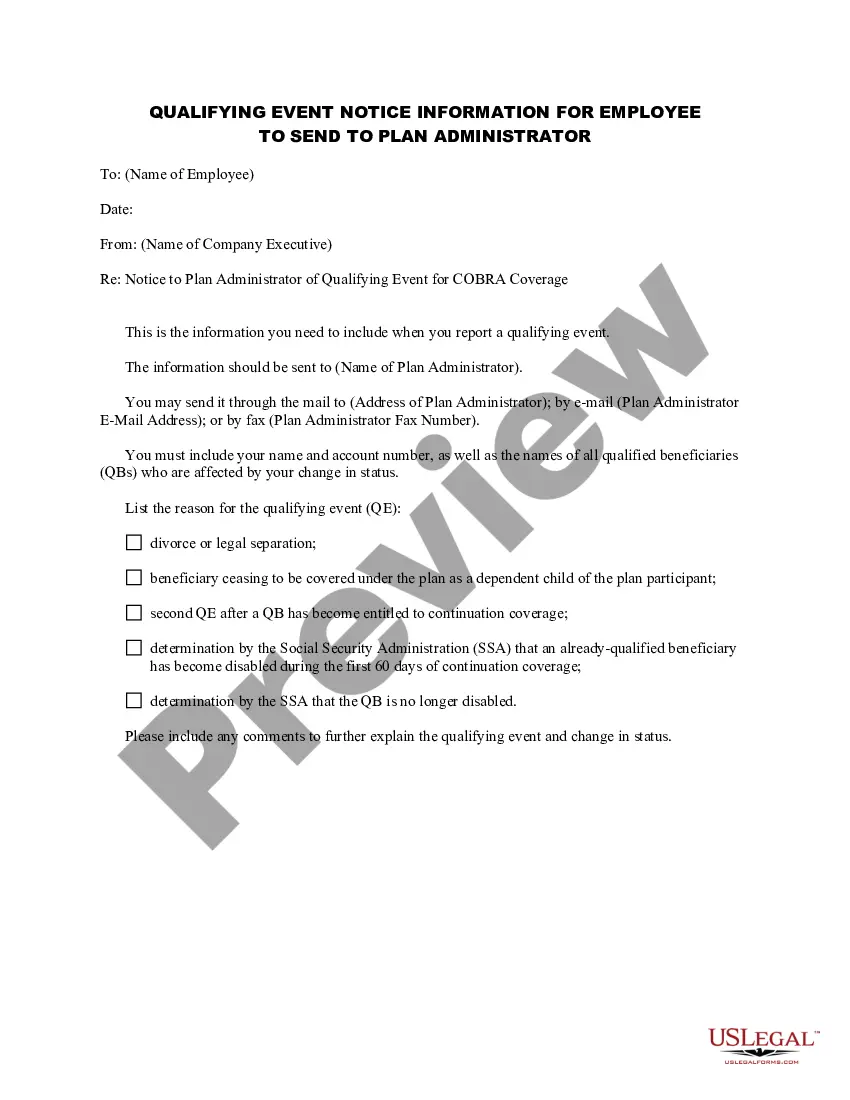
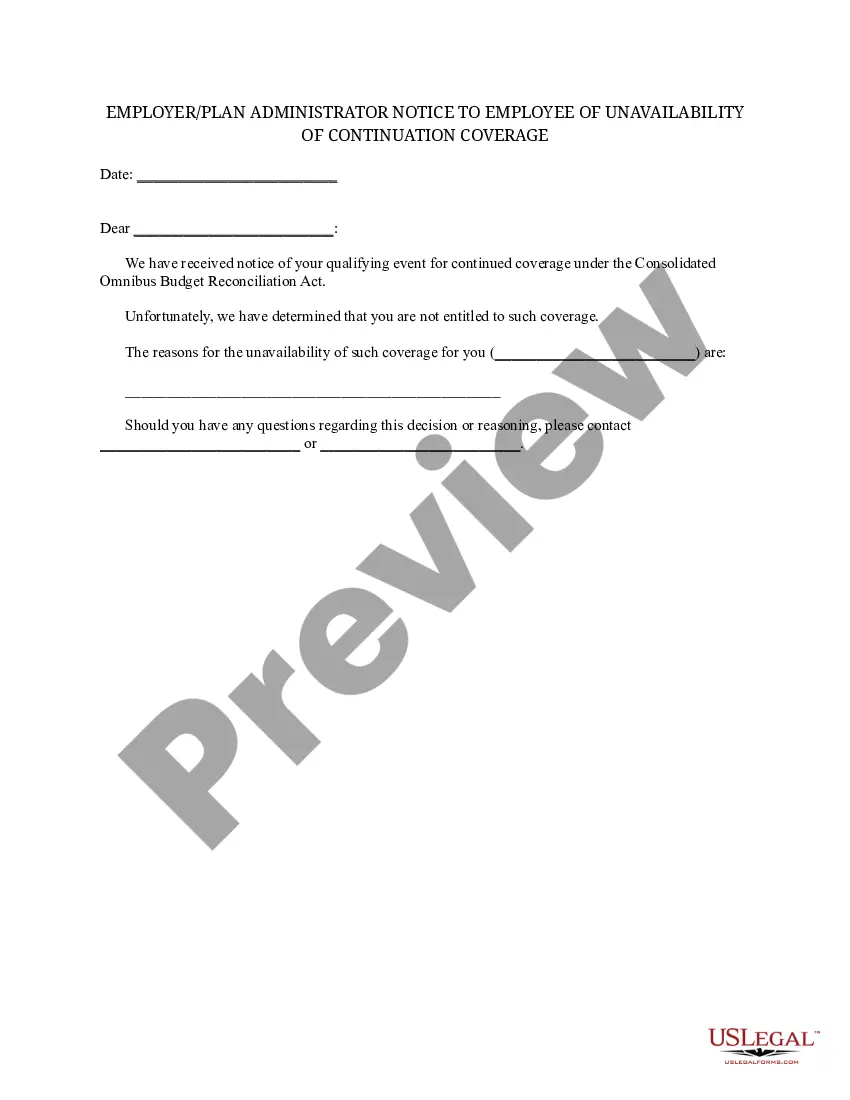
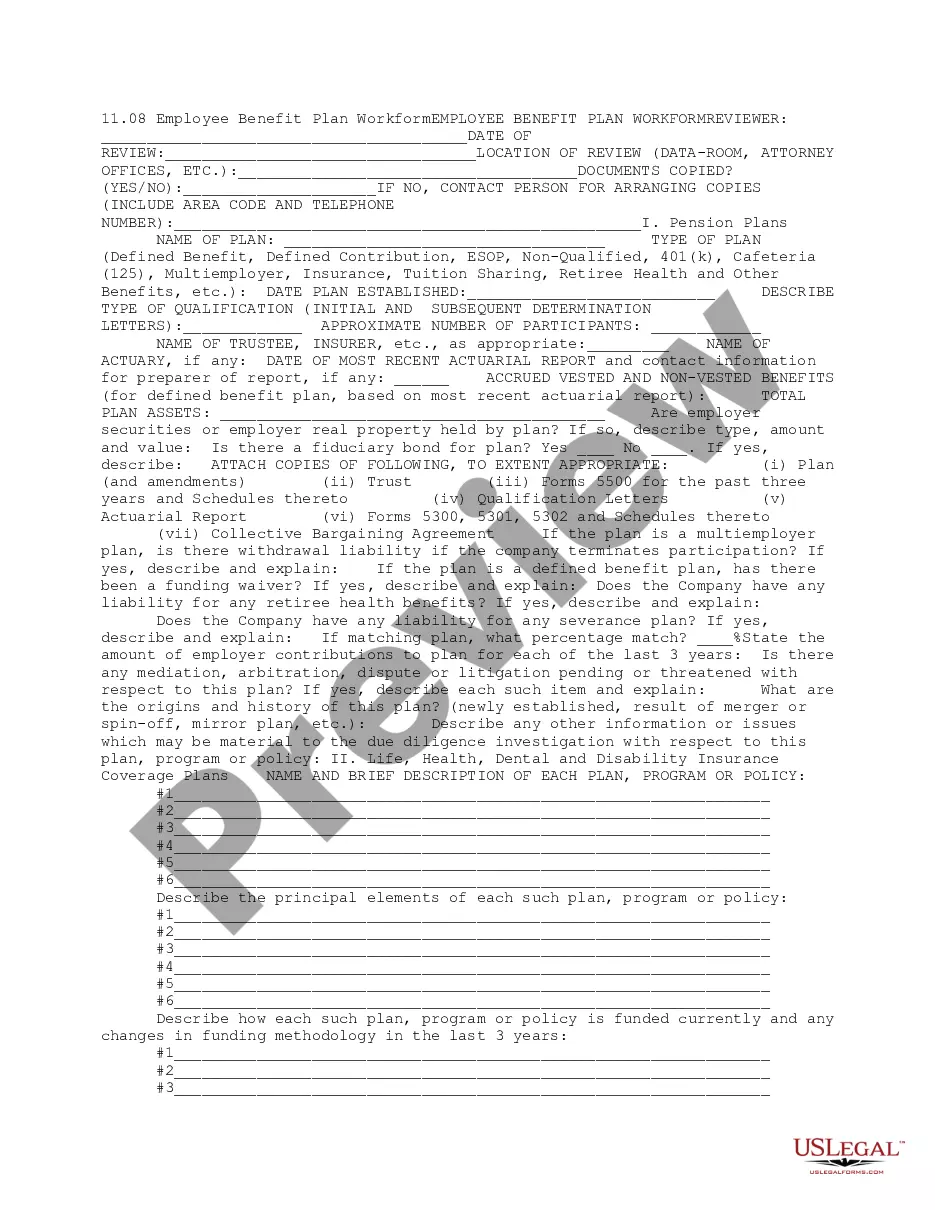
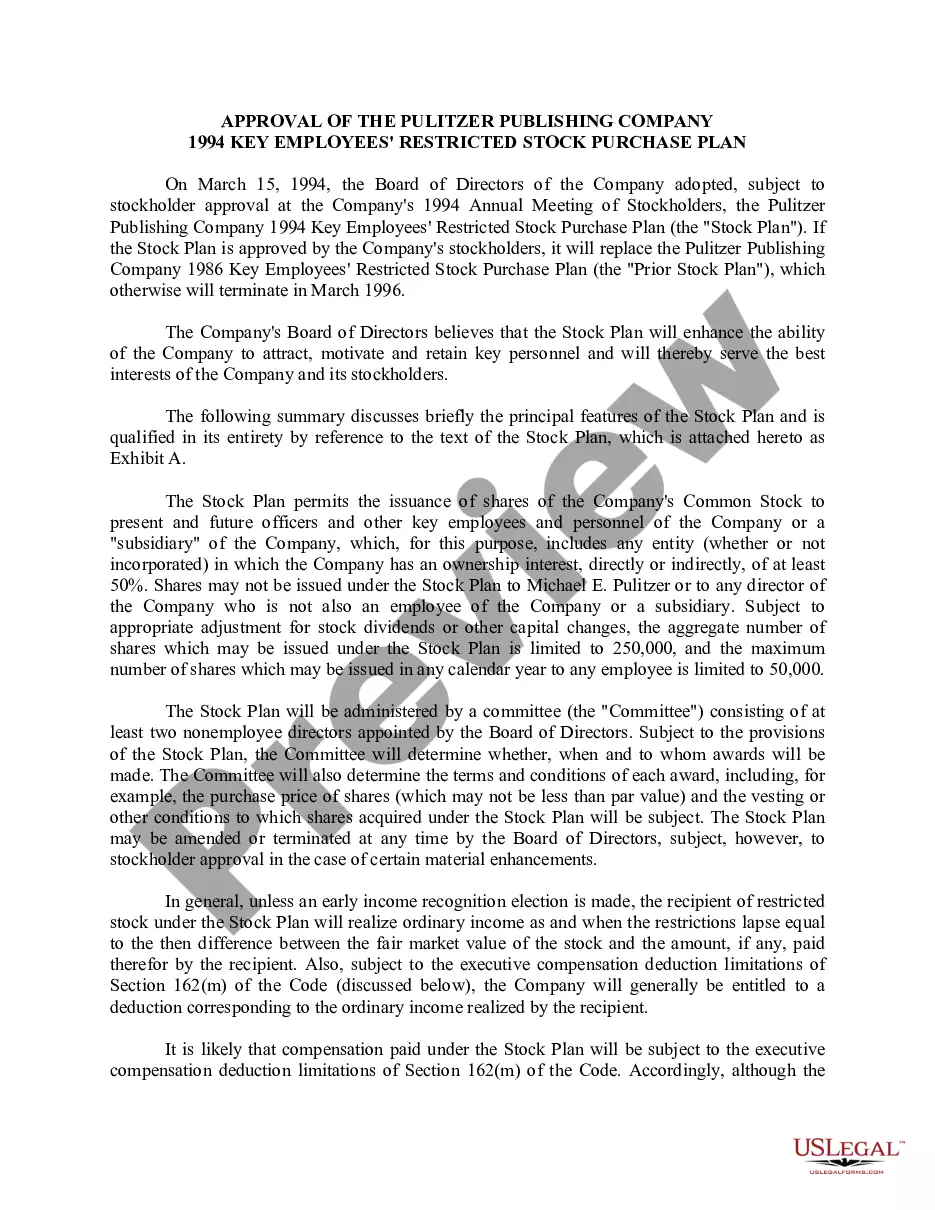
How to fill out Notice Of Annual Report Of Employee Benefits Plans?
US Legal Forms - one of the largest collections of legal documents in the United States - offers a broad array of legal form templates that you can obtain or create.
By utilizing the platform, you will access a vast assortment of forms for business and personal purposes, organized by categories, states, or keywords. You can find the latest versions of forms like the Illinois Notice of Annual Report of Employee Benefits Plans in just moments.
If you hold a monthly subscription, Log In to access the Illinois Notice of Annual Report of Employee Benefits Plans within the US Legal Forms library. The Download button will appear on every form you view. You can access all previously saved forms from the My documents section of your account.
Process the payment. Use your Visa or Mastercard or PayPal account to finalize the transaction.
Select the format and acquire the form to your device. Make edits. Complete, modify, and print and sign the saved Illinois Notice of Annual Report of Employee Benefits Plans. Every template added to your account does not expire and is yours indefinitely. So, if you want to obtain or produce another copy, simply go to the My documents section and click on the form you need. Access the Illinois Notice of Annual Report of Employee Benefits Plans with US Legal Forms, the most extensive library of legal document templates. Utilize a comprehensive selection of professional and state-specific templates that cater to your business or personal needs and requirements.
- Ensure you have selected the correct form for your city/state.
- Click the Preview button to examine the contents of the form.
- Review the form description to confirm you've selected the right document.
- If the form does not meet your requirements, utilize the Search field at the top of the page to find one that does.
- If satisfied with the form, confirm your choice by clicking the Get now button.
- Then, select your preferred payment plan and provide your credentials to register for an account.
Form popularity
FAQ
How to Electronically FileStep 1: Register with EFAST2: Go to the EFAST2 website ( ) and click Register on the left hand side under the Main section.Step 2: Electronically File Form 5500: Log in to the EFAST2 website ( )
How To Fill Out Form 5500Enter Annual Report Information. The first step in completing IRS Form 5500 is to enter the Annual Report Identification Information necessary for Part 1.Complete Plan Information.Identify & Complete Relevant Additional Schedules.Sign and Submit Form 5500.
Plan administrators for Keoghs (e.g. money purchase, profit sharing), company pension (i.e. defined benefit) and company profit sharing plans, certain 403(b) plans, and 401(k) plans must generally file a Form 5500 each year.
Each year, the plan administrator of a plan that is not exempt from filing a Form 5500 must provide a summary annual report (SAR) to the participants within nine months after the end of the plan year.
You can easily do this very simple tax filing yourself and save the money. There are two ways to file: by postal mail using IRS Form 5500-EZ, Annual Return of One-Participant (Owners and Their Spouses) Retirement Plan to the IRS, or. electronically, by filing IRS Form 5500-SF.
All funded welfare plans must file a Form 5500; All unfunded (self-insured) and/or insured welfare plans must file a Form 5500 IF the plan covers 100 or more plan participants as of the beginning of the plan year.
How To Fill Out Form 5500Enter Annual Report Information. The first step in completing IRS Form 5500 is to enter the Annual Report Identification Information necessary for Part 1.Complete Plan Information.Identify & Complete Relevant Additional Schedules.Sign and Submit Form 5500.
File Form 5500 to report information on the qualification of the plan, its financial condition, investments and the operations of the plan. Must file electronically through EFAST2. Due date: the last day of the seventh month after the plan year ends (July 31 for a calendar year plan).
This notice is intended to provide a summary of plan information to participating employers and employee representatives of the Alaska Ironworkers Pension Plan (Plan). This notice is required to be provided by Section 104(d) of the Employee Retirement Income Security Act (ERISA).
All qualified retirement plans, 403(b) plans subject to ERISA, and health and welfare plans covering more than 100 participants are subject to filing the Form 5500, and it must be done electronically.