Illinois Deed In Trust
What this document covers
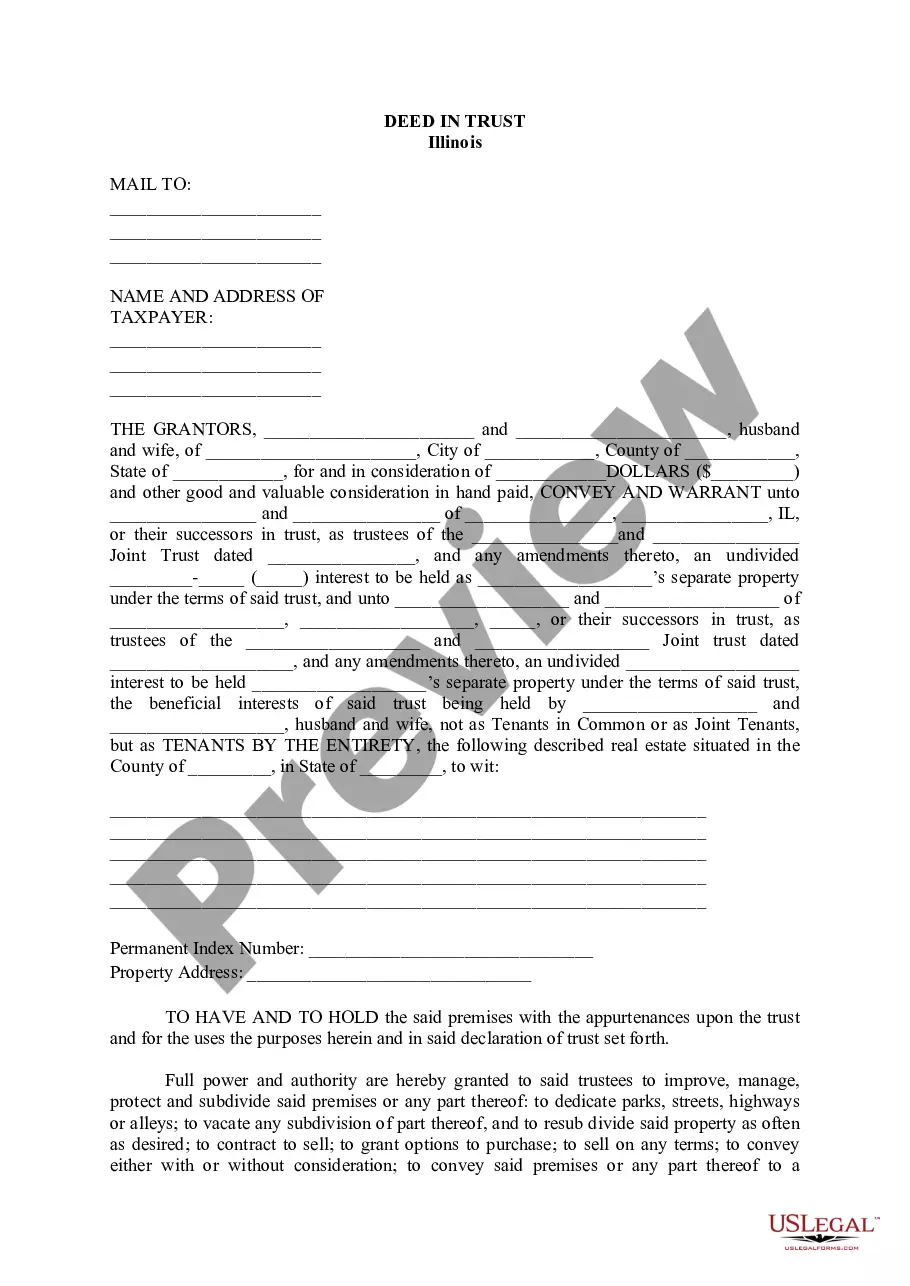
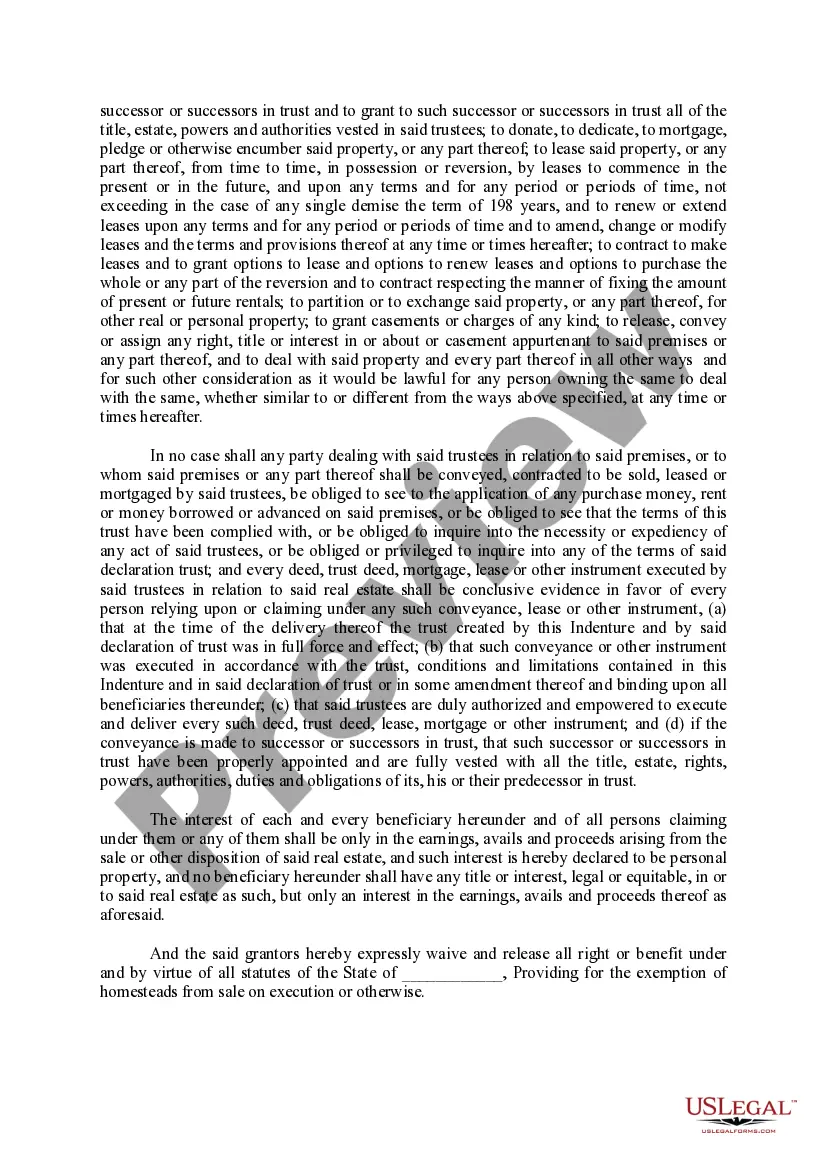
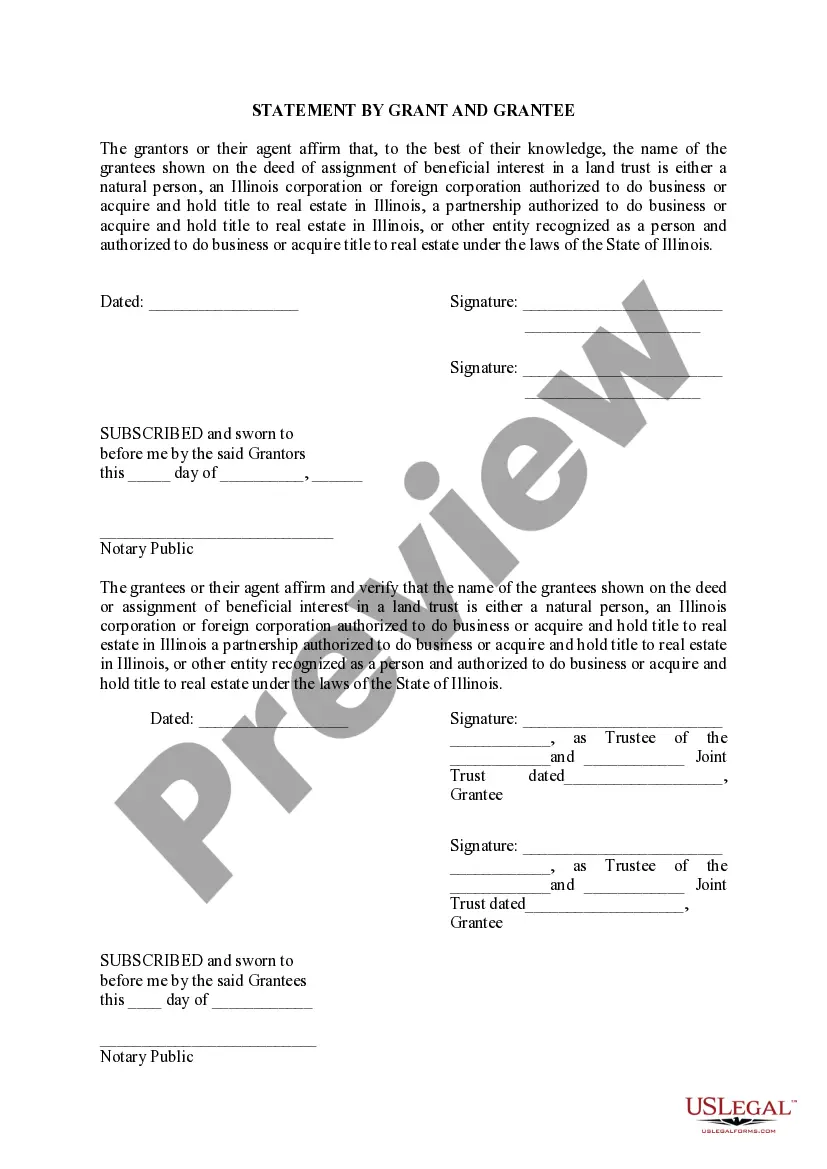
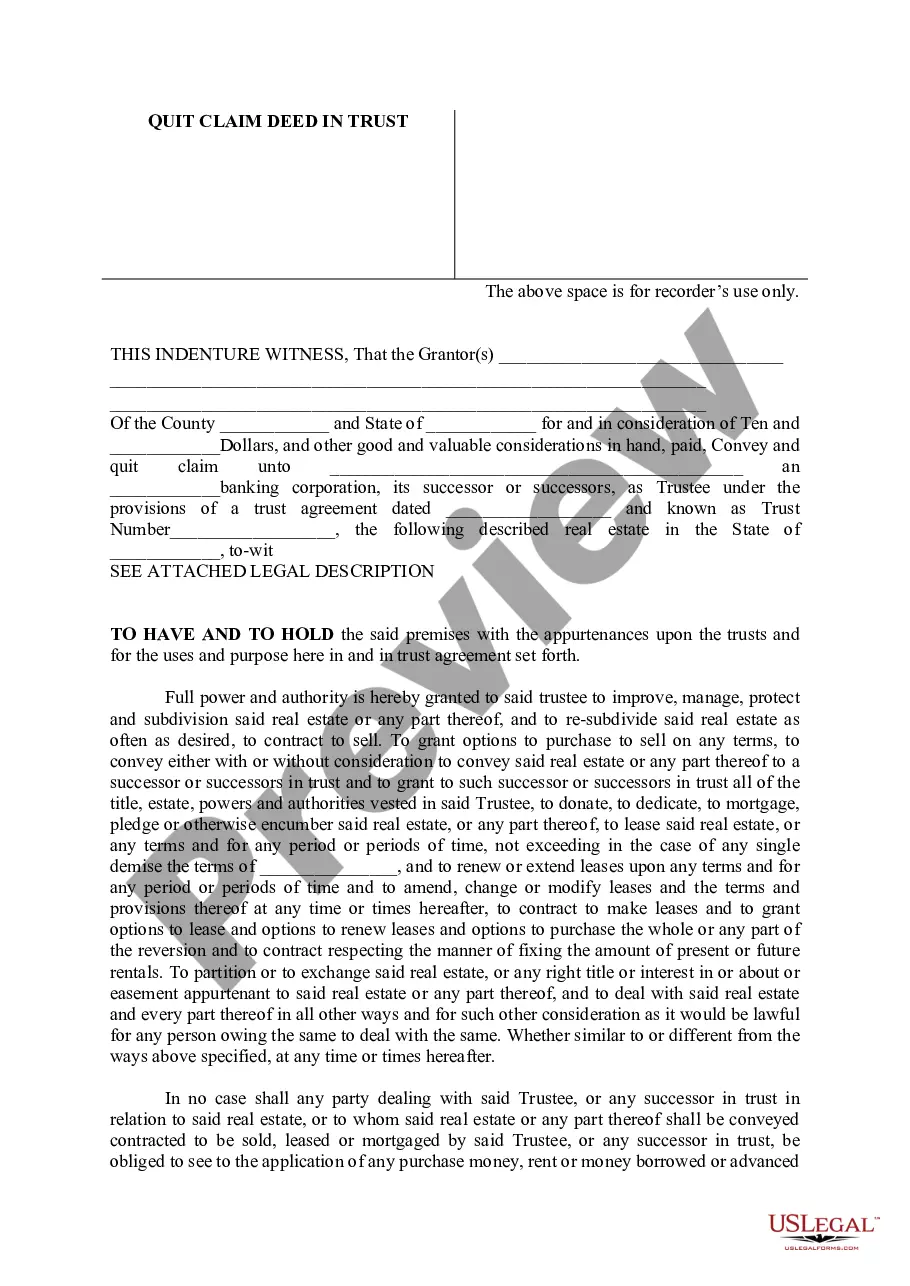
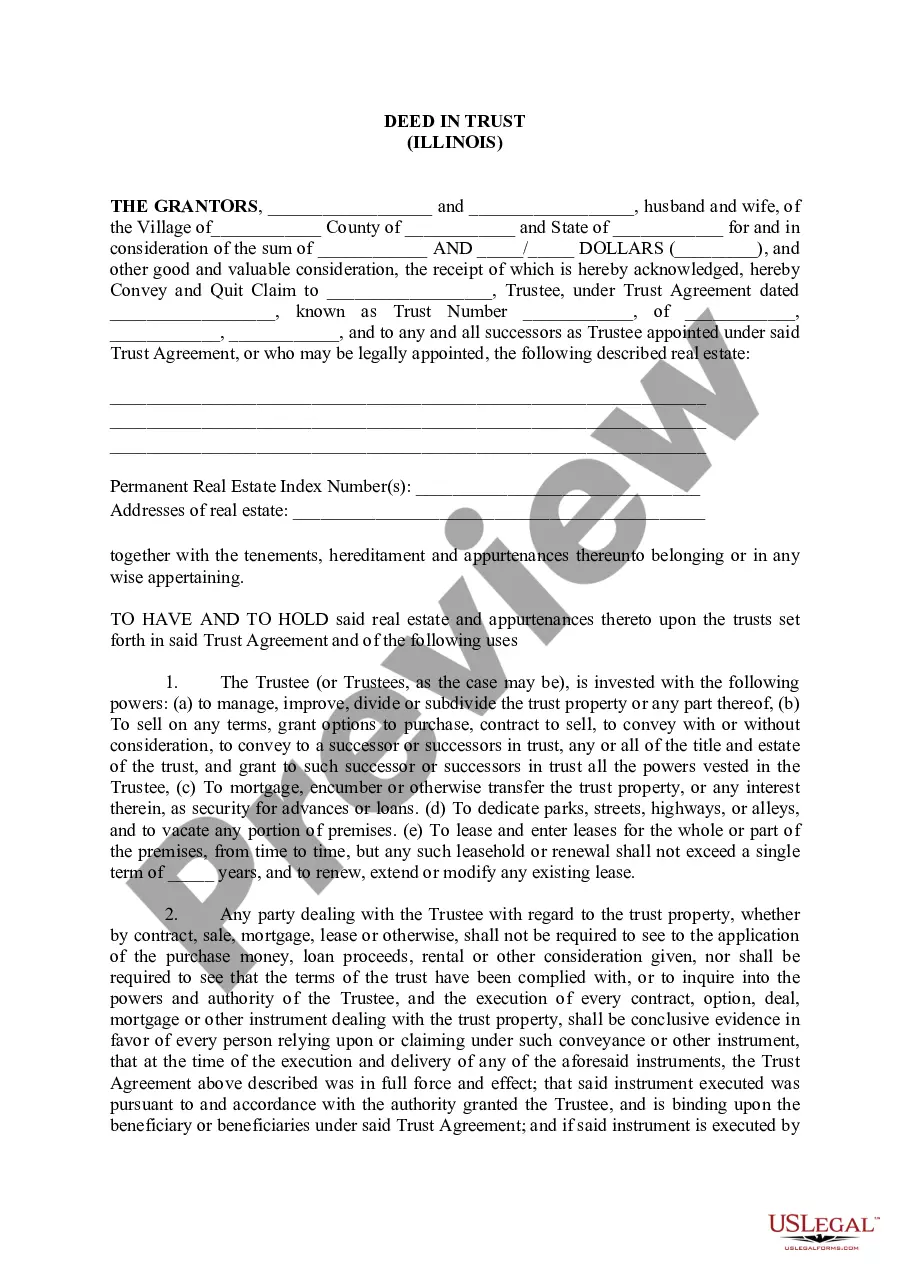
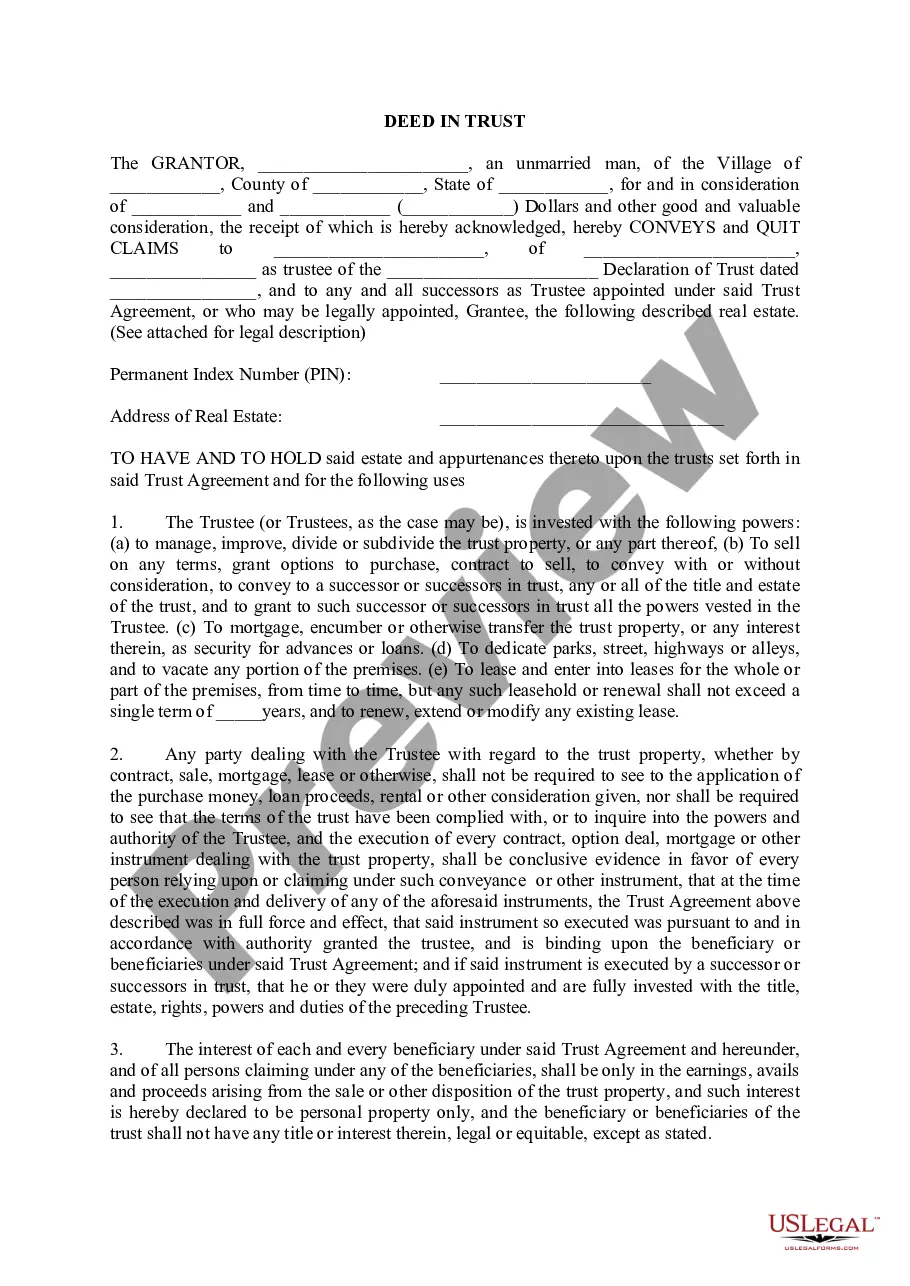
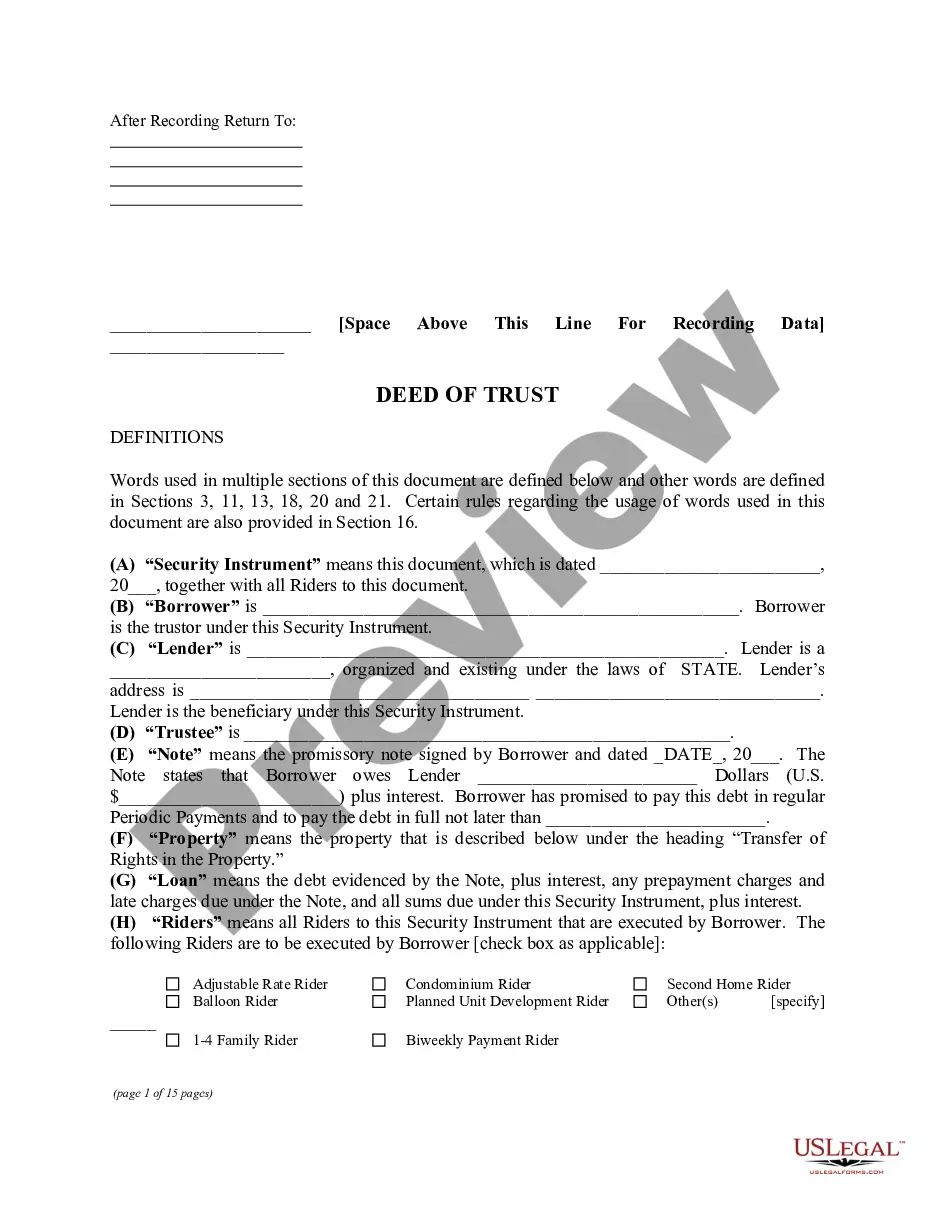
The Deed in Trust is a legal document that serves as a Quitclaim Deed, where an individual (the Grantor) transfers property ownership to a Trust (the Grantee). This form allows the Grantor to convey property while specifying the terms under which it will be managed by the Trust. Unlike traditional deeds, which provide immediate ownership transfer, a Deed in Trust establishes a framework for managing the property within the Trust's terms, offering unique estate planning benefits.
Main sections of this form
- Grantor's details: Identifies the individual transferring the property.
- Grantee's details: Specifies the Trust receiving the property.
- Property description: Provides a detailed legal description of the real estate being transferred.
- Trust provisions: Outlines the powers and authorities granted to the Trustees managing the property.
- Beneficial ownership: Specifies how the interest in the property is held and managed within the Trust.

Common use cases
This form should be used when an individual wishes to transfer property title to a Trust, often for estate planning purposes. It is applicable in scenarios such as avoiding probate, ensuring that property is managed by a Trust for succession planning, or protecting assets from potential claims against individual owners.
Who should use this form
- Individuals who want to create a Trust to manage their assets.
- Property owners seeking to protect their real estate through a Trust.
- Estate planners assisting clients with property transfers.
- Married couples who desire joint trust arrangements for their estate planning.
How to prepare this document
- Identify the parties: Fill in the names and addresses of the Grantor(s) and Grantee (Trust).
- Describe the property: Provide a complete legal description of the property being conveyed.
- Specify the terms: Enter the details of the Trust, including dates and the beneficial owners.
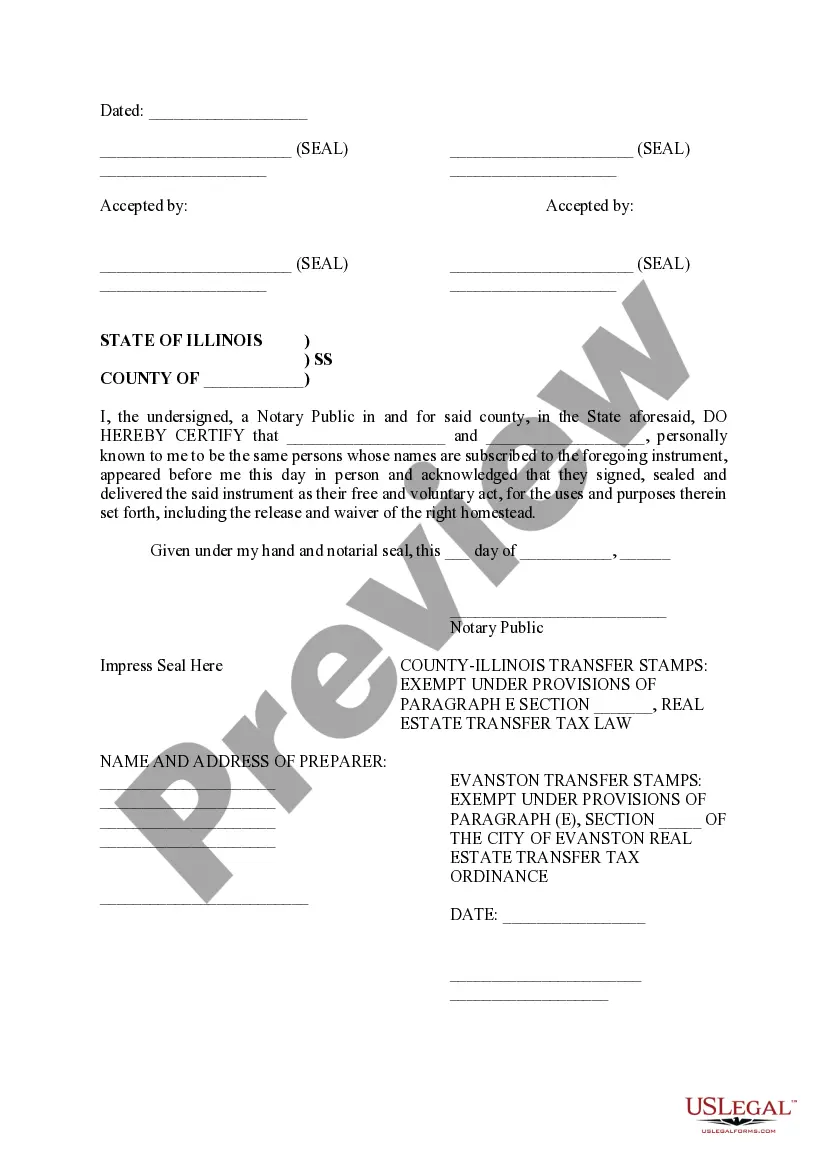
- Include applicable signatures: Ensure all parties sign in the designated areas.
- Arrange for notarization: Have the document notarized as required for legal validity.
Notarization guidance
Yes, this form must be notarized to be legally valid. US Legal Forms provides an integrated online notarization service that is available 24/7. This secure video call option eliminates the need for travel while ensuring that your document is legally recognized.
Get your form ready online
Our built-in tools help you complete, sign, share, and store your documents in one place.
Make edits, fill in missing information, and update formatting in US Legal Forms—just like you would in MS Word.
Download a copy, print it, send it by email, or mail it via USPS—whatever works best for your next step.
Sign and collect signatures with our SignNow integration. Send to multiple recipients, set reminders, and more. Go Premium to unlock E-Sign.
If this form requires notarization, complete it online through a secure video call—no need to meet a notary in person or wait for an appointment.
We protect your documents and personal data by following strict security and privacy standards.

Make edits, fill in missing information, and update formatting in US Legal Forms—just like you would in MS Word.

Download a copy, print it, send it by email, or mail it via USPS—whatever works best for your next step.

Sign and collect signatures with our SignNow integration. Send to multiple recipients, set reminders, and more. Go Premium to unlock E-Sign.

If this form requires notarization, complete it online through a secure video call—no need to meet a notary in person or wait for an appointment.

We protect your documents and personal data by following strict security and privacy standards.
Typical mistakes to avoid
- Failing to accurately describe the property can lead to legal issues.
- Omitting signatures from all necessary parties may invalidate the deed.
- Notary requirements are sometimes overlooked, risking the deed's enforceability.
Benefits of using this form online
- Convenient access allows for immediate download and completion at your own pace.
- Editability enables users to customize the form to their specific needs before filing.
- Reliability ensured by professionally drafted content from licensed attorneys, reducing legal uncertainties.
Looking for another form?


Form popularity
FAQ
The following states may use either Mortgage Agreements or Deed of Trusts: Colorado, Idaho, Illinois, Iowa, Maryland, Montana, Nebraska, Oklahoma, Oregon, Tennessee, Texas, Utah, Wyoming, Washington, and West Virginia.
Most states that use deeds of trust to secure home loans are title theory states.A few deed of trust states include West Virginia, Alaska, Virginia, Arizona, Texas, California, North Carolina, Colorado, New Mexico, Idaho, Montana, Illinois, Missouri and Mississippi.
Locate your current deed. Use the proper deed. Check with your title insurance company and lender. Prepare a new deed. Sign in the presence of a notary. Record the deed in the county clerk's office. Locate the deed that's in trust. Use the proper deed.
As you stated in your question, it is recorded among the land records, and your lender keeps the original. When you pay off the loan, the lender will return the deed of trust with the promissory note. This document is rather lengthy and quite legalistic.
Unlike a will, the contents of a living trust are not a matter of public record. Like most court records, probate files are open to the public.