Iowa Direct Deposit Form for Employees
Description
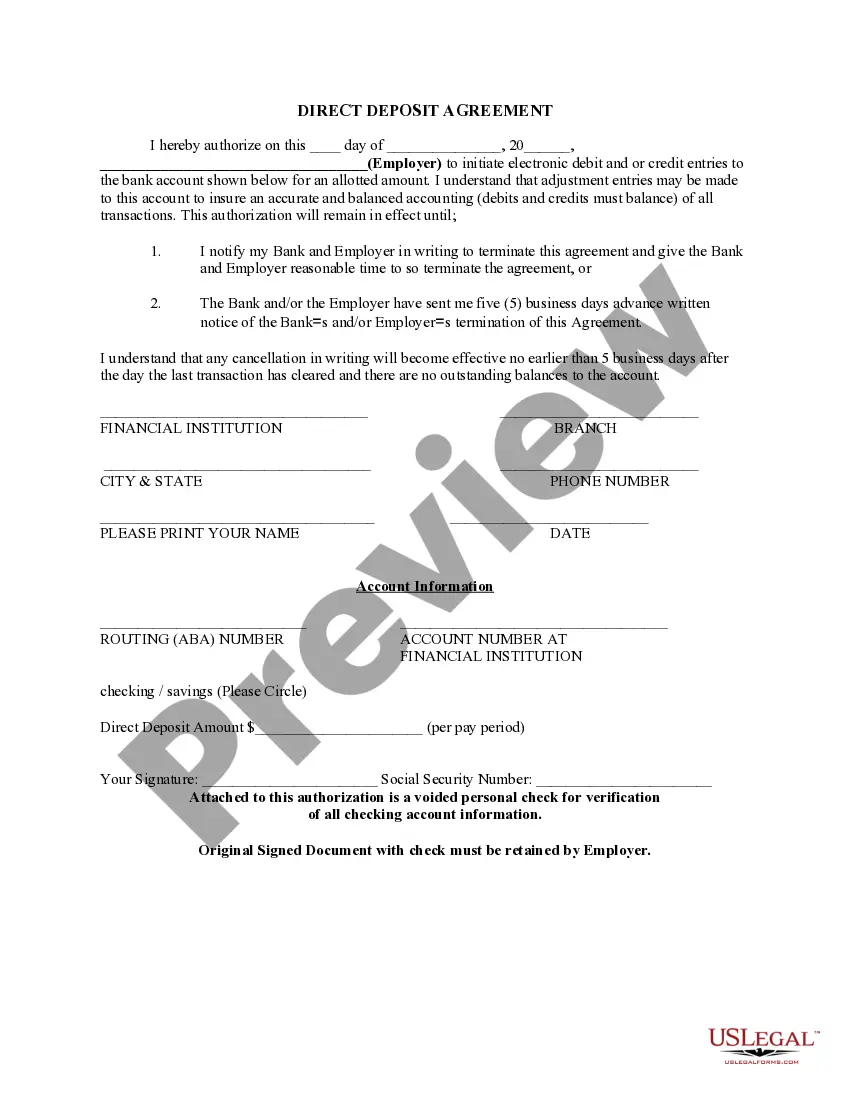


How to fill out Direct Deposit Form For Employees?
You might spend hours online searching for the official document template that meets the federal and state requirements you need. US Legal Forms offers a vast array of legal forms that are reviewed by experts.
You can download or print the Iowa Direct Deposit Form for Employees from my service. If you possess a US Legal Forms account, you can Log In and click the Download button. After that, you can complete, modify, print, or sign the Iowa Direct Deposit Form for Employees. Every legal document template you obtain is yours indefinitely.
To get an additional copy of any purchased form, visit the My documents section and click the relevant button. If you are using the US Legal Forms website for the first time, follow the simple instructions below: First, ensure that you have chosen the correct document template for the state/region of your choice. Review the form outline to confirm you have selected the right form. If available, utilize the Review button to view the document template simultaneously.
Avoid altering or deleting any HTML tags. Only synonymize plain text outside of the HTML tags.
- If you wish to find another version of your form, use the Search field to locate the template that fits your needs and criteria.
- Once you have found the template you want, click on Buy now to continue.
- Select the pricing plan you prefer, enter your details, and register for an account on US Legal Forms.
- Complete the purchase. You can use your credit card or PayPal account to pay for the legal form.
- Choose the format of your document and download it to your device.
- Make edits to your document if possible. You may complete, modify, sign, and print the Iowa Direct Deposit Form for Employees.
- Download and print thousands of document templates using the US Legal Forms website, which provides the largest collection of legal forms. Utilize professional and state-specific templates to address your business or personal needs.
Form popularity
FAQ
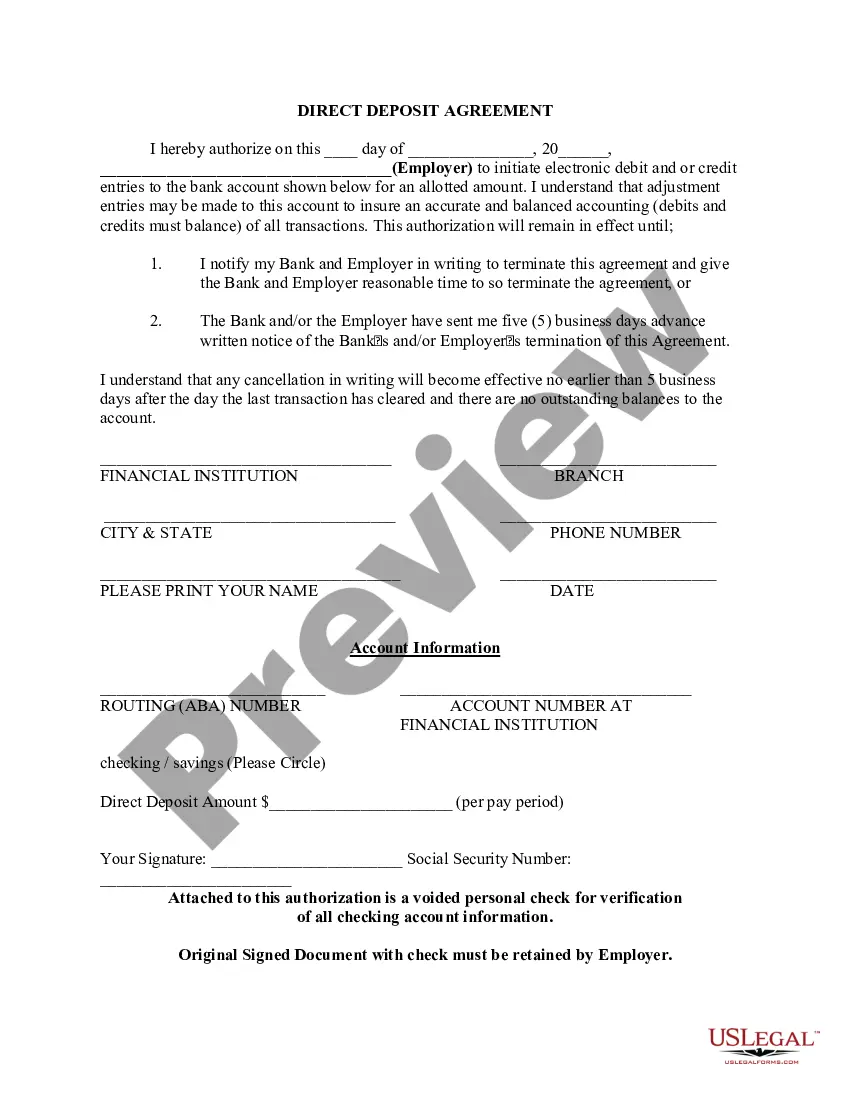
Setting up direct deposit for your employees starts with having them fill out the Iowa Direct Deposit Form for Employees. Collect the completed forms and verify the information provided. Then, submit the forms to your bank, ensuring you comply with their requirements. This process not only streamlines payroll but also provides convenience for your employees.
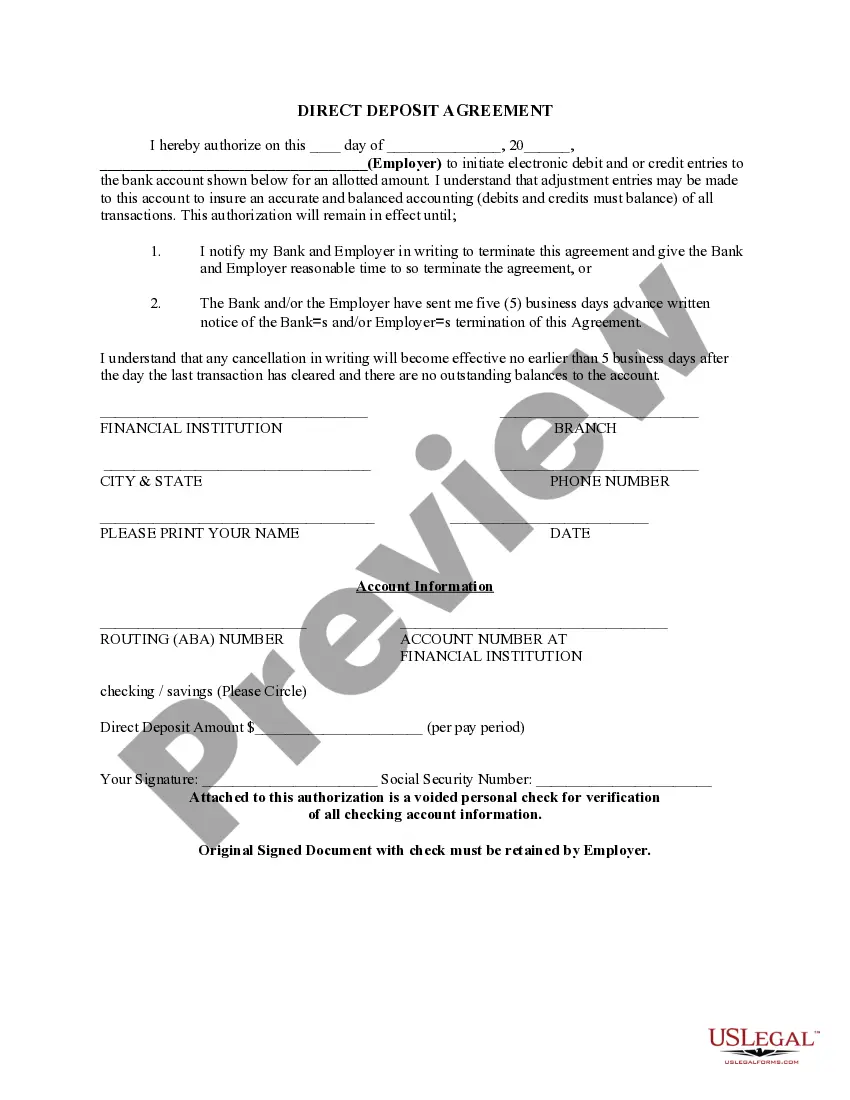
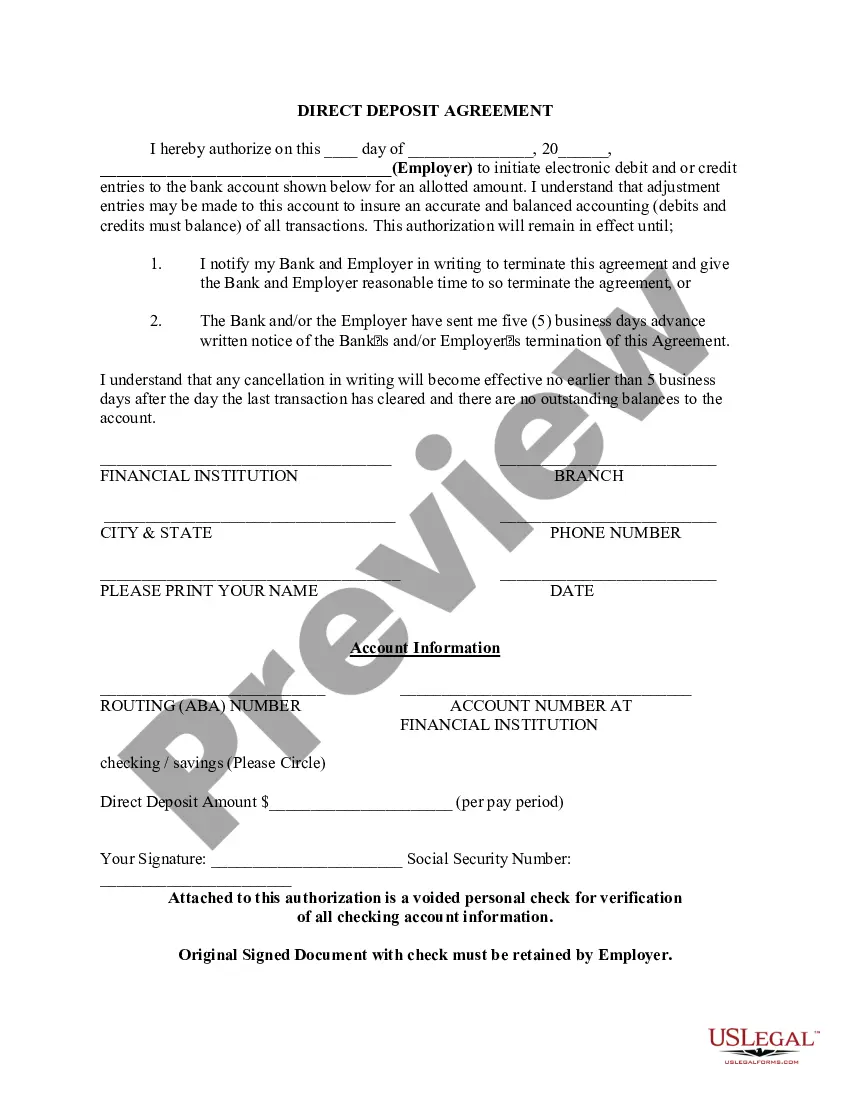
To complete an employee direct deposit form, first download the Iowa Direct Deposit Form for Employees from a reliable source like USLegalForms. Fill in the employee's information, including their name, address, and banking details. Double-check all entries for accuracy to prevent any issues with direct payments.
Filling out a deposit form involves providing specific details about the transaction. Begin by entering the amount to be deposited, followed by the date and account information. Utilizing the Iowa Direct Deposit Form for Employees simplifies this process, ensuring you include all required information clearly to facilitate a smooth transaction.
To fill out an employee direct deposit, start by gathering the necessary information such as the employee's bank account details, including the account number and routing number. Next, obtain the Iowa Direct Deposit Form for Employees, which can be easily found on platforms like USLegalForms. Ensure that all sections are completed accurately to avoid any errors that could delay payments.
One of the options you can use to pay unbanked employees is to use Pay Cards. Pay cards work like debit cards. Like direct deposit, payroll cards are a form of electronic payment. Each payday, the employee's net wages are deposited directly into the pay card.
A direct deposit authorization form is a form that employees fill out to authorize their employer to deposit money straight into their bank account.
Here's everything you need to know about how to set up direct deposit at your financial institution. Get a direct deposit form from your employer. Ask for a written or online direct deposit form. ... Fill in account information. ... Confirm the deposit amount. ... Attach a voided check or deposit slip, if required. ... Submit the form.
The employer provides the form to the employee to fill out usually upon hire (since the option for direct deposit is an expectation of employees these days). The form is where the employee gives you permission for direct deposit and provides the bank information that you'll need to send them money.
Direct deposit isn't difficult. If you use payroll software to run payroll, you can deposit wages into employee bank accounts in a few simple steps. Enter and approve payroll before sending it to their financial institution. Then, you're done.
Steps on How to Set Up Direct Deposit for Your Employees Decide on a payroll provider. If you don't have one set up already, you'll need a payroll provider that offers direct deposit services. ... Connect with your bank. ... Collect information from your employees. ... Create a payroll schedule. ... Run payroll.