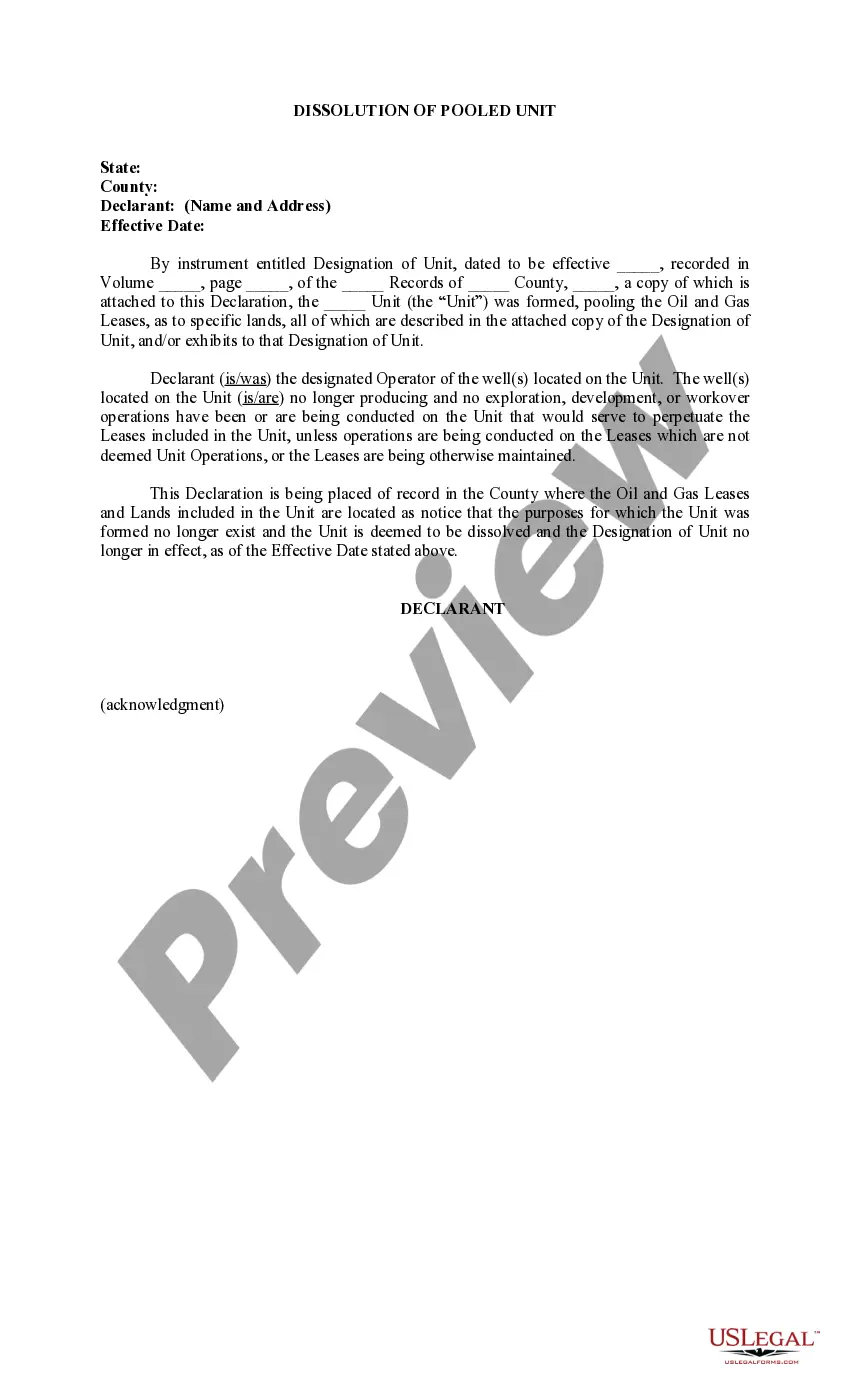
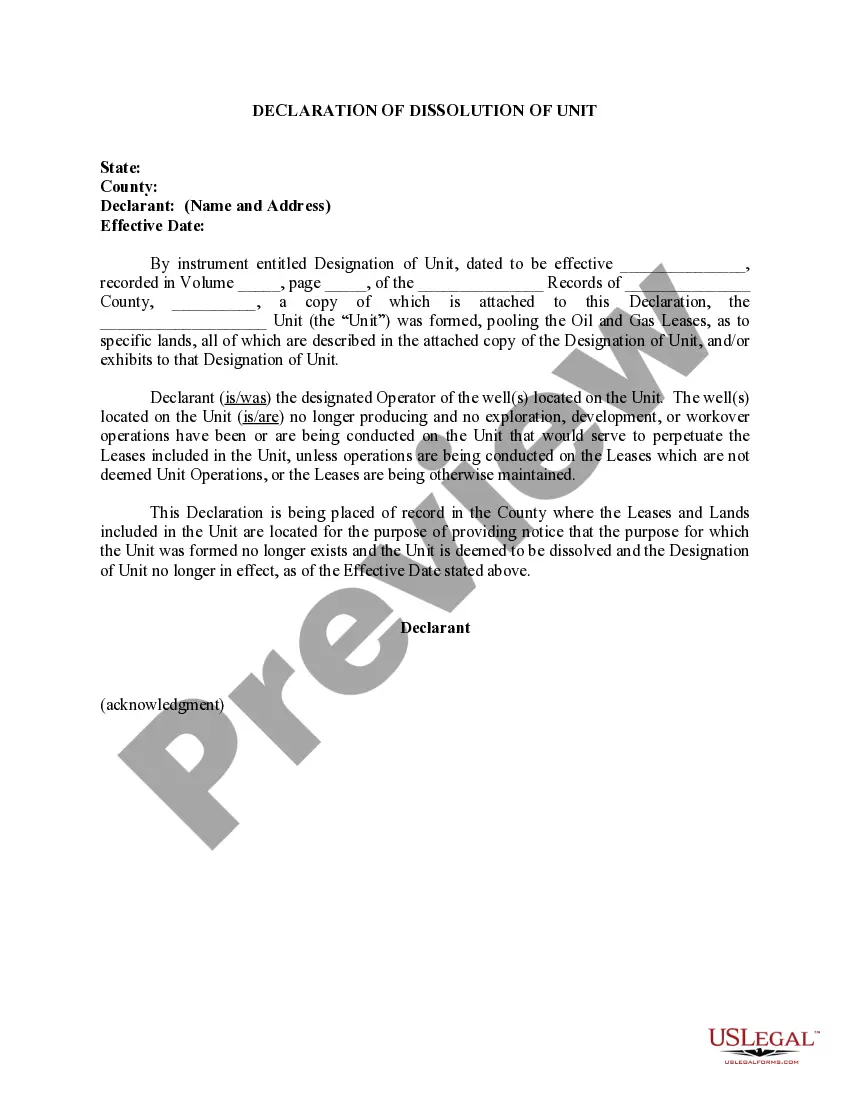
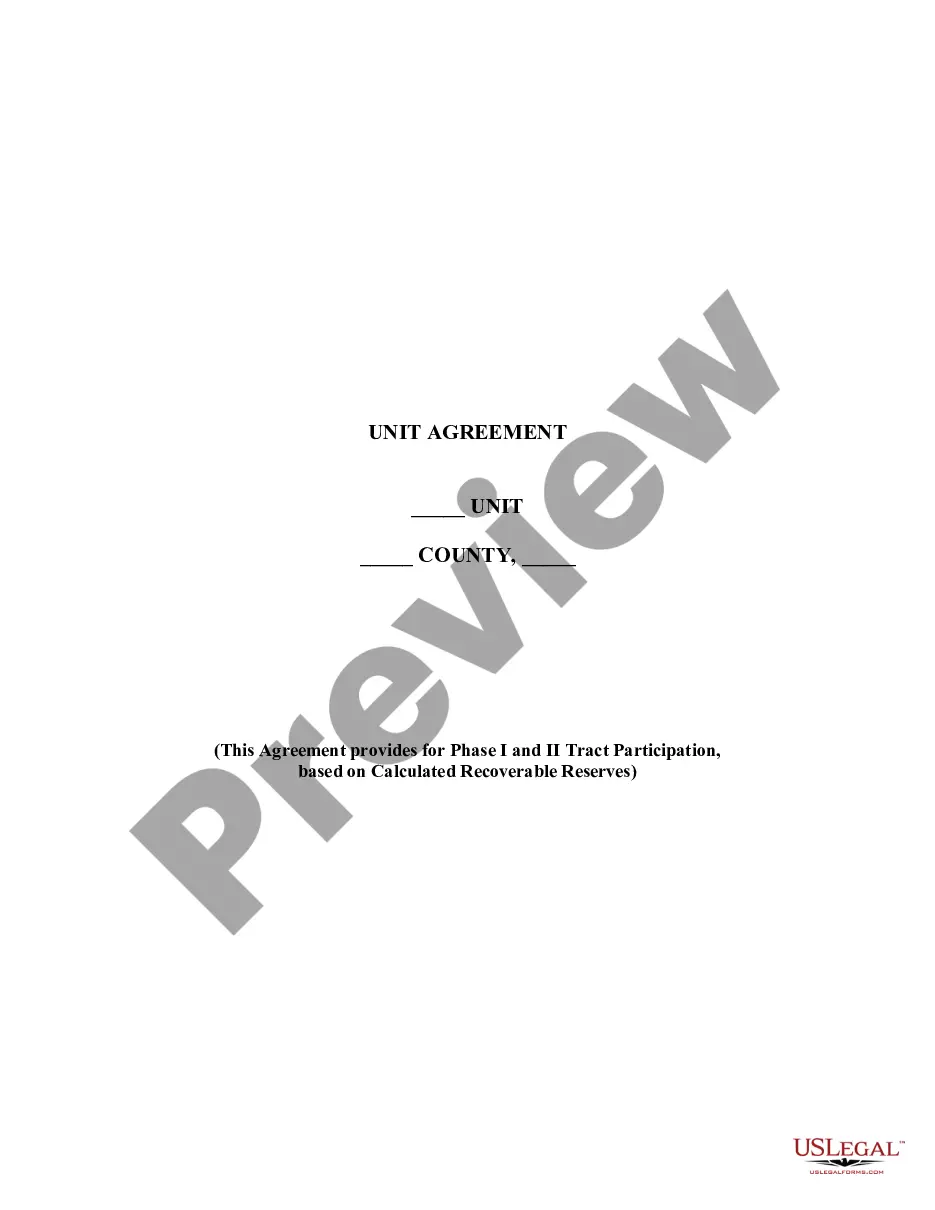
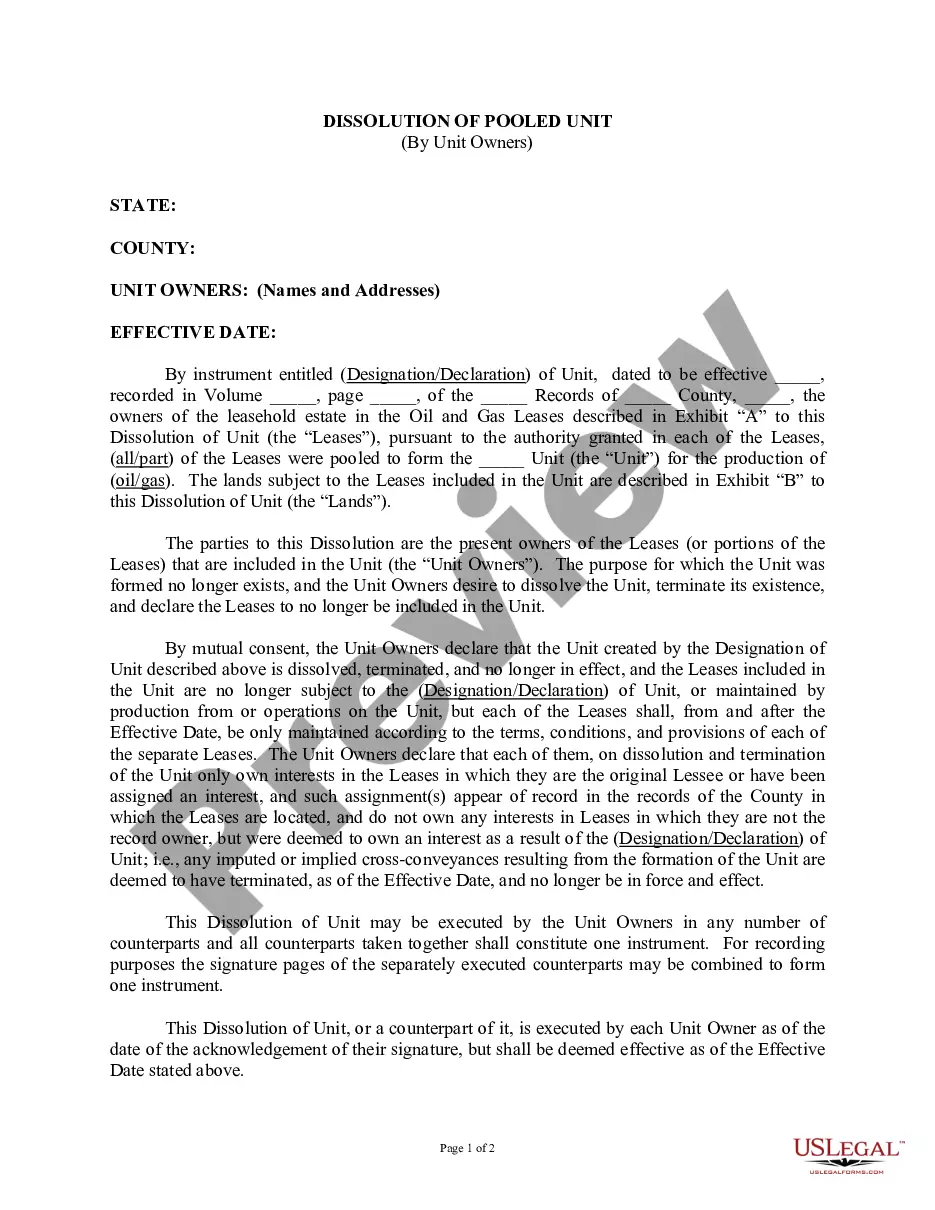
Hawaii Dissolution of Pooled Unit
Description
Get your form ready online
Our built-in tools help you complete, sign, share, and store your documents in one place.
Make edits, fill in missing information, and update formatting in US Legal Forms—just like you would in MS Word.
Download a copy, print it, send it by email, or mail it via USPS—whatever works best for your next step.
Sign and collect signatures with our SignNow integration. Send to multiple recipients, set reminders, and more. Go Premium to unlock E-Sign.
If this form requires notarization, complete it online through a secure video call—no need to meet a notary in person or wait for an appointment.
We protect your documents and personal data by following strict security and privacy standards.

Make edits, fill in missing information, and update formatting in US Legal Forms—just like you would in MS Word.

Download a copy, print it, send it by email, or mail it via USPS—whatever works best for your next step.

Sign and collect signatures with our SignNow integration. Send to multiple recipients, set reminders, and more. Go Premium to unlock E-Sign.

If this form requires notarization, complete it online through a secure video call—no need to meet a notary in person or wait for an appointment.

We protect your documents and personal data by following strict security and privacy standards.
Looking for another form?
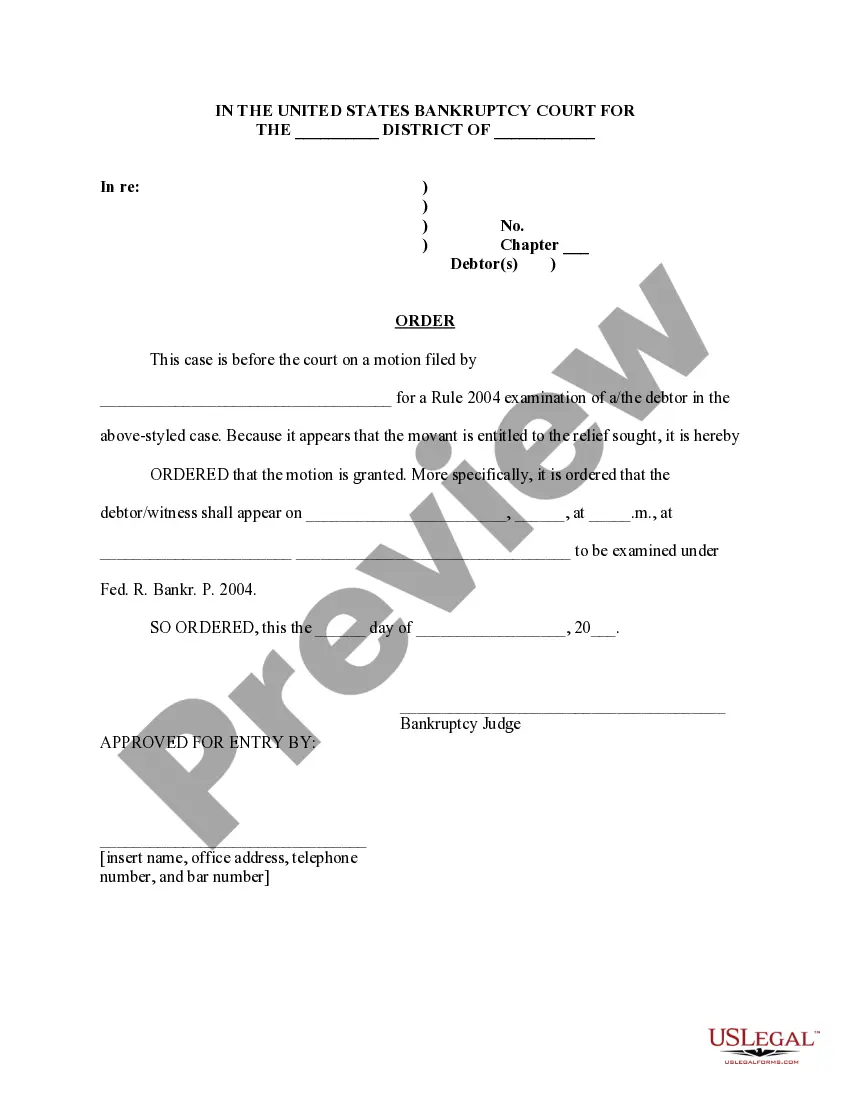


How to fill out Dissolution Of Pooled Unit?
Choosing the right lawful record template can be quite a have a problem. Obviously, there are plenty of templates accessible on the Internet, but how can you obtain the lawful type you will need? Use the US Legal Forms internet site. The services gives a huge number of templates, like the Hawaii Dissolution of Pooled Unit, which can be used for business and private requires. Each of the forms are examined by pros and meet state and federal specifications.
In case you are previously registered, log in for your account and click the Download button to obtain the Hawaii Dissolution of Pooled Unit. Make use of account to appear through the lawful forms you might have ordered earlier. Check out the My Forms tab of the account and get another duplicate of your record you will need.
In case you are a whole new customer of US Legal Forms, listed here are easy guidelines for you to adhere to:
- Initial, ensure you have chosen the appropriate type for the town/region. It is possible to check out the form utilizing the Preview button and read the form outline to make certain this is basically the right one for you.
- In case the type fails to meet your requirements, take advantage of the Seach industry to discover the correct type.
- When you are sure that the form is acceptable, go through the Purchase now button to obtain the type.
- Select the prices prepare you want and enter the essential info. Build your account and purchase the order making use of your PayPal account or credit card.
- Choose the submit file format and download the lawful record template for your device.
- Full, edit and print and indicator the obtained Hawaii Dissolution of Pooled Unit.
US Legal Forms is definitely the largest catalogue of lawful forms where you can see a variety of record templates. Use the company to download expertly-produced documents that adhere to condition specifications.
Form popularity
FAQ
How to Dissolve an S-Corp in 8 Steps Vote to Dissolve the S-Corp. ... Cease Operating the Business. ... Wrap-Up Employee Obligations. ... Sort Liabilities and Debts. ... Liquidate and Distribute Assets Among Stakeholders. ... File Articles of Dissolution. ... Dissolve your S-Corporation with IRS.
Help AgencyForm NameFee for Hawaii Business Express usersDCCALLC-11 Articles of Termination$25.00DCCAFLLC-1 Application for Certificate of Authority$50.00DCCAFLLC-2 Application for Certification of Cancellation$25.00DCCAGP-1 Registration Statement for Partnership$12.5040 more rows
If I decide to stop operating my business, do I need to cancel my license? Yes. Cancel your license by signing into Hawaii Tax Online or cancel your license(s) by submitting a Form GEW-TA-RV-1.
After dissolution, a corporation is generally expected to pay all its existing debts and then liquidate its remaining assets to its shareholders. This sometimes becomes difficult, however, where there are unknown claims that may exist against the corporation.
To dissolve your Hawaii Corporation, file Form DC-13, Hawaii Articles of Dissolution with the Hawaii Department of Commerce and Consumer Affairs, Business Registration Division (BREG) by mail, fax, or in person. The articles of dissolution cannot be filed online.