Hawaii Telecommuting Agreement
Description




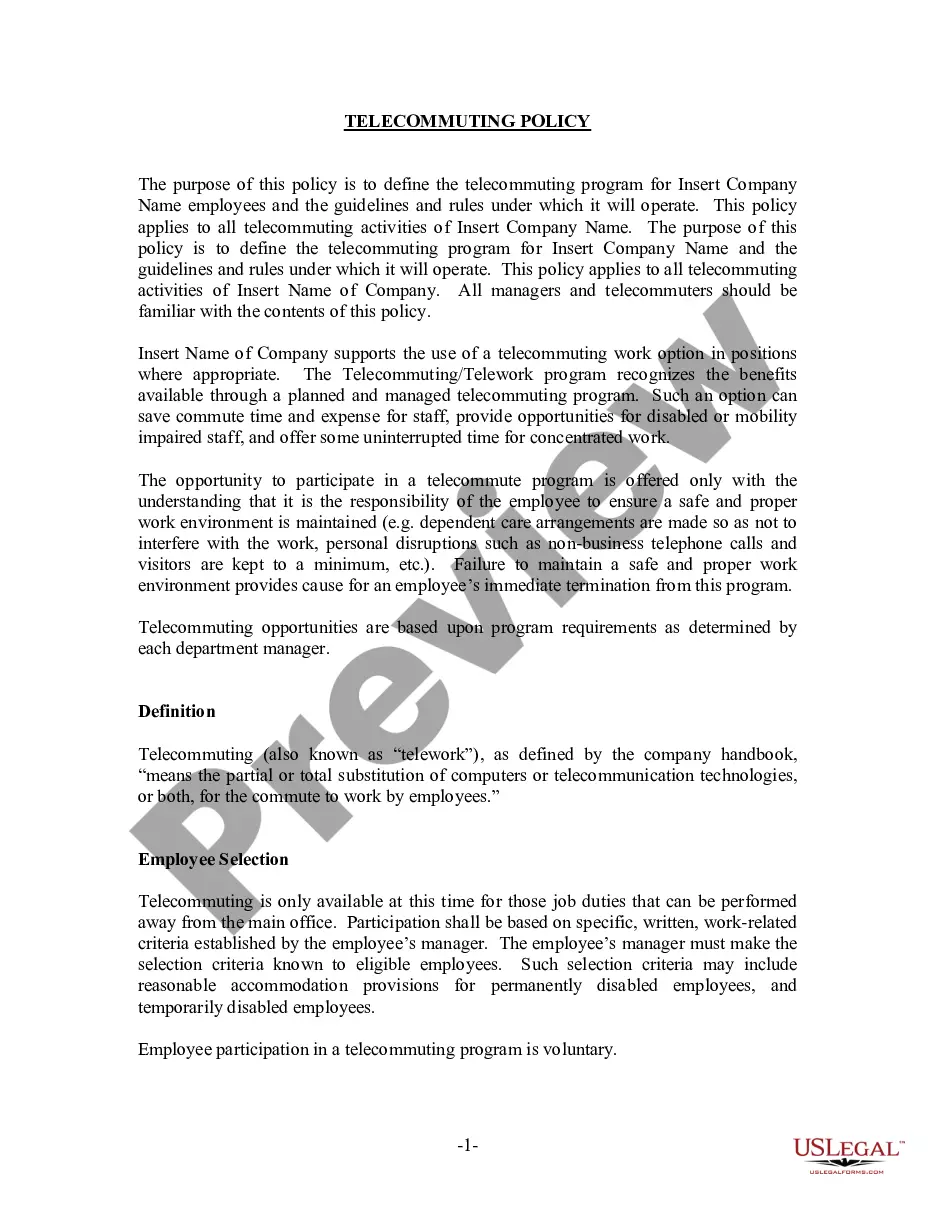
Get your form ready online
Our built-in tools help you complete, sign, share, and store your documents in one place.
Make edits, fill in missing information, and update formatting in US Legal Forms—just like you would in MS Word.
Download a copy, print it, send it by email, or mail it via USPS—whatever works best for your next step.
Sign and collect signatures with our SignNow integration. Send to multiple recipients, set reminders, and more. Go Premium to unlock E-Sign.
If this form requires notarization, complete it online through a secure video call—no need to meet a notary in person or wait for an appointment.
We protect your documents and personal data by following strict security and privacy standards.

Make edits, fill in missing information, and update formatting in US Legal Forms—just like you would in MS Word.

Download a copy, print it, send it by email, or mail it via USPS—whatever works best for your next step.

Sign and collect signatures with our SignNow integration. Send to multiple recipients, set reminders, and more. Go Premium to unlock E-Sign.

If this form requires notarization, complete it online through a secure video call—no need to meet a notary in person or wait for an appointment.

We protect your documents and personal data by following strict security and privacy standards.
Looking for another form?




How to fill out Telecommuting Agreement?
US Legal Forms - one of many largest libraries of lawful varieties in the USA - offers a variety of lawful document themes you are able to acquire or print. While using internet site, you can find a large number of varieties for business and specific reasons, sorted by groups, claims, or key phrases.You can get the most recent models of varieties such as the Hawaii Telecommuting Agreement within minutes.
If you already have a monthly subscription, log in and acquire Hawaii Telecommuting Agreement in the US Legal Forms library. The Obtain option will show up on every single type you see. You have accessibility to all in the past saved varieties within the My Forms tab of your respective bank account.
If you want to use US Legal Forms initially, listed here are basic directions to obtain started out:
- Make sure you have selected the proper type to your town/state. Click the Preview option to examine the form`s content material. See the type explanation to ensure that you have chosen the right type.
- If the type doesn`t suit your needs, make use of the Look for area near the top of the monitor to find the one who does.
- When you are happy with the form, affirm your choice by clicking the Get now option. Then, select the costs prepare you favor and offer your qualifications to register for an bank account.
- Process the financial transaction. Use your bank card or PayPal bank account to complete the financial transaction.
- Pick the structure and acquire the form on your system.
- Make alterations. Fill out, change and print and sign the saved Hawaii Telecommuting Agreement.
Each and every design you included in your account does not have an expiry date and it is the one you have for a long time. So, if you would like acquire or print an additional version, just visit the My Forms section and then click in the type you need.
Obtain access to the Hawaii Telecommuting Agreement with US Legal Forms, the most extensive library of lawful document themes. Use a large number of skilled and status-particular themes that fulfill your business or specific requires and needs.
Form popularity
FAQ
All employees who are authorized to telework are required to complete a DD Form 2946, DoD Telework Agreement.
The Teleworker Agreement is a legal document identifying the responsibilities of both the teleworker and the employer. The agreement mirrors the policies. The employee signs the agreement.
Telework Agreement DD Form 2946 mandates an approved written agreement for any Federal employee who participates in telework. Every DoD telework participant must have a completed and approved DD Form 2946, regardless of whether telework is routine or situational.
The Telework Agreement includes provisions including expectations, you and your supervisor's responsibilities, the equipment you will use, and the communication methods you will use.
Responsibilities ? What are your job's daily, weekly, and monthly tasks, and how can each of them be done from home? If you are proposing part-time telecommuting, specify which tasks will be done at home and which in the office.
Yes, the Telework Enhancement Act requires every employee who participates in telework to have a written agreement, regardless of whether the employee participates in routine or situational telework.
This policy, DoD Instruction 1035.01 , "Telework Policy," specifies that "telework shall be actively promoted and implemented throughout DoD in support of the DoD commitment to workforce efficiency, emergency preparedness, and quality of life."