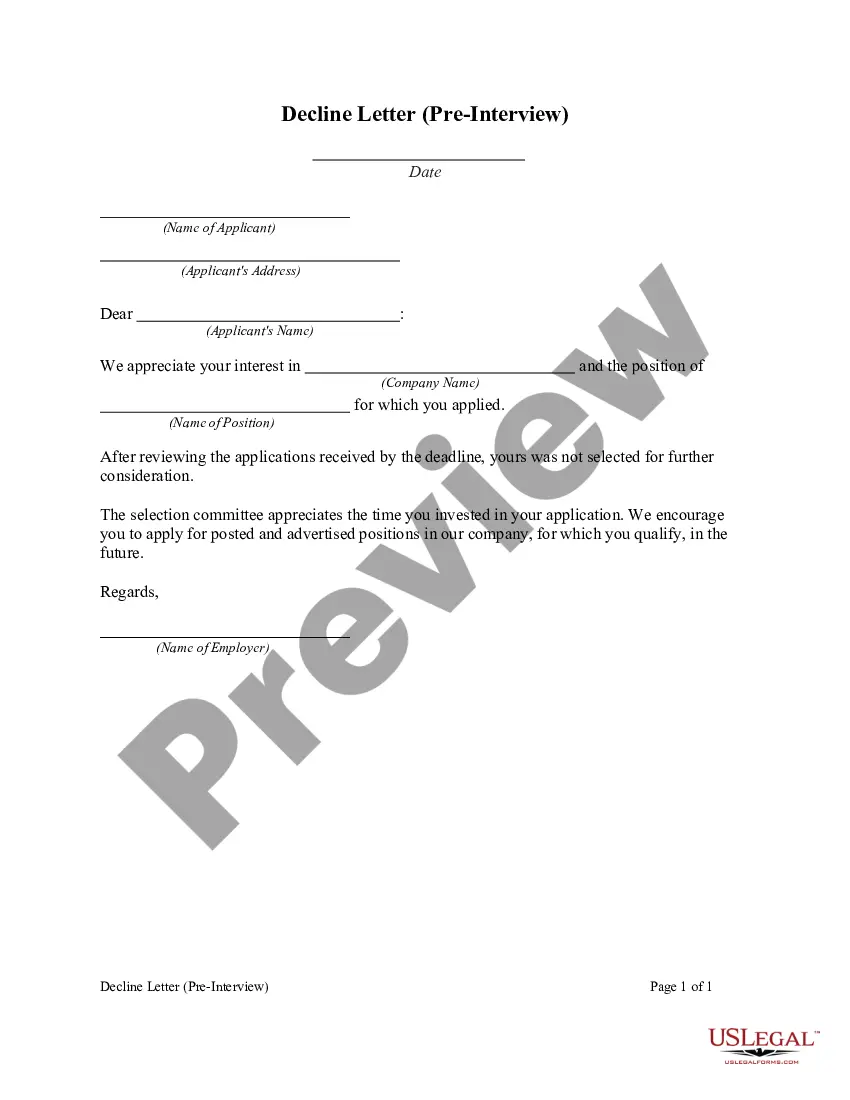
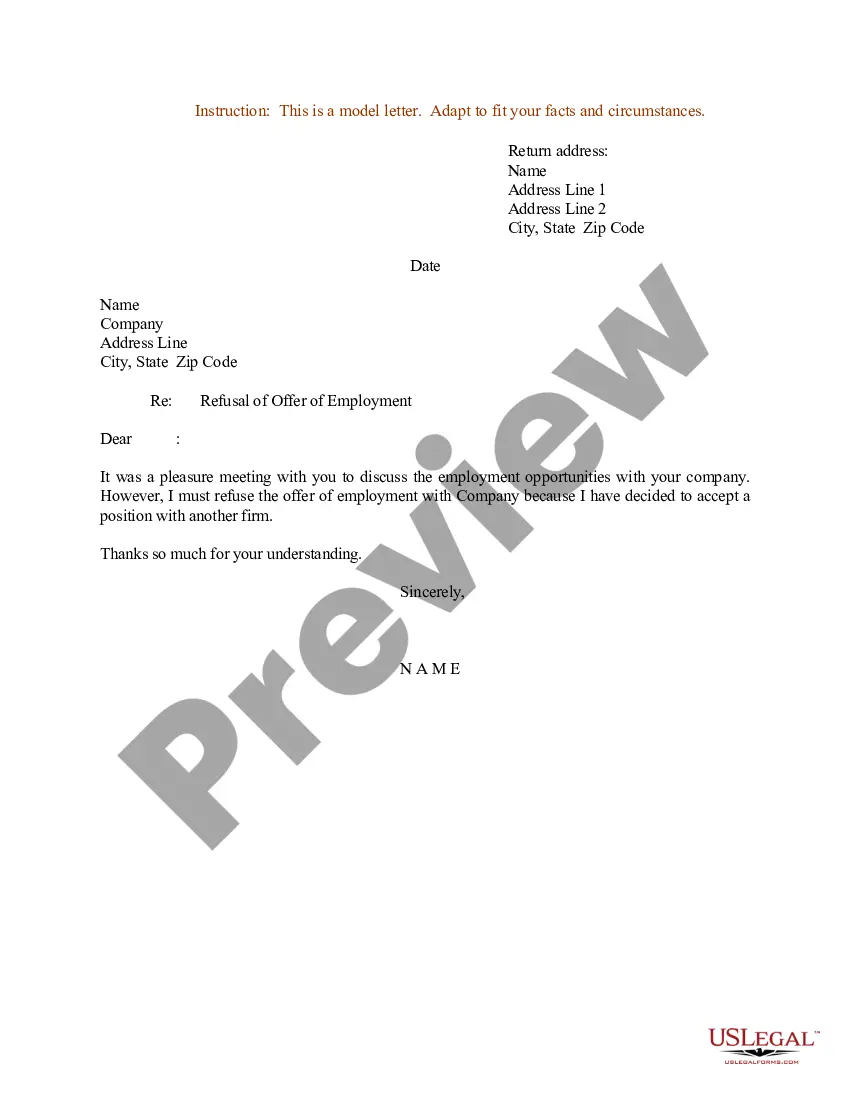
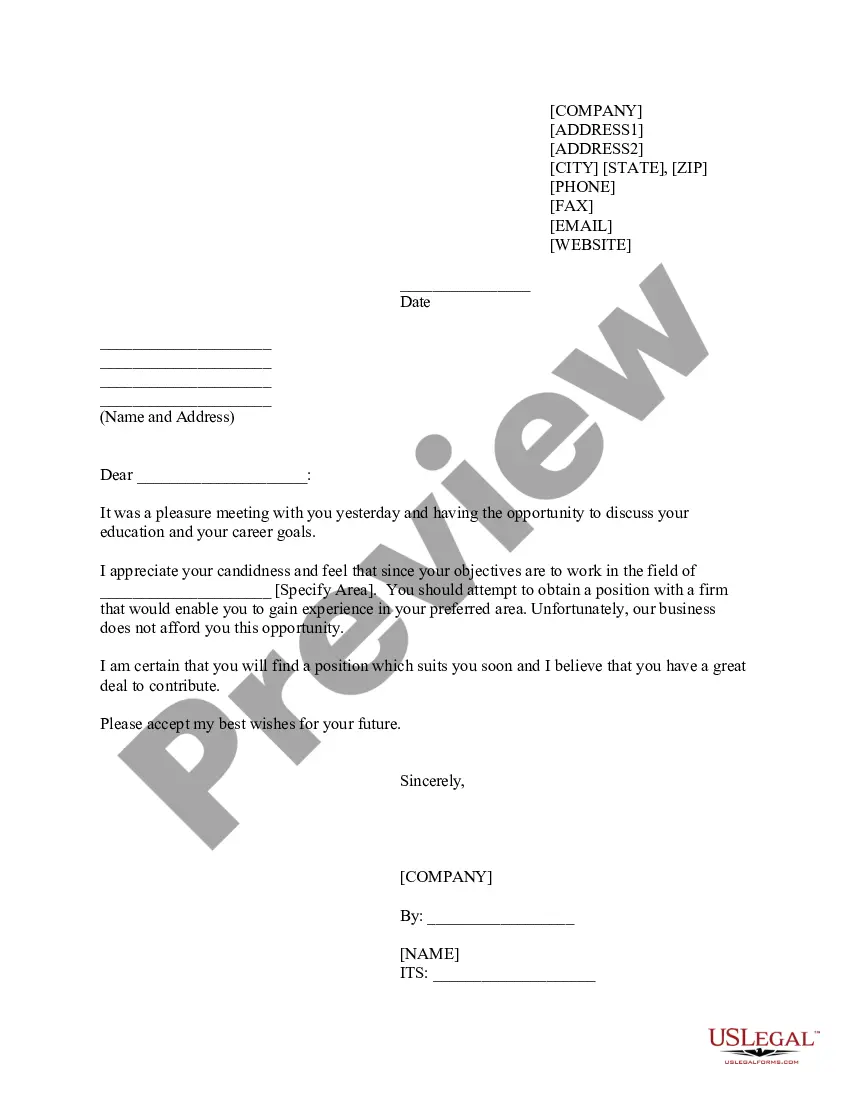
Florida Pre-Interview Decline Letter
Description

Get your form ready online
Our built-in tools help you complete, sign, share, and store your documents in one place.
Make edits, fill in missing information, and update formatting in US Legal Forms—just like you would in MS Word.
Download a copy, print it, send it by email, or mail it via USPS—whatever works best for your next step.
Sign and collect signatures with our SignNow integration. Send to multiple recipients, set reminders, and more. Go Premium to unlock E-Sign.
If this form requires notarization, complete it online through a secure video call—no need to meet a notary in person or wait for an appointment.
We protect your documents and personal data by following strict security and privacy standards.

Make edits, fill in missing information, and update formatting in US Legal Forms—just like you would in MS Word.

Download a copy, print it, send it by email, or mail it via USPS—whatever works best for your next step.

Sign and collect signatures with our SignNow integration. Send to multiple recipients, set reminders, and more. Go Premium to unlock E-Sign.

If this form requires notarization, complete it online through a secure video call—no need to meet a notary in person or wait for an appointment.

We protect your documents and personal data by following strict security and privacy standards.
Looking for another form?



How to fill out Pre-Interview Decline Letter?
Selecting the most suitable legitimate document template can be quite challenging.
Certainly, there is a wide range of templates accessible online, but how do you find the right one you require.
Utilize the US Legal Forms website.
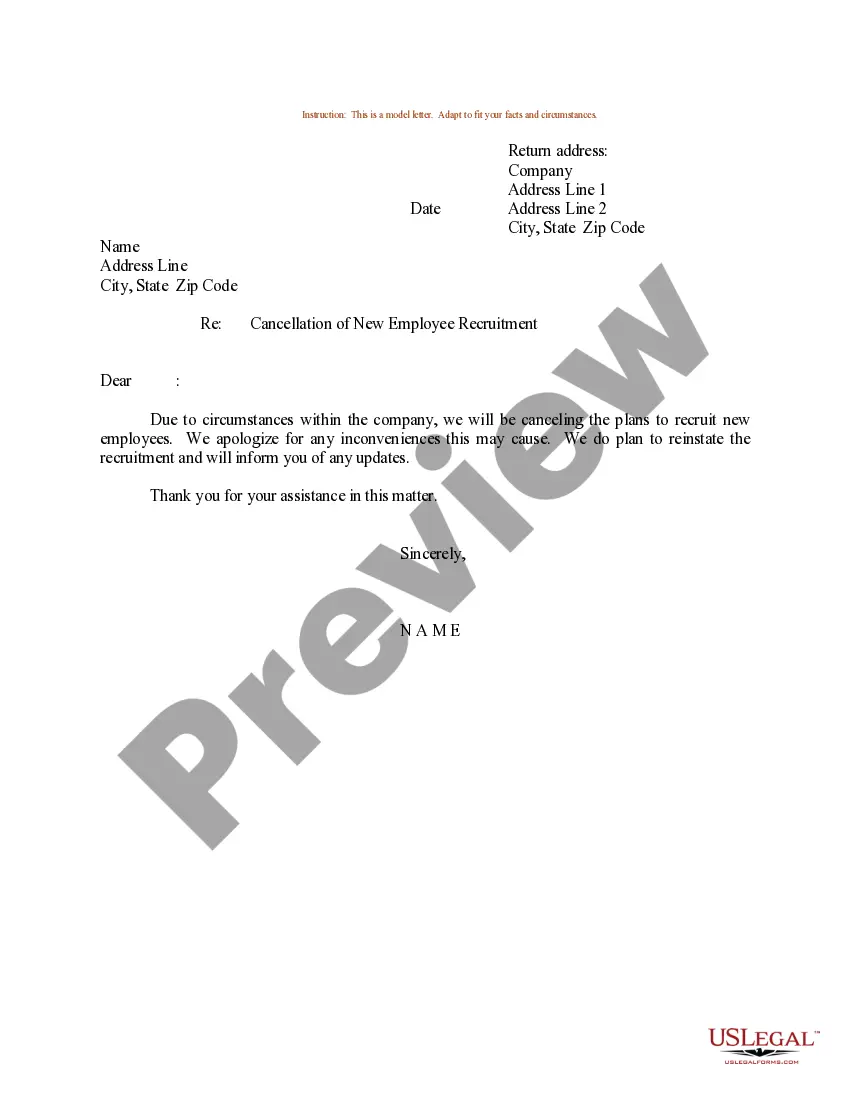
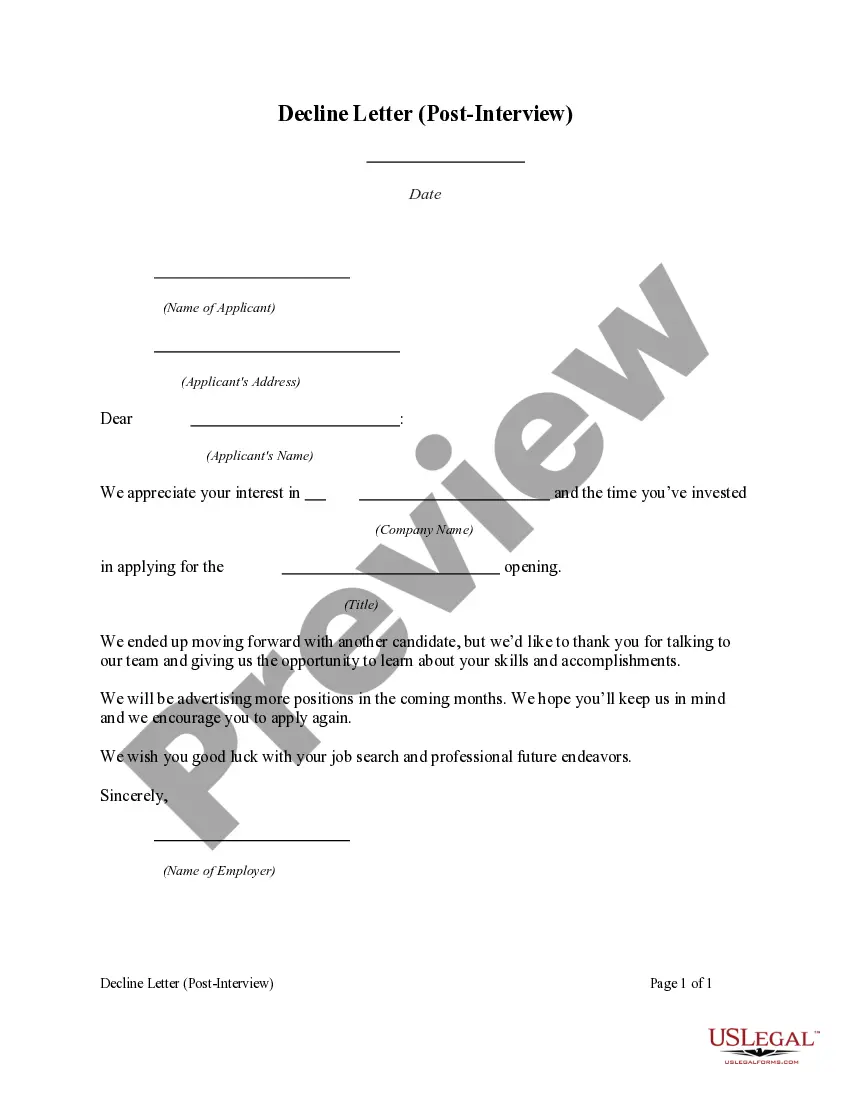
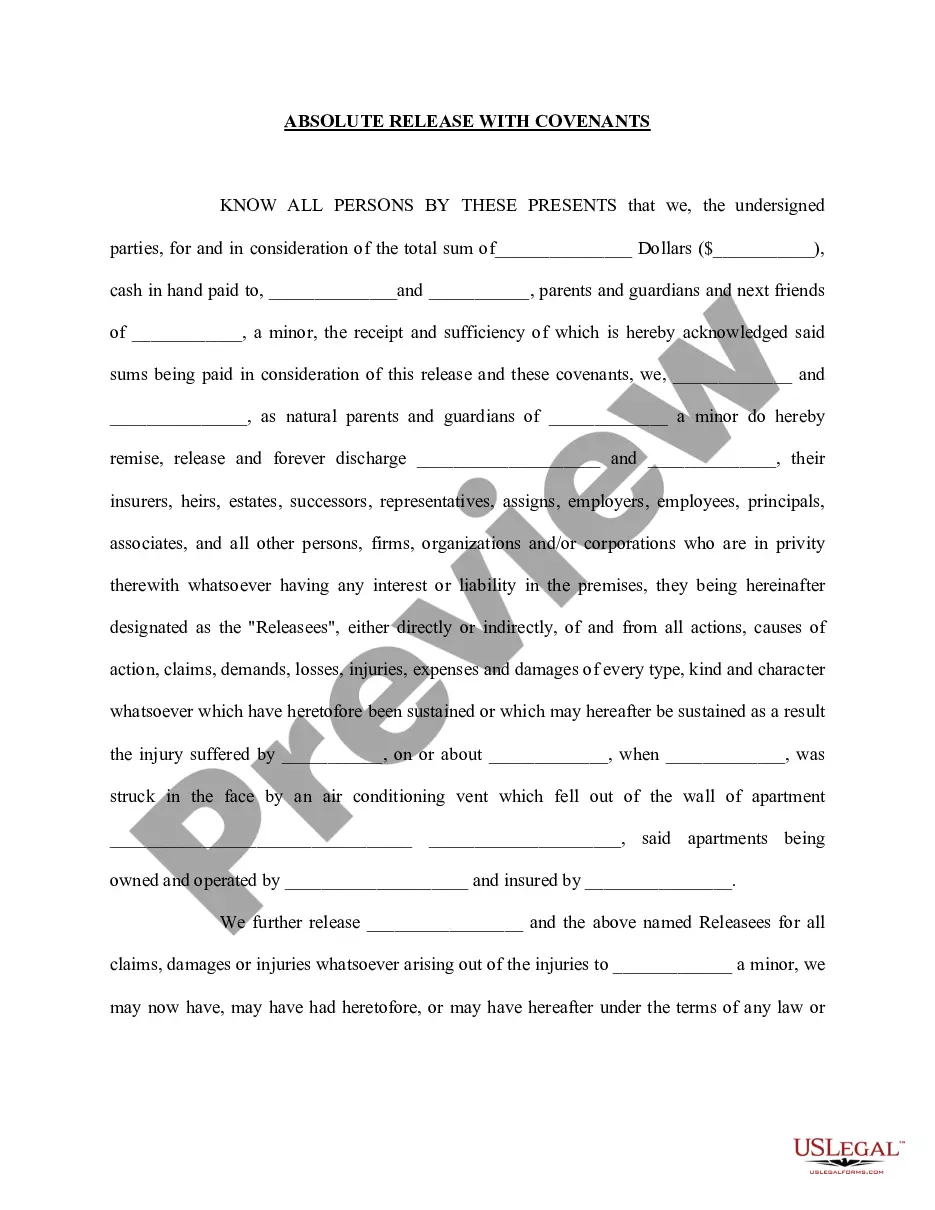
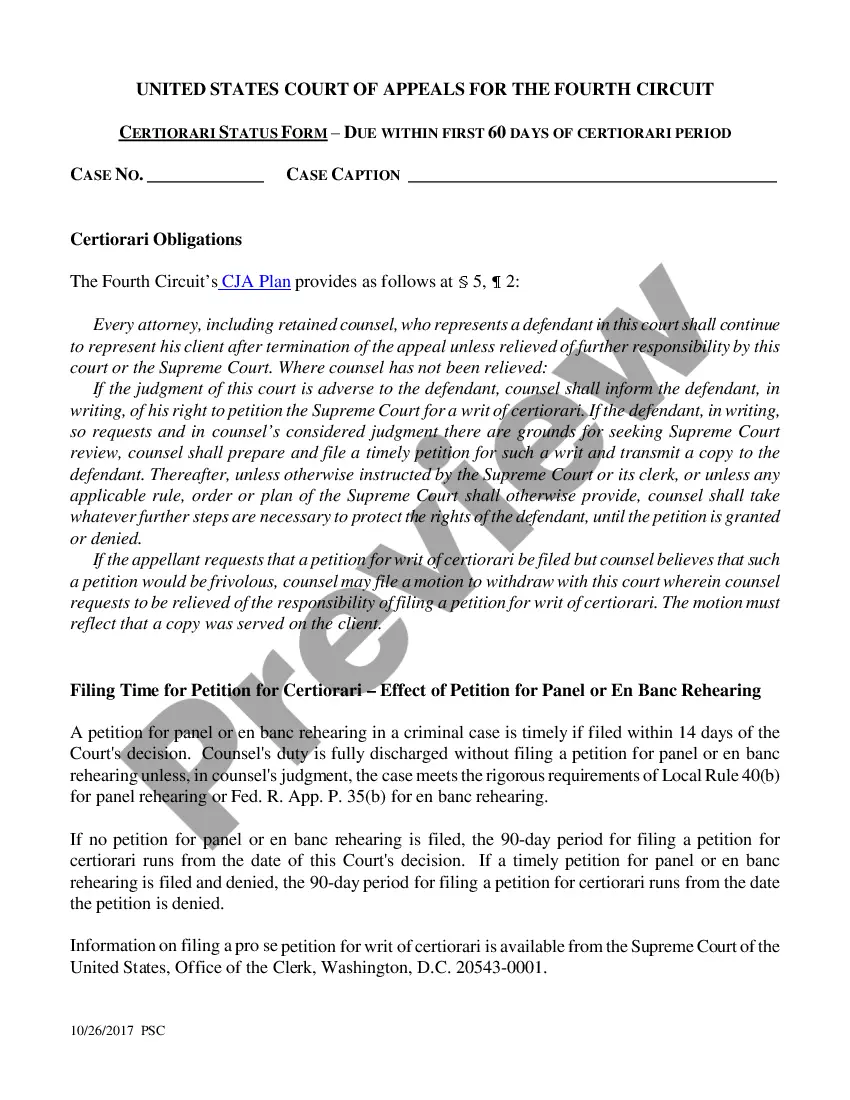
If you are a new US Legal Forms user, here are some simple guidelines you can follow: First, ensure you have selected the correct form for your city/state. You can review the form using the Preview option and examine the form description to confirm it meets your needs. If the form does not answer your requirements, use the Search field to find the correct form. Once you are confident that the form is suitable, click the Get now button to obtain the form. Choose the pricing plan you need and enter the required details. Create your account and complete your purchase using your PayPal account or credit card. Choose the file format and download the legal document template to your device. Complete, edit, and print/sig the received Florida Pre-Interview Decline Letter. US Legal Forms is the largest collection of legal forms where you can find an array of document templates. Use the service to download professionally crafted paperwork that adheres to state specifications.
- The service offers thousands of templates, including the Florida Pre-Interview Decline Letter, suitable for both business and personal needs.
- All forms are reviewed by experts and comply with federal and state regulations.
- If you are already a registered user, Log In to your account and click the Download button to retrieve the Florida Pre-Interview Decline Letter.
- Use your account to browse the legal forms you have previously acquired.
- Visit the My documents tab in your account to obtain another copy of the document you require.
Form popularity
FAQ
Should I Reply to a Rejection Email? While it's not required to reply to a job rejection email, you should absolutely do so. It will keep you in good standing with the company, and it is just common courtesy. The job application process can be quite informal at times.
I am writing to let you know that we have selected the candidate whom we believe most closely matches the job requirements of the position. We do appreciate you taking the time to interview with us and encourage you to apply for other openings at the company in the future. Again, thank you for your time.
The best approach is to be brief but honest about your specific reason for not accepting the position, saying something like:After careful consideration, I've decided to accept a position at another company.After much thought, I've decided that now is not the best time to leave my current position.More items...
Tips for writing a candidate rejection letter before an interviewStay positive. Though you're rejecting their application, you should provide some positive affirmations by complimenting the candidate's impressive experience and/or skills.Provide immediate feedback.Avoid giving applicants false hope.
You can follow these steps to write a rejection letter:Create an informative subject line.Thank the candidate for their time.Tell them you're no longer considering them for the position.Explain why you aren't considering them.Offer some positive aspects about their qualifications or interview.More items...?
Why you should respond to a job rejection But it's important that you do indeed respond. For starters, it's a great way to demonstrate your professionalism and establish the grounds for a continued relationship. Plusin some circumstancesyou can even open the door for future opportunities.
Tips for writing a candidate rejection letter before an interviewStay positive. Though you're rejecting their application, you should provide some positive affirmations by complimenting the candidate's impressive experience and/or skills.Provide immediate feedback.Avoid giving applicants false hope.
Should I Reply to a Rejection Email? While it's not required to reply to a job rejection email, you should absolutely do so. It will keep you in good standing with the company, and it is just common courtesy. The job application process can be quite informal at times.
How to respond to a job rejection letterThank the hiring manager for letting you know their decision.Express your gratitude for their time and consideration. You can directly mention contact you've had with them, like a phone or in-person interview .Tell them you appreciate the opportunity to learn about the company.