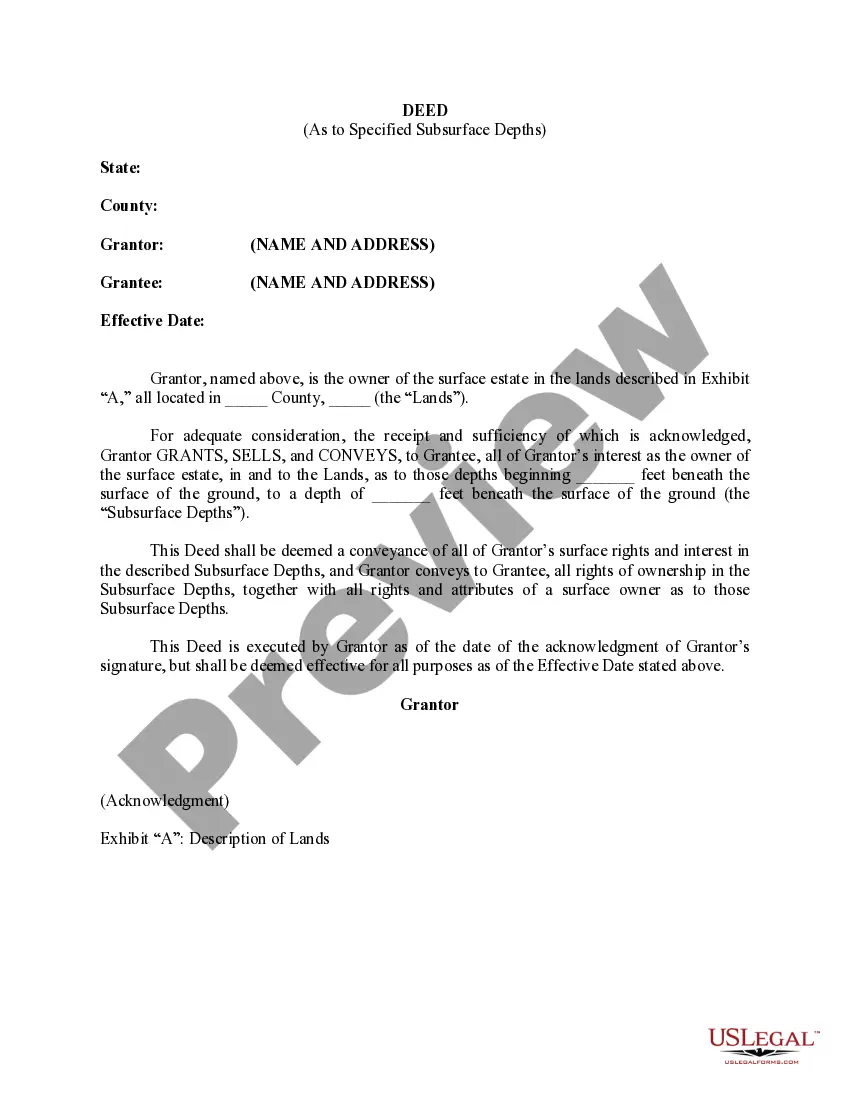
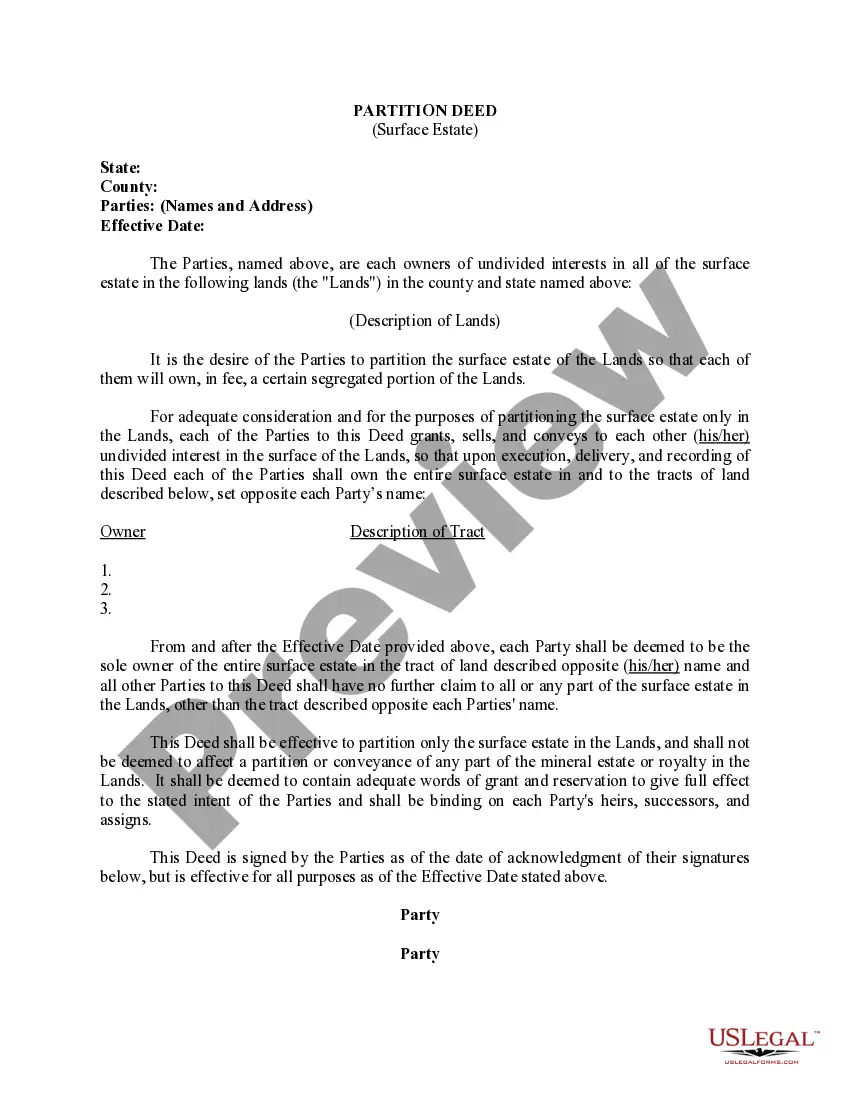
Delaware Deed (As to Specified Subsurface Depths)
Description
Get your form ready online
Our built-in tools help you complete, sign, share, and store your documents in one place.
Make edits, fill in missing information, and update formatting in US Legal Forms—just like you would in MS Word.
Download a copy, print it, send it by email, or mail it via USPS—whatever works best for your next step.
Sign and collect signatures with our SignNow integration. Send to multiple recipients, set reminders, and more. Go Premium to unlock E-Sign.
If this form requires notarization, complete it online through a secure video call—no need to meet a notary in person or wait for an appointment.
We protect your documents and personal data by following strict security and privacy standards.

Make edits, fill in missing information, and update formatting in US Legal Forms—just like you would in MS Word.

Download a copy, print it, send it by email, or mail it via USPS—whatever works best for your next step.

Sign and collect signatures with our SignNow integration. Send to multiple recipients, set reminders, and more. Go Premium to unlock E-Sign.

If this form requires notarization, complete it online through a secure video call—no need to meet a notary in person or wait for an appointment.

We protect your documents and personal data by following strict security and privacy standards.
Looking for another form?

How to fill out Deed (As To Specified Subsurface Depths)?
US Legal Forms - one of many largest libraries of legal kinds in the United States - provides an array of legal file templates it is possible to down load or produce. Utilizing the web site, you can get 1000s of kinds for business and personal purposes, sorted by types, claims, or keywords and phrases.You can get the most recent versions of kinds much like the Delaware Deed (As to Specified Subsurface Depths) in seconds.
If you have a registration, log in and down load Delaware Deed (As to Specified Subsurface Depths) through the US Legal Forms collection. The Down load key will appear on each and every type you view. You have accessibility to all in the past acquired kinds in the My Forms tab of your own account.
If you want to use US Legal Forms initially, allow me to share easy instructions to get you started out:
- Ensure you have picked out the proper type to your metropolis/region. Select the Review key to analyze the form`s articles. Read the type outline to ensure that you have chosen the correct type.
- If the type doesn`t suit your requirements, utilize the Research area on top of the display to discover the the one that does.
- When you are happy with the form, verify your option by clicking the Acquire now key. Then, choose the costs plan you prefer and supply your references to sign up for an account.
- Procedure the purchase. Make use of credit card or PayPal account to finish the purchase.
- Pick the structure and down load the form on your own device.
- Make adjustments. Complete, edit and produce and sign the acquired Delaware Deed (As to Specified Subsurface Depths).
Each format you added to your account does not have an expiration date and is also your own permanently. So, if you want to down load or produce one more copy, just go to the My Forms section and click in the type you need.
Get access to the Delaware Deed (As to Specified Subsurface Depths) with US Legal Forms, one of the most considerable collection of legal file templates. Use 1000s of skilled and condition-specific templates that meet up with your small business or personal needs and requirements.
Form popularity
FAQ
In order for a deed to be valid and enforceable, it must be in writing; describe with specificity the property conveyed; specify the names of the grantor and grantee; be signed; be sealed; be acknowledged; and be delivered.
Having your children as co-owners or remainder owners for your property may simplify the transfer at your death. Their having joint management rights and debt obligations for the property may also be a benefit.
Your parents can put your name on the deed to their house. Many people might see this as a simple method of estate planning. However, it may be a bad idea.
How do I add my spouse to my deed in Delaware? You will need to have the quitclaim deed docHubd with the signatures of you and your spouse. Once this is done, the quitclaim deed replaces your former deed and the property officially is in both of your names. You must record the deed at your county office.
The Process of Transferring Property Identify the recipient or donee. Discuss the terms and conditions of the transfer with that person. Complete a change of ownership form. Change the title on the deed. Hire a real estate attorney to prepare the deed. Notarize and file the deed.
Delaware taxes real estate transfers at 4% of the purchase price for the property being transferred. However, Delaware law has a provision that allows for the county where the property being sold to levy a real estate transfer tax of 1.5%.