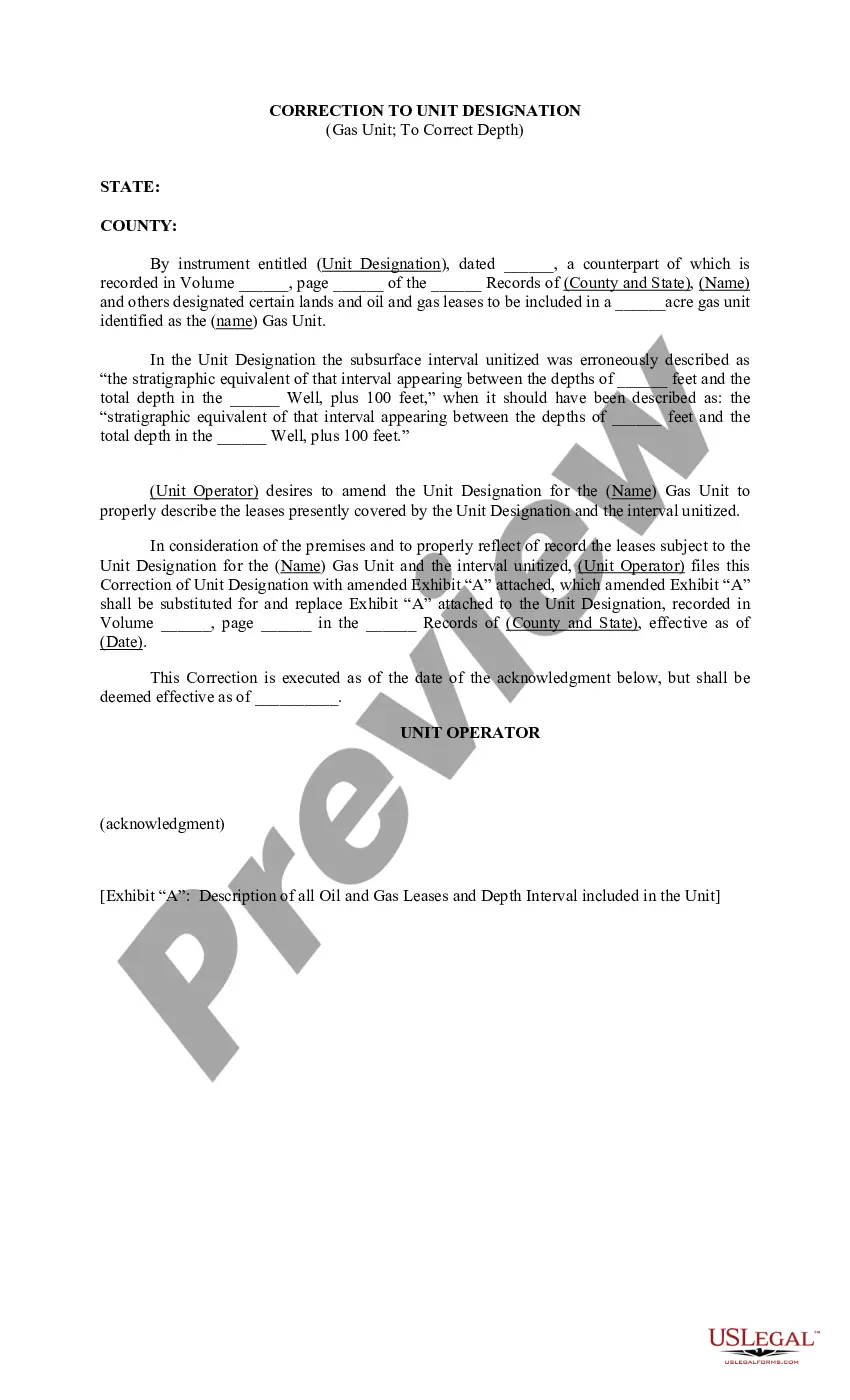
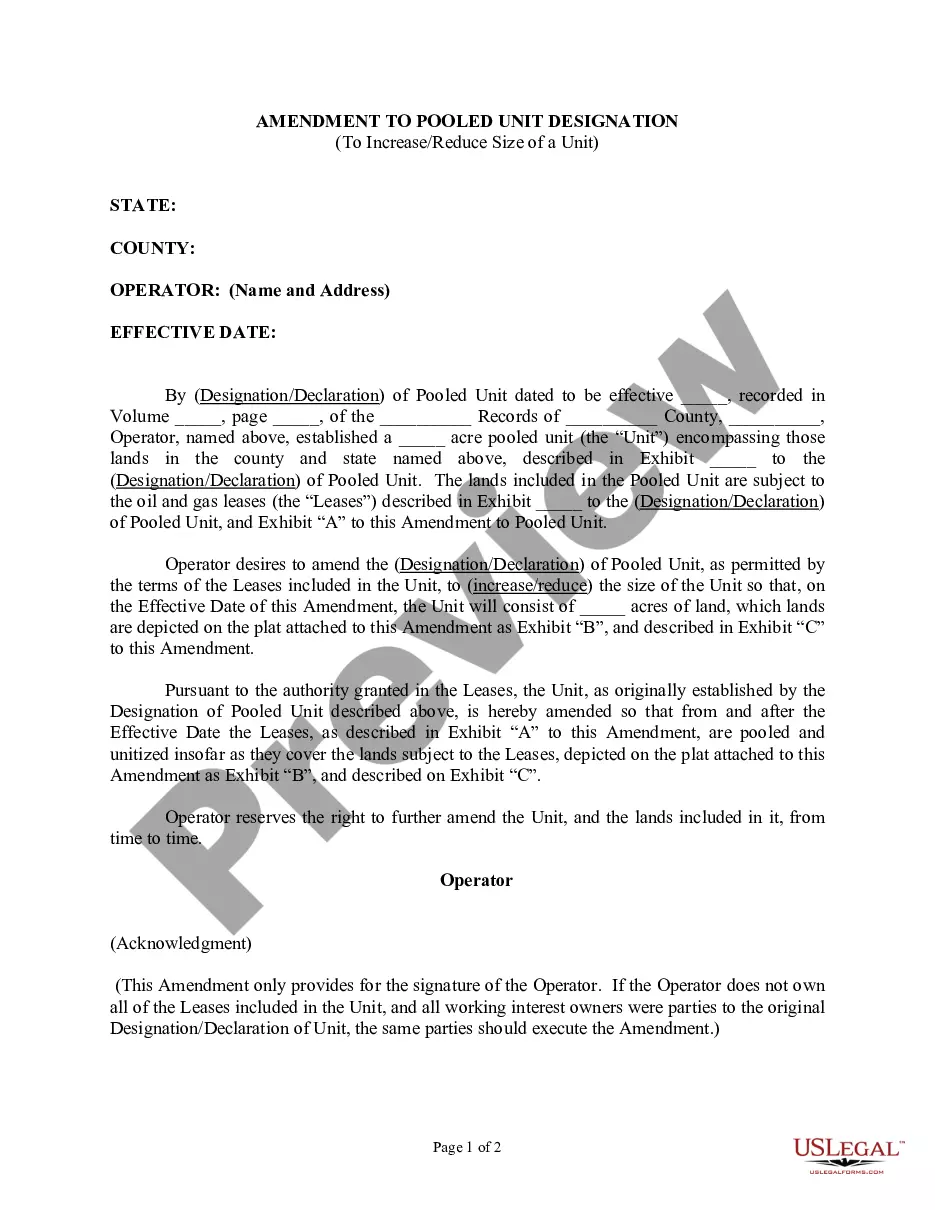
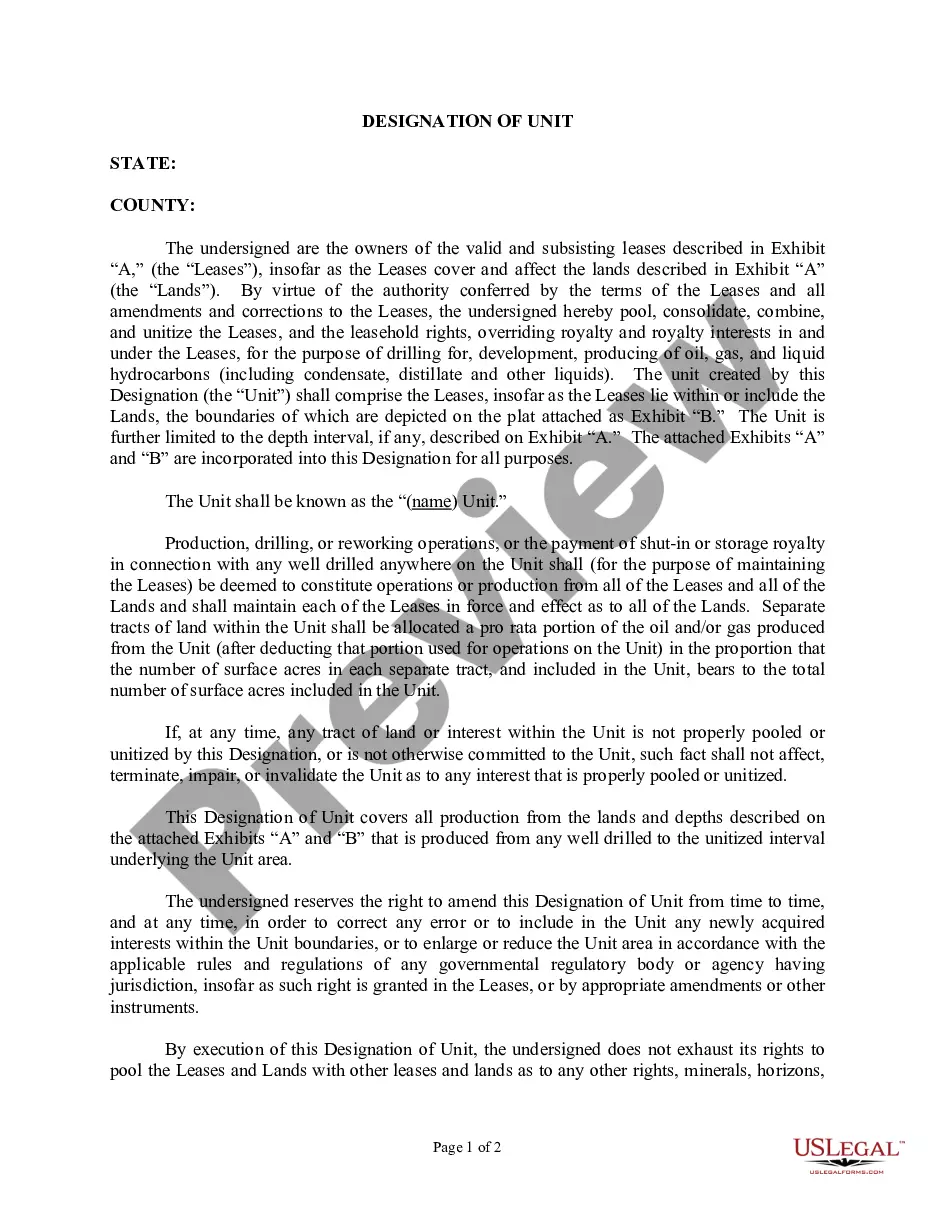
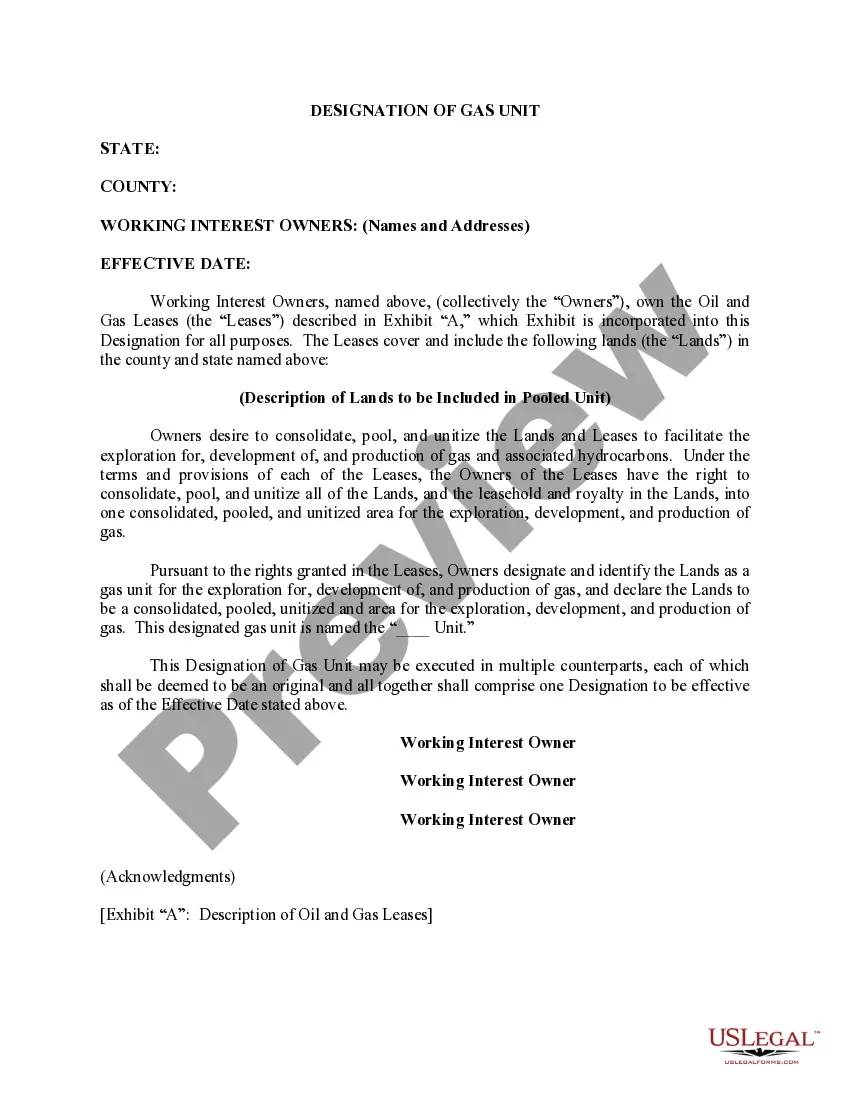
District of Columbia Correction to Unit Designation to Correct Depth
Description
Get your form ready online
Our built-in tools help you complete, sign, share, and store your documents in one place.
Make edits, fill in missing information, and update formatting in US Legal Forms—just like you would in MS Word.
Download a copy, print it, send it by email, or mail it via USPS—whatever works best for your next step.
Sign and collect signatures with our SignNow integration. Send to multiple recipients, set reminders, and more. Go Premium to unlock E-Sign.
If this form requires notarization, complete it online through a secure video call—no need to meet a notary in person or wait for an appointment.
We protect your documents and personal data by following strict security and privacy standards.

Make edits, fill in missing information, and update formatting in US Legal Forms—just like you would in MS Word.

Download a copy, print it, send it by email, or mail it via USPS—whatever works best for your next step.

Sign and collect signatures with our SignNow integration. Send to multiple recipients, set reminders, and more. Go Premium to unlock E-Sign.

If this form requires notarization, complete it online through a secure video call—no need to meet a notary in person or wait for an appointment.

We protect your documents and personal data by following strict security and privacy standards.
Looking for another form?


How to fill out Correction To Unit Designation To Correct Depth?
US Legal Forms - one of several largest libraries of legitimate kinds in America - offers a wide array of legitimate document templates it is possible to download or print. Making use of the internet site, you will get a large number of kinds for business and personal uses, categorized by groups, suggests, or search phrases.You can find the most up-to-date variations of kinds much like the District of Columbia Correction to Unit Designation to Correct Depth within minutes.
If you have a monthly subscription, log in and download District of Columbia Correction to Unit Designation to Correct Depth from your US Legal Forms catalogue. The Acquire switch can look on every develop you view. You get access to all earlier delivered electronically kinds inside the My Forms tab of the bank account.
In order to use US Legal Forms the first time, allow me to share easy recommendations to get you started out:
- Be sure you have selected the best develop for your town/state. Go through the Review switch to examine the form`s content. Read the develop information to actually have selected the appropriate develop.
- If the develop does not fit your demands, make use of the Lookup field near the top of the screen to obtain the the one that does.
- Should you be content with the form, verify your option by clicking the Purchase now switch. Then, choose the prices program you prefer and give your qualifications to register for an bank account.
- Method the transaction. Make use of credit card or PayPal bank account to perform the transaction.
- Select the structure and download the form on your system.
- Make modifications. Fill out, revise and print and signal the delivered electronically District of Columbia Correction to Unit Designation to Correct Depth.
Every template you put into your bank account lacks an expiration date which is your own eternally. So, if you want to download or print an additional backup, just go to the My Forms section and click on about the develop you want.
Obtain access to the District of Columbia Correction to Unit Designation to Correct Depth with US Legal Forms, one of the most extensive catalogue of legitimate document templates. Use a large number of skilled and express-particular templates that meet up with your small business or personal needs and demands.