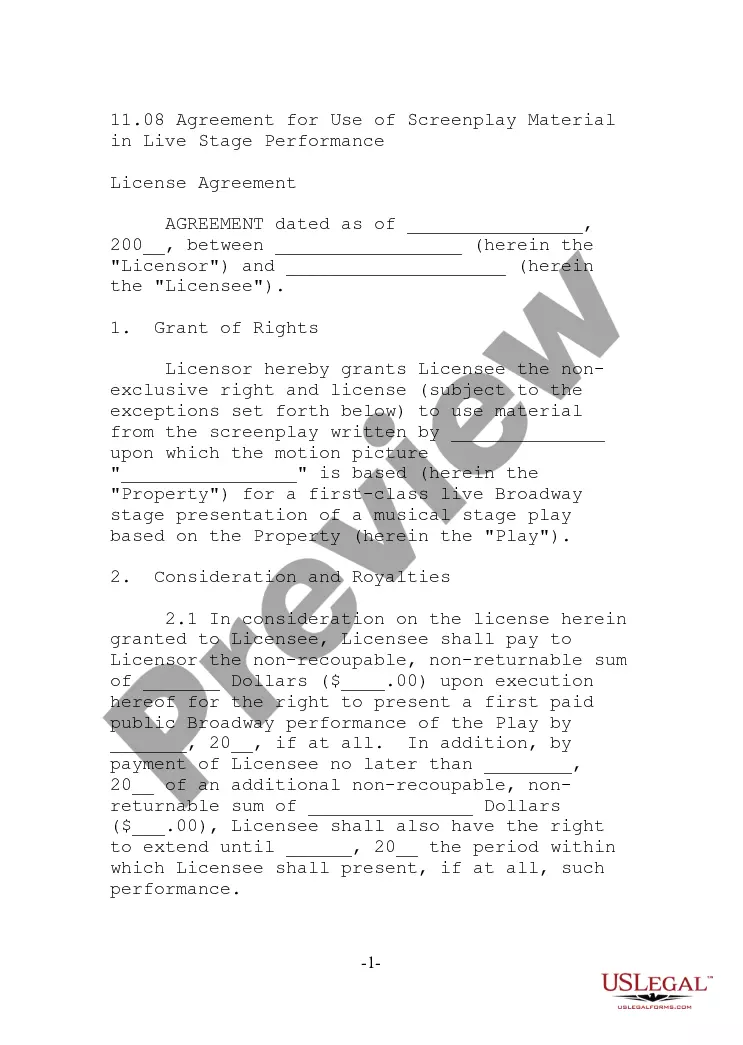
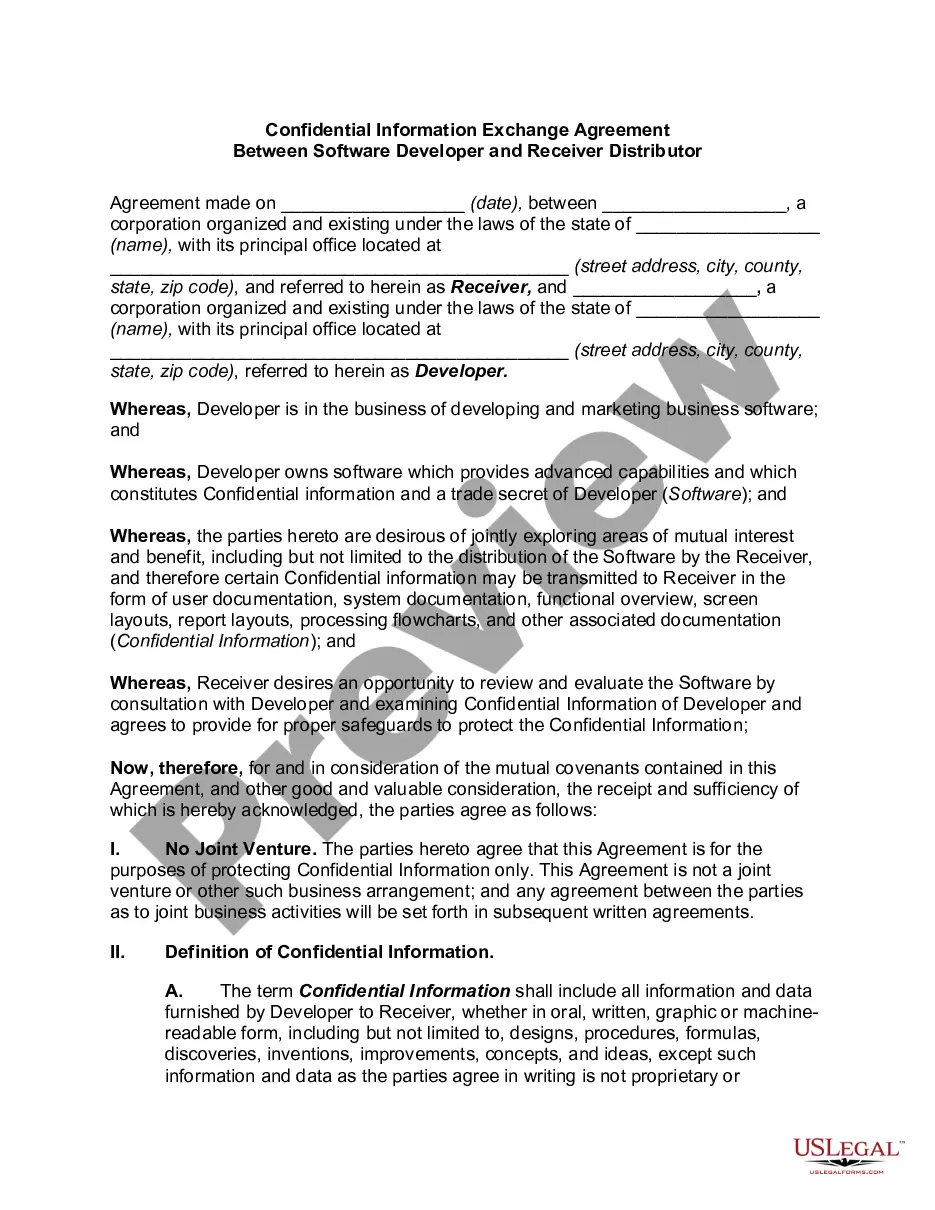
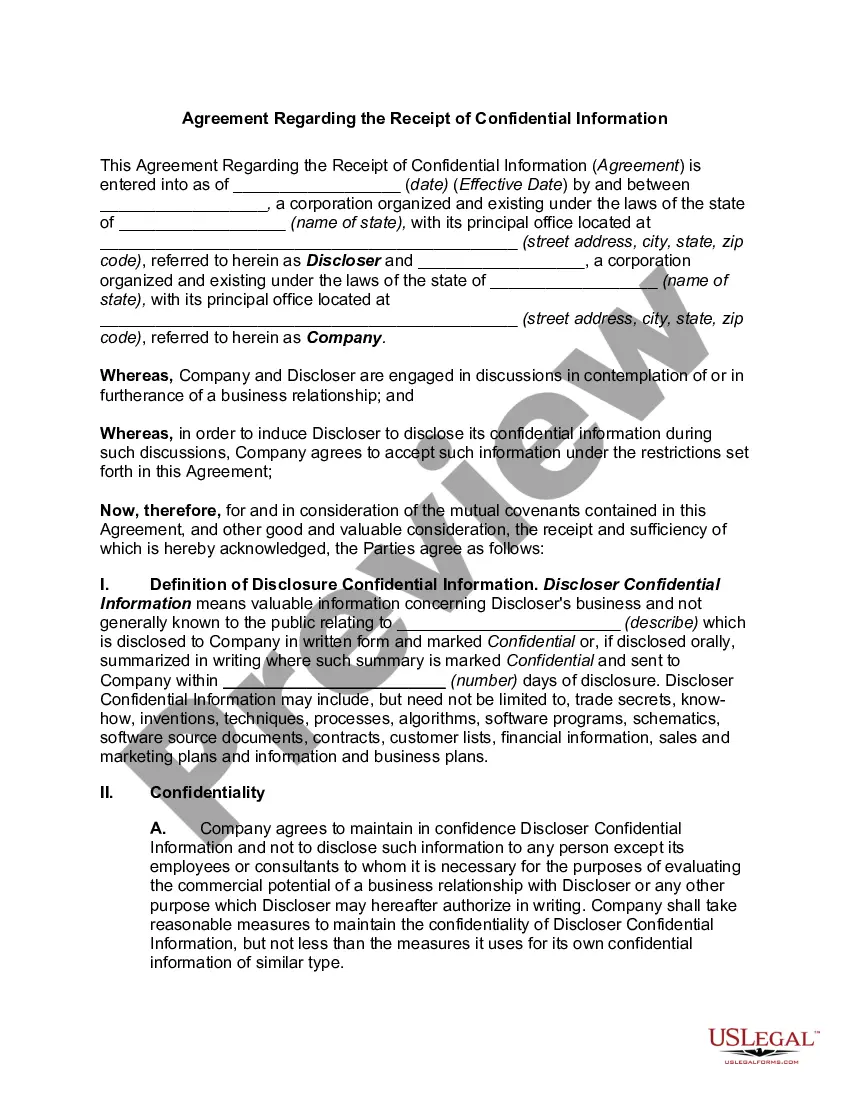
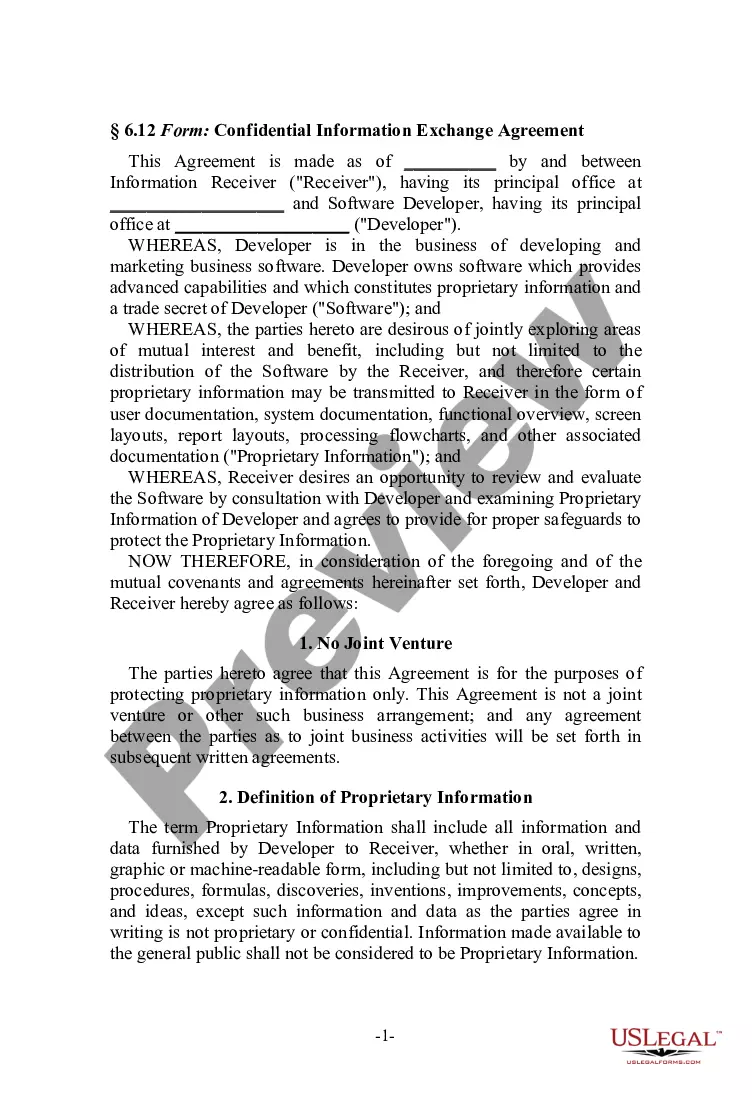
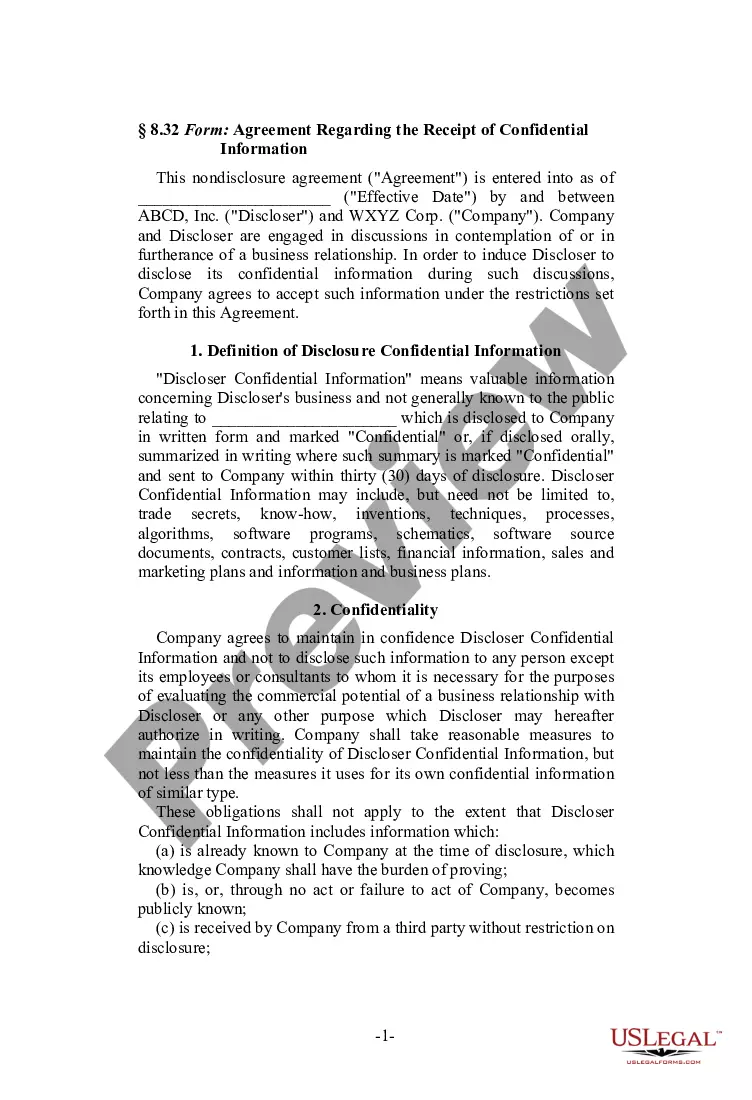
This form is a Confidential Information Exchange Agreement. The information receiver is interested in the possibility of investing in a corporation's business venture. The agreement provides that the information receiver will hold all documentation in confidence and will not disclose the information to any third parties.
District of Columbia Confidential Information Exchange Agreement between Website Service Provider and Receiver of Trade Secrets
Instant download
Description
Free preview

Get your form ready online
Our built-in tools help you complete, sign, share, and store your documents in one place.
Built-in online Word editor
Make edits, fill in missing information, and update formatting in US Legal Forms—just like you would in MS Word.
Export easily
Download a copy, print it, send it by email, or mail it via USPS—whatever works best for your next step.
E-sign your document
Sign and collect signatures with our SignNow integration. Send to multiple recipients, set reminders, and more. Go Premium to unlock E-Sign.
Notarize online 24/7
If this form requires notarization, complete it online through a secure video call—no need to meet a notary in person or wait for an appointment.
Store your document securely
We protect your documents and personal data by following strict security and privacy standards.
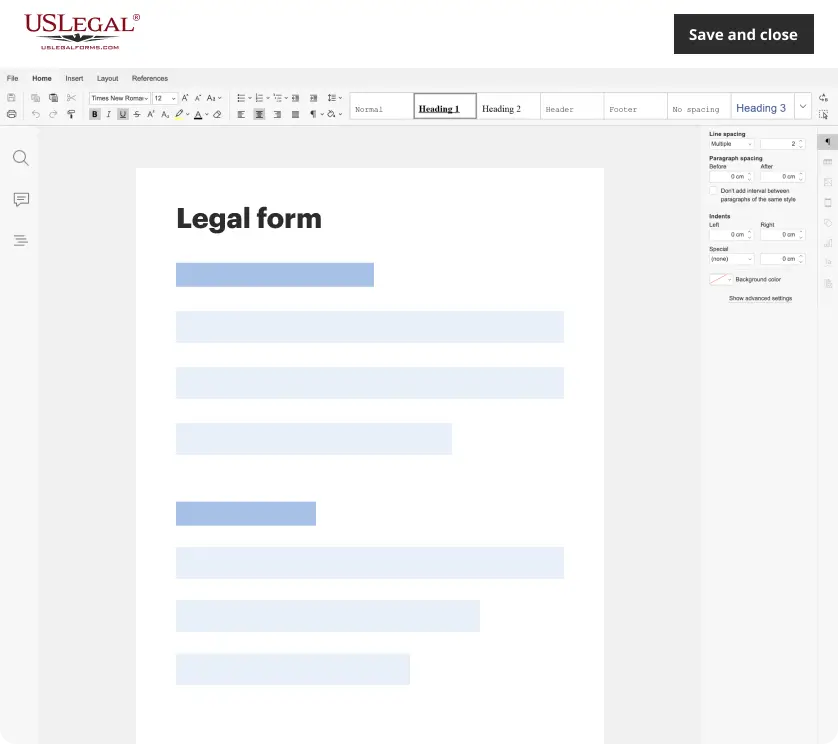
Make edits, fill in missing information, and update formatting in US Legal Forms—just like you would in MS Word.
Download a copy, print it, send it by email, or mail it via USPS—whatever works best for your next step.
Sign and collect signatures with our SignNow integration. Send to multiple recipients, set reminders, and more. Go Premium to unlock E-Sign.
If this form requires notarization, complete it online through a secure video call—no need to meet a notary in person or wait for an appointment.
We protect your documents and personal data by following strict security and privacy standards.
Looking for another form?






How to fill out Confidential Information Exchange Agreement Between Website Service Provider And Receiver Of Trade Secrets?
US Legal Forms - one of the largest collections of sanctioned documents in the United States - provides a broad selection of legal form templates that you can download or print. By utilizing the site, you can discover numerous forms for business and personal purposes, organized by categories, states, or keywords.
You can find the latest versions of forms like the District of Columbia Confidential Information Exchange Agreement between Website Service Provider and Recipient of Trade Secrets within moments. If you already have a monthly subscription, Log In and download the District of Columbia Confidential Information Exchange Agreement between Website Service Provider and Recipient of Trade Secrets from your US Legal Forms library. The Download button will appear on every form you view. You have access to all previously acquired forms in the My documents tab of your account.
If you are looking to use US Legal Forms for the first time, here are simple steps to get you started: Ensure you have selected the correct form for your city/county. Click the Review button to inspect the form’s content. Check the form description to confirm you have chosen the right form. If the form does not meet your needs, use the Search field at the top of the screen to find one that does. When you are satisfied with the form, confirm your choice by clicking the Purchase now button. Then, select the payment plan you prefer and provide your details to register for an account. Process the transaction. Use your credit card or PayPal account to complete the transaction. Choose the format and download the form to your device. Make modifications. Fill out, edit, print, and sign the downloaded District of Columbia Confidential Information Exchange Agreement between Website Service Provider and Recipient of Trade Secrets. Every template you added to your account has no expiration date and is yours forever. Therefore, if you wish to download or print another copy, simply go to the My documents section and click on the form you want.
- Access the District of Columbia Confidential Information Exchange Agreement between Website Service Provider and Recipient of Trade Secrets with US Legal Forms, the most extensive library of legal form templates.
- Utilize a multitude of professional and state-specific templates that cater to your business or personal requirements and needs.
- Explore a wide array of authorized forms for various purposes.
- Download or print forms at your convenience.
- Maintain ownership of all downloaded templates indefinitely.
- Easily manage your forms through the My documents section.
Form popularity
FAQ
When filling out a confidentiality form, begin by reviewing each section and understanding what information is required. Carefully fill in the names of the signatories, the date, and the details about the confidential matter. To ensure clarity and comprehensiveness, refer back to the District of Columbia Confidential Information Exchange Agreement between Website Service Provider and Receiver of Trade Secrets for effective implementation.
Filling out a confidentiality agreement requires careful attention to the details. Make sure to include accurate names, contact information, and the specific nature of the confidential materials involved. The District of Columbia Confidential Information Exchange Agreement between Website Service Provider and Receiver of Trade Secrets serves as a valuable resource for ensuring all necessary points are covered in your document.
To fill out a confidentiality agreement, read through the document thoroughly to understand its contents. Then, enter the names of the parties, specify the confidential information being shared, and outline any limitations or obligations. Consider using examples from the District of Columbia Confidential Information Exchange Agreement between Website Service Provider and Receiver of Trade Secrets to guide your entries.
Writing a simple confidentiality agreement involves outlining the parties involved and specifying what information is confidential. Ensure you include a time frame for which confidentiality should be maintained and consequences for breaches. You can enrich your agreement by referencing the District of Columbia Confidential Information Exchange Agreement between Website Service Provider and Receiver of Trade Secrets for best practices.
An example of an NDA statement might read, 'The Recipient agrees to keep all proprietary information disclosed by the Discloser confidential and will not share it with any third party without prior written consent.' Utilizing the District of Columbia Confidential Information Exchange Agreement between Website Service Provider and Receiver of Trade Secrets can give you a structured template for such statements.
To craft a Non-Disclosure Agreement (NDA) template, start with a clear title that identifies the document’s purpose. Include sections that define the confidential information, obligations of both parties, and the duration of confidentiality. It's wise to consult the District of Columbia Confidential Information Exchange Agreement between Website Service Provider and Receiver of Trade Secrets as a guide to ensure legal compliance.
While all trade secrets are confidential information, not all confidential information qualifies as a trade secret. Trade secrets are specific, valuable, and protected information that provides economic benefits due to its secrecy, whereas confidential information can be more general. The District of Columbia Confidential Information Exchange Agreement between Website Service Provider and Receiver of Trade Secrets establishes clear parameters to distinguish between these two crucial terms.
A confidentiality clause for trade secrets legally binds parties to keep specific information private. This clause outlines the obligations regarding the protection of trade secrets, specifying what can and cannot be shared. In the District of Columbia Confidential Information Exchange Agreement between Website Service Provider and Receiver of Trade Secrets, such clauses are essential for ensuring that sensitive information remains secure and confidential.
Trade secrets continue to be referred to as trade secrets in legal terms, but they are also described using phrases such as 'confidential business information' or 'proprietary processes.' These labels emphasize the nature and value of the information. In the District of Columbia Confidential Information Exchange Agreement between Website Service Provider and Receiver of Trade Secrets, maintaining the integrity of trade secrets is crucial for business operations.
Secrecy refers to the practice of keeping information hidden from everyone, while confidentiality implies a respectful agreement whereby certain information is shared under specific conditions. Both concepts play significant roles in legal agreements, such as the District of Columbia Confidential Information Exchange Agreement between Website Service Provider and Receiver of Trade Secrets, as they establish clear guidelines for how information is handled. Ultimately, understanding this difference helps protect business interests.