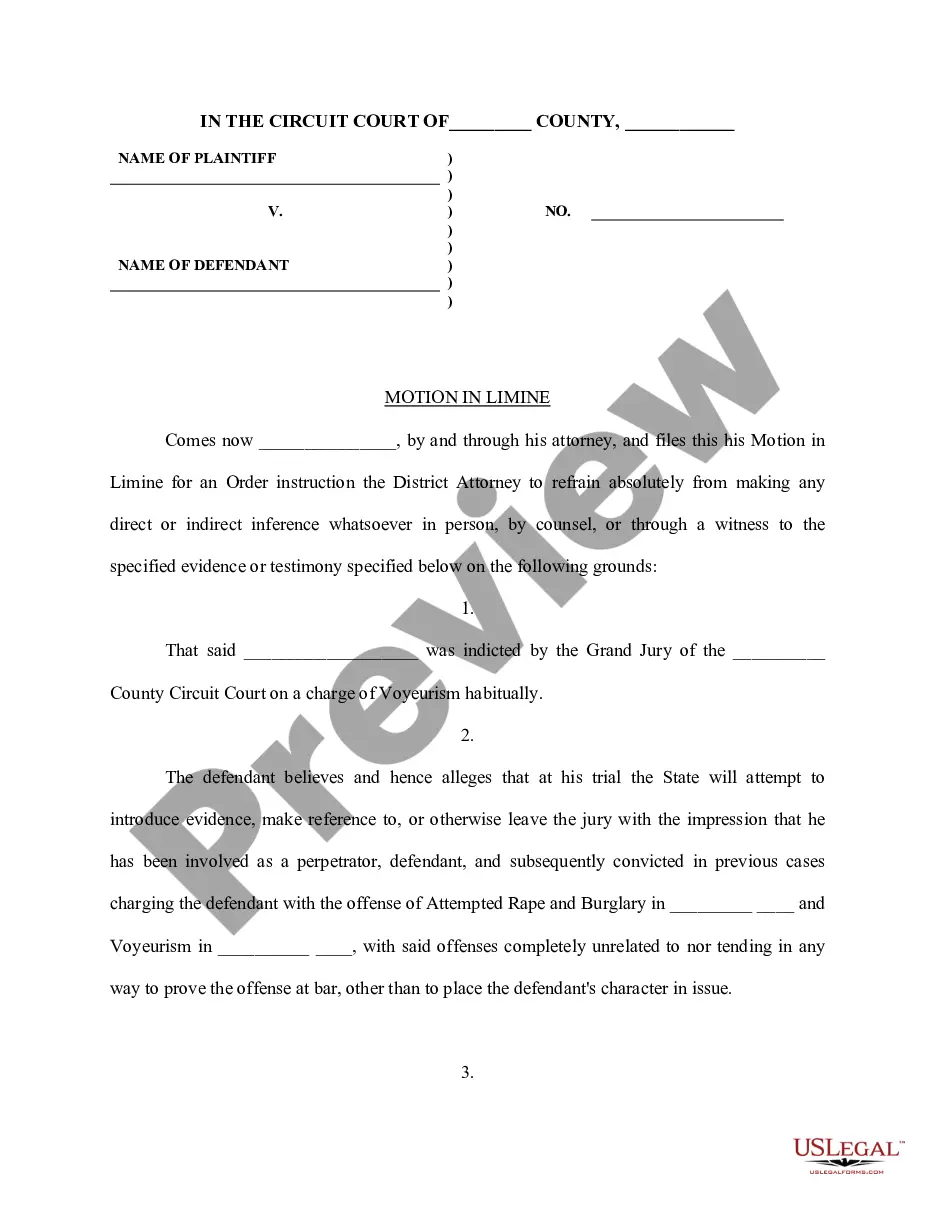
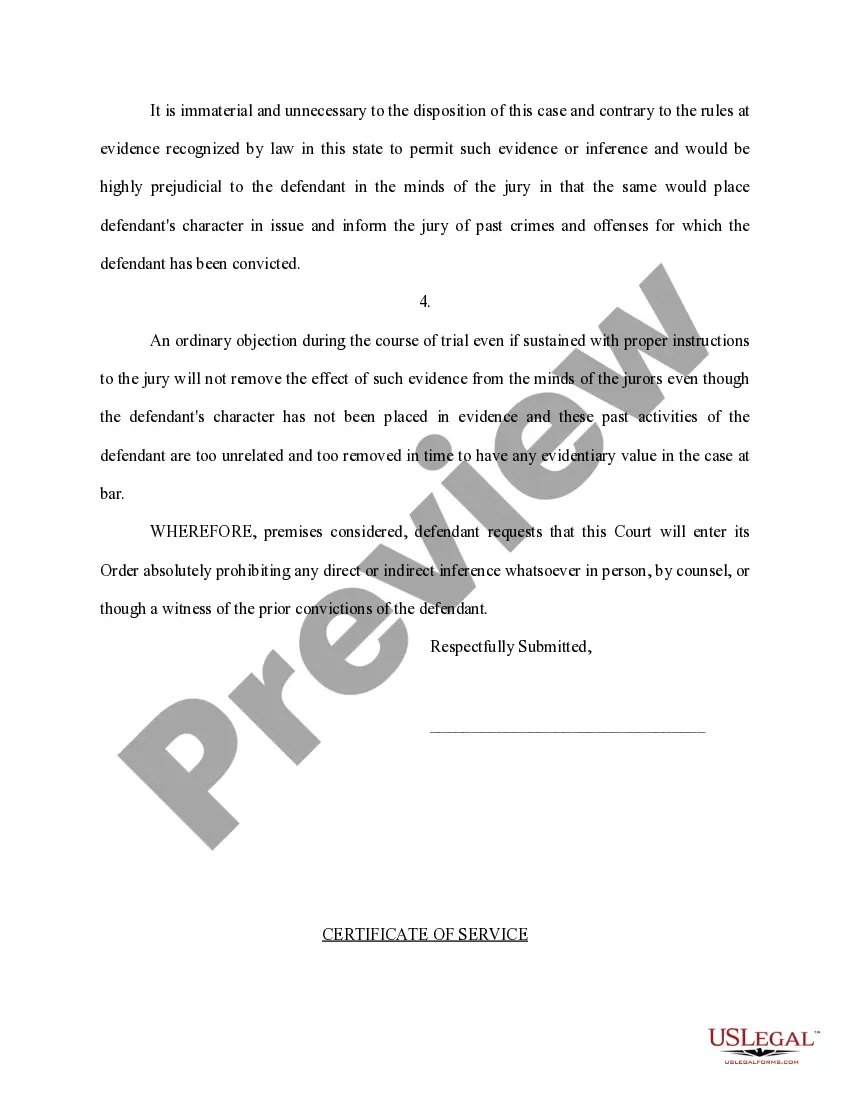
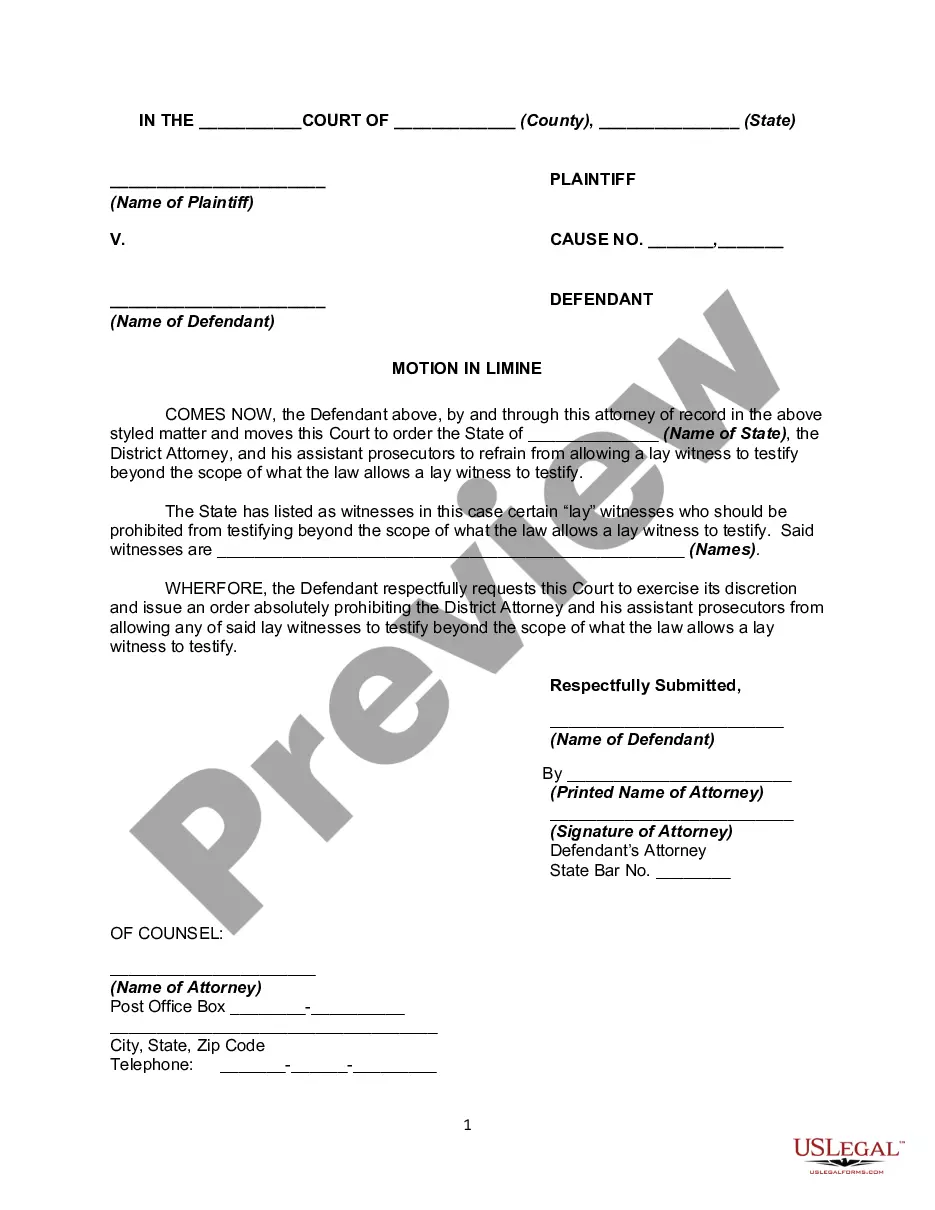
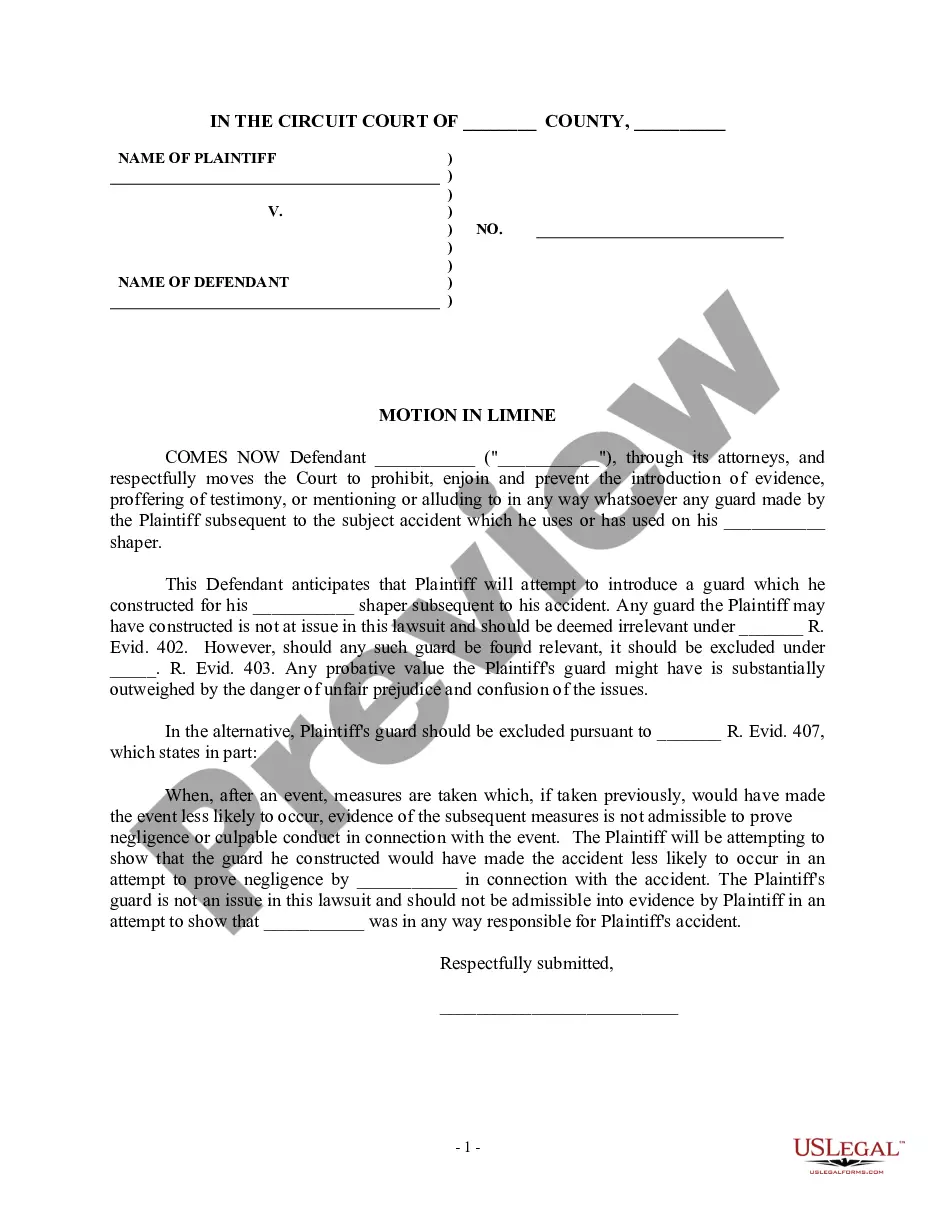
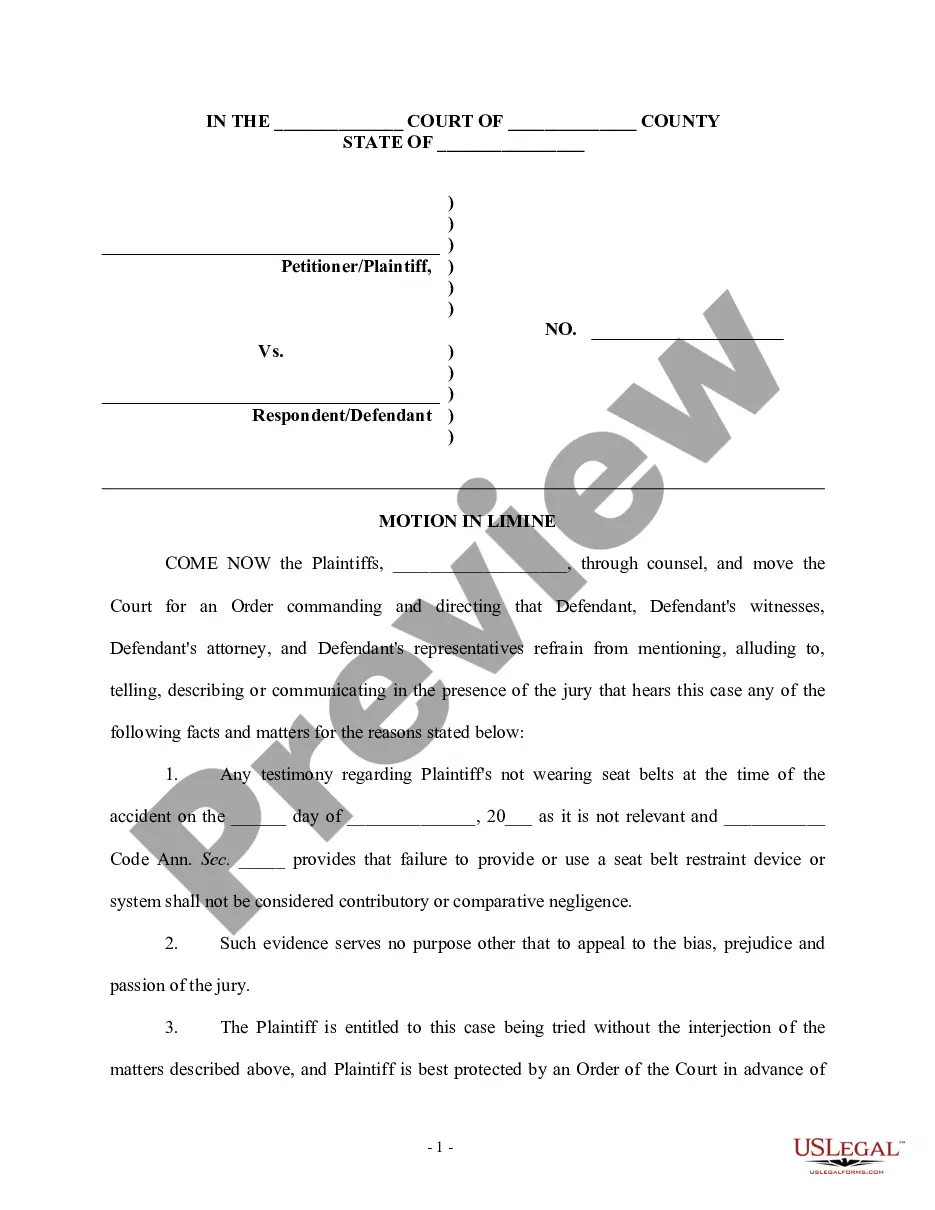
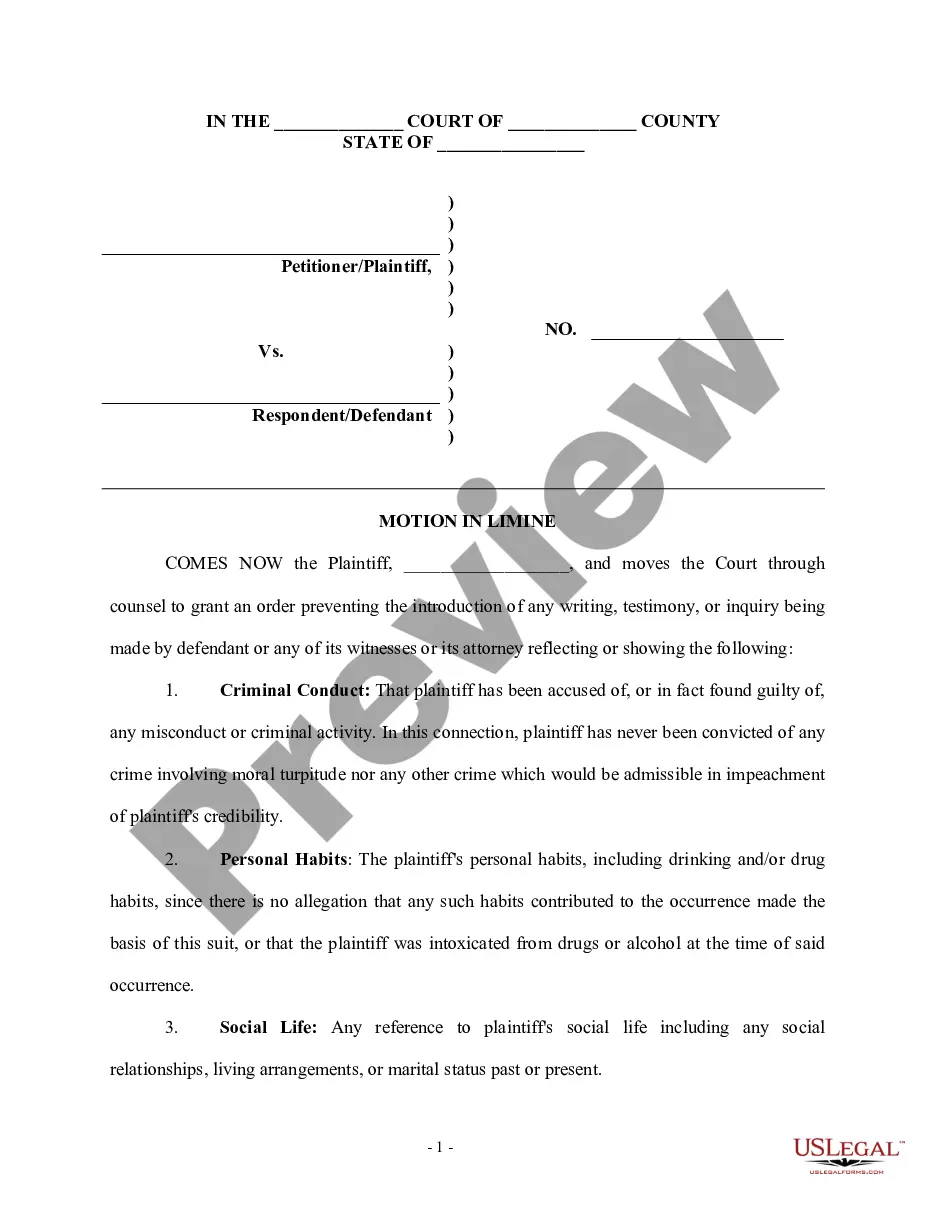
Connecticut Motion in Limine
Description

Get your form ready online
Our built-in tools help you complete, sign, share, and store your documents in one place.
Make edits, fill in missing information, and update formatting in US Legal Forms—just like you would in MS Word.
Download a copy, print it, send it by email, or mail it via USPS—whatever works best for your next step.
Sign and collect signatures with our SignNow integration. Send to multiple recipients, set reminders, and more. Go Premium to unlock E-Sign.
If this form requires notarization, complete it online through a secure video call—no need to meet a notary in person or wait for an appointment.
We protect your documents and personal data by following strict security and privacy standards.

Make edits, fill in missing information, and update formatting in US Legal Forms—just like you would in MS Word.

Download a copy, print it, send it by email, or mail it via USPS—whatever works best for your next step.

Sign and collect signatures with our SignNow integration. Send to multiple recipients, set reminders, and more. Go Premium to unlock E-Sign.

If this form requires notarization, complete it online through a secure video call—no need to meet a notary in person or wait for an appointment.

We protect your documents and personal data by following strict security and privacy standards.
Looking for another form?


How to fill out Motion In Limine?
Should you require to compile, acquire, or print legal document templates, utilize US Legal Forms, the finest assortment of legal forms accessible online.
Employ the site’s straightforward and user-friendly search to locate the documents you require.
Numerous templates for business and personal purposes are organized by categories and jurisdictions, or keywords.
Step 4. After locating the form you need, select the Buy now option. Choose the pricing plan you prefer and input your information to register for an account. Step 5. Complete the transaction. You can use your credit card or PayPal account to finalize the purchase. Step 6. Select the format of the legal form and download it to your device. Step 7. Complete, modify, and print or sign the Connecticut Motion in Limine.
Every legal document template you purchase is yours permanently. You will have access to each form you saved within your account. Select the My documents section and choose a form to print or download again. Compete and acquire, and print the Connecticut Motion in Limine with US Legal Forms. There are various professional and jurisdiction-specific forms available for your business or personal needs.
- Utilize US Legal Forms to discover the Connecticut Motion in Limine with just a few clicks.
- If you are already a US Legal Forms user, Log In to your account and click the Download option to acquire the Connecticut Motion in Limine.
- You can also access forms you previously saved in the My documents section of your account.
- If you are utilizing US Legal Forms for the first time, follow the instructions listed below.
- Step 1. Ensure you have selected the form for the correct city/state.
- Step 2. Use the Review option to examine the form’s content. Don’t forget to read the description.
- Step 3. If you are dissatisfied with the type, use the Search field at the top of the screen to find alternative versions in the legal form repository.
Form popularity
FAQ
Although it is prohibited to mix lawyer funds with client funds, Rule 1.15 of the Connecticut Rules of Professional Conduct permits a lawyer's own funds to be placed in a trust account for the sole purposes of paying financial institution service charges on the account or to obtain a waiver of fees and service charges ...
Rule 1.10 - Imputation of Conflicts of Interest: General Rule (a) While lawyers are associated in a firm, none of them shall knowingly represent a client when any one of them practicing alone would be prohibited from doing so by Rules 1.7, 1.8(c), or 1.9, unless the prohibition is based on a personal interest of the ...
Rule 1.7 - Conflict of Interest: General Rule (a) Except as provided in paragraph (b), a lawyer shall not represent a client if the representation involves a concurrent conflict of interest.
Although it is prohibited to mix lawyer funds with client funds, Rule 1.15 of the Connecticut Rules of Professional Conduct permits a lawyer's own funds to be placed in a trust account for the sole purposes of paying financial institution service charges on the account or to obtain a waiver of fees and service charges ...
Although it is prohibited to mix lawyer funds with client funds, Rule 1.15 of the Connecticut Rules of Professional Conduct permits a lawyer's own funds to be placed in a trust account for the sole purposes of paying financial institution service charges on the account or to obtain a waiver of fees and service charges ...
Rule 4.2 of the Rules of Professional Conduct provides that ?[i]n representing a client, a lawyer shall not communicate about the subject of the representation with a party the lawyer knows to be represented by another lawyer in the matter, unless the lawyer has the consent of the other lawyer or is authorized by law ...
Rule 7.1. A lawyer shall not make a false or misleading communication about the lawyer or the lawyer's services. A communication is false or misleading if it contains a material misrepresentation of fact or law, or omits a fact necessary to make the statement considered as a whole not materially misleading.
Rule 7.1. A lawyer shall not make a false or misleading communication about the lawyer or the lawyer's services. A communication is false or mis- leading if it contains a material misrepresentation of fact or law, or omits a fact necessary to make the statement considered as a whole not materially misleading.