Connecticut Jurat Acknowlegment
About this form
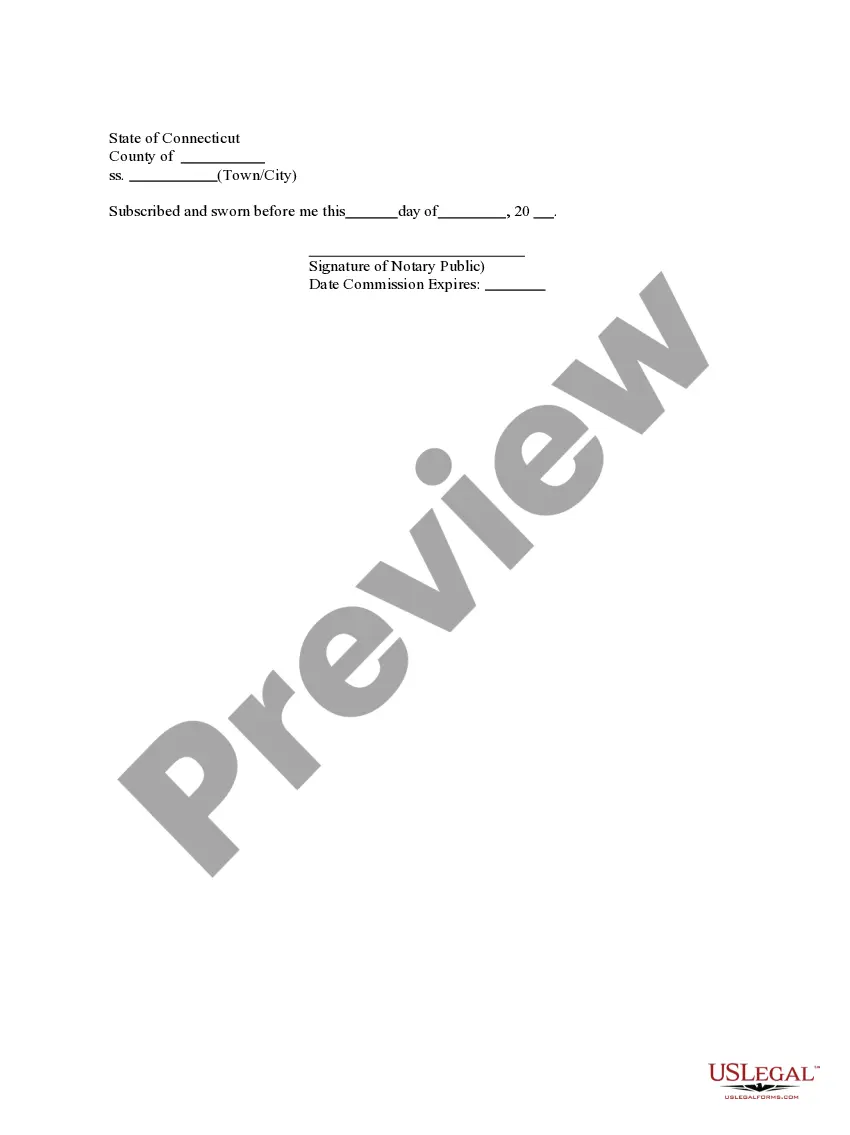
The Jurat Acknowledgment is a legal form used to verify that a person has sworn an oath or affirmation regarding the truthfulness of a statement or document. This form acts as proof that the individual appeared before a notary public and acknowledged the content of the document being notarized. It is essential for ensuring the integrity of various legal documents and differs from other acknowledgment forms in that it also includes a sworn statement by the signer.
Key parts of this document
- Signature of the individual swearing the statement.
- Signature of the notary public witnessing the acknowledgment.
- Date of the swearing or acknowledgment.
- Notary public's seal, if applicable.
- Commission expiration date of the notary public.

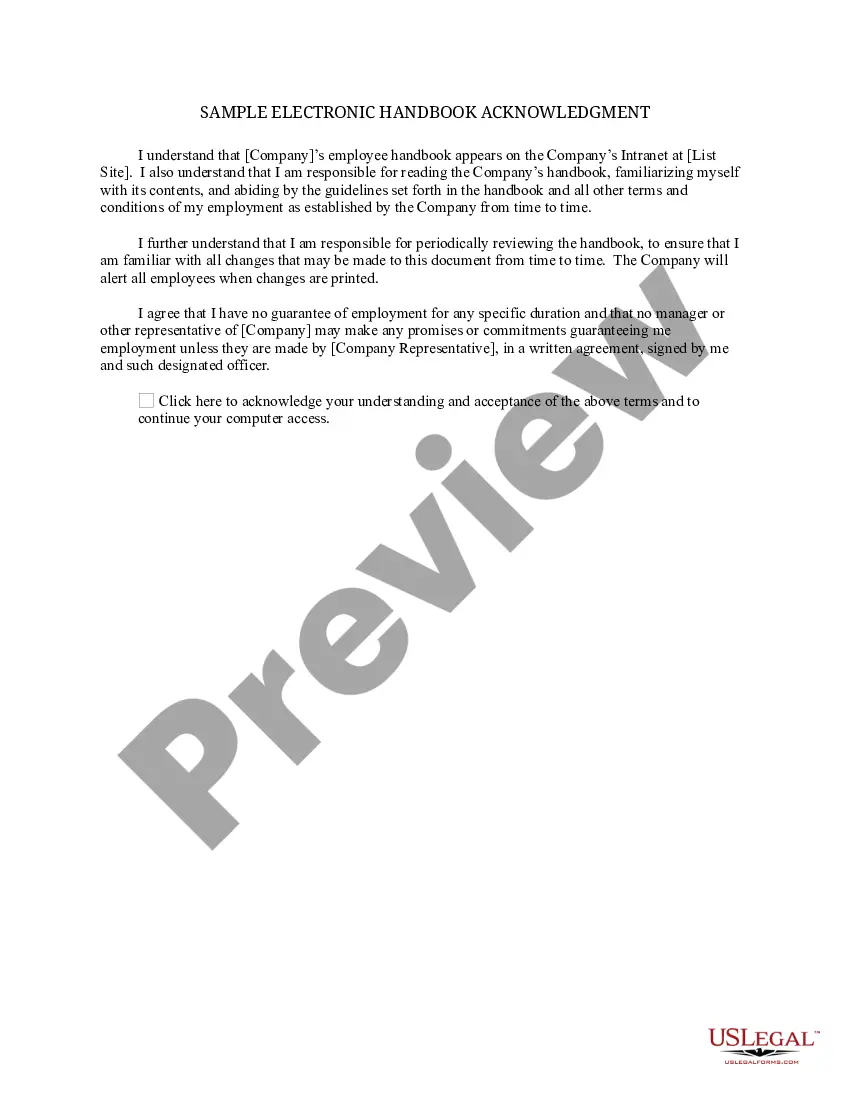
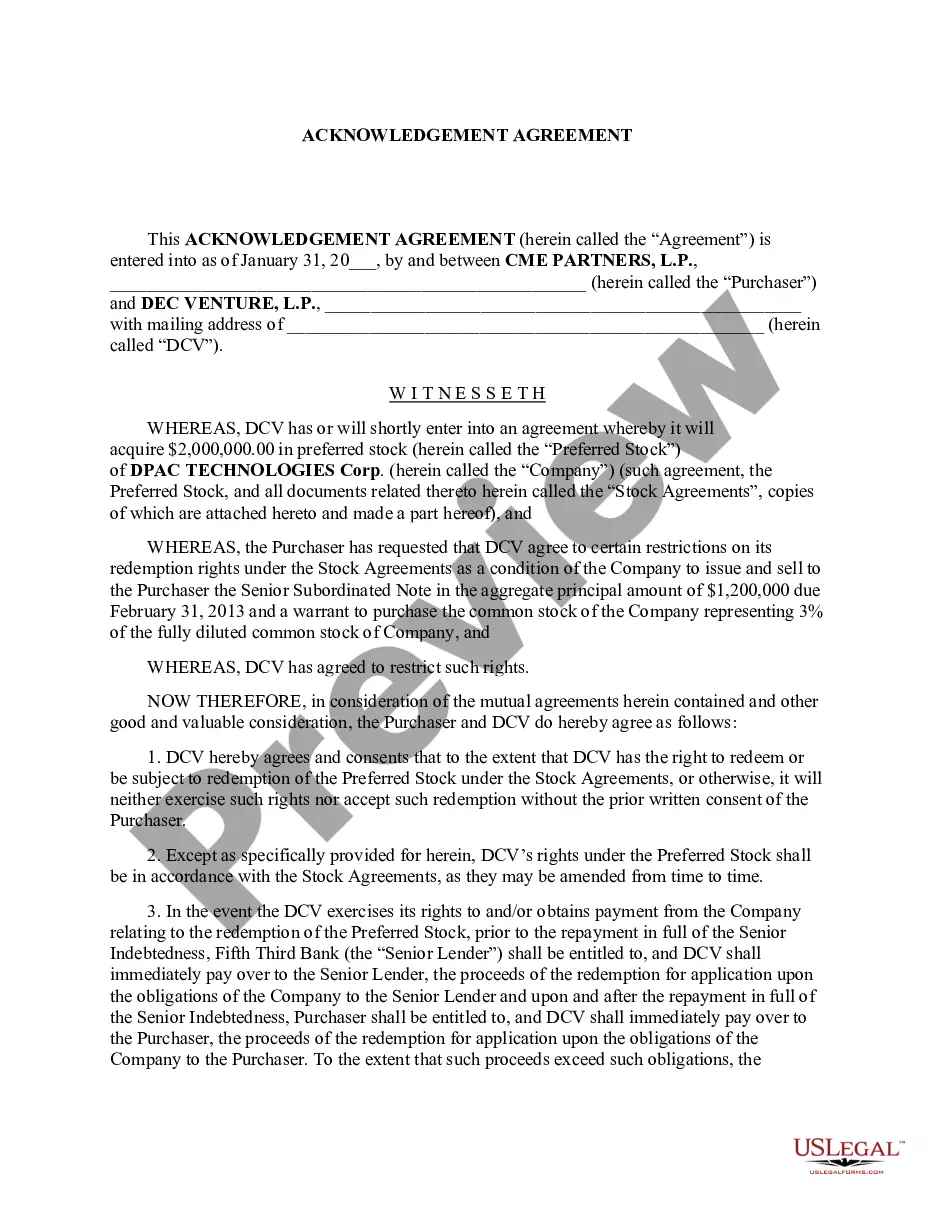
When to use this form
This form is commonly used when you need to verify a person's identity and the authenticity of their signature under oath. Situations may include submitting legal documents in court, filing affidavits, or completing certain applications requiring sworn statements, such as loan applications or property transactions.
Who this form is for
- Individuals submitting sworn statements for legal purposes.
- Witnesses providing testimony in legal proceedings.
- Those required to file documents that must be notarized.
- Anyone needing to validate the authenticity of documents under oath.
How to prepare this document
- Enter the name of the individual swearing the statement.
- List the title of the document being acknowledged.
- Provide the date of the acknowledgment.
- Include the notary public's name and signature.
- Affix the notarial seal if required.
- Write in the expiration date of the notary's commission, if necessary.
Does this form need to be notarized?
To make this form legally binding, it must be notarized. Our online notarization service, powered by Notarize, lets you verify and sign documents remotely through an encrypted video session.
Get your form ready online
Our built-in tools help you complete, sign, share, and store your documents in one place.
Make edits, fill in missing information, and update formatting in US Legal Forms—just like you would in MS Word.
Download a copy, print it, send it by email, or mail it via USPS—whatever works best for your next step.
Sign and collect signatures with our SignNow integration. Send to multiple recipients, set reminders, and more. Go Premium to unlock E-Sign.
If this form requires notarization, complete it online through a secure video call—no need to meet a notary in person or wait for an appointment.
We protect your documents and personal data by following strict security and privacy standards.

Make edits, fill in missing information, and update formatting in US Legal Forms—just like you would in MS Word.

Download a copy, print it, send it by email, or mail it via USPS—whatever works best for your next step.

Sign and collect signatures with our SignNow integration. Send to multiple recipients, set reminders, and more. Go Premium to unlock E-Sign.

If this form requires notarization, complete it online through a secure video call—no need to meet a notary in person or wait for an appointment.

We protect your documents and personal data by following strict security and privacy standards.
Mistakes to watch out for
- Forgetting to sign the form or have it witnessed.
- Not including the date of acknowledgment.
- Omitting required seal or signature from the notary public.
- Failing to enter the expiration date of the notary's commission.
Why use this form online
- Easy access to professionally drafted legal templates.
- Immediate download for quick use and convenience.
- Editability allows for customization based on specific needs.
- Secured information through verified and trusted sources.
Looking for another form?


Form popularity
FAQ
If a document doesn't have a notarial acknowledgment, it can lead to questions about its authenticity and validity. An acknowledgment is crucial, as it confirms that the signer comprehended and agreed to the document's contents. For clarity and compliance, consider using a trusted resource like uslegalforms to ensure your Connecticut jurat acknowledgment is completed correctly.
For a notarized document to be valid, it must be properly signed in the presence of a notary, who must then provide their signature and seal. Additionally, the notary must complete a notarial certificate, such as a Connecticut jurat acknowledgment, certifying that the signer swore or affirmed the document's contents. Failure to meet any of these criteria can compromise the document's validity.
A notarized document becomes invalid if it lacks crucial elements like the notary's signature, date, or seal. Additionally, if the signer was not present during the notarization or if the notary fails to verify the signer's identity, the document may be considered void. Therefore, obtaining a proper Connecticut jurat acknowledgment safeguards the document's validity.
The primary difference lies in the purpose; a jurat certifies that the signer swore to the truthfulness of the document, while an acknowledgment confirms the signer's identity and intent to sign. Both processes require the presence of a notary, but they serve distinct functions in ensuring legal integrity. Understanding this difference is crucial for anyone seeking a Connecticut jurat acknowledgment.
No, in Connecticut, a document cannot be notarized without an acknowledgment. The acknowledgment verifies that the signer has willingly provided their signature and understands the document's contents. Without this step, the Connecticut jurat acknowledgment is incomplete and may be deemed invalid.
One significant mistake that a notary often makes is failing to properly complete the notarial certificate. This oversight can include not dating the document or not including their official seal. In Connecticut, notaries must ensure every aspect of the jurat acknowledgment is correct to maintain its legal validity.
The wording of a jurat attests that the signer appeared before the notary and swore or affirmed the truth of the contents of a document. A common format includes a preamble that states, 'Subscribed and sworn to before me,' followed by the notary's signature and seal. This statement is essential in a Connecticut jurat acknowledgment to validate the signing process.
A Connecticut notary cannot certify the copy of a passport. However, they can perform a jurat for individuals who are presenting their passport as identification when signing a document. The notary confirms the identity of the signer but cannot certify copies of identification documents.
Filling out a notary acknowledgement form is a straightforward process. Start by entering the date of the acknowledgment and the name of the signer. Next, you will provide the notary's details, including their signature and seal, to authenticate the Connecticut Jurat Acknowledgment. To simplify the process, consider using platforms like US Legal Forms, where you can find templates and guidance tailored to your needs, ensuring every step is correctly completed.
A signed acknowledgement is a formal declaration that confirms the identity of the signer and their willingness to sign a document. For instance, in a Connecticut Jurat Acknowledgment, the notary would sign and seal the document after verifying the identity of the signer. This process provides legal assurance that the document is valid and that the signer is acting voluntarily. Understanding examples like these helps you appreciate the importance of proper acknowledgments in legal documentation.