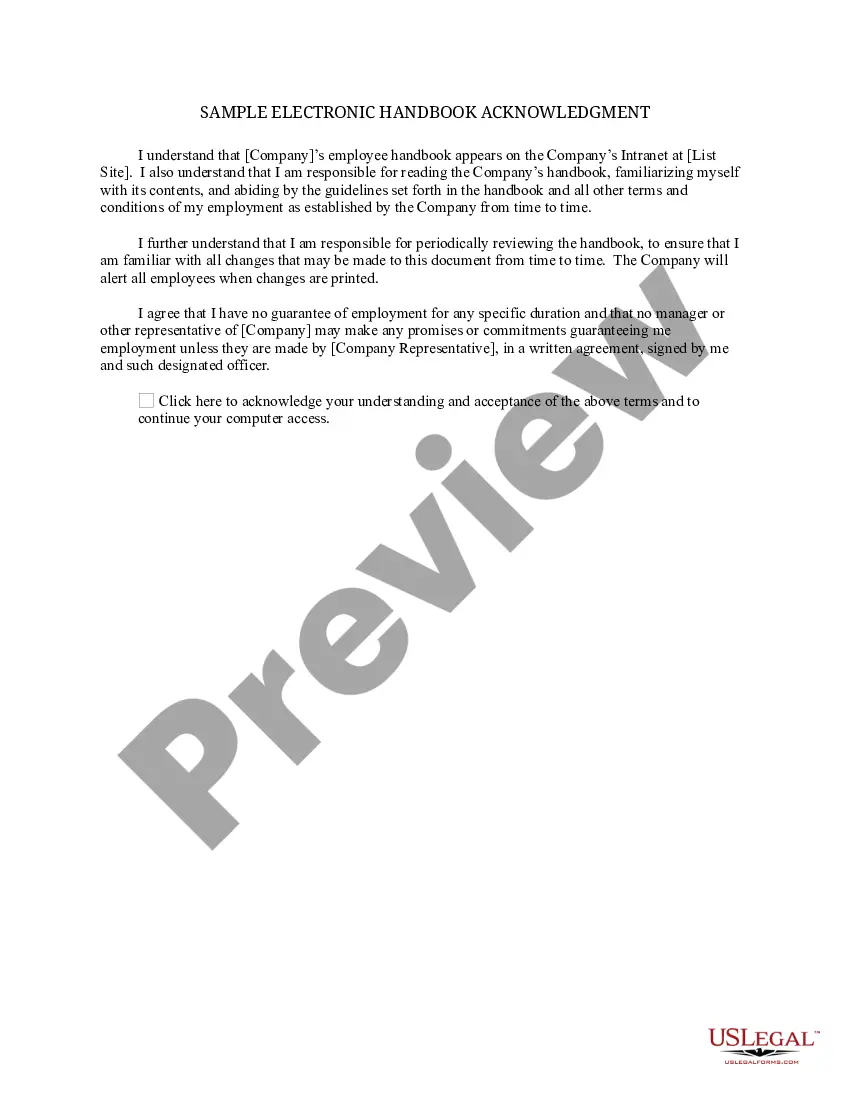
Sample Electronic Handbook Acknowledgment
What is this form?
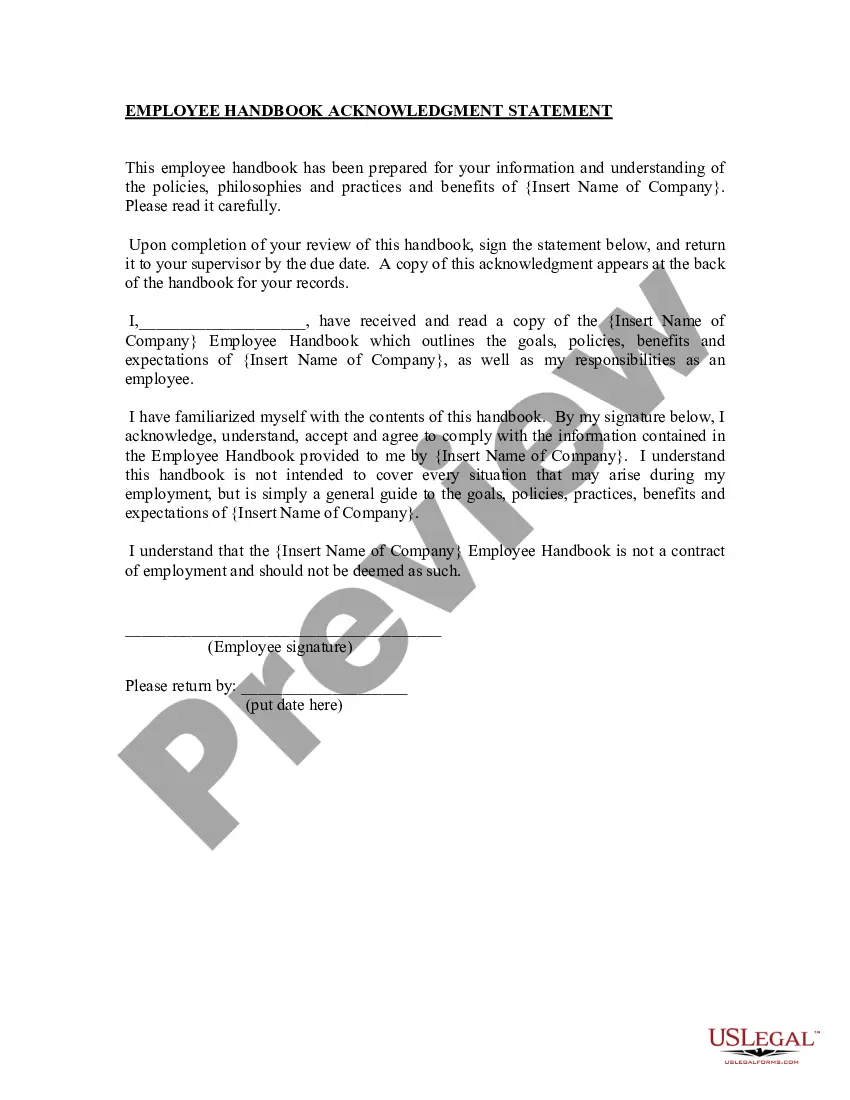
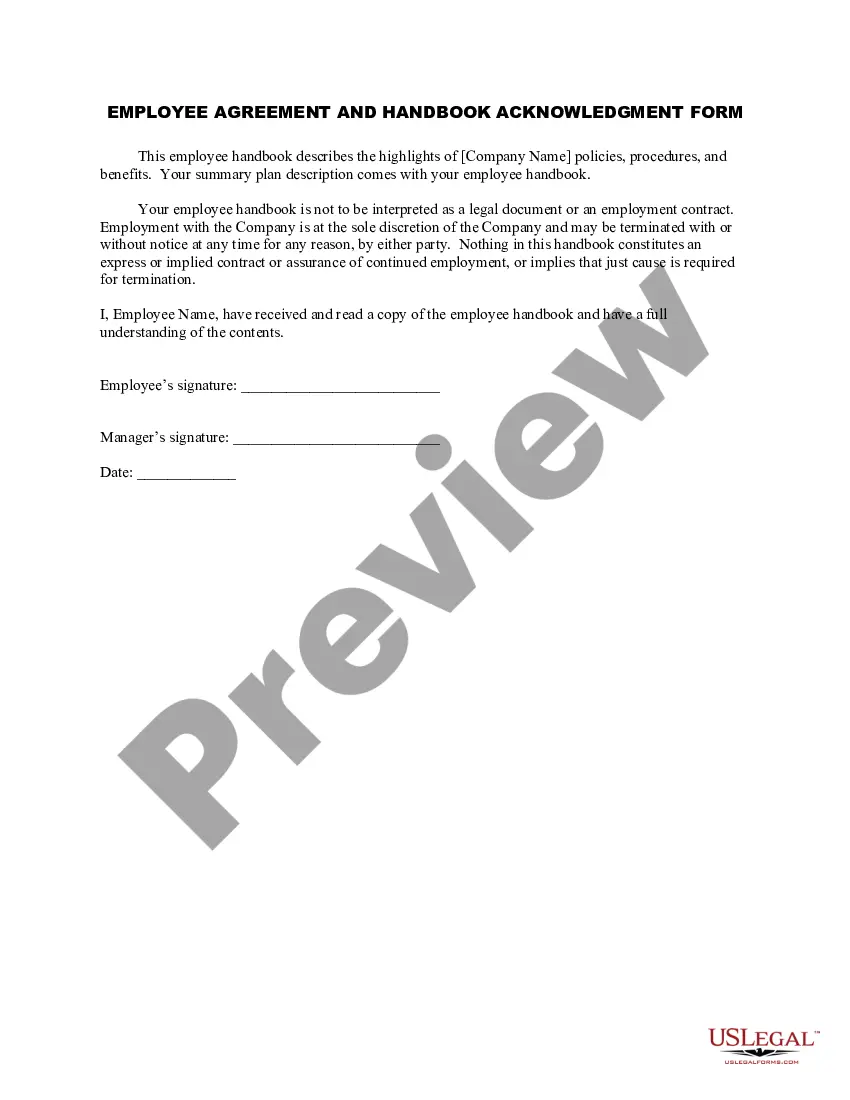
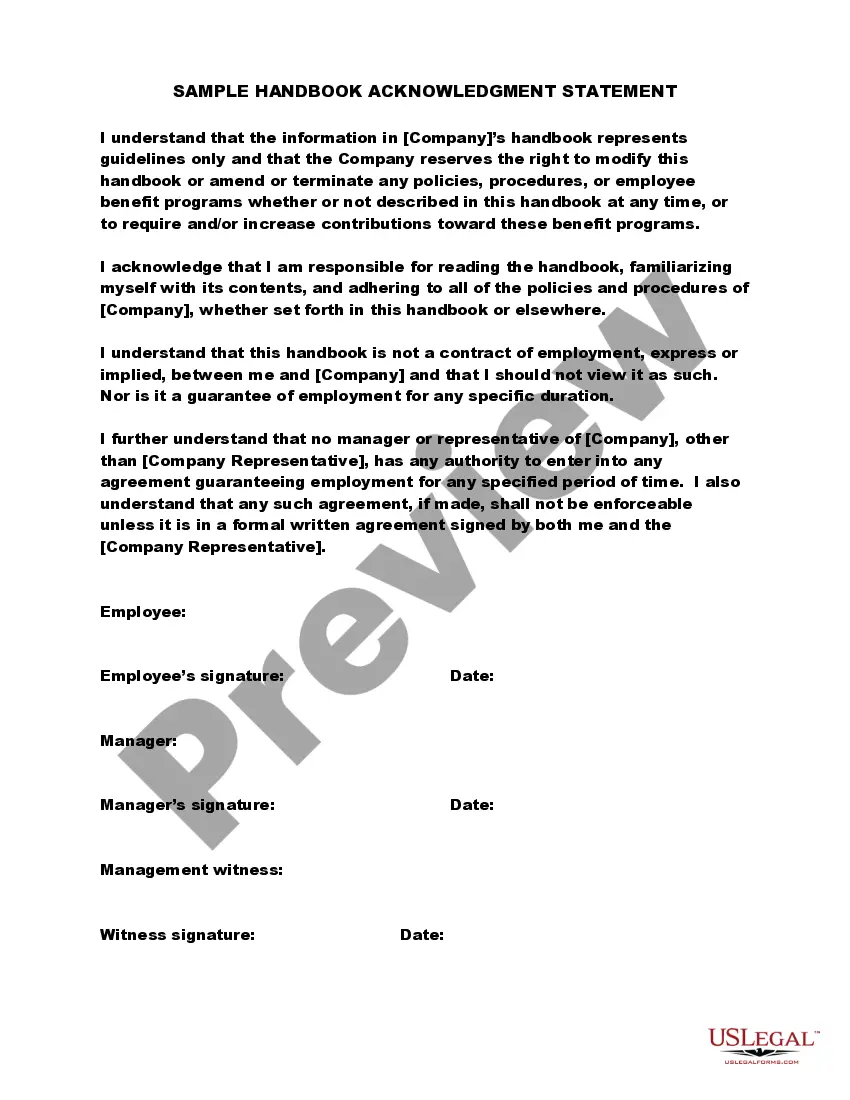
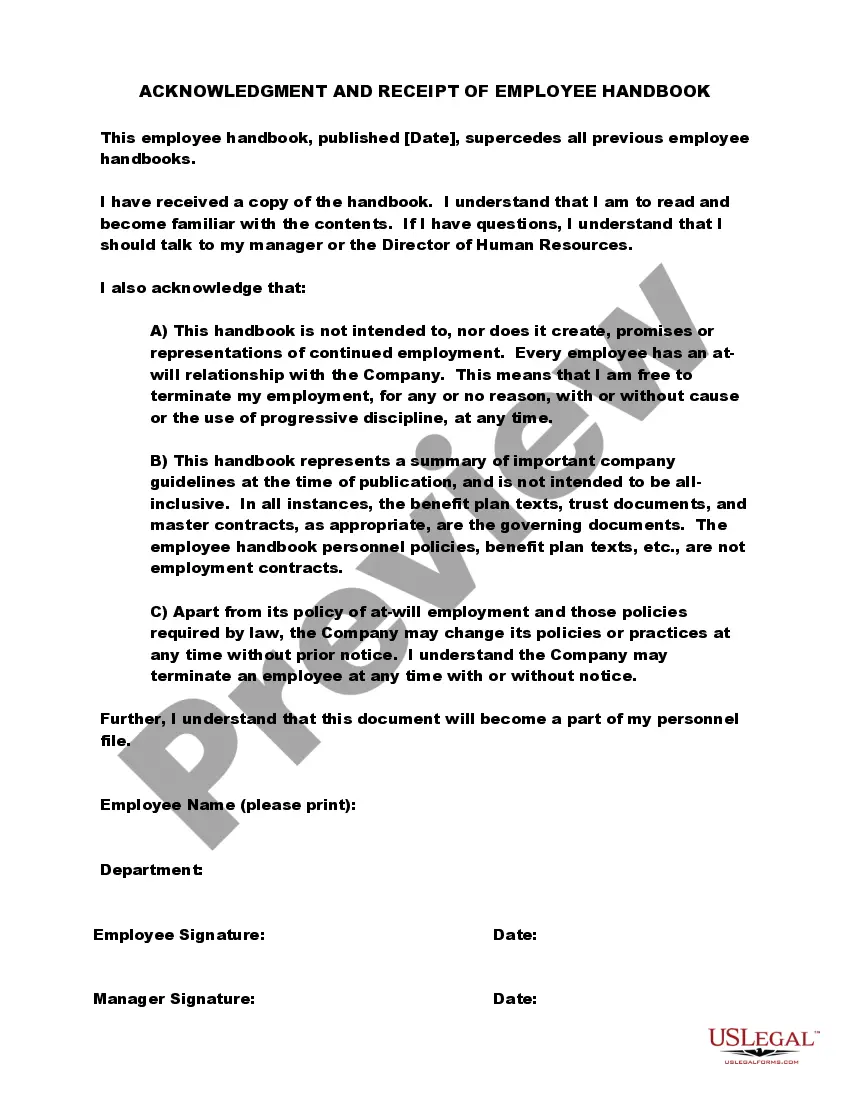
The Sample Electronic Handbook Acknowledgment is a vital document that confirms an employee's understanding of and commitment to the company's employee handbook. This form highlights the employee's responsibility to read the handbook thoroughly and regularly check for updates. Unlike other acknowledgment forms, this sample specifically addresses electronic formats, ensuring that employees acknowledge digital versions of company policies and guidelines.
Form components explained
- Section confirming the understanding of the electronic handbook's content.
- Statement on the responsibility to abide by guidelines outlined in the handbook.
- Clause emphasizing the obligation to periodically review the handbook for updates.
- Acknowledgment of no guarantee of employment duration.
- Signature section for employee agreement and understanding.
Common use cases
This form should be used when a company transitions to an electronic employee handbook or when employees are required to acknowledge receipt and understanding of a digital handbook. It is essential whenever new employees join an organization, or when existing employees need to confirm their commitment to updated policies and guidelines.
Who should use this form
- Employers needing to establish clear acknowledgment of their employee handbook.
- HR departments implementing electronic handbooks for employees.
- Employees who are required to acknowledge receipt and understanding of their company's policies.
How to complete this form
- Identify the parties by entering the company's name and the employee's name.
- Read through the statements regarding responsibility and understanding of the handbook.
- Sign and date the acknowledgment section to confirm your understanding of the handbook.
- Keep a copy for personal records and submit the completed form to HR.
Notarization requirements for this form
This form usually doesn’t need to be notarized. However, local laws or specific transactions may require it. Our online notarization service, powered by Notarize, lets you complete it remotely through a secure video session, available 24/7.
Get your form ready online
Our built-in tools help you complete, sign, share, and store your documents in one place.
Make edits, fill in missing information, and update formatting in US Legal Forms—just like you would in MS Word.
Download a copy, print it, send it by email, or mail it via USPS—whatever works best for your next step.
Sign and collect signatures with our SignNow integration. Send to multiple recipients, set reminders, and more. Go Premium to unlock E-Sign.
If this form requires notarization, complete it online through a secure video call—no need to meet a notary in person or wait for an appointment.
We protect your documents and personal data by following strict security and privacy standards.

Make edits, fill in missing information, and update formatting in US Legal Forms—just like you would in MS Word.

Download a copy, print it, send it by email, or mail it via USPS—whatever works best for your next step.

Sign and collect signatures with our SignNow integration. Send to multiple recipients, set reminders, and more. Go Premium to unlock E-Sign.

If this form requires notarization, complete it online through a secure video call—no need to meet a notary in person or wait for an appointment.

We protect your documents and personal data by following strict security and privacy standards.
Mistakes to watch out for
- Failing to read the entire handbook before signing the acknowledgment.
- Not providing a signature or date on the form.
- Overlooking periodic reviews of the handbook as required by the form.
- Assuming that acknowledging the electronic handbook guarantees job security.
Why use this form online
- Convenience of accessing the form anytime and anywhere.
- Editability allows companies to customize the form to fit their needs.
- Reliable documentation of employee compliance and acknowledgment.
- Easy storage and retrieval of completed forms in digital formats.
Legal use & context
- Ensures compliance with employment laws regarding employee communications.
- Acts as a legal record that employees have been made aware of company policies.
- Supports the enforceability of handbook policies as employees affirm their understanding.
Quick recap
- The Sample Electronic Handbook Acknowledgment ensures employees understand their responsibilities regarding the company handbook.
- It is essential for documenting employee acknowledgment in companies with electronic handbooks.
- Employers can use this form to maintain compliance and ensure employees are informed of policy changes.
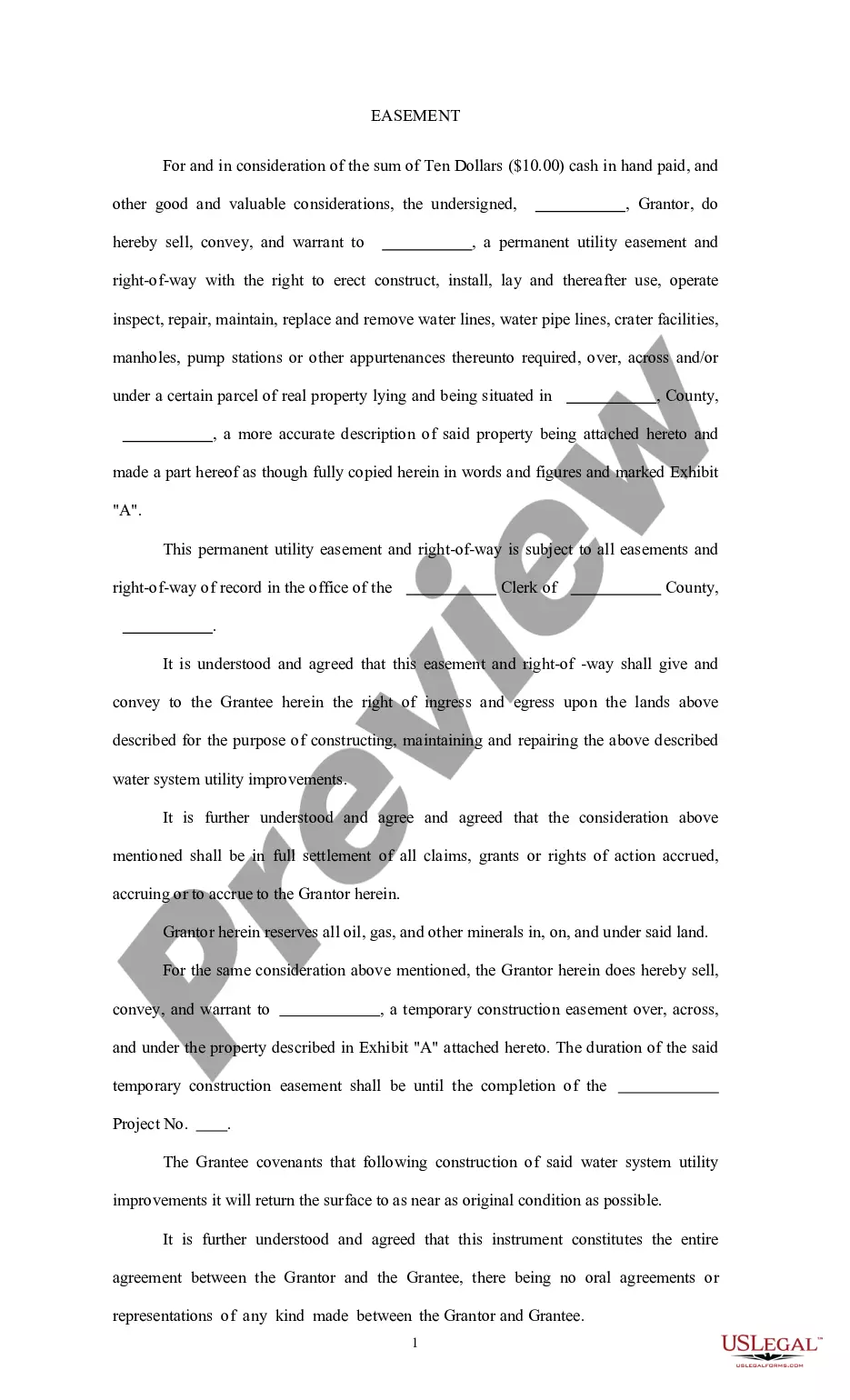
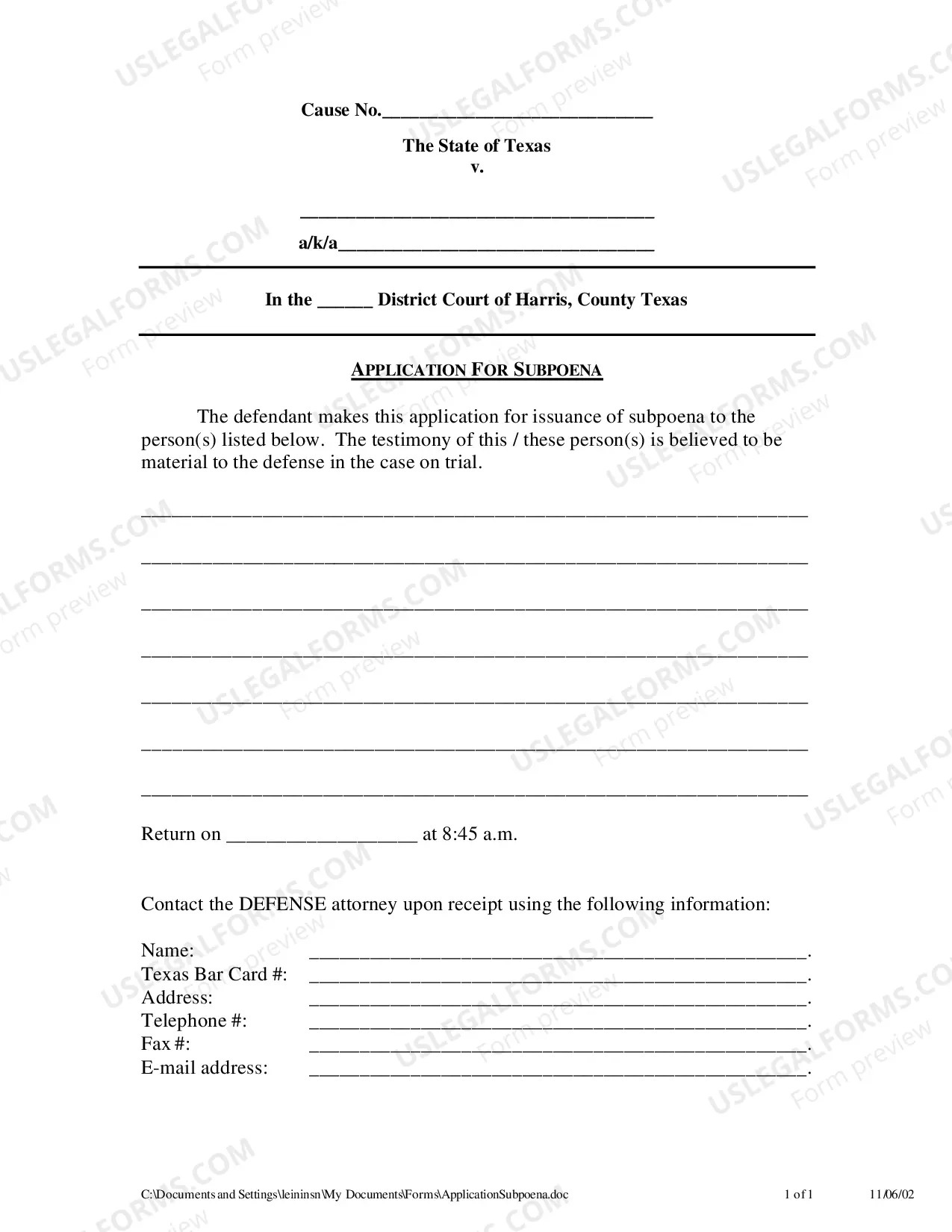
Looking for another form?
Form popularity
FAQ
I would like to express my special thanks of gratitude to my teacher (Name of the teacher) as well as our principal (Name of the principal)who gave me the golden opportunity to do this wonderful project on the topic (Write the topic name), which also helped me in doing a lot of Research and i came to know about so many
Please confirm upon receipt is the correct sentence. This sentence is asking the recipient to tell the person who sent the item to confirm or tell them that they have received the item. Means: kindly, acknowledge receipt of this email or Please confirm receipt.
We hereby acknowledge the receipt of: I hereby acknowledge the receipt of the following documents: I am writing to confirm that the product/documents have been received.
Usually, the sender simply wants to know that you have seen the email and expects a simple acknowledgement from you. This kind of emails may end with, Please acknowledge receipt of this message, Kindly acknowledge receipt of this email or Please acknowledge receipt of this email.
Use a company letterhead. Use electronic or paper letterhead. Write acknowledgment statement. Referring to the document by name, version number if applicable and state that the recipient has received the document. Sign and date. Explain the next step. Provide contact information.
Get a signature It's a smart idea to have employees sign a statement acknowledging they have received and read your company policies. Although you're not legally obligated to obtain signatures, doing so provides proof you informed employees of your company policies (including those requiring notification by law).
Often the best way to indicate that you have understood is to summarize in one sentence what your understanding will lead you to do next. e.g., "I understand. I will get back to you with the revisions you requested by Monday."
I hereby acknowledge the receipt of the following documents... I am acknowledging receipt of... We will make sure that the person responsible receives these materials immediately upon returning to the office.
Start by addressing the party you are requiring to have read your policies, explain which document they are acknowledging, share your expectations regarding the implementation of the policies, and include an area for a signature.