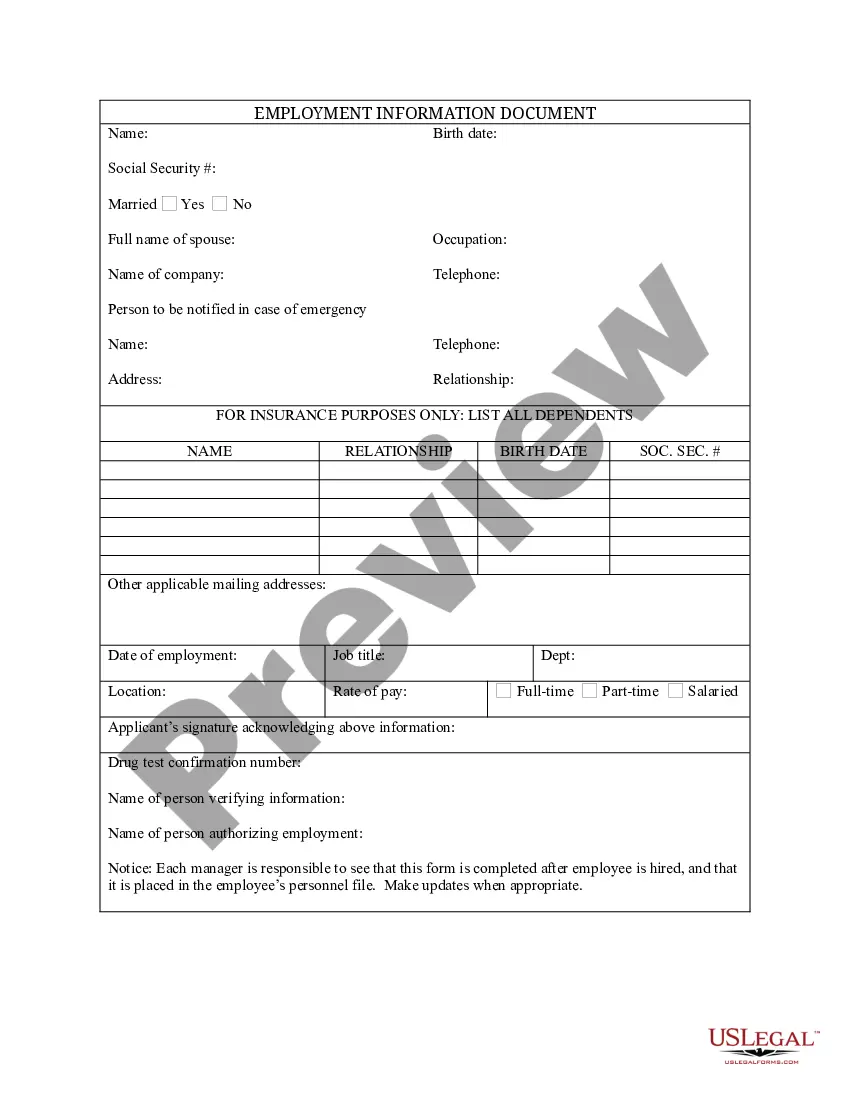
Colorado Employment Information Document with Insurance Information
Description














How to fill out Employment Information Document With Insurance Information?
Have you ever been in a situation where you require documentation for either professional or personal reasons nearly every day? There are numerous trustworthy document formats available online, but finding ones you can rely on is not straightforward. US Legal Forms offers a vast selection of form templates, including the Colorado Employment Information Document with Insurance Information, which can be tailored to meet state and federal regulations.
If you are already familiar with the US Legal Forms website and possess an account, simply Log In. Then, you can download the Colorado Employment Information Document with Insurance Information template.
If you do not have an account and wish to start using US Legal Forms, follow these steps.
- Obtain the form you need and ensure it corresponds to your correct area/region.
- Utilize the Review button to evaluate the form.
- Read the description to confirm that you have selected the proper form.
- If the form is not what you are looking for, use the Lookup field to find the form that fits your needs and requirements.
- Once you locate the appropriate form, click Buy now.
- Select the pricing plan you prefer, complete the necessary information to create your account, and process the payment using your PayPal or Visa or Mastercard.
- Choose a suitable file format and download your copy.
Form popularity
FAQ
Before you file a claim, gather your income-related information, such as pay stubs. Be prepared to provide information about work you have performed since January 2019, including the name and address of the business, dates you worked, and rate of pay. When you are ready to file a claim, go to MyUI+.
While non-profits and other not-for-profit organizations may be exempt from the Federal Unemployment Tax Act (FUTA), 501(c)3 organizations in Colorado may still be liable for the state unemployment insurance (UI) tax premiums once they have employed 4 or more workers during 20 different weeks of a calendar year.
If your small business has employees working in Colorado, you'll need to pay Colorado unemployment insurance (UI) tax. The UI tax funds unemployment compensation programs for eligible employees. In Colorado, state UI tax is just one of several taxes that employers must pay.
Where to Submit Your ID?Log on to your account.Click on Go to My InboxClick on 'Compose New'Choose the subject Submit Documents and detailed subject Submit Identity Documents
Colorado New Employer UI Rates for 2021:Non-construction: 1.7% General Construction: 2.07% Heavy Construction: 7.74% Trades: 2.91%
OnlineScan and save your document(s) as a pdf.Log in to your UI Online account.From your UI Online homepage, go to View and maintain account information.Click on Monetary and issue summary.Click the issue you are responding to.Select Upload.Click on the Browse button and select the file you wish to upload.More items...
You can upload documents by going to , click on the button File for PUA, then enter your user name and password. On your dashboard, go to the Unemployment Services box, click on the link Provide Additional Documentation, and select the Upload a Document or Scan a Document button.
OnlineScan and save your document(s) as a pdf.Log in to your UI Online account.From your UI Online homepage, go to View and maintain account information.Click on Monetary and issue summary.Click the issue you are responding to.Select Upload.Click on the Browse button and select the file you wish to upload.More items...
Insurance RequirementsColorado employers are required to carry workers' compensation insurance if they have one or more employees. This applies to all employers, regardless of whether the employees are part-time, full-time, or family members.
The payment of unemployment benefits is funded through employer premiums. Employers are required to pay premiums through a quarterly premium-report and wage-report process.