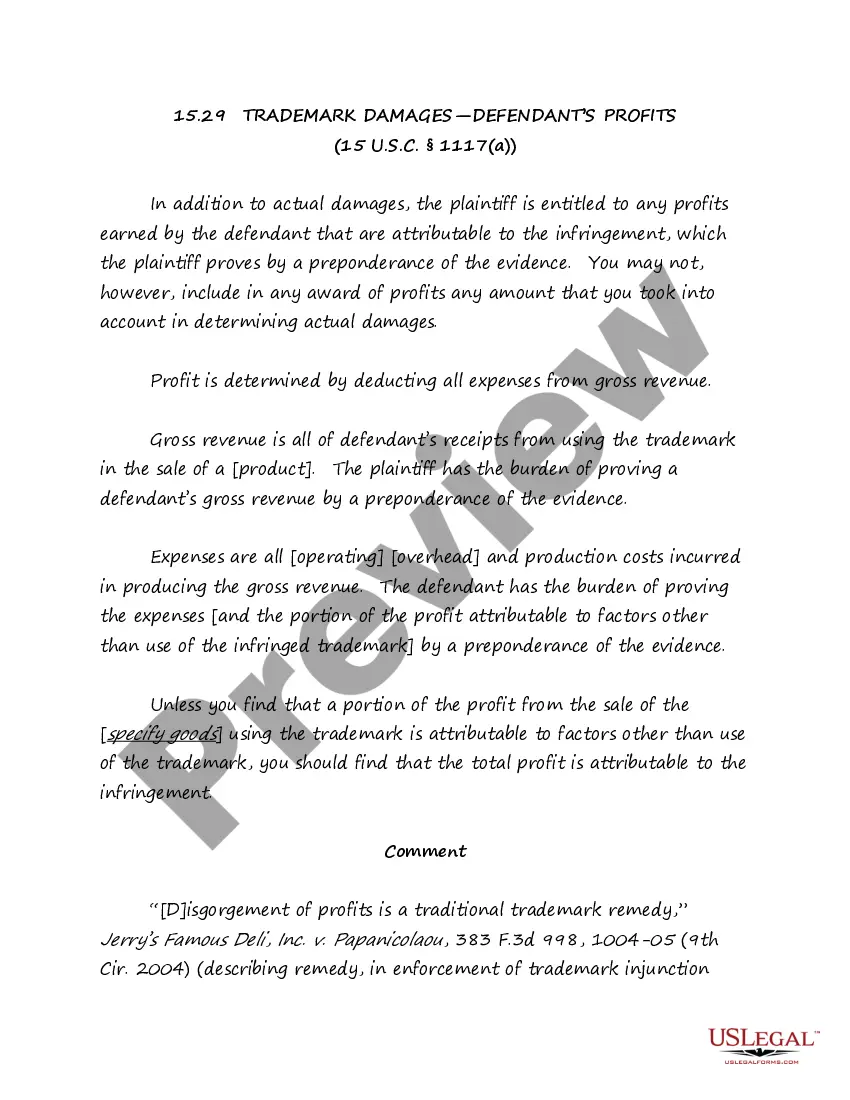
California Worksheet - Telecommuting

State:
Multi-State
Control #:
US-04022BG
Format:
Word; 
Rich Text
Instant download

Description

Telecommuting is a cooperative agreement between an employee and the State involving work that an employee performs on a routine basis, independent of others, and can be accomplished by the employee outside of the office environment. Anticipated benefits may include:


" Trip Reduction;

" Energy Conservation;

" Better Employee Morale;

" Increased Productivity; and

" Increased Employee Retention.


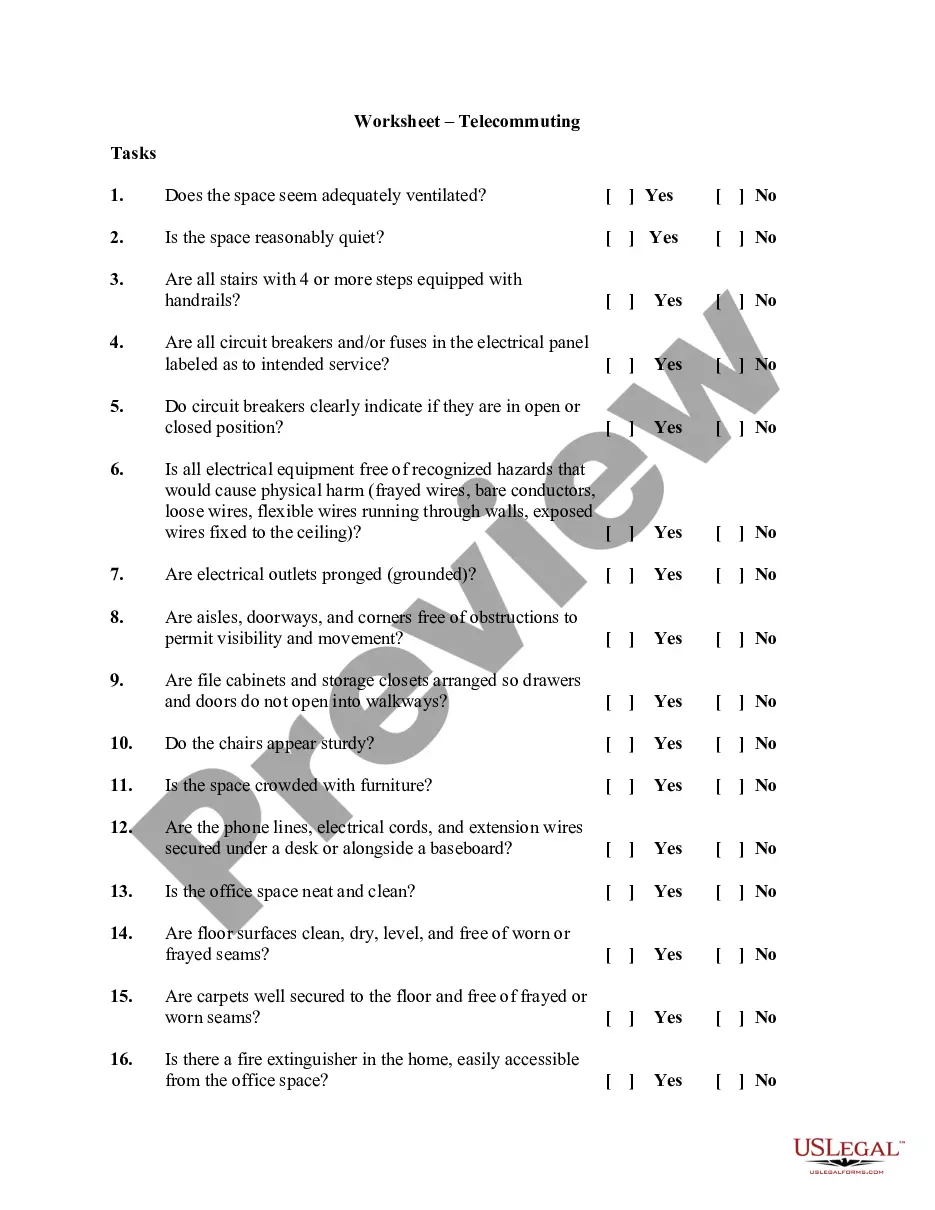
This worksheet should be completed before setting up your employees' office space. The success of the telecommuting arrangement depends on the assessment of the work space and the ability of the employees to successfully complete the required work in this environment.
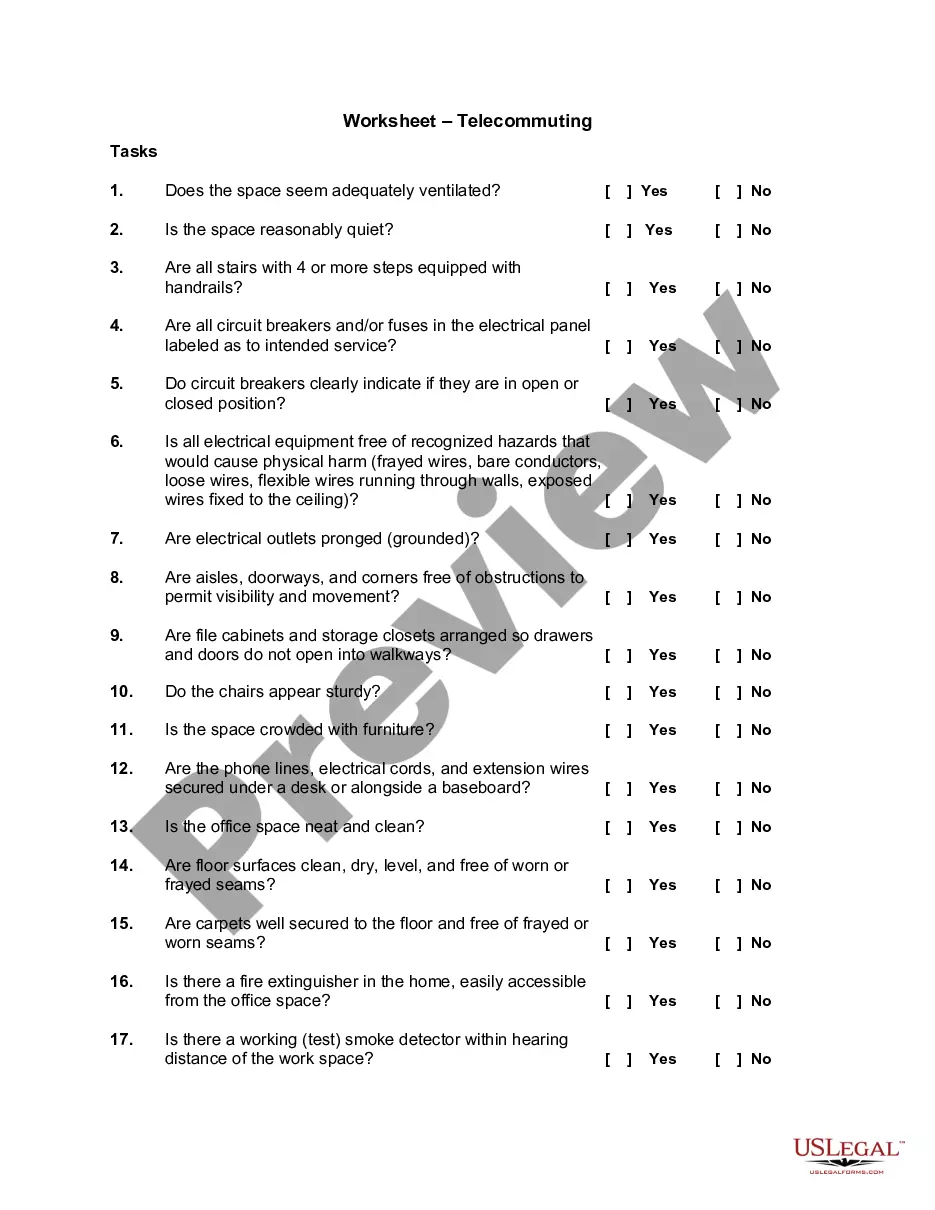
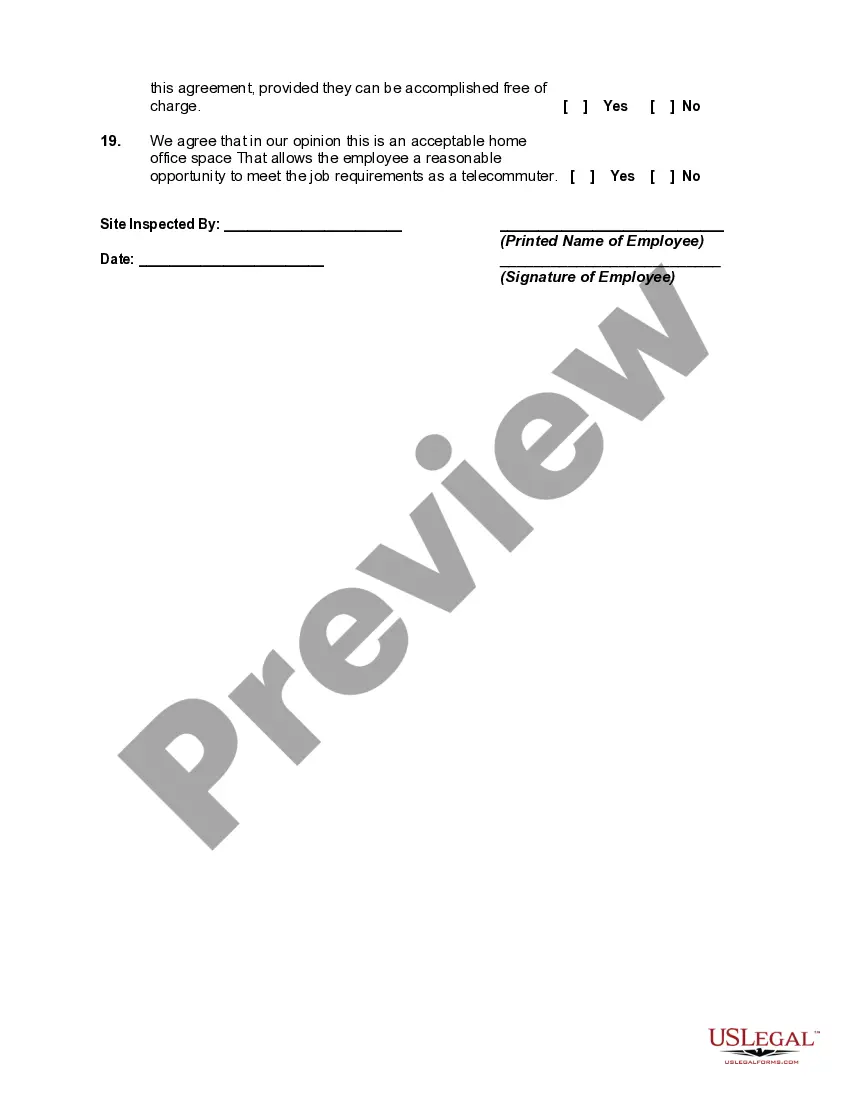
Free preview
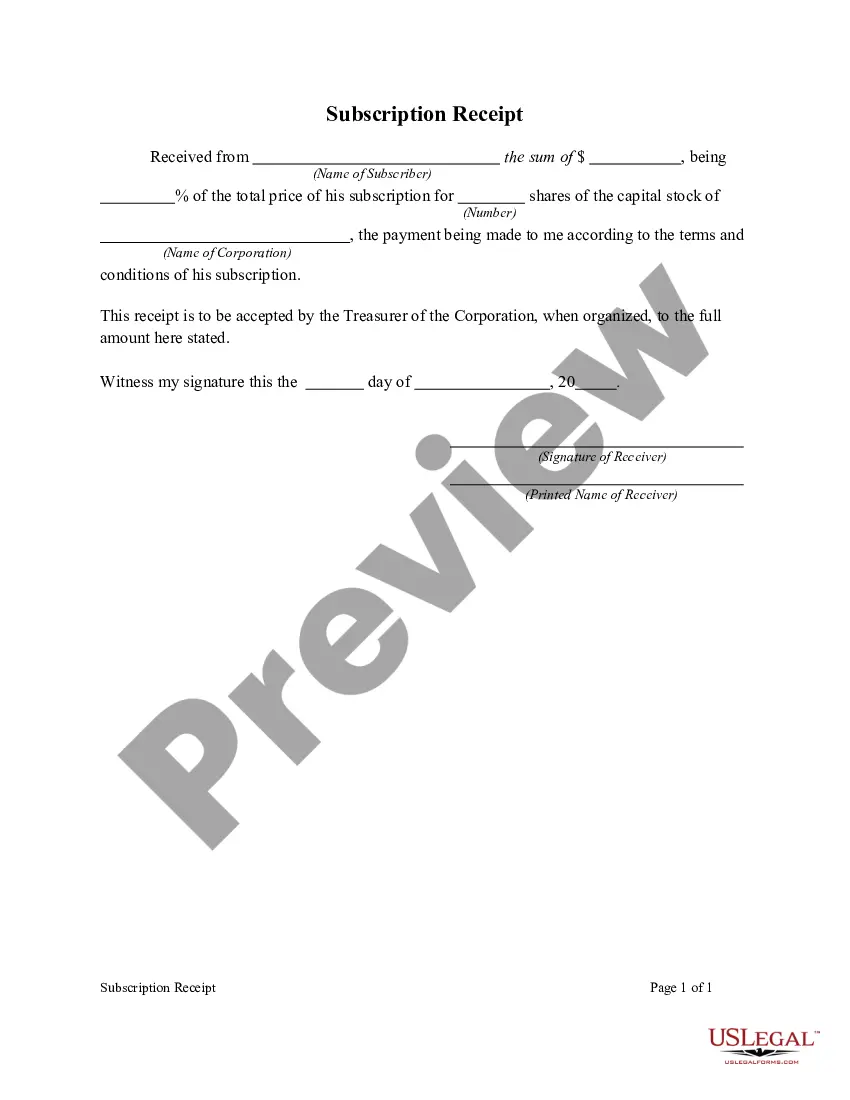
  • Preview Worksheet - Telecommuting
  • Preview Worksheet - Telecommuting

How to fill out Worksheet - Telecommuting?

If you want to complete, download, or create official document templates, utilize US Legal Forms, the largest collection of legal forms available online.

Take advantage of the website's simple and user-friendly search feature to find the documents you need.

A variety of templates for business and personal purposes are organized by categories and states, or keywords.

Step 4. After you have found the form you need, click the Purchase now button. Choose your preferred pricing plan and enter your credentials to register for an account.

Step 5. Complete the transaction. You can use your credit card or PayPal account to finalize the purchase.

  1. Utilize US Legal Forms to easily obtain the California Worksheet - Telecommuting.
  2. If you are already a US Legal Forms user, Log In to your account and click the Download option to access the California Worksheet - Telecommuting.
  3. You can also access forms you have previously purchased in the My documents section of your account.
  4. If you are using US Legal Forms for the first time, follow the instructions below.
  5. Step 1. Make sure you have selected the form for the correct region/state.
  6. Step 2. Use the Preview option to review the content of the form. Don't forget to read the description.
  7. Step 3. If you are not satisfied with the form, use the Search box at the top of the page to look for alternative versions of the legal form template.

Form popularity

FAQ

The 50-mile rule for telework generally refers to the distance employees must reside from their workplace to qualify for certain benefits, including the California Worksheet - Telecommuting. This rule can impact eligibility for telework arrangements and related stipends, ensuring that employees live within a reasonable commuting distance. It is important to verify these details with your HR department for personalized guidance. To help, uslegalforms provides valuable information and forms that clarify these policies.

The remote work stipend amount can differ based on organizational policies and is intended to support employees working from home. Typically, it includes reimbursements for home office expenses, utilities, and internet access relevant to the California Worksheet - Telecommuting. You should refer to your employer’s specific guidelines for the most accurate information. If you need assistance, uslegalforms has various templates to help you request or clarify stipend details.

In California, employers generally cannot refuse to reimburse necessary expenses incurred by employees during remote work. The law mandates that employers must cover costs if they are directly related to job duties. If you face issues obtaining reimbursements, the California Worksheet - Telecommuting can provide insight on your rights and the formal processes you might pursue.

Claiming 1 reduces the amount of taxes that are withheld from weekly paychecks, so you get more money now with a smaller refund. Claiming 0 allowances may be a better option if you'd rather receive a larger lump sum of money in the form of your tax refund.

As a nonresident, you pay tax on your taxable income from California sources. Sourced income includes, but is not limited to: Services performed in California. Rent from real property located in California.

You are ultimately taxed on all income as a resident, and California-sourced income as a part-year resident or nonresident. Any state you move to, even temporarily, may have an income tax requirement for anyone working in their state. This can lead to being taxed by both your new state of residence and California.

Here's a step-by-step look at how to complete the form.Step 1: Provide Your Information. Provide your name, address, filing status, and Social Security number.Step 2: Indicate Multiple Jobs or a Working Spouse.Step 3: Add Dependents.Step 4: Add Other Adjustments.Step 5: Sign and Date Form W-4.

In general, if you're working remotely you'll only have to file and pay income taxes in the state where you live. However, in some cases, you may be required to file tax returns in two different states. This depends on your particular situation, the company you work for, and the tax laws of the states involved.

THE REMOTE-WORK TAX RULE The rule is, if a nonresident receives W-2 wages for work performed out of state, even if it's from a California employer, the income is not subject to California income taxes.

Tips. While claiming one allowance on your W-4 means your employer will take less money out of your paycheck for federal taxes, it does not impact how much taxes you'll actually owe. Depending on your income and any deductions or credits that apply to you, you may receive a tax refund or have to pay a difference.

Trusted and secure by over 3 million people of the world’s leading companies

California Worksheet - Telecommuting