California Telecommuting Agreement

State:
Multi-State
Control #:
US-0454BG
Format:
Word; 
Rich Text
Instant download

Description

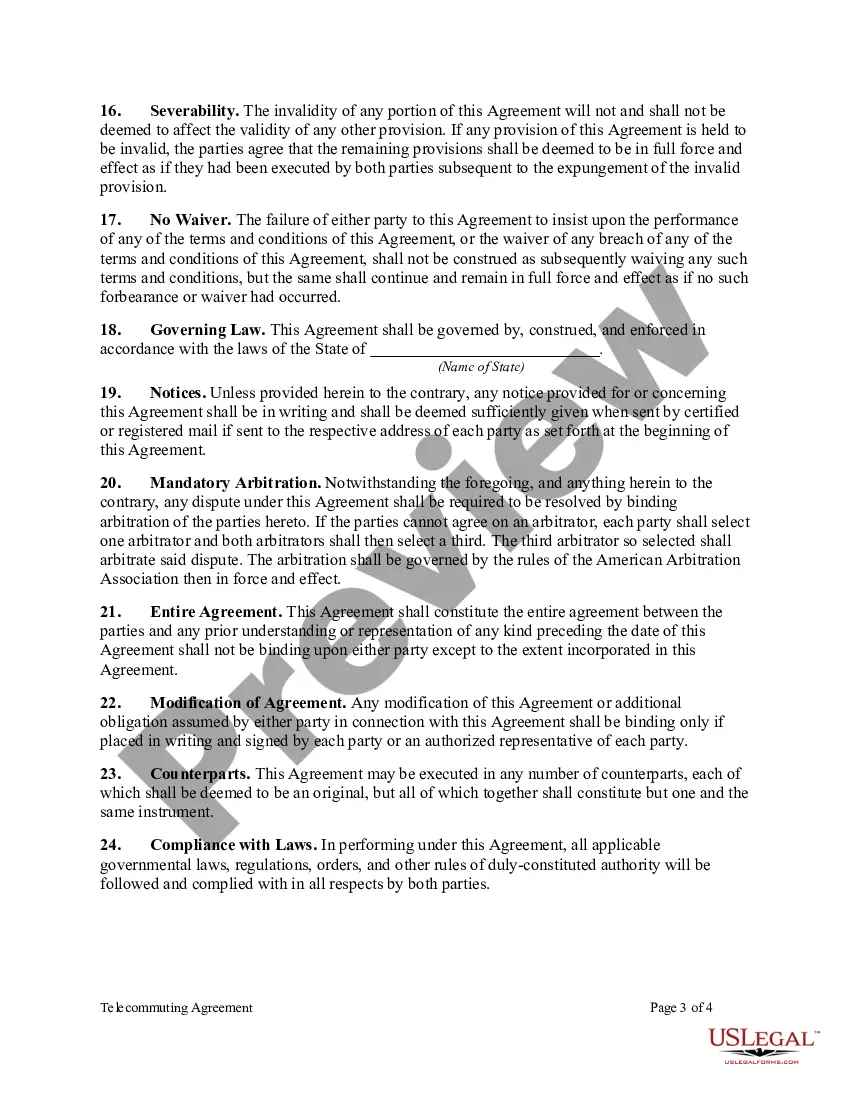
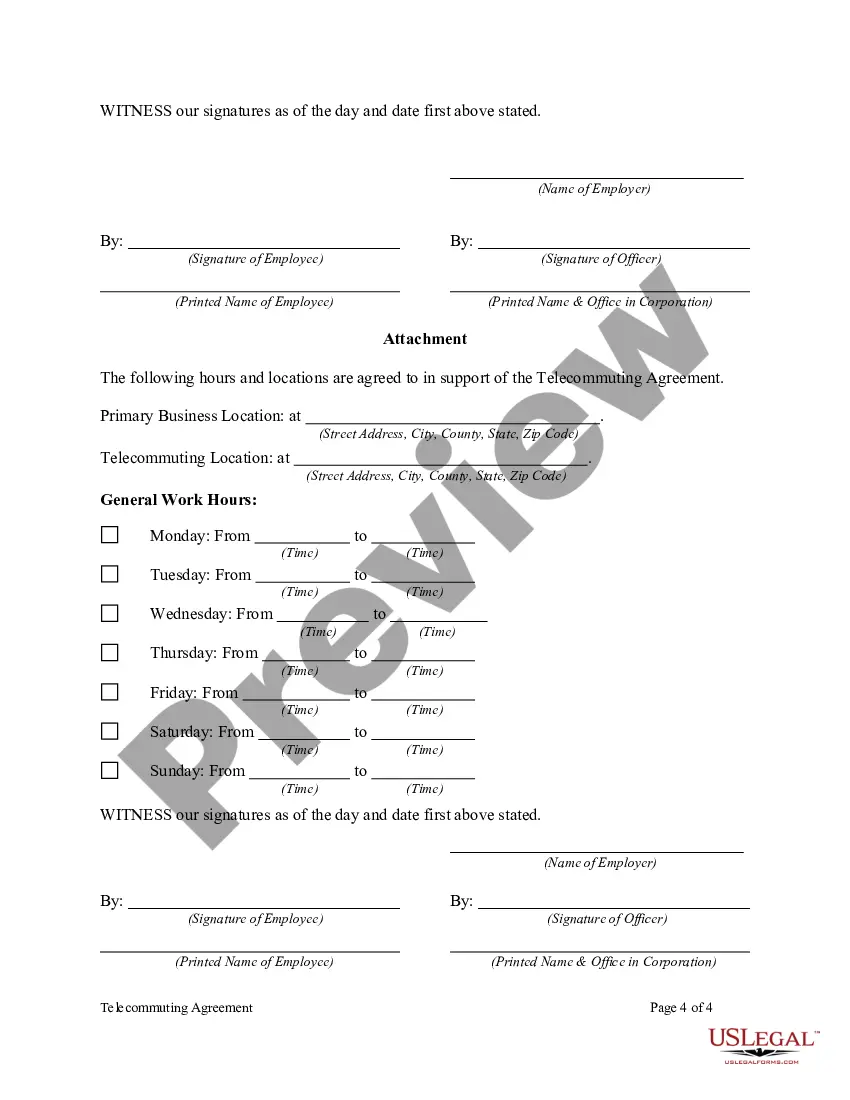
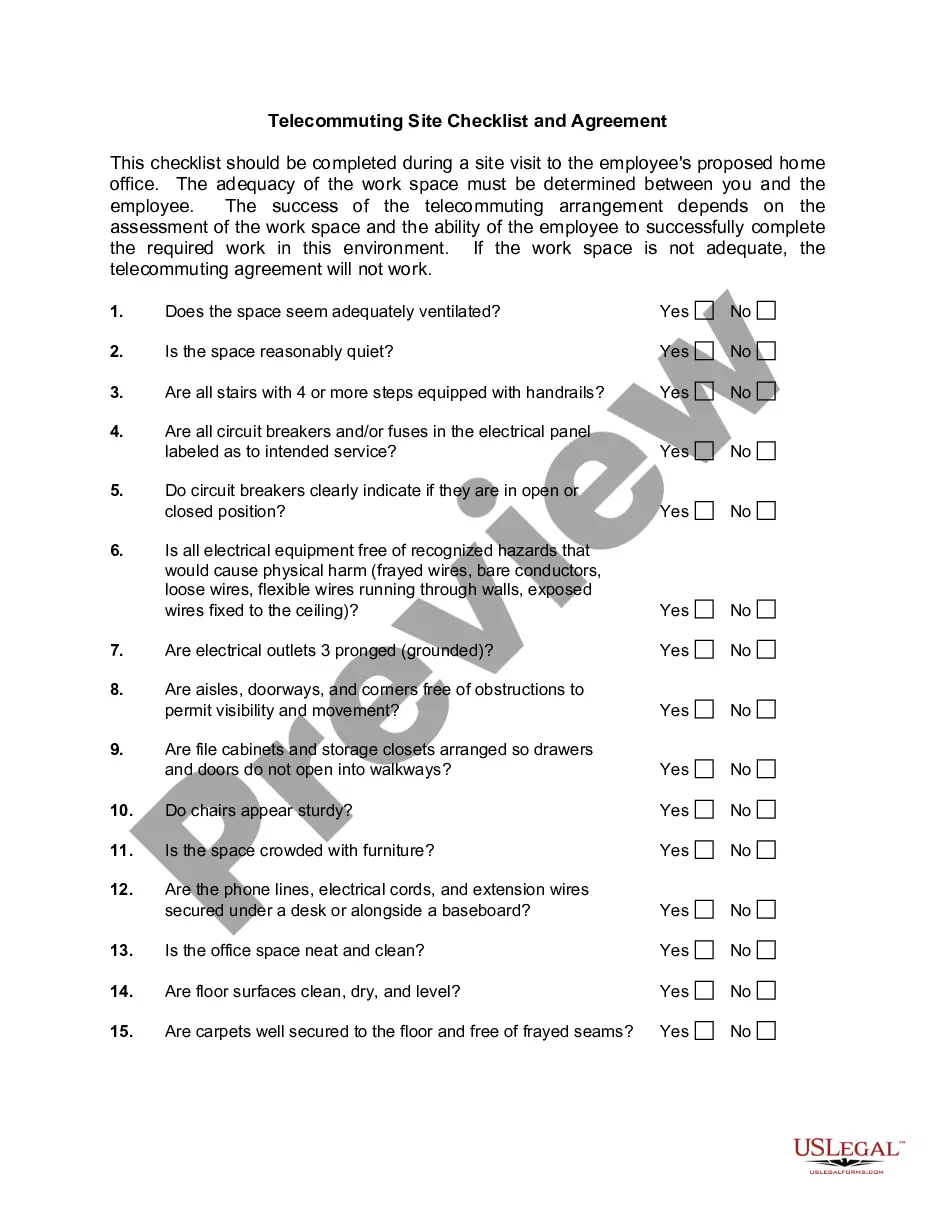
Telecommuting is working from a remote location outside of a traditional office. The remote location can be from home, a coffee shop, or hotel room. The Internet, faxes, phones, webcams, and instant messaging are some of the technological advances that enable this type of work arrangement. Most telecommuters work in the financial, high-tech, and communications industries.


This form is a generic example that may be referred to when preparing such a form for your particular state. It is for illustrative purposes only. Local laws should be consulted to determine any specific requirements for such a form in a particular jurisdiction.

Free preview
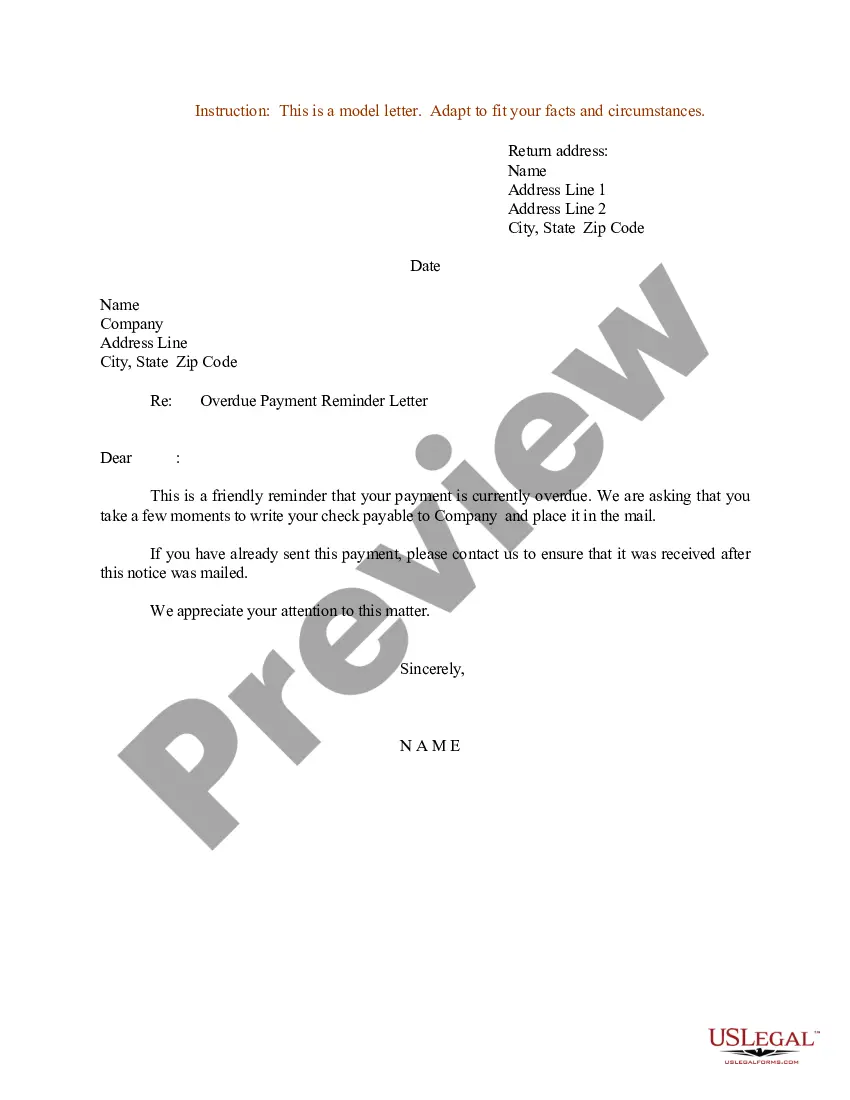
  • Preview Telecommuting Agreement
  • Preview Telecommuting Agreement
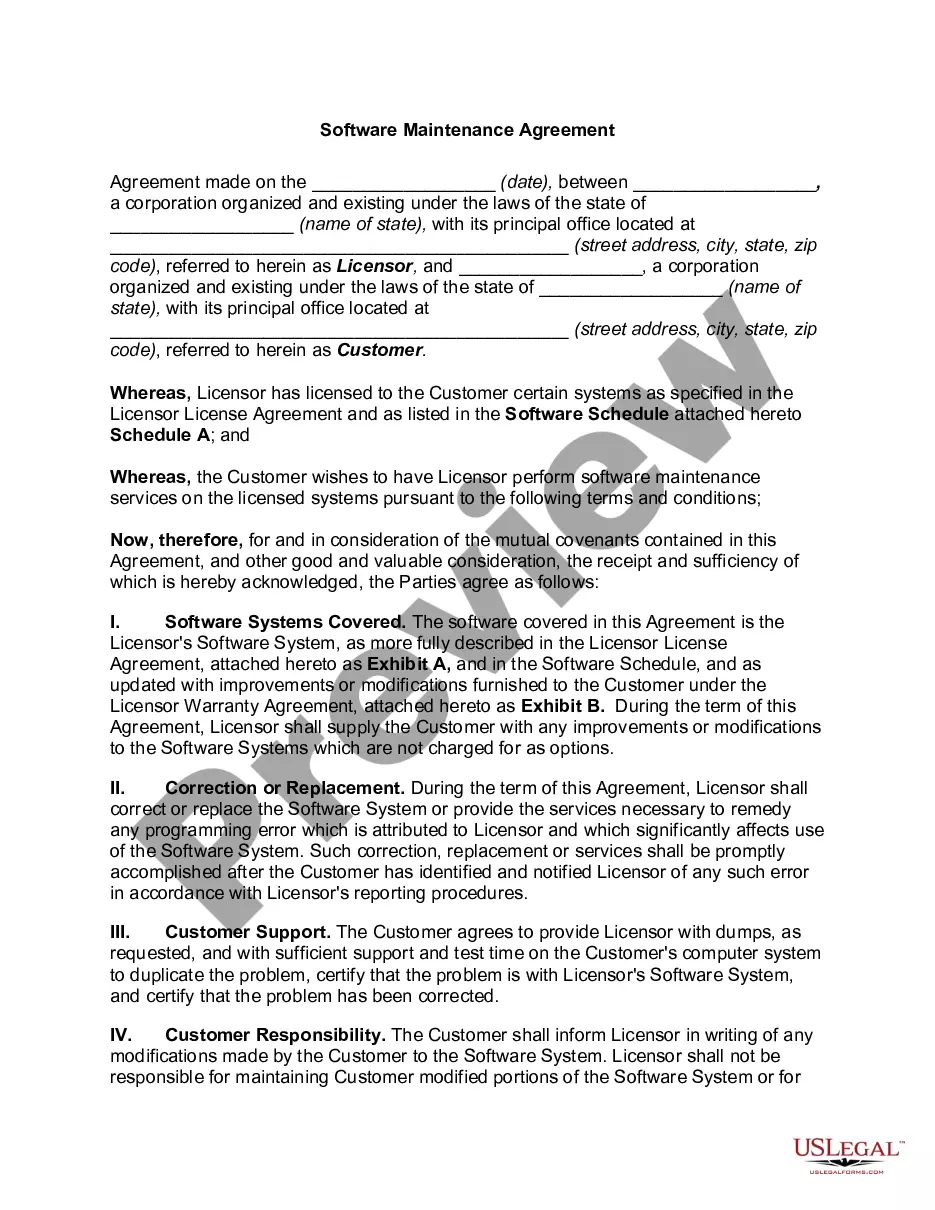
  • Preview Telecommuting Agreement
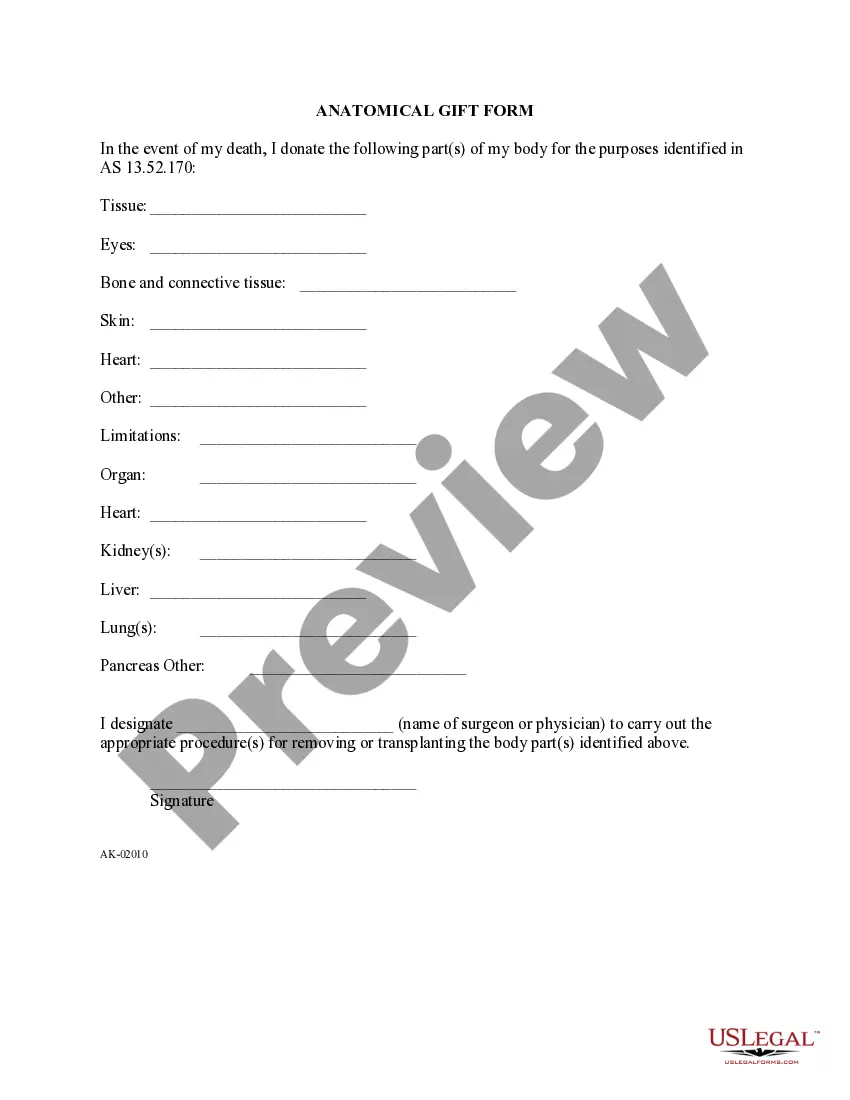
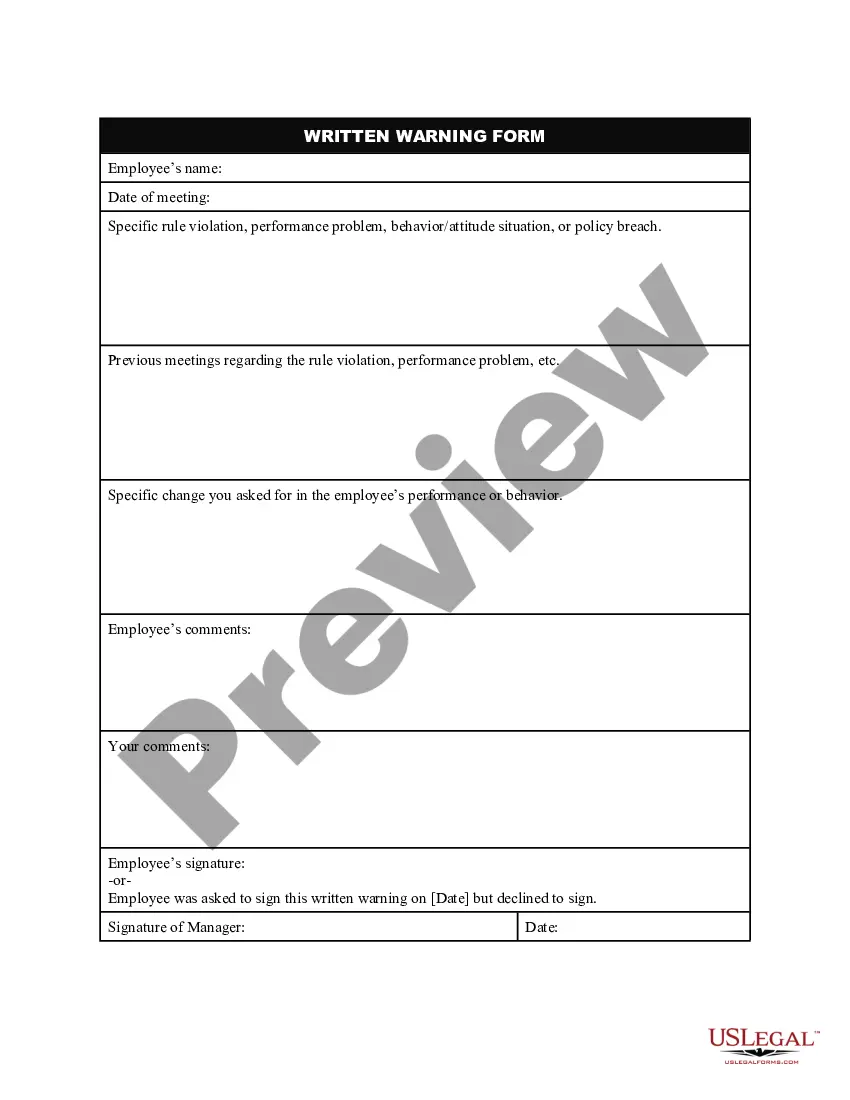
  • Preview Telecommuting Agreement

How to fill out Telecommuting Agreement?

US Legal Forms - one of the premier collections of legal documents in the United States - provides a variety of legal document templates that you can download or print.

By using the website, you can access thousands of forms for business and personal use, categorized by type, state, or keywords. You can have the most recent versions of forms like the California Telecommuting Agreement in just a few minutes.

If you already have an account, Log In and download the California Telecommuting Agreement from the US Legal Forms library. The Download button will be available on every form you view.

Complete the payment. Use your credit card or PayPal account to finalize the transaction.

Choose the format and download the form to your device. Edit. Fill out, modify, and print and sign the downloaded California Telecommuting Agreement. Each template you added to your account has no expiration date and is yours indefinitely. Therefore, to download or print another copy, simply navigate to the My documents section and click on the form you require. Access the California Telecommuting Agreement with US Legal Forms, the most extensive collection of legal document templates. Utilize numerous professional and state-specific templates that meet your business or personal needs.

  1. In order to use US Legal Forms for the first time, here are straightforward directions to assist you in getting started.
  2. Ensure you have selected the correct form for your city/state.
  3. Click the Preview button to review the form's content.
  4. Examine the form summary to ensure you have chosen the correct form.
  5. If the form doesn't meet your requirements, utilize the Search box at the top of the screen to find one that does.
  6. If you are satisfied with the form, confirm your choice by clicking the Purchase now button.
  7. Then, select the pricing plan you wish and provide your information to create an account.

Form popularity

FAQ

Working from home or remotely requires more than a laptop. In order to set employees up for success, organizations need to provide them with the proper tools and resources. This equipment includes desks and furniture, collaboration and communication software, authentication and VPNs, monitors and productivity tools.

How to Create a Remote Work PolicyDetermine how employees will be expected to work and communicate at your organization.Provide the right tools for successful and secure work.Establish clear rules about working from home.Plan time for collaborating and socializing.More items...

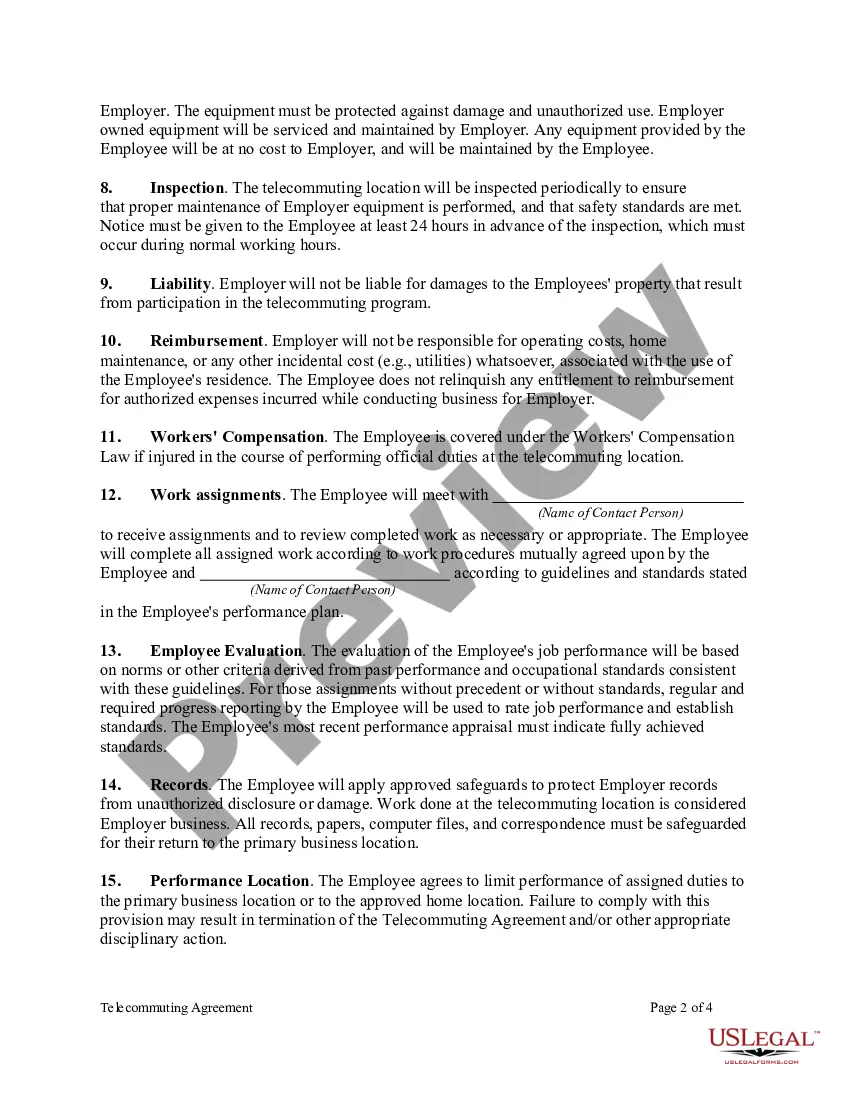
The telecommuter agrees to provide a secure location for EMPLOYER-owned equipment and materials, and will not use, or allow others to use, such equipment for purposes other than EMPLOYER business. All equipment, records, and materials provided by the EMPLOYER shall remain EMPLOYER property.

7 Tips For Managing Remote WorkersEnsure The Employee Is In The Right Job. Not every job is conducive to working remotely.Create Policies and Guidelines.Develop a Remote Worker Agreement.Evaluate A Trial Period.Communicate, Communicate, Communicate.Ensure IT Equipment Support.Make it Social.

How to Create a Remote Work PolicyDetermine how employees will be expected to work and communicate at your organization.Provide the right tools for successful and secure work.Establish clear rules about working from home.Plan time for collaborating and socializing.More items...

There's a difference. One is considered a benefit, while the other is simply a way of working. "Working from home" is a temporary situation, while remote working is an entirely different approach to getting things done. That difference is an extremely important distinction that deserves some attention.

Best practices for effective telecommutingCreate a work routine.Take charge of your time.Prioritize focus.Check in with your team regularly.Turn off when you're not at work.Set clear expectations.Respect employees' time.Stay in touch, but don't over-communicate.More items...?

The Telework Flexibility Act (Assembly Bill No. 1028) would provide employers and employees with the flexibility required for remote work. If passed, this bill would adjust the parameters of a given workweek, which currently stands at 8 hours per day and 40 hours per week with paid overtime.

Telework: Working from home, a satellite office, or shared space rather than commuting to a nearby office. Remote Work: Working from home, a satellite office, or shared space regardless if an office exists in close proximity to you.

Telework: Working from home, a satellite office, or shared space rather than commuting to a nearby office. Remote Work: Working from home, a satellite office, or shared space regardless if an office exists in close proximity to you.

Trusted and secure by over 3 million people of the world’s leading companies

California Telecommuting Agreement