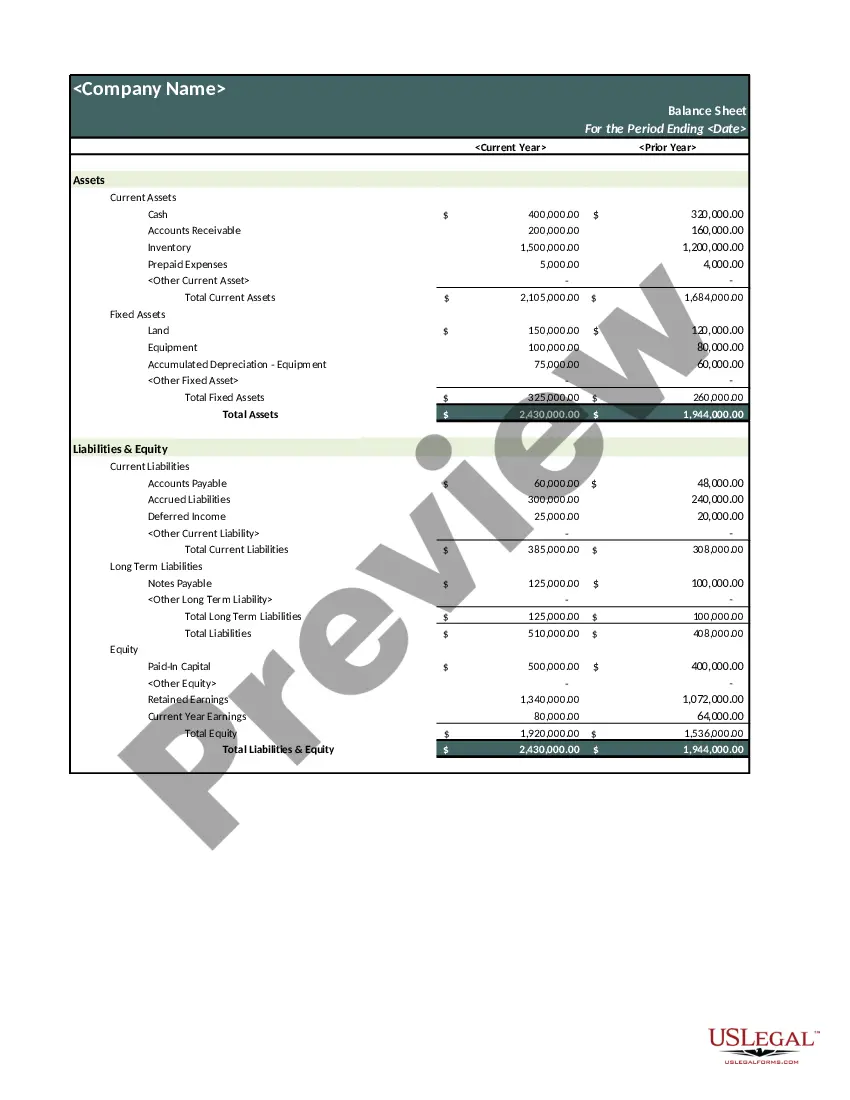
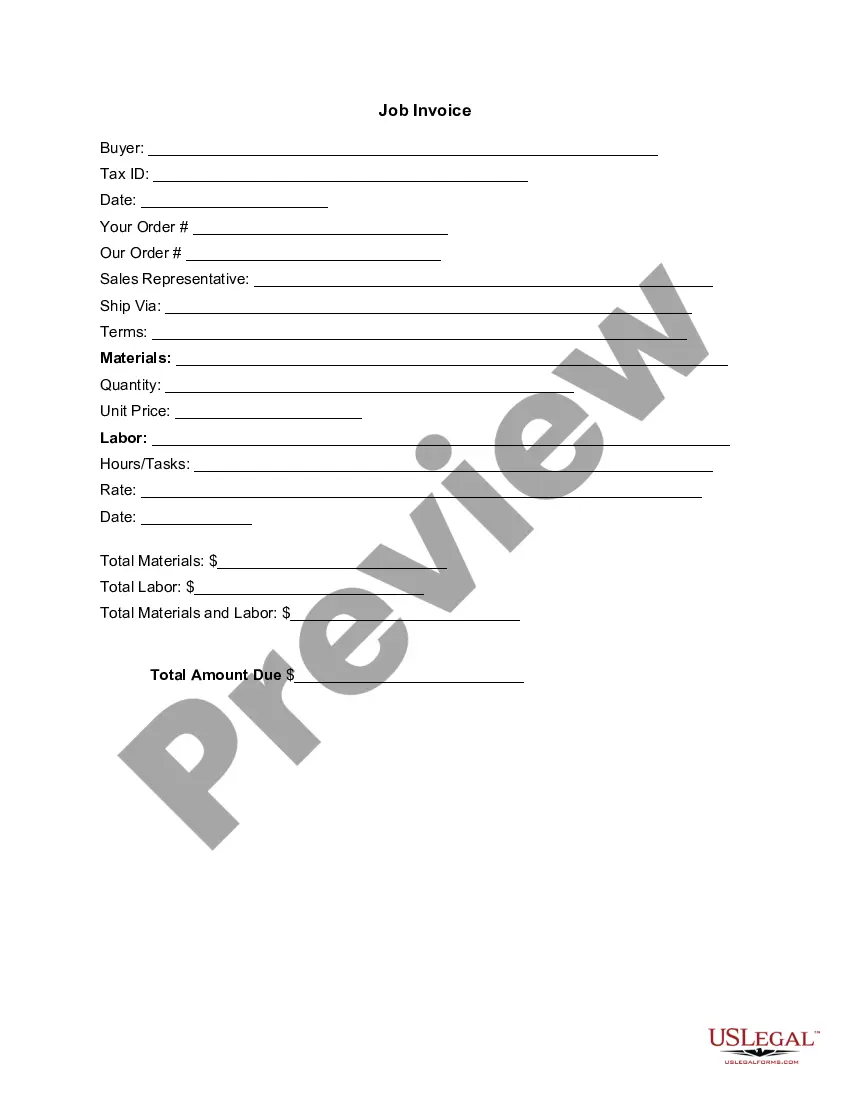
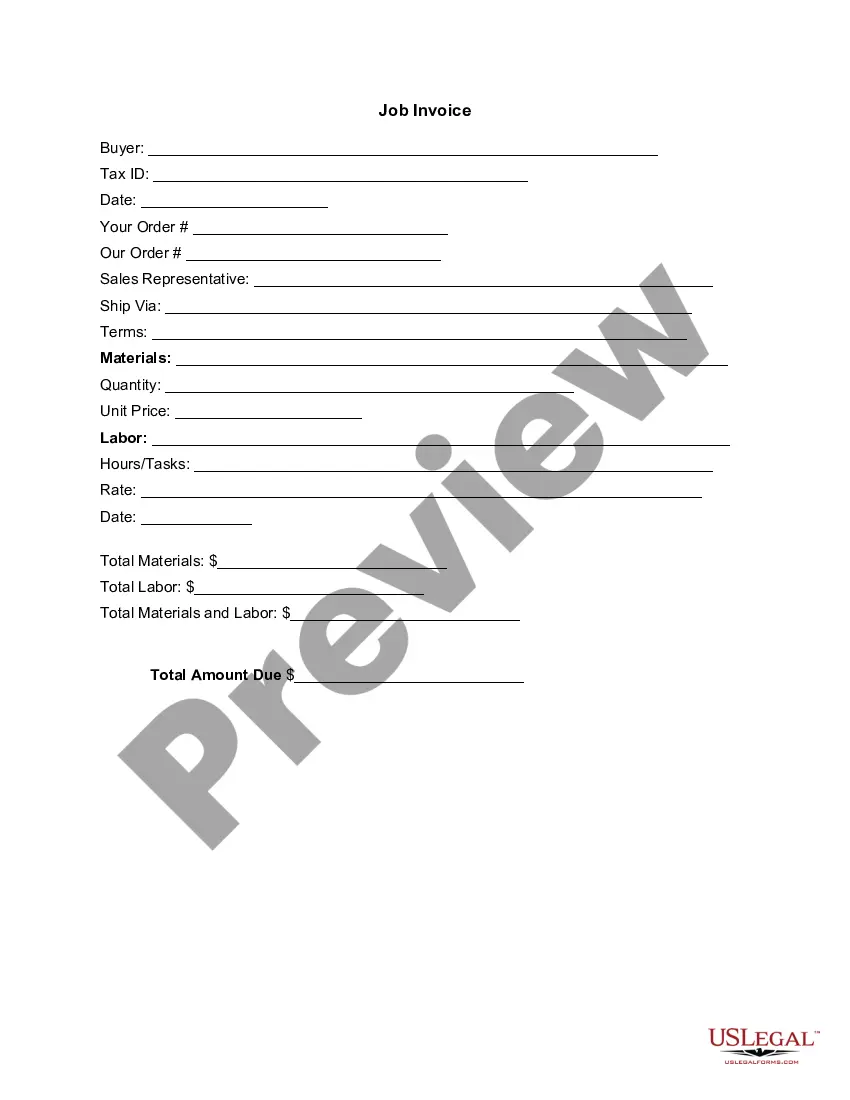
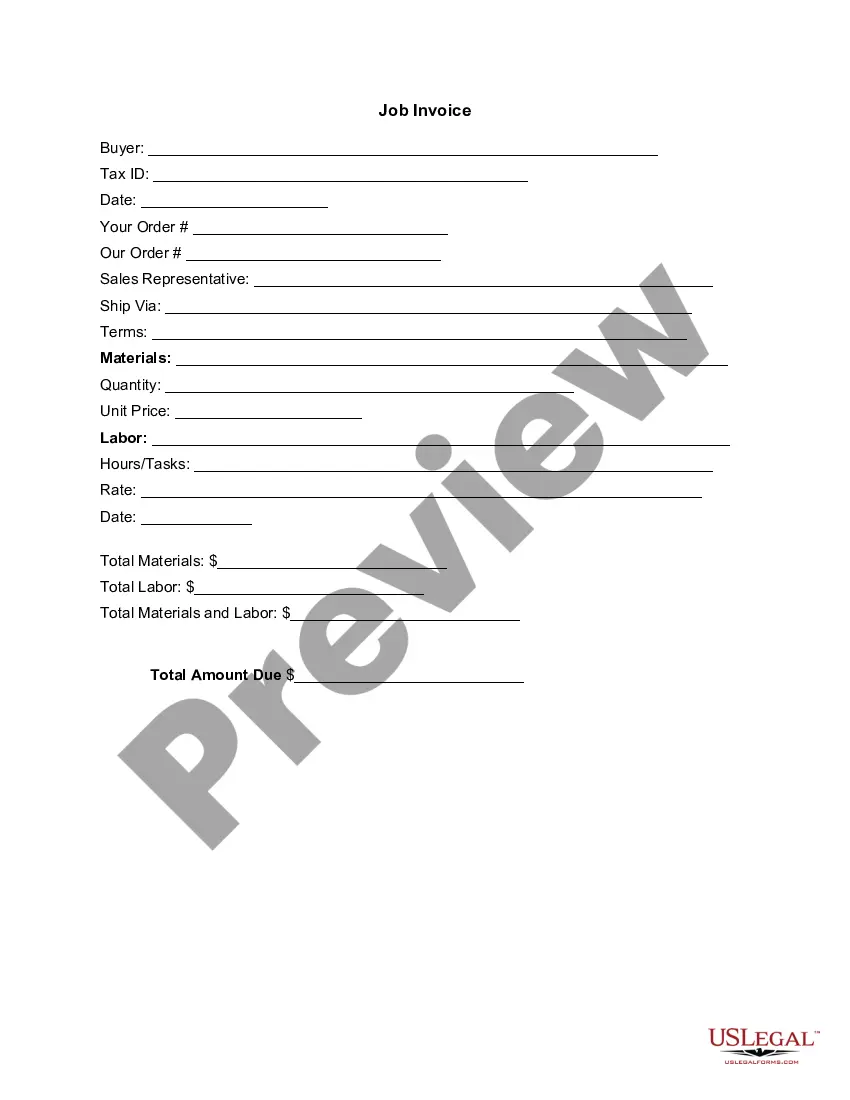
Arizona Invoice Template for Firefighter
Description


Get your form ready online
Our built-in tools help you complete, sign, share, and store your documents in one place.
Make edits, fill in missing information, and update formatting in US Legal Forms—just like you would in MS Word.
Download a copy, print it, send it by email, or mail it via USPS—whatever works best for your next step.
Sign and collect signatures with our SignNow integration. Send to multiple recipients, set reminders, and more. Go Premium to unlock E-Sign.
If this form requires notarization, complete it online through a secure video call—no need to meet a notary in person or wait for an appointment.
We protect your documents and personal data by following strict security and privacy standards.

Make edits, fill in missing information, and update formatting in US Legal Forms—just like you would in MS Word.

Download a copy, print it, send it by email, or mail it via USPS—whatever works best for your next step.

Sign and collect signatures with our SignNow integration. Send to multiple recipients, set reminders, and more. Go Premium to unlock E-Sign.

If this form requires notarization, complete it online through a secure video call—no need to meet a notary in person or wait for an appointment.

We protect your documents and personal data by following strict security and privacy standards.
Looking for another form?





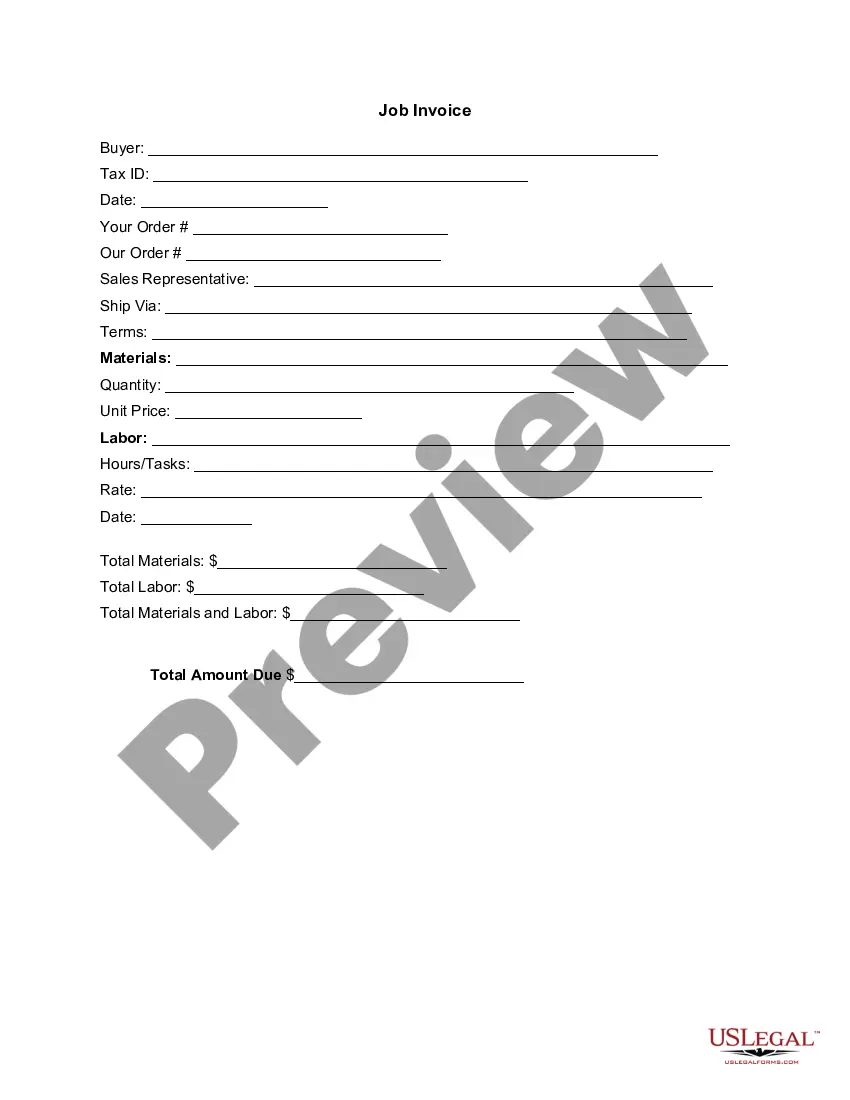
How to fill out Invoice Template For Firefighter?
Are you currently in a situation where you need documents for either business or personal reasons almost every day? There are numerous legal form templates accessible online, but finding ones you can rely on is challenging.
US Legal Forms offers thousands of form templates, including the Arizona Invoice Template for Firefighter, which can be completed to meet federal and state requirements.
If you are already familiar with the US Legal Forms website and have an account, simply sign in. After that, you can download the Arizona Invoice Template for Firefighter format.
- Obtain the form you need and ensure it is for the correct city/region.
- Utilize the Review button to examine the document.
- Read the description to confirm that you have selected the correct form.
- If the form is not what you’re looking for, use the Search field to find the form that matches your needs.
- Once you find the appropriate form, click Buy now.
- Select the pricing plan you want, fill in the required information to create your account, and complete your purchase using your PayPal or credit card.
- Choose a convenient file format and download your copy.
Form popularity
FAQ
Filling out a construction invoice involves detailing the project's phases accurately. With the Arizona Invoice Template for Firefighter, include your company's branding, the client's contact information, and descriptions of the work performed. Clearly break down costs and include the total to ensure clarity for the client and maintain accurate financial records.
To fill out a contractor's invoice effectively, use the Arizona Invoice Template for Firefighter for guidance. Start by completing your business information and your client's details. Then, list the tasks completed, the hours worked, and the rates charged, ensuring all amounts are added clearly for transparency.
Filling out an invoice template like the Arizona Invoice Template for Firefighter can streamline your billing process. Key steps include entering your business details, specifying the client's information, and listing each service or product in detail. Be sure to calculate the total amount correctly and keep a copy for your records.
Creating an invoice for construction can be straightforward with the Arizona Invoice Template for Firefighter. Begin by detailing your construction project, including the scope of work, labor hours, and material costs. Ensure you also add any extra fees or taxes, then present the total amount in a clear format for your client's easy understanding.
To fill out an invoice example using the Arizona Invoice Template for Firefighter, start by entering your business details at the top. Include the client's information, such as name and address, along with an invoice number and date. Then, list the services provided, their details, and the corresponding amounts, ensuring clarity throughout.