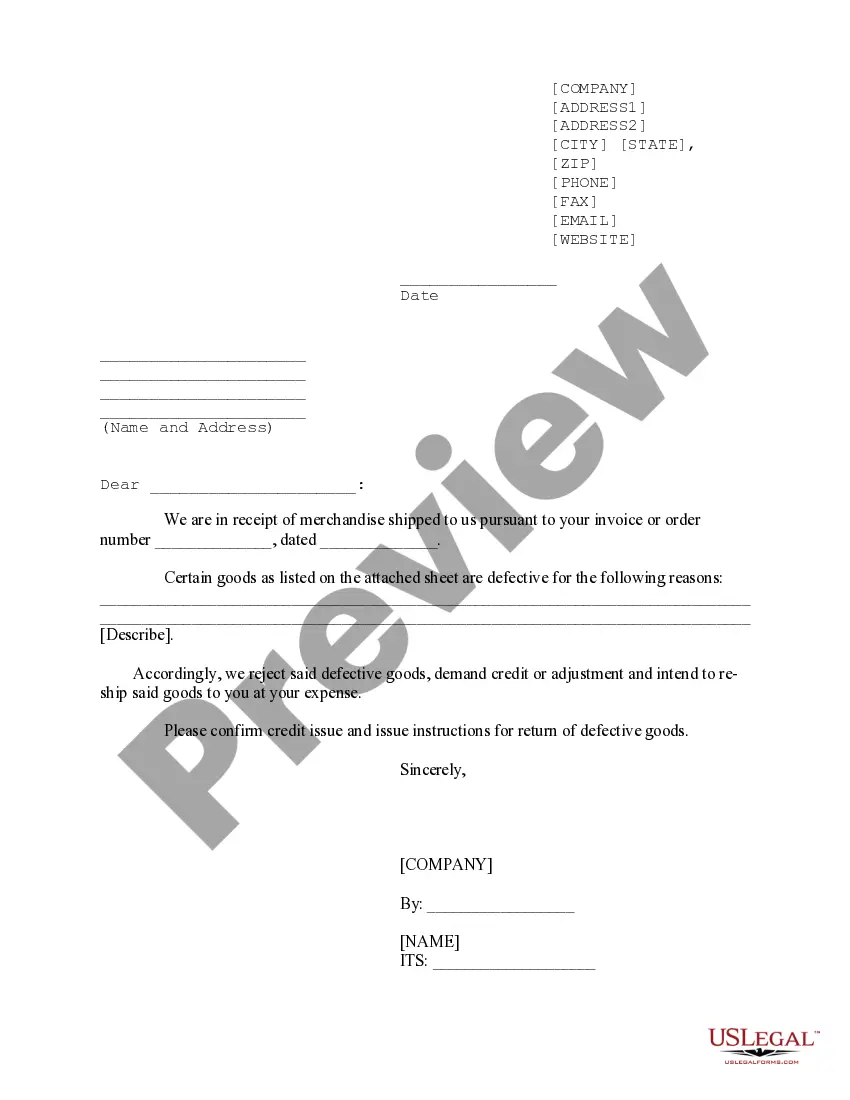
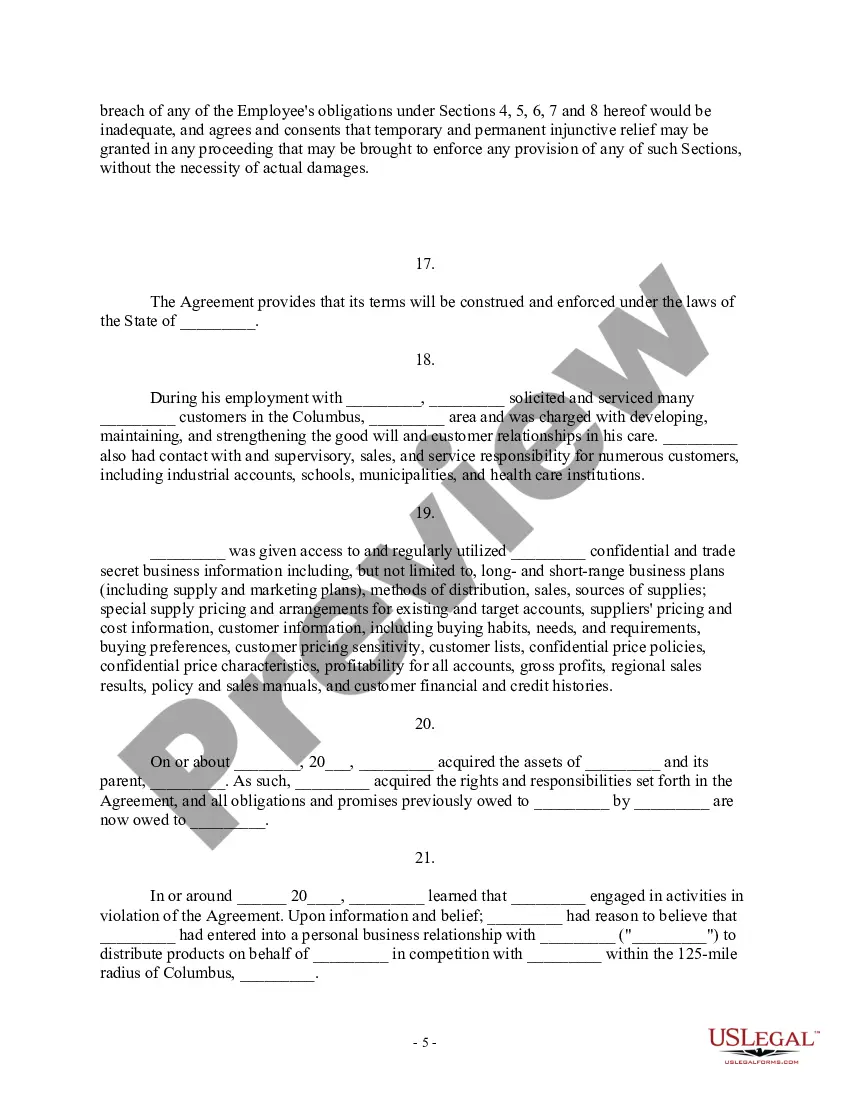
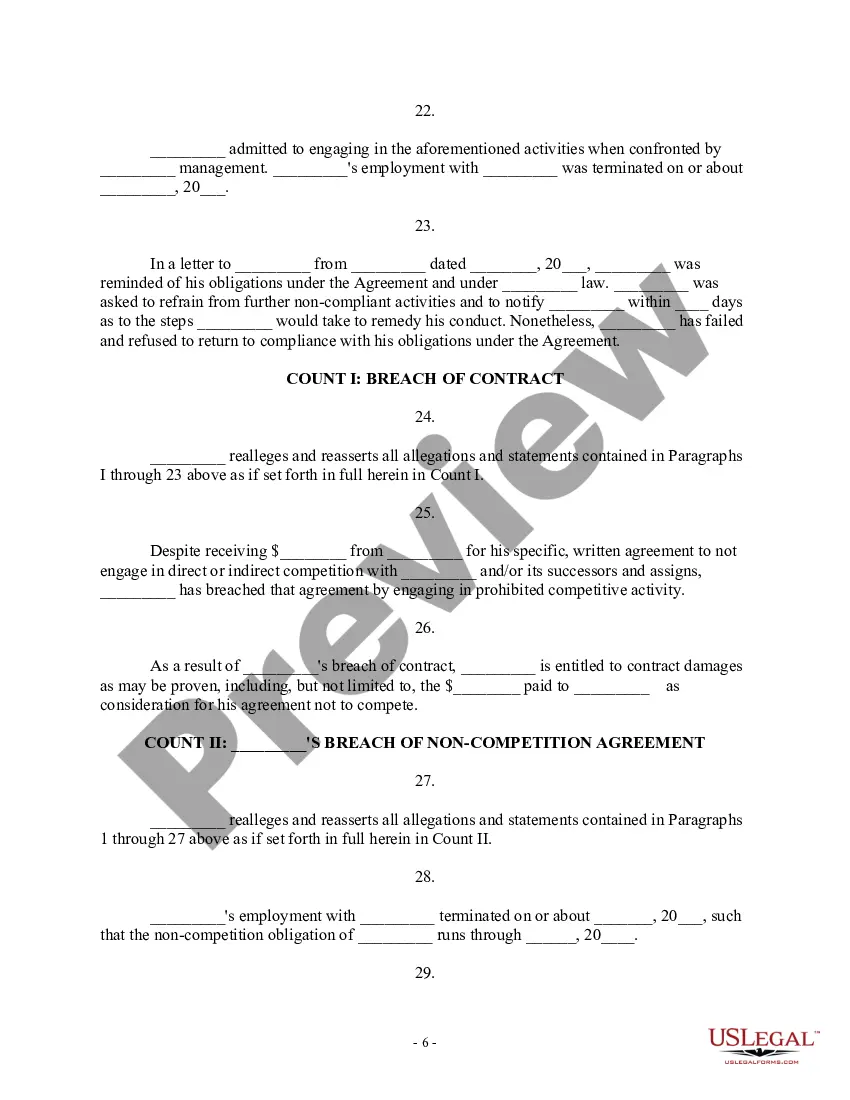
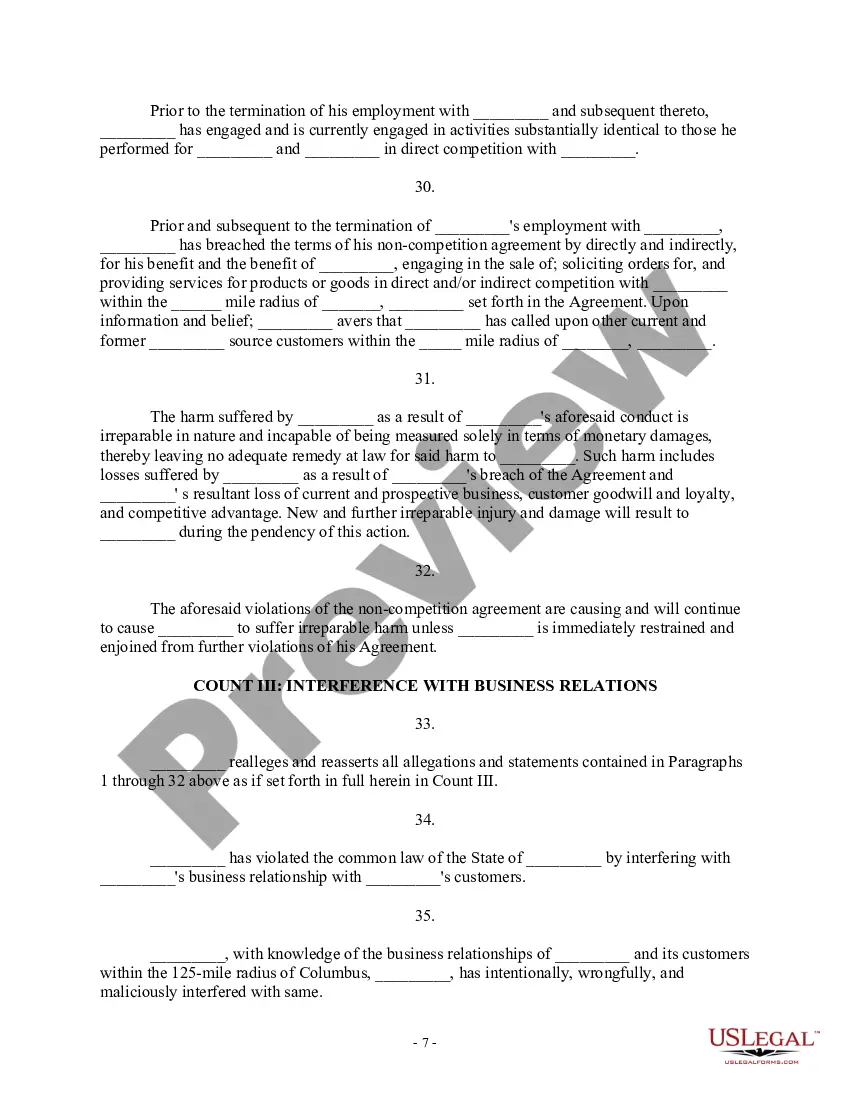
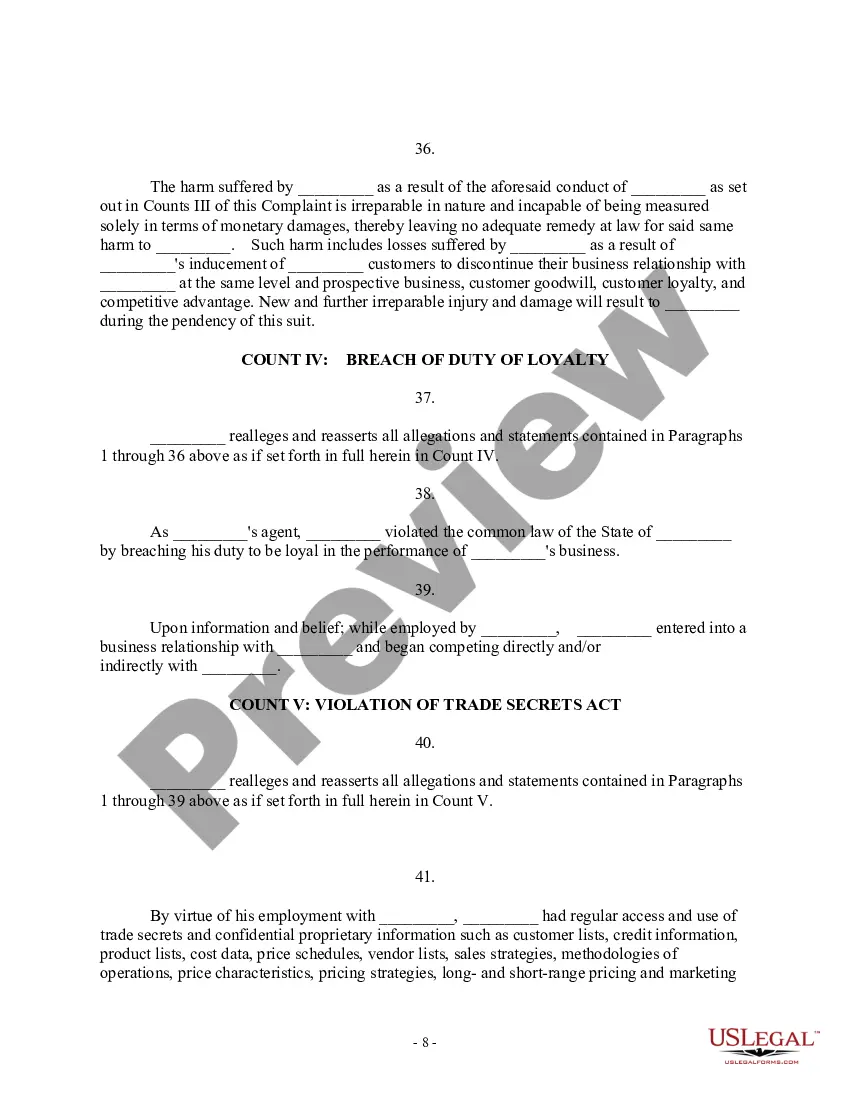
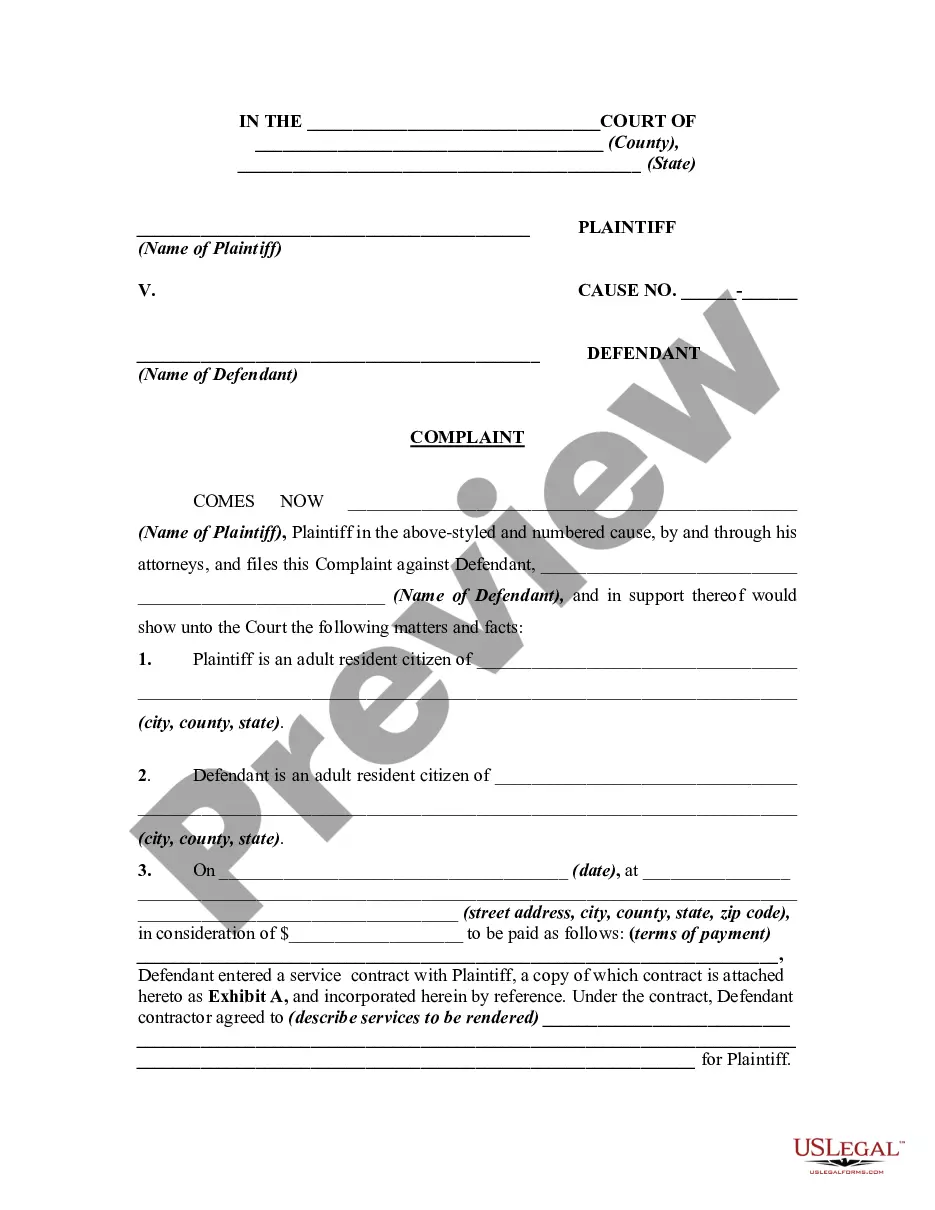
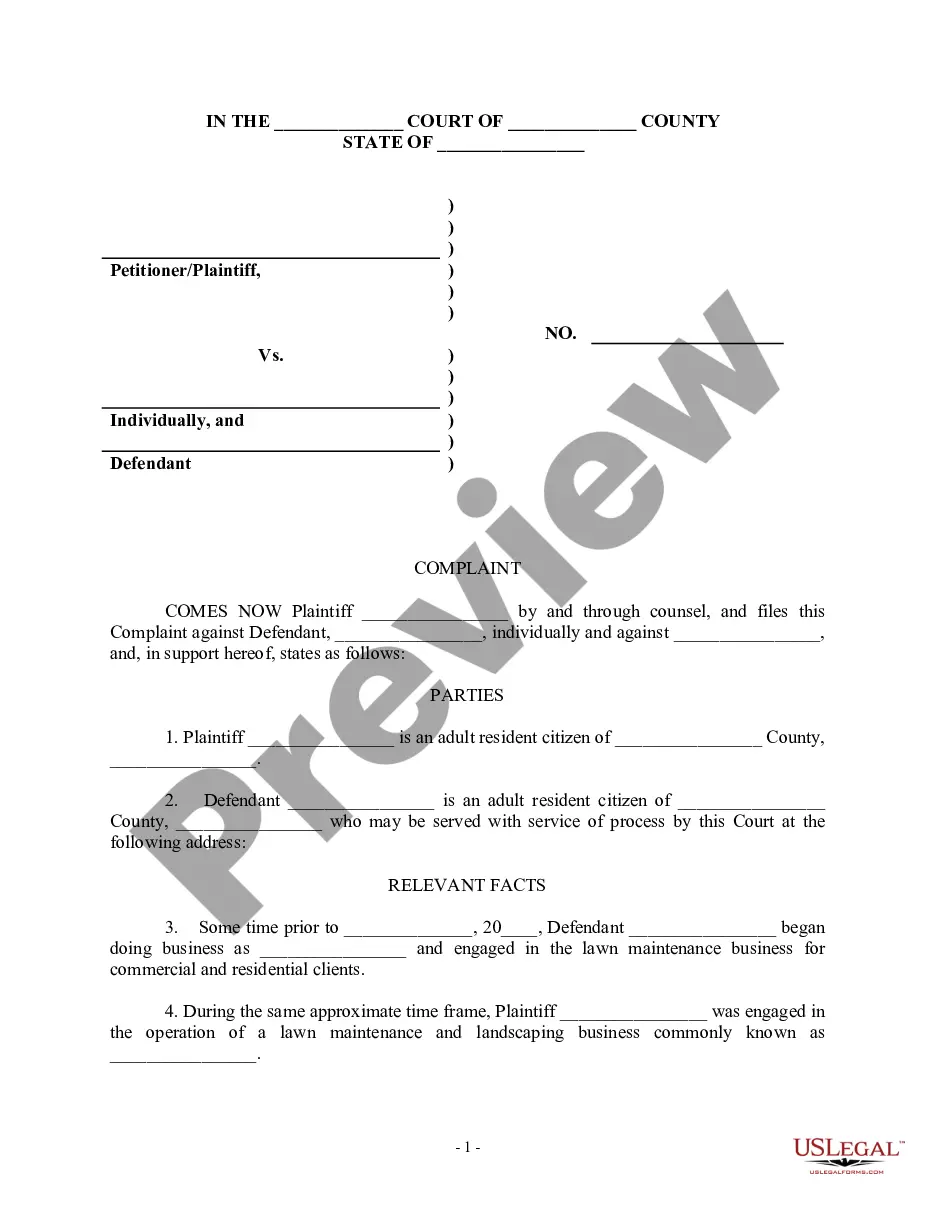
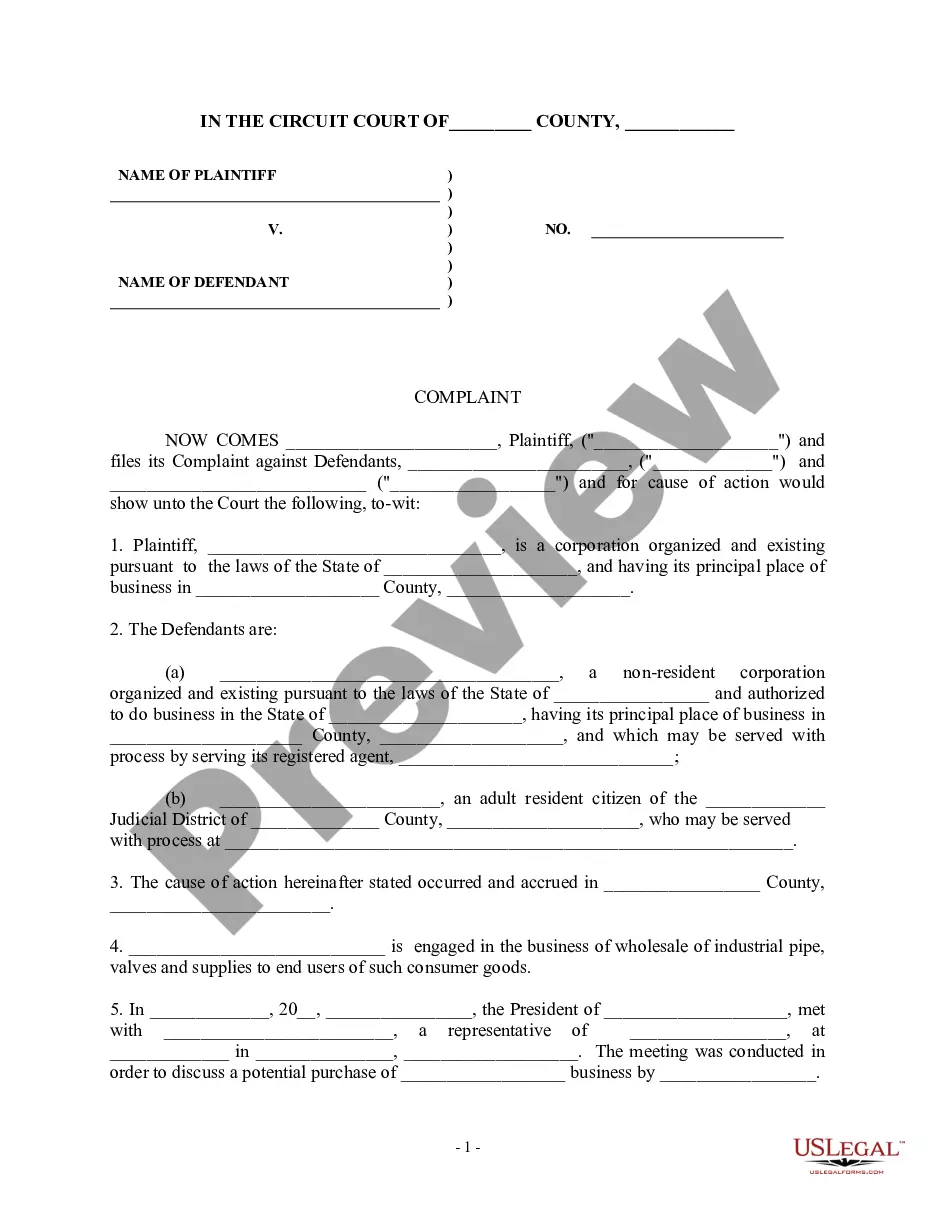
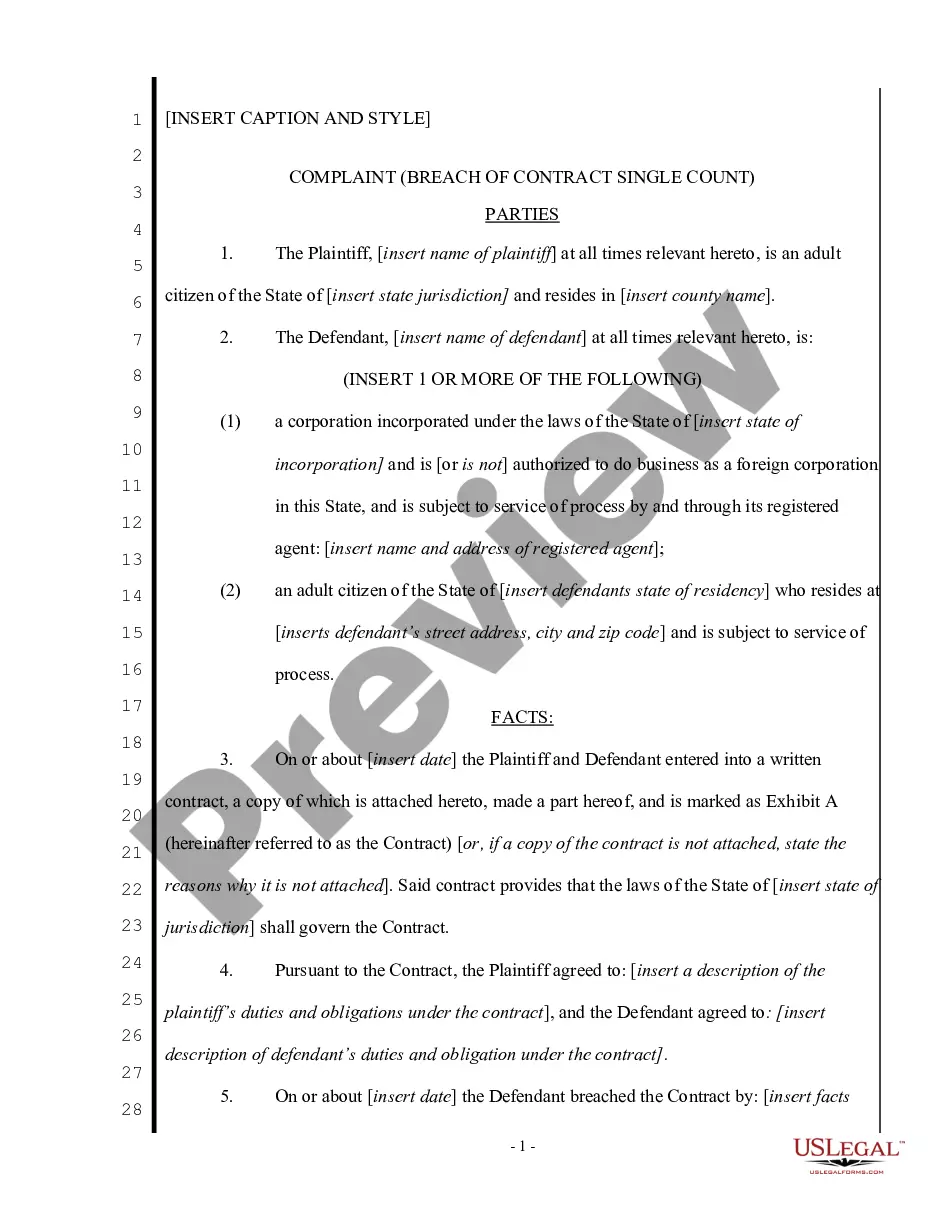
This form is a Complaint for Injunctive Relief and Damages. Plaintiff filed this action against defendant for breaching a non-competition agreement. Plaintiff also contends that the harm suffered as a result of defendant's conduct is irreparable in nature and cannot be measured solely in terms of monetary damages.
Arkansas Complaint for Injunctive Relief and Damages for Breach of Noncompetition Agreement - Breach of Contract - Violation of Trade Secrets Act
Category:
State:
Multi-State
Control #:
US-000302
Format:
Word;
Rich Text
Instant download
Description
Free preview

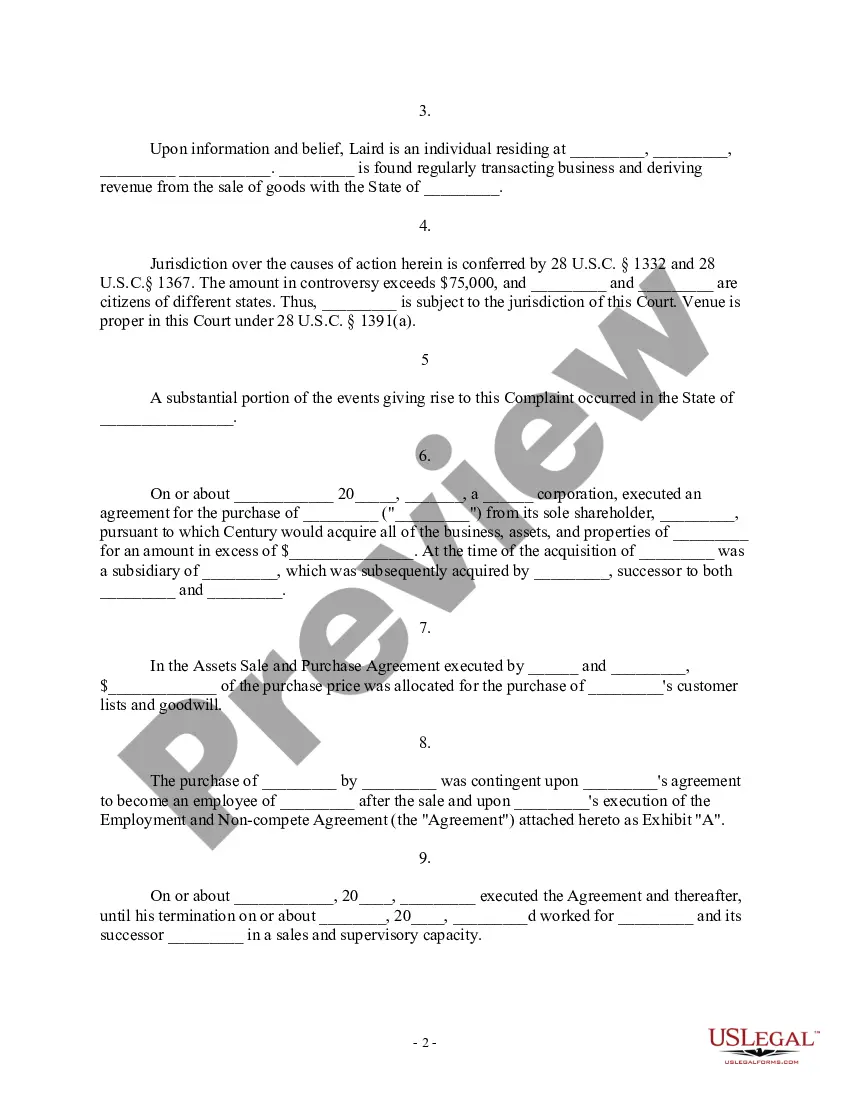
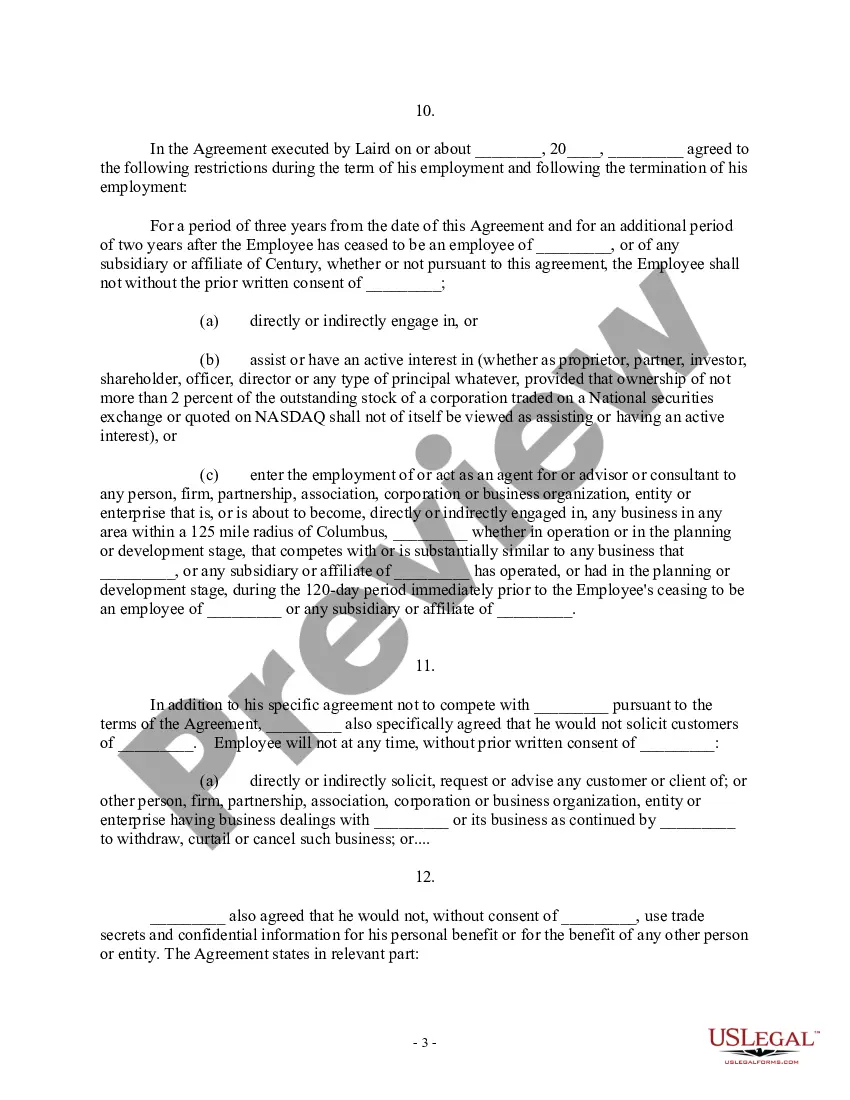
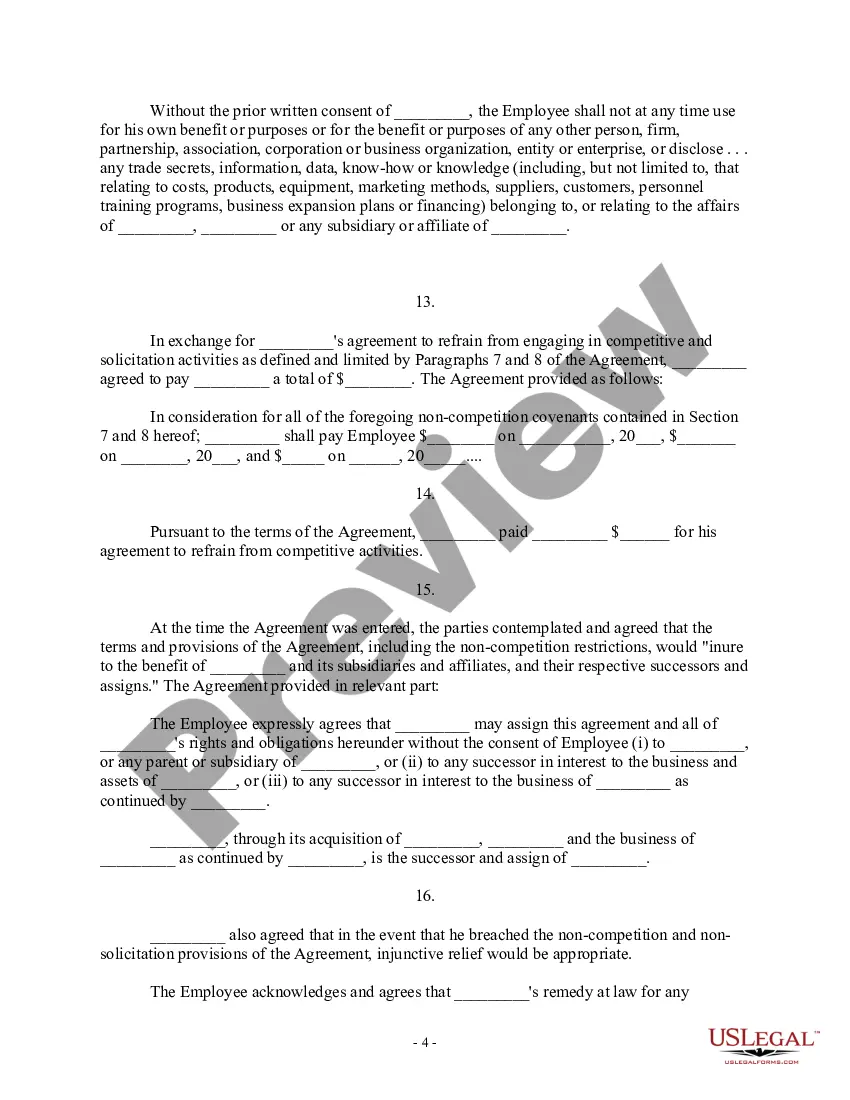

How to fill out Complaint For Injunctive Relief And Damages For Breach Of Noncompetition Agreement - Breach Of Contract - Violation Of Trade Secrets Act?
US Legal Forms - one of the most extensive collections of valid forms in the United States - offers a variety of legitimate document templates that you can acquire or print.
By using the website, you can discover numerous forms for business and personal purposes, organized by categories, states, or keywords. You can access the newest versions of forms such as the Arkansas Complaint for Injunctive Relief and Damages for Breach of Noncompetition Agreement - Breach of Contract - Violation of Trade Secrets Act in moments.
If you have a subscription, Log In to retrieve the Arkansas Complaint for Injunctive Relief and Damages for Breach of Noncompetition Agreement - Breach of Contract - Violation of Trade Secrets Act from the US Legal Forms local library. The Obtain button will appear on every form you view. You have access to all previously saved forms from the My documents tab in your profile.
Process the transaction. Use a credit card or PayPal account to complete the purchase.
Select the format and download the form to your device. Edit. Complete, modify, print, and sign the saved Arkansas Complaint for Injunctive Relief and Damages for Breach of Noncompetition Agreement - Breach of Contract - Violation of Trade Secrets Act. Every document you add to your account has no expiration date and is yours indefinitely. Thus, if you wish to download or print another copy, simply visit the My documents section and click on the form you need. Access the Arkansas Complaint for Injunctive Relief and Damages for Breach of Noncompetition Agreement - Breach of Contract - Violation of Trade Secrets Act with US Legal Forms, one of the largest collections of valid document templates. Utilize a wide array of professional and state-specific templates that meet your business or personal requirements.
- If you are using US Legal Forms for the first time, here are simple guidelines to help you get started.
- Ensure you have selected the correct form for your specific city/state.
- Click the Preview button to review the content of the form.
- Check the form description to confirm that you have chosen the correct form.
- If the form does not fit your needs, utilize the Lookup field at the top of the screen to find one that does.
- Once you are satisfied with the form, confirm your choice by clicking the Get now button.
- Then, choose the payment plan you prefer and provide your information to register for the account.
Form popularity
FAQ
Injunctive relief for breach of contract is a legal remedy where a court orders a party to either do something or refrain from doing something to prevent further harm. This remedy is particularly useful when monetary compensation would not adequately resolve the situation. For instance, if a party discloses trade secrets in violation of their contract, an injunction can stop them from continuing this breach. Utilizing an Arkansas Complaint for Injunctive Relief and Damages for Breach of Noncompetition Agreement - Breach of Contract - Violation of Trade Secrets Act can help secure such relief effectively.
The three main types of remedies for a non-breaching party include compensatory damages, specific performance, and injunctive relief. Compensatory damages aim to cover the loss incurred due to the breach, while specific performance forces the breaching party to fulfill their contractual obligations. Injunctive relief, as mentioned, prevents further violations and protects the non-breaching party's interests. Understanding these remedies is essential when considering an Arkansas Complaint for Injunctive Relief and Damages for Breach of Noncompetition Agreement - Breach of Contract - Violation of Trade Secrets Act.
Yes, you can seek injunctive relief for breach of contract, particularly if the breach threatens to cause irreparable harm. This type of relief prevents further violations and protects the non-breaching party's rights. Courts often consider whether monetary damages would suffice, but if they determine that only an injunction will protect your interests, they may grant the relief. Filing an Arkansas Complaint for Injunctive Relief and Damages for Breach of Noncompetition Agreement - Breach of Contract - Violation of Trade Secrets Act can facilitate this process.
To prove a non-compete agreement, you must demonstrate that a valid contract exists between the parties involved. This includes showing that the agreement was reasonable in scope and duration, and that the employee received adequate consideration for signing the contract. Courts often examine whether the non-compete serves a legitimate business interest, such as protecting trade secrets. Engaging with an Arkansas Complaint for Injunctive Relief and Damages for Breach of Noncompetition Agreement - Breach of Contract - Violation of Trade Secrets Act can help clarify these aspects.
Injunctive relief is a court order that requires a party to do or refrain from doing specific actions. For example, if an employee violates a noncompetition agreement, a court may issue an injunction preventing them from working for a competitor for a designated period. This type of relief aims to protect the interests of the business and maintain fair competition. When considering an Arkansas Complaint for Injunctive Relief and Damages for Breach of Noncompetition Agreement - Breach of Contract - Violation of Trade Secrets Act, understanding injunctive relief can be crucial.
A noncompete provision is enforceable if it is ancillary to an employment relationship or an otherwise enforceable employment contract to the extent that the employer has a protectable business interest (which may include, by statute: trade secrets, intellectual property, customer lists, goodwill with customers, ...
Code § 4-75-101. Covenant not to compete agreements: Unfair Practices ? General Provisions ? Arkansas. Provides a covenant not to compete agreement is enforceable if the agreement is ancillary to an employment relationship or part of an otherwise enforceable employment agreement or contractt.
Any person who violates any provision of the Order of Protection has committed a crime, specifically a Class A Misdemeanor, the punishment for which is up to a $1,000 fine and/or up to one (1) year in jail. The Judge issuing the Order can also punish for Contempt of Court.
Are There Any Ways I Can ?Get Around? a Non-Compete Agreement? Being able to prove that your employer is in breach of contract. Proving that there is no valid legitimate interest to enforce the non-compete agreement. Prove the agreement's time frame is unreasonable.
Generally speaking, a covenant not to compete , or noncompete agreement, is a promise in an employment contract not to engage in the same type of business for a stated time in the same market as the employer. When these agreements are found by courts to be unenforceable, it leaves employers vulnerable to competitors.