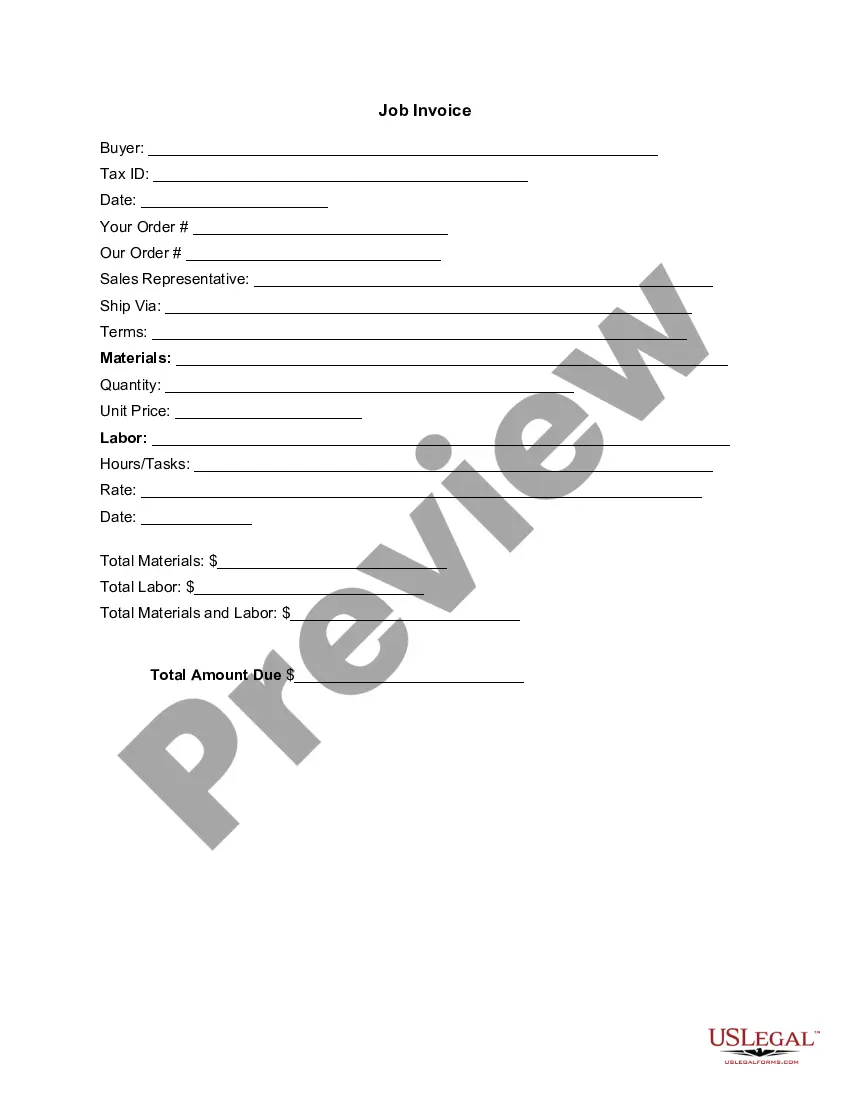
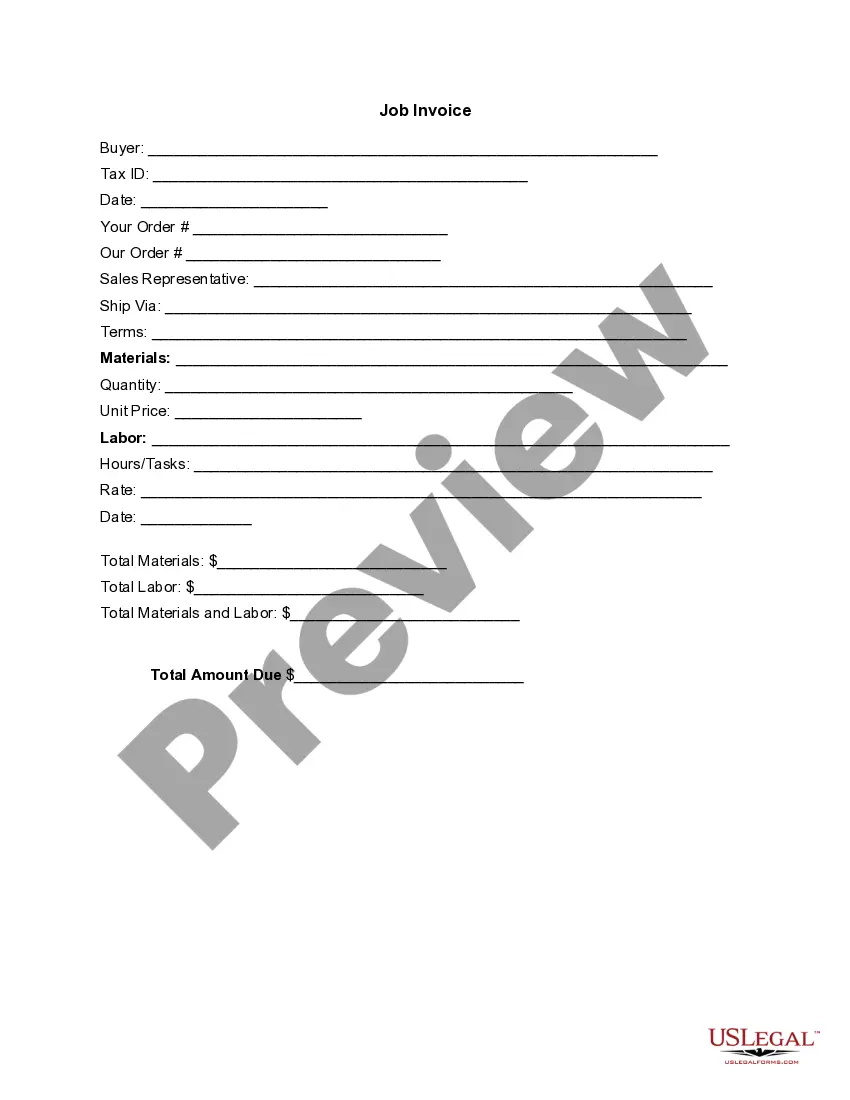
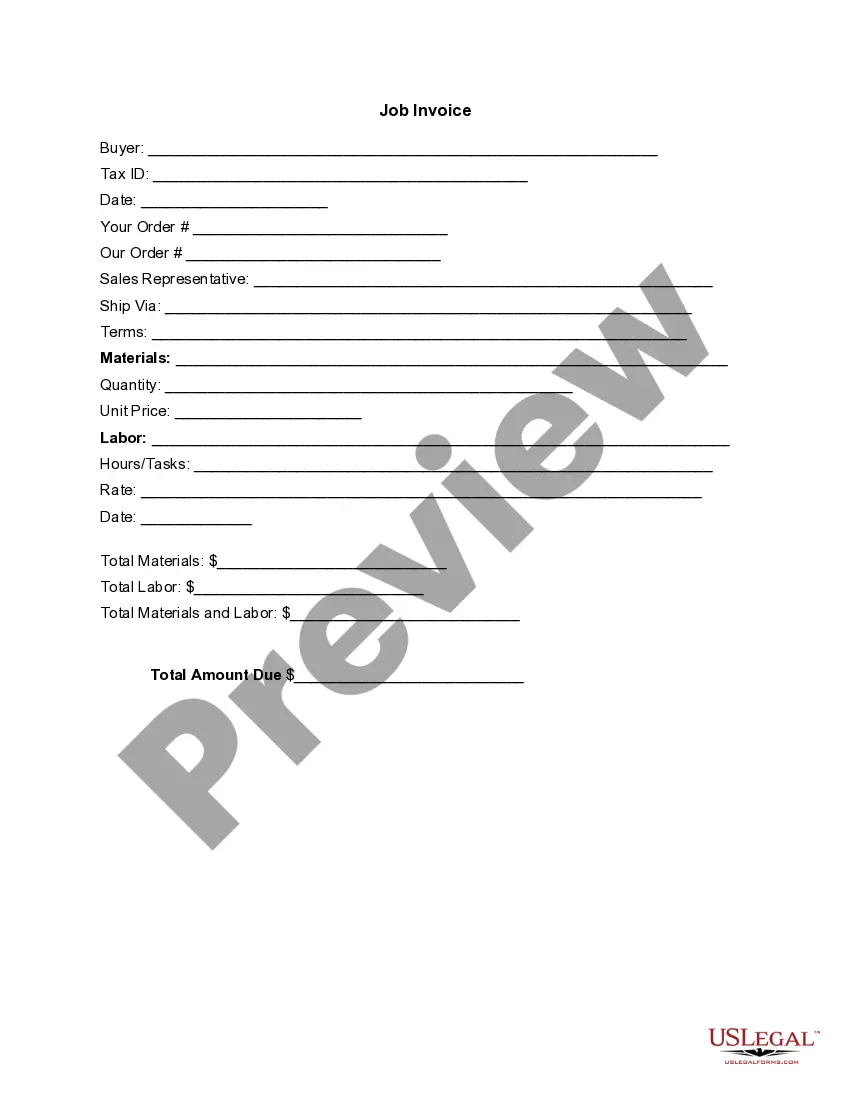
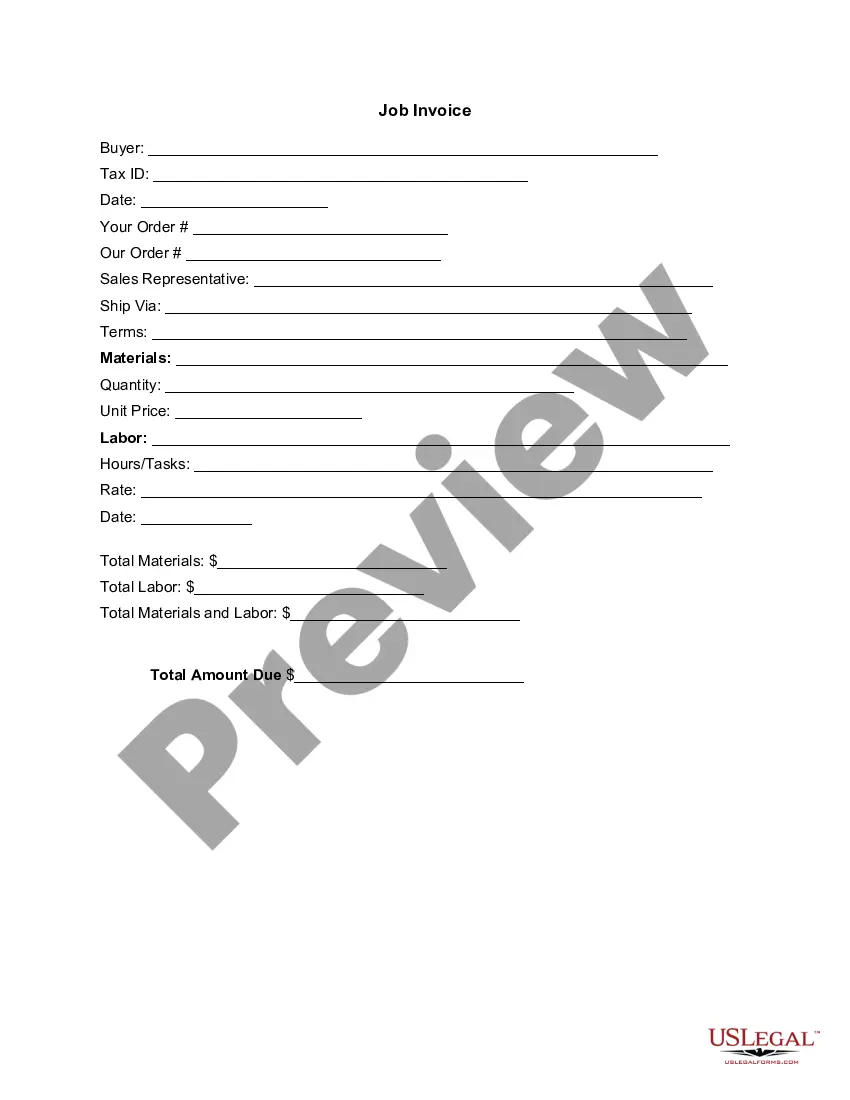
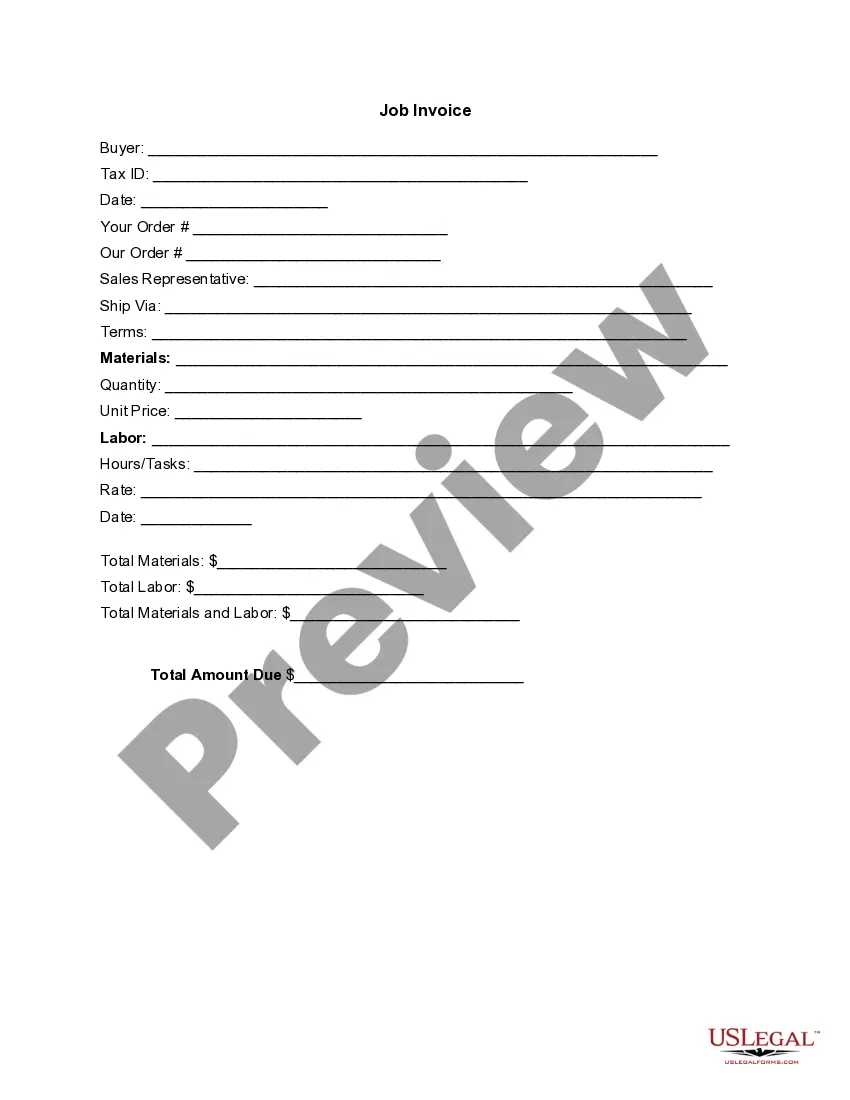
Alabama Invoice Template for Chef
Description

Get your form ready online
Our built-in tools help you complete, sign, share, and store your documents in one place.
Make edits, fill in missing information, and update formatting in US Legal Forms—just like you would in MS Word.
Download a copy, print it, send it by email, or mail it via USPS—whatever works best for your next step.
Sign and collect signatures with our SignNow integration. Send to multiple recipients, set reminders, and more. Go Premium to unlock E-Sign.
If this form requires notarization, complete it online through a secure video call—no need to meet a notary in person or wait for an appointment.
We protect your documents and personal data by following strict security and privacy standards.

Make edits, fill in missing information, and update formatting in US Legal Forms—just like you would in MS Word.

Download a copy, print it, send it by email, or mail it via USPS—whatever works best for your next step.

Sign and collect signatures with our SignNow integration. Send to multiple recipients, set reminders, and more. Go Premium to unlock E-Sign.

If this form requires notarization, complete it online through a secure video call—no need to meet a notary in person or wait for an appointment.

We protect your documents and personal data by following strict security and privacy standards.
Looking for another form?





How to fill out Invoice Template For Chef?
You can spend hours online searching for the legal format that meets your federal and state requirements.
US Legal Forms provides thousands of legal documents that can be evaluated by experts.
It is easy to download or print the Alabama Invoice Template for Chef from our service.
If available, use the Review button to look through the format as well.
- If you already have a US Legal Forms account, you can Log In and then click the Download button.
- After that, you can complete, modify, print, or sign the Alabama Invoice Template for Chef.
- Every legal format you purchase is yours forever.
- To obtain another copy of any purchased document, go to the My documents tab and click the appropriate button.
- If you are using the US Legal Forms website for the first time, follow the simple instructions below.
- First, ensure that you have selected the correct format for the area/region of your choice.
- Read the document description to confirm you have chosen the right document.
Form popularity
FAQ
To manually create an invoice, start with a blank document, then format it to include your business details, client information, and a list of services provided. Using an Alabama Invoice Template for Chef can streamline this process by providing a structured layout. Ensure you number your invoice and clearly state payment terms. This will help you keep track of your invoices and maintain professionalism.
Making a self-invoice involves documenting your services or products in a structured format. You can use an Alabama Invoice Template for Chef to guide you through the proper layout. Include essential details like your name, services rendered, and payment instructions. This method simplifies the process and keeps your invoicing organized.
Yes, you can create an invoice yourself, and it can be as simple or detailed as needed. Utilizing an Alabama Invoice Template for Chef makes the process easier and more efficient. Just enter your services, rates, and information, and format it clearly. This way, you ensure your clients receive clear and professional billing.
To create a self-employed invoice, start by using an Alabama Invoice Template for Chef to ensure you include all necessary elements. You need to list your services, include your personal information, and add your payment terms. Make sure to specify the total amount due and include any applicable taxes. A well-structured invoice helps you present a professional image.
Invoicing as a private chef involves detailing your services in an organized manner. Start by using an invoice template, like the Alabama Invoice Template for Chef, to present your offerings clearly. Include your hourly rate, service description, and any additional fees to ensure clients understand the charges.
To create an invoice file, select an appropriate template and populate it with relevant service details. After completing your invoice, save it in a preferred format, such as Excel, Word, or PDF. The Alabama Invoice Template for Chef is a great option to simplify this task, as it includes all necessary elements.
Making an invoice spreadsheet involves opening your spreadsheet program and creating a new document. Start by outlining your invoice fields, such as service descriptions, rates, and total amounts. You can enhance your spreadsheet by using ready-to-go solutions like the Alabama Invoice Template for Chef for a professional presentation.
To create a PDF invoice, first complete your invoice in a tool that supports saving as PDF, like Word or Excel. Once your document is final, go to the 'File' menu and select 'Save As' or 'Export', then choose PDF as the output format. Using the Alabama Invoice Template for Chef can make this process quick and professional.
Creating an invoice file is simple. Begin by selecting an invoice template you like, such as the Alabama Invoice Template for Chef, which is specifically designed for culinary professionals. Input the necessary information, then save the file in a format like PDF or DOCX for secure sharing.
Filling out an invoice template is straightforward. Start by entering your personal information and your client’s details. Document the services provided, including dates and costs. To make this process even easier, you can use the Alabama Invoice Template for Chef, which comes pre-formatted for your convenience.