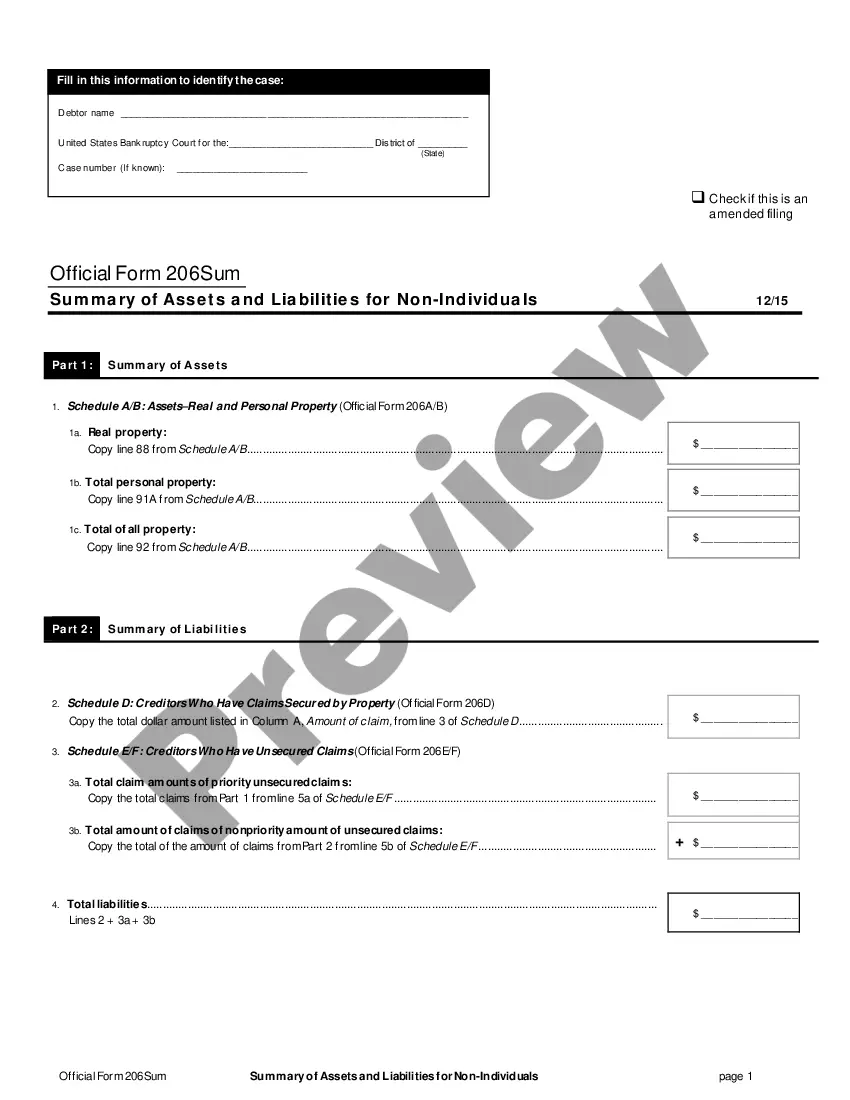
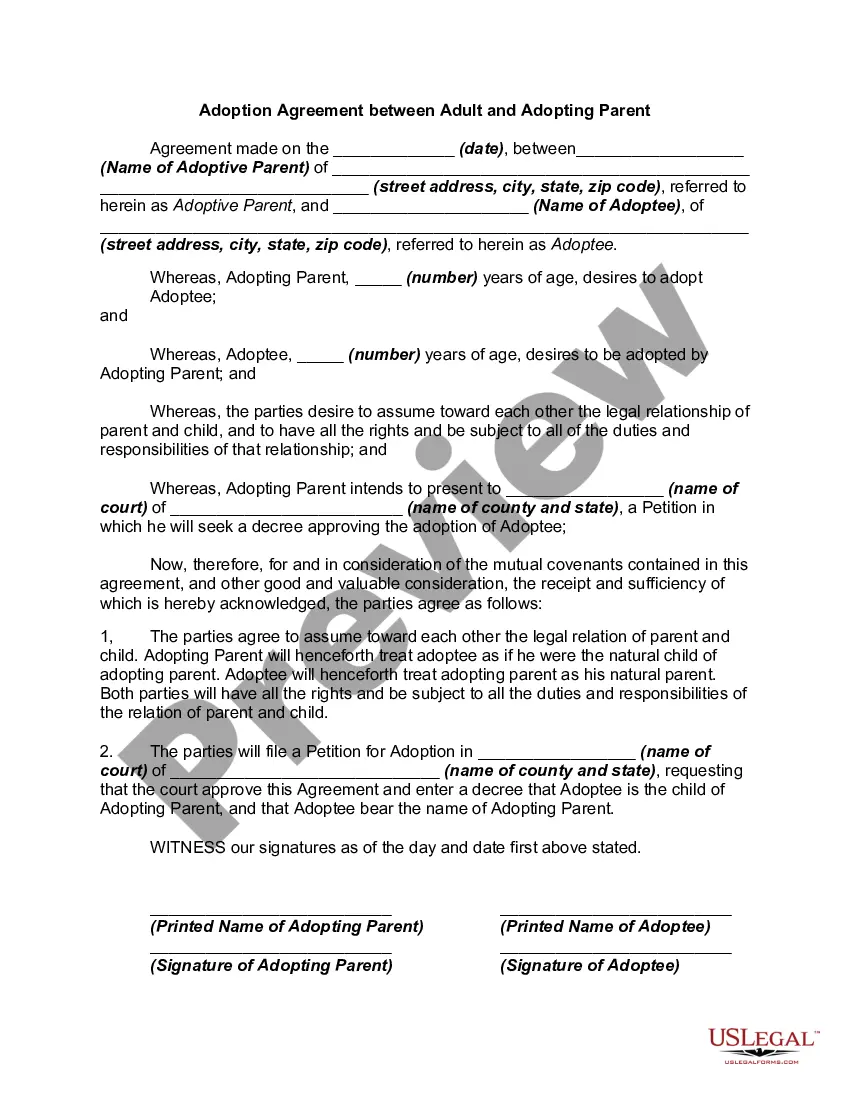
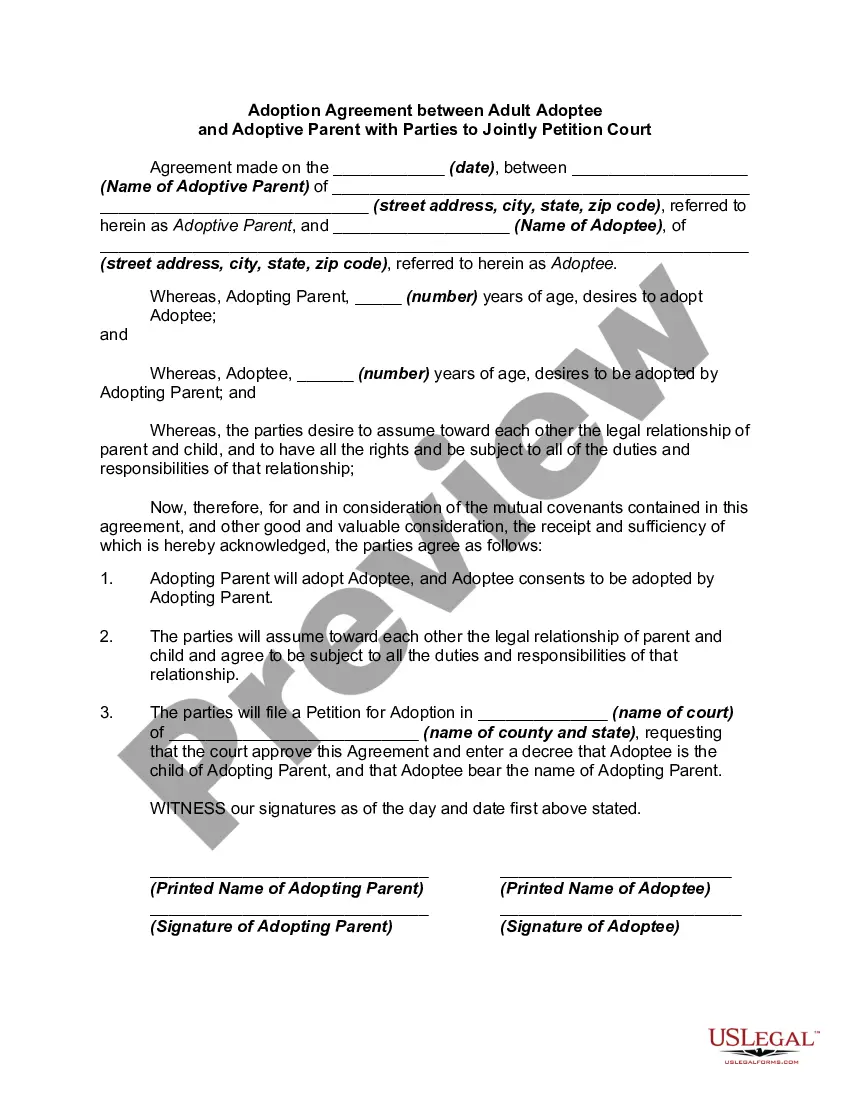
This form is a contract which is usually required to be executed, acknowledged, and filed for record. Various requirements may exist in a particular jurisdiction concerning acknowledgment and recording, or other formal acts relating to adoption by contract. Contracts to adopt are generally recognized as valid.
Alabama Adoption Agreement Between Married Prospective Adoptive Parents and Pregnant Natural Mother with Prospective Adoptive Parents Agreeing to Pay Medical and Hospital Costs of Pregnant Natural Mother
Instant download
Description
Free preview
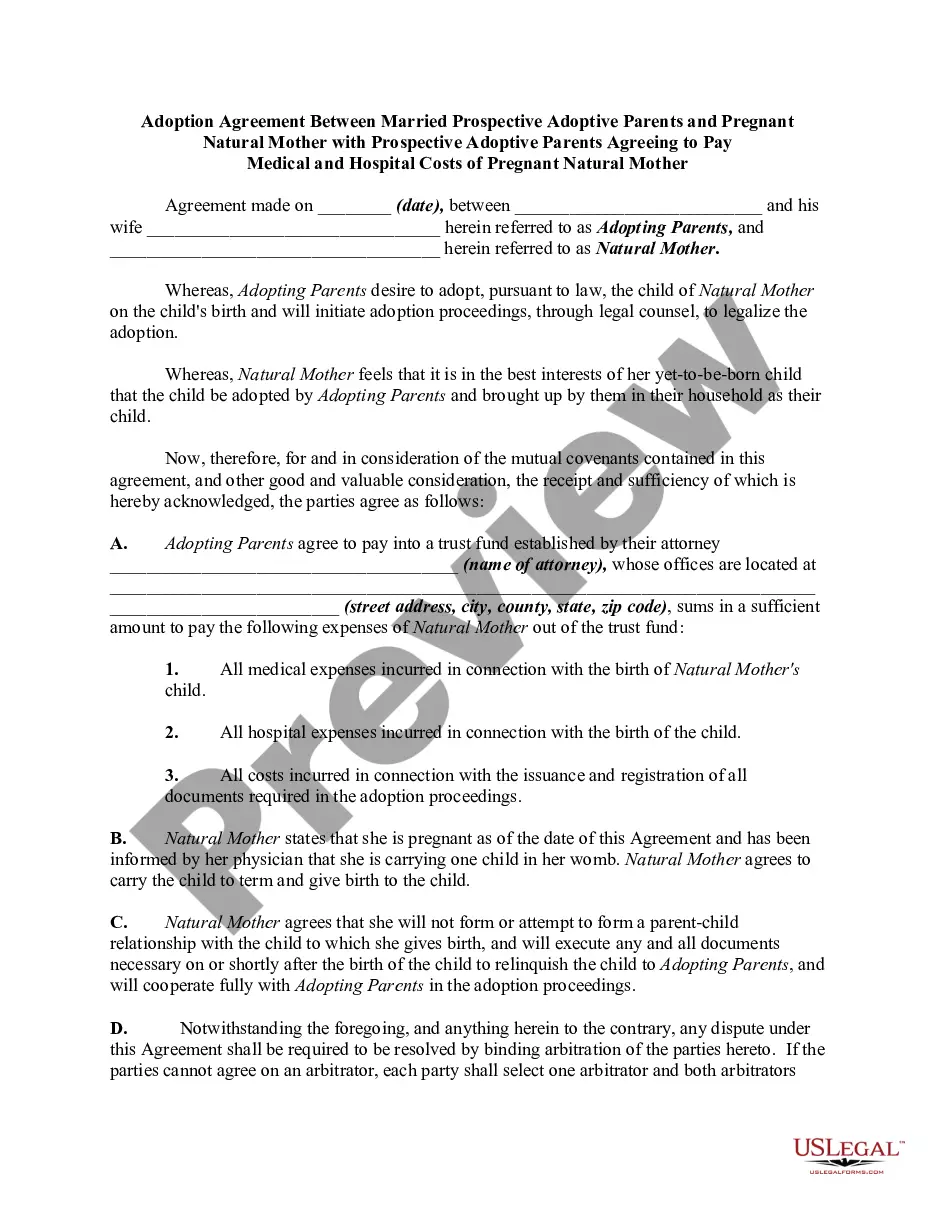
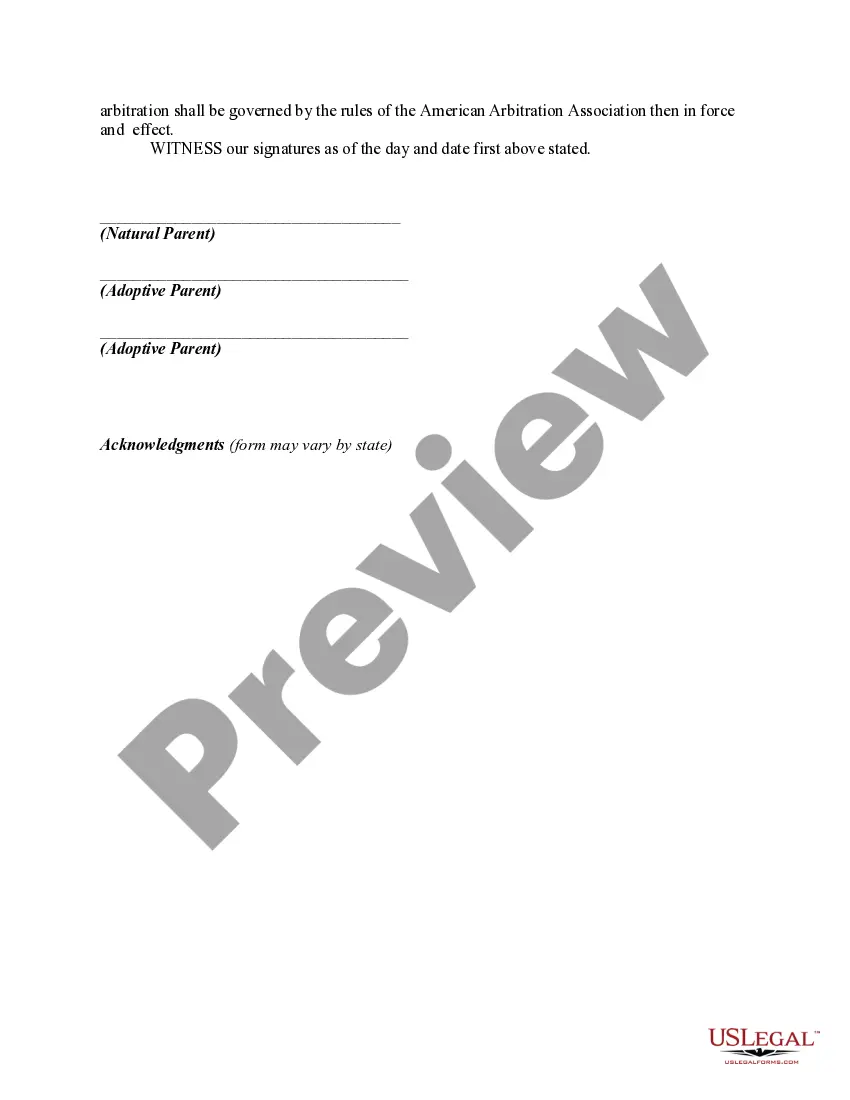
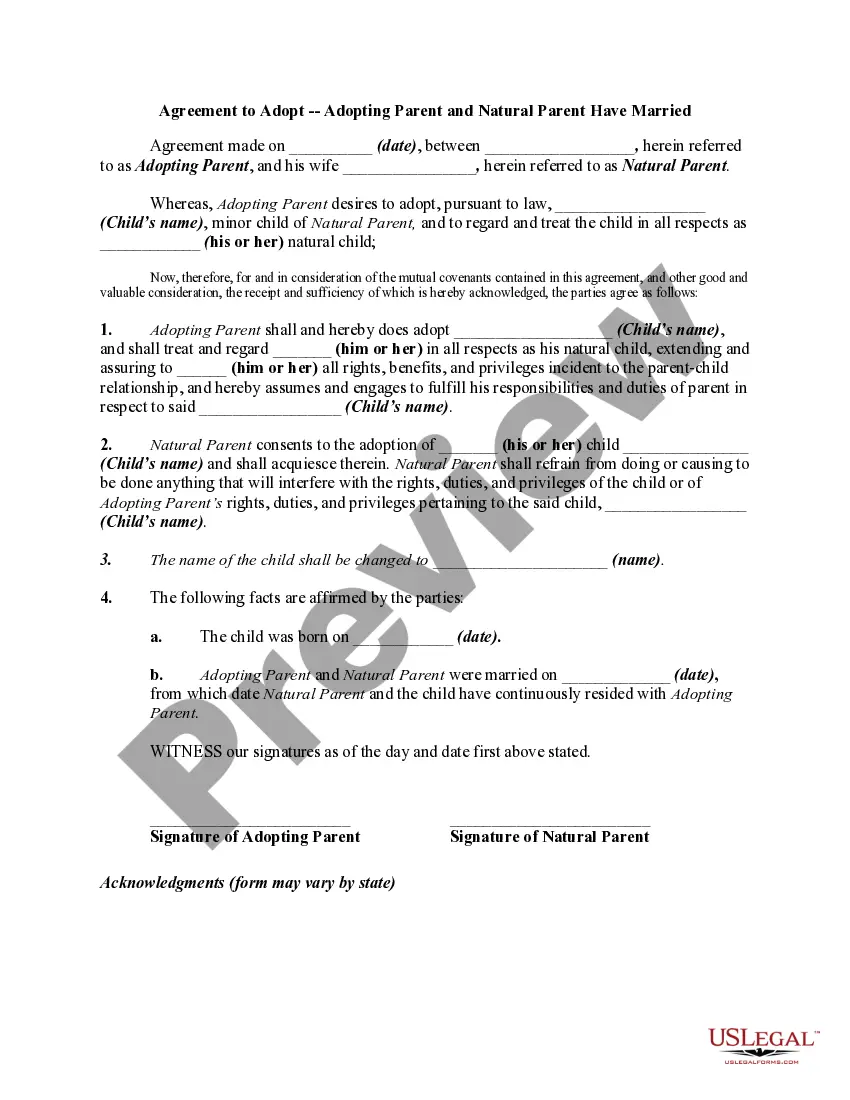
Get your form ready online
Our built-in tools help you complete, sign, share, and store your documents in one place.
Built-in online Word editor
Make edits, fill in missing information, and update formatting in US Legal Forms—just like you would in MS Word.
Export easily
Download a copy, print it, send it by email, or mail it via USPS—whatever works best for your next step.
E-sign your document
Sign and collect signatures with our SignNow integration. Send to multiple recipients, set reminders, and more. Go Premium to unlock E-Sign.
Notarize online 24/7
If this form requires notarization, complete it online through a secure video call—no need to meet a notary in person or wait for an appointment.
Store your document securely
We protect your documents and personal data by following strict security and privacy standards.

Make edits, fill in missing information, and update formatting in US Legal Forms—just like you would in MS Word.

Download a copy, print it, send it by email, or mail it via USPS—whatever works best for your next step.

Sign and collect signatures with our SignNow integration. Send to multiple recipients, set reminders, and more. Go Premium to unlock E-Sign.

If this form requires notarization, complete it online through a secure video call—no need to meet a notary in person or wait for an appointment.

We protect your documents and personal data by following strict security and privacy standards.
Looking for another form?
How to fill out Adoption Agreement Between Married Prospective Adoptive Parents And Pregnant Natural Mother With Prospective Adoptive Parents Agreeing To Pay Medical And Hospital Costs Of Pregnant Natural Mother?
If you need to acquire, obtain, or print approved document templates, utilize US Legal Forms, the largest compilation of approved forms, which can be accessed online.
Use the site’s straightforward and user-friendly search feature to locate the documents you need. A range of templates for commercial and personal purposes are categorized by sections and suggestions, or keywords.
Employ US Legal Forms to find the Alabama Adoption Agreement Between Married Prospective Adoptive Parents and Pregnant Natural Mother with Prospective Adoptive Parents Agreeing to Cover Medical and Hospital Expenses of Pregnant Natural Mother in just a few clicks.
Step 5. Process the transaction. You can use your credit card or PayPal account to complete the payment.
Step 6. Select the format of the legal form and download it to your device. Step 7. Fill out, modify, and print or sign the Alabama Adoption Agreement Between Married Prospective Adoptive Parents and Pregnant Natural Mother with Prospective Adoptive Parents Agreeing to Cover Medical and Hospital Expenses of Pregnant Natural Mother. Every legal document template you purchase is yours forever. You have access to every form you acquired with your account. Click on the My documents section and select a form to print or download again. Complete and download, and print the Alabama Adoption Agreement Between Married Prospective Adoptive Parents and Pregnant Natural Mother with Prospective Adoptive Parents Agreeing to Cover Medical and Hospital Expenses of Pregnant Natural Mother with US Legal Forms. There are many professional and state-specific forms you can use for your business or personal needs.
- If you are currently a US Legal Forms member, Log In to your account and click the Download button to obtain the Alabama Adoption Agreement Between Married Prospective Adoptive Parents and Pregnant Natural Mother with Prospective Adoptive Parents Agreeing to Cover Medical and Hospital Expenses of Pregnant Natural Mother.
- You can also access forms you previously acquired in the My documents section of your account.
- If you are using US Legal Forms for the first time, follow the instructions below.
- Step 1. Ensure you have selected the form for the correct city/state.
- Step 2. Use the Preview option to review the form’s content. Don’t forget to check the details.
- Step 3. If you are not satisfied with the form, utilize the Search area at the top of the screen to find other versions of the legal form template.
- Step 4. Once you have found the form you need, click the Acquire now button. Choose the pricing plan you prefer and enter your details to register for the account.
Form popularity
FAQ
Step-parent, Co-Parent, Second Parent Adoptions in Alabama Step-parent, second parent or co-parent adoption is the legal process that allows a same-sex partner to adopt his or her spouse's biological or adopted child without ending the first parent's legal status as a parent.
Alabama allows any minor or disabled adult to be adopted, and any adult may adopt. After the age of 14, a child must consent to the adoption. Although Alabama does not have a statutory restriction on same-sex adoption, some courts have turned down requests to adopt a same-sex spouse's child.
Alabama allows any minor or disabled adult to be adopted, and any adult may adopt. After the age of 14, a child must consent to the adoption. Although Alabama does not have a statutory restriction on same-sex adoption, some courts have turned down requests to adopt a same-sex spouse's child.
In Alabama, any minor child may be adopted if parental rights have been terminated. Any adult can be adopted if (a) He or she is permanently disabled, or (b) He or she is determined to be of diminished mental capacity.
In Alabama, a birth father's consent is required only if he is a presumed father (married to the mother) or, if he responds within 30 days of being given notice of the adoption and files a request for custody in court.
As of July 1, 2022, Alabama's Adoption Promotion Act (APA) requires employers with 50 or more employees to provide eligible employees with up to 12 weeks of unpaid family leave for the birth or adoption of a child.
Requirements for Adopting a Stepchild The adoptee must be a minor child under 19. You must be healthy enough to meet the child's parental needs. You can begin adoption after three years of marriage to the stepchild's birth parent. Petitioners who have lived with the child for a year may qualify for exemptions.
Ing to the Child Welfare Information Gateway, in Alabama, a person will not be approved to adopt if they have been convicted of murder, manslaughter, robbery, any sex-related crime, any crime committed against a child, arson or any drug-related crime.