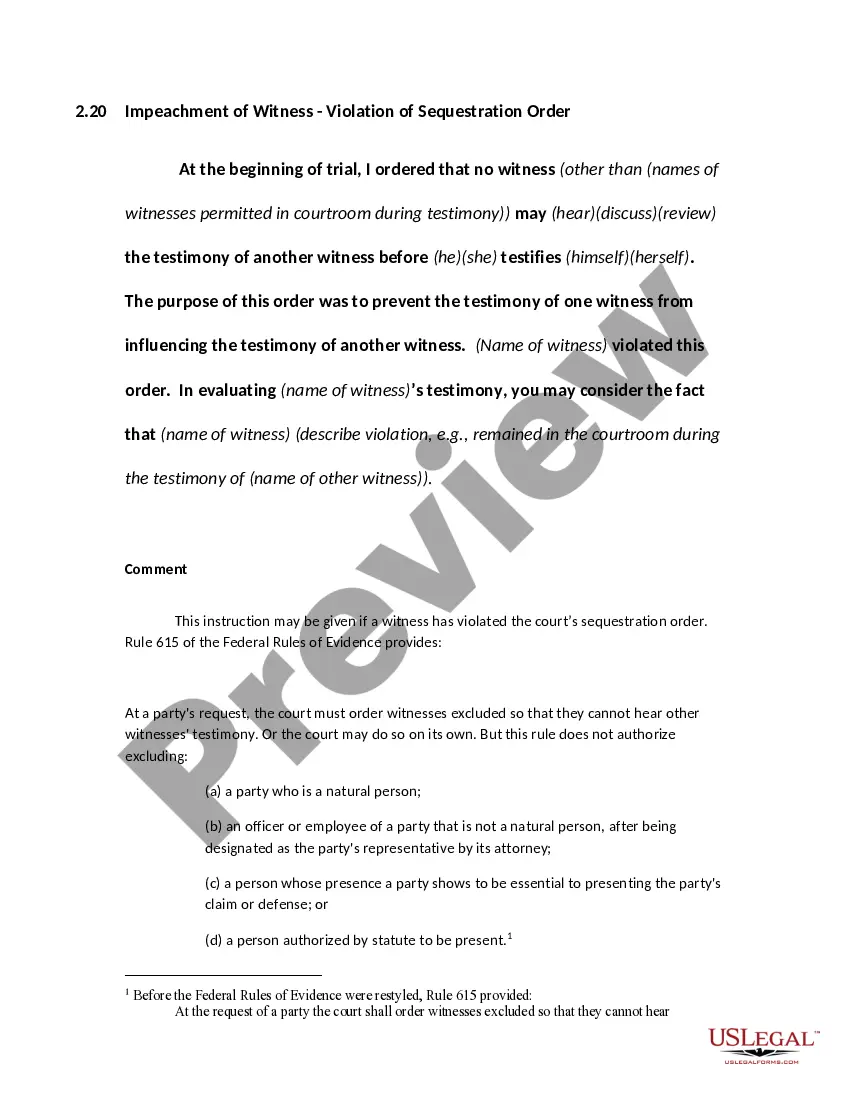
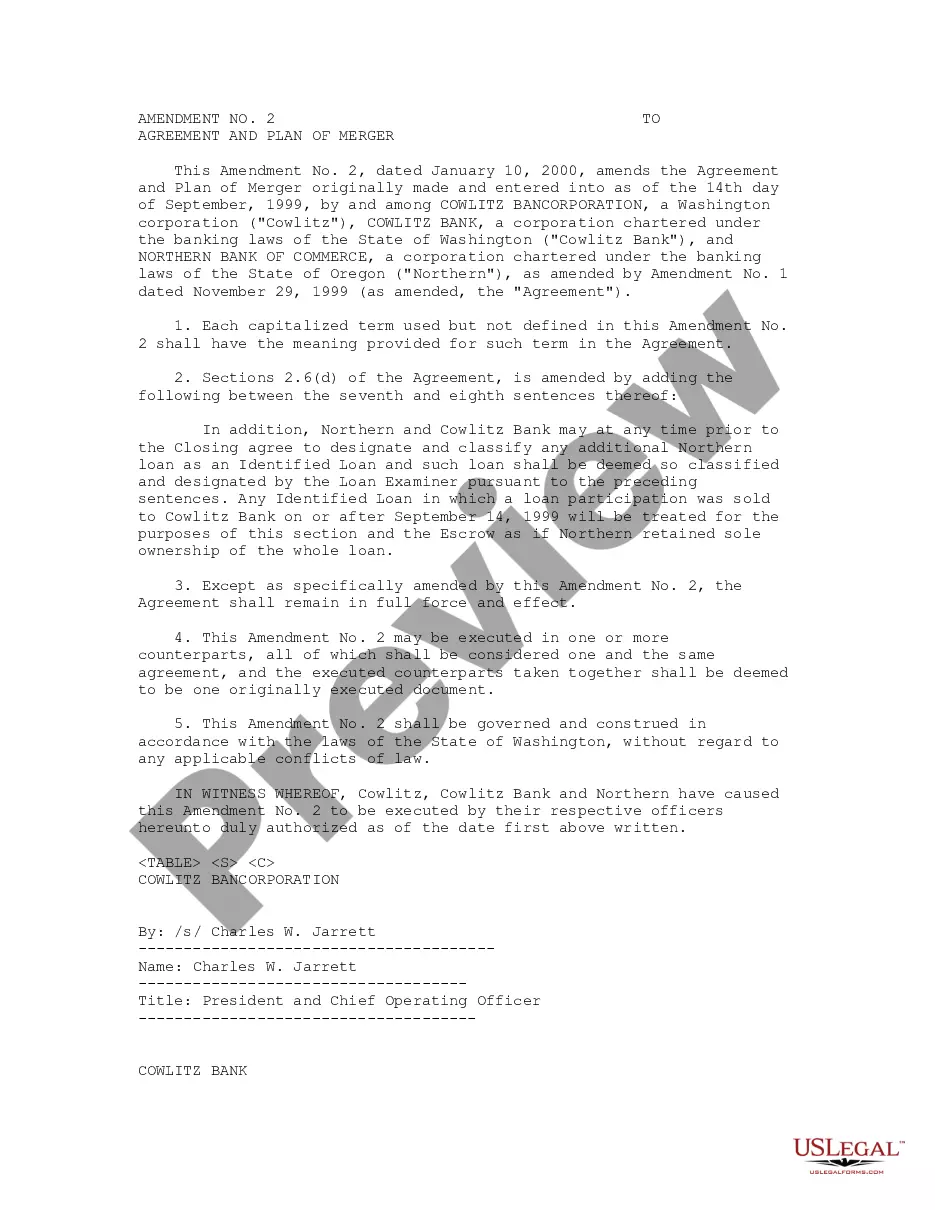
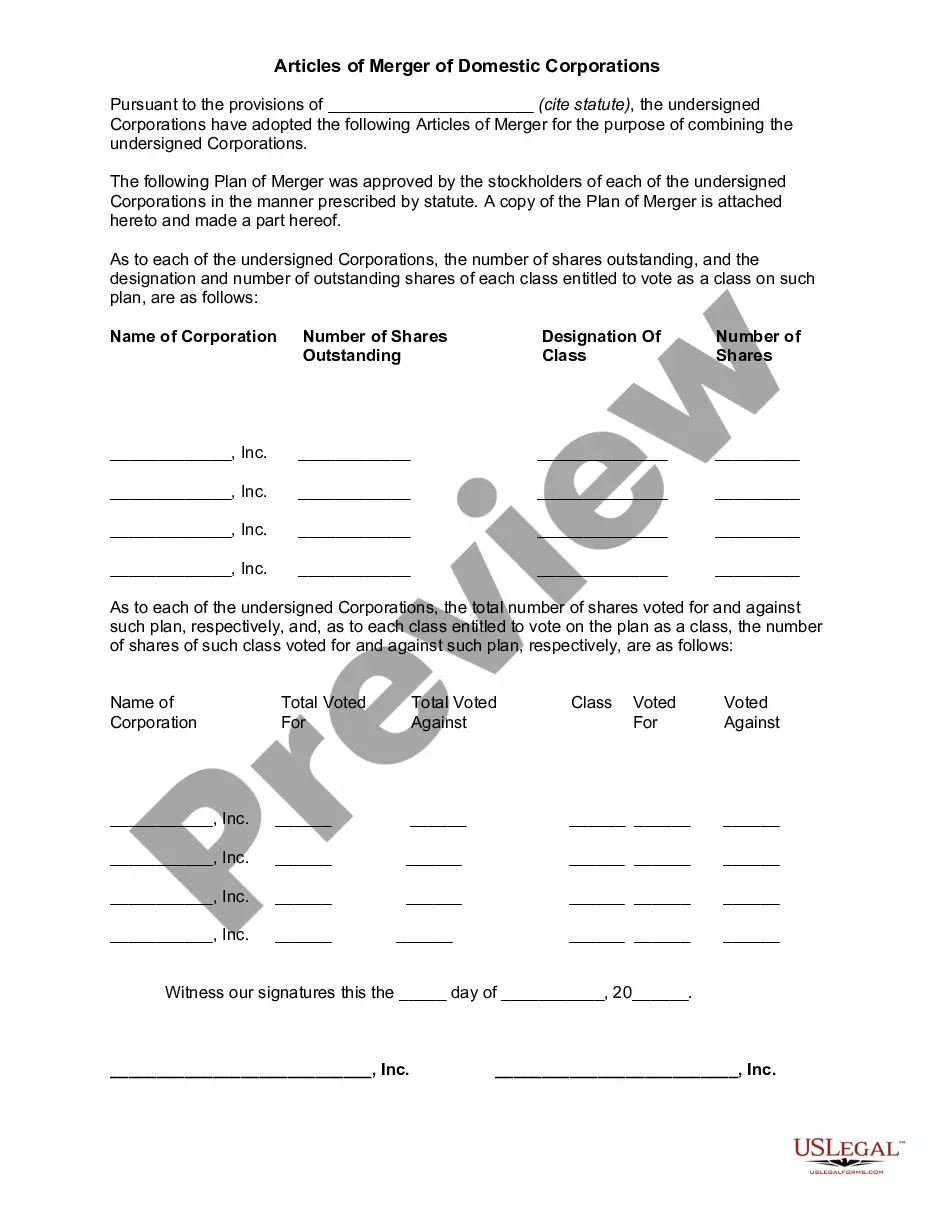
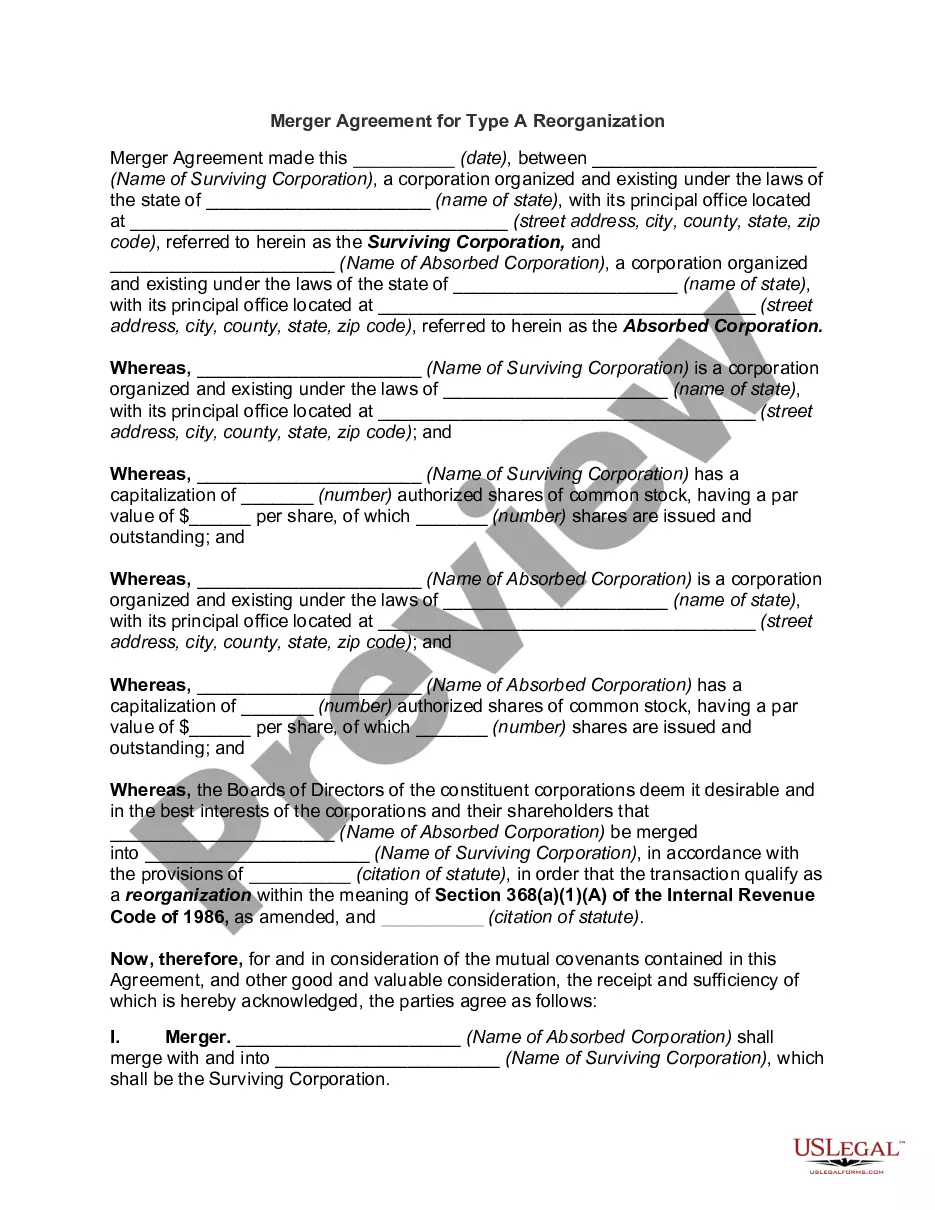
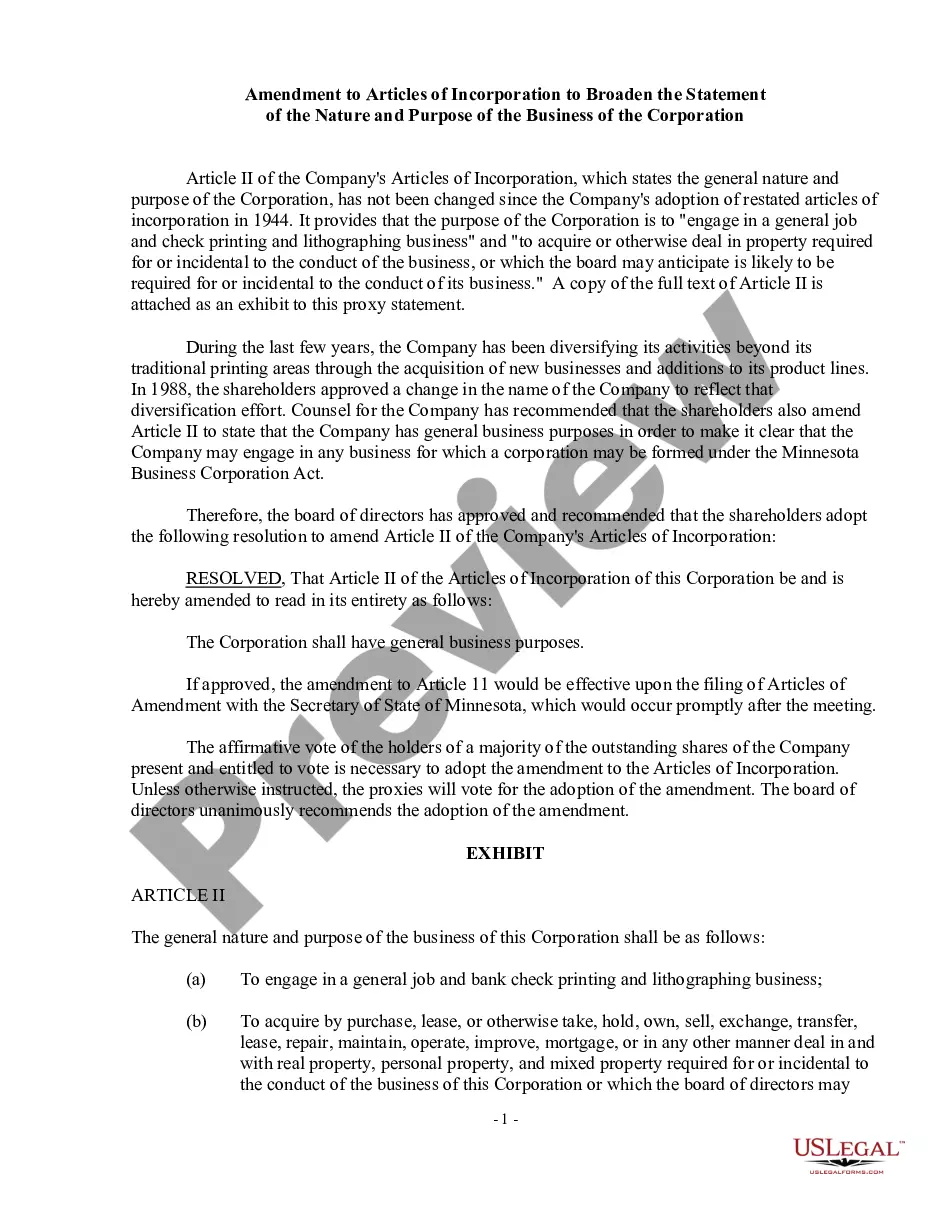
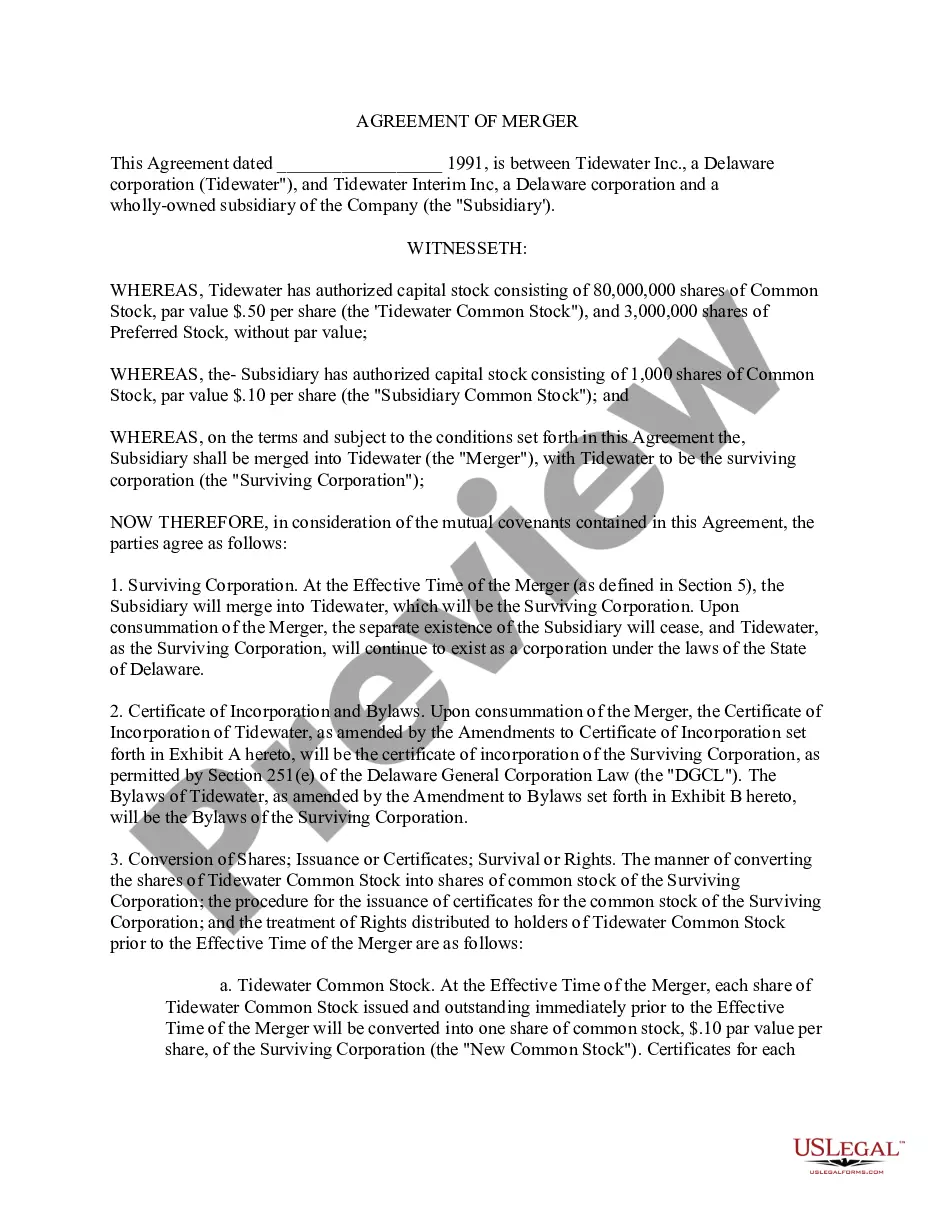
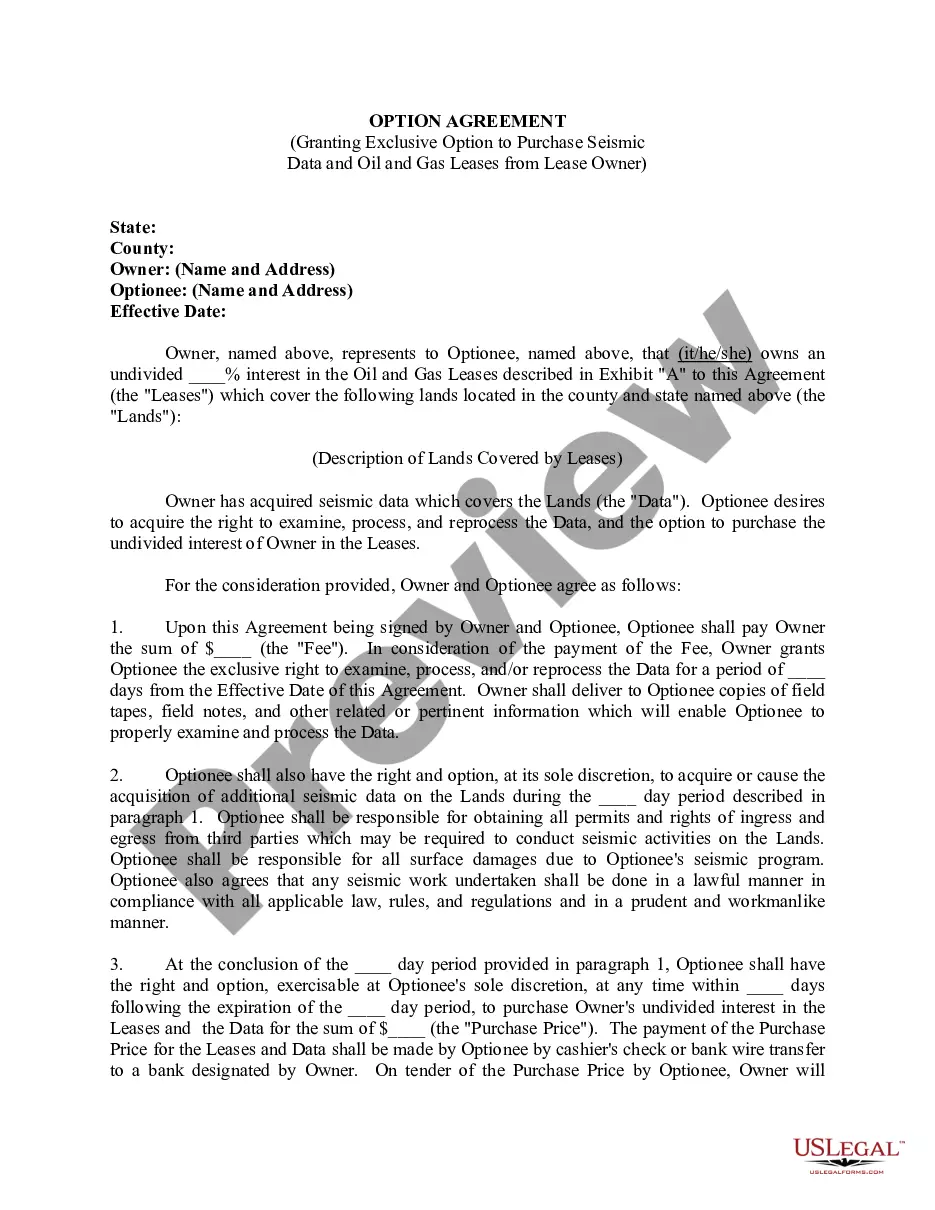
Alaska Amendment to Merger
Description

Get your form ready online
Our built-in tools help you complete, sign, share, and store your documents in one place.
Make edits, fill in missing information, and update formatting in US Legal Forms—just like you would in MS Word.
Download a copy, print it, send it by email, or mail it via USPS—whatever works best for your next step.
Sign and collect signatures with our SignNow integration. Send to multiple recipients, set reminders, and more. Go Premium to unlock E-Sign.
If this form requires notarization, complete it online through a secure video call—no need to meet a notary in person or wait for an appointment.
We protect your documents and personal data by following strict security and privacy standards.

Make edits, fill in missing information, and update formatting in US Legal Forms—just like you would in MS Word.

Download a copy, print it, send it by email, or mail it via USPS—whatever works best for your next step.

Sign and collect signatures with our SignNow integration. Send to multiple recipients, set reminders, and more. Go Premium to unlock E-Sign.

If this form requires notarization, complete it online through a secure video call—no need to meet a notary in person or wait for an appointment.

We protect your documents and personal data by following strict security and privacy standards.
Looking for another form?





How to fill out Amendment To Merger?
You are able to invest time on the web searching for the legitimate file template that meets the federal and state needs you need. US Legal Forms gives 1000s of legitimate forms which can be reviewed by experts. It is simple to down load or printing the Alaska Amendment to Merger from the assistance.
If you already possess a US Legal Forms account, you can log in and click on the Obtain switch. After that, you can total, revise, printing, or indicator the Alaska Amendment to Merger. Each and every legitimate file template you get is the one you have permanently. To obtain an additional copy associated with a acquired form, check out the My Forms tab and click on the corresponding switch.
If you are using the US Legal Forms internet site the first time, stick to the easy directions listed below:
- Very first, make sure that you have selected the best file template for the county/metropolis that you pick. Look at the form outline to make sure you have selected the appropriate form. If accessible, make use of the Review switch to appear through the file template at the same time.
- If you want to locate an additional edition from the form, make use of the Search area to obtain the template that fits your needs and needs.
- Upon having identified the template you need, simply click Get now to move forward.
- Choose the pricing prepare you need, enter your qualifications, and sign up for your account on US Legal Forms.
- Complete the deal. You can use your credit card or PayPal account to cover the legitimate form.
- Choose the structure from the file and down load it to your product.
- Make adjustments to your file if needed. You are able to total, revise and indicator and printing Alaska Amendment to Merger.
Obtain and printing 1000s of file layouts while using US Legal Forms website, which provides the most important variety of legitimate forms. Use expert and condition-certain layouts to take on your business or personal needs.
Form popularity
FAQ
Online renewal is available the first 9 months of a lapsed (expired) business license; after which you can only apply for renewal hardcopy (via in-person, fax, or U.S. Mail) by submitting Business License: RENEWAL Application (form 08-4617) along with the appropriate fees. Do not email payments or filings.
How To Dissolve A Federal Corporation Meet the Board. A voluntary dissolution of a corporation requires unanimous approval from all the shareholders. ... Liquidate the Assets. ... File your Articles of Dissolution. ... Complete the Final Tax Return. ... Close All Accounts. ... Cancel any Permits or Licences. ... Notify all Associates.
There is no form available for reinstating your Alaska corporation. All you need to do is file your missed biennial report and pay any fees and penalties. You may reinstate within two years following the date of dissolution.
To dissolve your corporation in Alaska, you must file a Certificate of Election to Dissolve, before or at the same time as, the Articles of Dissolution form. File in duplicate with the Alaska Division of Corporations, Business, and Professional Licensing by mail, fax or in person.
How To Register a Foreign LLC in Alaska. To register as a foreign LLC in Alaska, you will submit a Certificate of Registration to the Division of Corporations, Business and Professional Licensing and pay the required state fee. The process is called foreign qualification.
BUSINESS LICENSING SECTION: Submit Business License: Request to Cancel (form 08-4732) to cancel any business licenses associated with this entity. Go to .BusinessLicense.Alaska.Gov for more information and forms. PROFESSIONAL LICENSING SECTION: Email License@Alaska.Gov for more information and appropriate forms.