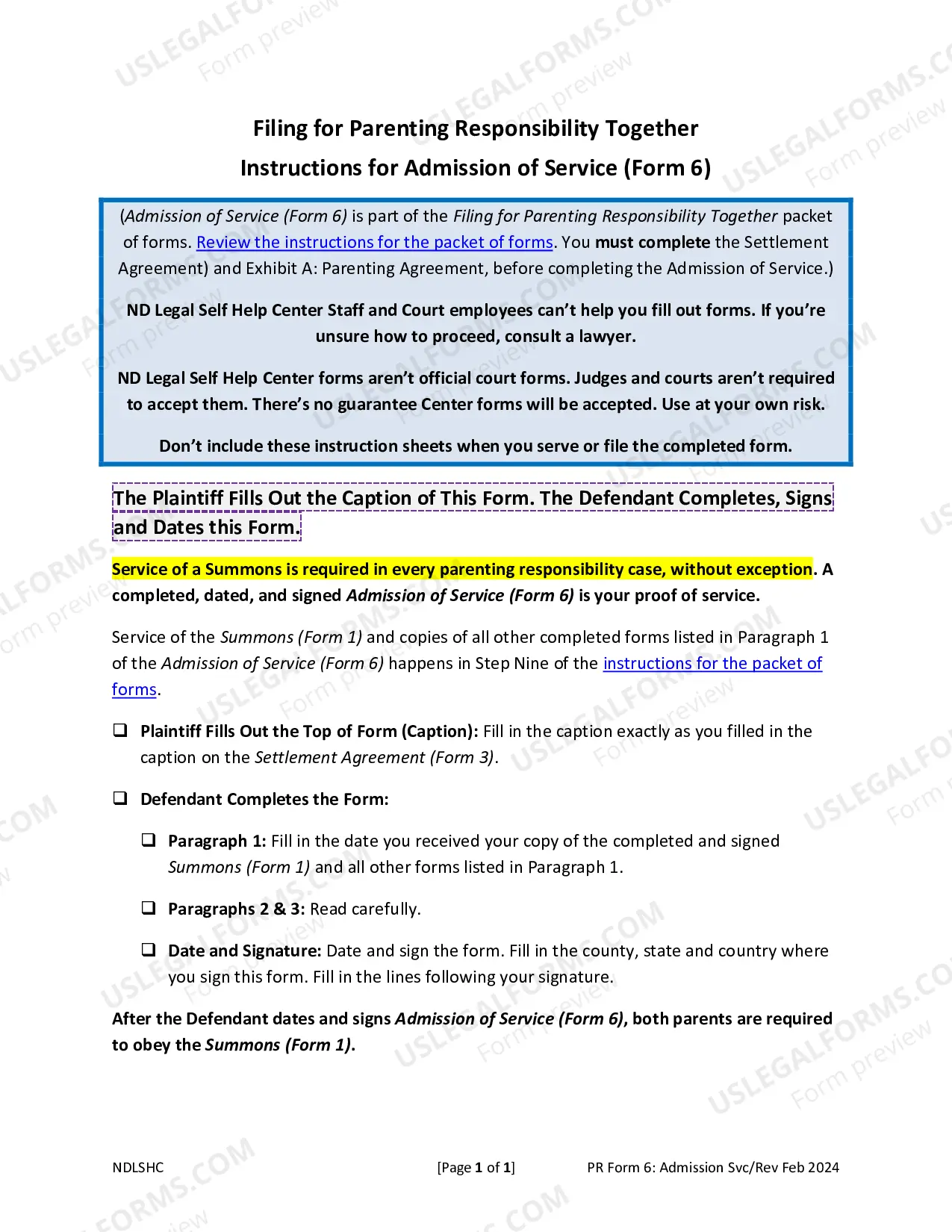
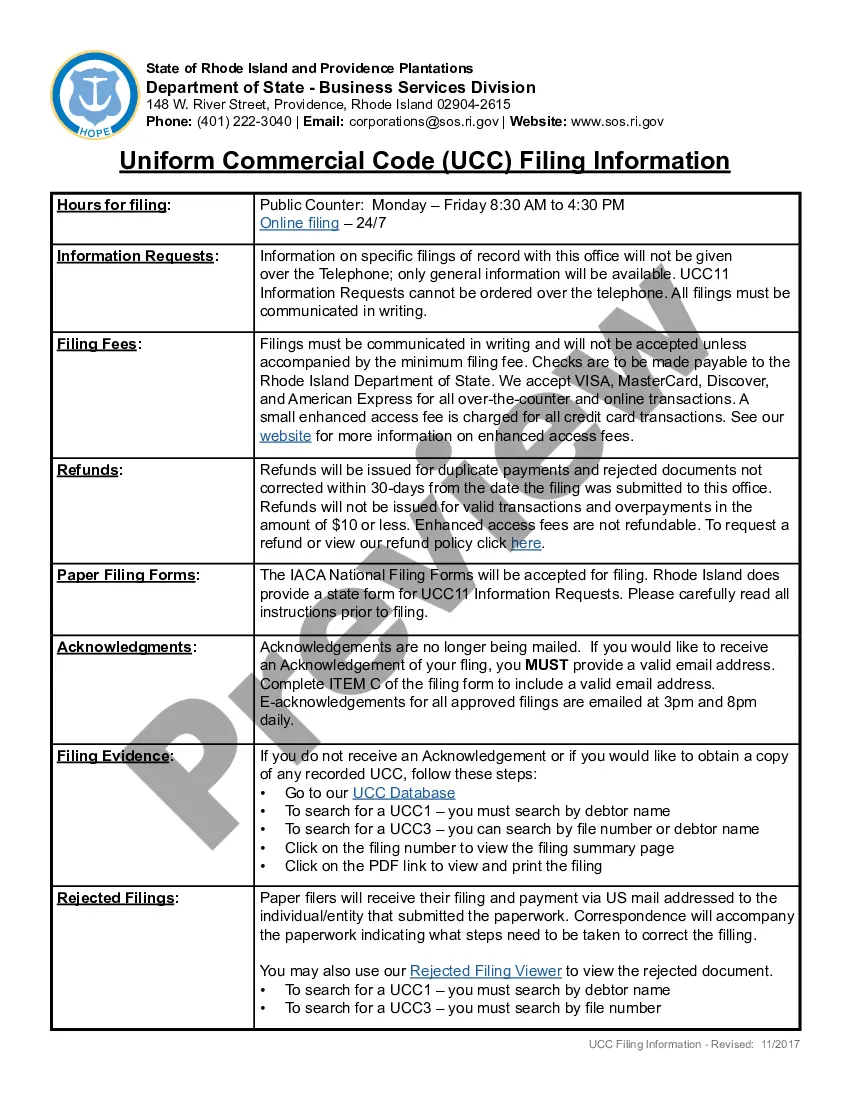
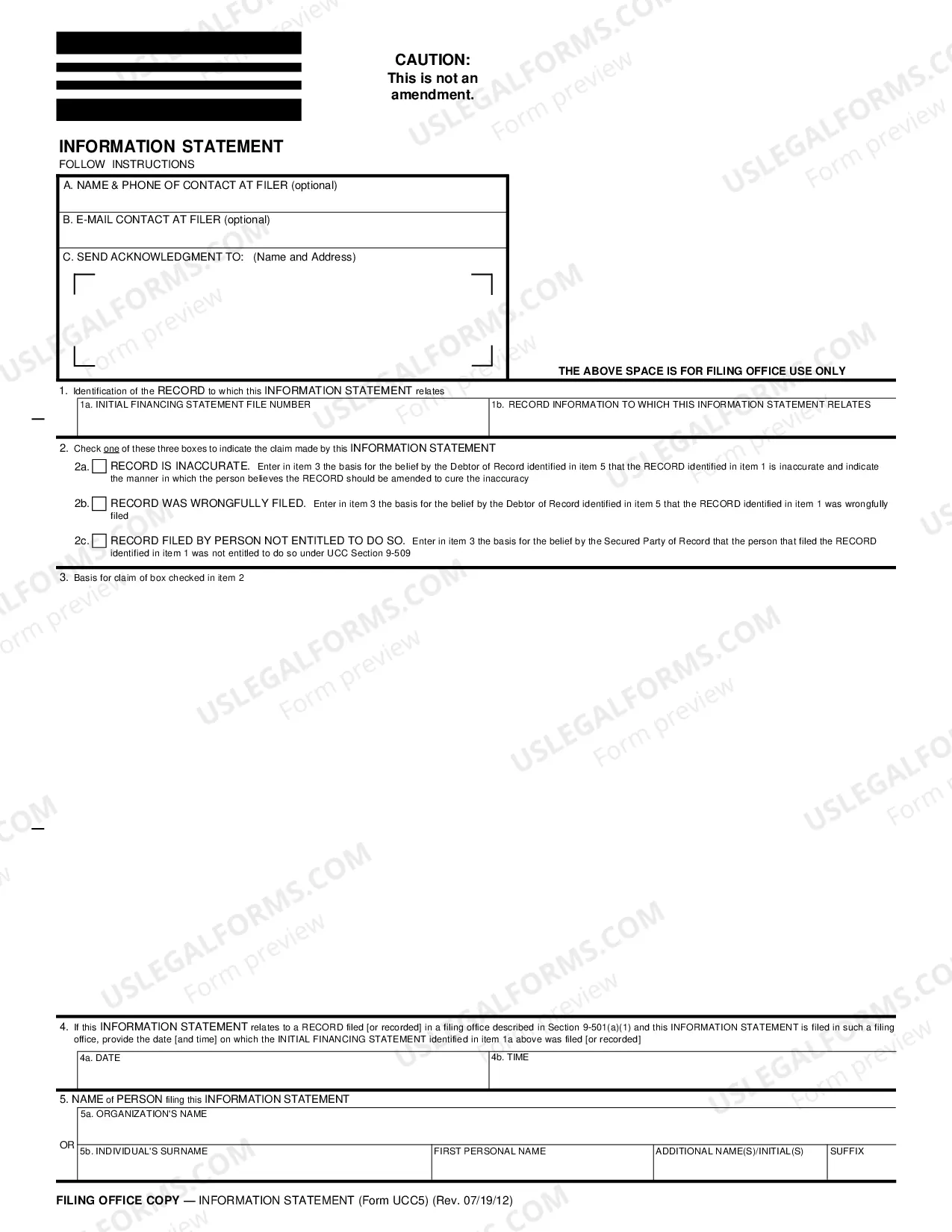
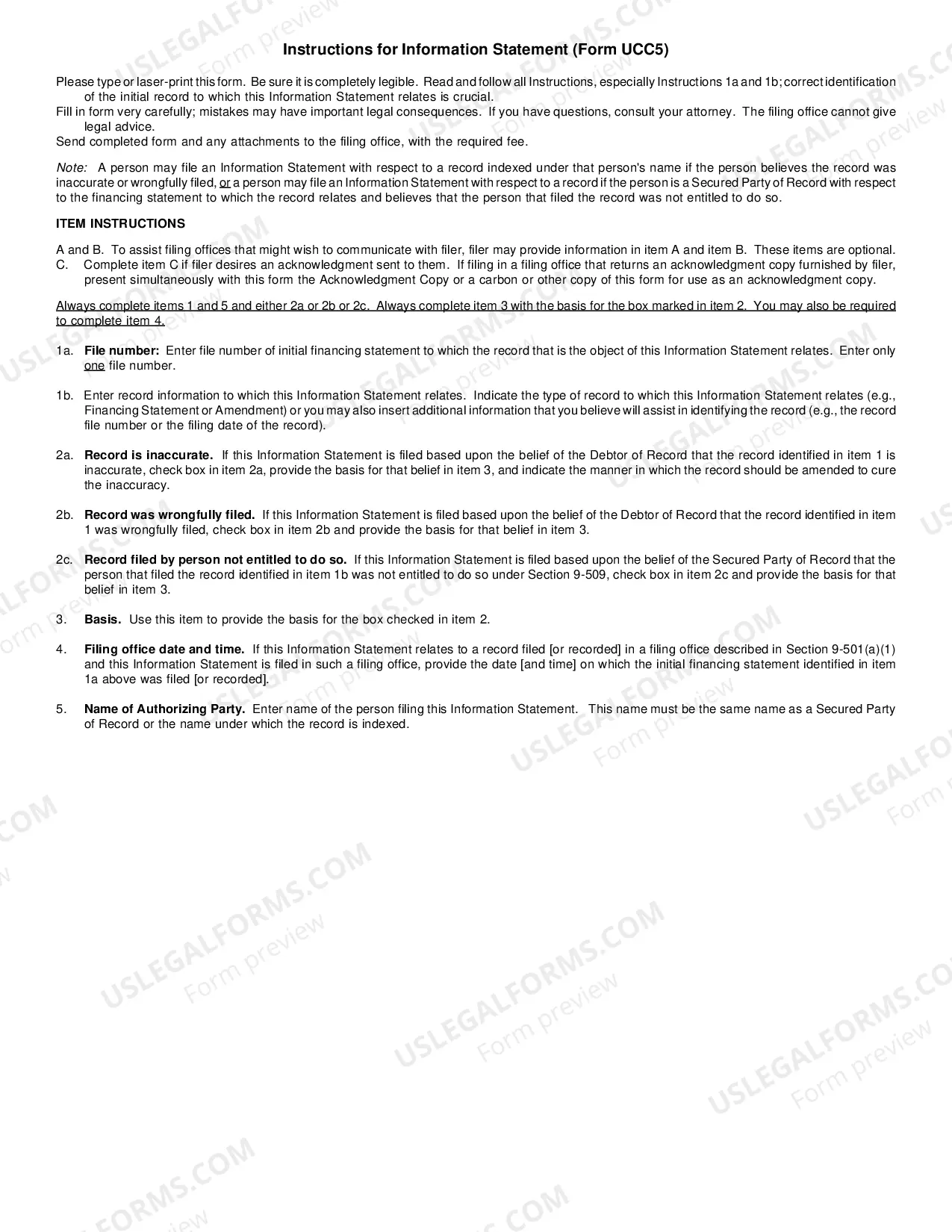
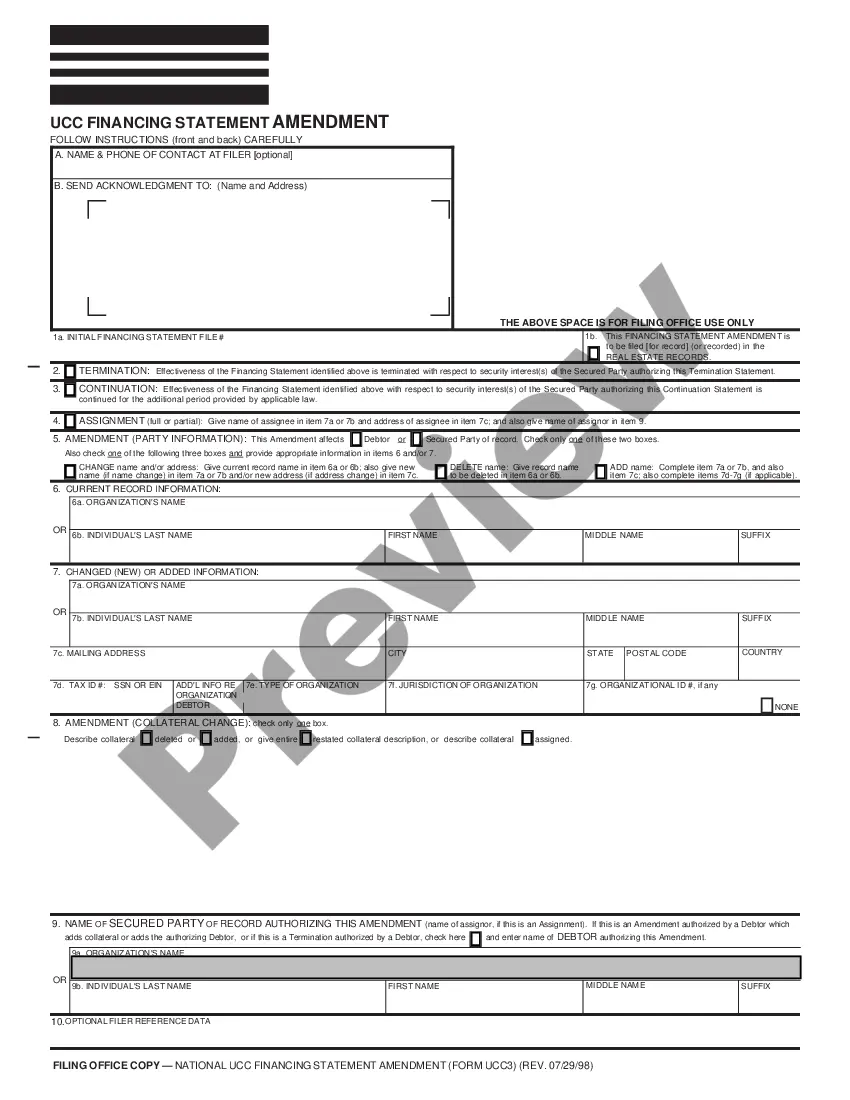
Correction Statement used to report inaccurate or wrongly filed records (as designated in the form) on file with the Rhode Island filing office.
Rhode Island UCC5 Correction Statement
Instant download
This website is not affiliated with any governmental entity
Public form
Description
Free preview
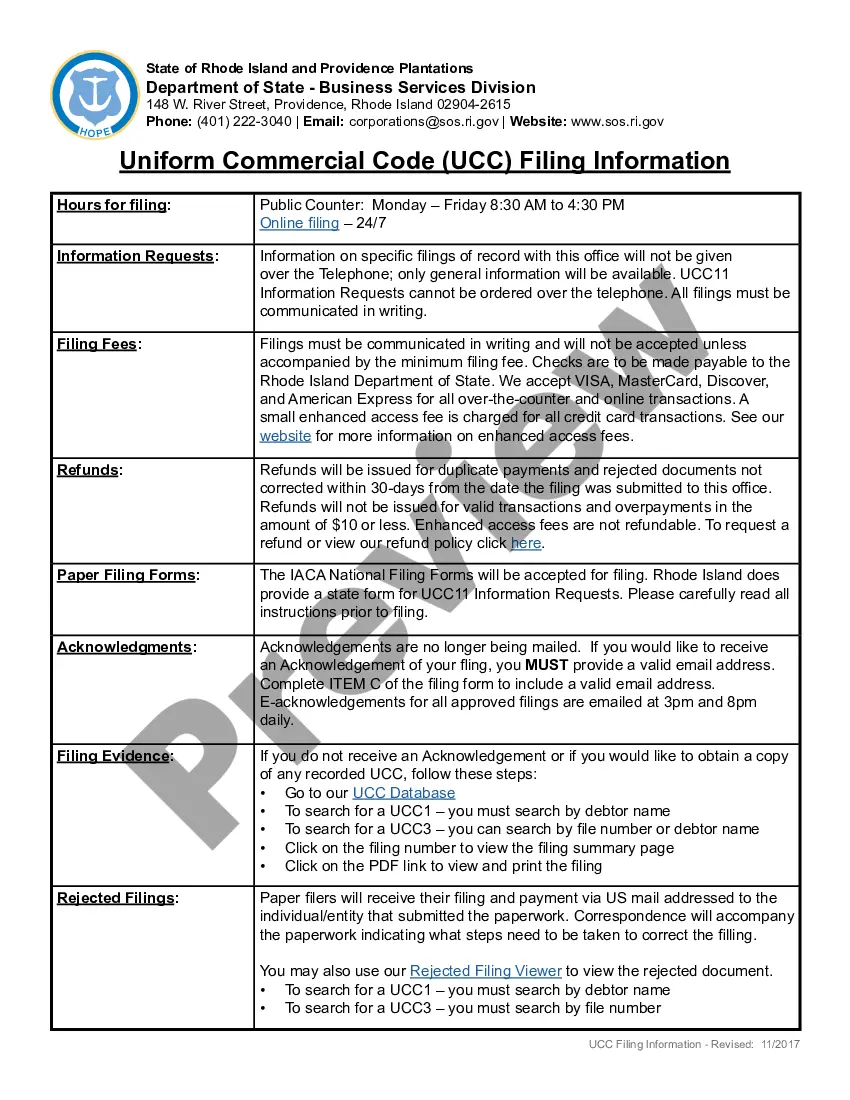
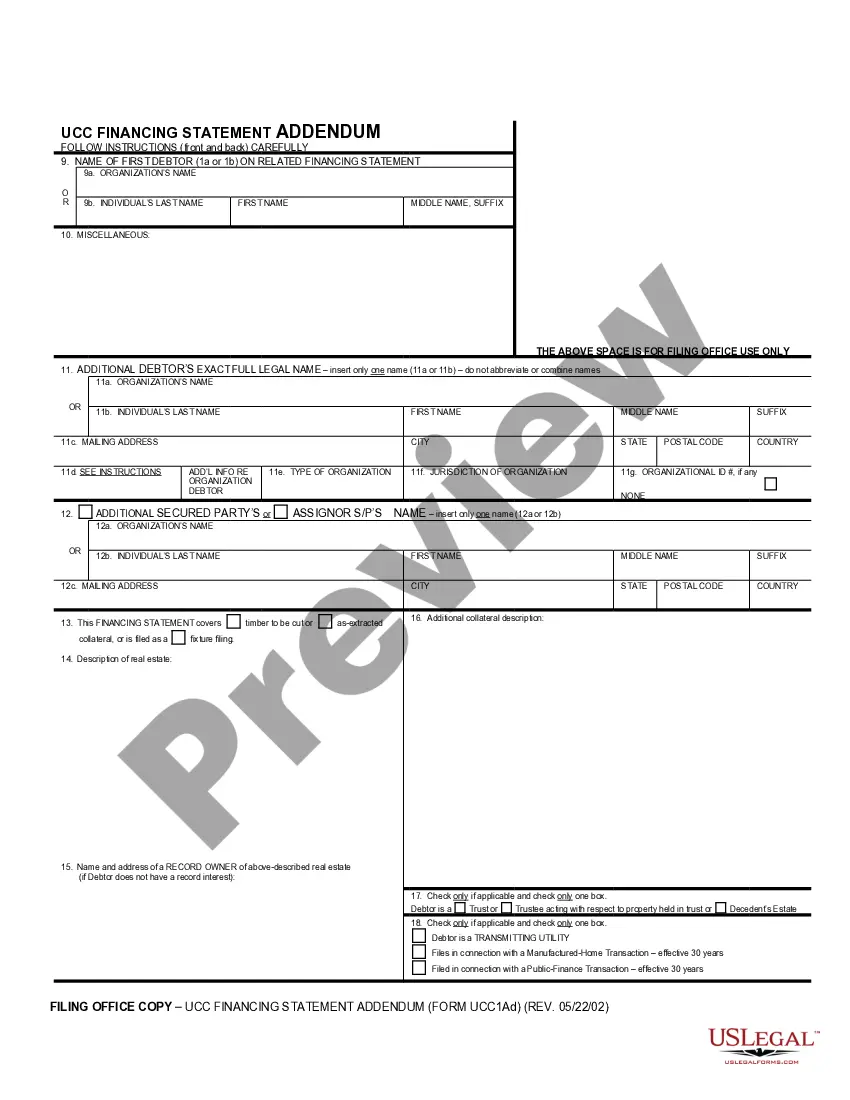

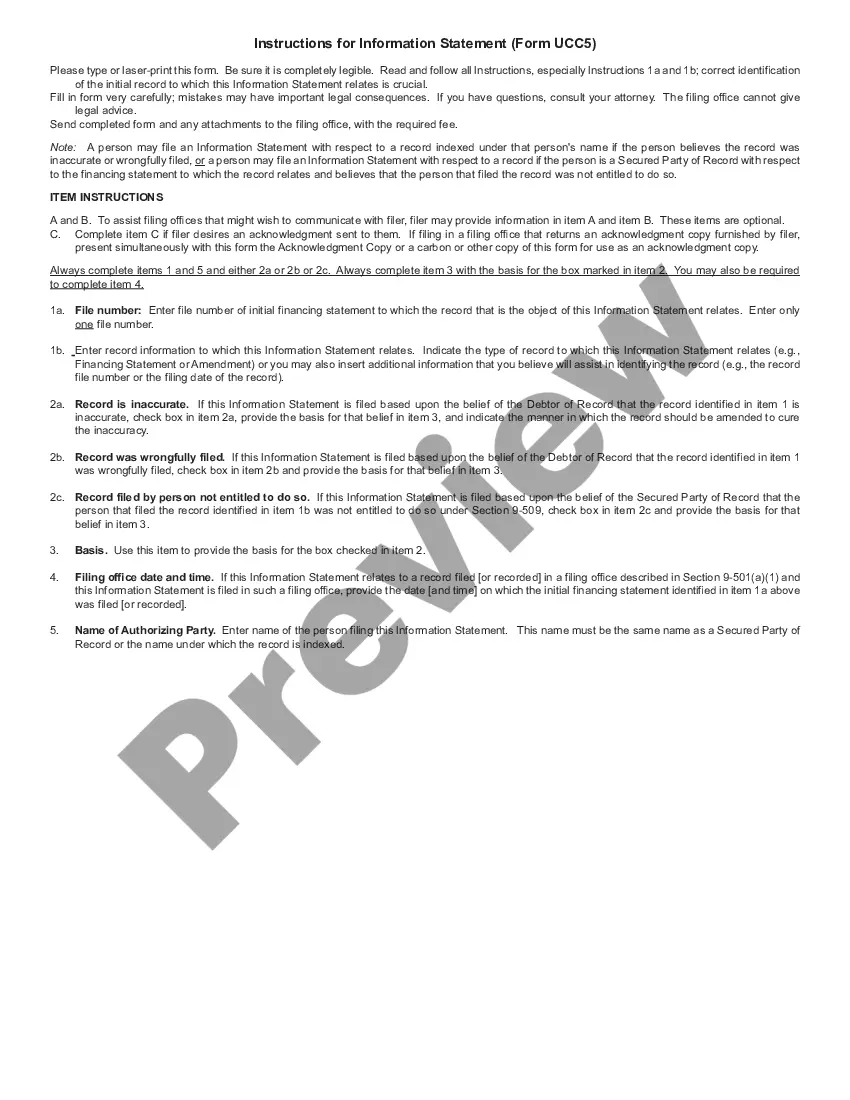
Get your form ready online
Our built-in tools help you complete, sign, share, and store your documents in one place.
Built-in online Word editor
Make edits, fill in missing information, and update formatting in US Legal Forms—just like you would in MS Word.
Export easily
Download a copy, print it, send it by email, or mail it via USPS—whatever works best for your next step.
E-sign your document
Sign and collect signatures with our SignNow integration. Send to multiple recipients, set reminders, and more. Go Premium to unlock E-Sign.
Notarize online 24/7
If this form requires notarization, complete it online through a secure video call—no need to meet a notary in person or wait for an appointment.
Store your document securely
We protect your documents and personal data by following strict security and privacy standards.

Make edits, fill in missing information, and update formatting in US Legal Forms—just like you would in MS Word.

Download a copy, print it, send it by email, or mail it via USPS—whatever works best for your next step.

Sign and collect signatures with our SignNow integration. Send to multiple recipients, set reminders, and more. Go Premium to unlock E-Sign.

If this form requires notarization, complete it online through a secure video call—no need to meet a notary in person or wait for an appointment.

We protect your documents and personal data by following strict security and privacy standards.
Looking for another form?
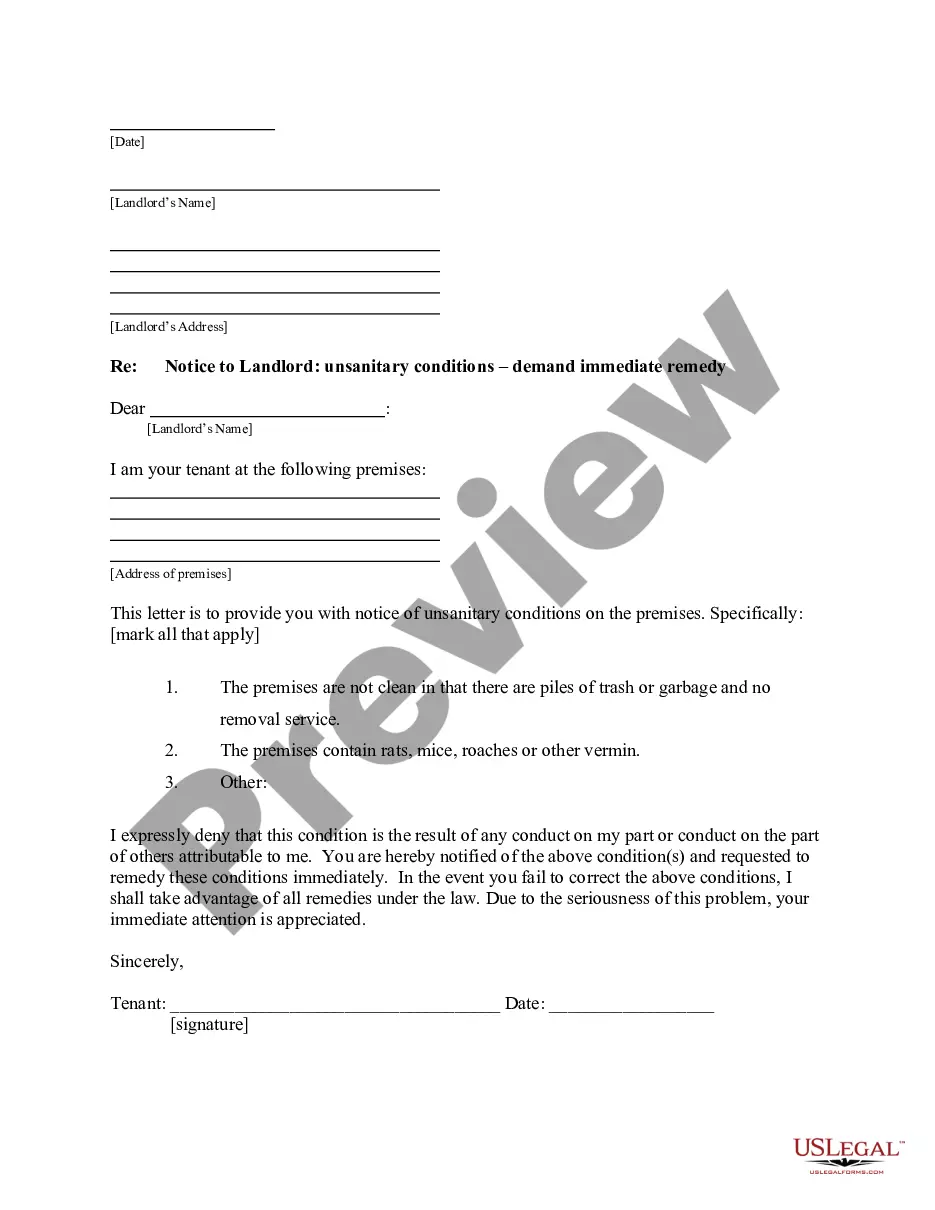
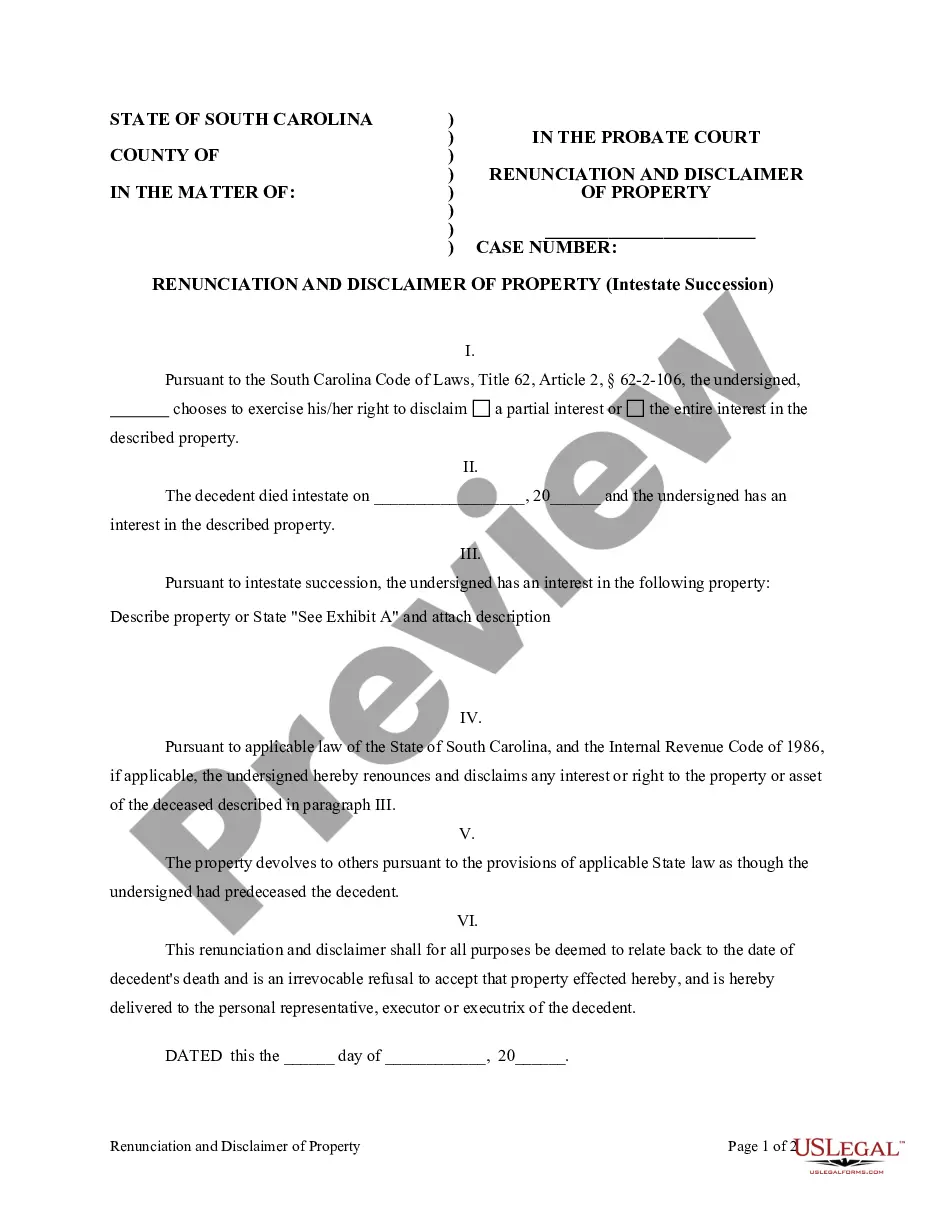
How to fill out Rhode Island UCC5 Correction Statement?
The work with papers isn't the most uncomplicated job, especially for people who rarely work with legal paperwork. That's why we recommend using accurate Rhode Island UCC5 Correction Statement samples made by skilled lawyers. It gives you the ability to avoid troubles when in court or handling formal organizations. Find the files you require on our website for top-quality forms and accurate descriptions.
If you’re a user having a US Legal Forms subscription, simply log in your account. As soon as you are in, the Download button will immediately appear on the file webpage. Soon after downloading the sample, it will be saved in the My Forms menu.
Users with no an active subscription can easily get an account. Utilize this simple step-by-step help guide to get your Rhode Island UCC5 Correction Statement:
- Ensure that file you found is eligible for use in the state it is required in.
- Confirm the document. Utilize the Preview option or read its description (if offered).
- Click Buy Now if this form is what you need or utilize the Search field to find a different one.
- Select a suitable subscription and create your account.
- Make use of your PayPal or credit card to pay for the service.
- Download your file in a preferred format.
After completing these simple steps, you can complete the sample in your favorite editor. Recheck completed details and consider requesting a legal representative to examine your Rhode Island UCC5 Correction Statement for correctness. With US Legal Forms, everything becomes easier. Try it now!