Oregon Release and Authorization
Overview of this form
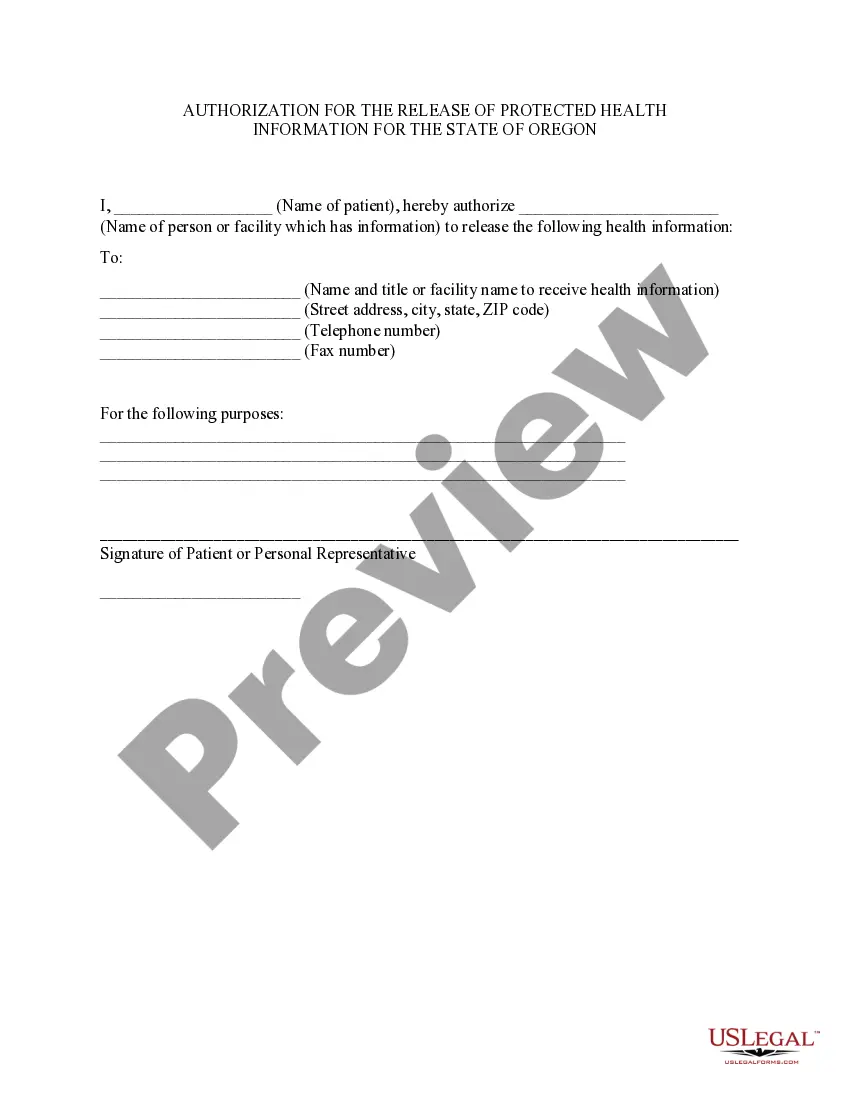
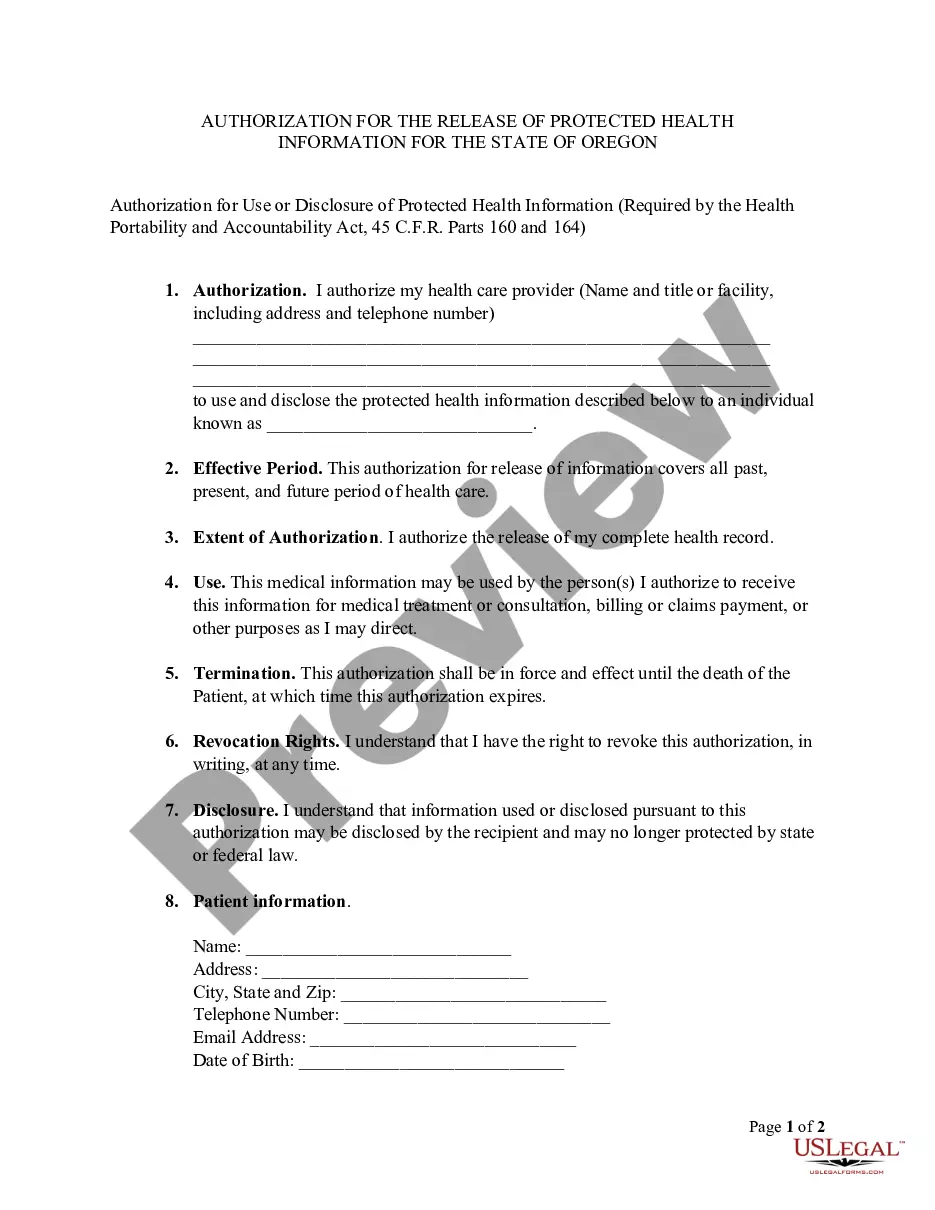
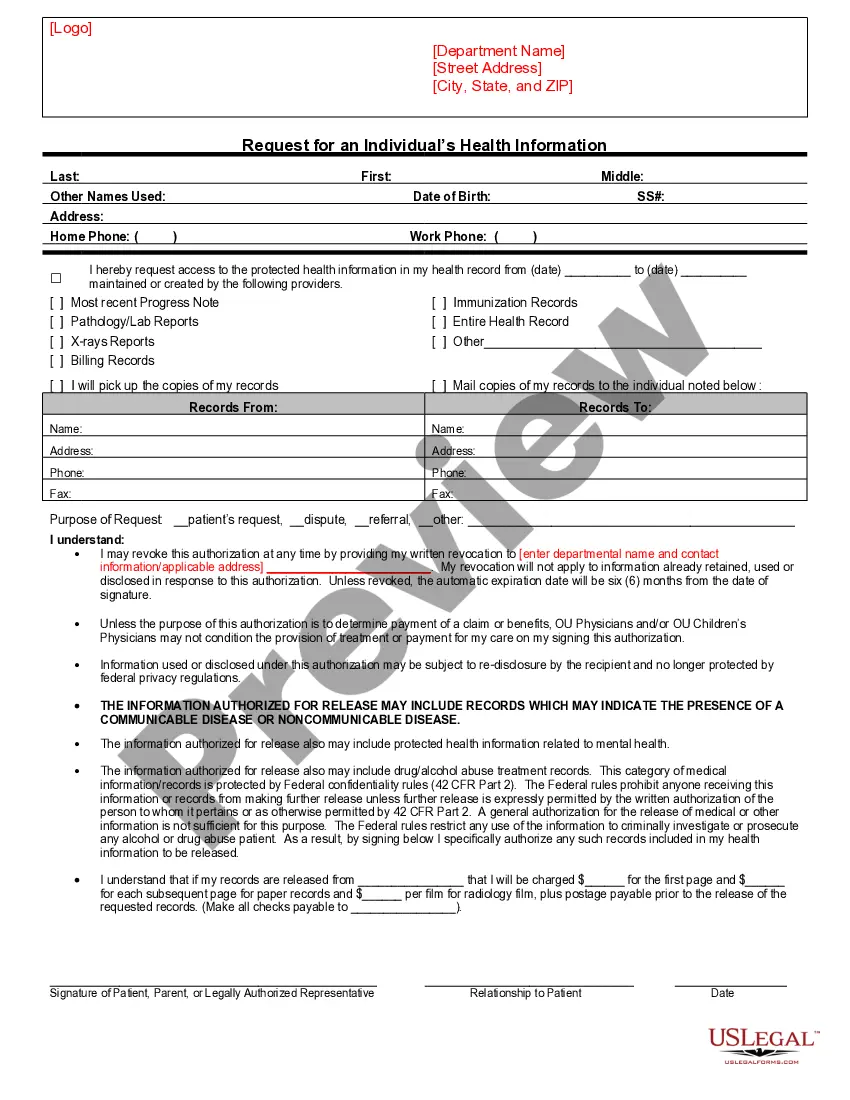
The Oregon Release and Authorization is a specific HIPAA authorization form designed for residents of Oregon. It allows patients to give consent for their health information to be released from a designated person or facility to another party. This form ensures that the release of medical records complies with state laws and HIPAA regulations, providing clarity and security for patients regarding their sensitive information.
Form components explained
- Name of the patient who is authorizing the release.
- Name of the individual or facility from which health information will be released.
- Name and contact information of the entity receiving the health information.
- Purpose for which the information is being released.
- Signature of the patient or personal representative to validate the authorization.
When to use this document
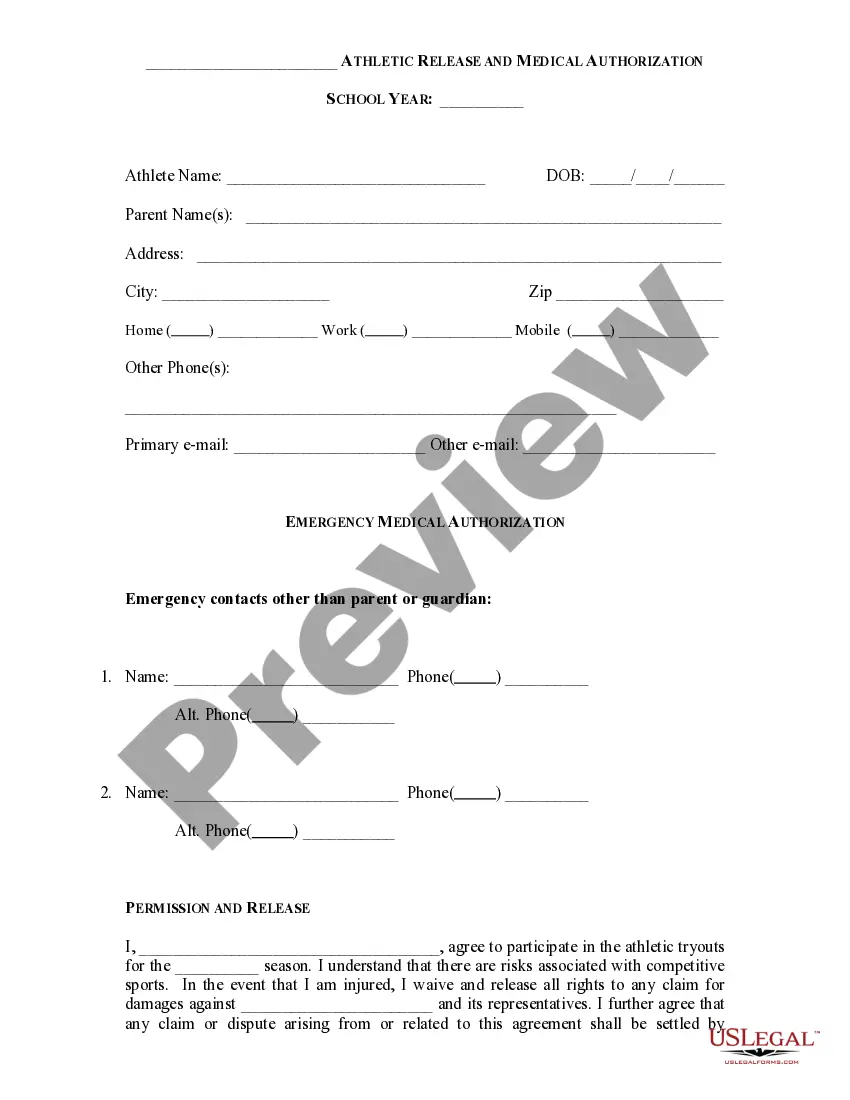
This form is essential when a patient needs to authorize healthcare providers to share their medical records with another party. Situations may include transferring medical information to a new healthcare provider, sharing details with an insurance company for claim purposes, or when a patient needs to grant access to a family member for medical decision-making.
Intended users of this form
This form is intended for:
- Patients seeking to manage their health information sharing.
- Personal representatives acting on behalf of patients.
- Healthcare providers needing documented consent to share patient information.
- Individuals requiring specific authorization for medical record transfers.
Completing this form step by step
- Enter the patientâs full name at the top of the form.
- Fill in the name of the facility or individual providing the health information.
- Provide the contact details of the entity that will receive the information.
- Specify the purpose for the release of health information in the designated section.
- Sign and date the form to authorize the release.
Does this document require notarization?
This form does not typically require notarization unless specified by local law. However, it is advisable to check if additional state regulations apply that could necessitate notarization for certain situations.
Get your form ready online
Our built-in tools help you complete, sign, share, and store your documents in one place.
Make edits, fill in missing information, and update formatting in US Legal Forms—just like you would in MS Word.
Download a copy, print it, send it by email, or mail it via USPS—whatever works best for your next step.
Sign and collect signatures with our SignNow integration. Send to multiple recipients, set reminders, and more. Go Premium to unlock E-Sign.
If this form requires notarization, complete it online through a secure video call—no need to meet a notary in person or wait for an appointment.
We protect your documents and personal data by following strict security and privacy standards.

Make edits, fill in missing information, and update formatting in US Legal Forms—just like you would in MS Word.

Download a copy, print it, send it by email, or mail it via USPS—whatever works best for your next step.

Sign and collect signatures with our SignNow integration. Send to multiple recipients, set reminders, and more. Go Premium to unlock E-Sign.

If this form requires notarization, complete it online through a secure video call—no need to meet a notary in person or wait for an appointment.

We protect your documents and personal data by following strict security and privacy standards.
Typical mistakes to avoid
- Failing to include the purpose of the information release.
- Not signing the form, which invalidates the authorization.
- Using incorrect contact information for the receiving party.
- Leaving out the patientâs full name or necessary identification information.
Why complete this form online
- Convenient access to legal forms at any time, from anywhere.
- Editable templates that can be customized to meet specific needs.
- Reliable format created by licensed attorneys to ensure compliance with legal standards.
Looking for another form?

Form popularity
FAQ
Under HIPAA, your site must retain the authorization for at least six years after the subject has signed it. Covered entities may use or disclose health information that is de-identified without restriction under the Privacy Rule.
By setting up a Release Authorization (ARI), you are giving customer service your permission to disclose information about your accounts to another person. Typically, this is used to give account access to a spouse or other family member.
Description. The Third Party Authorization form authorizes a person other than the payor or recipient to act on the payor's or recipient's behalf. A Family Responsibility Office (FRO) support payor or support recipient may designate this person to request and receive information from the FRO regarding their case.
The medical record information release (HIPAA) form allows a patient to give authorization to a 3rd party and access their health records.
A HIPAA authorization form, also known as a HIPAA release form, is a document that individual signs for their health provider before the entity may use or disclose their protected health information (PHI).
I understand that this information is protected by law and cannot be released/requested without my written consent unless otherwise provided by law. I further understand that this consent may be revoked by me, in writing at any time, except if the information has already been released or obtained.