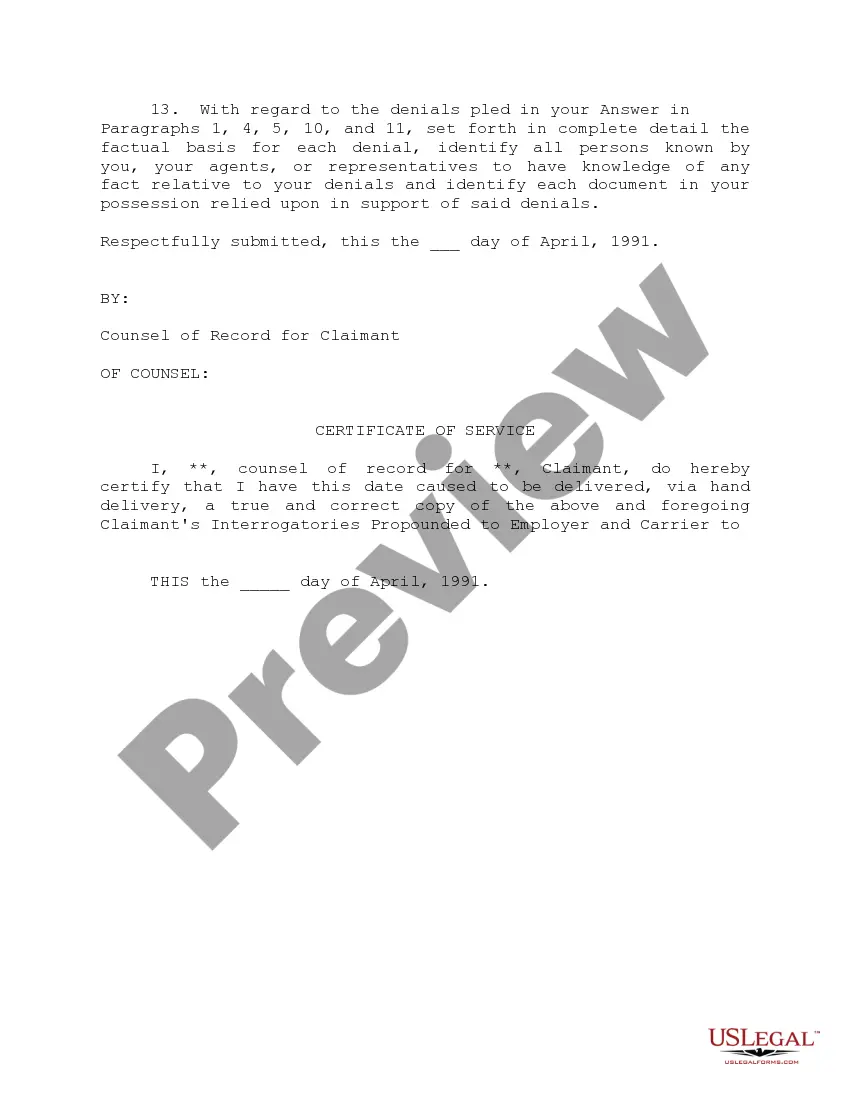
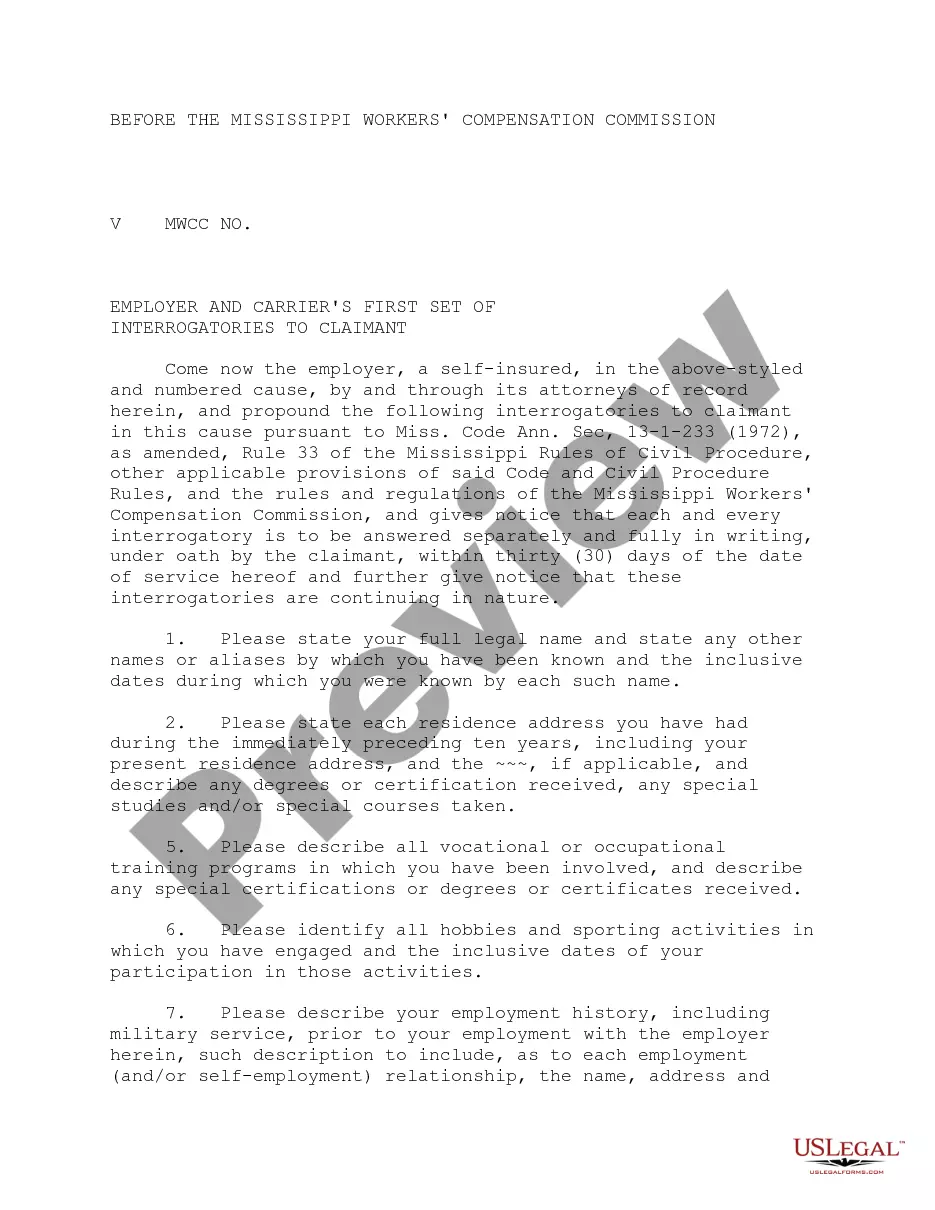
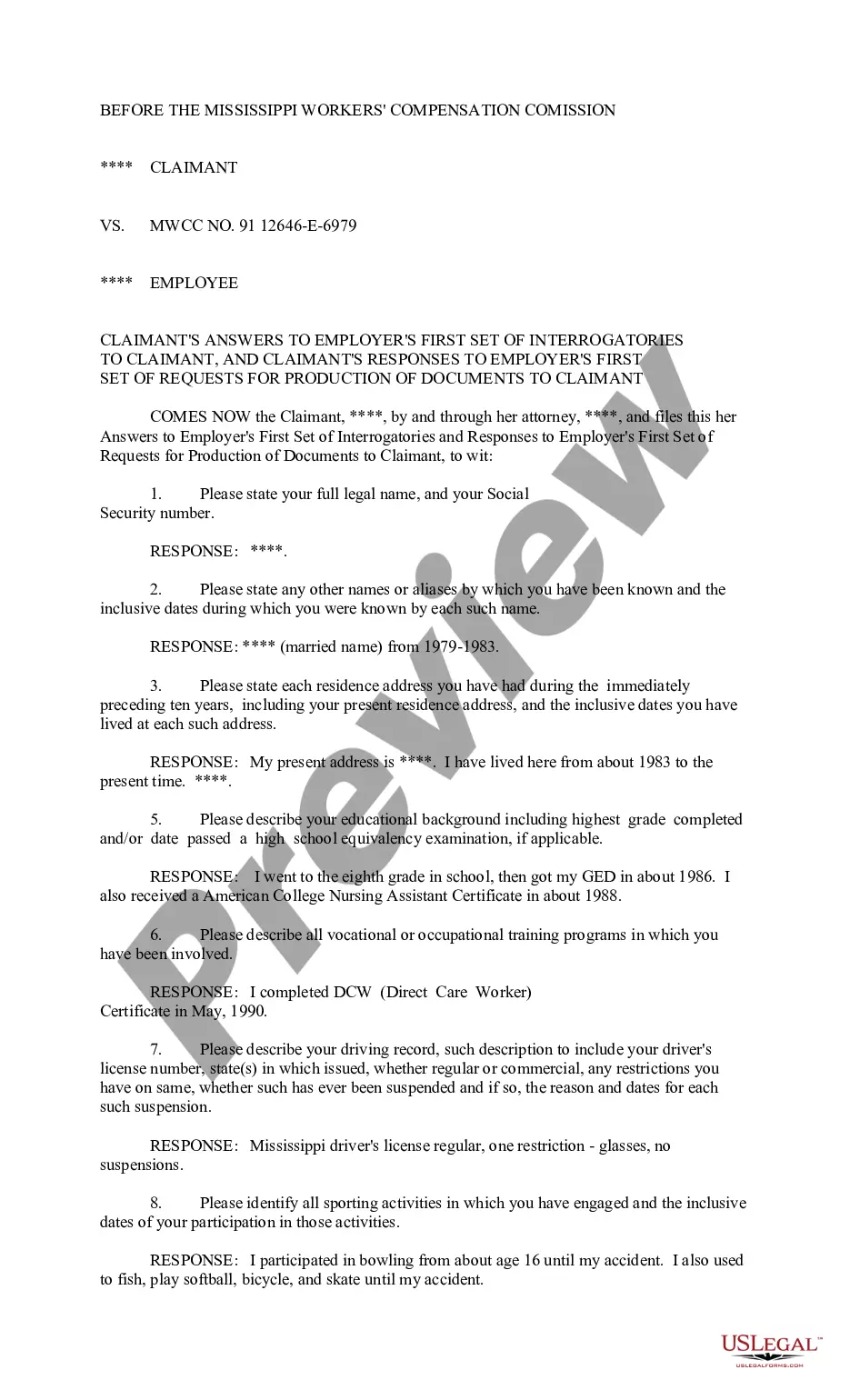
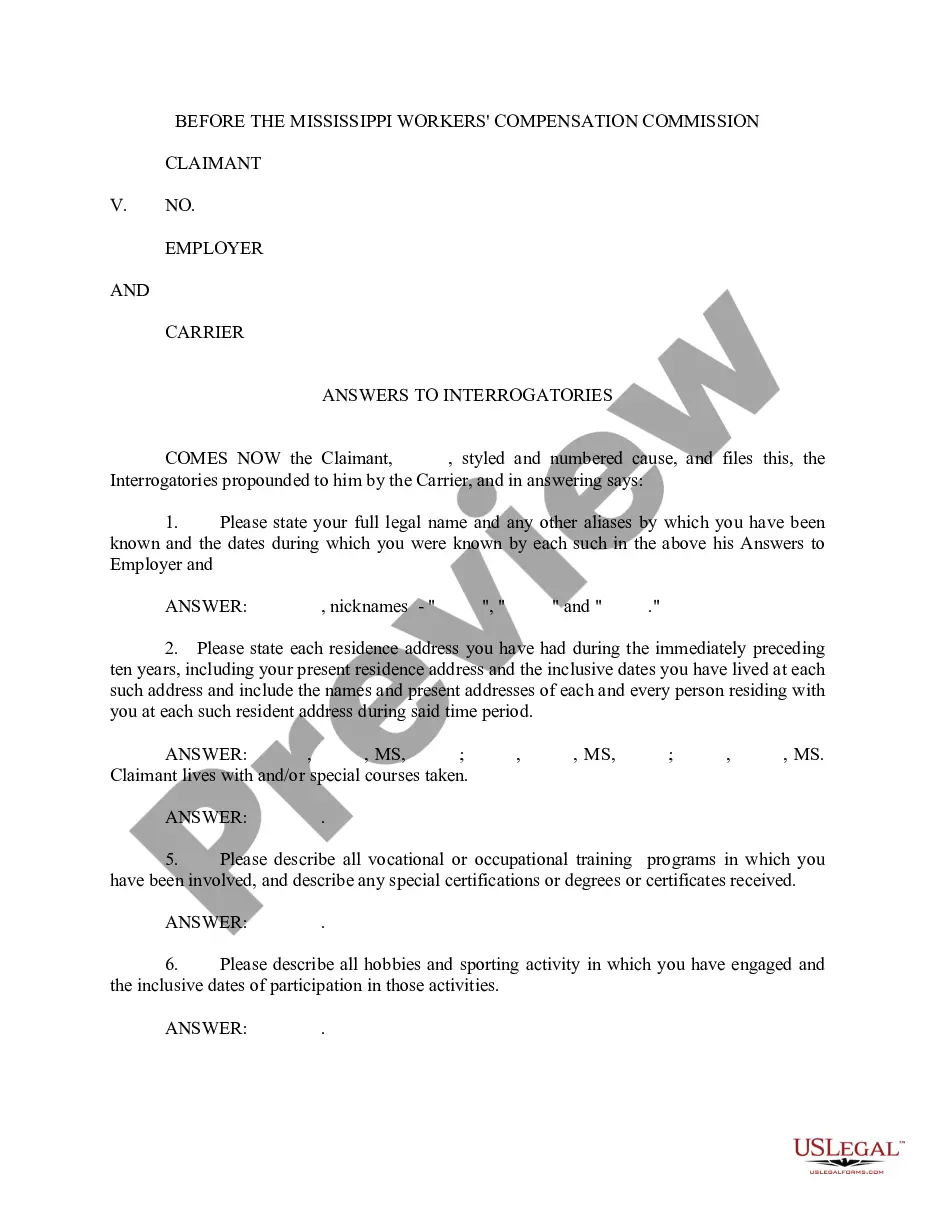
Mississippi Claimant's Interrogatories Propounded to Employer and Carrier
Description
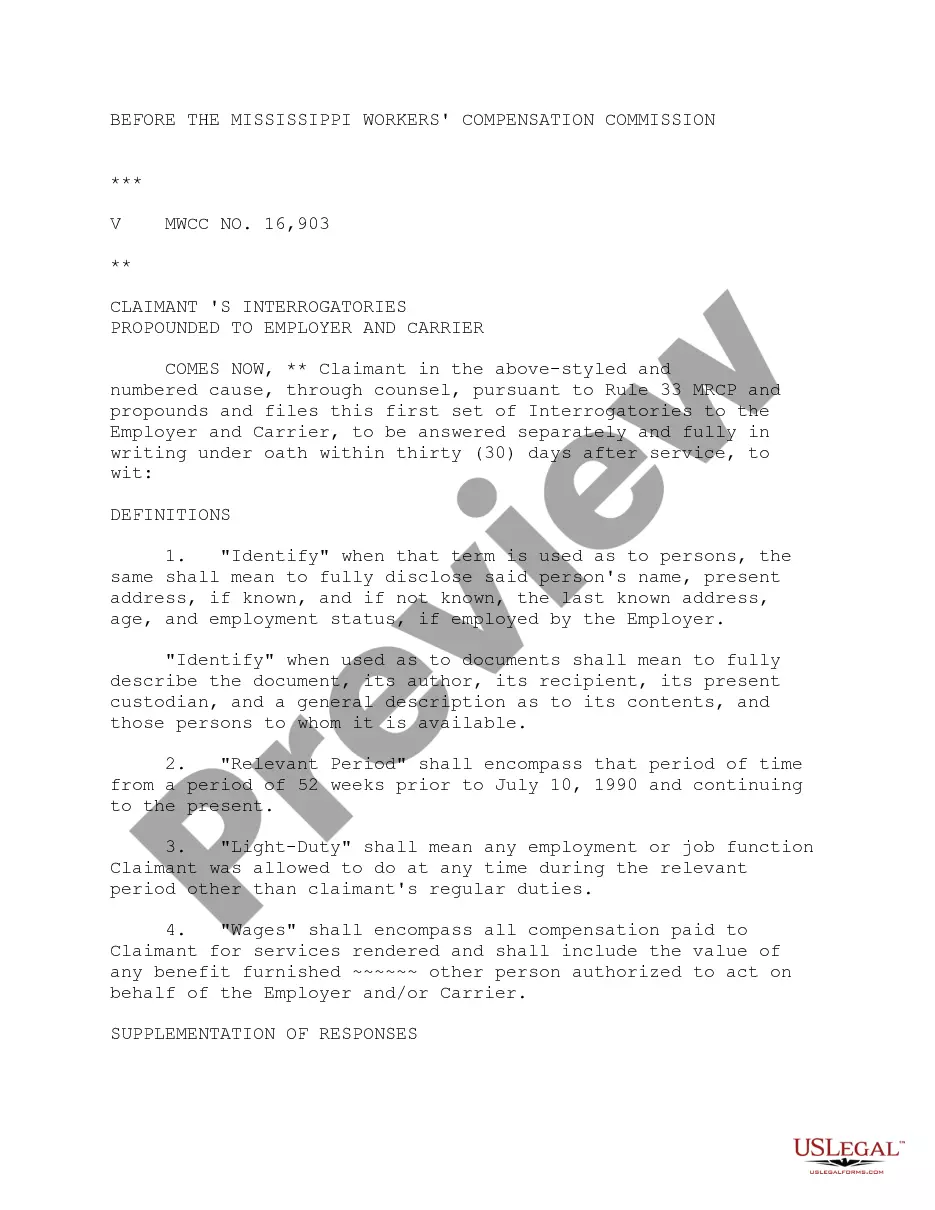
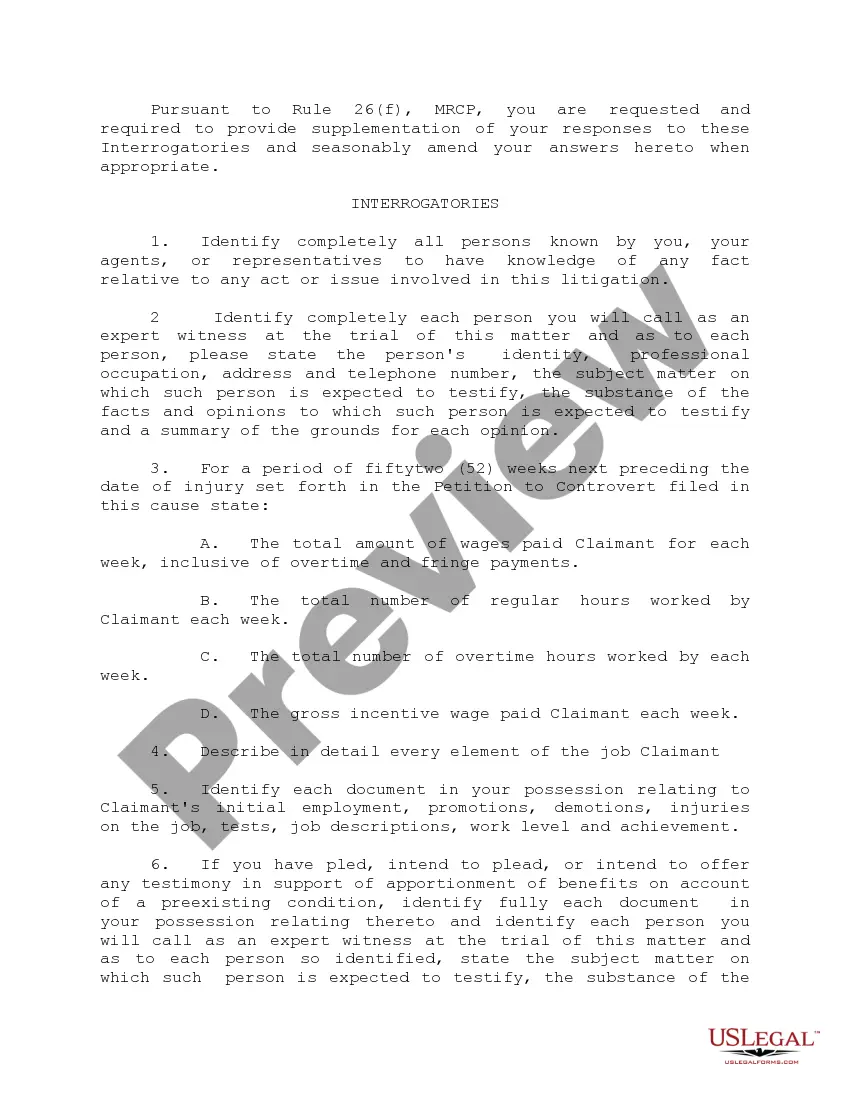
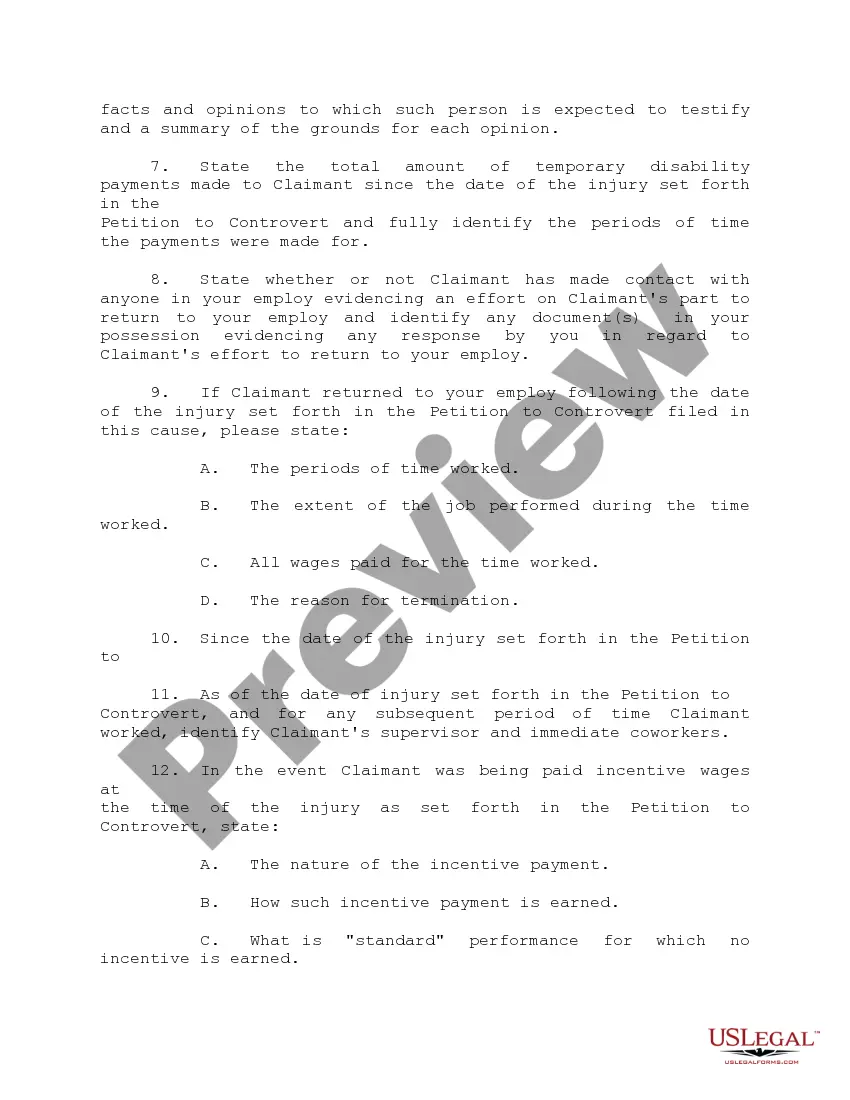
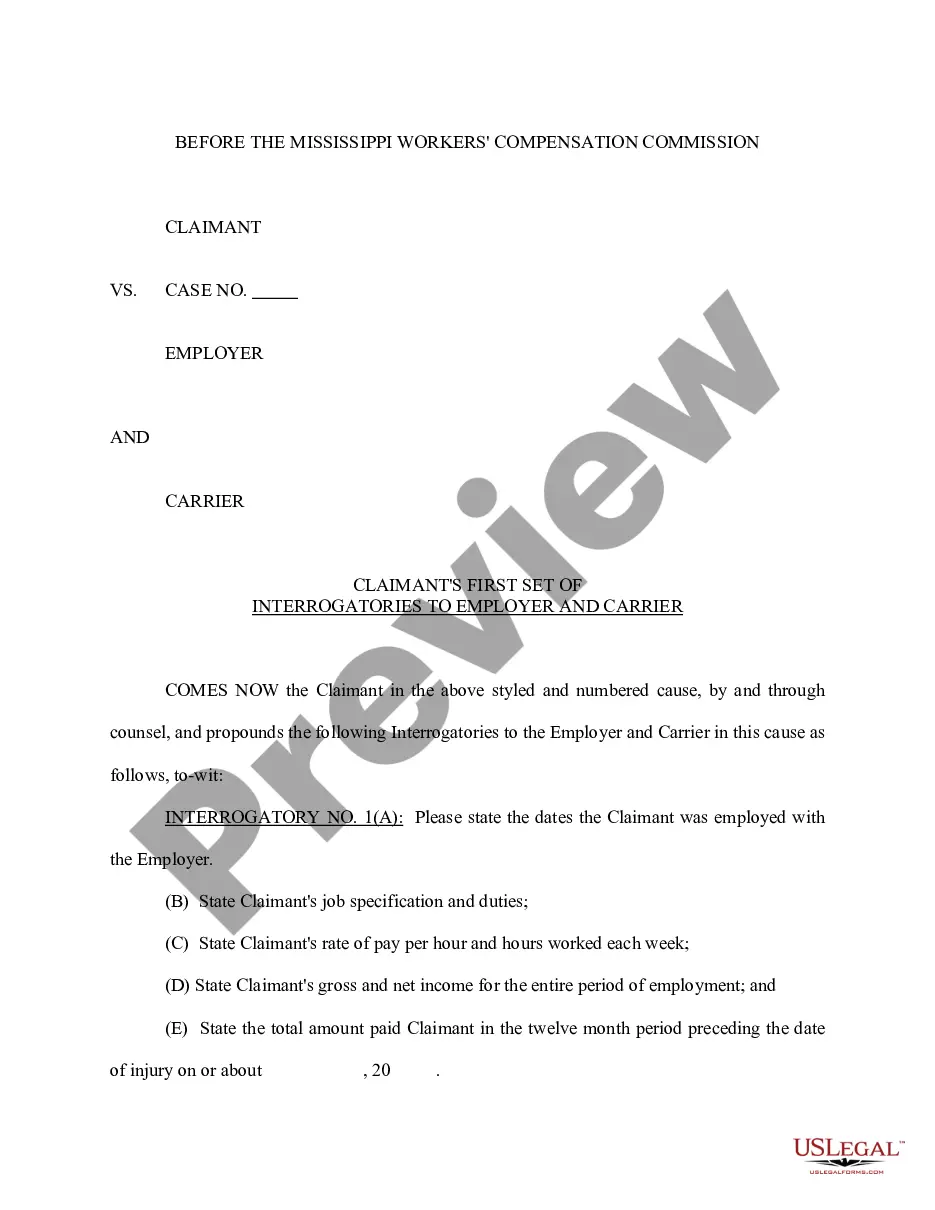
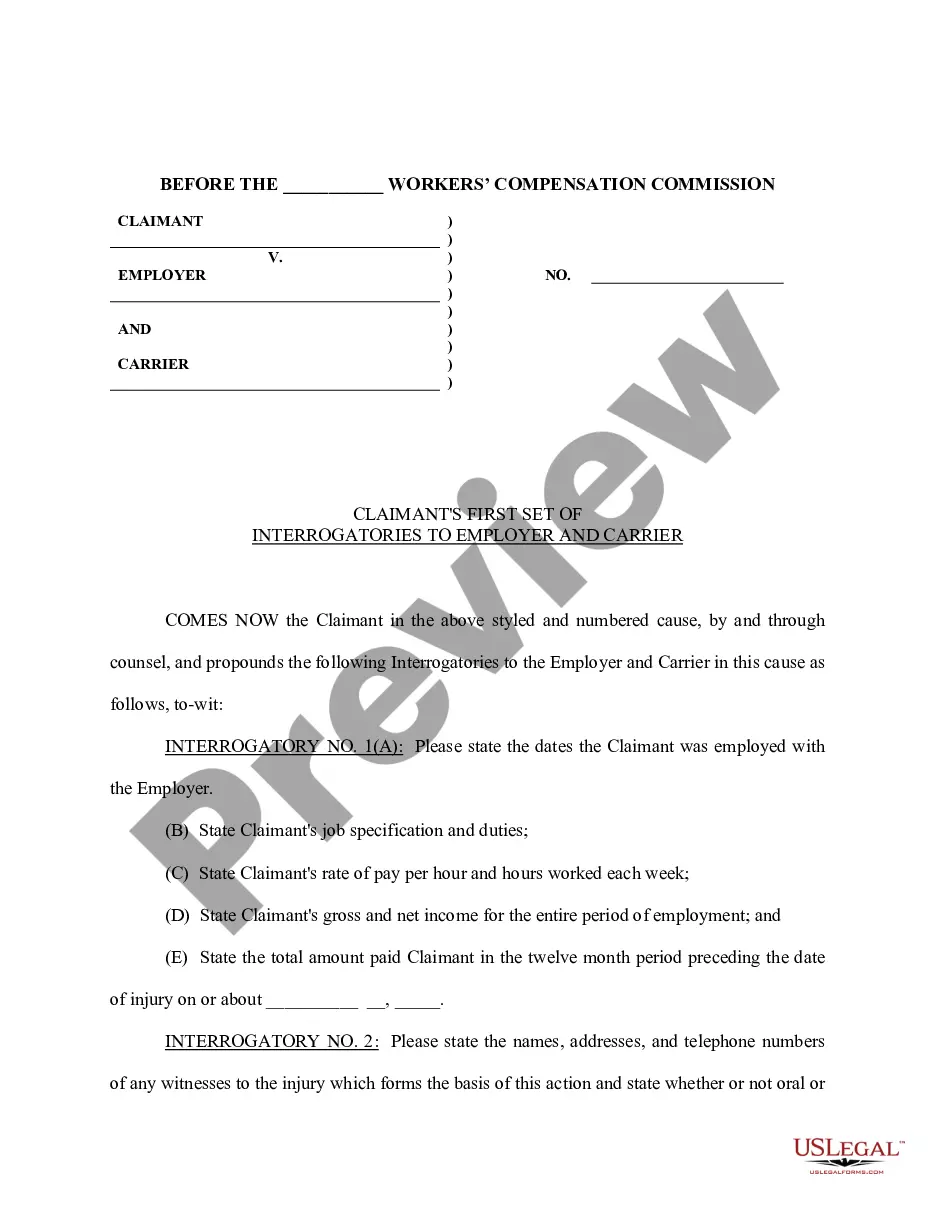
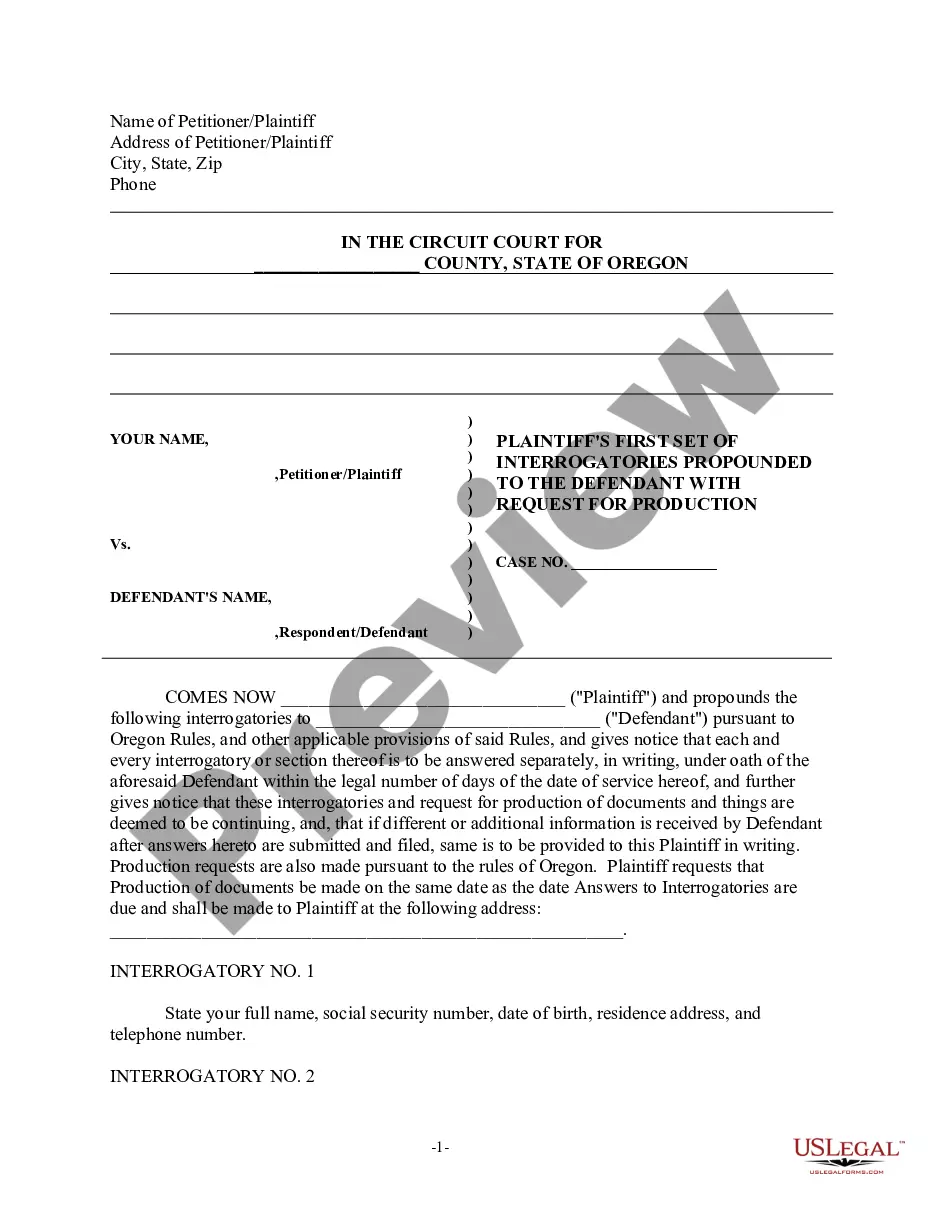


How to fill out Mississippi Claimant's Interrogatories Propounded To Employer And Carrier?
Obtain a printable Mississippi Claimant's Interrogatories Propounded to Employer and Carrier with just a few clicks in the most extensive collection of legal e-forms. Locate, download and print professionally crafted and certified samples on the US Legal Forms website. US Legal Forms has been the leading provider of affordable legal and tax templates for US citizens and residents online since 1997.
Clients who already possess a subscription must Log In to their US Legal Forms account to access the Mississippi Claimant's Interrogatories Propounded to Employer and Carrier stored in the My documents section. Users without a subscription need to follow the steps outlined below.
After downloading your Mississippi Claimant's Interrogatories Propounded to Employer and Carrier, you can fill it out in any online editor or print it and complete it by hand. Utilize US Legal Forms to access 85,000 professionally drafted, state-specific documents.
- Ensure your form complies with your state’s regulations.
- If available, review the form’s description for additional details.
- If available, preview the form to learn more content.
- Once you are confident the form meets your requirements, click Buy Now.
- Create a personal account.
- Select a plan.
- Make a payment via PayPal or credit card.
- Download the form in Word or PDF format.
Form popularity
FAQ
Benefit Eligibility Requirements The maximum Weekly Benefit Amount (WBA) allowed in Mississippi at this time is $235.00. Your WBA for unemployment insurance benefits is based on the total wages in the highest quarter of your Base Period and by dividing that amount by 26.
If you worked and earned wages in Mississippi, you may file a claim for unemployment insurance benefits online or by calling 601-493-9427. Your claim for benefits will be effective the Sunday of the week the claim is filed.
Normally, there is a one-week waiting period after you are deemed eligible for unemployment compensation (or benefits) before you can be paid benefits. This means that under normal circumstances, you would not receive benefits for the first week after you file your claim.
Weekly Claim Certification filing Online You may file your current weekly claim certification online through MDES' Online Unemployment Services. You must login with your user id and password or establish a new user id and password if you are not a current user. You may file online outside normal business hours.
Today, the Mississippi Department of Employment Security (MDES) announced that it began paying the FPUC $300 weekly supplemental benefit to qualified claimants for the week ending January 2, 2021.Will provide up to 11 weeks of an additional $300 weekly supplemental benefit to eligible claimants.
If you meet all the eligibility requirements, then you can apply for unemployment insurance. To file by phone, call 601-855-3133 or 1-888-844-3577, Monday through Friday between 8 am and pm. To file online, you can do so anytime by setting up an account on the MDES online employment services website.
The first thing you have to do is register with MDES Online Services. Whether you want to file a claim to receive weekly unemployment benefits or to search for a new job, you must register first. That's how you get your personal User Name and PIN number to be able to use the online system whenever you need to.
The first thing you have to do is register with MDES Online Services. Whether you want to file a claim to receive weekly unemployment benefits or to search for a new job, you must register first. That's how you get your personal User Name and PIN number to be able to use the online system whenever you need to.