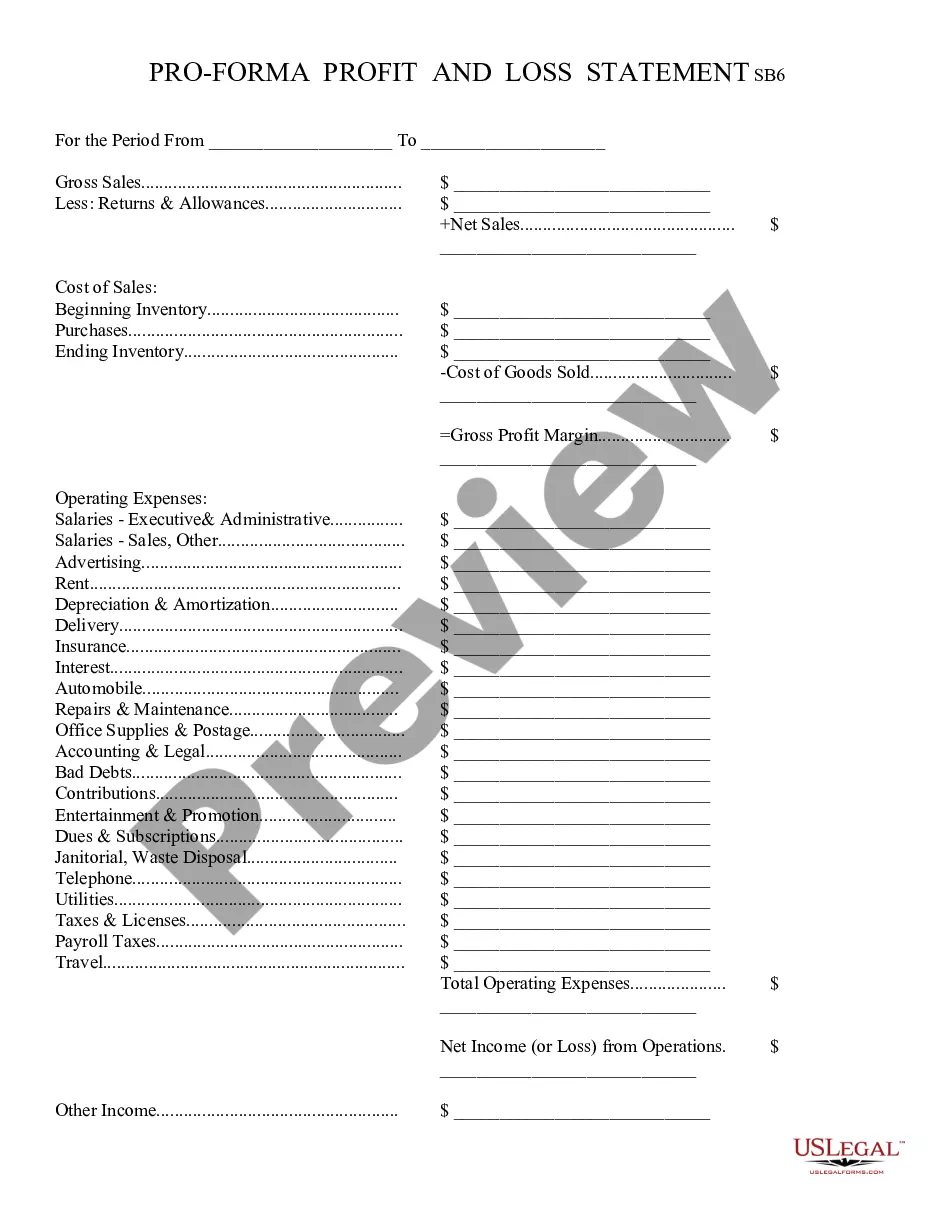
Profit And Loss Statement Template For Realtors
Description
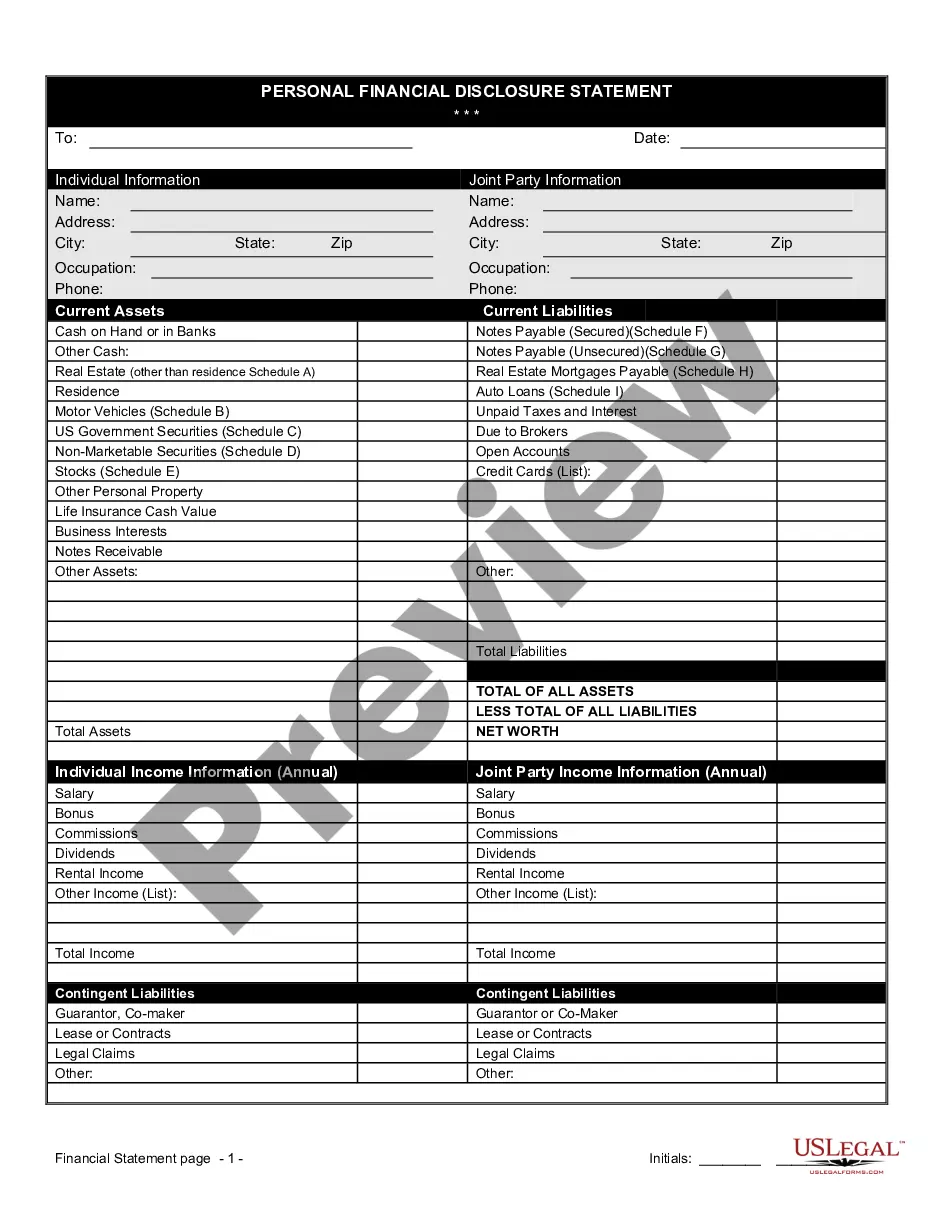
Get your form ready online
Our built-in tools help you complete, sign, share, and store your documents in one place.
Make edits, fill in missing information, and update formatting in US Legal Forms—just like you would in MS Word.
Download a copy, print it, send it by email, or mail it via USPS—whatever works best for your next step.
Sign and collect signatures with our SignNow integration. Send to multiple recipients, set reminders, and more. Go Premium to unlock E-Sign.
If this form requires notarization, complete it online through a secure video call—no need to meet a notary in person or wait for an appointment.
We protect your documents and personal data by following strict security and privacy standards.

Make edits, fill in missing information, and update formatting in US Legal Forms—just like you would in MS Word.

Download a copy, print it, send it by email, or mail it via USPS—whatever works best for your next step.

Sign and collect signatures with our SignNow integration. Send to multiple recipients, set reminders, and more. Go Premium to unlock E-Sign.

If this form requires notarization, complete it online through a secure video call—no need to meet a notary in person or wait for an appointment.

We protect your documents and personal data by following strict security and privacy standards.
Looking for another form?

How to fill out Profit And Loss Statement?
It’s clear that you cannot transform into a legal expert in a single day, nor can you swiftly create a Profit And Loss Statement Template For Realtors without possessing a specific skill set.
Drafting legal documents is a lengthy undertaking that demands particular training and expertise. So why not entrust the creation of the Profit And Loss Statement Template For Realtors to the professionals.
With US Legal Forms, which boasts one of the largest collections of legal documents available, you can locate everything from court filings to templates for internal correspondence.
You can regain access to your documents from the My documents section at any moment. If you are a current customer, you can simply Log In, and find and download the template from the same section.
Regardless of the intention behind your documents—whether they are financial, legal, or personal—our platform has everything you need. Experience US Legal Forms today!
- Identify the document you require using the search feature at the top of the webpage.
- View it (if this option is available) and review the accompanying description to see if Profit And Loss Statement Template For Realtors is what you need.
- Initiate another search if you require a different document.
- Create a complimentary account and choose a subscription plan to purchase the form.
- Click Buy now. Once the payment is finalized, you can access the Profit And Loss Statement Template For Realtors, fill it out, print it, and send or mail it to the specified individuals or organizations.
Form popularity
FAQ
If you use accounting software like QuickBooks, Peachtree or the like, the program will generate a P&L statement for you after you enter your sales and expense figures, but you can easily create your own using a basic spreadsheet and easy calculations, following the steps below.
How to create a profit and loss statement Gather necessary financial information. ... Choose a timeframe for the statement. ... Begin with revenue. ... Deduct the cost of goods sold. ... Calculate gross profit. ... Add operating expenses. ... Calculate net profit.
Also known as a profit and loss statement (P&L), a real estate income statement lists the income and expenses from a property over a certain period of time, and shows whether the investment is making money over the same time period. Information on a real estate income statement includes: Gross rental income.
It is generally created by the product's manufacturer. The MPN itself is usually a unique string of numbers/letters that the manufacturer puts together to generate different MPNS. In our experience, most online stores will simply use the internal SKU number (Stock Keeping Unit) field as the MPN if they need one.
How To Create a Profit and Loss Statement Track Operating Revenue. ... Record Cost of Sales. ... Calculate Gross Profit. ... Determine Overhead. ... Add Up Operating Income. ... Consider Other Income and Expenses. ... Finally Arrive at Your Net Profit.