S Corporation Form File With Us
Description

Get your form ready online
Our built-in tools help you complete, sign, share, and store your documents in one place.
Make edits, fill in missing information, and update formatting in US Legal Forms—just like you would in MS Word.
Download a copy, print it, send it by email, or mail it via USPS—whatever works best for your next step.
Sign and collect signatures with our SignNow integration. Send to multiple recipients, set reminders, and more. Go Premium to unlock E-Sign.
If this form requires notarization, complete it online through a secure video call—no need to meet a notary in person or wait for an appointment.
We protect your documents and personal data by following strict security and privacy standards.

Make edits, fill in missing information, and update formatting in US Legal Forms—just like you would in MS Word.

Download a copy, print it, send it by email, or mail it via USPS—whatever works best for your next step.

Sign and collect signatures with our SignNow integration. Send to multiple recipients, set reminders, and more. Go Premium to unlock E-Sign.

If this form requires notarization, complete it online through a secure video call—no need to meet a notary in person or wait for an appointment.

We protect your documents and personal data by following strict security and privacy standards.
Looking for another form?










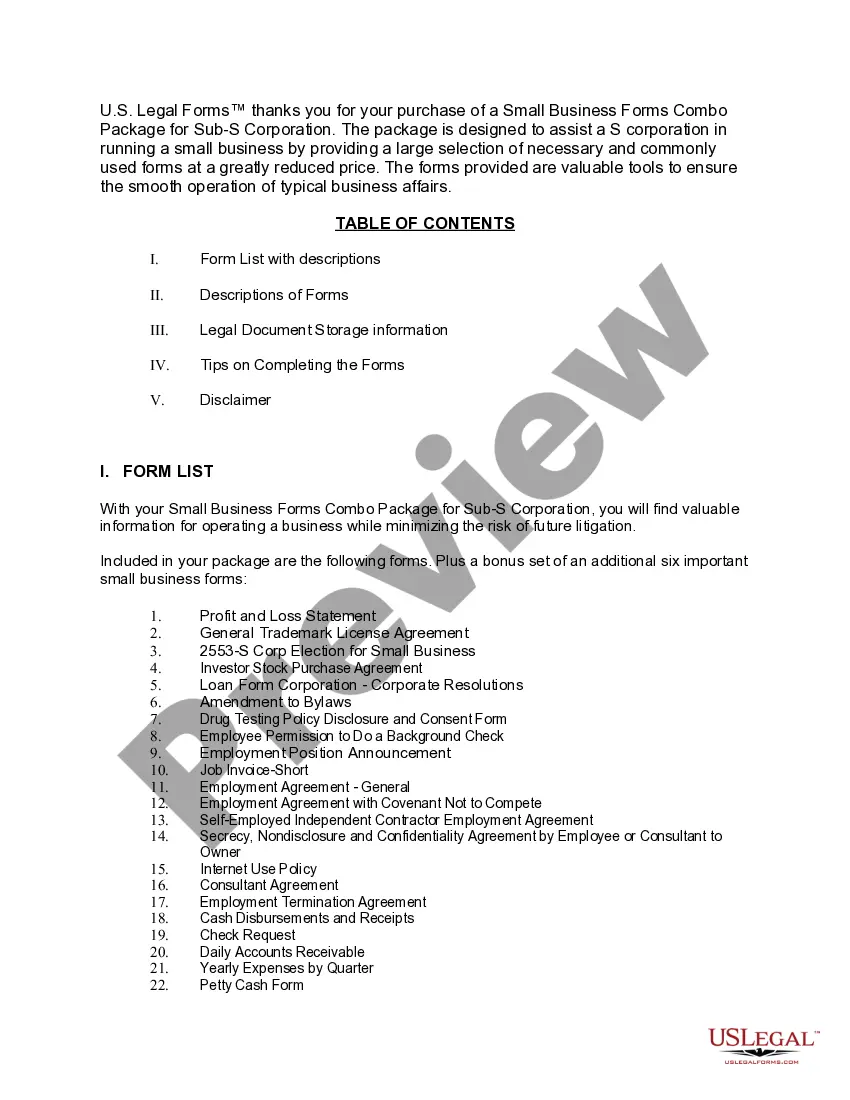
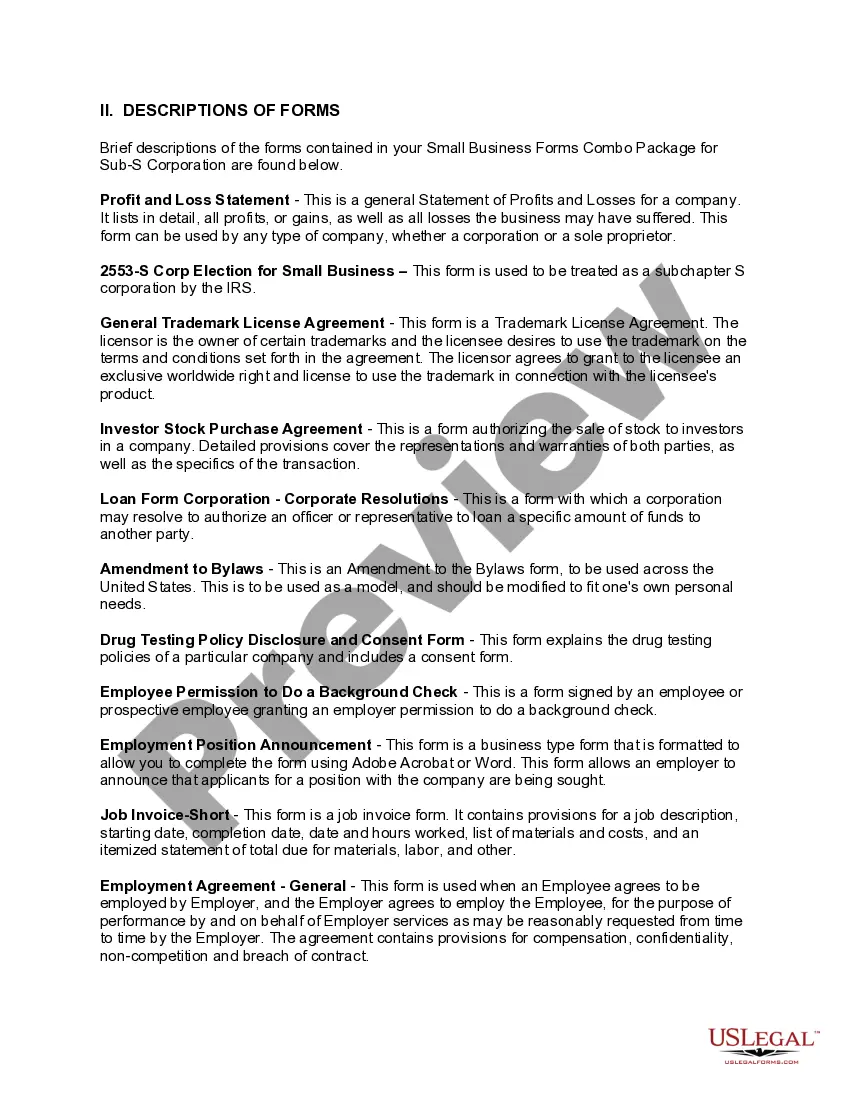
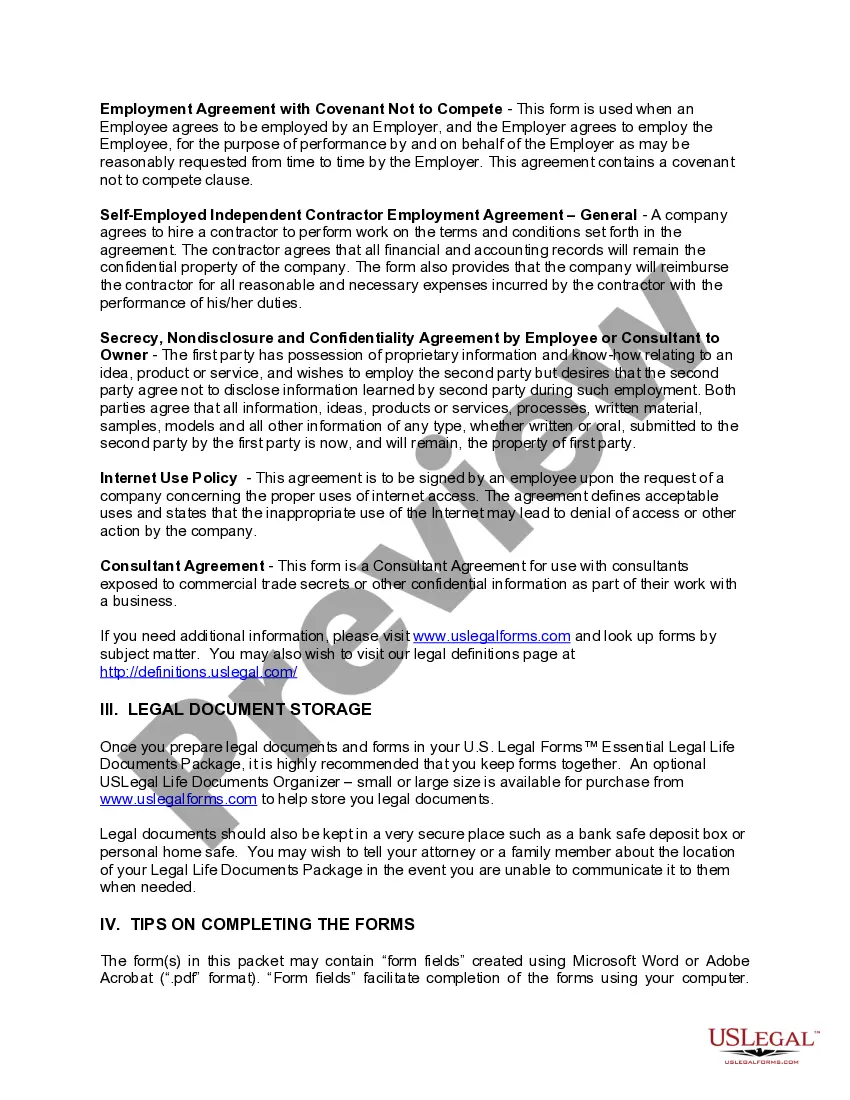
How to fill out Small Business Startup Package For S-Corporation?
Securing a primary resource for obtaining the latest and pertinent legal templates is half the battle of navigating bureaucracy.
Identifying the appropriate legal documents requires accuracy and meticulousness, which is why it is crucial to source S Corporation Form File With Us exclusively from trustworthy providers, such as US Legal Forms. An unsuitable template will squander your time and delay the matters at hand. With US Legal Forms, you can have minimal concerns.
Once the form is on your device, you can edit it using the editor or print it out to complete it manually. Eliminate the stress associated with your legal paperwork. Explore the extensive US Legal Forms library where you can discover legal samples, evaluate their applicability to your circumstances, and download them instantly.
- Utilize the library navigation or search function to locate your template.
- Examine the form’s details to ensure it meets the regulations of your state and locality.
- Check the form preview, if available, to confirm the form is indeed the one you need.
- Return to your search and identify the correct template if the S Corporation Form File With Us does not meet your needs.
- Once you are confident about the form’s relevance, download it.
- If you are a registered user, click Log in to verify and access your selected forms in My documents.
- If you do not have an account yet, click Buy now to acquire the form.
- Select the pricing plan that aligns with your needs.
- Proceed with the registration to finalize your purchase.
- Complete your transaction by selecting a payment method (credit card or PayPal).
- Choose the document format for downloading S Corporation Form File With Us.
Form popularity
FAQ
A business can register as an "S corporation" for filing New York State taxes. The filing allows individual shareholders to report corporate income on their own tax returns. All shareholders must agree to file.
To form an S Corp in California, you must file Form 2553 (Election by a Small Business Corporation) with the IRS and then complete additional requirements with the state of California, including filing articles of incorporation, obtaining licenses and permits, and appointing directors.
There are ten steps you'll complete to start an S Corp in New York. Step 1: Choose a Business Name. ... Step 2: Obtain EIN. ... Step 3: Certificate of Incorporation. ... Step 4: Registered Agent. ... Step 5: Corporate Bylaws. ... Step 6: Directors and Meeting Requirements. ... Step 7: Stock Requirements. ... Step 8: Biennial Statement.
Creating a New York State S Corp The total charge for creating a New York corporation is about $195. Even if you've already elected S corp status at the federal level, you also have to make this election for New York State. You must file Form CT-6 to receive approval from the state.
The Advantages of S Corps The major difference that exists between a California S Corp and an LLC is the 1.5% S Corp tax and LLC fee. The 1.5% S Corp tax is based on the California net-taxable income, while the LLC fee is based on the California annual gross receipts.