Motion For Trial
Description

Get your form ready online
Our built-in tools help you complete, sign, share, and store your documents in one place.
Make edits, fill in missing information, and update formatting in US Legal Forms—just like you would in MS Word.
Download a copy, print it, send it by email, or mail it via USPS—whatever works best for your next step.
Sign and collect signatures with our SignNow integration. Send to multiple recipients, set reminders, and more. Go Premium to unlock E-Sign.
If this form requires notarization, complete it online through a secure video call—no need to meet a notary in person or wait for an appointment.
We protect your documents and personal data by following strict security and privacy standards.

Make edits, fill in missing information, and update formatting in US Legal Forms—just like you would in MS Word.

Download a copy, print it, send it by email, or mail it via USPS—whatever works best for your next step.

Sign and collect signatures with our SignNow integration. Send to multiple recipients, set reminders, and more. Go Premium to unlock E-Sign.

If this form requires notarization, complete it online through a secure video call—no need to meet a notary in person or wait for an appointment.

We protect your documents and personal data by following strict security and privacy standards.
Looking for another form?


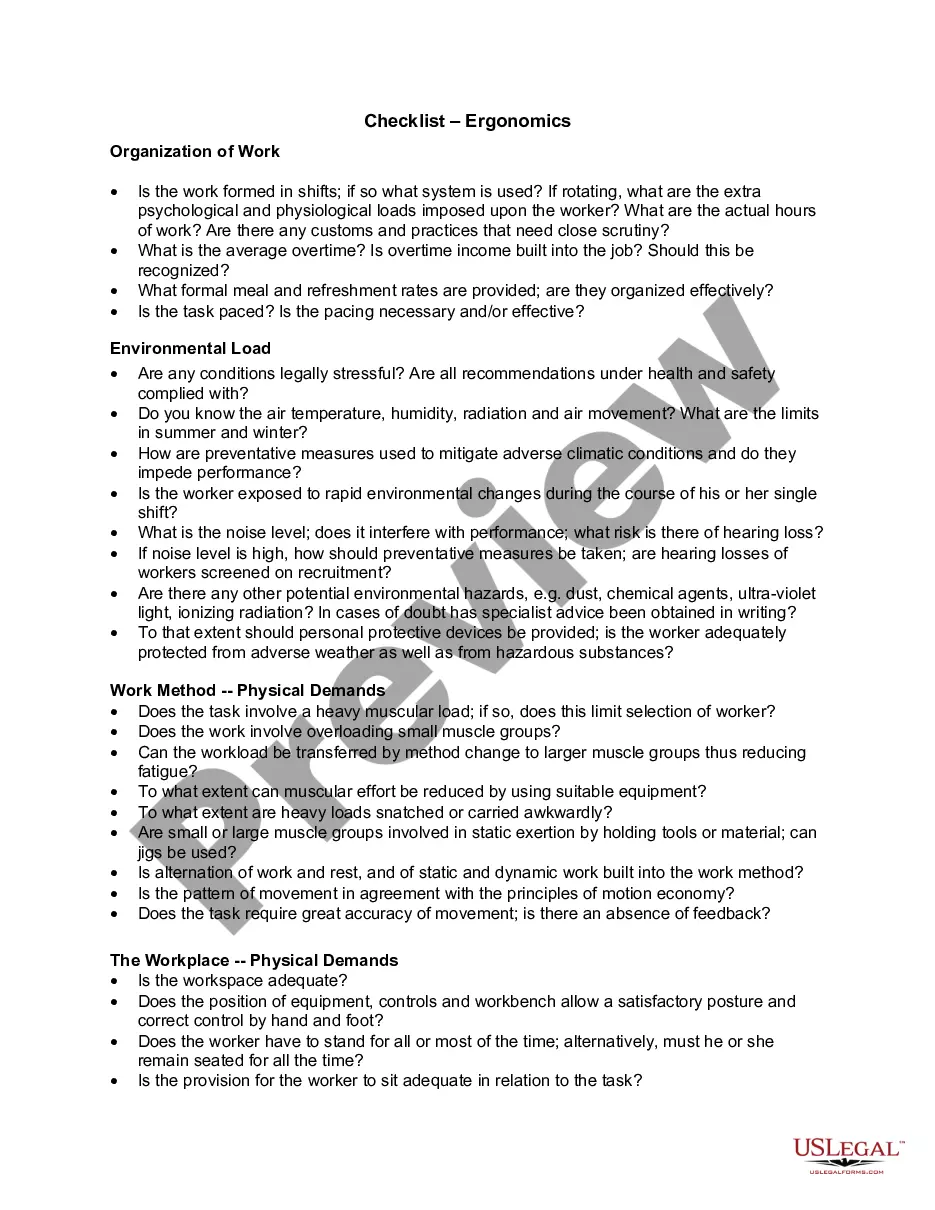



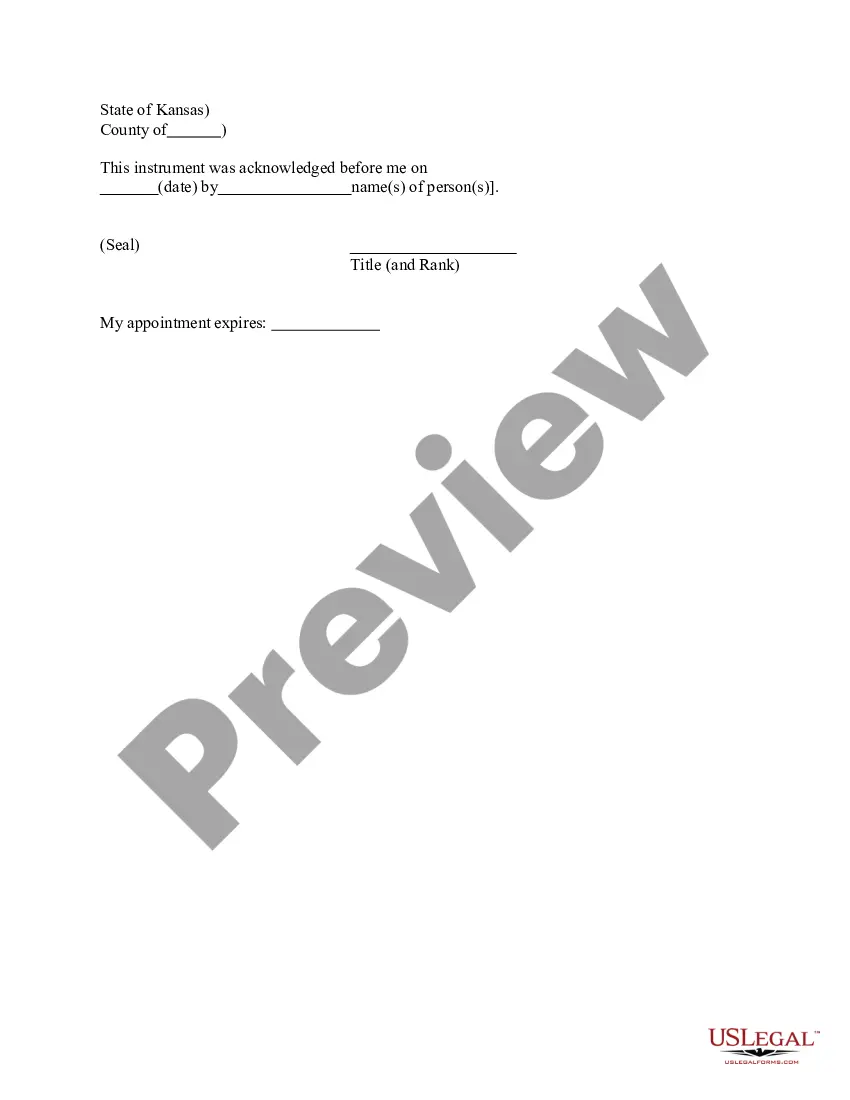


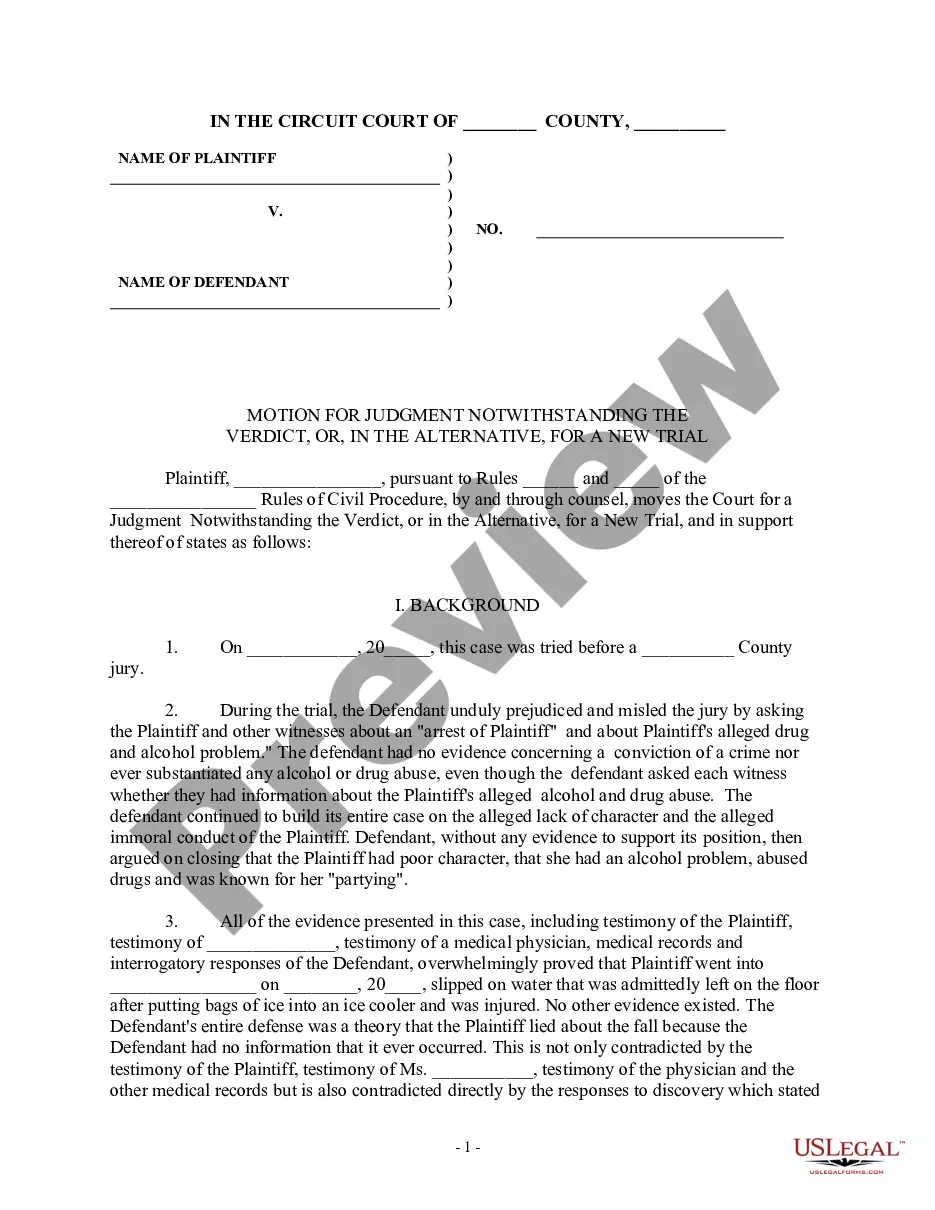
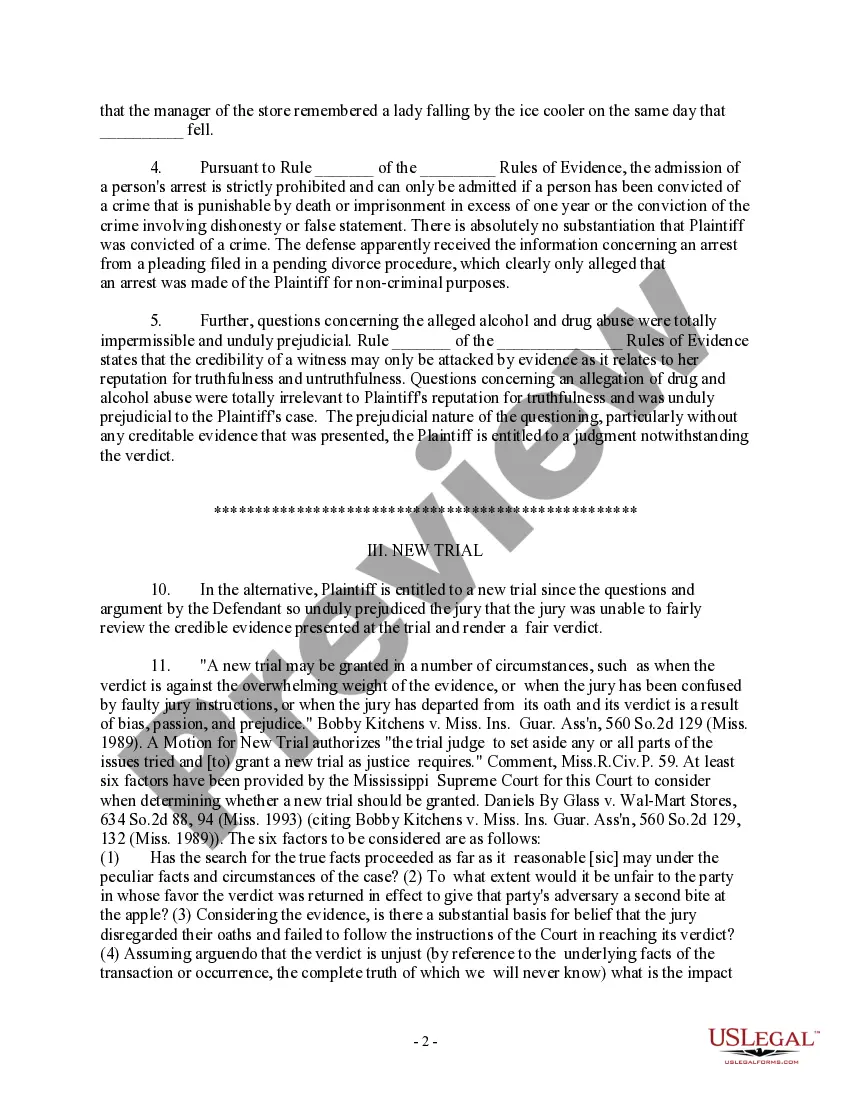
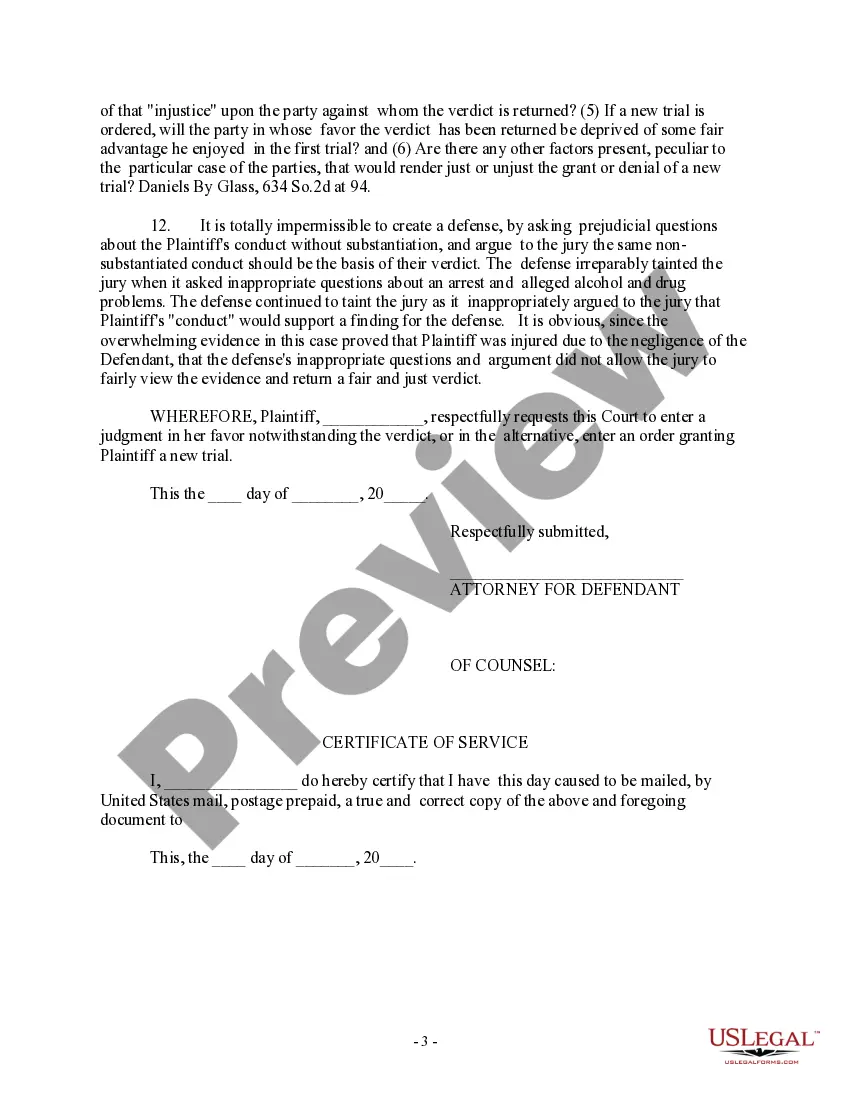
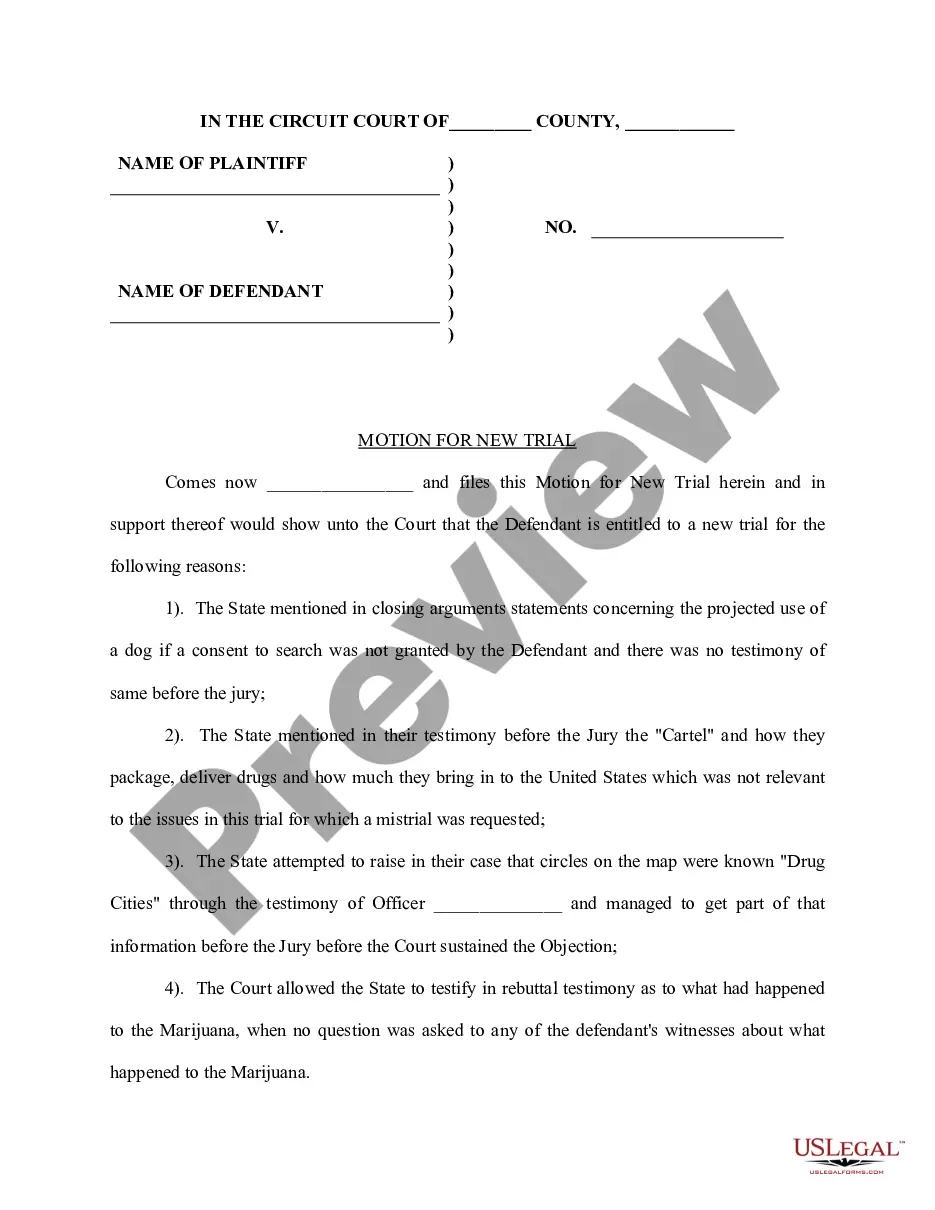
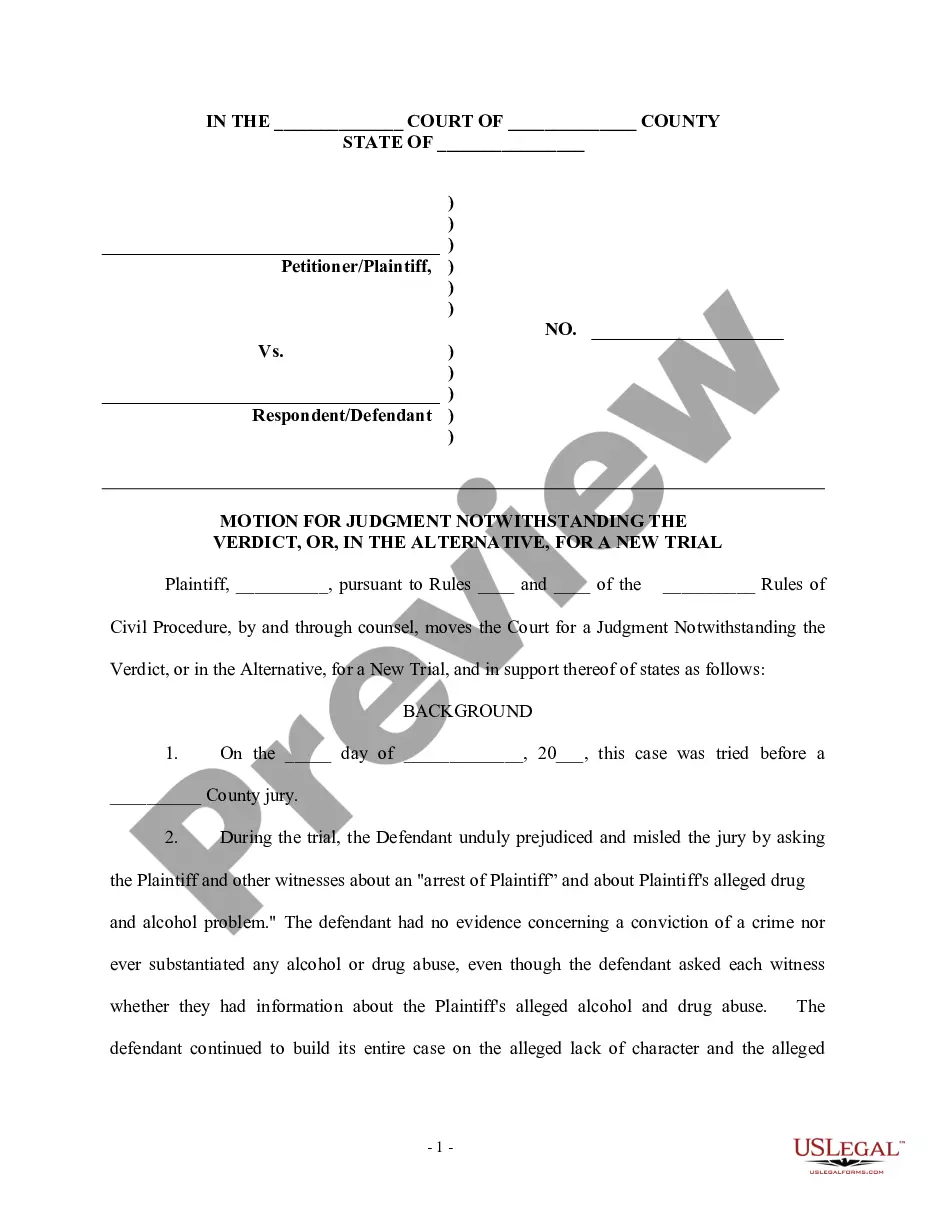
How to fill out Motion For Judgment Notwithstanding The Verdict, Or In The Alternative, For A New Trial - For Prejudicial Statements At Trial?
Drafting legal documents from scratch can sometimes be daunting. Certain scenarios might involve hours of research and hundreds of dollars invested. If you’re looking for a a more straightforward and more affordable way of creating Motion For Trial or any other documents without the need of jumping through hoops, US Legal Forms is always at your disposal.
Our online collection of over 85,000 up-to-date legal forms addresses virtually every aspect of your financial, legal, and personal matters. With just a few clicks, you can instantly access state- and county-specific templates carefully put together for you by our legal professionals.
Use our platform whenever you need a trusted and reliable services through which you can easily locate and download the Motion For Trial. If you’re not new to our services and have previously created an account with us, simply log in to your account, locate the form and download it away or re-download it anytime later in the My Forms tab.
Not registered yet? No worries. It takes minutes to register it and explore the library. But before jumping straight to downloading Motion For Trial, follow these recommendations:
- Review the form preview and descriptions to make sure you have found the form you are looking for.
- Check if template you choose complies with the regulations and laws of your state and county.
- Choose the right subscription option to get the Motion For Trial.
- Download the form. Then fill out, sign, and print it out.
US Legal Forms has a spotless reputation and over 25 years of expertise. Join us today and turn document execution into something easy and streamlined!
Form popularity
FAQ
File the original and 1 copy of your Motion, and the Certification, with the clerk's office in person or by mail. o To e-file, create an account with an e-filing service provider. Visit efile.illinoiscourts.gov/service-providers.htm to select a service provider.
There are several different types of post-judgment motions, but the most common are motions for new trial, motions to vacate, and motions to set-aside. Motions for new trial, motions to vacate, and motions to set-aside are the three most common post-judgment motions.
Be as persuasive as possible as you write your motion in a sequential, logical format. Express your ideas clearly, and make sure you outline what steps are necessary and how they will help your case. Use facts of the case whenever you can to avoid baseless emotional appeals.
General format - each motion generally consists of a case caption, a title that briefly identifies the relief sought, a series of numbered paragraphs that explains -- in a logical way -- why you are entitled to that relief, a prayer for relief, a signature block, a certification that a copy of the motion was sent to ...
Proving Your Case Whatever the reason for being at court, you must convince the judge or magistrate that he or she should rule in your favor. This is done by providing sufficient documentary evidence and witness testimony. There are different standards of proof for various types of cases.