Patient Complaint Form Template With Drop Down Menu
Description
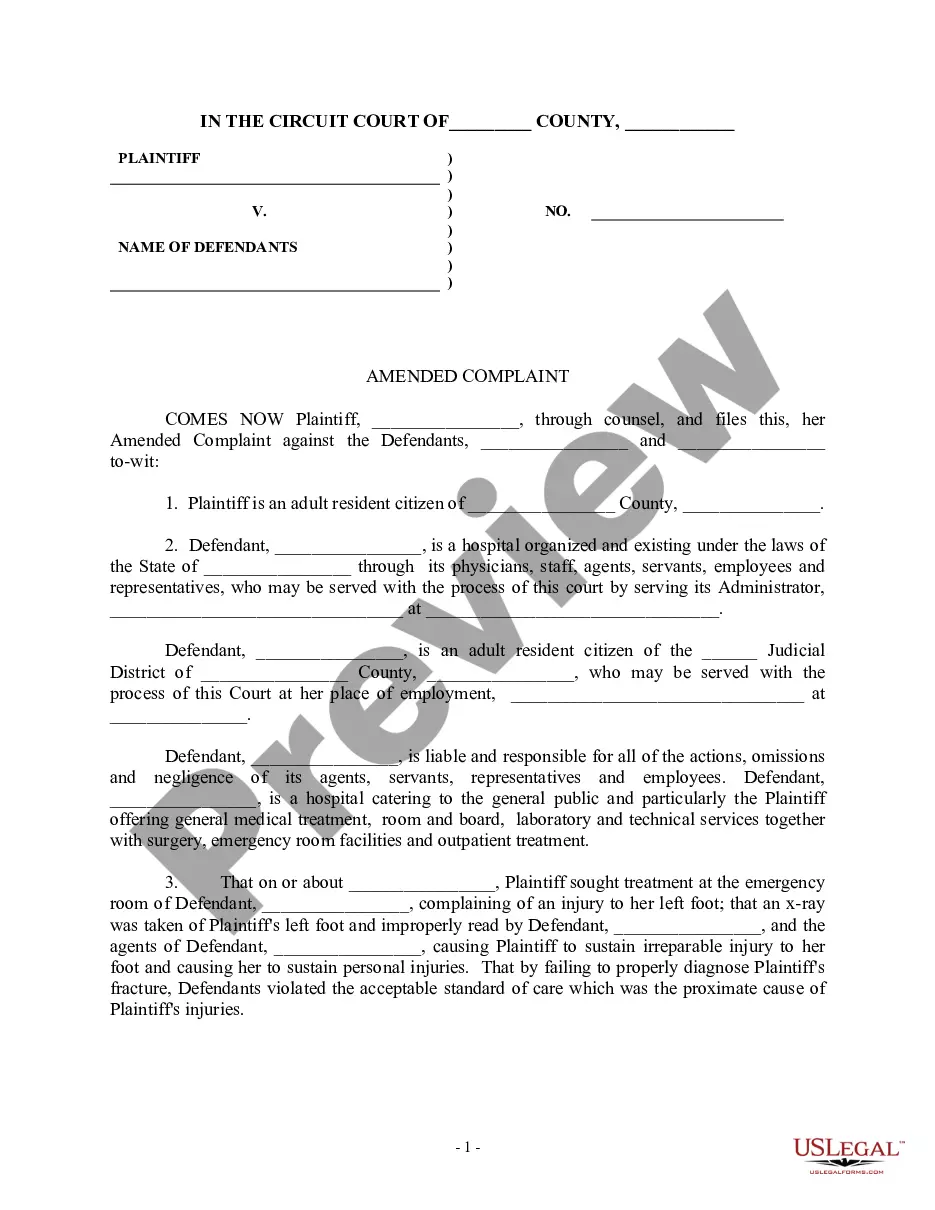
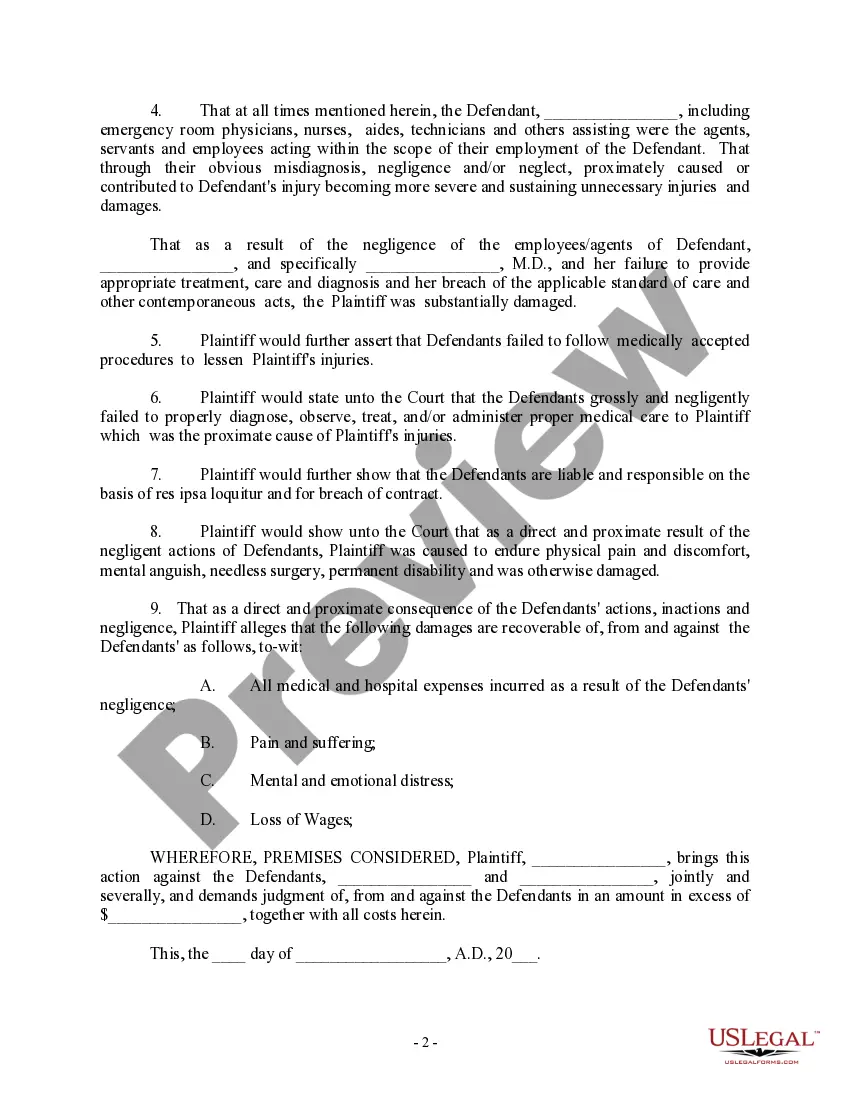
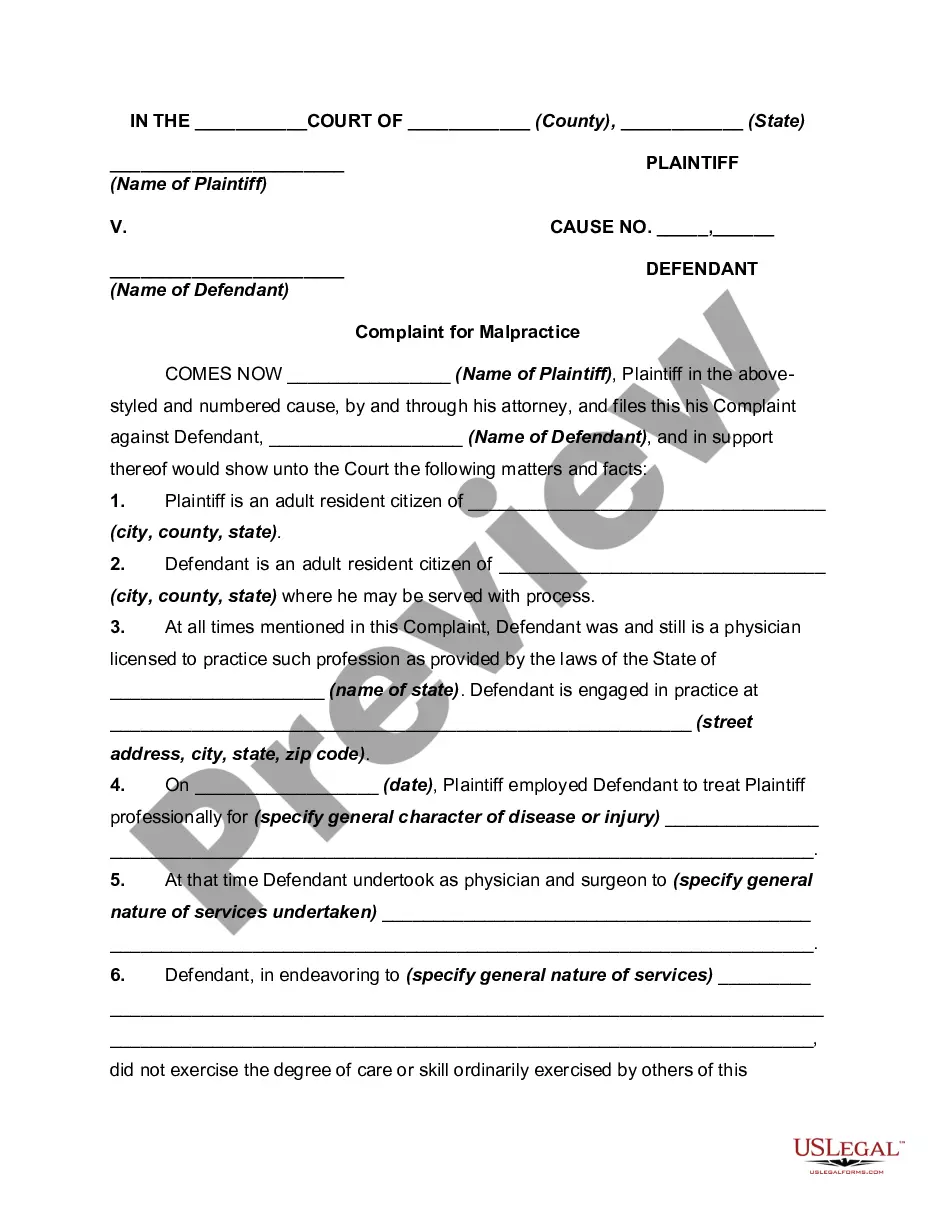
Get your form ready online
Our built-in tools help you complete, sign, share, and store your documents in one place.
Make edits, fill in missing information, and update formatting in US Legal Forms—just like you would in MS Word.
Download a copy, print it, send it by email, or mail it via USPS—whatever works best for your next step.
Sign and collect signatures with our SignNow integration. Send to multiple recipients, set reminders, and more. Go Premium to unlock E-Sign.
If this form requires notarization, complete it online through a secure video call—no need to meet a notary in person or wait for an appointment.
We protect your documents and personal data by following strict security and privacy standards.

Make edits, fill in missing information, and update formatting in US Legal Forms—just like you would in MS Word.

Download a copy, print it, send it by email, or mail it via USPS—whatever works best for your next step.

Sign and collect signatures with our SignNow integration. Send to multiple recipients, set reminders, and more. Go Premium to unlock E-Sign.

If this form requires notarization, complete it online through a secure video call—no need to meet a notary in person or wait for an appointment.

We protect your documents and personal data by following strict security and privacy standards.
Looking for another form?

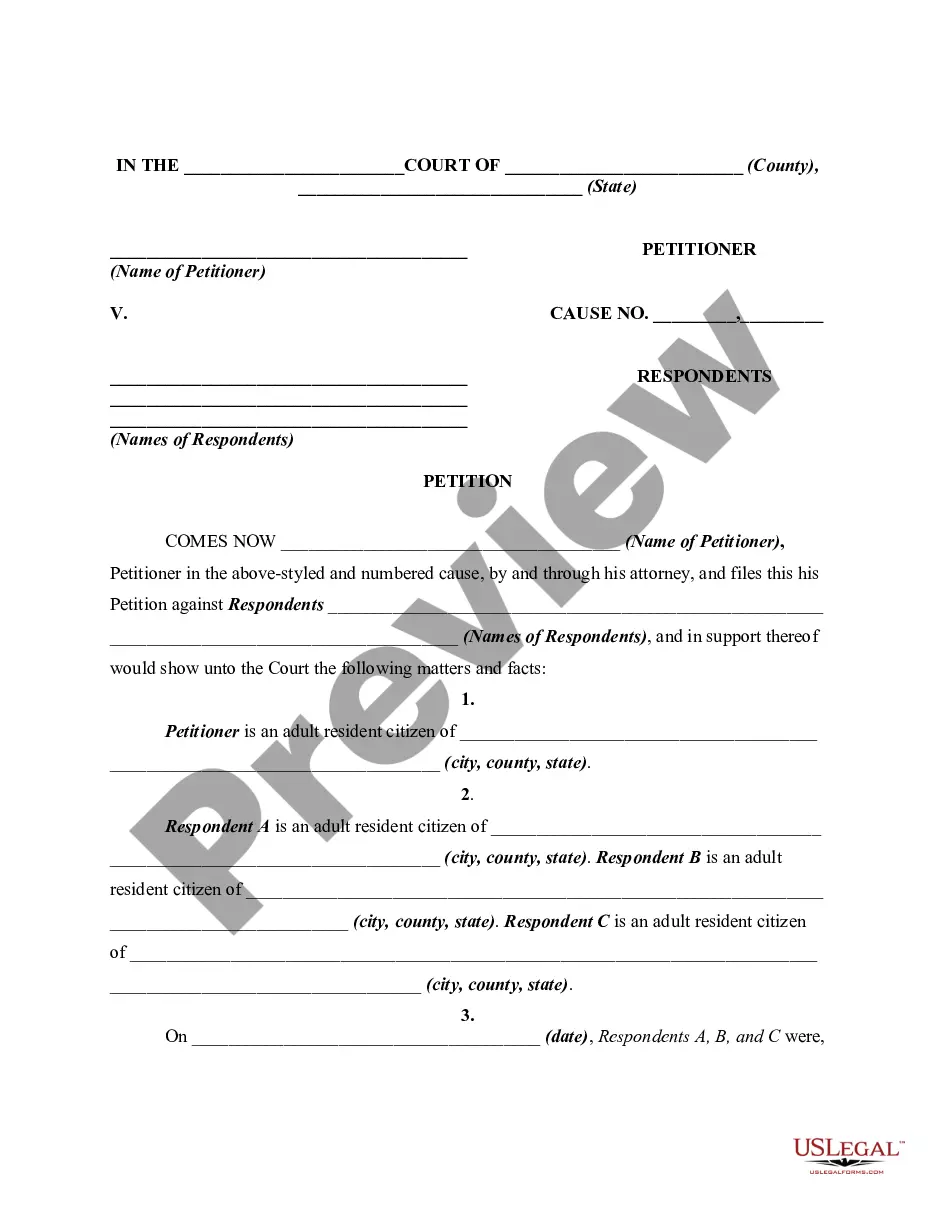


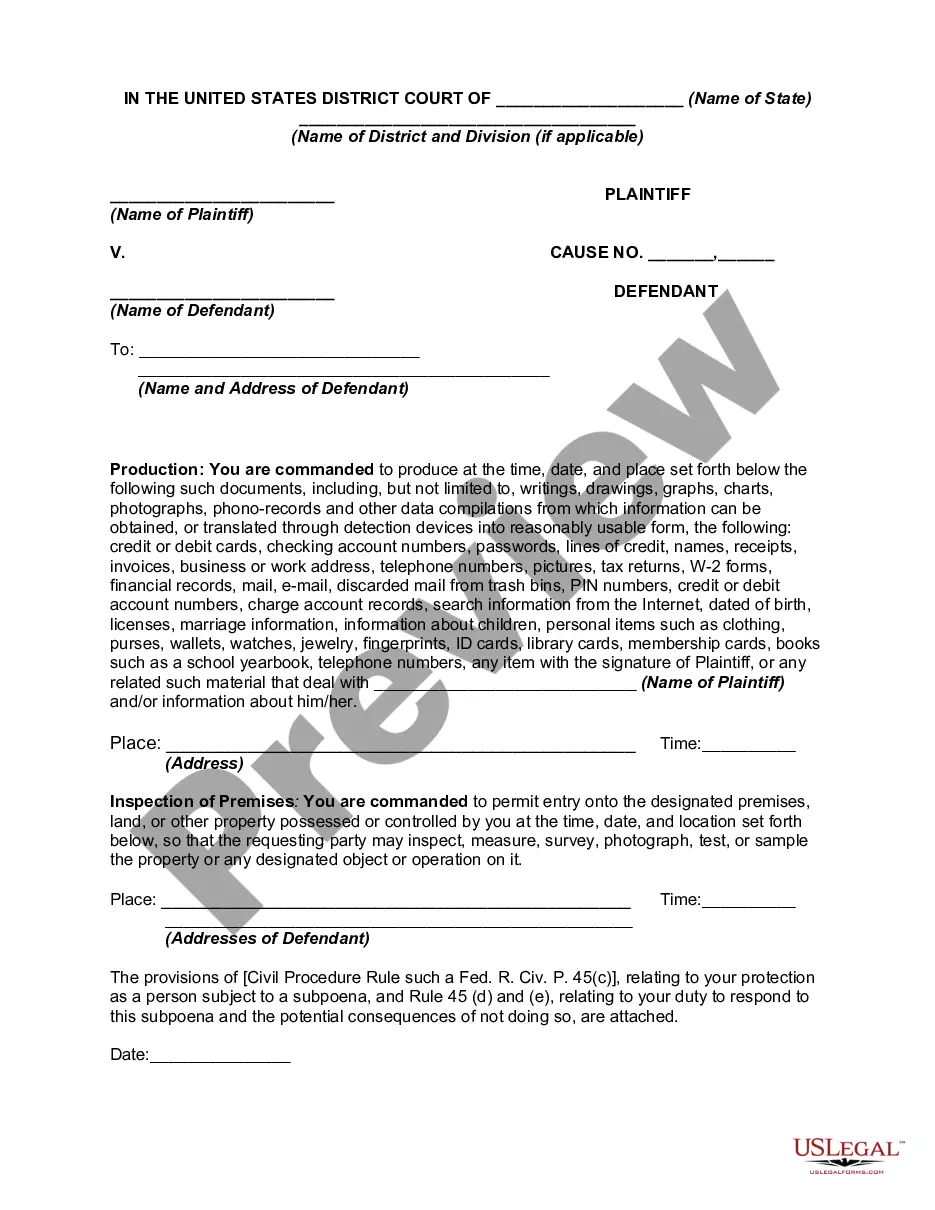
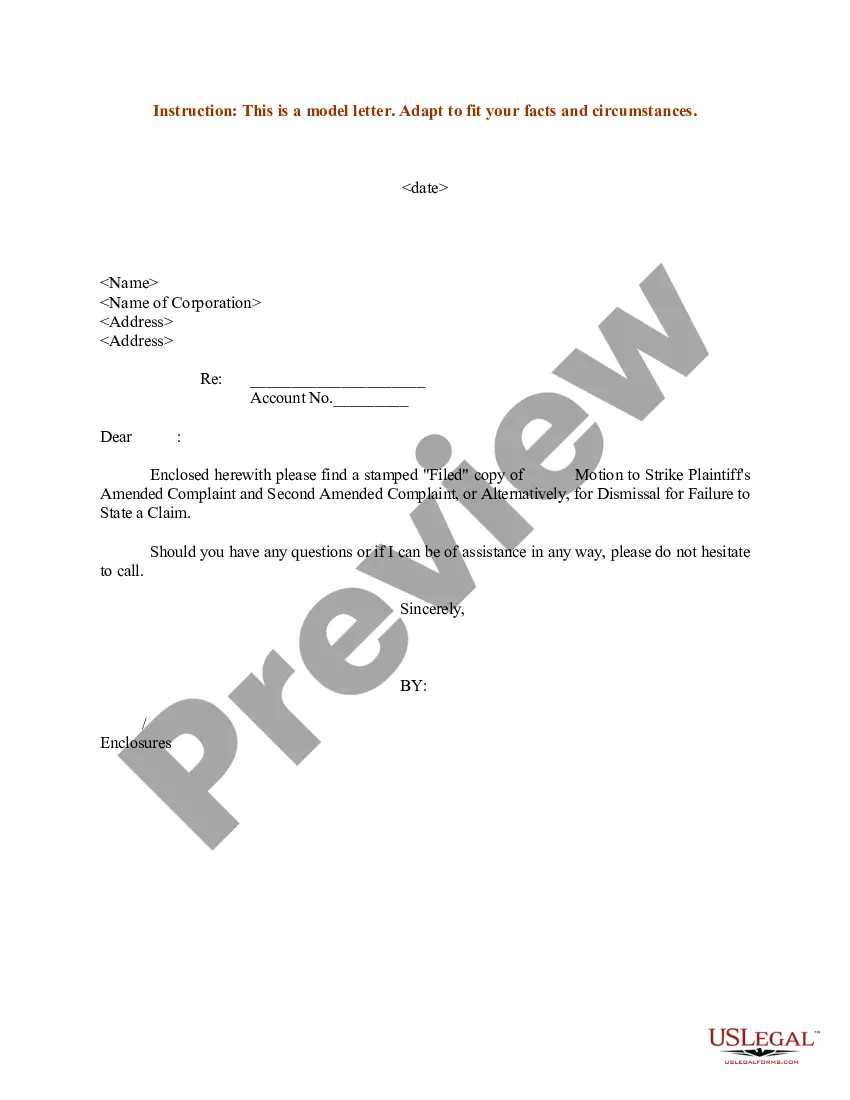
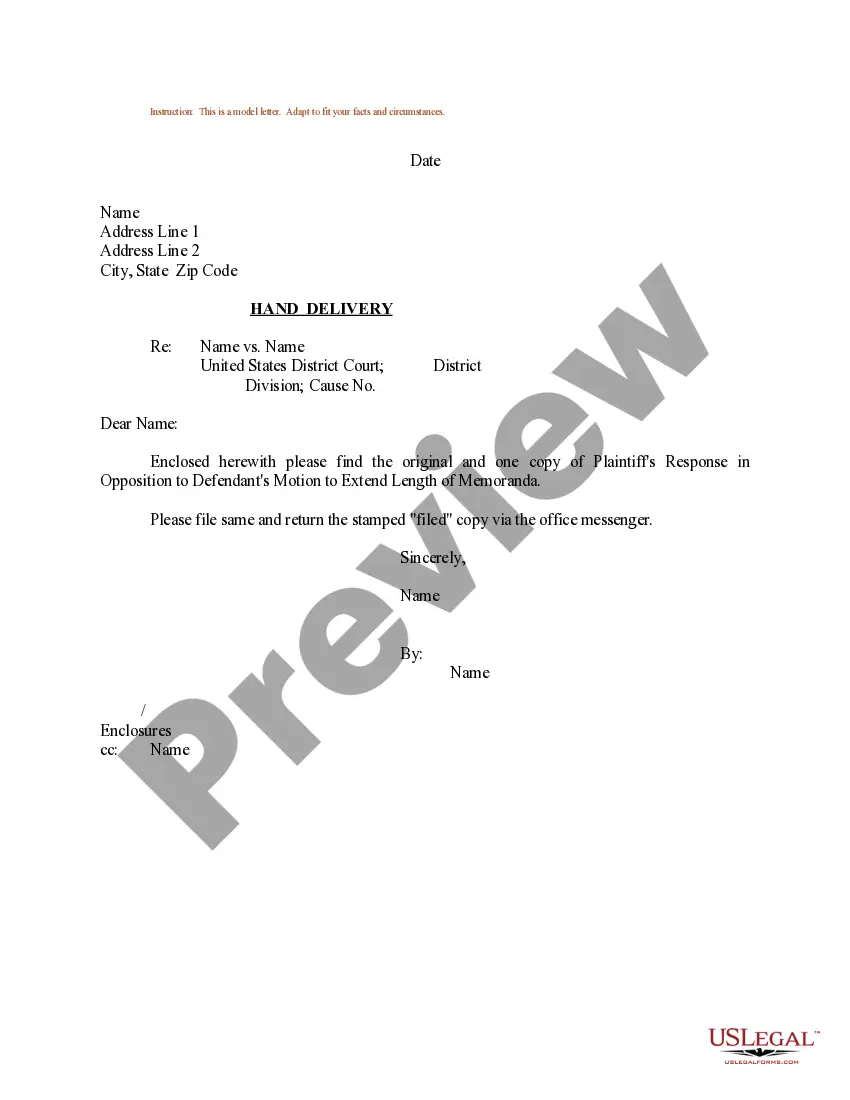
How to fill out Amended Complaint - Medical Malpractice?
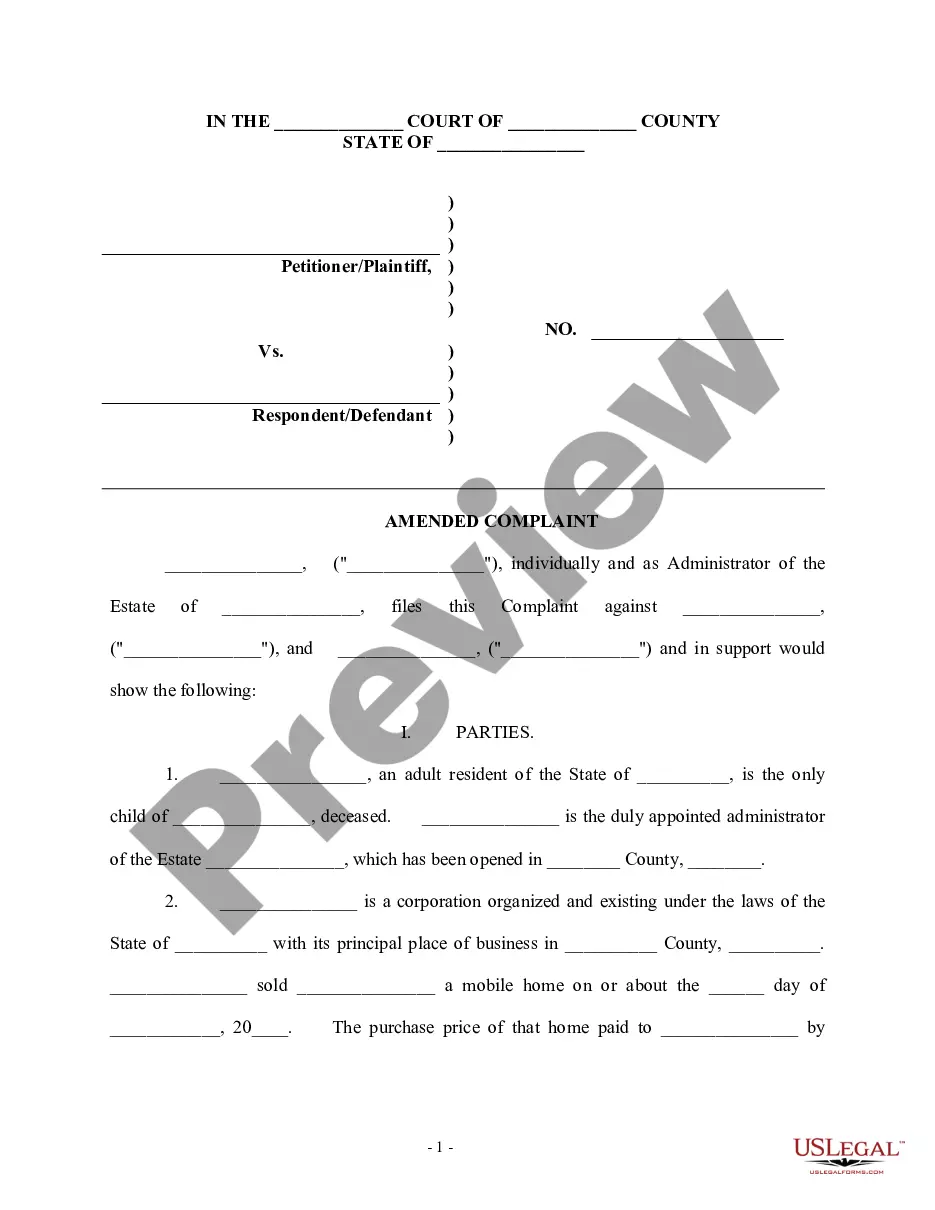
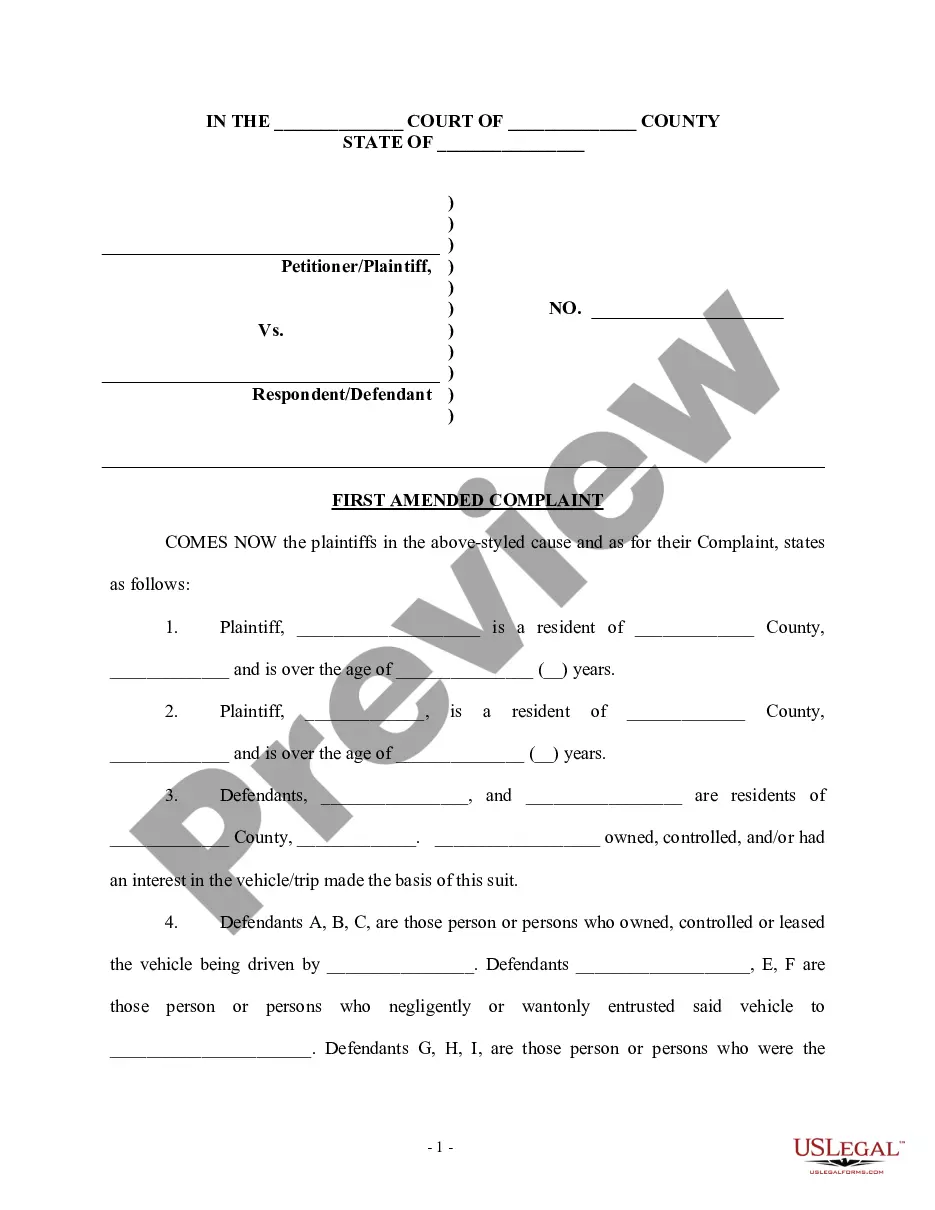
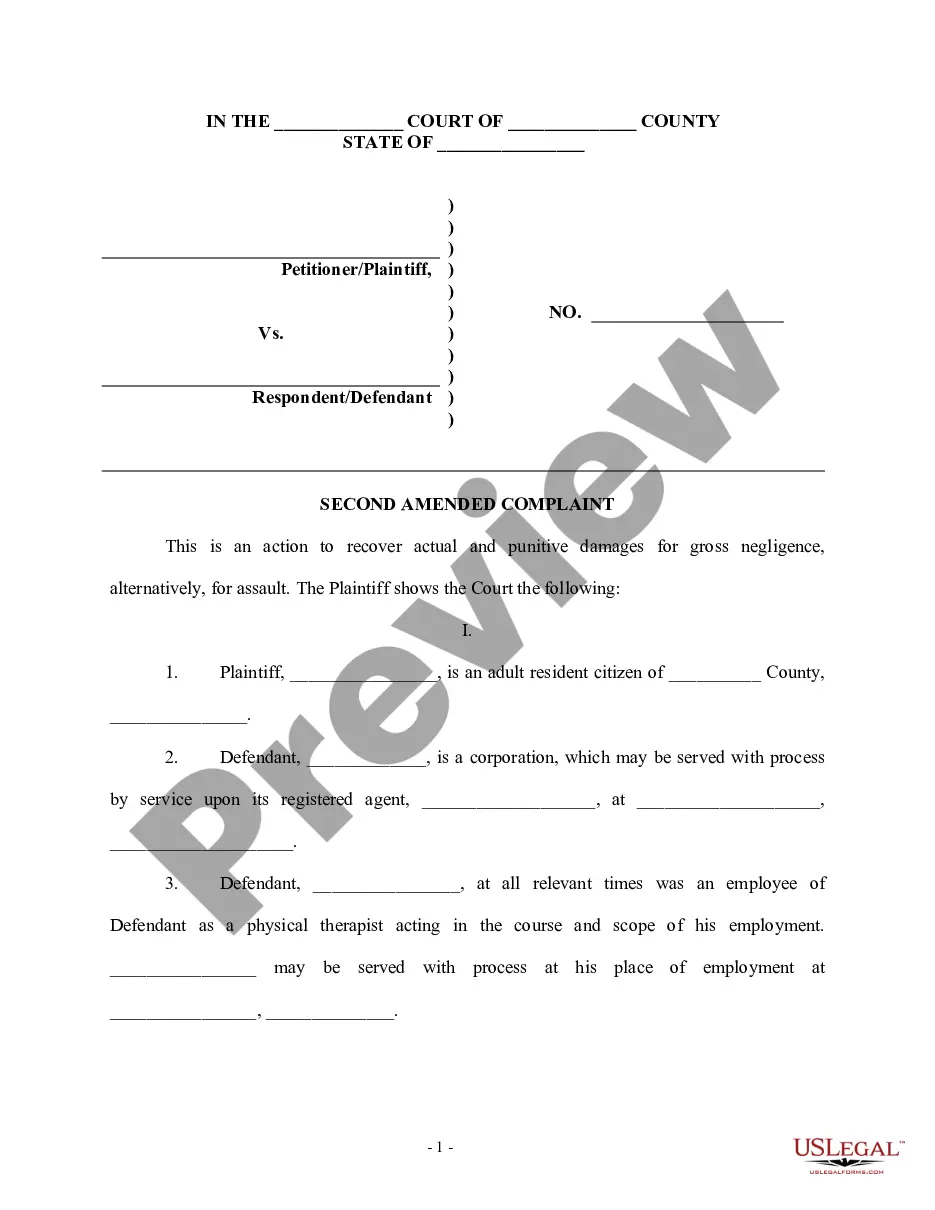
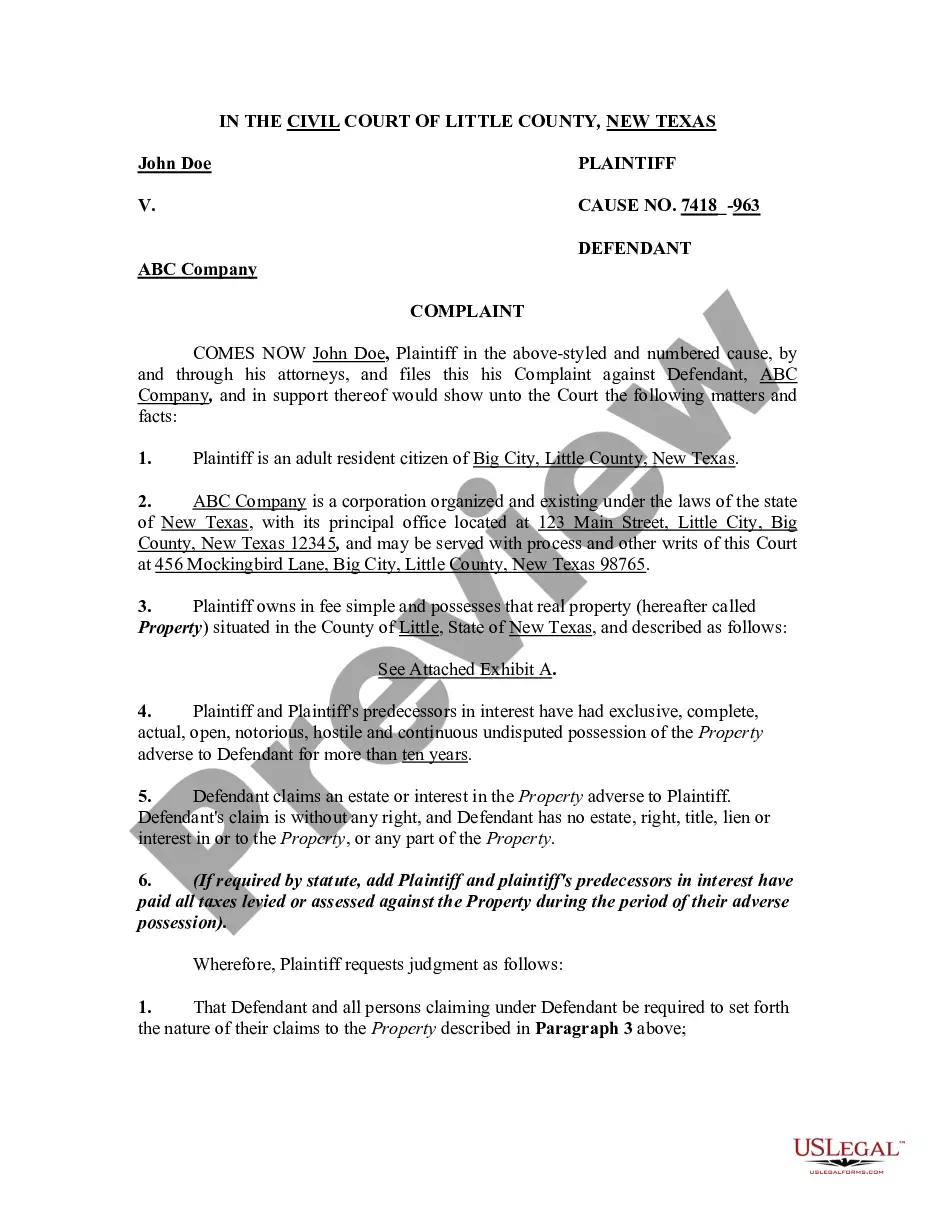
The Patient Complaint Form Template With Drop Down Menu displayed on this page is a versatile legal template crafted by experienced attorneys in accordance with federal and state legislation.
For over 25 years, US Legal Forms has supplied individuals, organizations, and lawyers with more than 85,000 validated, state-specific documents for any business and personal event. It is the fastest, easiest, and most dependable method to acquire the paperwork you require, as the service ensures the utmost level of data security and anti-malware safeguards.
Choose the format you desire for your Patient Complaint Form Template With Drop Down Menu (PDF, Word, RTF) and download the document onto your device.
- Search for the document you require and review it.
- Browse the sample you searched and preview it or examine the form description to confirm it meets your needs. If it doesn’t, utilize the search function to locate the suitable one. Click Buy Now when you have identified the template you need.
- Register and Log In.
- Select the pricing plan that fits you and create an account. Use PayPal or a credit card to make a swift payment. If you already possess an account, Log In and verify your subscription to continue.
- Acquire the fillable template.
Form popularity
FAQ
A project intake form is a document that a client or member of a different department within a company fills out to inform the marketing team of their project needs. The request form includes questions like what the project objective is, who the stakeholders are, the budget, and the date the project is required.
How to create a complaint form on forms. app Click on the 'Use Template' button and start with a template. Customize your form fields, design, and general settings. Share your form and collect responses immediately.
Hear this out loud PauseA patient intake form is designed to increase the efficiency of your practice and improve the patient experience. First, your forms need to ask for basic information, like their name, date of birth, age, sex, contact information, emergency contact, employer, and insurance information.
Hear this out loud PauseClient intake forms are preliminary paperwork potential customers fill out to determine their fit for your services. These forms ask for information about the person or their business. If their answers line up with the services you provide, you can begin onboarding.
Head to Settings > Forms & Surveys then click View Forms: Click New Intake Form. Name your form ingly and set it to Send Manually. Disable all the Profile Fields to neither include nor require on your Consent or Update form (except First Name, Last Name, and Email, Jane needs those to identify the patient)