Bonus Plans Sample With Executives
Description
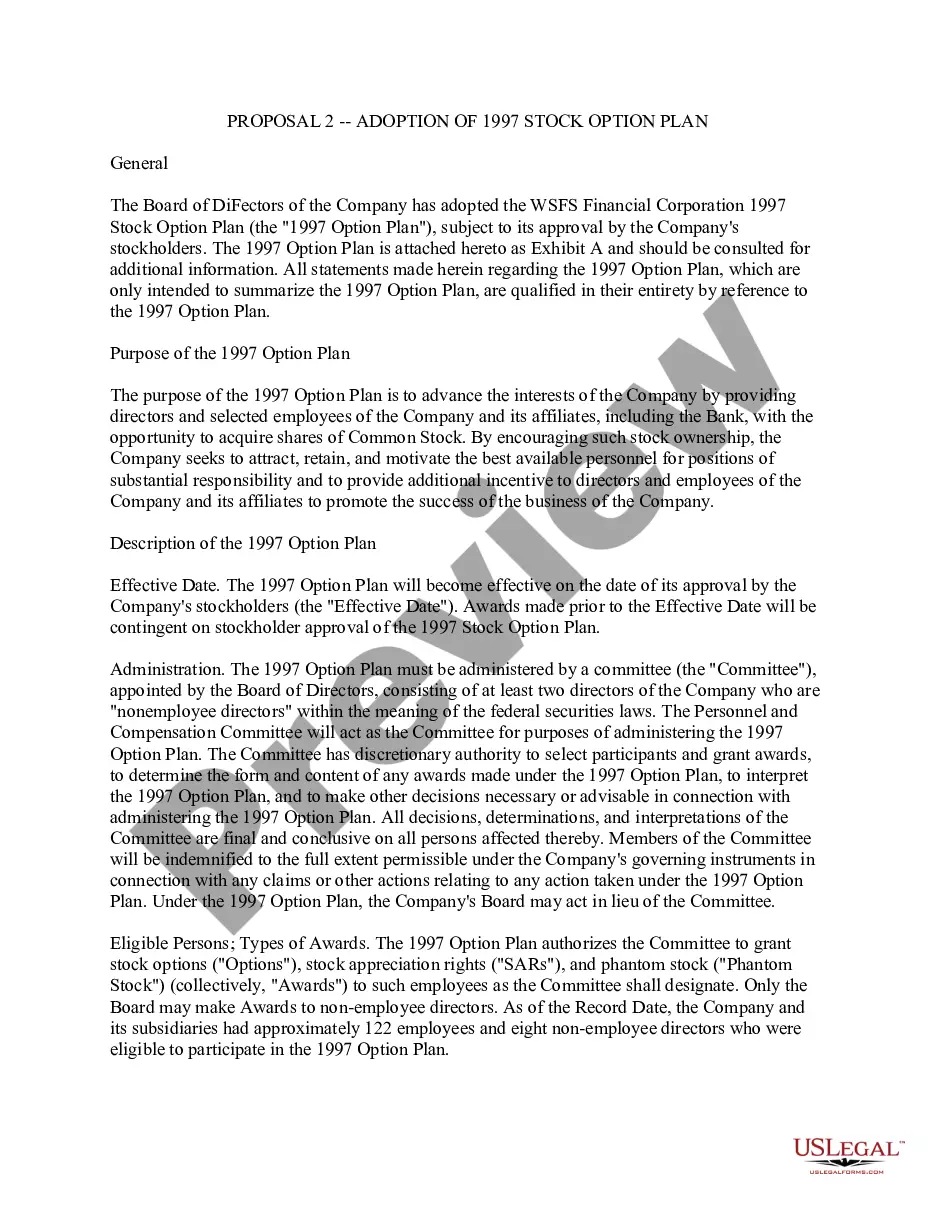
Get your form ready online
Our built-in tools help you complete, sign, share, and store your documents in one place.
Make edits, fill in missing information, and update formatting in US Legal Forms—just like you would in MS Word.
Download a copy, print it, send it by email, or mail it via USPS—whatever works best for your next step.
Sign and collect signatures with our SignNow integration. Send to multiple recipients, set reminders, and more. Go Premium to unlock E-Sign.
If this form requires notarization, complete it online through a secure video call—no need to meet a notary in person or wait for an appointment.
We protect your documents and personal data by following strict security and privacy standards.

Make edits, fill in missing information, and update formatting in US Legal Forms—just like you would in MS Word.

Download a copy, print it, send it by email, or mail it via USPS—whatever works best for your next step.

Sign and collect signatures with our SignNow integration. Send to multiple recipients, set reminders, and more. Go Premium to unlock E-Sign.

If this form requires notarization, complete it online through a secure video call—no need to meet a notary in person or wait for an appointment.

We protect your documents and personal data by following strict security and privacy standards.
Looking for another form?


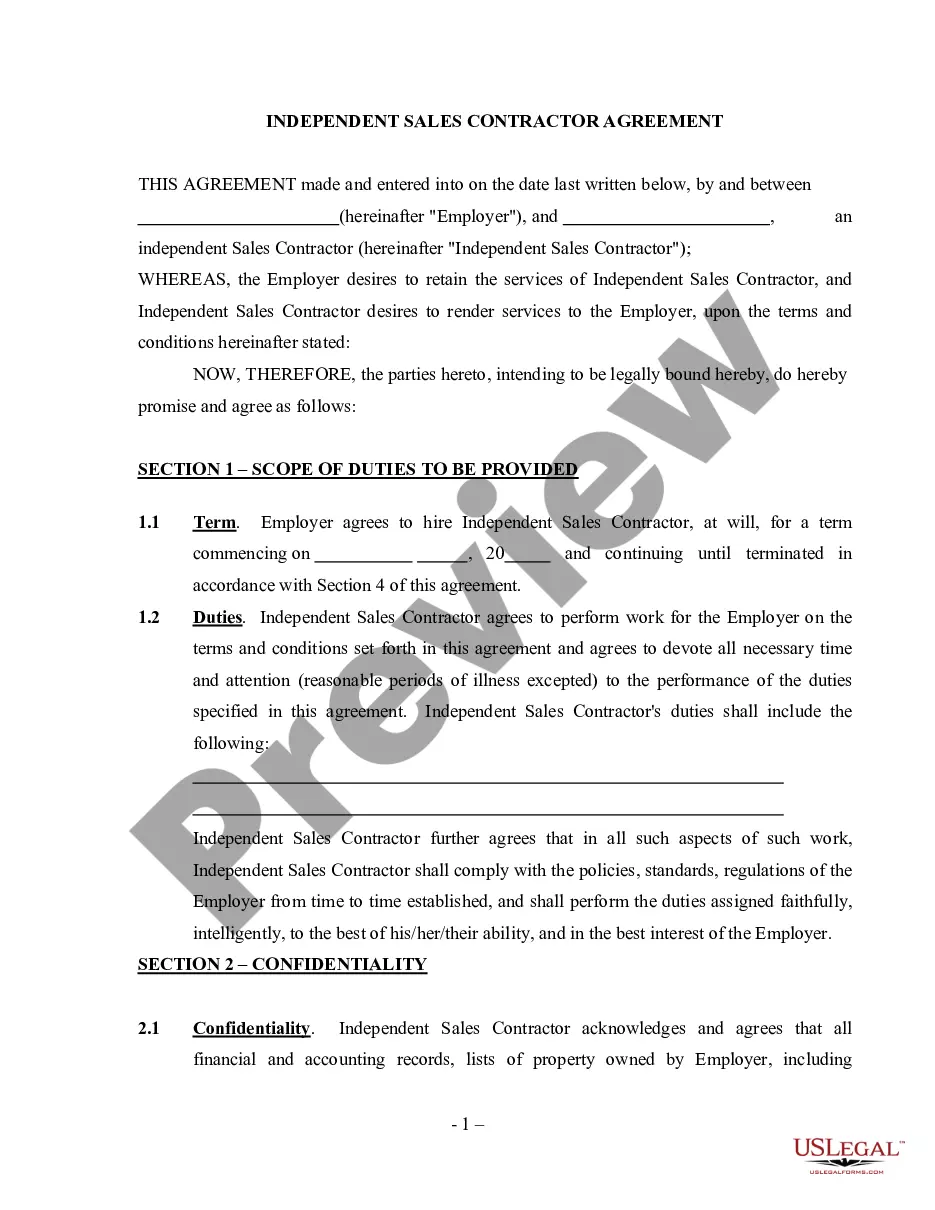
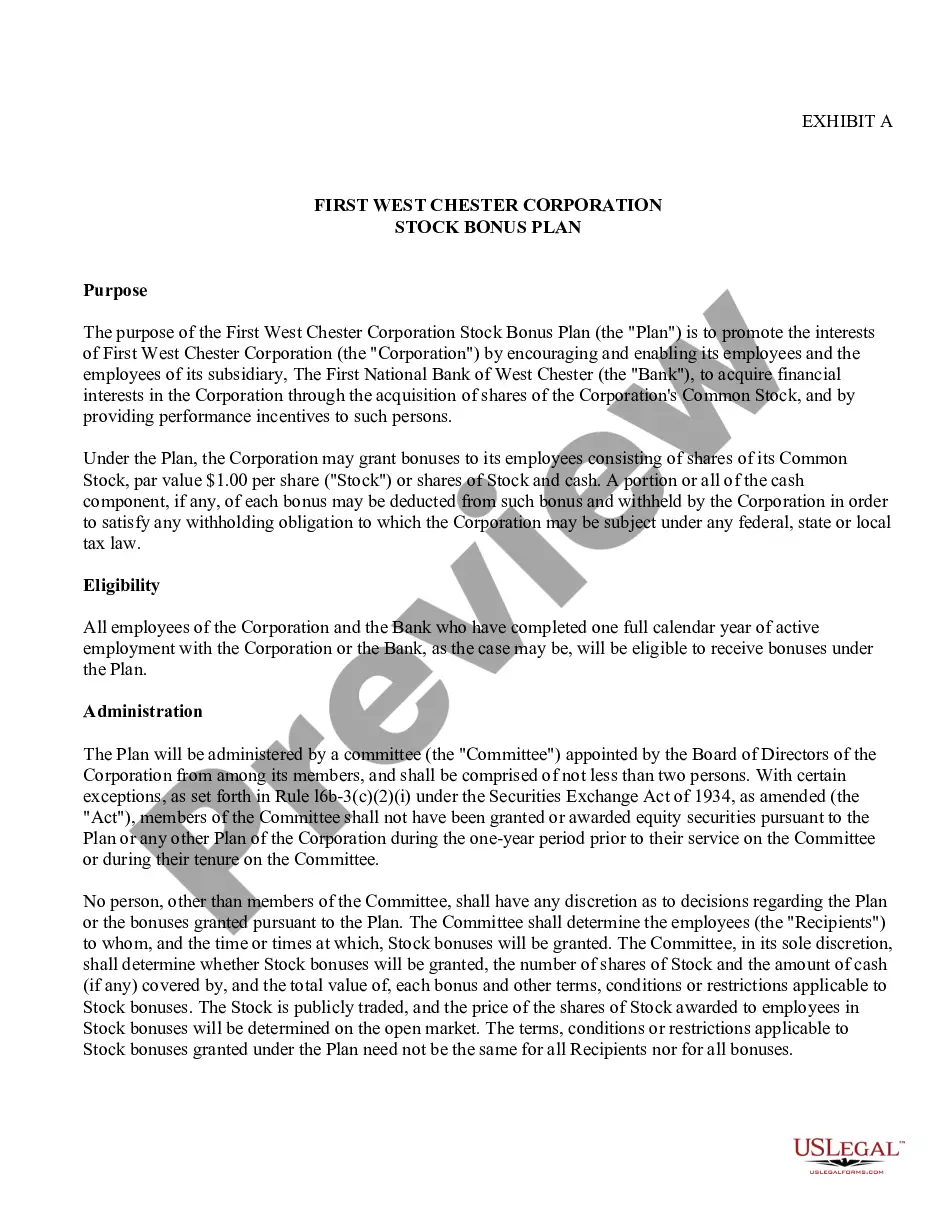
How to fill out Stock Bonus Plan Of First West Chester Corp.?
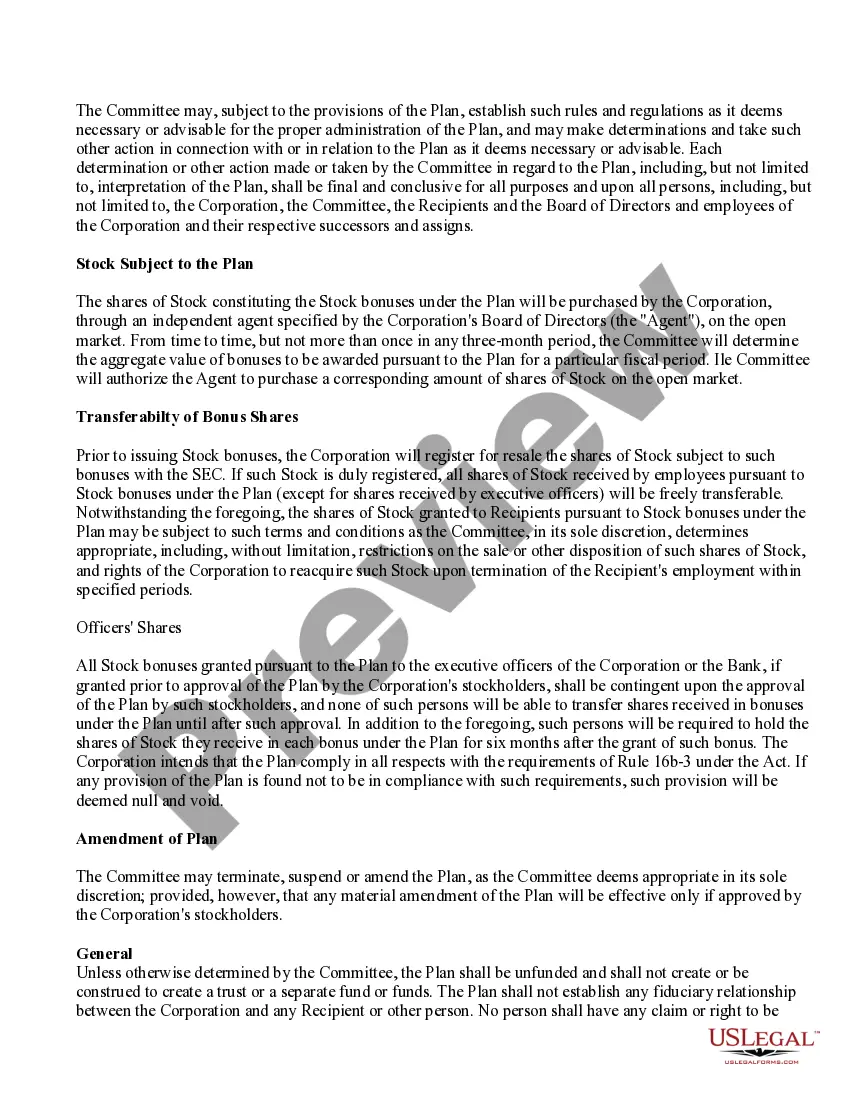
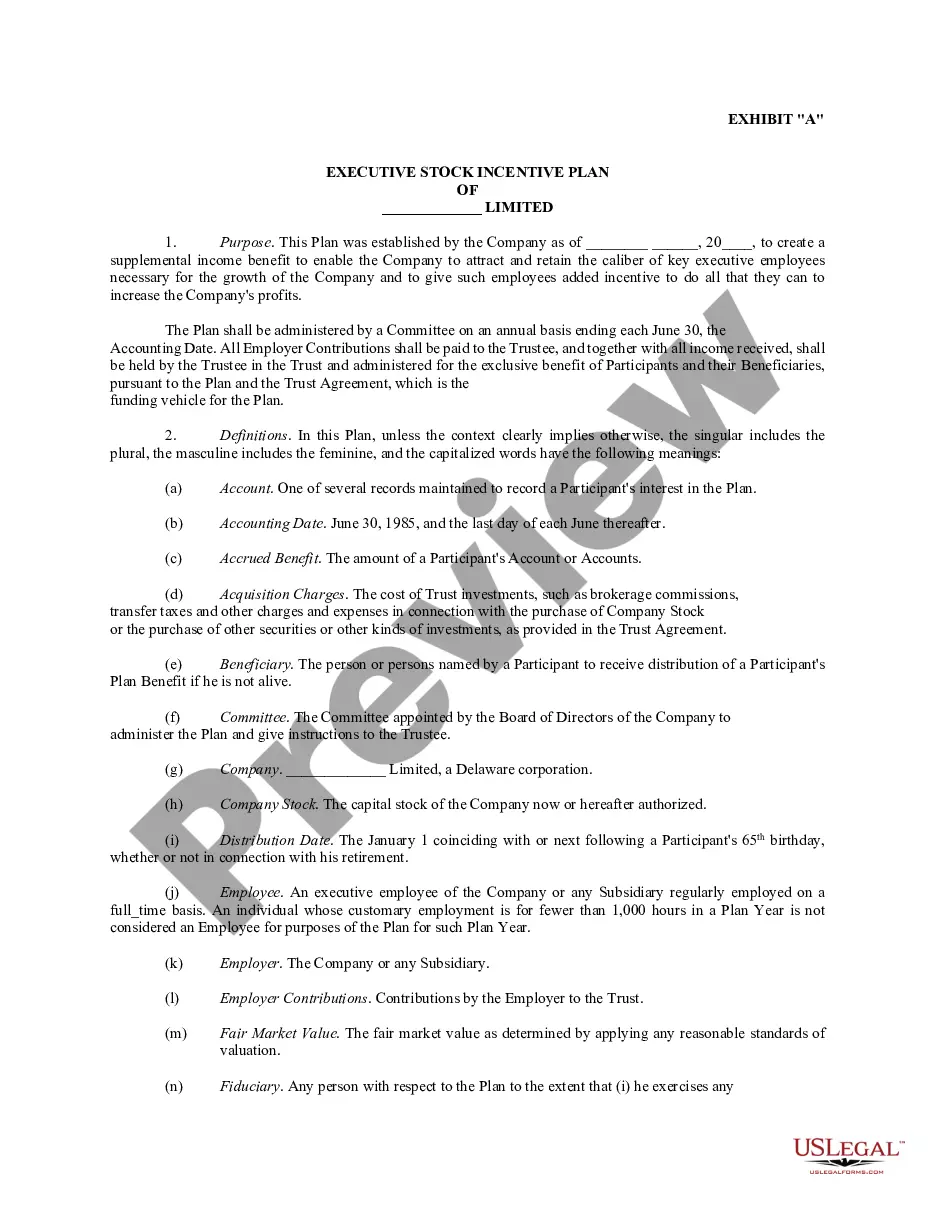
The Bonus Plans Template Featuring Executives presented on this page is a versatile legal document crafted by qualified attorneys in adherence to federal and local regulations.
For over 25 years, US Legal Forms has furnished individuals, businesses, and lawyers with more than 85,000 authenticated, state-specific documents suitable for any business and personal circumstance. It’s the fastest, simplest, and most dependable method to acquire the forms you need, as the service ensures bank-level security and anti-malware protection.
Utilize the same document again whenever necessary. Access the My documents section in your profile to redownload any previously saved documents.
- Search for the document you require and review it.
- Examine the file you searched and preview it or check the document description to confirm it meets your needs. If it doesn't, utilize the search function to locate the suitable one. Click Buy Now when you have discovered the template you require.
- Choose a pricing plan that fits you and create an account. Use PayPal or a credit card to make an immediate payment. If you already possess an account, Log In and verify your subscription to proceed.
- Select your desired format for your Bonus Plans Template Featuring Executives (PDF, DOCX, RTF) and download the sample to your device.
- Print the template to complete it by hand. Alternatively, employ an online multifunctional PDF editor to swiftly and accurately fill out and sign your document with an eSignature.
Form popularity
FAQ
You may obtain a login to PACER by registering with the PACER Service Center . The PACER Case Locator allows you to search for court records in all district, bankruptcy, and appellate courts.
The PACER Case Locator allows you to search for court records in all district, bankruptcy, and appellate courts.
SEPARATE AND RETURN ONLY THE BOTTOM COUPON WITH PAYMENT. KEEP TOP PORTION FOR YOUR RECORDS. Use payment coupon TC-559 to make the following corporate/partnership tax payments: 1) Estimated tax payments 2) Extension payments 3) Return payments Mark the circle on the coupon that shows the type of payment you are making.
THROUGH THE MAIL: Download and fill out the Criminal History Record Application (Criminal Background Check). Follow the instructions on the form, and mail the completed application and fee to our office. For more information, please call the Bureau of Criminal Identification at 801-965-4445.
The courts began making most public records available online through a subscription to the XChange database in April 2011. See the Court Records web page for more information about where to find court records.
MyCase is an online system available from the Utah State Courts. You can use MyCase to: See your case history (a record of what has happened in your case) See the papers that have been filed in your case.
Free public XChange access is available at most district courthouses and may be available in some justice court locations. Contact the district or justice court to verify public XChange access. Free public XChange access is also available at the Utah State Law Library.