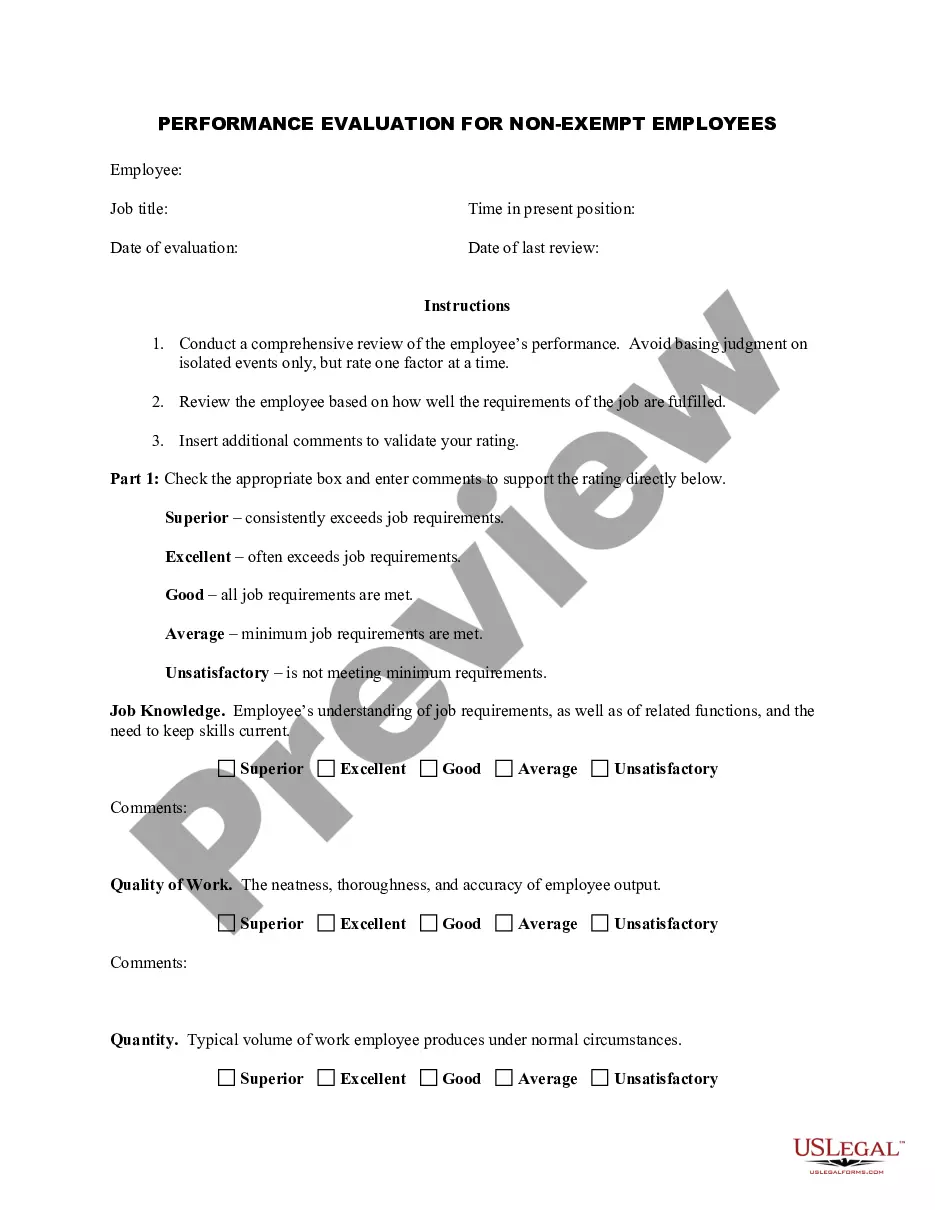
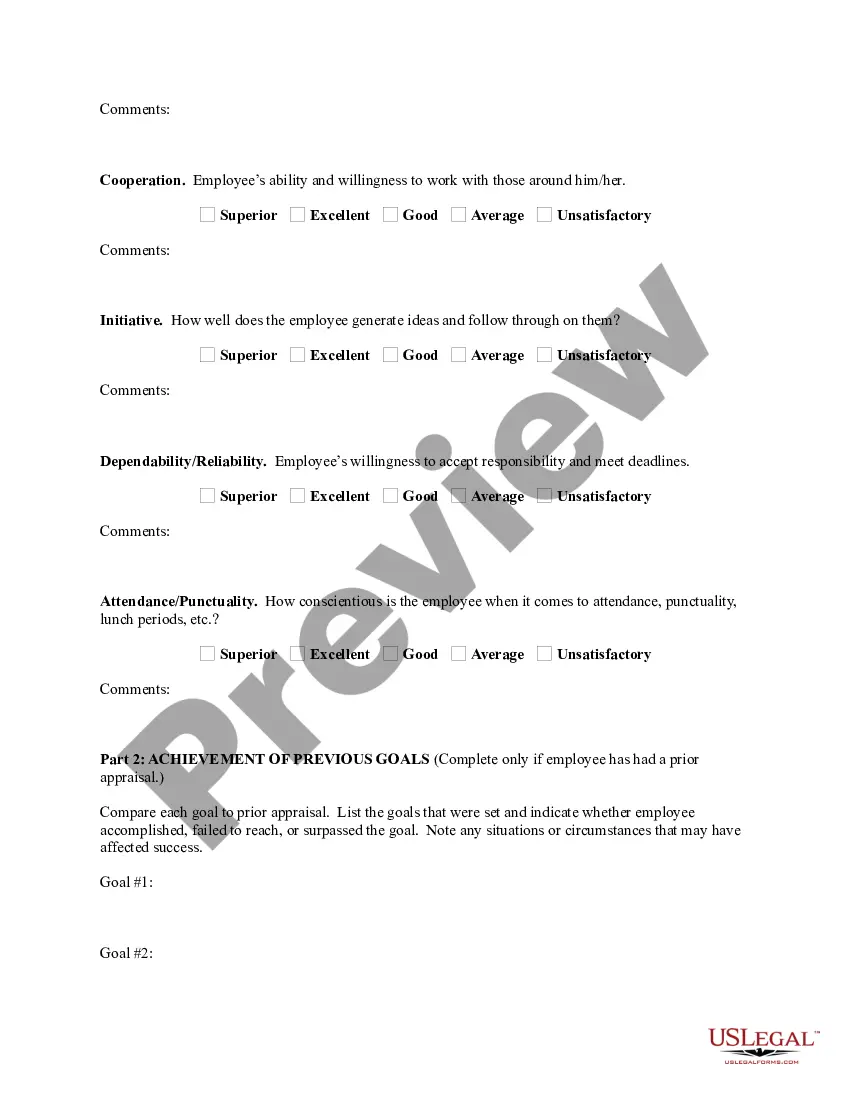
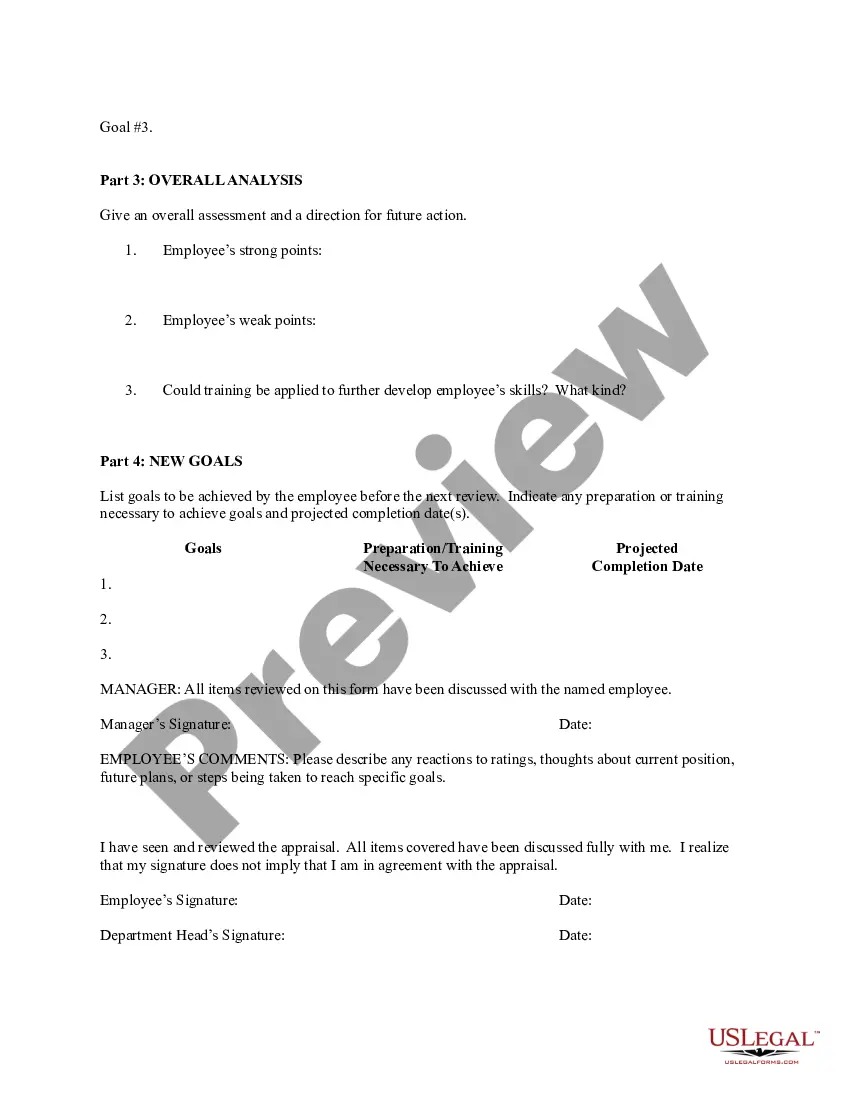
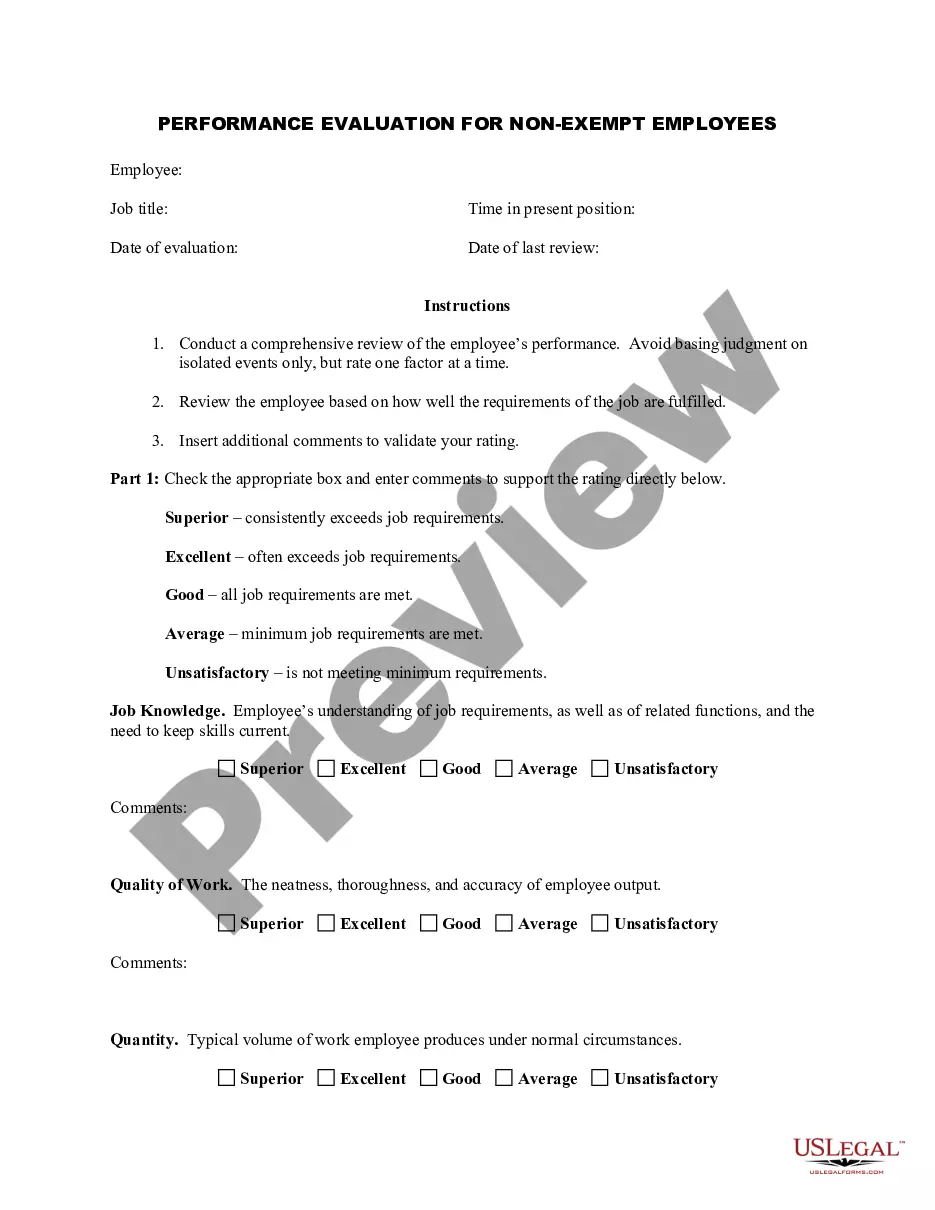
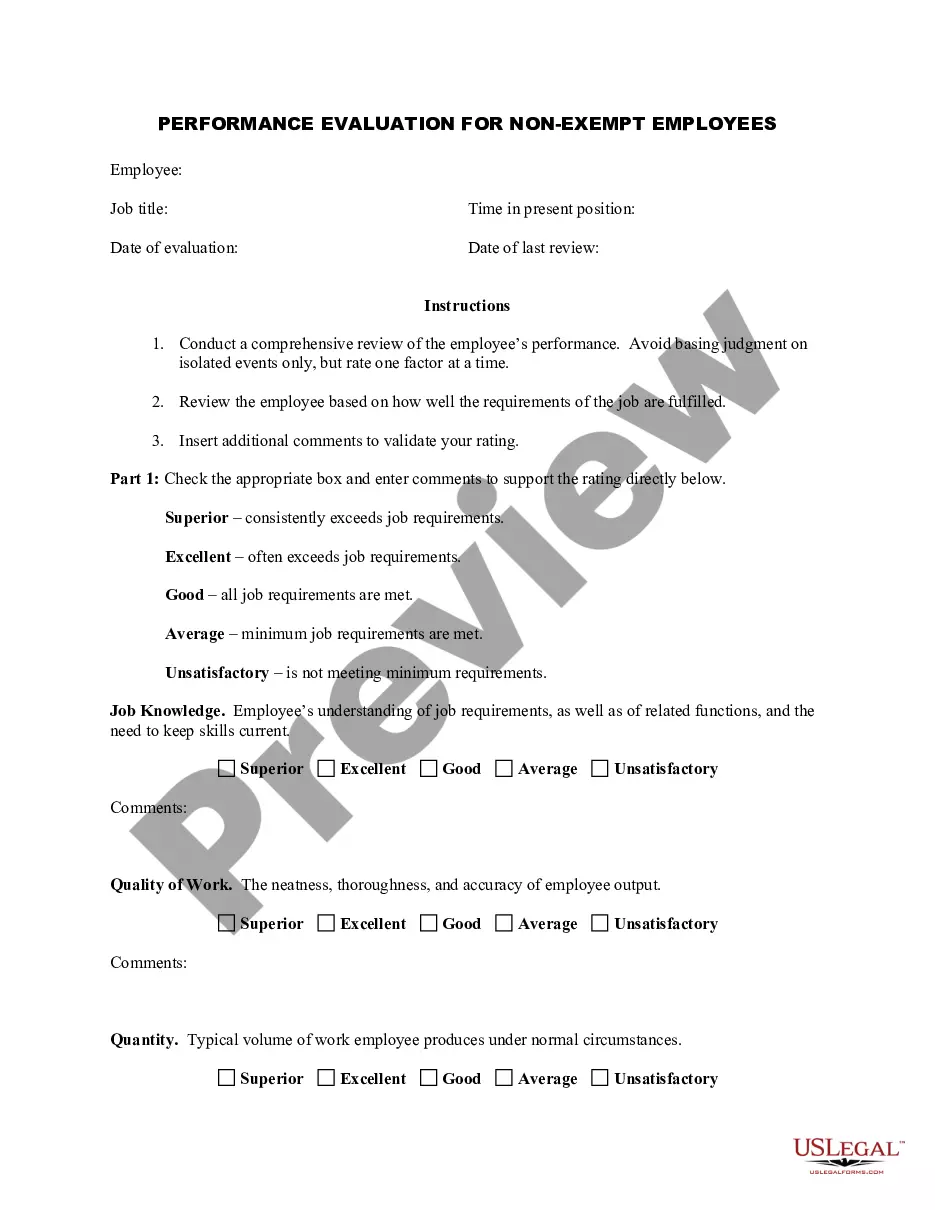
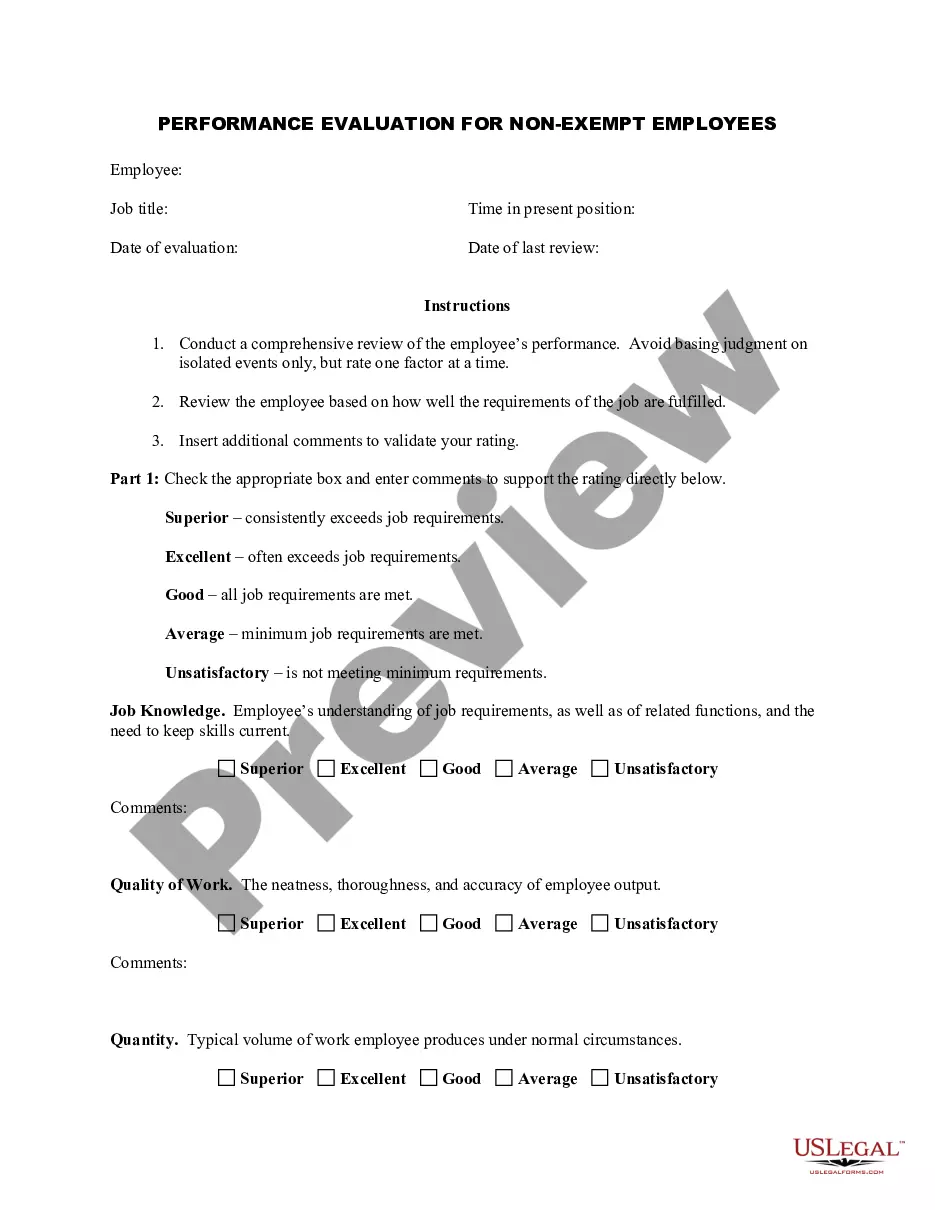
Employee Evaluation Comments For Improvement
Description
Get your form ready online
Our built-in tools help you complete, sign, share, and store your documents in one place.
Make edits, fill in missing information, and update formatting in US Legal Forms—just like you would in MS Word.
Download a copy, print it, send it by email, or mail it via USPS—whatever works best for your next step.
Sign and collect signatures with our SignNow integration. Send to multiple recipients, set reminders, and more. Go Premium to unlock E-Sign.
If this form requires notarization, complete it online through a secure video call—no need to meet a notary in person or wait for an appointment.
We protect your documents and personal data by following strict security and privacy standards.

Make edits, fill in missing information, and update formatting in US Legal Forms—just like you would in MS Word.

Download a copy, print it, send it by email, or mail it via USPS—whatever works best for your next step.

Sign and collect signatures with our SignNow integration. Send to multiple recipients, set reminders, and more. Go Premium to unlock E-Sign.

If this form requires notarization, complete it online through a secure video call—no need to meet a notary in person or wait for an appointment.

We protect your documents and personal data by following strict security and privacy standards.
Looking for another form?

How to fill out Employee Evaluation Form For Taxi Driver?
Dealing with legal paperwork and operations might be a time-consuming addition to your entire day. Employee Evaluation Comments For Improvement and forms like it usually require you to search for them and understand the way to complete them correctly. For that reason, whether you are taking care of economic, legal, or personal matters, using a comprehensive and hassle-free web catalogue of forms close at hand will greatly assist.
US Legal Forms is the top web platform of legal templates, offering more than 85,000 state-specific forms and a variety of resources to assist you to complete your paperwork quickly. Explore the catalogue of appropriate papers available with just one click.
US Legal Forms gives you state- and county-specific forms offered at any moment for downloading. Safeguard your papers managing operations having a top-notch support that lets you put together any form within a few minutes with no extra or hidden charges. Simply log in in your account, identify Employee Evaluation Comments For Improvement and download it straight away within the My Forms tab. You may also gain access to formerly saved forms.
Is it the first time utilizing US Legal Forms? Register and set up an account in a few minutes and you’ll gain access to the form catalogue and Employee Evaluation Comments For Improvement. Then, follow the steps listed below to complete your form:
- Make sure you have the correct form by using the Review feature and reading the form description.
- Select Buy Now as soon as ready, and select the subscription plan that fits your needs.
- Select Download then complete, sign, and print the form.
US Legal Forms has twenty five years of experience supporting users manage their legal paperwork. Get the form you want today and streamline any operation without breaking a sweat.
Form popularity
FAQ
Some ways to offer feedback when an employee needs improvement includes: "Performs job optimally, but needs to show up on time." "Provides excellent customer service, but needs to work on speed using the register." "Is a great team player, but needs to improve knowledge of products."
Use these in conjunction with periodic performance reviews to make sure your employees are working to their full potential. 1) Time management. ... 2) Organization. ... 3) Interpersonal communication. ... 4) Customer service. ... 5) Cooperation. ... 6) Conflict resolution. ... 7) Listening. ... 8) Written communication.
6 Steps for Writing Effective Performance Review Comments Be comprehensive. ... Embrace positivity. ... Share specific feedback and provide examples. ... Include 360-degree feedback. ... Pair constructive feedback with developmental suggestions. ... Stay organized with the right solution.
Meets or exceeds expectations: Always pays attention to details and produces high-quality work. Takes the time to double-check his work to ensure high levels of accuracy. Produces consistent results that internal and external stakeholders can rely on. Passes work deliverables with minimal to zero errors.
You can follow these steps to create an effective employee evaluation: Review the employee's job description. ... Highlight areas of improvement. ... Compare strengths and weaknesses. ... Recommend actionable goals. ... Provide constructive feedback. ... Welcome employee input.