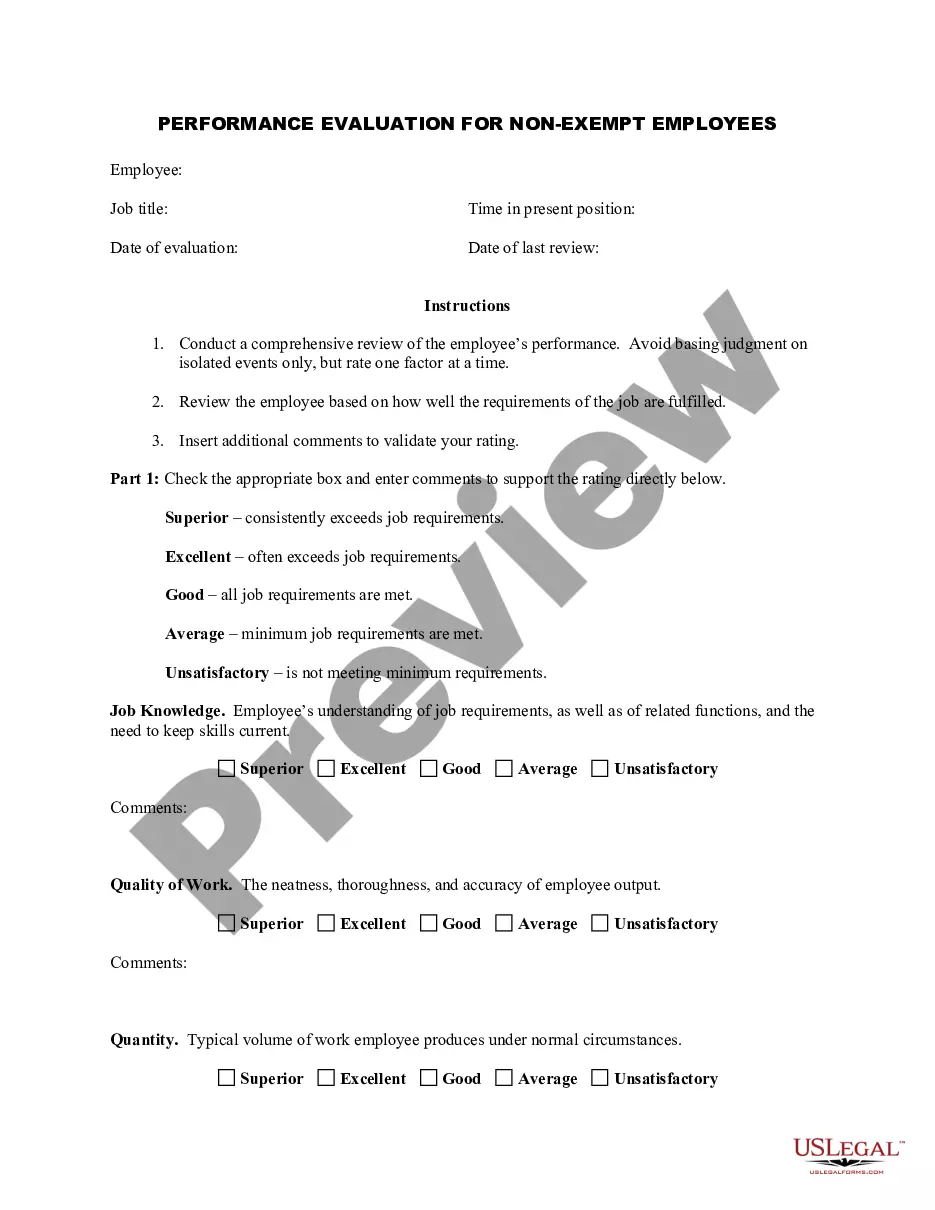
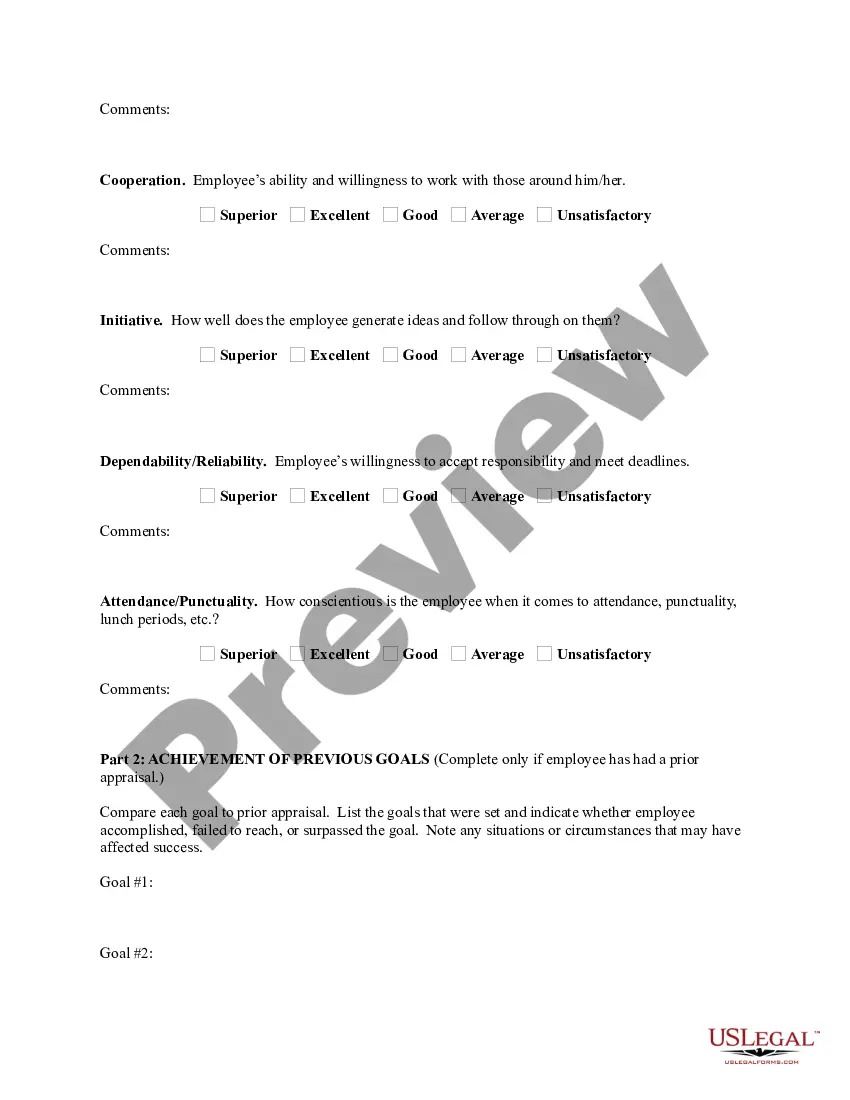
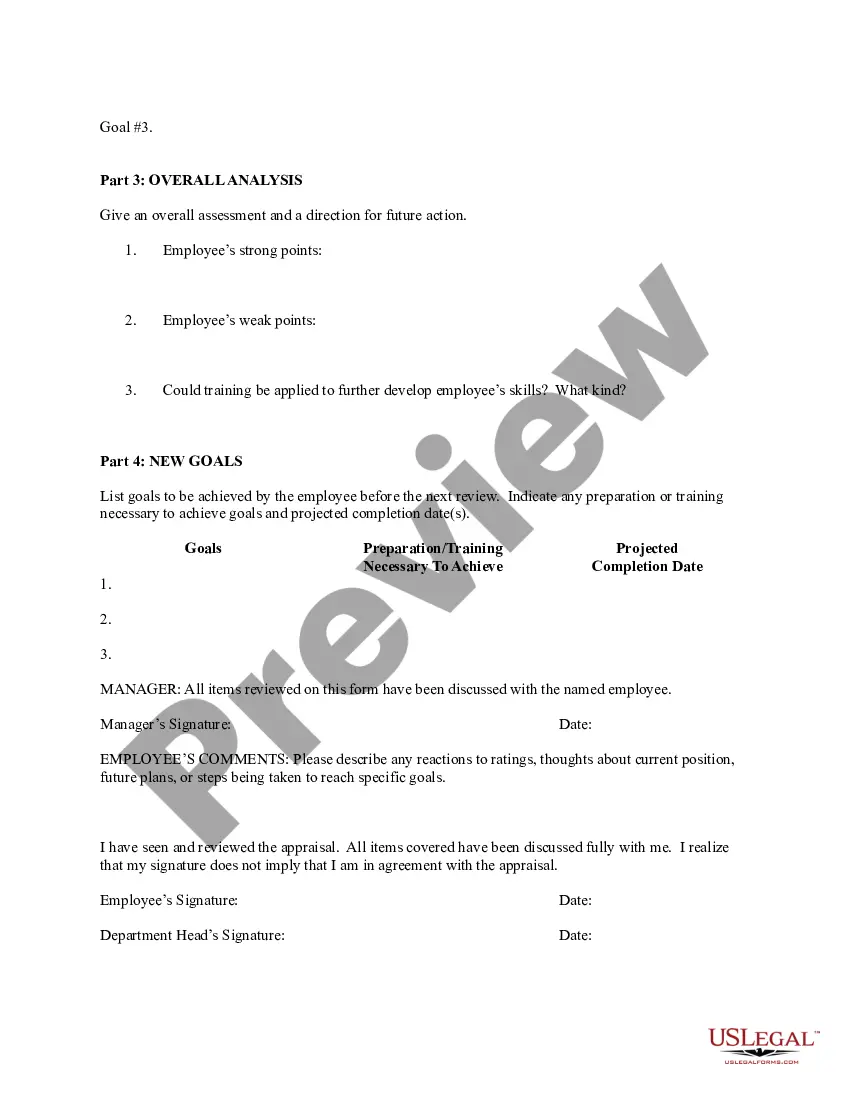
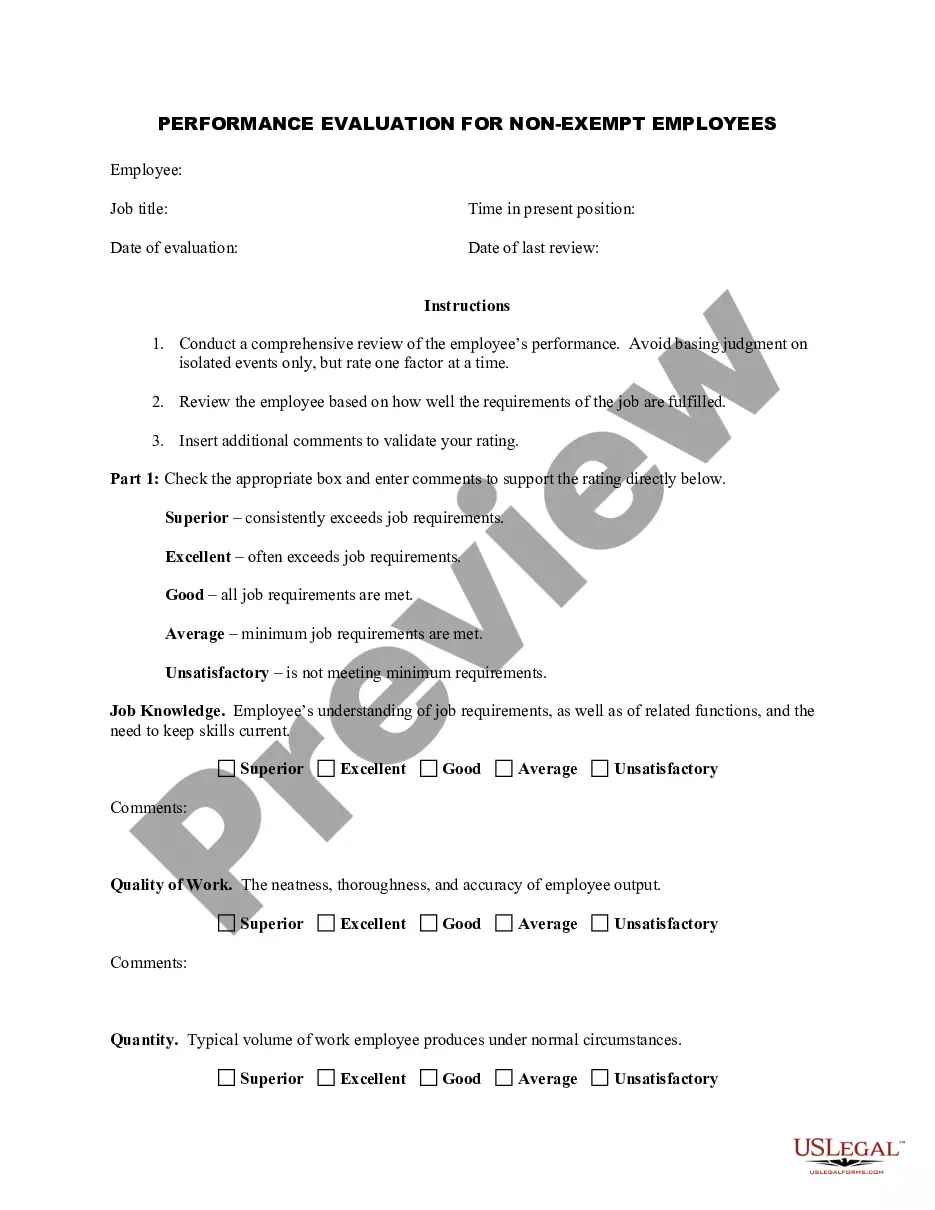
Bartender Evaluation Form With Excel
Description
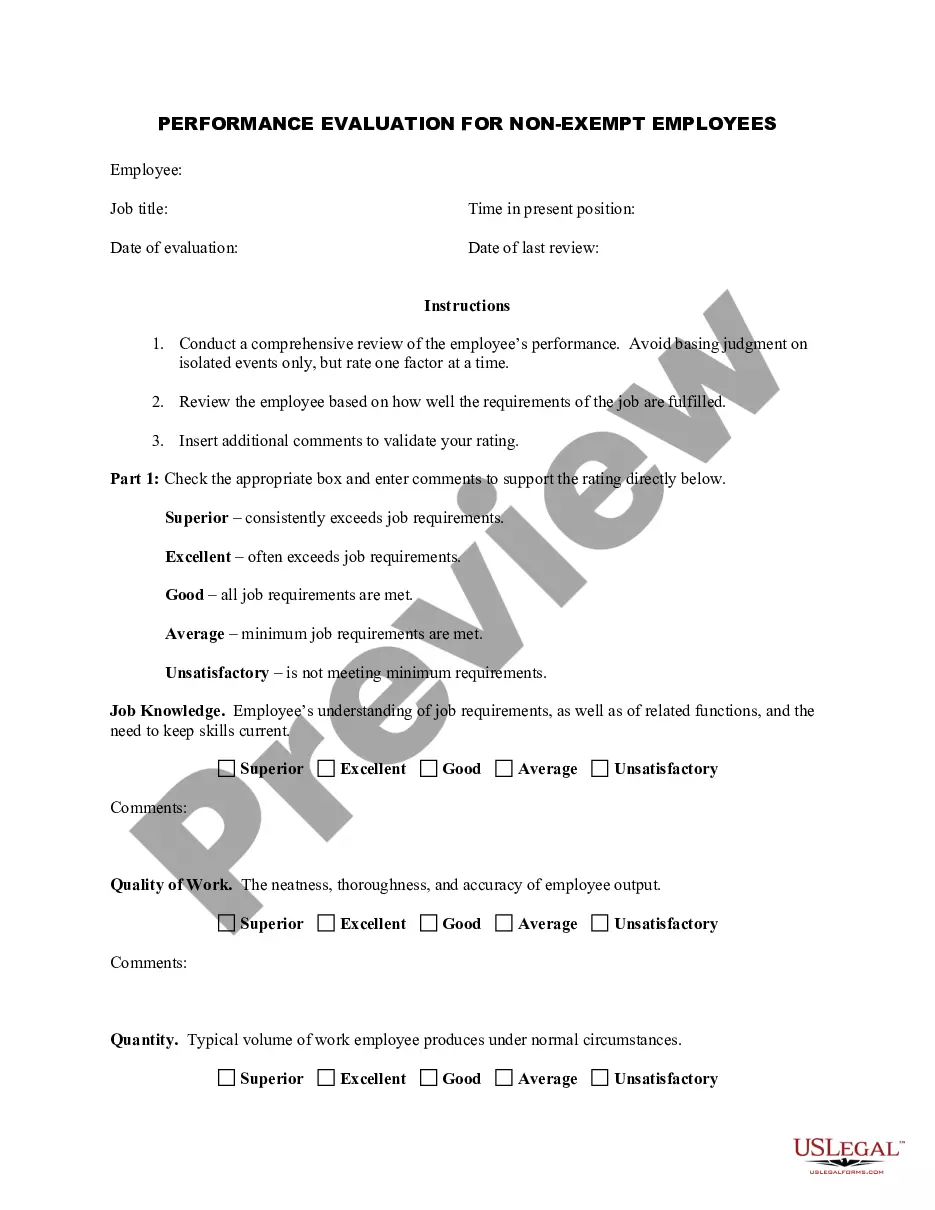
Get your form ready online
Our built-in tools help you complete, sign, share, and store your documents in one place.
Make edits, fill in missing information, and update formatting in US Legal Forms—just like you would in MS Word.
Download a copy, print it, send it by email, or mail it via USPS—whatever works best for your next step.
Sign and collect signatures with our SignNow integration. Send to multiple recipients, set reminders, and more. Go Premium to unlock E-Sign.
If this form requires notarization, complete it online through a secure video call—no need to meet a notary in person or wait for an appointment.
We protect your documents and personal data by following strict security and privacy standards.

Make edits, fill in missing information, and update formatting in US Legal Forms—just like you would in MS Word.

Download a copy, print it, send it by email, or mail it via USPS—whatever works best for your next step.

Sign and collect signatures with our SignNow integration. Send to multiple recipients, set reminders, and more. Go Premium to unlock E-Sign.

If this form requires notarization, complete it online through a secure video call—no need to meet a notary in person or wait for an appointment.

We protect your documents and personal data by following strict security and privacy standards.
Looking for another form?
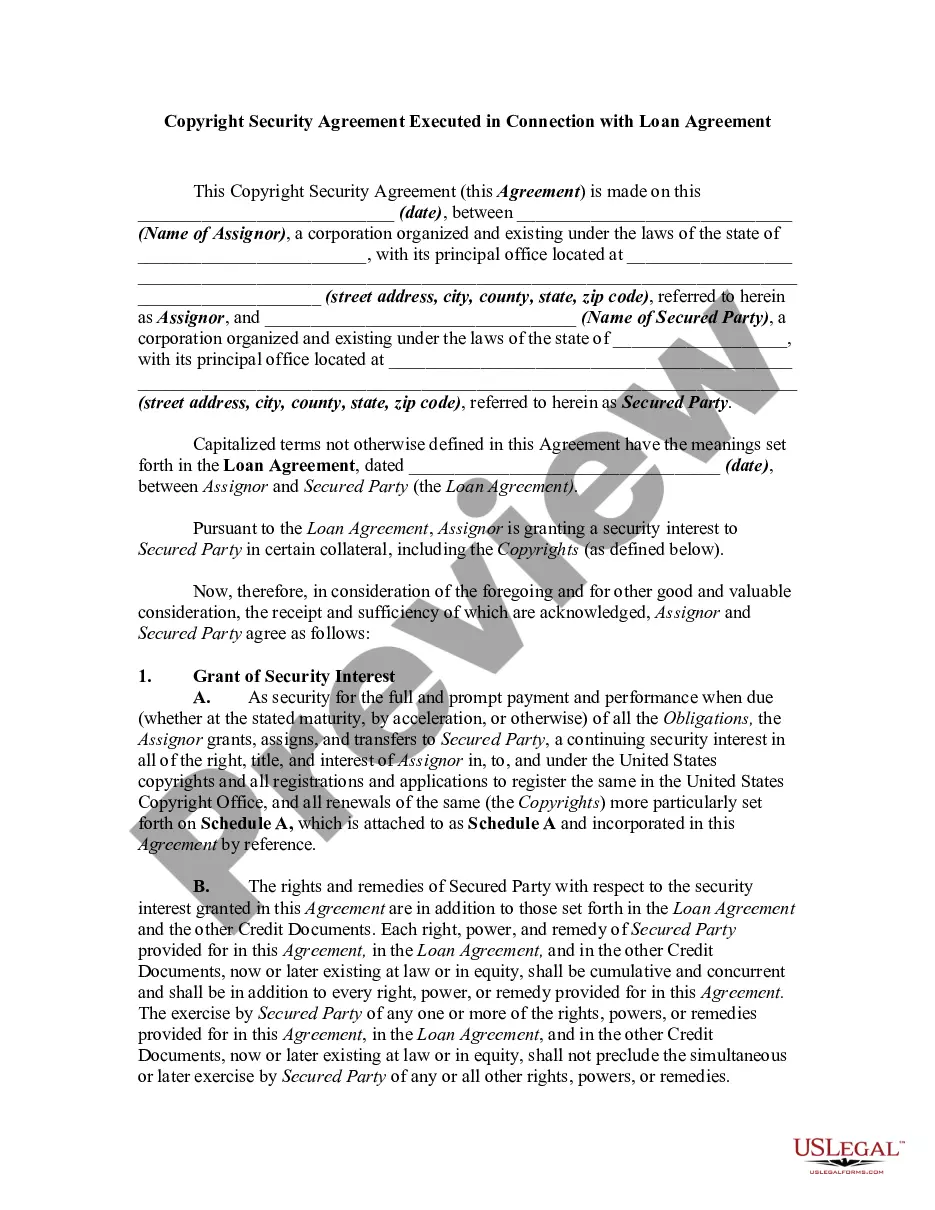
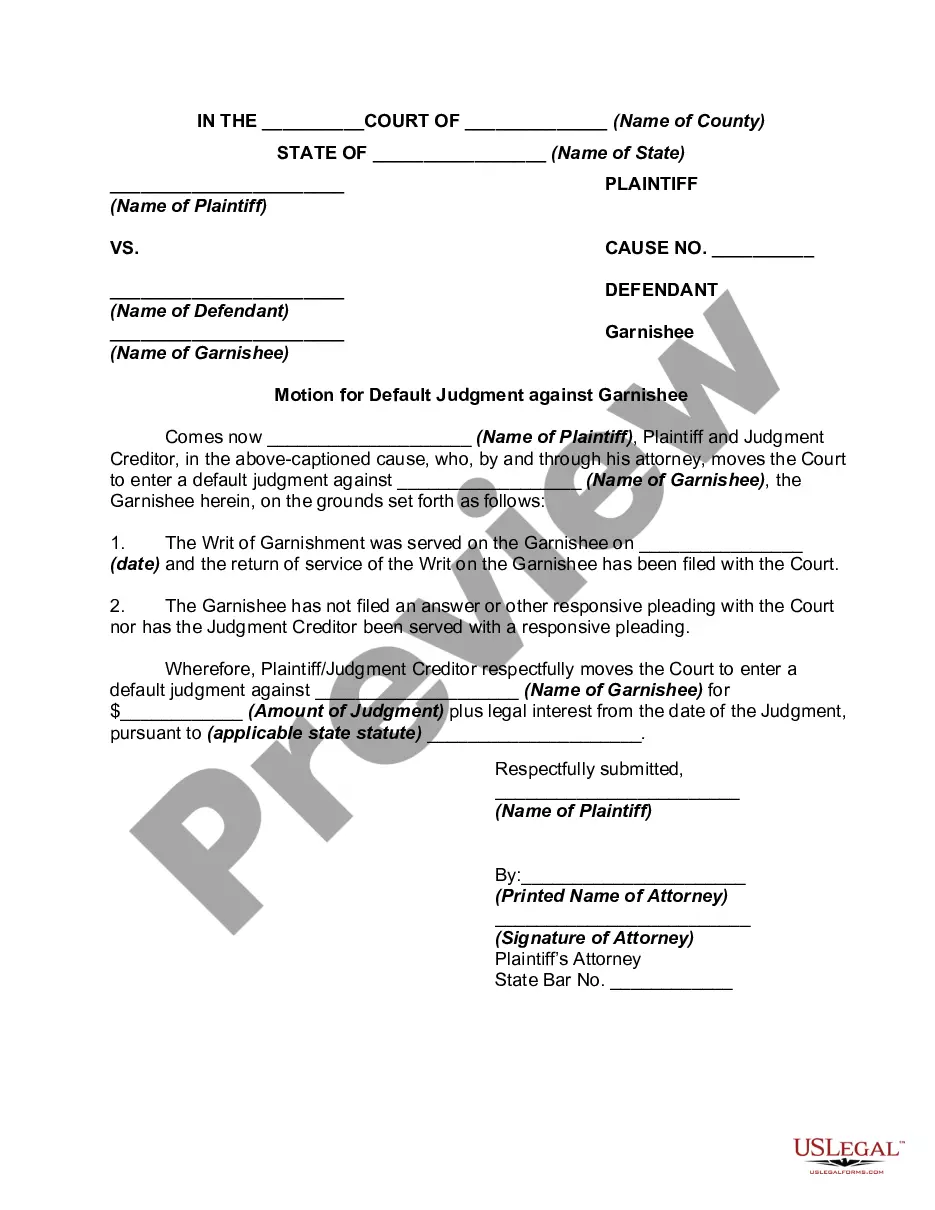
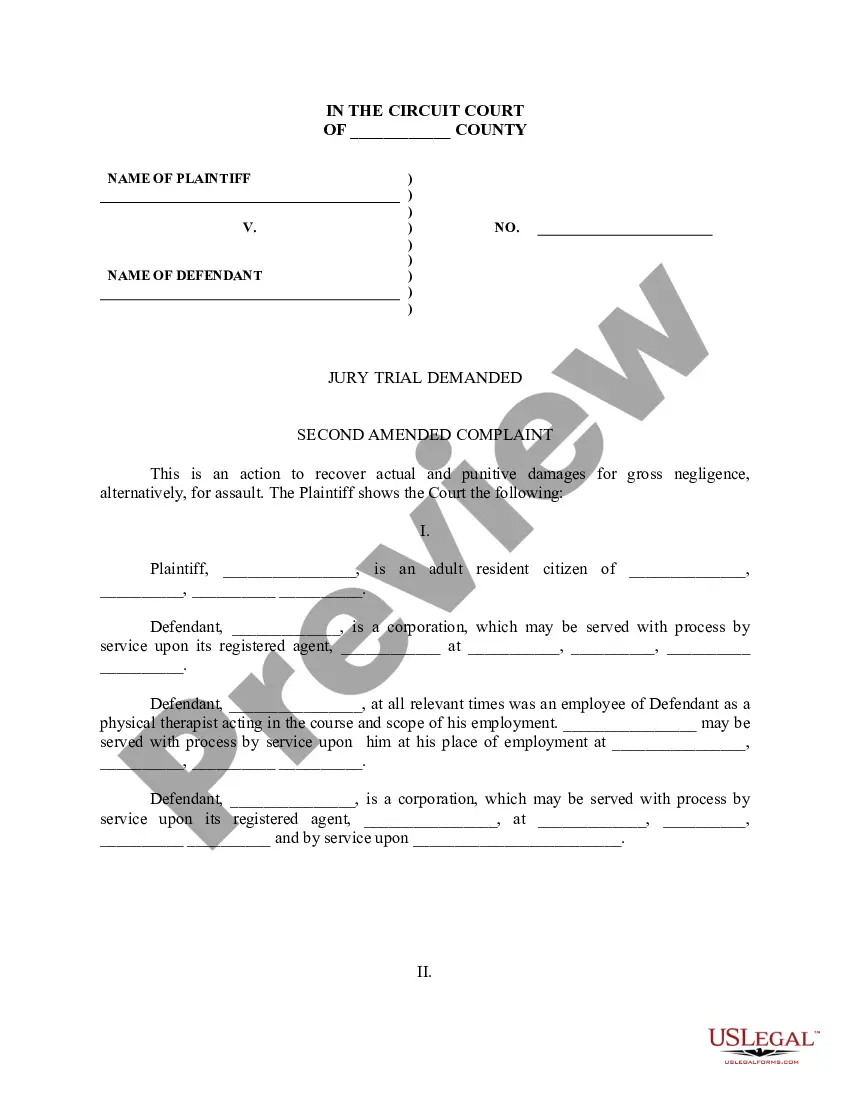
How to fill out Employee Evaluation Form For Bartender?
Legal administration can be exasperating, even for skilled experts.
When you seek a Bartender Evaluation Form With Excel and lack the opportunity to search for the suitable and current version, the processes can be distressing.
Access state- or county-specific legal and business documents. US Legal Forms addresses any requirements you may have, from personal to organizational papers, all in one place.
Utilize advanced tools to complete and manage your Bartender Evaluation Form With Excel.
Here are the steps to follow after accessing the required form: Verify that this is the correct form by previewing it and examining its description.
- Access a repository of articles, guides, and manuals related to your situation and needs.
- Save time and energy searching for the documents you need, and utilize US Legal Forms’ sophisticated search and Preview feature to locate the Bartender Evaluation Form With Excel and obtain it.
- If you hold a subscription, Log In to your US Legal Forms account, search for the form, and retrieve it.
- Check your My documents tab to review the documents you've previously saved and organize your folders as needed.
- If it's your first time using US Legal Forms, create a free account to gain unlimited access to all the platform's features.
- A comprehensive online form library can be transformative for anyone wishing to manage these circumstances efficiently.
- US Legal Forms stands as a frontrunner in online legal documents, boasting over 85,000 state-specific legal forms accessible at any time.
- With US Legal Forms, you can.
Form popularity
FAQ
The best bartenders not only display craftsmanship and knowledge. They engage you in conversation and make some effort to get to know you, as a person and as a drinker; you leave feeling that you've actually made a new friend. And they love being asked to make something different so that they can show off their skills.
A collaborative approach will feel less daunting than a traditional, one-sided performance evaluation form. Identify core competencies. ... Choose a rating scale. ... Set an evaluation cycle. ... Prepare a list of questions. ... Share questions in advance. ... Have the conversation. ... Create a goal-setting framework. ... Be open to feedback.
Creating the Worksheet The evaluation section can include whatever criteria you find important such as demonstration of skills and knowledge, problem-solving, etc. It's a good idea to include review guidelines on the worksheet to ensure you use the same criteria for rating performance each time.
7 Steps To Create A Dashboard In Excel Step 1: Import the necessary data into Excel. No data. ... Step 2: Set up your workbook. ... Step 3: Add raw data to a table. ... Step 4: Data analysis. ... Step 5: Determine the visuals. ... Step 6: Create your Excel dashboard. ... Step 7: Customize your dashboard.