Employee Final Pay Without Social Security Number
Description
Get your form ready online
Our built-in tools help you complete, sign, share, and store your documents in one place.
Make edits, fill in missing information, and update formatting in US Legal Forms—just like you would in MS Word.
Download a copy, print it, send it by email, or mail it via USPS—whatever works best for your next step.
Sign and collect signatures with our SignNow integration. Send to multiple recipients, set reminders, and more. Go Premium to unlock E-Sign.
If this form requires notarization, complete it online through a secure video call—no need to meet a notary in person or wait for an appointment.
We protect your documents and personal data by following strict security and privacy standards.

Make edits, fill in missing information, and update formatting in US Legal Forms—just like you would in MS Word.

Download a copy, print it, send it by email, or mail it via USPS—whatever works best for your next step.

Sign and collect signatures with our SignNow integration. Send to multiple recipients, set reminders, and more. Go Premium to unlock E-Sign.

If this form requires notarization, complete it online through a secure video call—no need to meet a notary in person or wait for an appointment.

We protect your documents and personal data by following strict security and privacy standards.
Looking for another form?
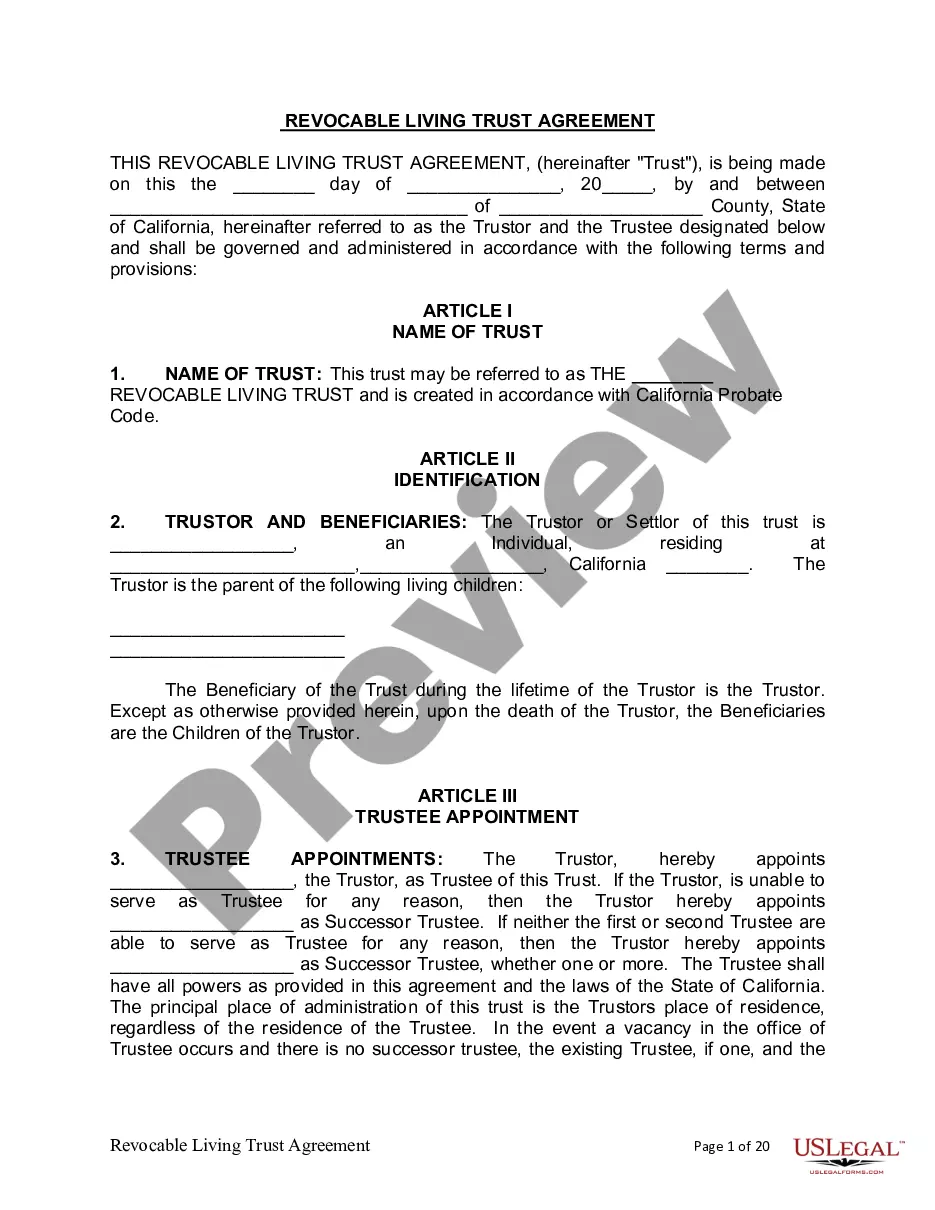

How to fill out Termination Meeting Checklist?
Managing legal documents can be daunting, even for the most experienced experts.
When seeking an Employee Final Pay Without Social Security Number and lacking the time to search for the appropriate and current version, the process can be overwhelming.
Leverage a resource center filled with articles, guides, and materials pertinent to your case and needs.
Save time and energy in your quest for necessary documents, utilizing the advanced search and Review tool from US Legal Forms to find and obtain Employee Final Pay Without Social Security Number.
Select a monthly subscription plan, choose the format you require, and Download, complete, eSign, print, and send your documents.
Take advantage of the US Legal Forms online repository, backed by 25 years of expertise and trustworthiness. Transform your everyday document handling into a simple and user-friendly experience today.
- If you possess a subscription, Log Into your US Legal Forms account, search for the document, and secure it.
- Check your My documents tab to see the documents you have previously acquired and to organize your files as desired.
- If this is your first experience with US Legal Forms, create an account to gain unlimited access to all platform benefits.
- Once you've downloaded the needed form, verify that it is the correct document by reviewing it and examining its details.
- Ensure that the template is approved in your state or county.
- Select Buy Now when you are prepared.
- Utilize a comprehensive online form library which can significantly alter how these scenarios are handled.
- US Legal Forms stands as a leading provider of online legal documents, with over 85,000 state-specific forms accessible at all times.
- Employ innovative tools to complete and oversee your Employee Final Pay Without Social Security Number.
Form popularity
FAQ
Yes, you can refuse to provide your social security number, particularly if you have valid reasons for doing so. However, this may complicate your employee final pay process. Employers typically require a SSN for tax reporting purposes, but they must also consider your privacy. Using platforms like US Legal Forms can provide you guidance on navigating these scenarios smoothly.
If you lack a social security number, you can often use an Individual Taxpayer Identification Number (ITIN) for your employee final pay. An ITIN allows you to fulfill tax obligations without a social security number. Additionally, documents like work permits or state-issued ID may support your case. It's crucial to check with your employer or payroll department for their specific requirements.
If you don’t have a Social Security number, you can often provide an Individual Taxpayer Identification Number (ITIN) when processing your employee final pay without social security number. Alternatively, you may need to complete specific forms that verify your identity or work eligibility. It’s crucial to communicate with your employer to explore the best options available. Platforms like USLegalForms can guide you through the necessary paperwork to ensure a smooth payment process.
A Social Security number is not always mandatory for employee final pay without social security number situations. Employers can often process payments using alternative identification methods, such as an Individual Taxpayer Identification Number (ITIN). It is essential to check your state’s regulations, as they may vary. Understanding your options can help ensure that you receive your final pay without unnecessary hurdles.
Steps to follow when hiring an employee without an SSN: Have employee fill out Form SS-5. Have employee get a letter from the SSA regarding SSN application. Allow the employee to begin working.
The Social Security Administration is strict about enforcing payment laws, so it will only process payroll for an employee waiting for a SSN for no more than seven days. Many times, an employer will opt to assign this employee a government approved temporary taxpayer identification number.
Acceptable Documents for Identity Verification State identification (ID) card. Driver license. US passport or passport card. US military card (front and back) Military dependent's ID card (front and back) Permanent Resident Card. Certificate of Citizenship. Certificate of Naturalization.
If a newly hired employee has applied for, but has not yet received his or her SSN (e.g., the employee is a newly arrived immigrant), attach an explanation to the employee's Form I-9 and set it aside. Then create a case in E-Verify using the employee's SSN as soon as it is available.