Appeal Response Letter For Denied Claims
Description
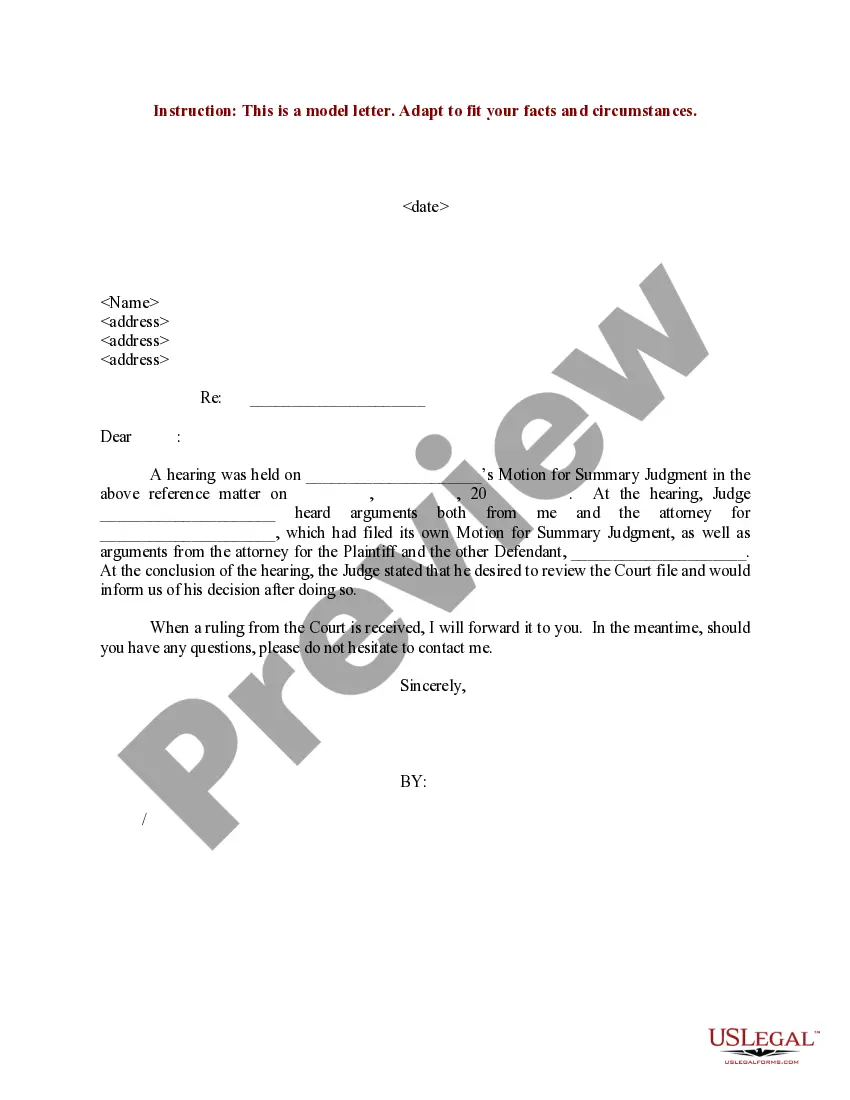
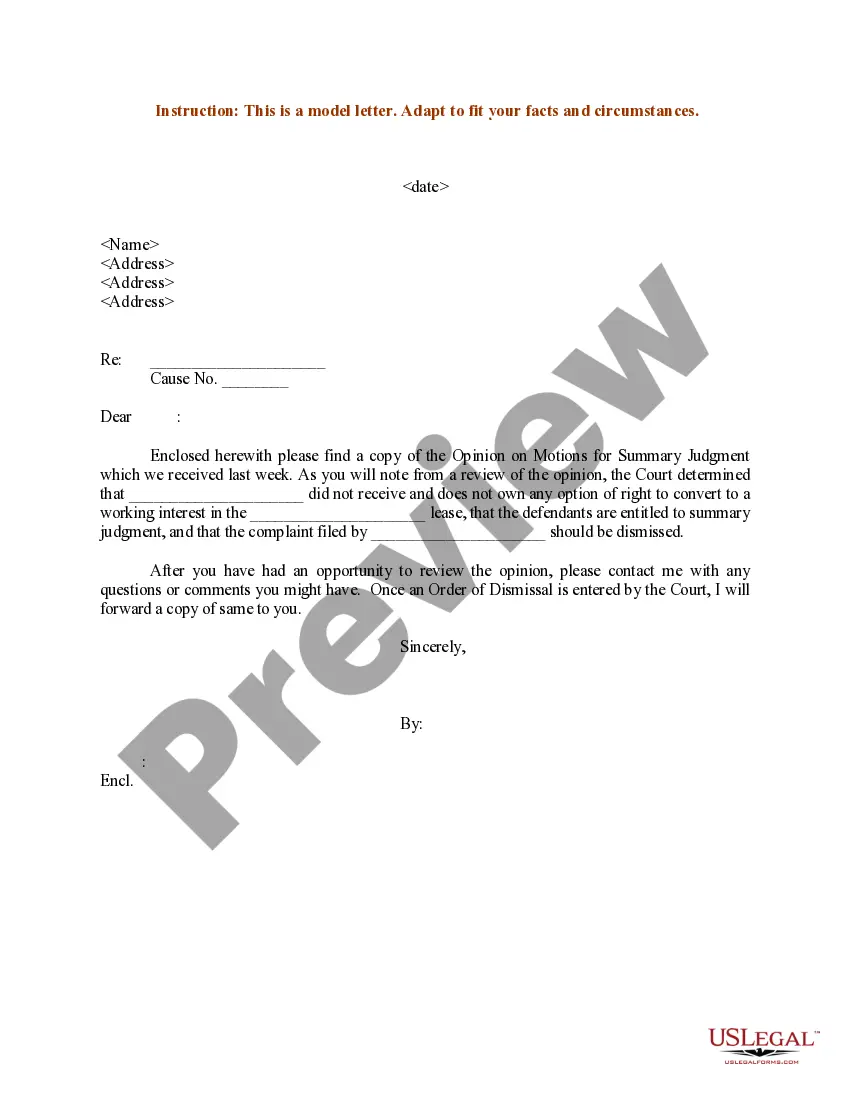
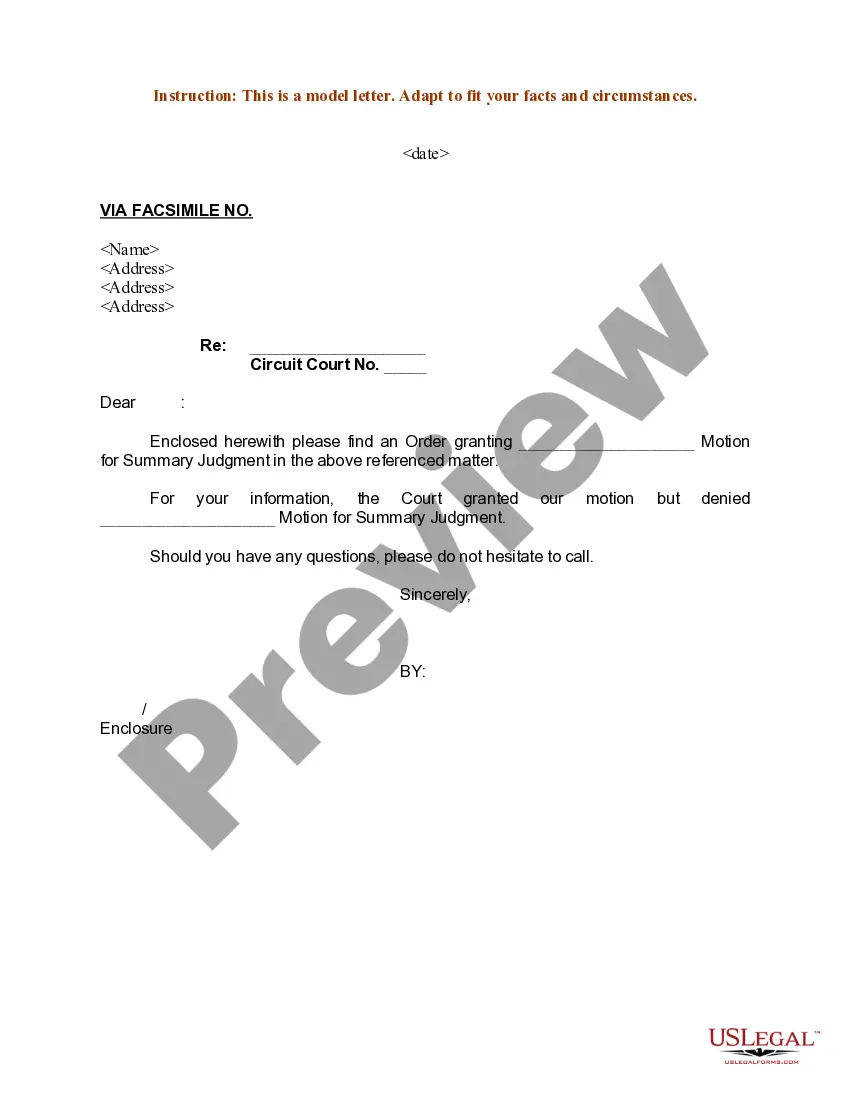
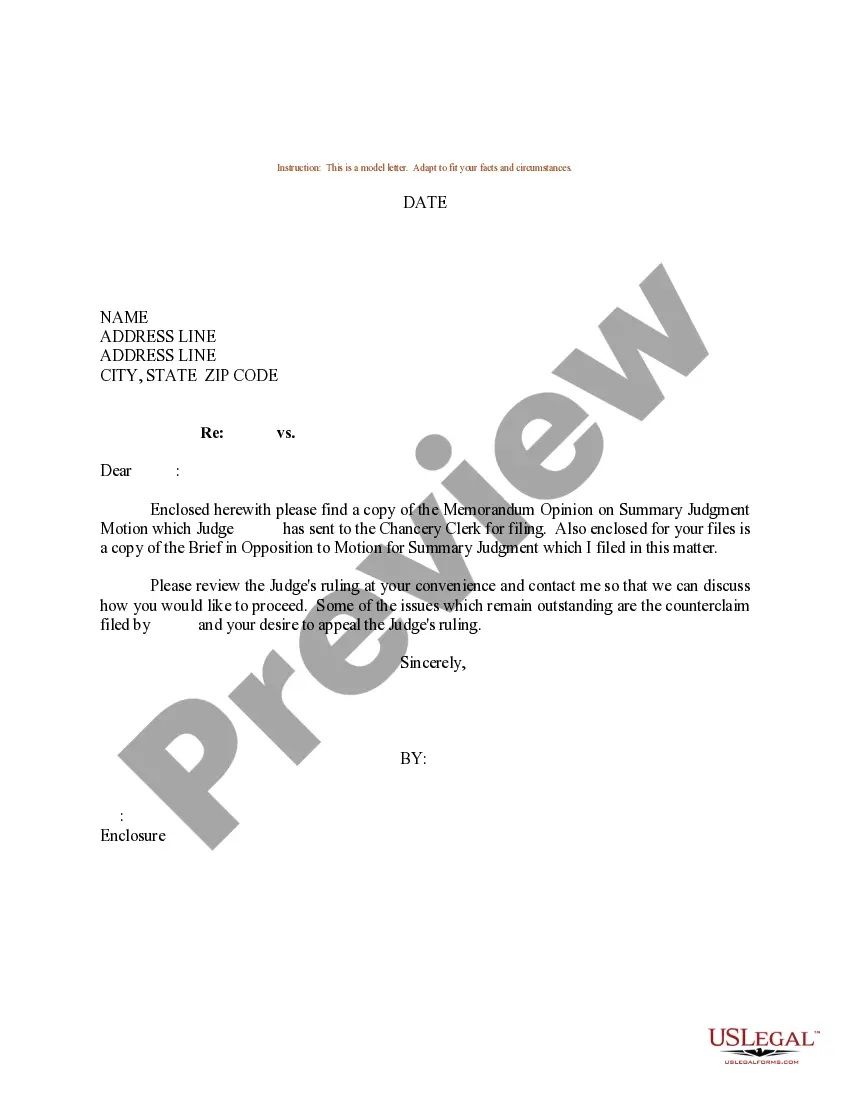

Get your form ready online
Our built-in tools help you complete, sign, share, and store your documents in one place.
Make edits, fill in missing information, and update formatting in US Legal Forms—just like you would in MS Word.
Download a copy, print it, send it by email, or mail it via USPS—whatever works best for your next step.
Sign and collect signatures with our SignNow integration. Send to multiple recipients, set reminders, and more. Go Premium to unlock E-Sign.
If this form requires notarization, complete it online through a secure video call—no need to meet a notary in person or wait for an appointment.
We protect your documents and personal data by following strict security and privacy standards.

Make edits, fill in missing information, and update formatting in US Legal Forms—just like you would in MS Word.

Download a copy, print it, send it by email, or mail it via USPS—whatever works best for your next step.

Sign and collect signatures with our SignNow integration. Send to multiple recipients, set reminders, and more. Go Premium to unlock E-Sign.

If this form requires notarization, complete it online through a secure video call—no need to meet a notary in person or wait for an appointment.

We protect your documents and personal data by following strict security and privacy standards.
Looking for another form?








How to fill out Sample Letter For Response In Connection With Motions For Summary Judgment?
Handling legal documents can be bewildering, even for the most experienced professionals.
If you need an Appeal Response Letter For Denied Claims but lack the time to search for the correct and current version, the processes can be challenging.
With US Legal Forms, you can.
Employ advanced tools to create and manage your Appeal Response Letter For Denied Claims.
Follow these steps after locating the form you need: Validate that it's the correct form by previewing it and checking its details. Confirm that the template is approved in your state or county. Click Buy Now when you're ready. Select a monthly subscription plan. Choose your preferred file format, and Download, fill it out, sign, print, and send your document. Benefit from the US Legal Forms online library, backed by 25 years of experience and reliability. Transform your document management into a seamless and user-friendly experience today.
- Access a comprehensive resource database of articles, guides, and manuals pertinent to your circumstances and needs.
- Save time and effort looking for the documents you require, using US Legal Forms’ sophisticated search and Review feature to locate and download your Appeal Response Letter For Denied Claims.
- If you have a monthly subscription, sign in to your US Legal Forms account, search for the form, and download it.
- Check your My documents section to review the documents you’ve previously saved and manage your folders as needed.
- If you are new to US Legal Forms, create an account to gain unlimited access to all the benefits of the library.
- Utilize a powerful web form library that can revolutionize the way you handle these situations.
- US Legal Forms is a leading provider of online legal forms, offering more than 85,000 state-specific legal documents available to you at any moment.
- Access state- or county-specific legal and business forms conveniently in one place.
Form popularity
FAQ
To Whom It May Concern: I am writing to request a review of your denial of the claim for treatment or services provided by name of provider on date provided. The reason for denial was listed as (reason listed for denial), but I have reviewed my policy and believe treatment or service should be covered.
How to write an appeal letter to insurance company appeals departments Step 1: Gather Relevant Information. ... Step 2: Organize Your Information. ... Step 3: Write a Polite and Professional Letter. ... Step 4: Include Supporting Documentation. ... Step 5: Explain the Error or Omission. ... Step 6: Request a Review. ... Step 7: Conclude the Letter.
How to write a denial letter Restate the request. To prevent unnecessary confusion, restate the request your employee made in a few brief sentences. ... Be specific. Provide a specific reason for your denial. ... Offer an alternative if possible. ... Remain polite and professional.
Appeal the denial If you believe that the insurance company's decision was incorrect, you can file an appeal. This may involve submitting a written request to the insurance company explaining why you believe the claim should be approved. You may also be able to present your case to an independent review board.
Granting the appeal Dear [Recipient], I received your letter dated [date] appealing the termination of your employment with [company name]. I'm pleased to report that I have decided to grant your appeal and reinstate your employment should you wish to rejoin the team.
