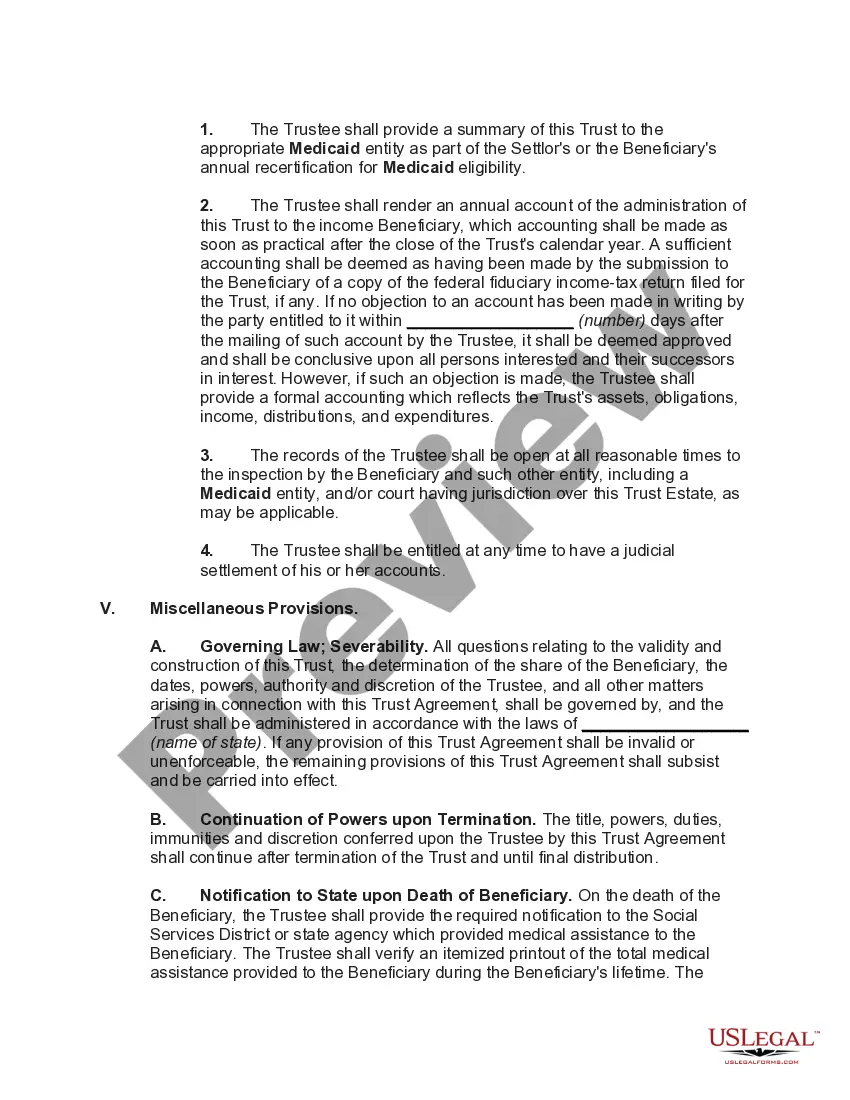
Form For Irrevocable Trust
Description

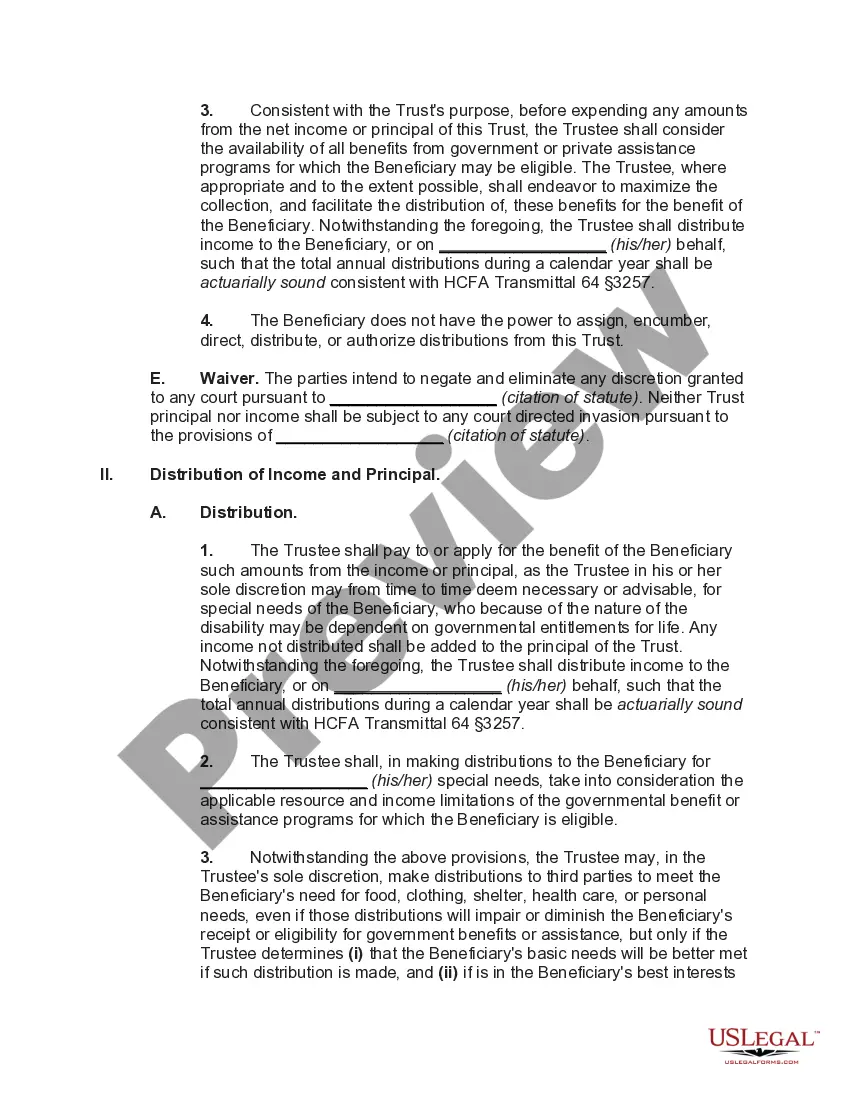
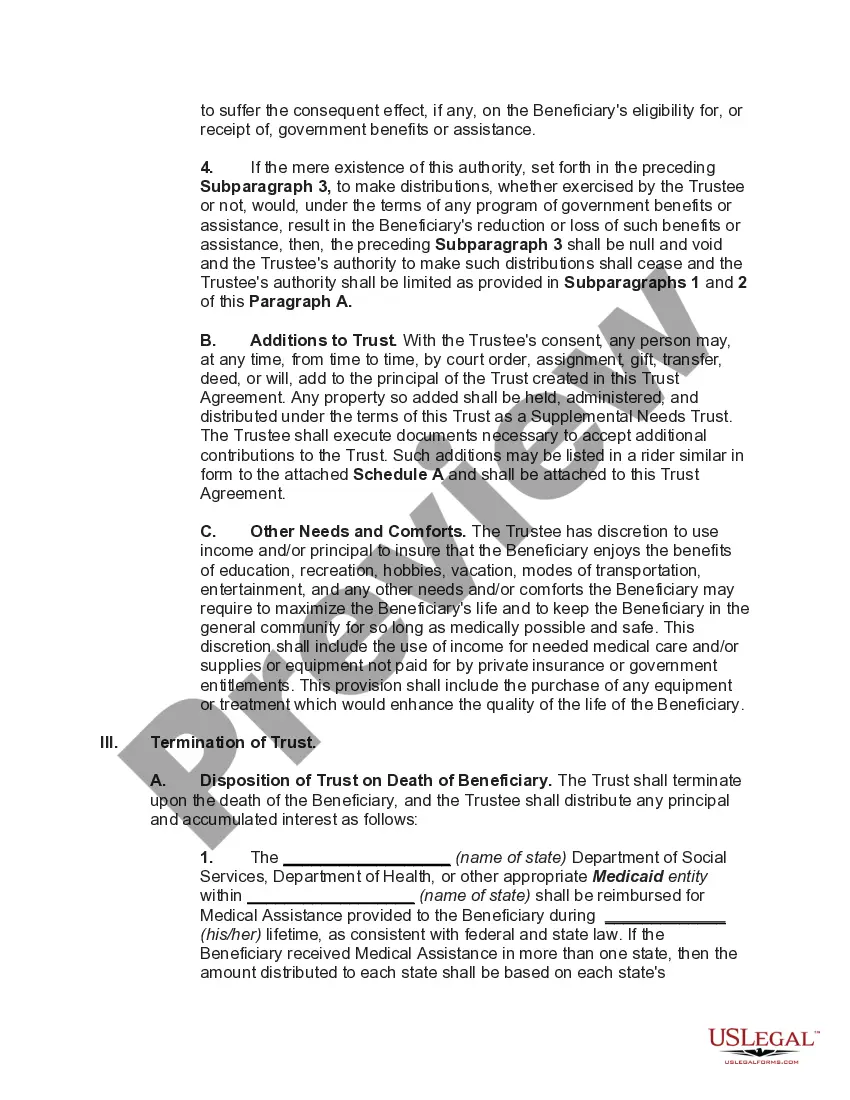
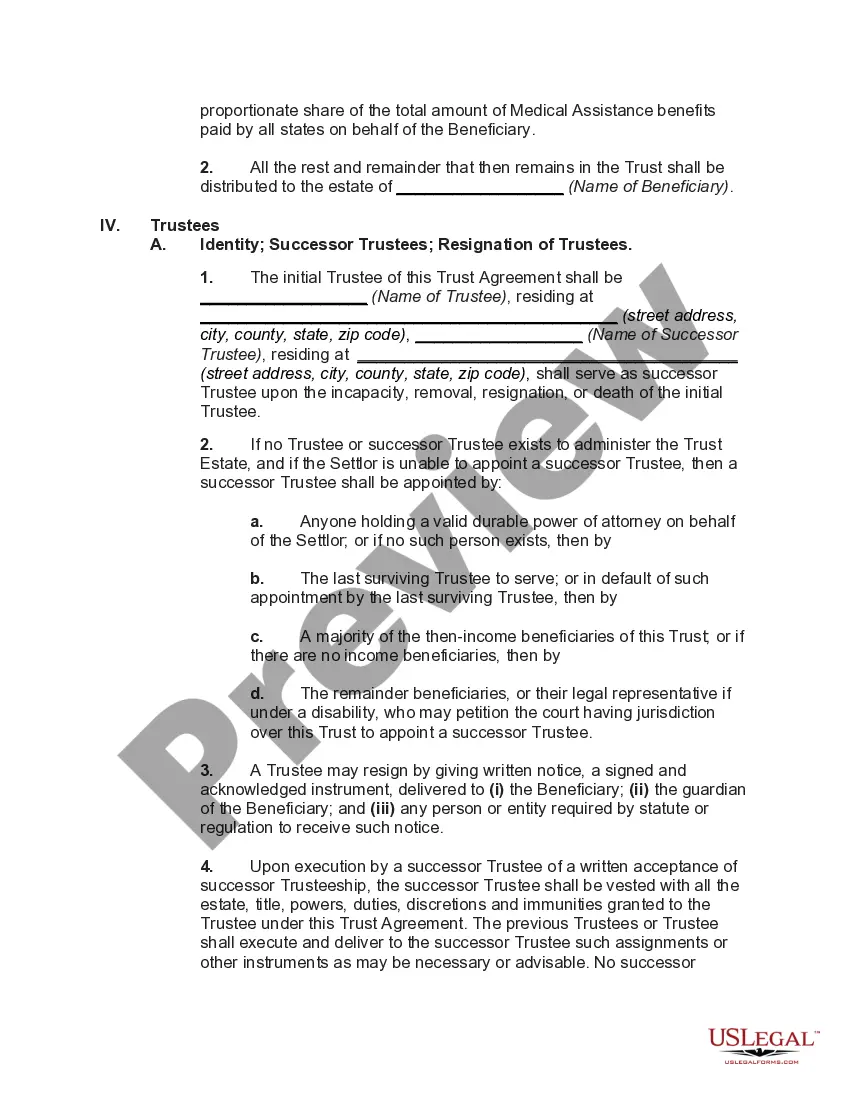
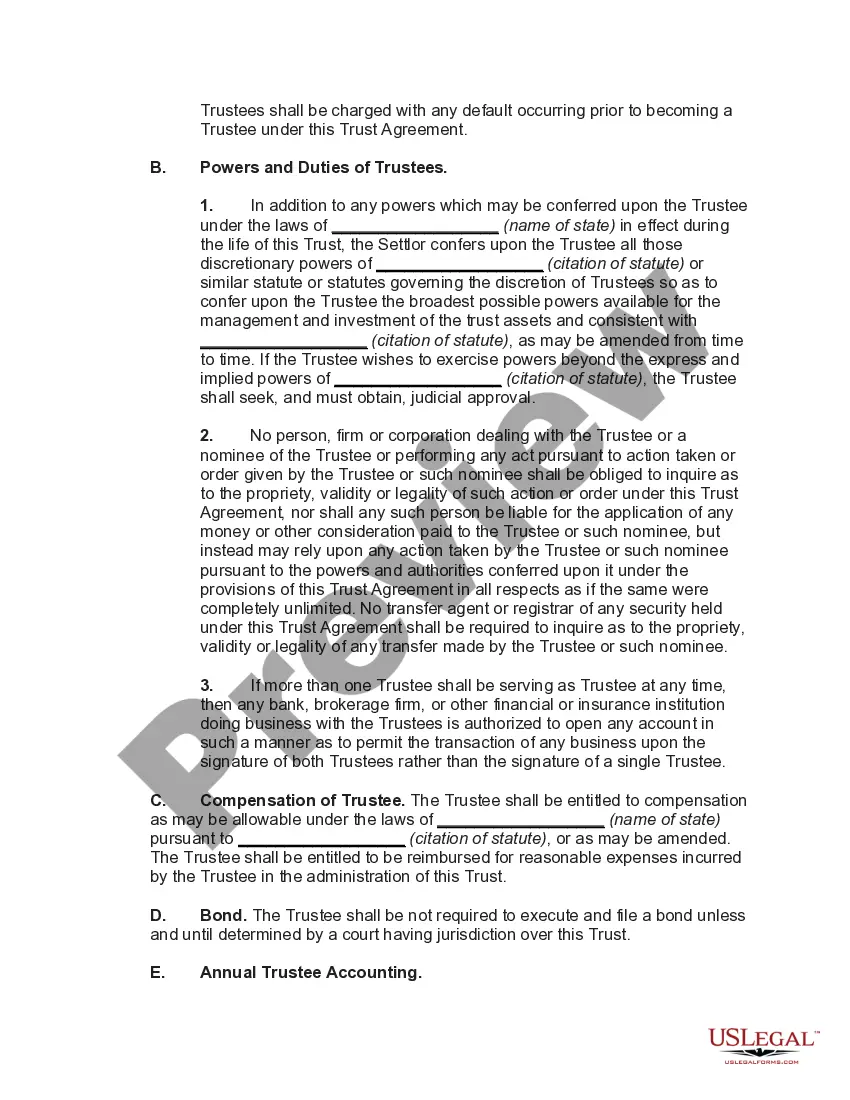




Get your form ready online
Our built-in tools help you complete, sign, share, and store your documents in one place.
Make edits, fill in missing information, and update formatting in US Legal Forms—just like you would in MS Word.
Download a copy, print it, send it by email, or mail it via USPS—whatever works best for your next step.
Sign and collect signatures with our SignNow integration. Send to multiple recipients, set reminders, and more. Go Premium to unlock E-Sign.
If this form requires notarization, complete it online through a secure video call—no need to meet a notary in person or wait for an appointment.
We protect your documents and personal data by following strict security and privacy standards.

Make edits, fill in missing information, and update formatting in US Legal Forms—just like you would in MS Word.

Download a copy, print it, send it by email, or mail it via USPS—whatever works best for your next step.

Sign and collect signatures with our SignNow integration. Send to multiple recipients, set reminders, and more. Go Premium to unlock E-Sign.

If this form requires notarization, complete it online through a secure video call—no need to meet a notary in person or wait for an appointment.

We protect your documents and personal data by following strict security and privacy standards.
Looking for another form?






How to fill out Special Needs Irrevocable Trust Agreement For Benefit Of Disabled Child Of Trustor?
Whether for business purposes or for individual affairs, everyone has to handle legal situations sooner or later in their life. Filling out legal paperwork requires careful attention, starting with selecting the appropriate form template. For instance, when you select a wrong version of the Form For Irrevocable Trust, it will be turned down once you submit it. It is therefore crucial to get a dependable source of legal papers like US Legal Forms.
If you have to obtain a Form For Irrevocable Trust template, follow these easy steps:
- Get the template you need using the search field or catalog navigation.
- Look through the form’s description to ensure it fits your case, state, and county.
- Click on the form’s preview to view it.
- If it is the wrong form, return to the search function to locate the Form For Irrevocable Trust sample you need.
- Get the file if it matches your requirements.
- If you already have a US Legal Forms profile, simply click Log in to gain access to previously saved documents in My Forms.
- In the event you do not have an account yet, you can download the form by clicking Buy now.
- Choose the correct pricing option.
- Complete the profile registration form.
- Select your transaction method: use a bank card or PayPal account.
- Choose the document format you want and download the Form For Irrevocable Trust.
- When it is saved, you are able to complete the form by using editing applications or print it and finish it manually.
With a large US Legal Forms catalog at hand, you do not need to spend time looking for the appropriate template across the web. Utilize the library’s straightforward navigation to find the appropriate form for any occasion.
Form popularity
FAQ
An irrevocable trust reports income on Form 1041, the IRS's trust and estate tax return. Even if a trust is a separate taxpayer, it may not have to pay taxes. If it makes distributions to a beneficiary, the trust will take a distribution deduction on its tax return and the beneficiary will receive IRS Schedule K-1.
While it would seem that the irrevocable trust should pay taxes on earned income, this is not necessarily the case. If irrevocable trusts are required to distribute income to beneficiaries every year, then that makes the trust a pass-through entity. Beneficiaries pay taxes on the income they receive from the trust.
Are Assets Owned by an Irrevocable Trust Subject to Estate Tax? Assets transferred by a grantor to an irrevocable trusts are generally not part of the grantor's taxable estate for the purposes of the estate tax. This means that the assets will pass to the beneficiaries without being subject to estate tax.
What Should I Avoid with My Irrevocable Trust? Use trust funds to pay for personal expenses. Use trust funds to pay for monthly bills, such as phone bills or utilities. Use trust assets to purchase vehicles. Gift assets from the trust to beneficiaries. Transfer assets into the trust without consulting your lawyer.
Insurance policies. Bank accounts: savings, checking, safe deposit boxes, money markets, certificates of deposit (CDs), mutual funds, and brokerage accounts. Bonds, stocks, and other investments. Real estate property.