Trial Software License
What this document covers
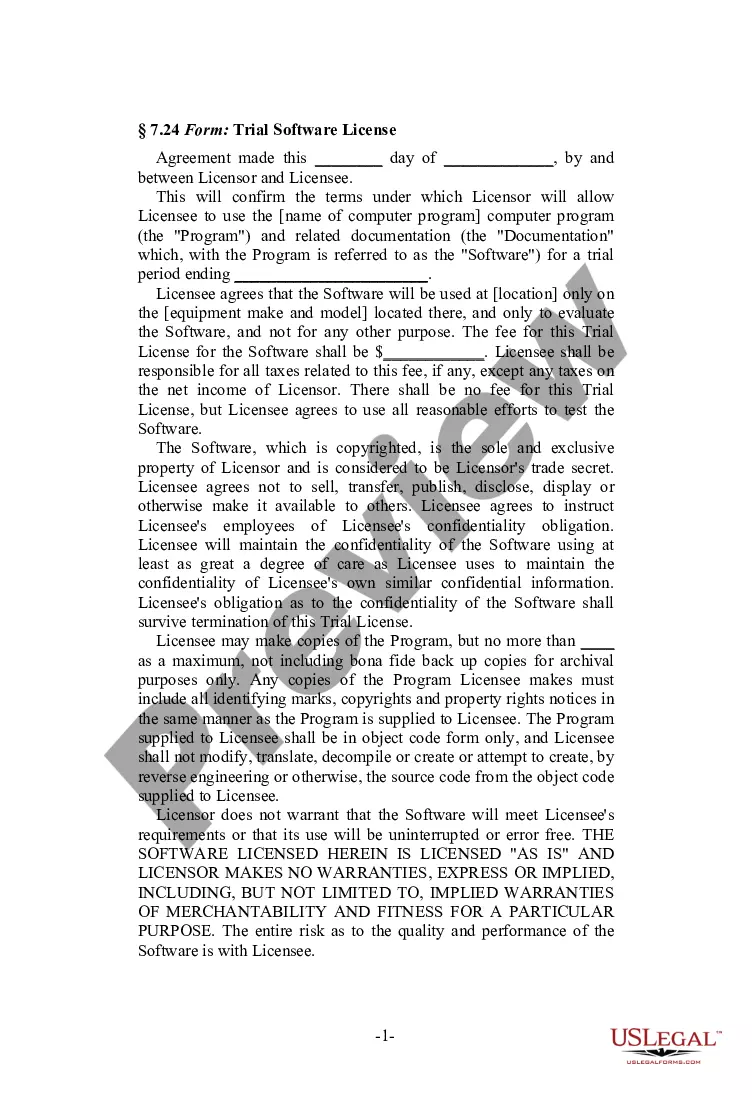
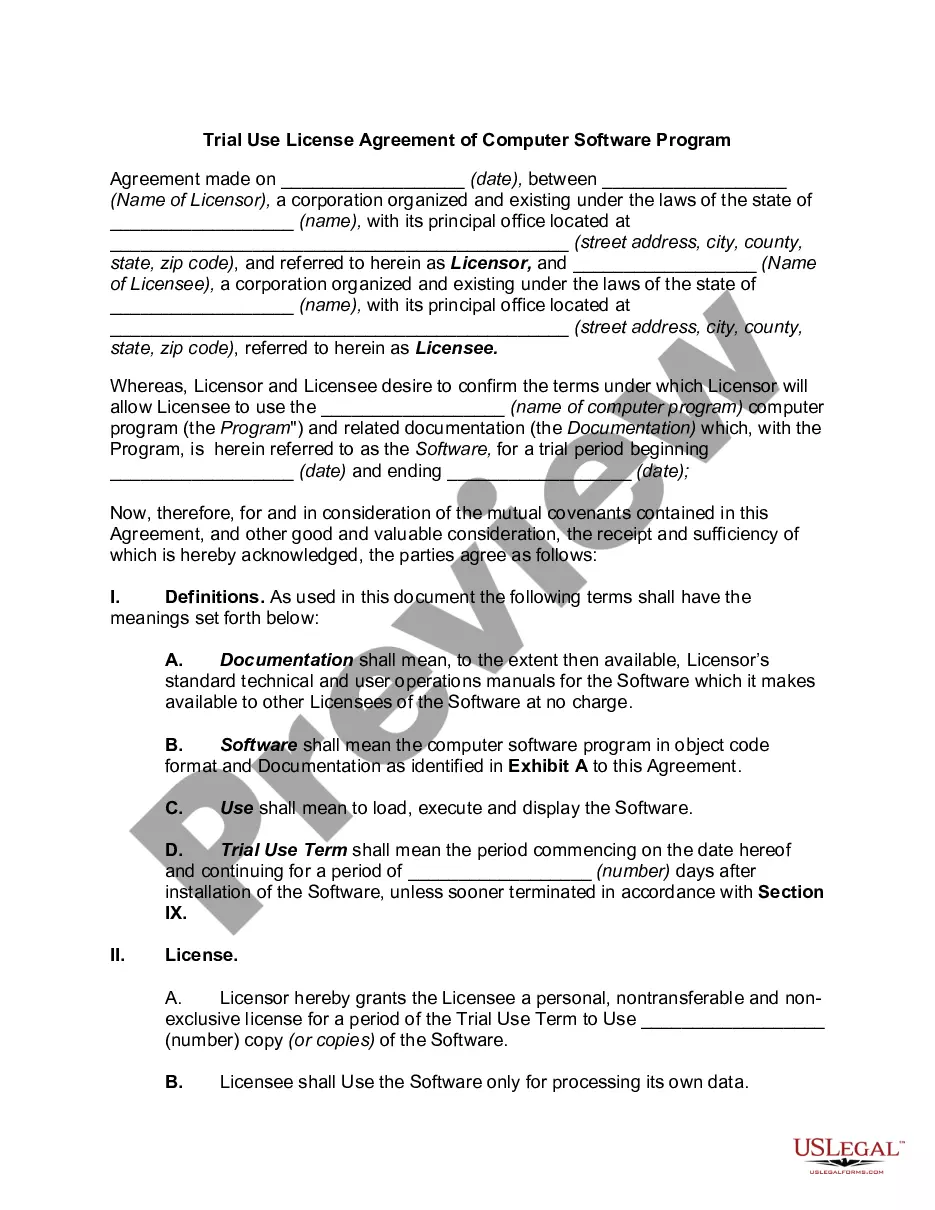
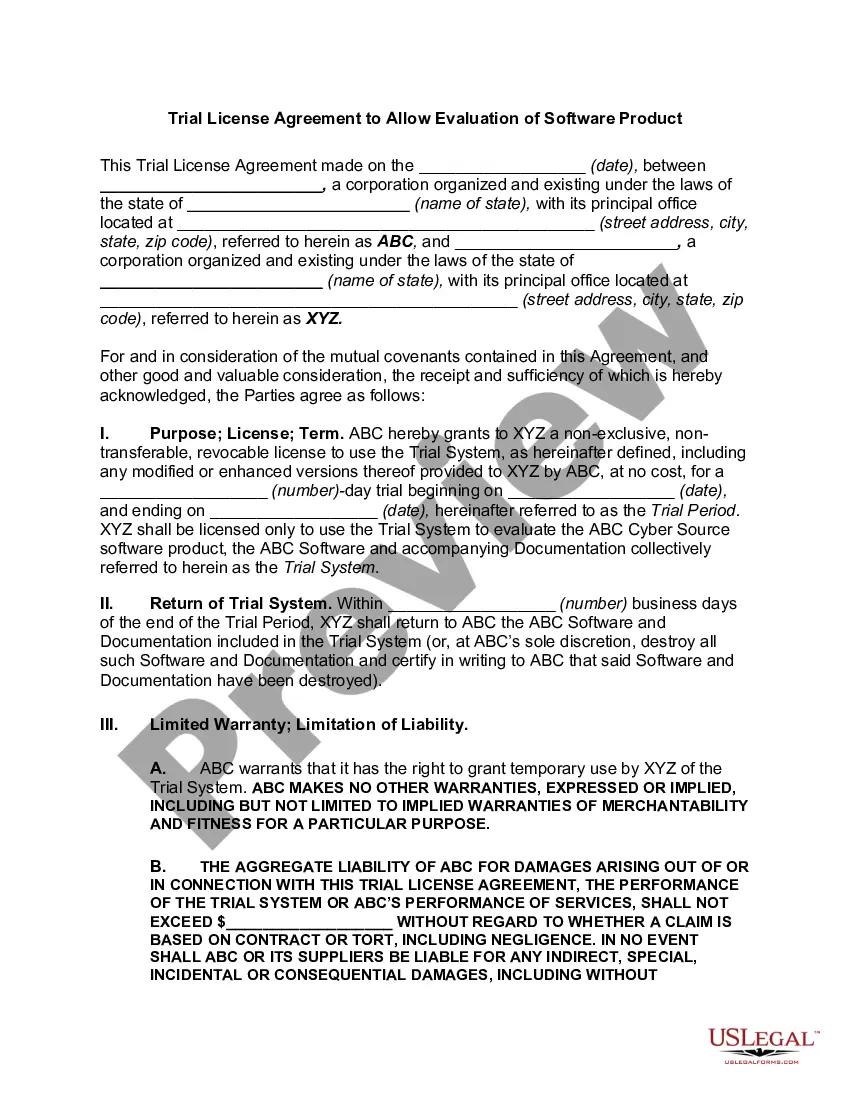
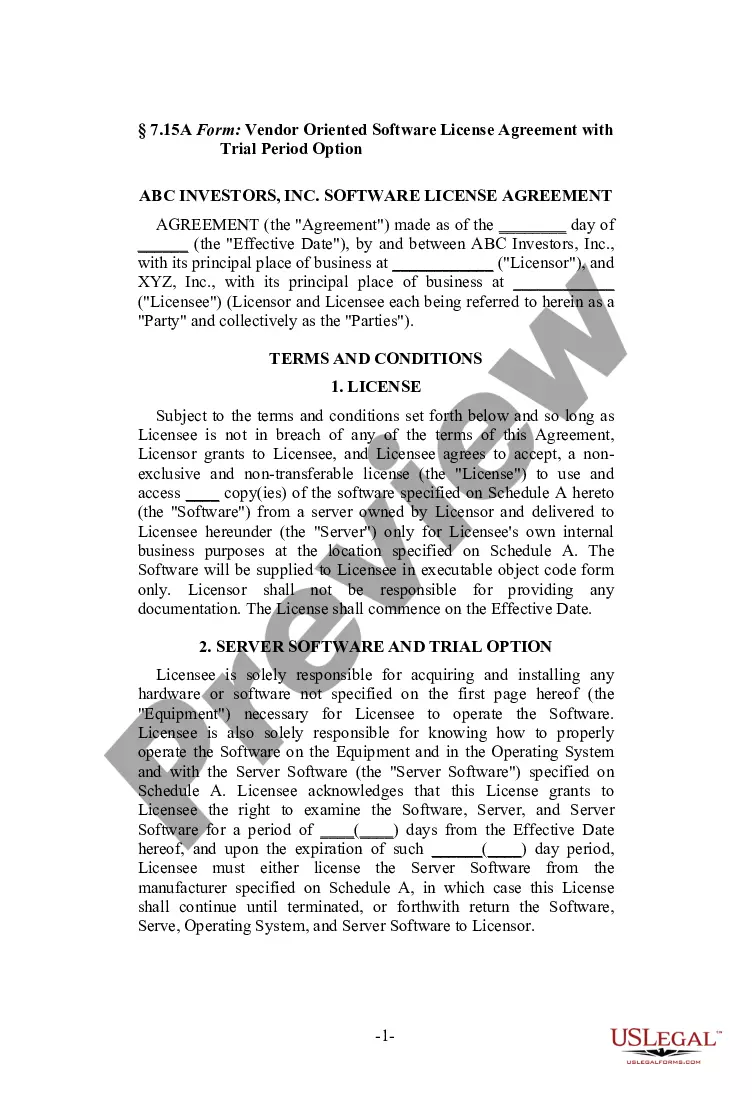
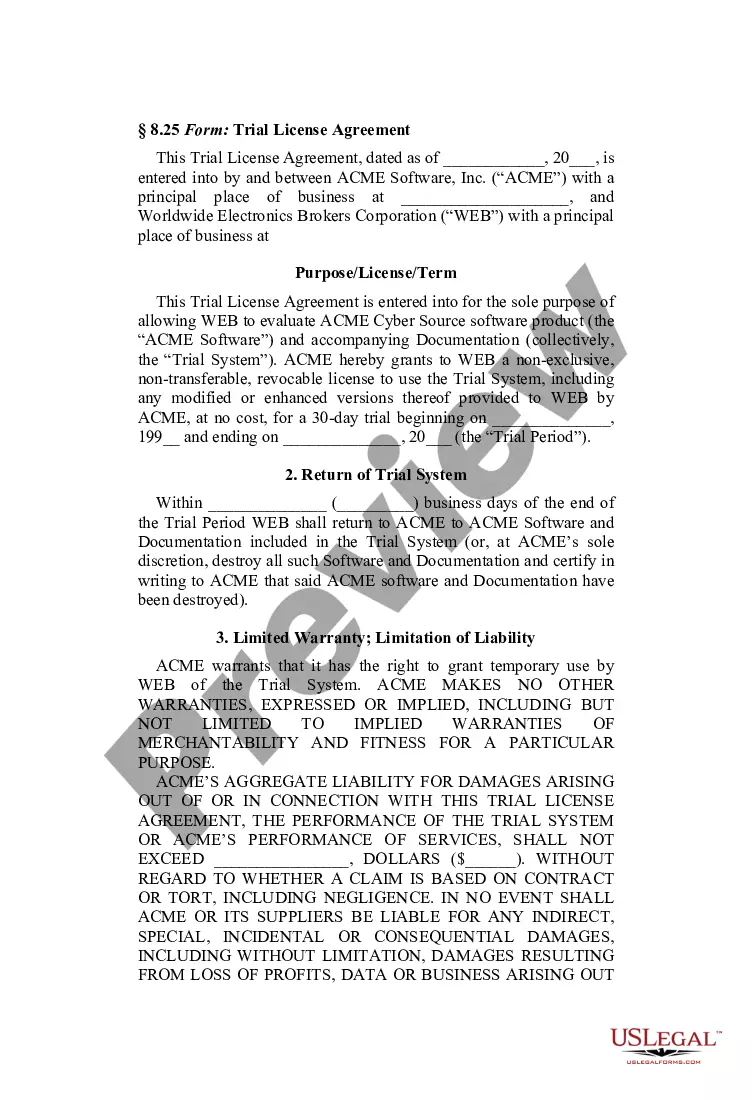
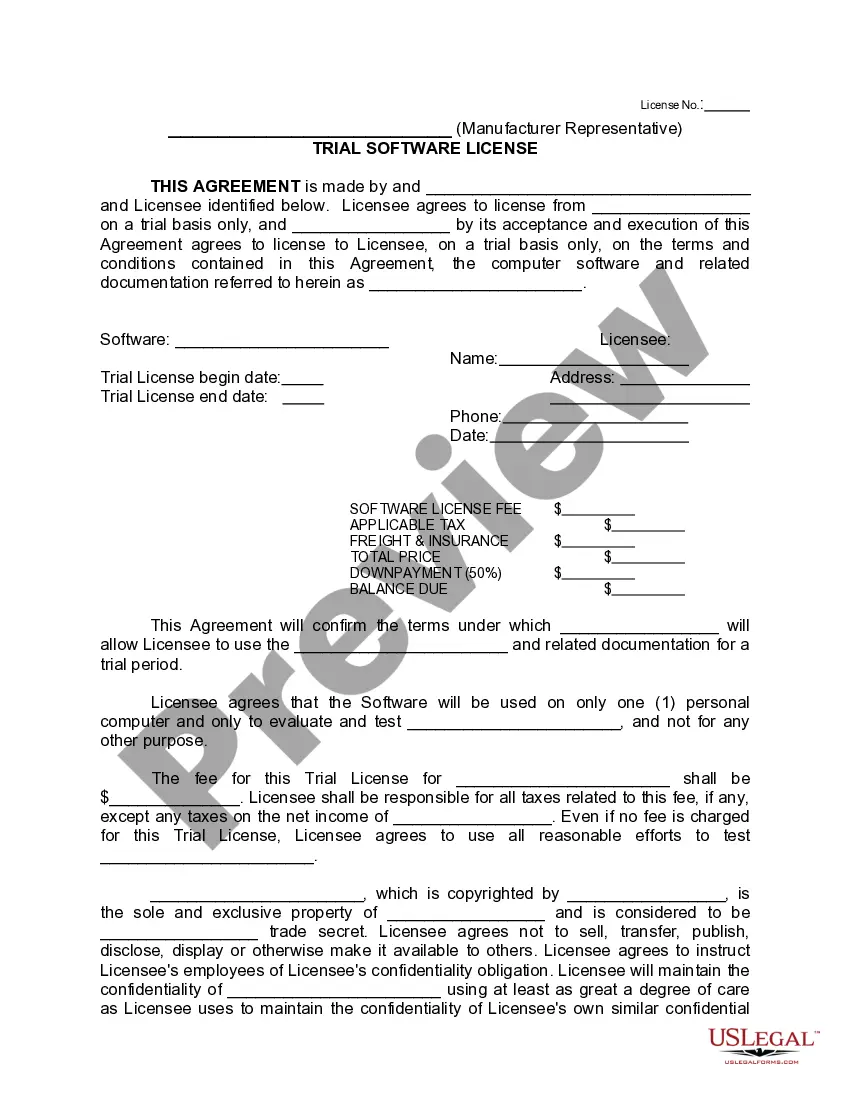
The Trial Software License is a legal document that outlines the terms under which a Licensor allows a Licensee to use a software program for a limited trial period. This agreement is specifically designed for the software industry, providing clear guidelines on usage, confidentiality, and liability. Unlike traditional software licenses, this form is intended solely for trial use, which means it does not carry the same obligations as a full commercial license.
Key parts of this document
- Identification of the Licensor and Licensee
- Details on the software program and related documentation
- Specified trial period for software usage
- Conditions for maintaining confidentiality of the software
- Limitations on copies and modifications of the software
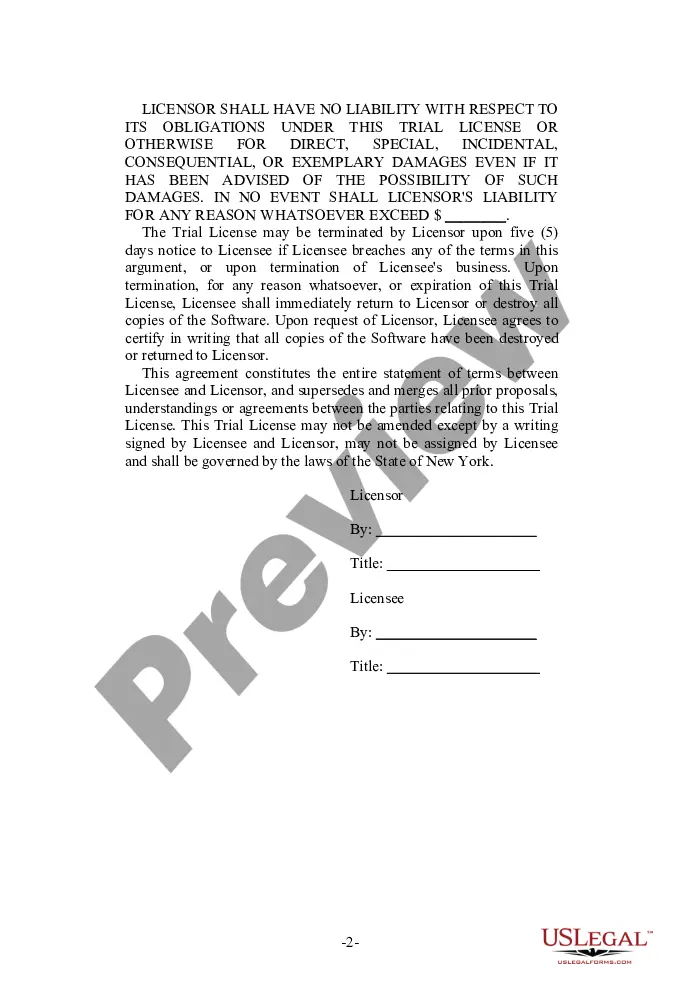
- Disclaimer of warranties and liability
- Termination clauses and return of software upon termination
When to use this document
This form should be used when a software developer or publisher wants to provide potential customers with a trial version of their software. It is ideal for scenarios where the software needs to be evaluated for functionality and suitability before a potential purchase. This agreement protects both parties by clearly stipulating the terms of use during the trial period.
Who should use this form
This form is suitable for:
- Software developers looking to offer trial versions of their products
- B2B companies that want to evaluate software before a purchase
- Independent software vendors providing trial licenses
- Organizations testing software for compliance or compatibility
How to complete this form
- Identify the parties involved: Licensor and Licensee.
- Specify the software name and documentation included in the trial.
- Enter the start and end dates for the trial period.
- Outline any fees associated with the trial license, if applicable.
- Ensure confidentiality obligations are clearly stated.
- Obtain signatures from both Licensor and Licensee to finalize the agreement.
Is notarization required?
Notarization is not commonly needed for this form. However, certain documents or local rules may make it necessary. Our notarization service, powered by Notarize, allows you to finalize it securely online anytime, day or night.
Get your form ready online
Our built-in tools help you complete, sign, share, and store your documents in one place.
Make edits, fill in missing information, and update formatting in US Legal Forms—just like you would in MS Word.
Download a copy, print it, send it by email, or mail it via USPS—whatever works best for your next step.
Sign and collect signatures with our SignNow integration. Send to multiple recipients, set reminders, and more. Go Premium to unlock E-Sign.
If this form requires notarization, complete it online through a secure video call—no need to meet a notary in person or wait for an appointment.
We protect your documents and personal data by following strict security and privacy standards.

Make edits, fill in missing information, and update formatting in US Legal Forms—just like you would in MS Word.

Download a copy, print it, send it by email, or mail it via USPS—whatever works best for your next step.

Sign and collect signatures with our SignNow integration. Send to multiple recipients, set reminders, and more. Go Premium to unlock E-Sign.

If this form requires notarization, complete it online through a secure video call—no need to meet a notary in person or wait for an appointment.

We protect your documents and personal data by following strict security and privacy standards.
Typical mistakes to avoid
- Failing to specify the duration of the trial period clearly
- Not defining the software and related documentation adequately
- Overlooking confidentiality clauses and how to enforce them
- Not including signature lines for both parties
- Neglecting to review state-specific legal requirements
Advantages of online completion
- Convenient access to the latest legally reviewed form templates
- Edit and customize the form easily to fit specific needs
- Fast download options for immediate use
- Reliability backed by licensed attorneys
- No need to maintain physical copies; store digitally
Looking for another form?

Form popularity
FAQ
Type 'regedit' into the Windows search bar. Select File in the new registry window and Export. Select a safe place to keep the copy. Install the software and allow the trial to expire. Uninstall the software. Type 'regedit' into the Windows search bar.
Download the Absolute Uninstaller setup file and install it on your PC. Now open select the software and click Uninstall This Program That's all, All the software registry now deleted. Now restart you device and reinstall the software.
Launch your Autodesk product. On the Let's Get Started screen, click the Enter a Serial Number link. 2026 On the Product License Activation screen, click Activate.
Today, the most common type of shareware programs are trial programs, which are also called "trialware" or "demoware." These programs are provided as demos that you can try for a limited time, such as two weeks or one month. Once the trial period expires, you must pay for the software in order to continue using it.
Open the Windows Task Manager. Select AutoCAD Application, and click End Task. Delete all files from the folder C:\\Program Data\\FLEXnet. Start F/X CAD or AutoCAD. You'll now see a dialog box with options to Try or Activate.
Open the software. From the Sign In menu, select Manage Licenses. Click Change license type. On the Change License Type screen, select Change. Restart the software. Click Finish to begin using the software.
Launch the software that you wish to use. Close the trial indication Window. Click on the account option menu and choose "Manage License2026". Select "Activate" or "Change License Type".
At the upper right, click the drop-down triangle next to the username. Click Manage License. In the License Manager dialog box, click Change License Type. Close the product and restart it. Follow these directions, according to whether you see the Let's Get Started screen.
Simply go to Help>About AutoCAD>Product Information and click Change Serial Number and follow the on-screen instructions to change to your new commercial license serial number and activate the license. Do not use any previously created templates or files from your student license work.