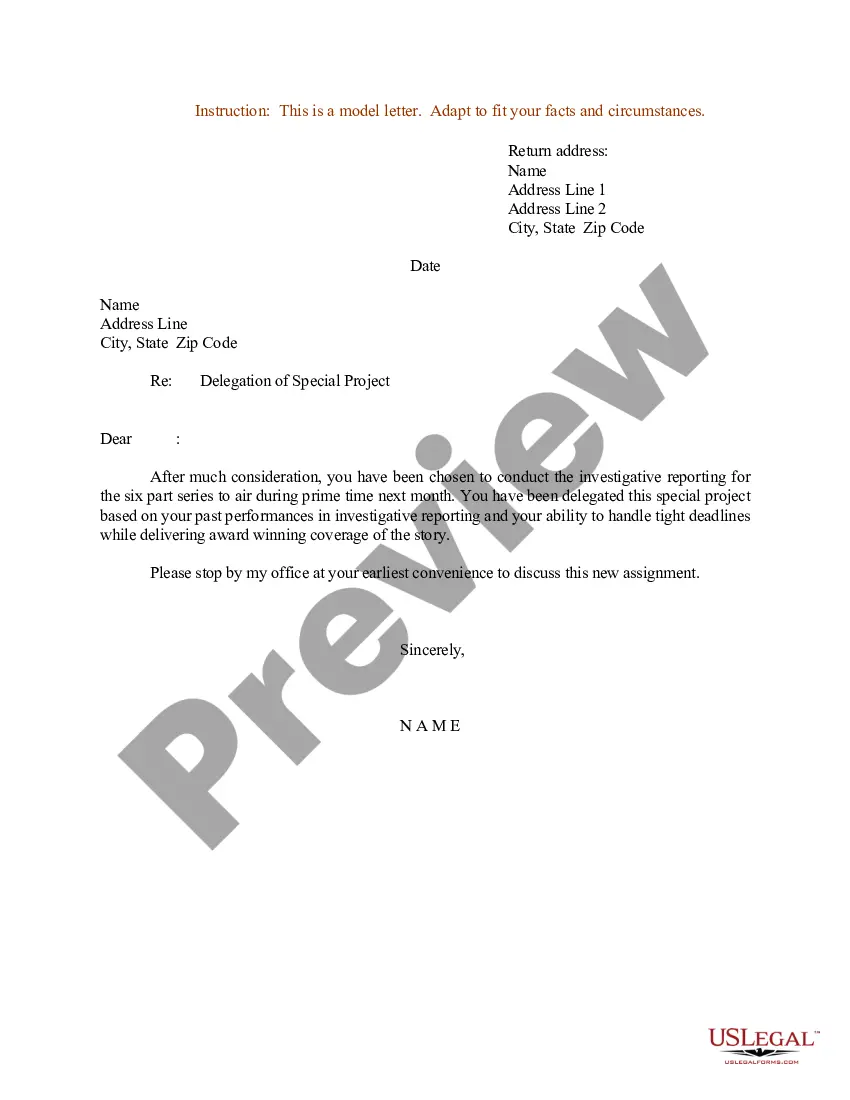
Sample Delegation Of Authority Matrix Excel
Description
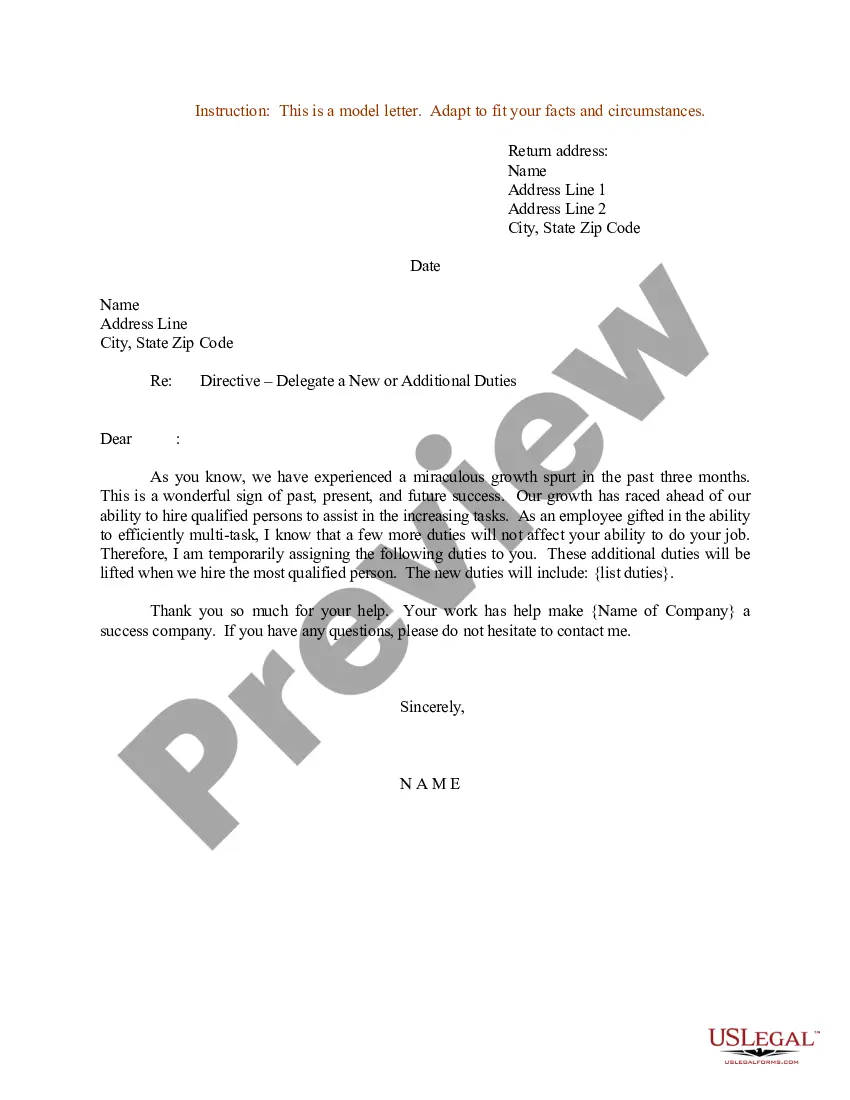
Get your form ready online
Our built-in tools help you complete, sign, share, and store your documents in one place.
Make edits, fill in missing information, and update formatting in US Legal Forms—just like you would in MS Word.
Download a copy, print it, send it by email, or mail it via USPS—whatever works best for your next step.
Sign and collect signatures with our SignNow integration. Send to multiple recipients, set reminders, and more. Go Premium to unlock E-Sign.
If this form requires notarization, complete it online through a secure video call—no need to meet a notary in person or wait for an appointment.
We protect your documents and personal data by following strict security and privacy standards.

Make edits, fill in missing information, and update formatting in US Legal Forms—just like you would in MS Word.

Download a copy, print it, send it by email, or mail it via USPS—whatever works best for your next step.

Sign and collect signatures with our SignNow integration. Send to multiple recipients, set reminders, and more. Go Premium to unlock E-Sign.

If this form requires notarization, complete it online through a secure video call—no need to meet a notary in person or wait for an appointment.

We protect your documents and personal data by following strict security and privacy standards.
Looking for another form?

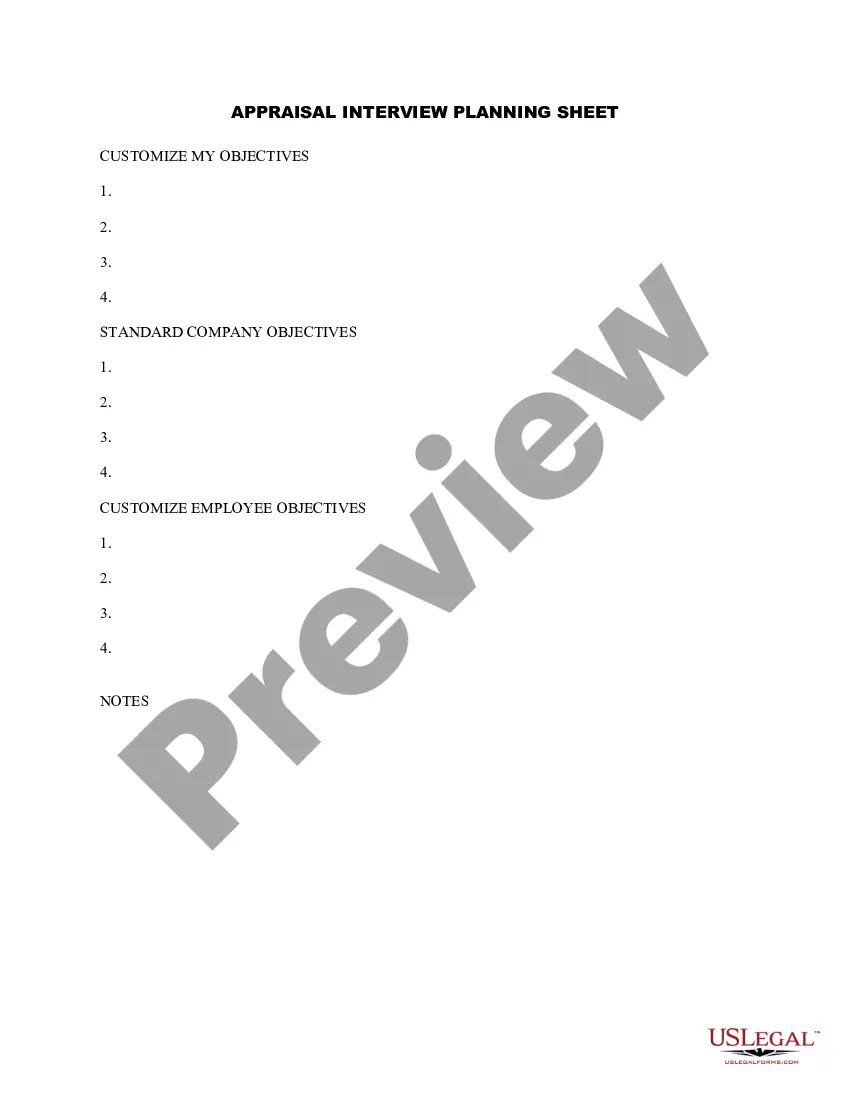
How to fill out Sample Letter For Delegation Of Special Project?
Handling legal documents and processes can often be a lengthy addition to your schedule.
Examples like the Delegation Of Authority Matrix Excel and similar forms frequently necessitate you to search for them and figure out the most effective way to fill them out accurately.
As a result, if you are managing financial, legal, or personal issues, having a vast and useful online repository of forms readily available will greatly assist.
US Legal Forms is the leading online site for legal templates, boasting over 85,000 state-specific documents and various resources to facilitate your paperwork completion effortlessly.
Is this your first experience with US Legal Forms? Register and create your account in just a few minutes, and you will gain access to the form library as well as the Delegation Of Authority Matrix Excel. Then, follow these steps to complete your form: Ensure you’ve located the correct form using the Review feature and by reading the form description.
- Explore the collection of pertinent documents accessible to you with just one click.
- US Legal Forms offers you state- and county-specific documents available for download at any time.
- Protect your document management practices with a premium service that enables you to prepare any document in just a few minutes without additional fees.
- Simply Log In to your account, find the Delegation Of Authority Matrix Excel, and download it instantly from the My documents section.
- You can also access forms you have downloaded previously.
Form popularity
FAQ
6 steps to effective delegation in management Plan and prepare. ... Discuss the task to be delegated. ... Identify the deadline for completion. ... Outline the level of authority. ... Build in checkpoints or progress reports. ... Conduct a final debriefing.
Make the outline of the Authorization Matrix (see the Example Authorization Matrix provided in the right-hand column). It is strongly recommended to keep the Authorization Matrix as a "living document". Hence, don't print it on paper but, if possible, use a spreadsheet and keep the document digitally.
You can give one of your employees the power to make certain decisions so that you can focus on other work. For example, as a marketing director, you could delegate authority to the assistant marketing director to hire employees for the department when needed.
Here are the steps you should take to create an effective Delegation of Authority Matrix: Determine roles and responsibilities. The first step is to identify the roles and responsibilities of each team member. ... Outline decision-making authority. ... Clarify reporting structure. ... Set clear expectations. ... Monitor progress.
The Authority Matrix: Allows you to document your tasks and the roles involved. Assigns authority to each role. Is the employee: Responsible? Carries out the task. Accountable? Approves the task. Consulted? Sought out for input on the task. Informed? Notified of task progress.