Agreement Staff Contract With Client
Description
Get your form ready online
Our built-in tools help you complete, sign, share, and store your documents in one place.
Make edits, fill in missing information, and update formatting in US Legal Forms—just like you would in MS Word.
Download a copy, print it, send it by email, or mail it via USPS—whatever works best for your next step.
Sign and collect signatures with our SignNow integration. Send to multiple recipients, set reminders, and more. Go Premium to unlock E-Sign.
If this form requires notarization, complete it online through a secure video call—no need to meet a notary in person or wait for an appointment.
We protect your documents and personal data by following strict security and privacy standards.

Make edits, fill in missing information, and update formatting in US Legal Forms—just like you would in MS Word.

Download a copy, print it, send it by email, or mail it via USPS—whatever works best for your next step.

Sign and collect signatures with our SignNow integration. Send to multiple recipients, set reminders, and more. Go Premium to unlock E-Sign.

If this form requires notarization, complete it online through a secure video call—no need to meet a notary in person or wait for an appointment.

We protect your documents and personal data by following strict security and privacy standards.
Looking for another form?








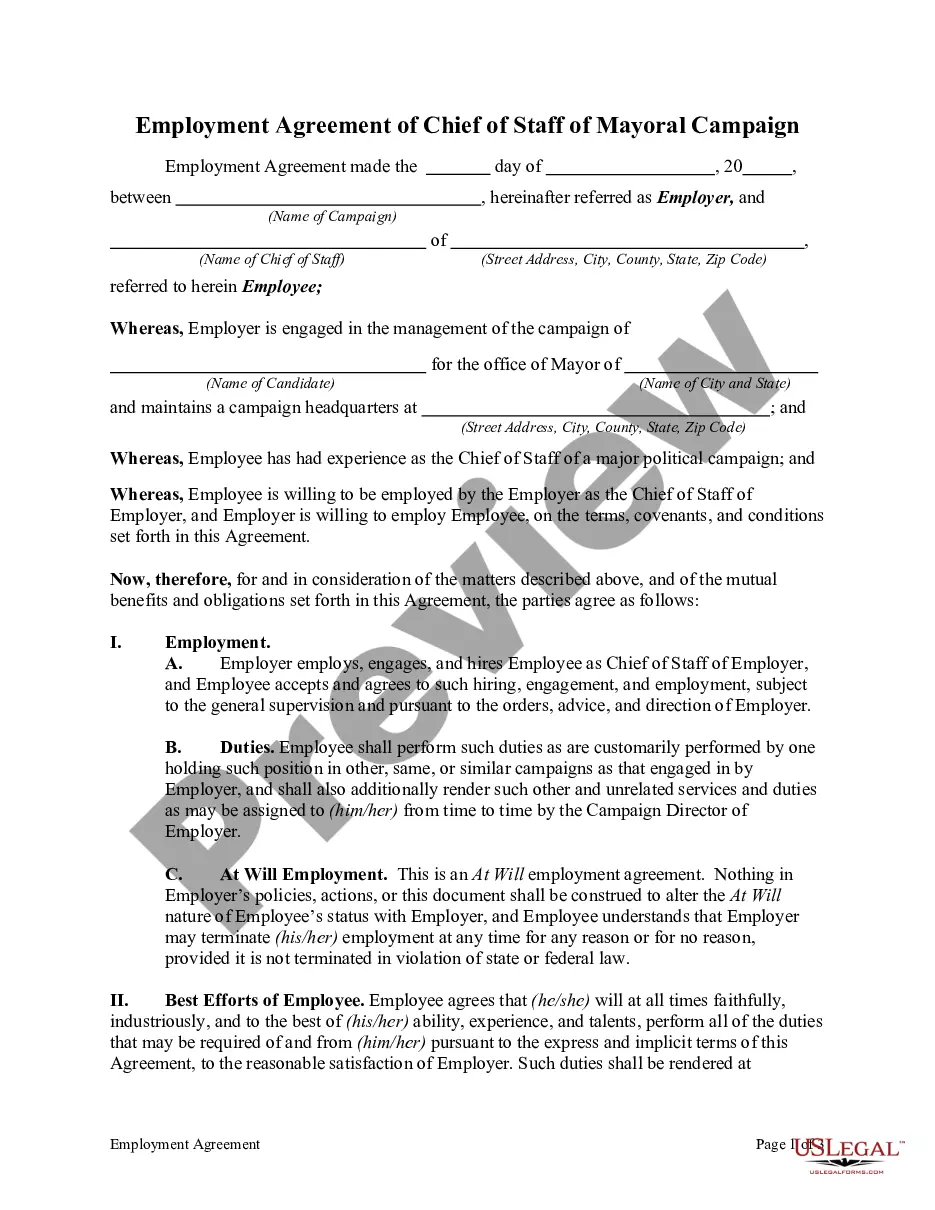
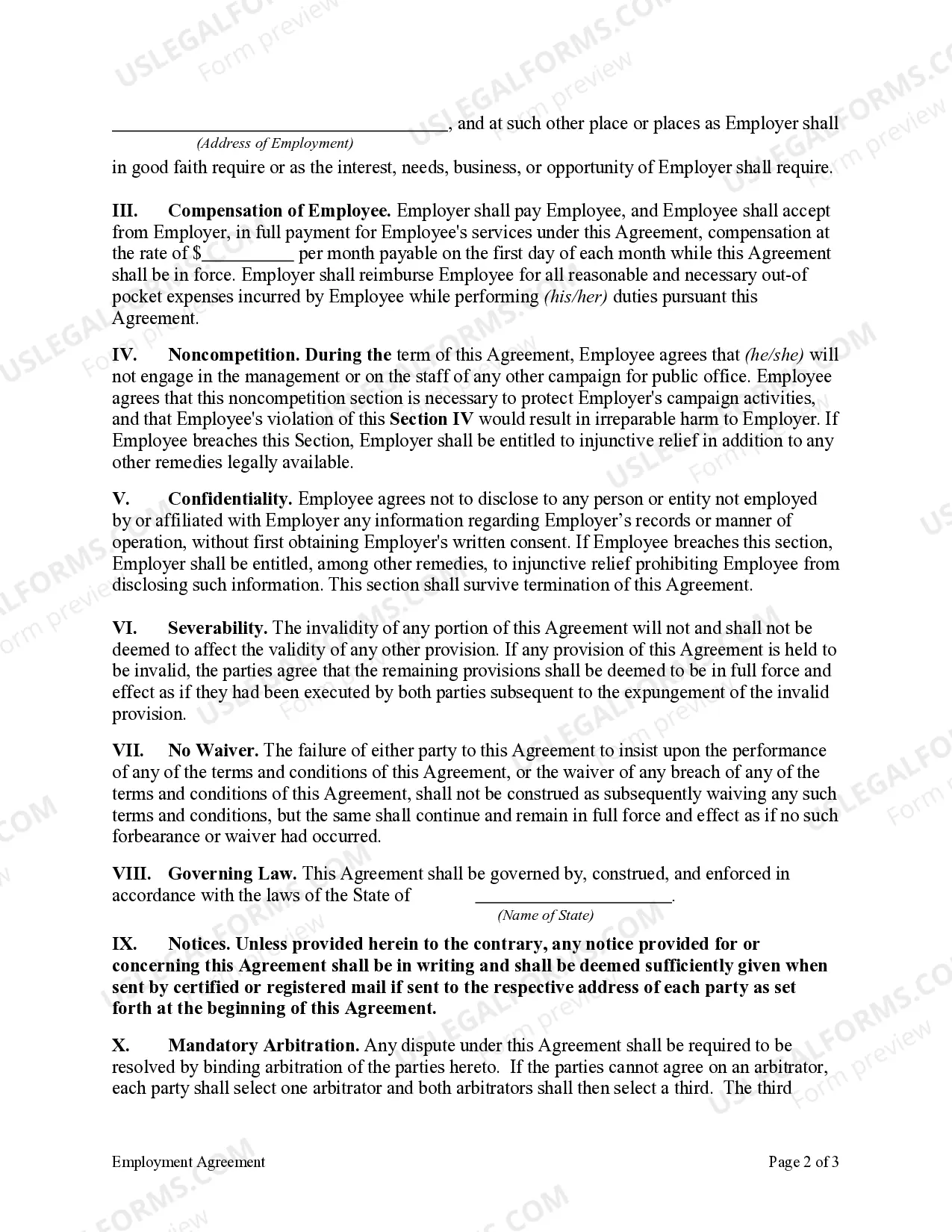
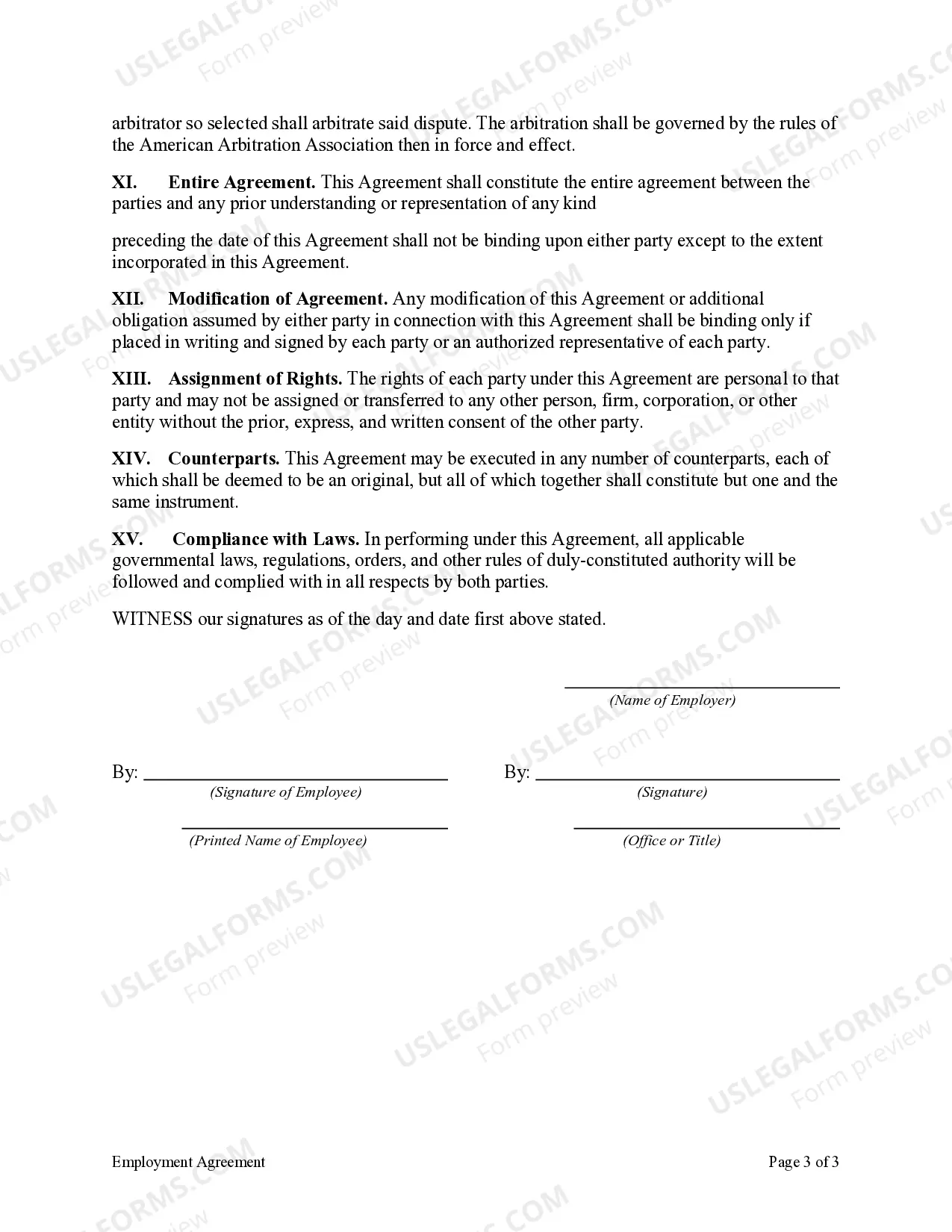
How to fill out Employment Agreement Of Chief Of Staff Of Mayoral Campaign?
There’s no longer any justification for spending hours searching for legal documents to adhere to your local state regulations. US Legal Forms has assembled all of them in one location and streamlined their availability.
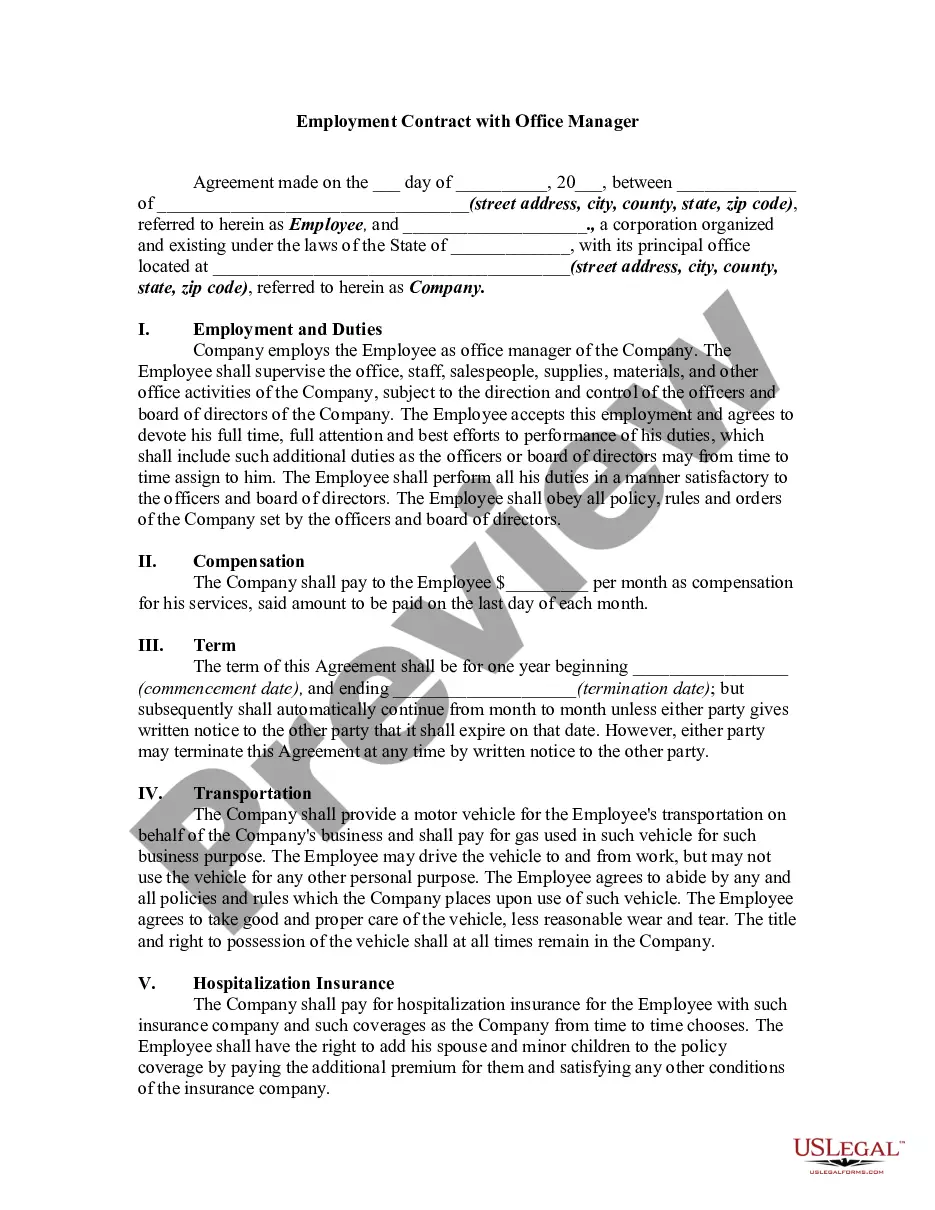
Our website provides over 85,000 templates for various business and personal legal situations organized by state and area of use. All forms are expertly crafted and verified for accuracy, ensuring that you receive an up-to-date Agreement Staff Contract With Client.
If you are acquainted with our platform and already possess an account, you need to confirm your subscription is active before accessing any templates. Log In to your account, select the document, and click Download. You can also revisit all saved documents whenever necessary by opening the My documents tab in your profile.
Print your form to complete it manually or upload the sample if you wish to use an online editor. Preparing official paperwork under federal and state regulations is quick and easy with our library. Try US Legal Forms today to keep your documentation organized!
- If you’ve never used our platform before, the procedure will require a few more steps to complete.
- Here’s how new users can locate the Agreement Staff Contract With Client in our library.
- 1. Examine the page content carefully to ensure it contains the sample you require.
- 2. To do this, utilize the form description and preview options if available.
- 3. Use the search bar above to look for another template if the first one didn’t meet your needs.
- 4. Click Buy Now next to the template title once you identify the appropriate one.
- 5. Choose the preferred subscription plan and create an account or Log In.
- 6. Make payment for your subscription using a credit card or through PayPal to continue.
- 7. Select the file format for your Agreement Staff Contract With Client and download it to your device.
Form popularity
FAQ
The simple answer is YES. You can write your own contracts. There is no requirement that they must be written by a lawyer. There is no requirement that they have to be a certain form or font.
Here's a look at the basic steps you'll need to take to create a simple and effective client contract:Include Contact Information of Both Parties.Specify Project Terms and Scope.Establish Payment Terms.Set the Schedule.Decide What Happens If a Contract Is Terminated.Determine Who Owns Final Copyrights.More items...
Select / confirm the contract due date and/or shoot date.Save the contract!Review your contract.Click the "Send to Client" button in the top right, (if you are using a second signer you can choose to send the document to both or only one of the clients on the contract), edit the email as you wish, and click "Send."
Ten Tips for Making Solid Business Agreements and ContractsGet it in writing.Keep it simple.Deal with the right person.Identify each party correctly.Spell out all of the details.Specify payment obligations.Agree on circumstances that terminate the contract.Agree on a way to resolve disputes.More items...
Here are 11 must-haves for any client contract.Names and addresses of the agency and client.Outline the contract's duration.Make your scope of work bulletproof.Set a clear payment schedule.Don't be a pushover with late payments.If a client wants to add on work, write down your conditions.More items...?