Not Profit Statement For Business
Description
Get your form ready online
Our built-in tools help you complete, sign, share, and store your documents in one place.
Make edits, fill in missing information, and update formatting in US Legal Forms—just like you would in MS Word.
Download a copy, print it, send it by email, or mail it via USPS—whatever works best for your next step.
Sign and collect signatures with our SignNow integration. Send to multiple recipients, set reminders, and more. Go Premium to unlock E-Sign.
If this form requires notarization, complete it online through a secure video call—no need to meet a notary in person or wait for an appointment.
We protect your documents and personal data by following strict security and privacy standards.

Make edits, fill in missing information, and update formatting in US Legal Forms—just like you would in MS Word.

Download a copy, print it, send it by email, or mail it via USPS—whatever works best for your next step.

Sign and collect signatures with our SignNow integration. Send to multiple recipients, set reminders, and more. Go Premium to unlock E-Sign.

If this form requires notarization, complete it online through a secure video call—no need to meet a notary in person or wait for an appointment.

We protect your documents and personal data by following strict security and privacy standards.
Looking for another form?






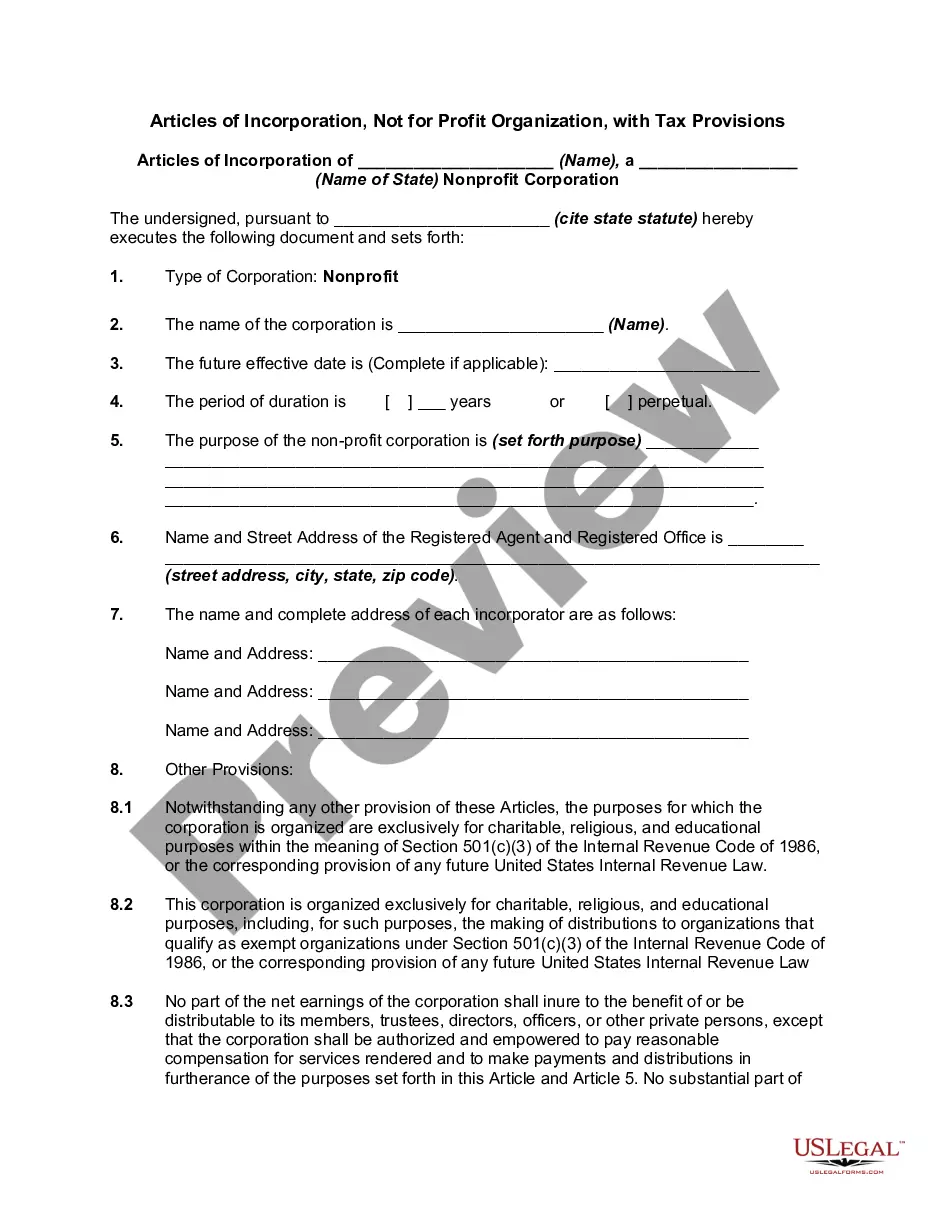
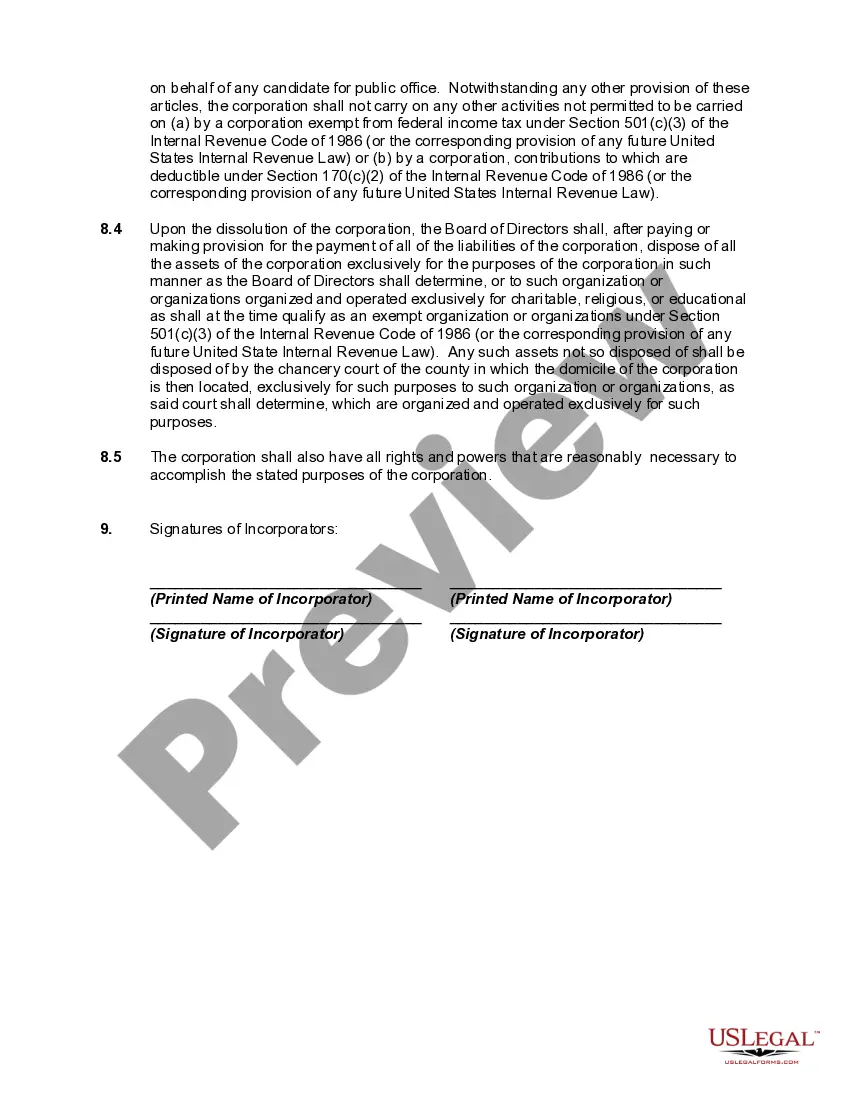
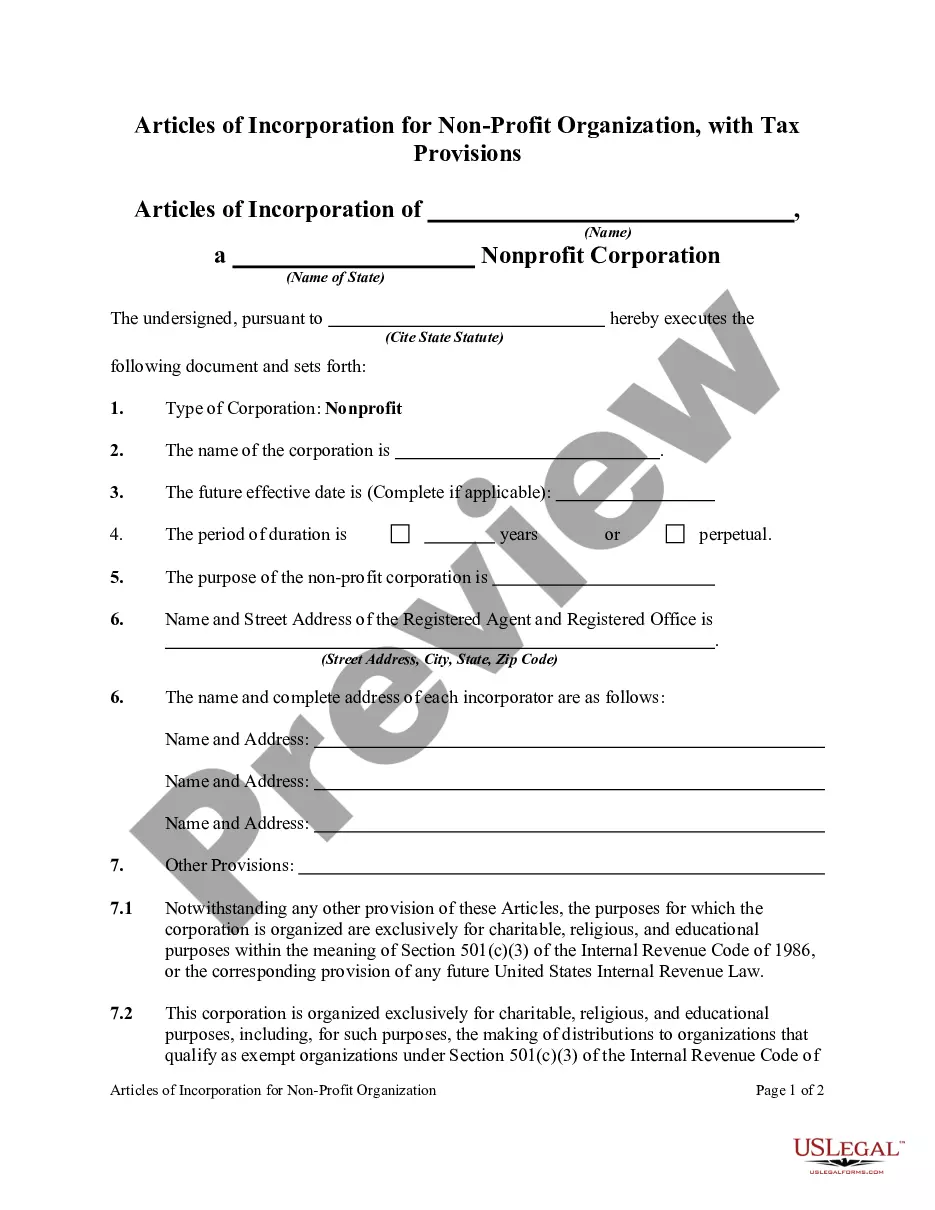
How to fill out Articles Of Incorporation, Not For Profit Organization, With Tax Provisions?
Creating legal documents from the ground up can frequently be intimidating.
Certain situations may require extensive research and a significant financial investment.
If you’re looking for a more uncomplicated and cost-effective method of drafting Not Profit Statement For Business or any other paperwork without having to navigate obstacles, US Legal Forms is always accessible to you.
Our online repository of over 85,000 current legal documents covers nearly every facet of your financial, legal, and personal matters.
- With just a few clicks, you can promptly obtain state- and county-specific templates meticulously crafted for you by our legal experts.
- Utilize our platform whenever you require dependable and trustworthy services that allow you to easily find and download the Not Profit Statement For Business.
- If you’re a returning user and have already established an account with us, simply Log In to your account, find the form and download it right away or re-download it anytime later from the My documents section.
- Don't have an account? No worries. It requires minimal time to sign up and browse the catalog.
Form popularity
FAQ
How to create a profit and loss statement Gather necessary financial information. ... Choose a timeframe for the statement. ... Begin with revenue. ... Deduct the cost of goods sold. ... Calculate gross profit. ... Add operating expenses. ... Calculate net profit.
The components of a non-profit income statement include revenue, expenses, gains, and losses. Revenue: Includes all sources of income for the organization, such as donations, grants, and program fees. Expenses: Include all costs associated with running the organization, such as salaries, rent, and supplies.
There is some great accounting software out there, like QuickBooks, Peachtree, and others, that can generate a profit and loss statement for your business. But if you are a small business owner building a P&L on your own, even a simple Excel spreadsheet will suffice.
How to Write a Profit and Loss Statement How to Create a P&L Statement. ... Step 1 ? Track Your Revenue. ... Step 2 ? Determine the Cost of Sales. ... Step 3 ? Figure Out Your Gross Profit. ... Step 4 ? Add Up Your Overhead. ... Step 5 ? Calculate Your Operating Income. ... Step 6 ? Adjust for Other Income and/or Expenses.
You can send your scores for free to one recipient every year that you take AP Exams. To use your free score send, sign in to My AP, go to My AP Profile, select the Score Send tab and choose the college, university, or scholarship organization that you want to receive your score report.