Court Judgment Motion For Appeals
Description







Get your form ready online
Our built-in tools help you complete, sign, share, and store your documents in one place.
Make edits, fill in missing information, and update formatting in US Legal Forms—just like you would in MS Word.
Download a copy, print it, send it by email, or mail it via USPS—whatever works best for your next step.
Sign and collect signatures with our SignNow integration. Send to multiple recipients, set reminders, and more. Go Premium to unlock E-Sign.
If this form requires notarization, complete it online through a secure video call—no need to meet a notary in person or wait for an appointment.
We protect your documents and personal data by following strict security and privacy standards.

Make edits, fill in missing information, and update formatting in US Legal Forms—just like you would in MS Word.

Download a copy, print it, send it by email, or mail it via USPS—whatever works best for your next step.

Sign and collect signatures with our SignNow integration. Send to multiple recipients, set reminders, and more. Go Premium to unlock E-Sign.

If this form requires notarization, complete it online through a secure video call—no need to meet a notary in person or wait for an appointment.

We protect your documents and personal data by following strict security and privacy standards.
Looking for another form?
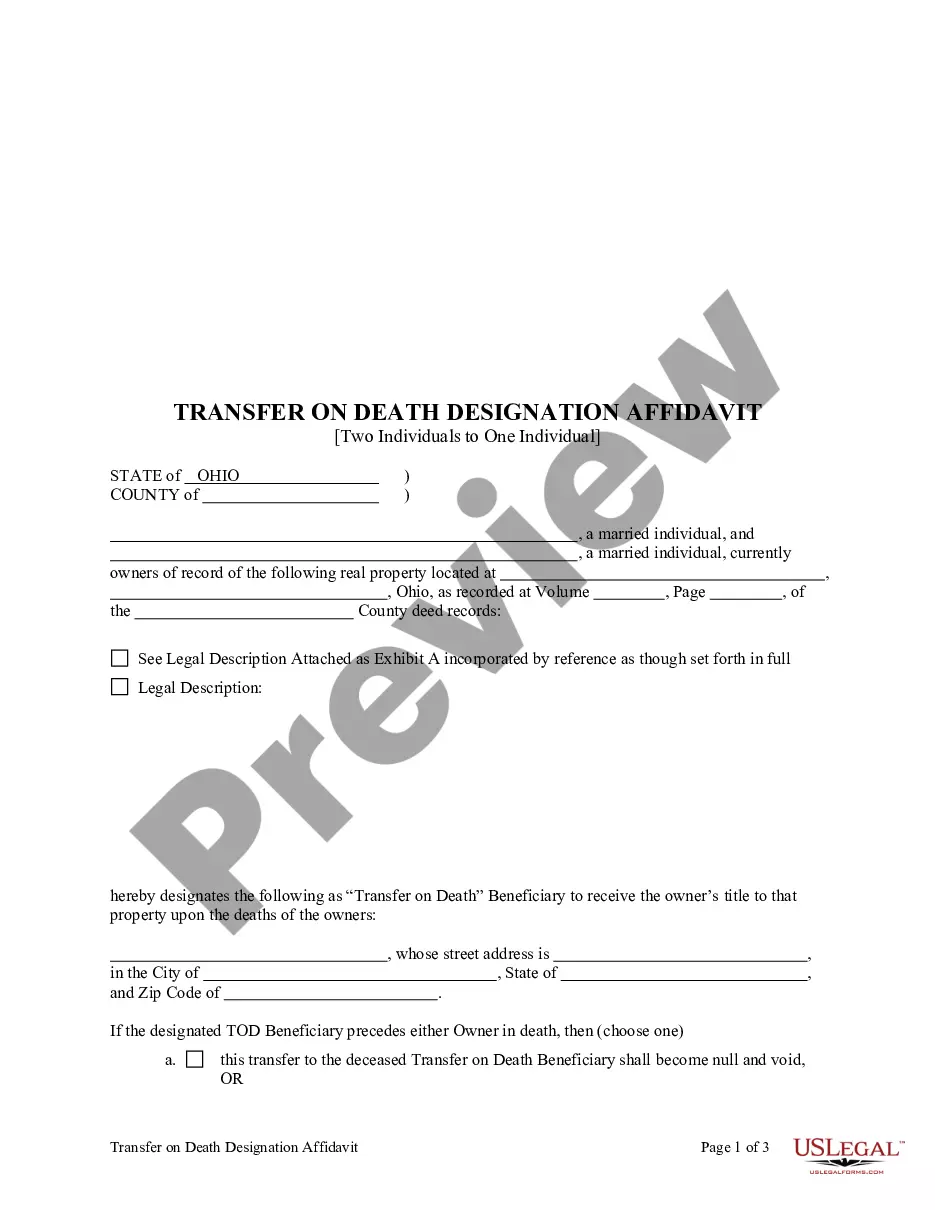



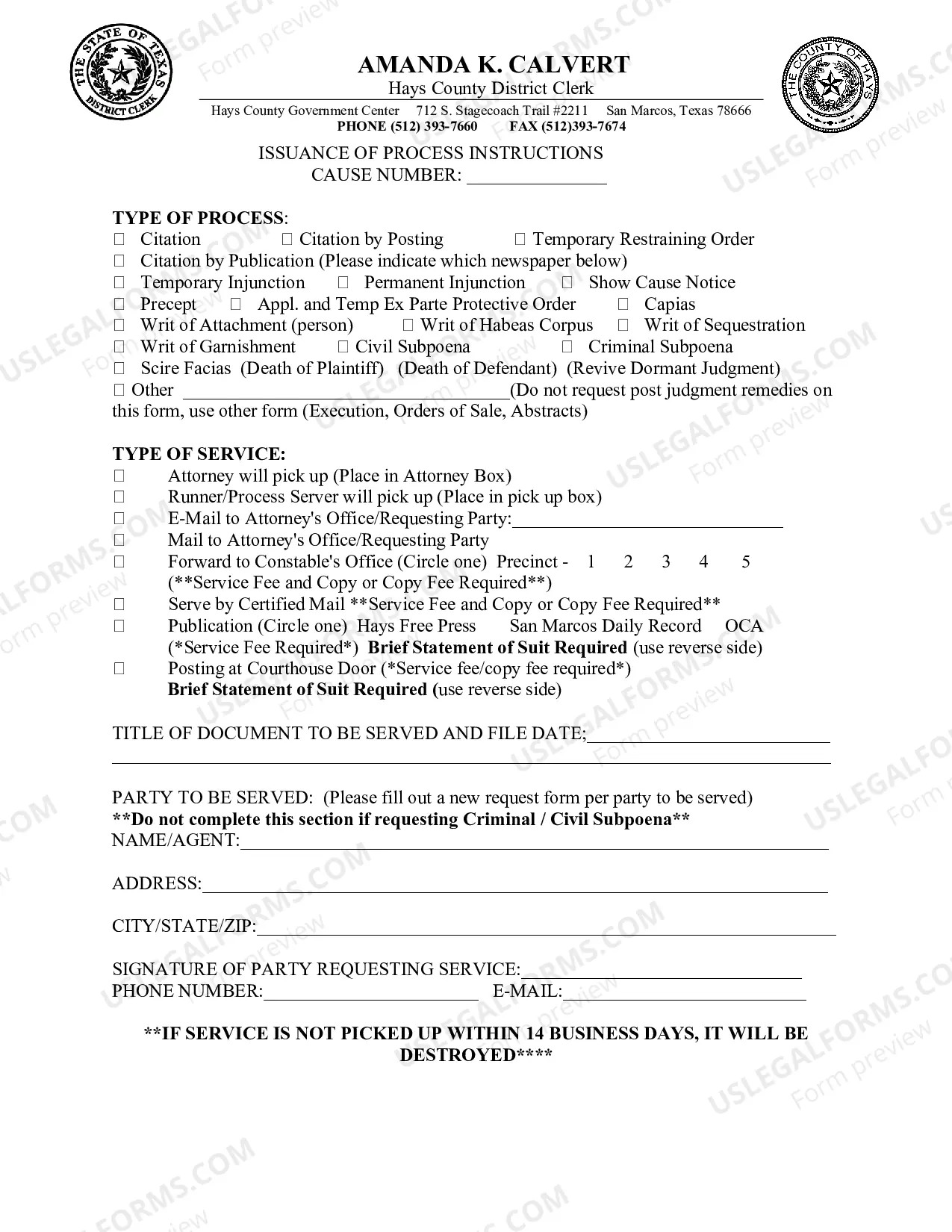

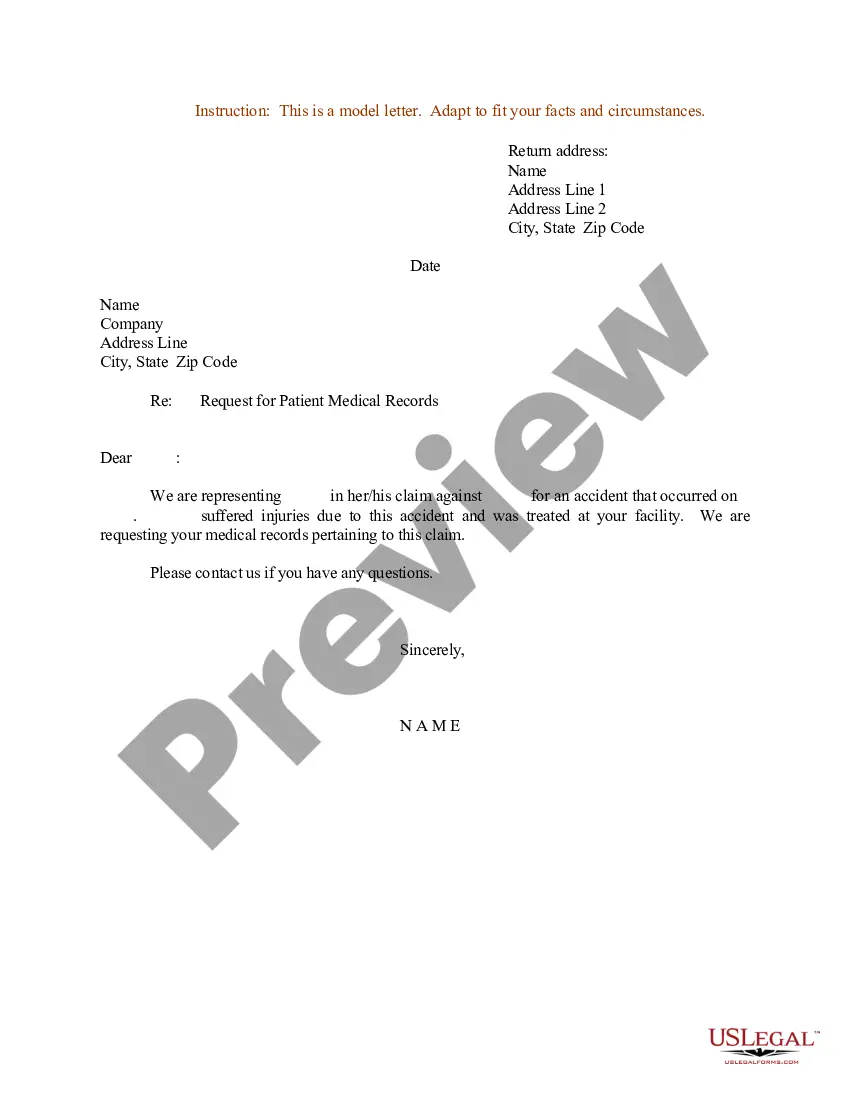
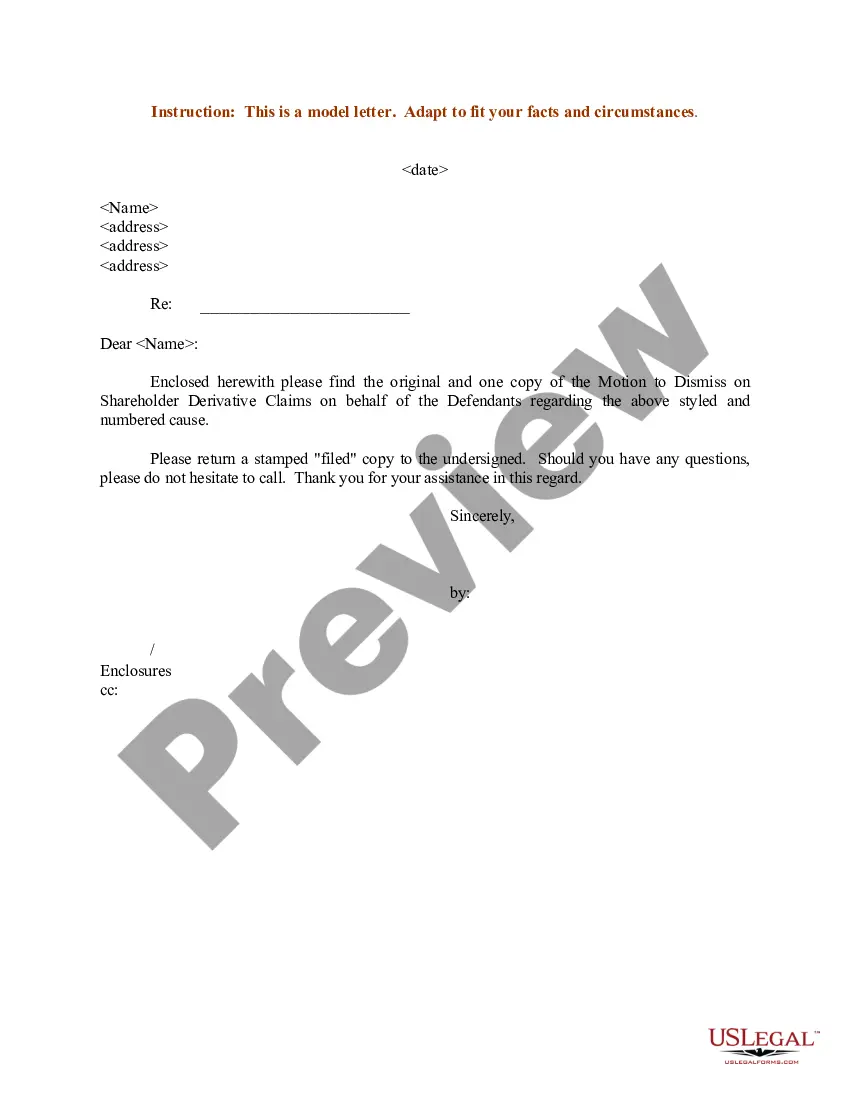
How to fill out Motion To Vacate Judgment, Quash Subpoena Duces Tecum, Dismiss Writ Of Garnishment, And For Leave To File An Answer To Complaint?
Handling legal documents and processes can be a lengthy addition to your day.
Court Judgment Motion For Appeals and similar forms frequently necessitate looking for them and figuring out how to fill them out correctly.
Consequently, whether you're managing financial, legal, or personal issues, having a comprehensive and user-friendly online catalog of forms readily available will be very beneficial.
US Legal Forms is the premier online platform for legal documents, featuring over 85,000 state-specific forms along with a range of resources that assist you in completing your paperwork swiftly.
Is this your first time using US Legal Forms? Sign up and create a free account in just a few minutes to access the form catalog and the Court Judgment Motion For Appeals. Then, follow these steps to complete your form: Ensure you have the correct form by utilizing the Preview feature and reviewing the form description. Select Buy Now when ready, and pick the monthly subscription plan that fits your needs. Click Download and then fill out, sign, and print the form. US Legal Forms has 25 years of experience helping clients manage their legal paperwork. Obtain the form you need today and optimize any process effortlessly.
- Browse the catalog of pertinent documents accessible to you with just one click.
- US Legal Forms offers you state- and county-specific forms that can be downloaded at any time.
- Protect your document management processes with a high-quality service that enables you to create any form within minutes without additional or hidden fees.
- Simply Log In to your account, search for Court Judgment Motion For Appeals, and download it instantly from the My documents tab.
- You can also retrieve previously saved forms.
Form popularity
FAQ
Several types of decisions can be issued after such reviews, including affirmations, reversals, remands, dismissals, and modifications; all having different implications on any given case depending on what was decided and requested during trial proceedings beforehand.
The appellate court will do one of the following: Affirm the decision of the trial court, in which case the verdict at trial stands. Reverse the decision to the trial court, in which case a new trial may be ordered. Remand the case to the trial court.
Step 1: File the Notice of Appeal. Step 2: Pay the filing fee. Step 3: Determine if/when additional information must be provided to the appeals court as part of opening your case. Step 4: Order the trial transcripts.
In almost all cases, the appellate court only looks at two things: Whether a legal mistake was made in the trial court. Whether this mistake changed the final decision (called the "judgment") in the case.
A final judgment leaves nothing to be decided except decisions on how to enforce the judgment, whether to award costs, and whether to file an appeal. Only once a final judgment has been made can a party typically file an appeal. A final judgment can exist even if there is an outstanding motion for a new trial.