Answer Court File For Wds
Description







Get your form ready online
Our built-in tools help you complete, sign, share, and store your documents in one place.
Make edits, fill in missing information, and update formatting in US Legal Forms—just like you would in MS Word.
Download a copy, print it, send it by email, or mail it via USPS—whatever works best for your next step.
Sign and collect signatures with our SignNow integration. Send to multiple recipients, set reminders, and more. Go Premium to unlock E-Sign.
If this form requires notarization, complete it online through a secure video call—no need to meet a notary in person or wait for an appointment.
We protect your documents and personal data by following strict security and privacy standards.

Make edits, fill in missing information, and update formatting in US Legal Forms—just like you would in MS Word.

Download a copy, print it, send it by email, or mail it via USPS—whatever works best for your next step.

Sign and collect signatures with our SignNow integration. Send to multiple recipients, set reminders, and more. Go Premium to unlock E-Sign.

If this form requires notarization, complete it online through a secure video call—no need to meet a notary in person or wait for an appointment.

We protect your documents and personal data by following strict security and privacy standards.
Looking for another form?


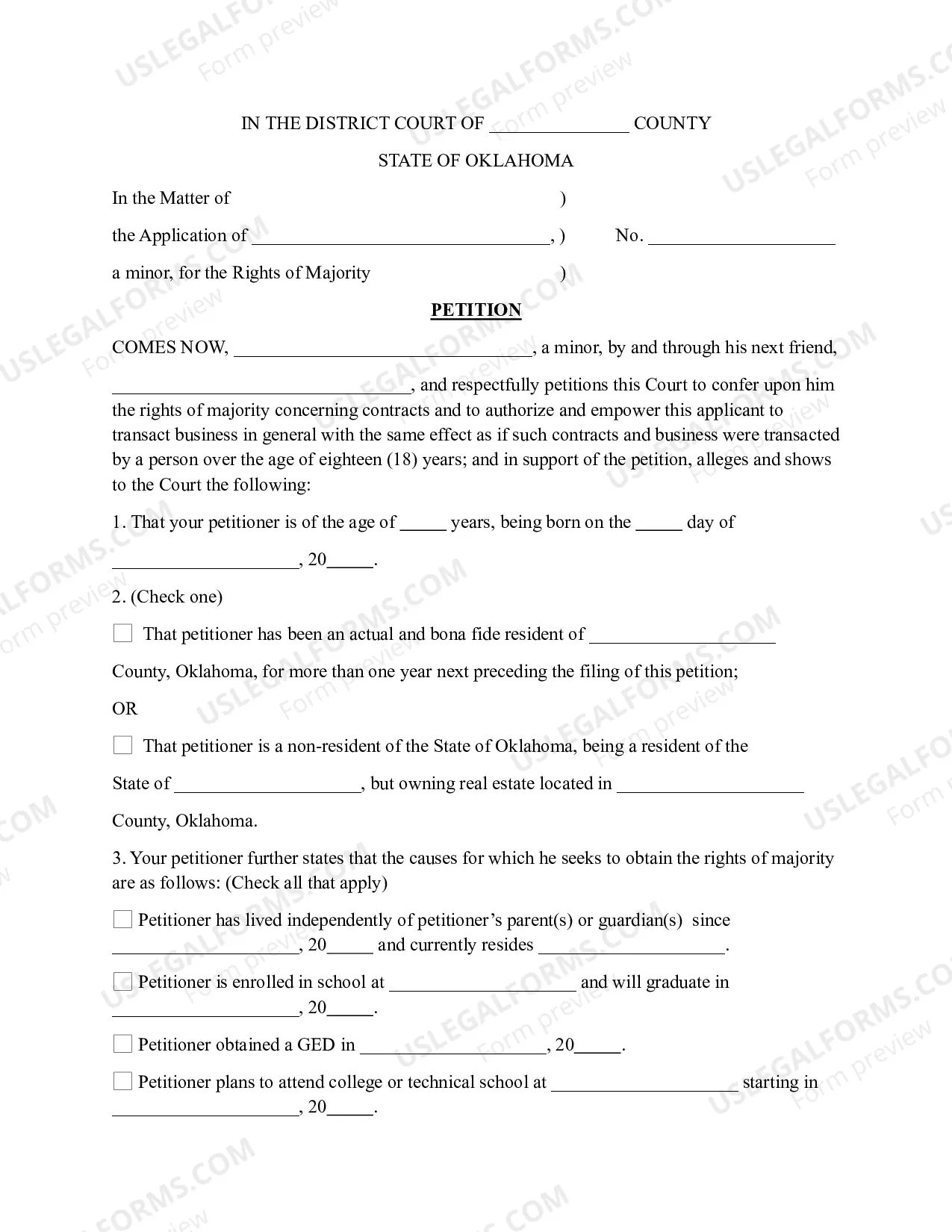
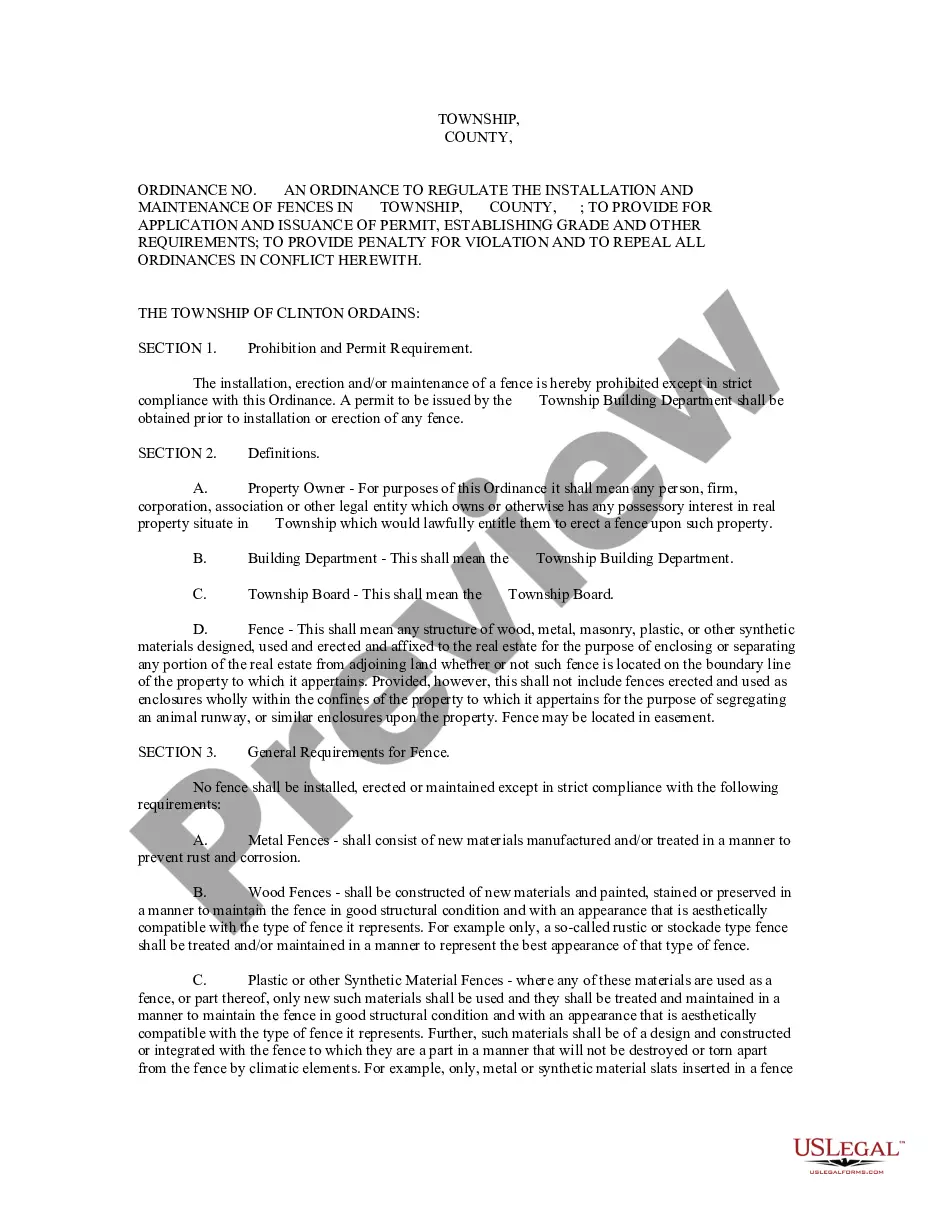

How to fill out Motion To Vacate Judgment, Quash Subpoena Duces Tecum, Dismiss Writ Of Garnishment, And For Leave To File An Answer To Complaint?
Legal administration can be overwhelming, even for seasoned professionals.
If you are seeking an Answer Court File For Wds and lack the time to invest in searching for the correct and updated version, the processes may be arduous.
US Legal Forms caters to all your requirements, whether personal or business-related, all in one location.
Leverage advanced tools to create and manage your Answer Court File For Wds.
After obtaining the form you need, follow these steps: Verify it is the correct form by previewing it and reviewing its description. Ensure that the template is accepted in your state or county. Click Buy Now when you are prepared. Select a subscription plan. Choose the format you prefer, and Download, fill out, eSign, print, and submit your documents. Take advantage of the US Legal Forms online library, backed by 25 years of experience and reliability. Transform your routine document management into a straightforward and user-friendly process today.
- Access a valuable library of articles, guides, and resources relevant to your situation and requirements.
- Save time and effort locating the documents you need, and use US Legal Forms’ sophisticated search and Review tool to find the Answer Court File For Wds and obtain it.
- If you have a subscription, Log In to your US Legal Forms account, search for the form, and download it.
- Check your My documents tab to view the documents you have previously saved and to organize your folders as you wish.
- For first-time users of US Legal Forms, create a free account for unlimited access to all the benefits of the library.
- A comprehensive online form repository can be transformative for anyone looking to handle these matters effectively.
- US Legal Forms is a top provider in online legal documents, boasting over 85,000 state-specific legal forms accessible at any time.
- With US Legal Forms, you can access legal and business forms tailored to specific states or counties.
Form popularity
FAQ
WDS has split the unattended configuration over two files: WinPE. xml: This file is only used in the Windows PE phase of the setup and determines the connection to the WDS server, the image to be used and the disk configuration.
From the WDS console, locate the image that you are using, right click it and select properties from the context menu. At the bottom of the properties window, tick the 'Allow image to in unattended mode' and select the Windows7_PROFESSIONAL.
Answer files (or Unattend files) can be used to modify Windows settings in your images during Setup. You can also create settings that trigger scripts in your images that run after the first user creates their account and picks their default language.
Unattended Windows installation is done via "Answer Files", or "Unattend files". These files are generally named "autounattend. xml".
DNS. You must have a working Domain Name System (DNS) server on the network before you can run Windows Deployment Services. NTFS volume. The server running Windows Deployment Services requires an NTFS file system volume for the image store.