Copyright Book Rights Without
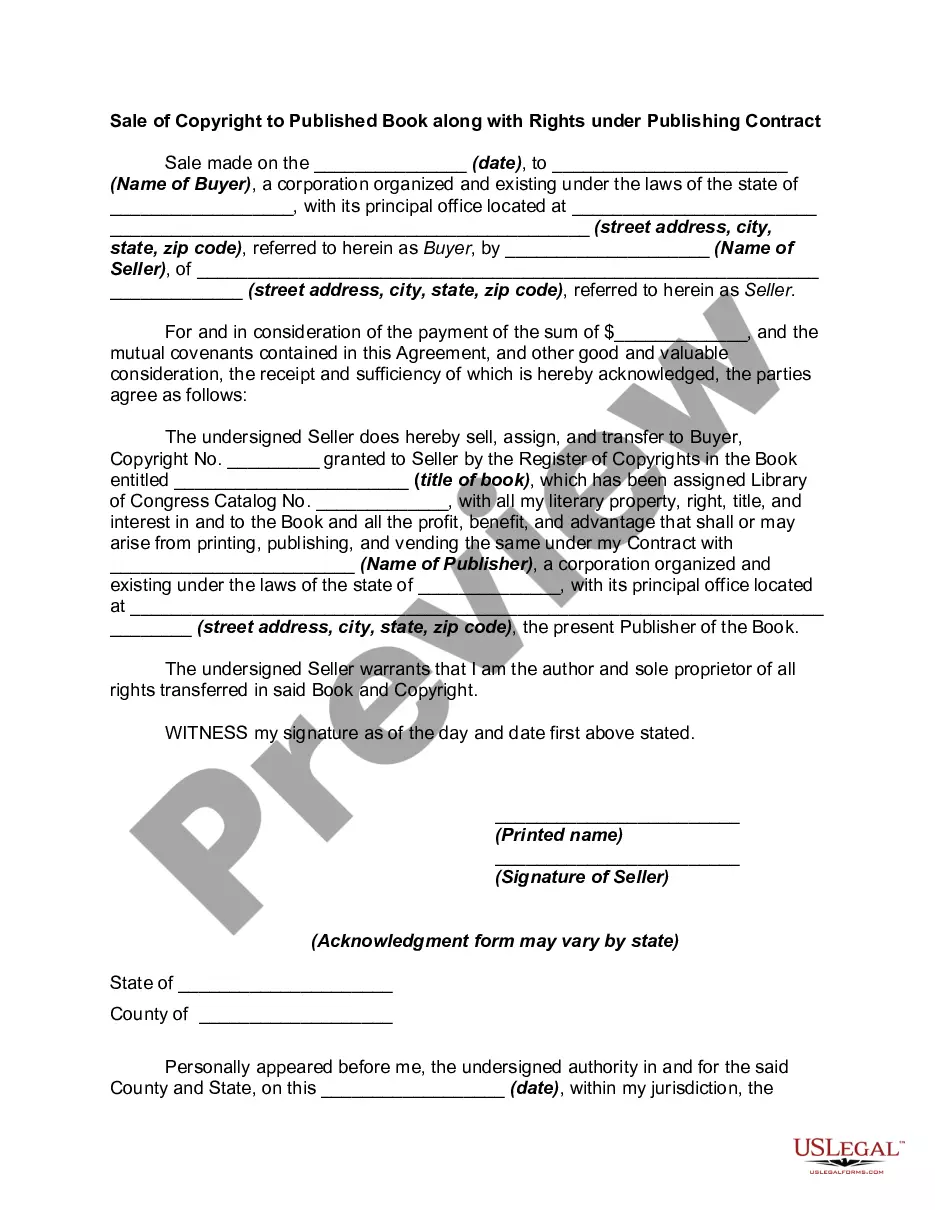
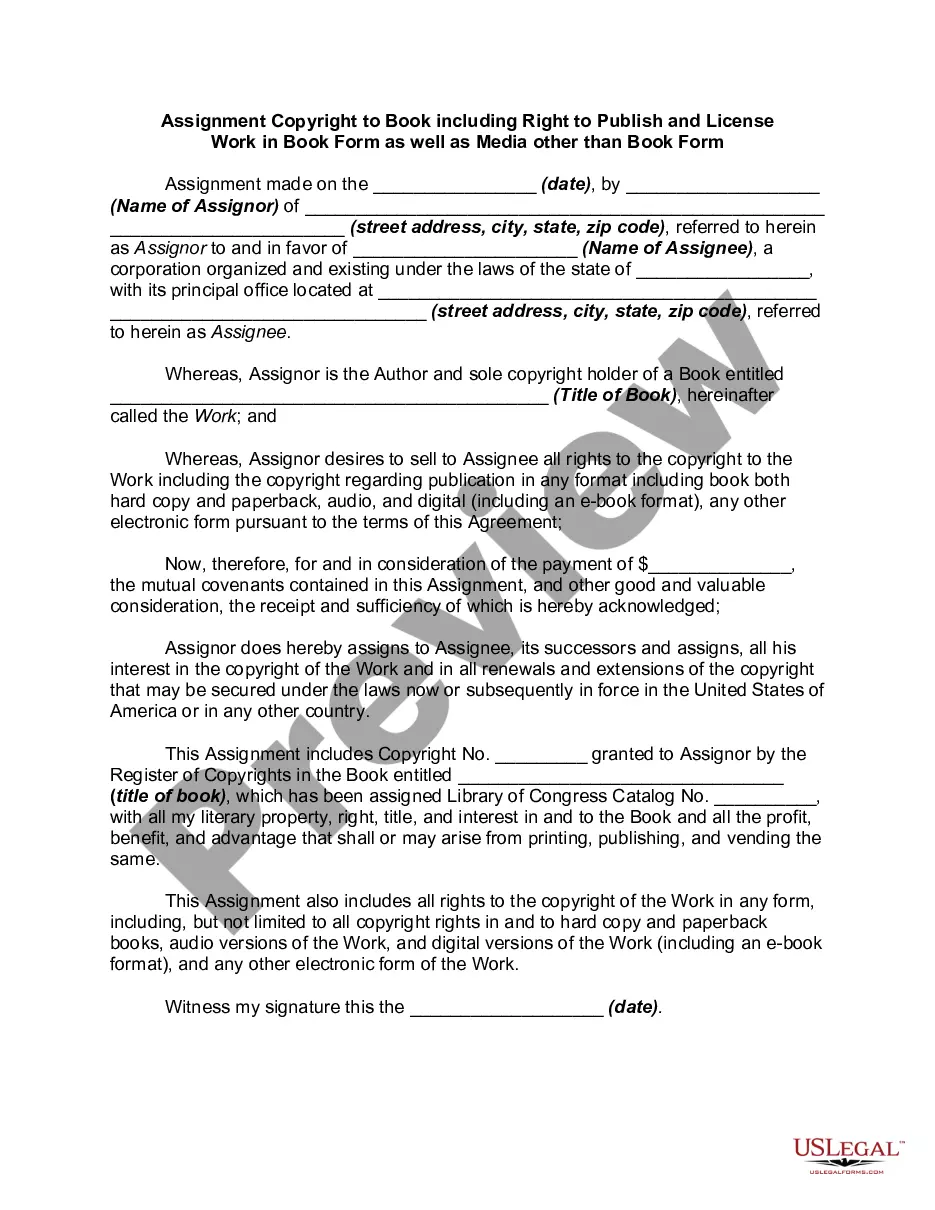
Description
Get your form ready online
Our built-in tools help you complete, sign, share, and store your documents in one place.
Make edits, fill in missing information, and update formatting in US Legal Forms—just like you would in MS Word.
Download a copy, print it, send it by email, or mail it via USPS—whatever works best for your next step.
Sign and collect signatures with our SignNow integration. Send to multiple recipients, set reminders, and more. Go Premium to unlock E-Sign.
If this form requires notarization, complete it online through a secure video call—no need to meet a notary in person or wait for an appointment.
We protect your documents and personal data by following strict security and privacy standards.

Make edits, fill in missing information, and update formatting in US Legal Forms—just like you would in MS Word.

Download a copy, print it, send it by email, or mail it via USPS—whatever works best for your next step.

Sign and collect signatures with our SignNow integration. Send to multiple recipients, set reminders, and more. Go Premium to unlock E-Sign.

If this form requires notarization, complete it online through a secure video call—no need to meet a notary in person or wait for an appointment.

We protect your documents and personal data by following strict security and privacy standards.
Looking for another form?







How to fill out Sale Of Copyright To Published Book Along With Rights Under Publishing?
Whether for commercial reasons or for personal issues, everyone must confront legal matters at some point in their lives.
Filling out legal documents requires meticulous consideration, starting from selecting the correct form template.
With a vast US Legal Forms database available, you no longer need to waste time searching the internet for the suitable template. Utilize the library’s straightforward navigation to find the correct form for any circumstance.
- Locate the form you need by utilizing the search bar or catalog browsing.
- Review the form’s details to ensure it fits your circumstances, jurisdiction, and area.
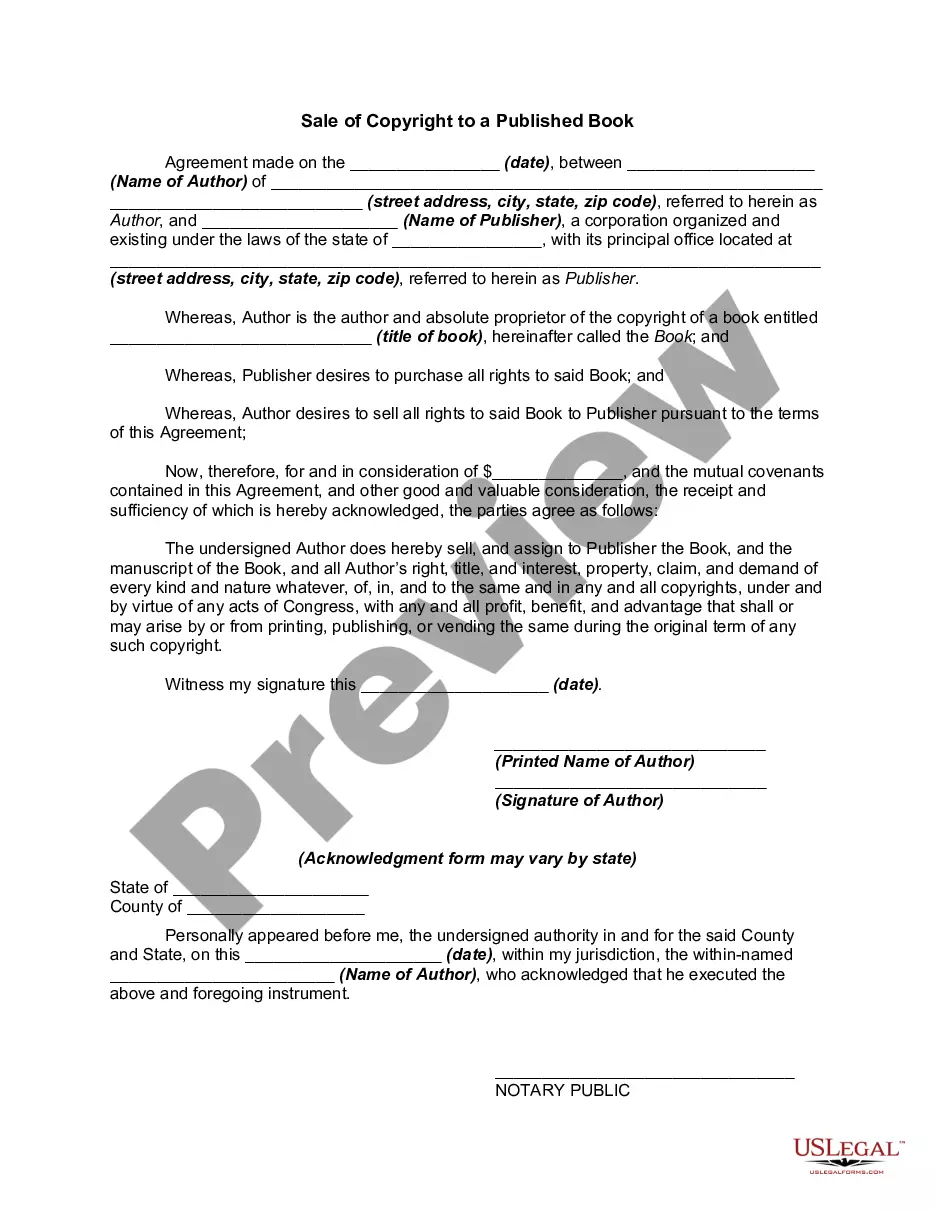
- Click on the form’s preview to inspect it.
- If it is the wrong form, return to the search feature to locate the Copyright Book Rights Without template you require.
- Download the document if it meets your specifications.
- If you possess a US Legal Forms account, click Log in to access previously saved templates in My documents.
- If you do not yet have an account, you can acquire the form by clicking Buy now.
- Select the appropriate payment option.
- Complete the account registration form.
- Choose your payment method: either a credit card or PayPal.
- Select the desired file format and download the Copyright Book Rights Without.
- After downloading, you can fill out the form with editing software or print it out and complete it by hand.
Form popularity
FAQ
By registering the copyright to your book with the U.S. Copyright Office, you protect your ability to enforce your rights over your book against any infringement of those rights. You can do this yourself or simplify the process by using a service.
There are only four simple components you need to include: The copyright symbol © or the word ?copyright? The name of the copyright owner or author of the work. The year the content was published, which can be different from the year of creation. Your statement of the rights you're reserving over the materials.
How To Copyright a Book: A Definitive Guide Go to the U.S. Copyright Office website. Select the ?Literary Works? category. Create a new account. Start the copyright registration process. Fill out the details. Complete the copyright application. Submit your work to finish copyrighting your book.
How much of someone else's work can I use without getting permission? Under the fair use doctrine of the U.S. copyright statute, it is permissible to use limited portions of a work including quotes, for purposes such as commentary, criticism, news reporting, and scholarly reports.
Your work is protected by intellectual property law as soon as it's written or saved (in every draft and edition) so it's not absolutely necessary to register your copyright, which is what people mean when they say ?copyright your book?.