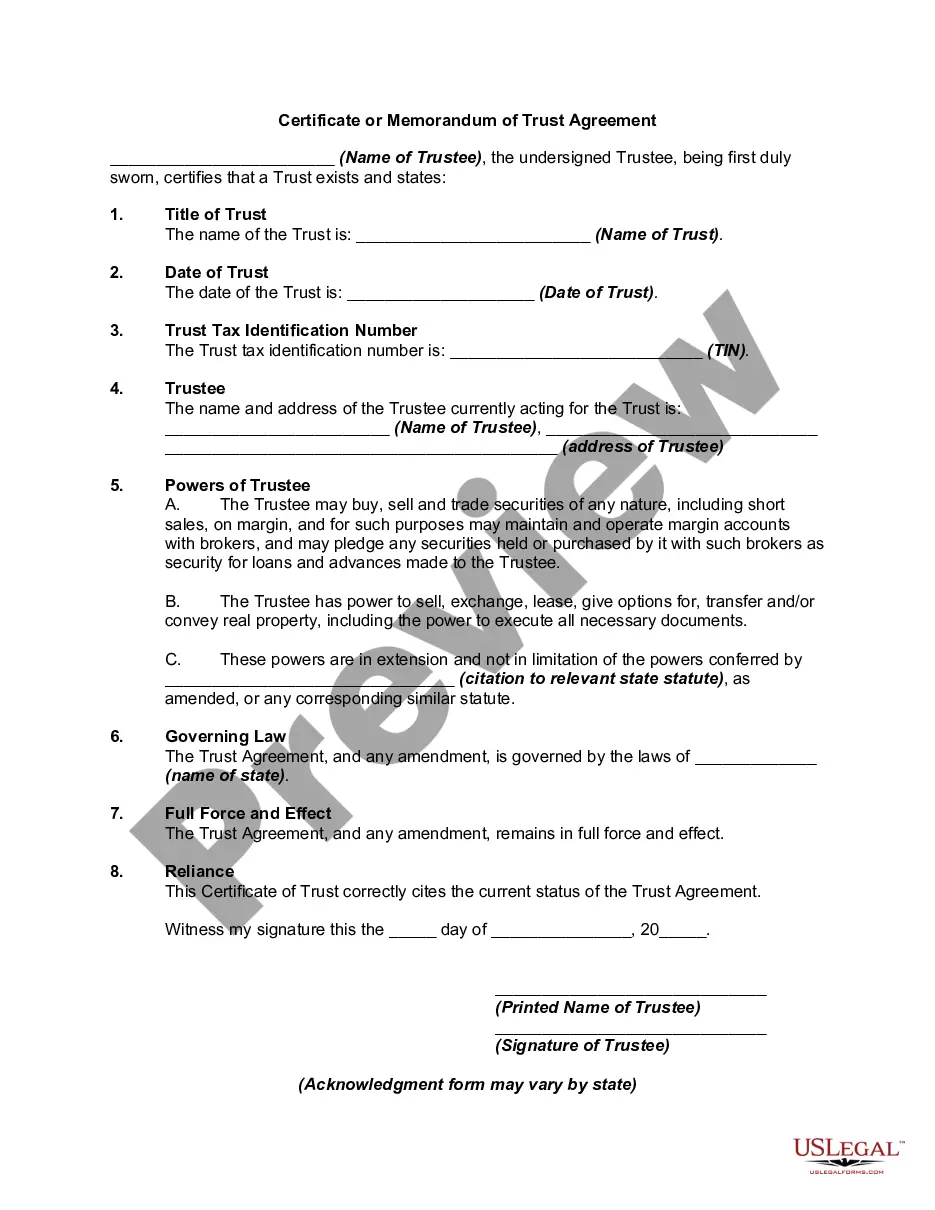
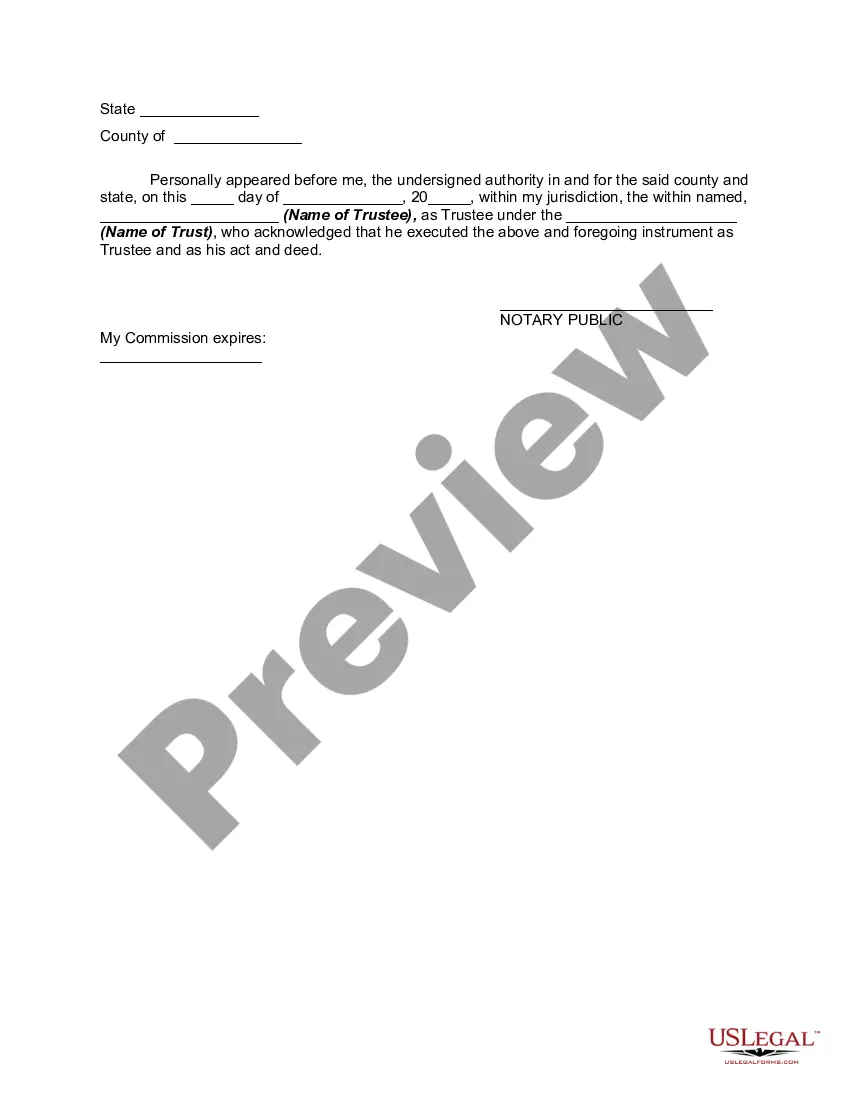
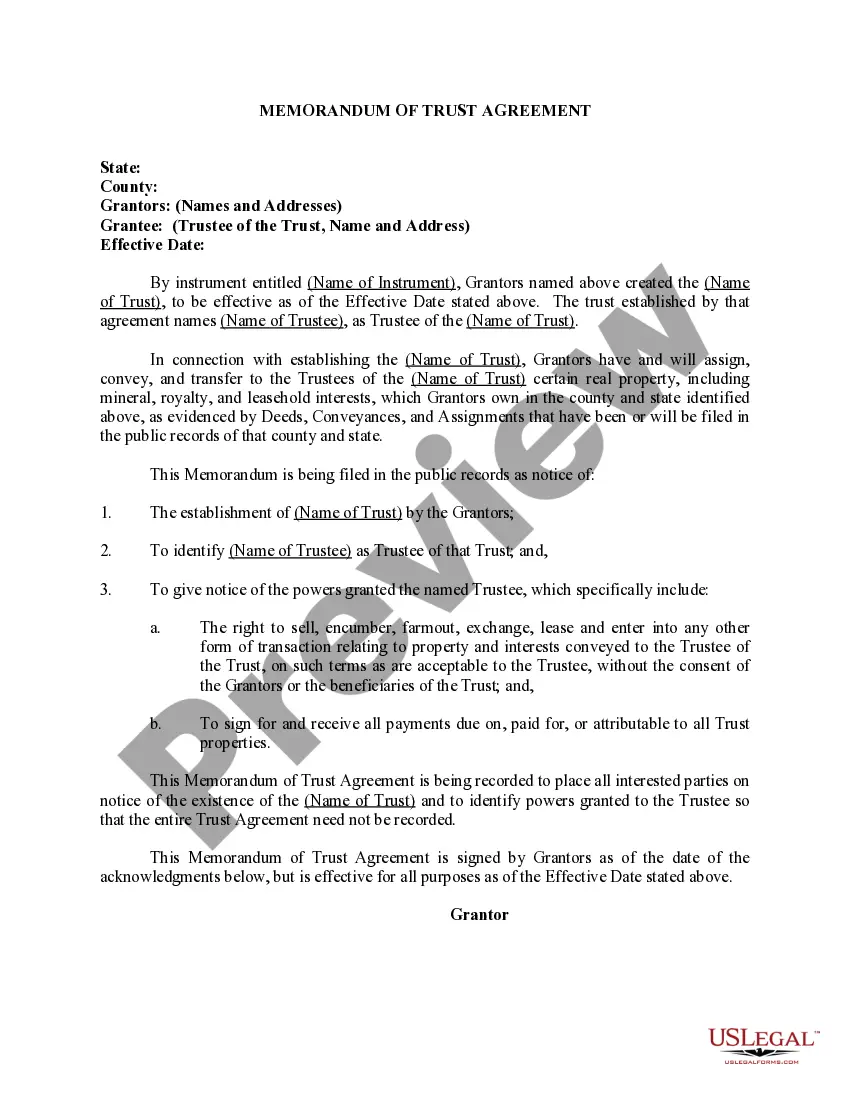
Trust Certificate California Withholding
Description
Get your form ready online
Our built-in tools help you complete, sign, share, and store your documents in one place.
Make edits, fill in missing information, and update formatting in US Legal Forms—just like you would in MS Word.
Download a copy, print it, send it by email, or mail it via USPS—whatever works best for your next step.
Sign and collect signatures with our SignNow integration. Send to multiple recipients, set reminders, and more. Go Premium to unlock E-Sign.
If this form requires notarization, complete it online through a secure video call—no need to meet a notary in person or wait for an appointment.
We protect your documents and personal data by following strict security and privacy standards.

Make edits, fill in missing information, and update formatting in US Legal Forms—just like you would in MS Word.

Download a copy, print it, send it by email, or mail it via USPS—whatever works best for your next step.

Sign and collect signatures with our SignNow integration. Send to multiple recipients, set reminders, and more. Go Premium to unlock E-Sign.

If this form requires notarization, complete it online through a secure video call—no need to meet a notary in person or wait for an appointment.

We protect your documents and personal data by following strict security and privacy standards.
Looking for another form?







How to fill out Certificate Or Memorandum Of Trust Agreement?
Whether for commercial aims or personal issues, everyone must confront legal situations at some point in their lifetime. Completing legal documents necessitates meticulous attention, starting from selecting the appropriate form template. For example, if you choose an incorrect version of a Trust Certificate California Withholding, it will be rejected upon submission. Thus, it is crucial to have a trustworthy source of legal documents like US Legal Forms.
If you need to obtain a Trust Certificate California Withholding template, follow these straightforward steps: Find the template you require using the search bar or catalog navigation. Review the form’s description to confirm it fits your circumstances, state, and locality. Click on the form’s preview to examine it. If it is the wrong form, return to the search feature to find the Trust Certificate California Withholding example you need. Download the file once it satisfies your requirements. If you already possess a US Legal Forms account, simply click Log in to access previously saved templates in My documents. If you do not yet have an account, you can download the form by clicking Buy now. Select the appropriate pricing option. Complete the profile registration form. Choose your payment method: you can use a credit card or PayPal account. Select the file format you prefer and download the Trust Certificate California Withholding. Once it is saved, you can fill out the form using editing software or print it and complete it by hand.
- With a vast US Legal Forms catalog available, you do not have to waste time searching for the right template online.
- Utilize the library’s easy navigation to discover the suitable template for any occasion.
Form popularity
FAQ
Who Certifies this Form. Form 590 is certified (completed and signed) by the payee. California residents or entities exempt from the withholding requirement should complete Form 590 and submit it to the withholding agent before payment is made.
Any remitter (individual, business entity, trust, estate, or REEP) who withheld on the sale/transfer of California real property must file Form 593 to report the amount withheld. If this is an installment sale payment after escrow closed, the buyer/transferee is the responsible person.
Remember that the calculation that applies to trust taxes is based on the trust's income. For example, if a trust earns an annual income of $20,000, it would pay $5,543.54 in tax, which is an average 27.72% trust tax rate.
Generally, a trust is subject to tax in California ?if the fiduciary or beneficiary (other than a beneficiary whose interest in such trust is contingent) is a resident, regardless of the residence of the settlor.? See Cal. Rev. & Tax 1774(a).
For the State, the law is written such that all real property being sold requires the payment of tax at the close of escrow in an amount equal to 3.33% of the Sales Price. An Alternative Calculated Amount can also be used.