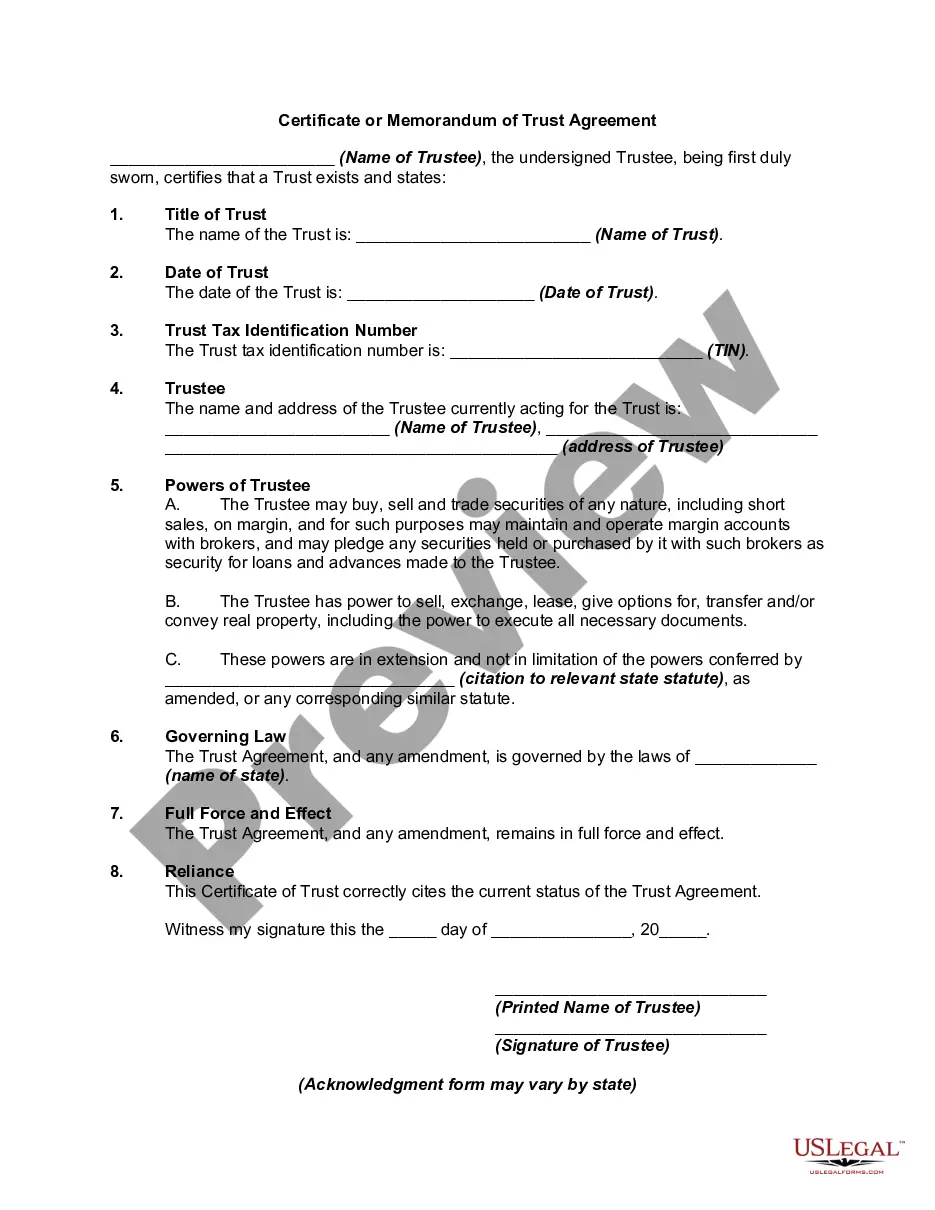
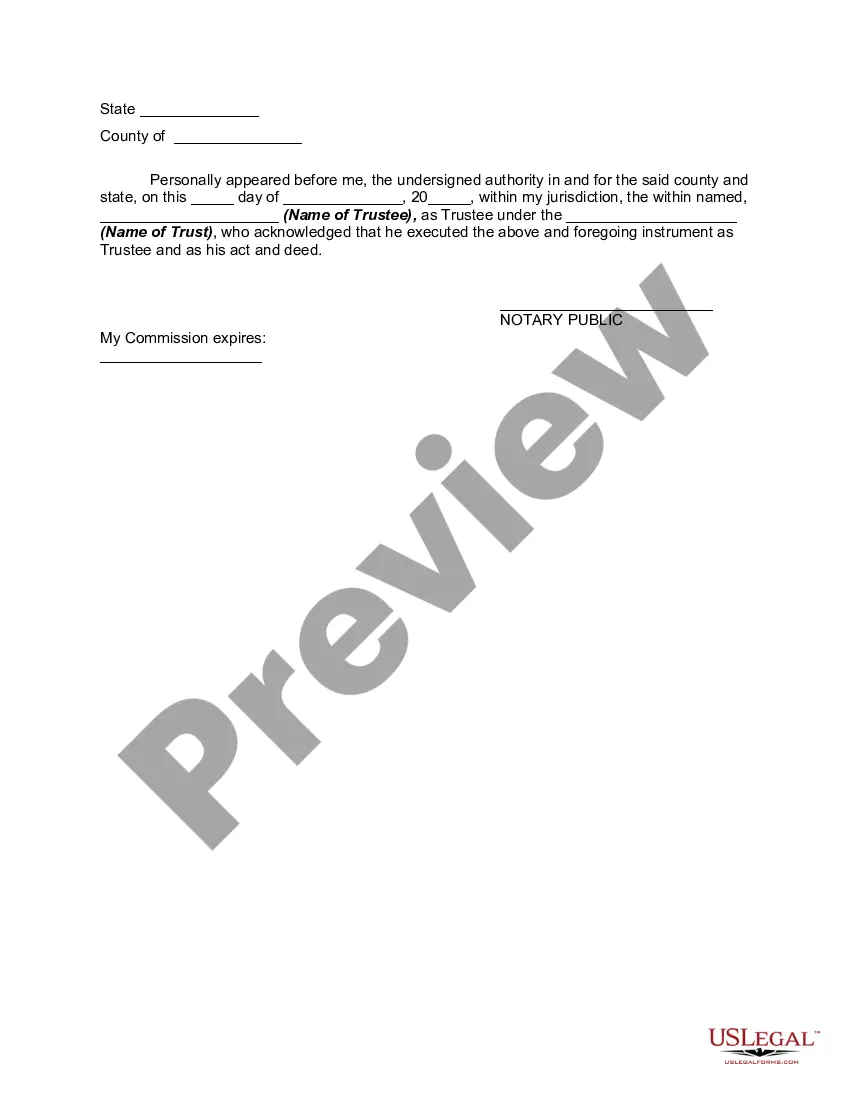
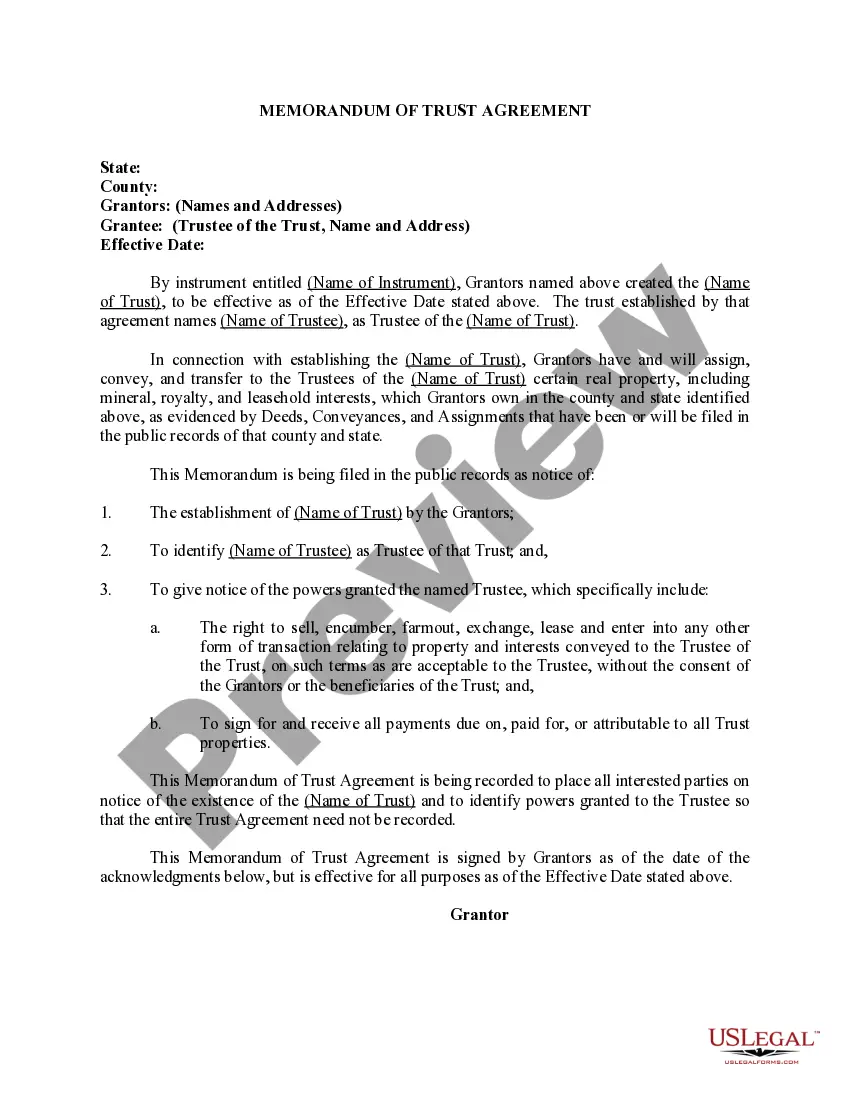
Certificate Of Trust Example Without Prompt
Description
Get your form ready online
Our built-in tools help you complete, sign, share, and store your documents in one place.
Make edits, fill in missing information, and update formatting in US Legal Forms—just like you would in MS Word.
Download a copy, print it, send it by email, or mail it via USPS—whatever works best for your next step.
Sign and collect signatures with our SignNow integration. Send to multiple recipients, set reminders, and more. Go Premium to unlock E-Sign.
If this form requires notarization, complete it online through a secure video call—no need to meet a notary in person or wait for an appointment.
We protect your documents and personal data by following strict security and privacy standards.

Make edits, fill in missing information, and update formatting in US Legal Forms—just like you would in MS Word.

Download a copy, print it, send it by email, or mail it via USPS—whatever works best for your next step.

Sign and collect signatures with our SignNow integration. Send to multiple recipients, set reminders, and more. Go Premium to unlock E-Sign.

If this form requires notarization, complete it online through a secure video call—no need to meet a notary in person or wait for an appointment.

We protect your documents and personal data by following strict security and privacy standards.
Looking for another form?

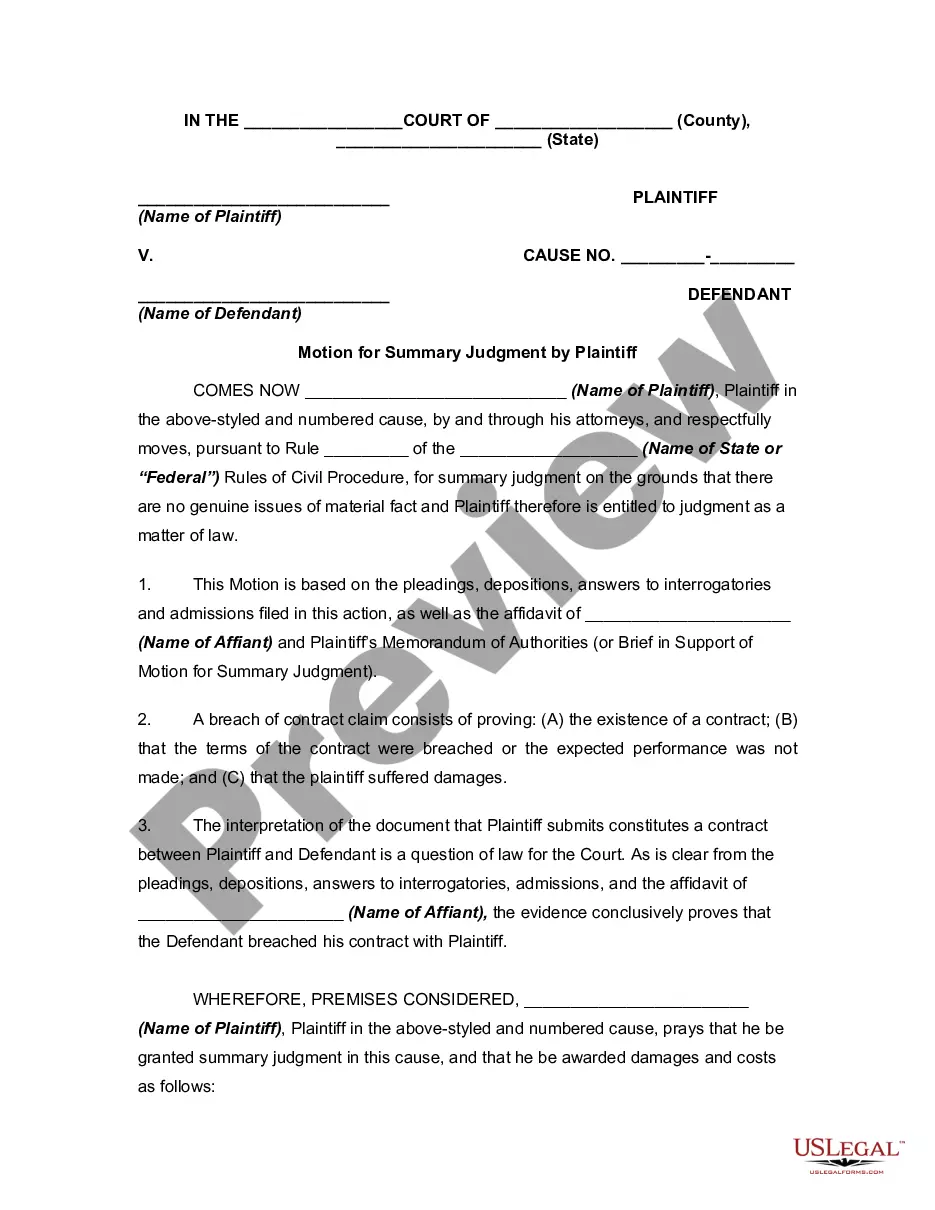








How to fill out Certificate Or Memorandum Of Trust Agreement?
It’s clear that you cannot transform into a legal expert instantly, nor can you learn how to rapidly create Certificate Of Trust Example Without Prompt without having a specialized background.
Drafting legal documents is a lengthy endeavor that necessitates particular education and expertise. So why not entrust the creation of the Certificate Of Trust Example Without Prompt to the experts.
With US Legal Forms, one of the largest legal document repositories, you can obtain anything from court documents to templates for internal communication.
If you need another template, restart your search.
Create a free account and select a subscription plan to purchase the template. Click Buy now. Once the payment is processed, you can download the Certificate Of Trust Example Without Prompt, complete it, print it, and send or mail it to the appropriate individuals or organizations.
- We recognize how vital compliance and adherence to federal and state laws and regulations are.
- That’s why, on our site, all forms are location-specific and current.
- Here’s how to start with our platform and acquire the form you need in just a few minutes.
- Find the document you require using the search bar at the top of the page.
- Preview it (if this option is available) and read the accompanying description to see if Certificate Of Trust Example Without Prompt is what you need.
Form popularity
FAQ
To complete a declaration of trust, start by gathering the necessary information, including the names of the trustee and beneficiaries. Next, clearly outline the terms and conditions that govern the trust, ensuring you specify the assets involved. Make sure to follow a reliable Certificate of trust example without prompt to ensure accuracy and compliance with state laws. Finally, sign the document in front of a notary to validate it and keep it safe for future reference.
Filling out a certificate of trust form involves providing specific information about the trust, including the name of the trust, the trustee's details, and the beneficiaries. Start by gathering all necessary information to ensure accuracy. Then, follow a reliable template or guide, such as those available at uslegalforms, which simplifies the process and helps you avoid mistakes. This way, you can confidently create a valid certificate of trust that serves your needs.
A declaration of trust is typically a formal document that outlines the terms and conditions of a trust. It includes details such as the names of the trustee and beneficiaries, the assets involved, and the powers granted to the trustee. To visualize this, you can look for a certificate of trust example without prompt that showcases these elements clearly. Using uslegalforms can also provide you with examples and templates to ensure your declaration is properly structured.
Yes, you can write your own certificate of trust. However, it is essential to ensure that it meets all legal requirements specific to your state. A well-prepared certificate of trust can protect your privacy and streamline the management of your assets. For a thorough approach, consider using resources from uslegalforms, where you can find templates and guidance that can help you create a valid document.
A Certificate of Trust may need to be recorded in the county that any real property is in. That said, if there's no real property owned by the Trust, there may not be any need to record it.
Trusts aren't recorded anywhere, so you can't go to the County Recorder's office in the courthouse to ask to see a copy of the trust. However, if real estate is involved, the trust may be recorded in the local office of the county clerk.
A certification of trust is a document certifying that a trust was established, exists, and is under the management of a certain trustee. Certifications of trust prove the trustee's legal authority to act as such. Certifications of trust also serve as an abbreviated version of the trust.
Adding the self-signed certificate as trusted to a browser Select the Continue to this website (not recommended) link. ... Click Certificate Error. ... Select the View certificates link. ... Select the Details tab and click Copy to File to create a local copy of the certificate. ... Follow the Wizard instructions.
To add certificates to the Trusted Root Certification Authorities store for a local computer, please follow the steps below: Click Start, click Start Search, type mmc, and then press ENTER. Under Available snap-ins, click Certificates, and then click Add. Click Local computer, and click Finish.