Towing Agreement Document Format
Description
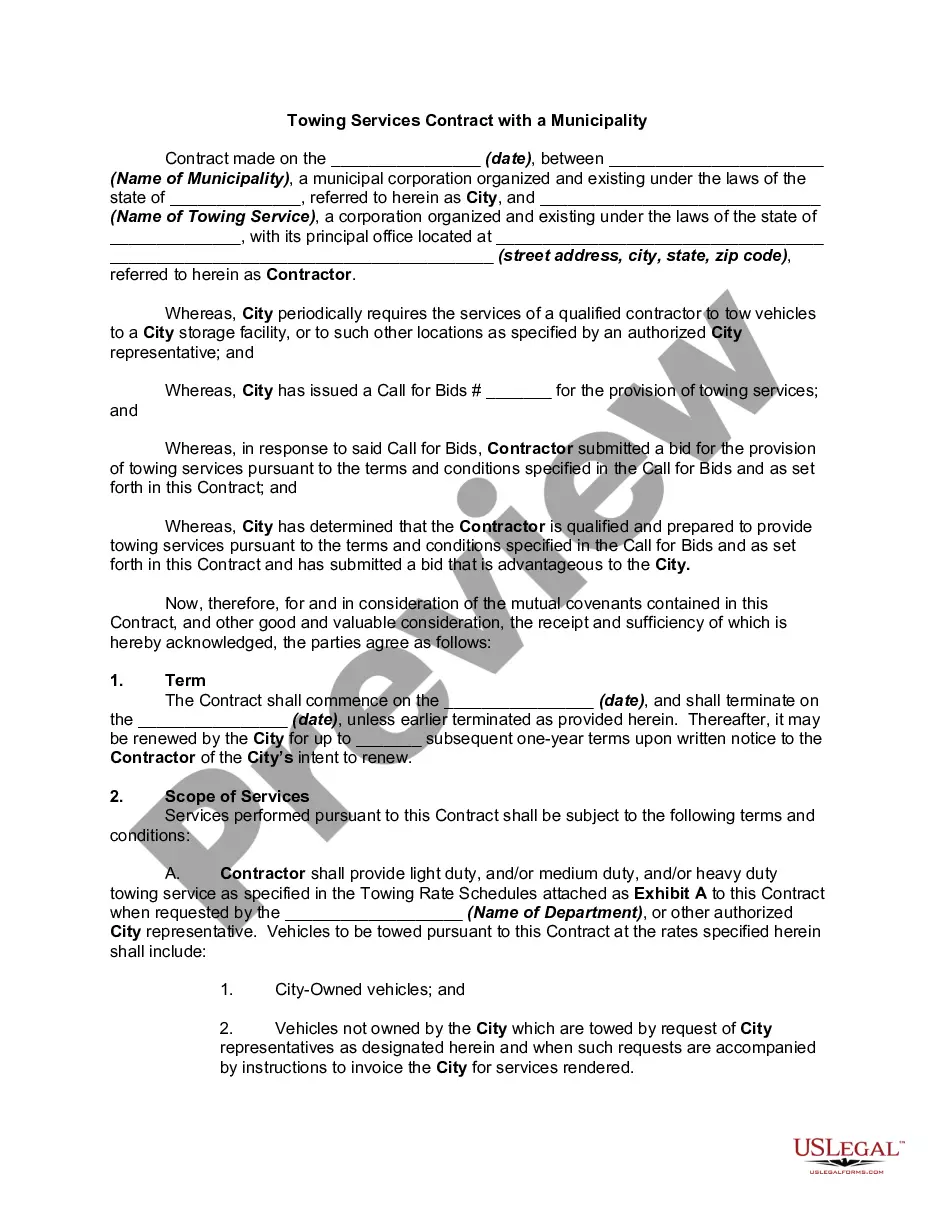
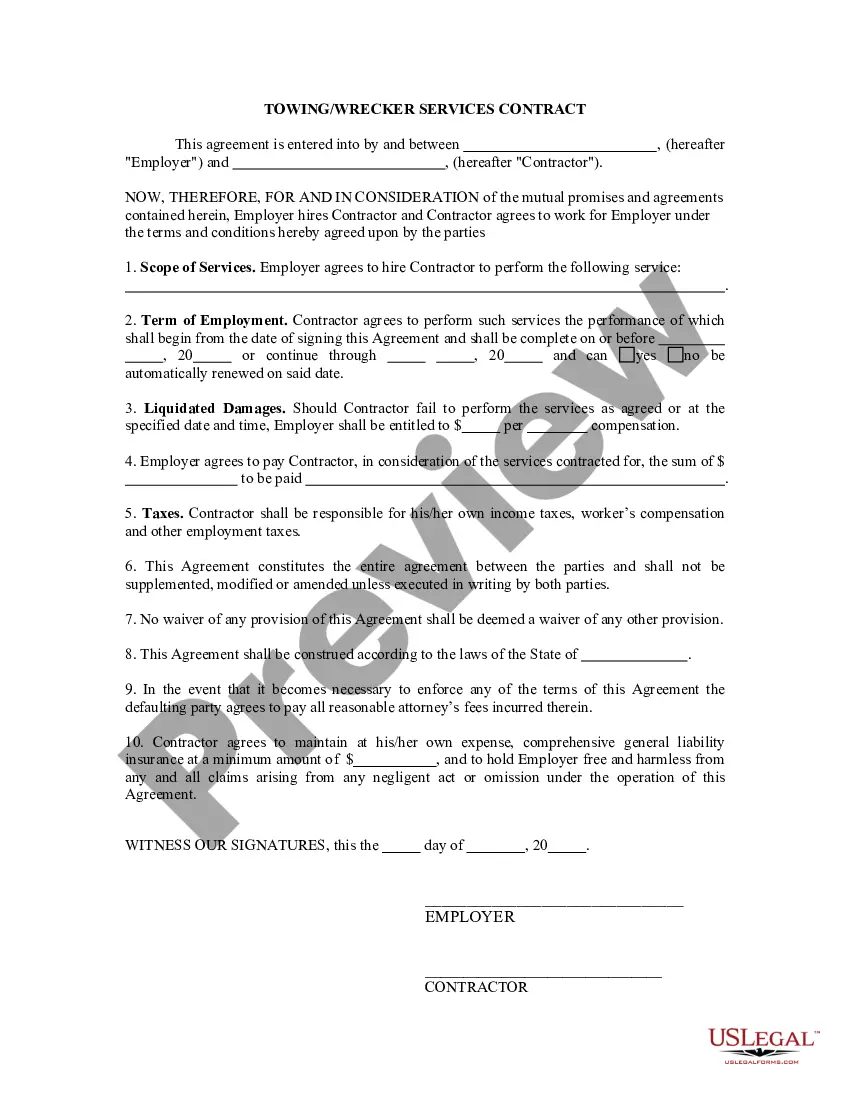
Get your form ready online
Our built-in tools help you complete, sign, share, and store your documents in one place.
Make edits, fill in missing information, and update formatting in US Legal Forms—just like you would in MS Word.
Download a copy, print it, send it by email, or mail it via USPS—whatever works best for your next step.
Sign and collect signatures with our SignNow integration. Send to multiple recipients, set reminders, and more. Go Premium to unlock E-Sign.
If this form requires notarization, complete it online through a secure video call—no need to meet a notary in person or wait for an appointment.
We protect your documents and personal data by following strict security and privacy standards.

Make edits, fill in missing information, and update formatting in US Legal Forms—just like you would in MS Word.

Download a copy, print it, send it by email, or mail it via USPS—whatever works best for your next step.

Sign and collect signatures with our SignNow integration. Send to multiple recipients, set reminders, and more. Go Premium to unlock E-Sign.

If this form requires notarization, complete it online through a secure video call—no need to meet a notary in person or wait for an appointment.

We protect your documents and personal data by following strict security and privacy standards.
Looking for another form?
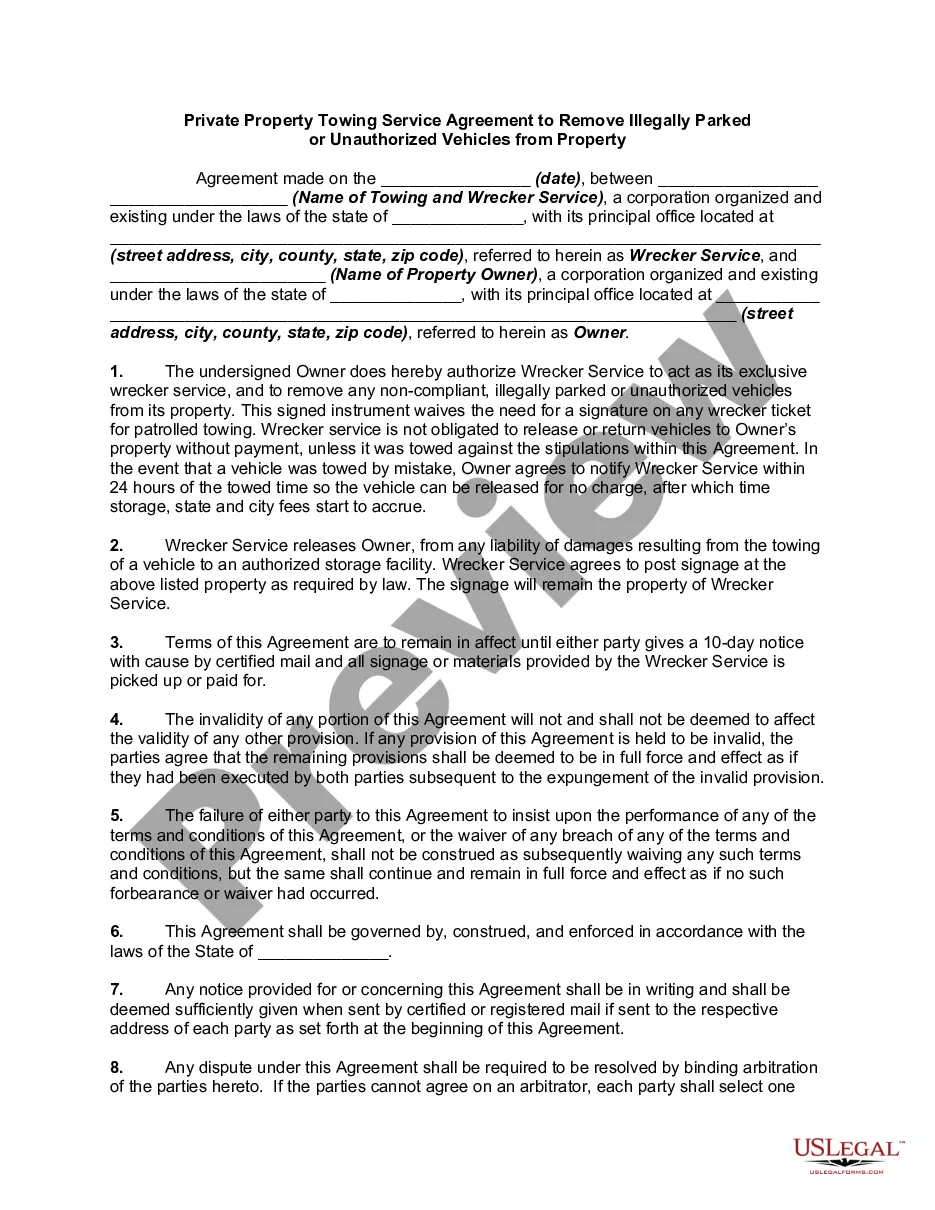
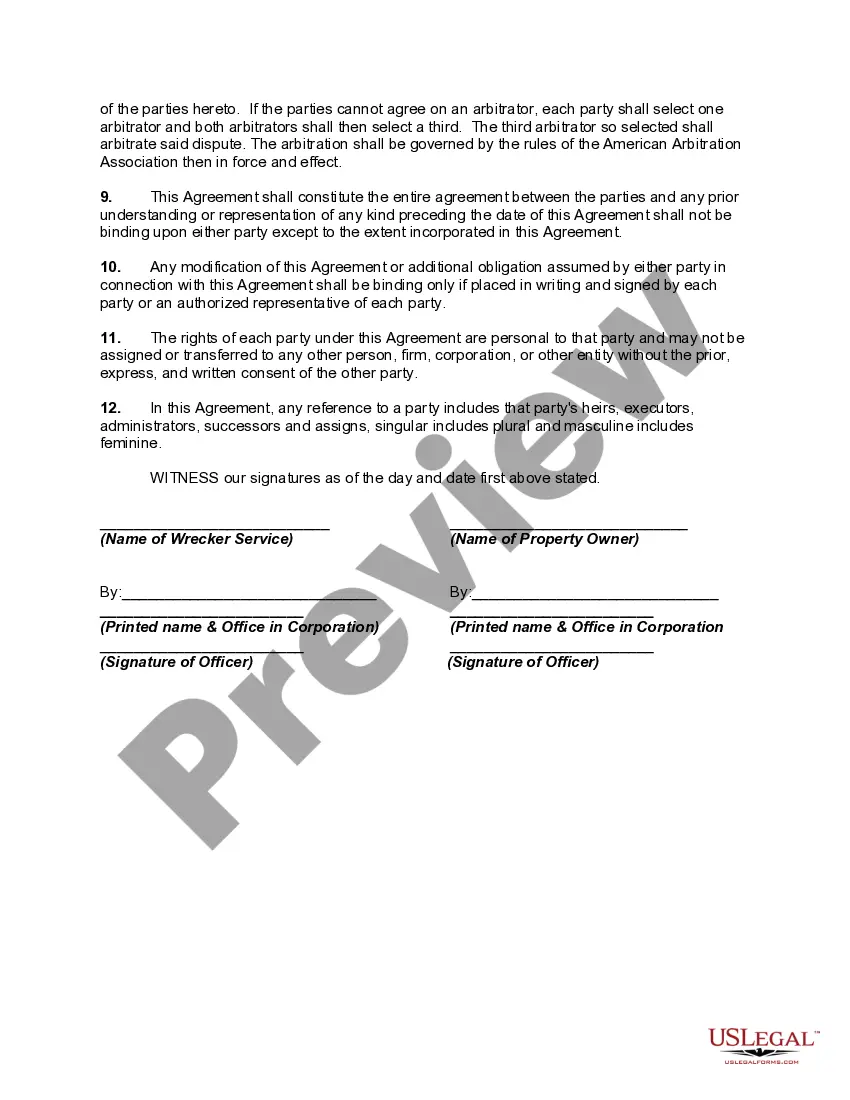
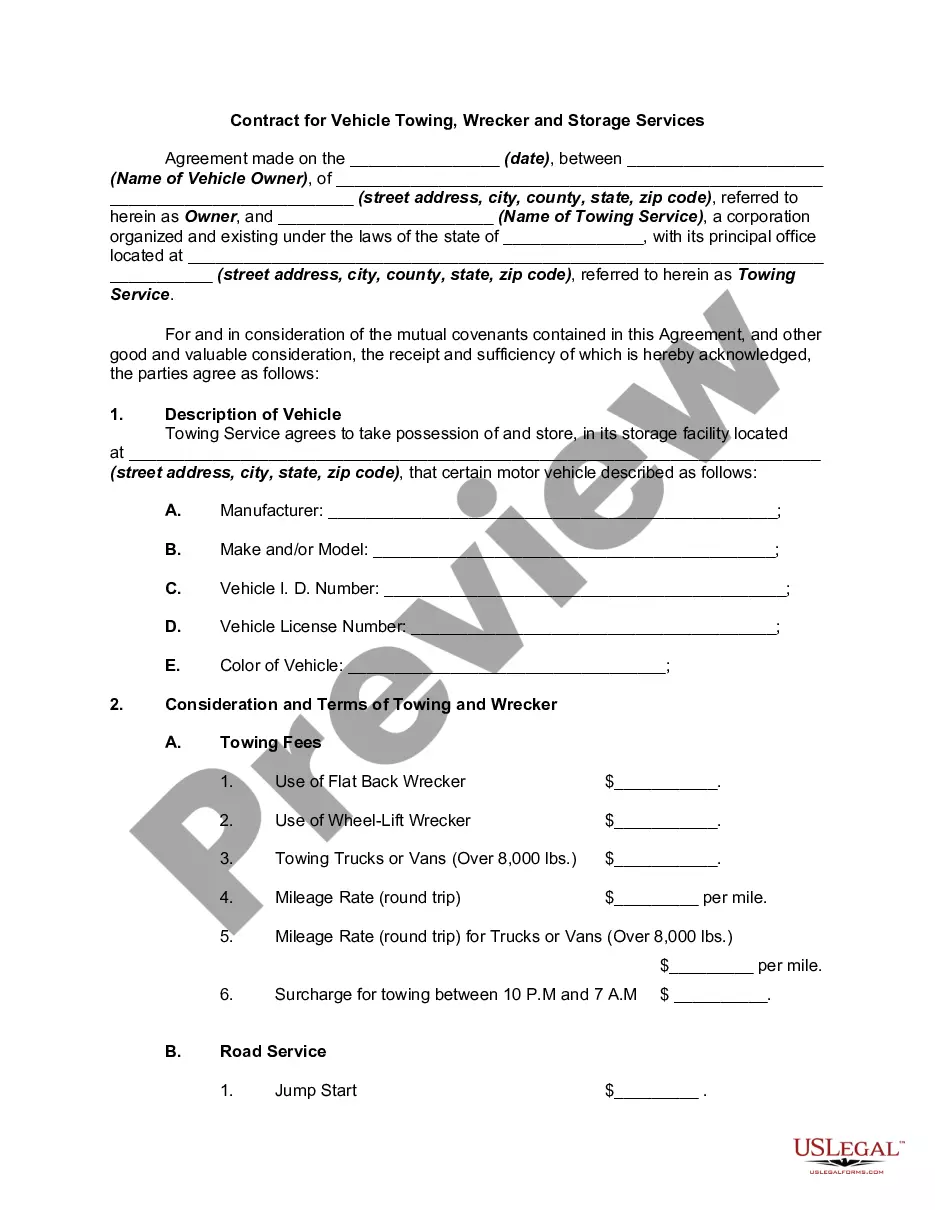
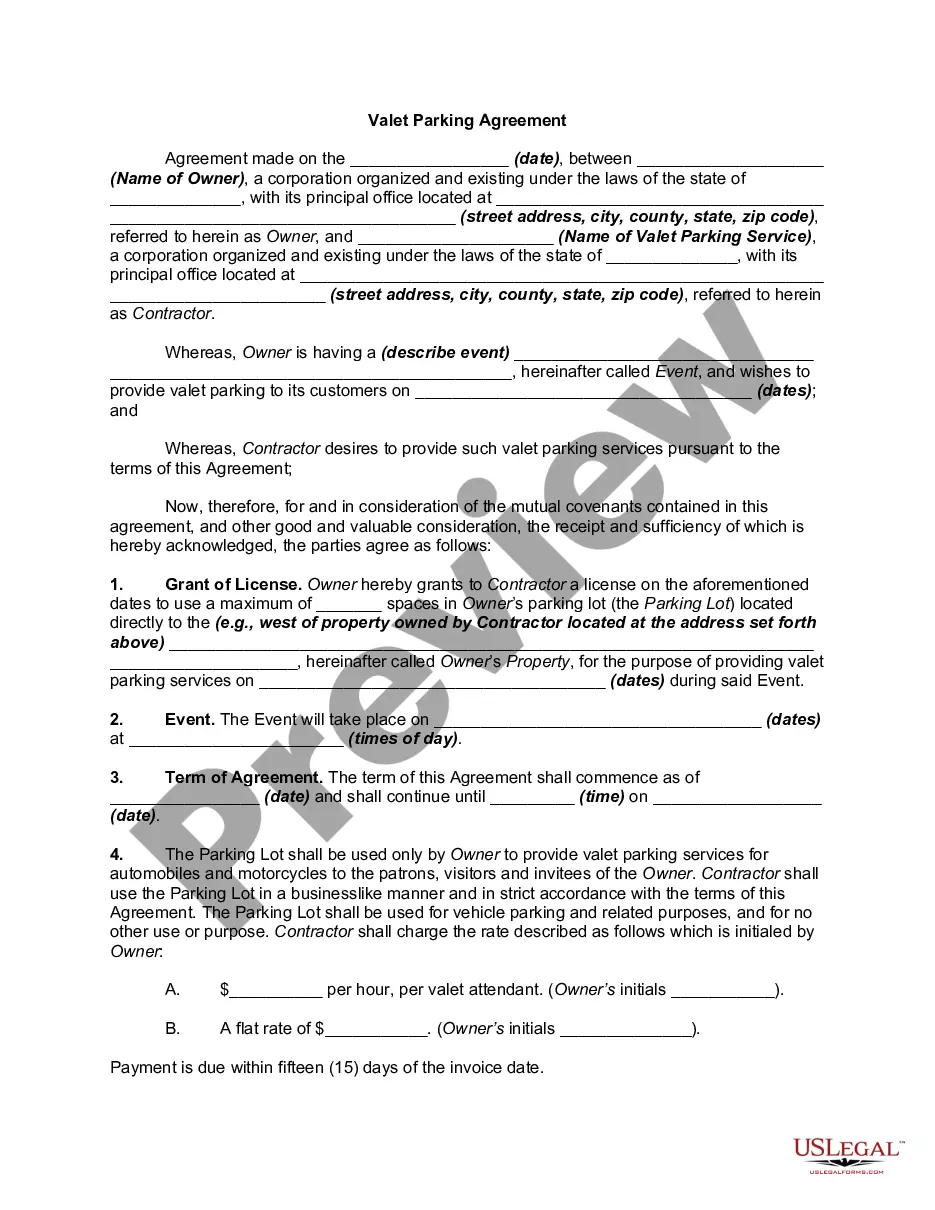
How to fill out Private Property Truck Towing Service Agreement To Remove Illegally Parked Or Unauthorized Vehicles From Property?
It's clear that you cannot transform into a legal specialist instantly, nor can you determine how to swiftly assemble Towing Agreement Document Format without the necessity of a specialized background.
Creating legal documents is an extensive task that demands a specific education and expertise. So why not entrust the development of the Towing Agreement Document Format to the professionals.
With US Legal Forms, one of the most comprehensive legal template libraries available, you can access everything from court filings to templates for in-office communication. We recognize how crucial compliance and adherence to federal and regional regulations are.
Click Buy now. Once the payment is processed, you can obtain the Towing Agreement Document Format, complete it, print it, and deliver or mail it to the relevant parties or organizations.
You can regain access to your documents from the My documents section at any time. If you are a current customer, you can simply Log In, and locate and download the template from the same section.
- Here's start by visiting our website and acquiring the document you need in just minutes.
- Find the document you require using the search bar located at the top of the page.
- Preview it (if this feature is available) and review the accompanying description to ascertain whether Towing Agreement Document Format meets your needs.
- Initiate your search again if you seek a different form.
- Create a free account and select a subscription plan to purchase the form.
Form popularity
FAQ
What to include in your contract. Description of services. Lay out exactly what professional services you and your company will receive. ... Payment terms. Describe when and how the contractor will be compensated. ... Ownership rights. ... Confidentiality clause. ... Indemnification clause. ... Amendment. ... Termination. ... Dispute resolution.
Microsoft Word has a variety of tools for creating and customizing contract templates. Contract templates provide consistency by promoting a consistent format and structure, making it easier for you to discover relevant aspects within a contract quickly.
How to write agreement letter between two parties? Letter title: Letter of Agreement. Names, addresses, and contact informations of both the parties involved. Date of signing of the agreement letter. Duties/services, fee and costs, timeline or term of agreement, payment terms, other terms of working and clauses.
How to Create Fillable Forms in Microsoft Word Enable Developer Tab. Open Microsoft Word, then go to the File Tab > Options > Customize Ribbon > check the Developer Tab in the right column > Click OK. Insert a Control. ... Edit Filler Text. ... Design Mode button again to exit the mode. Customize Content Controls.
Here are the steps to write a letter of agreement: Title the document. Add the title at the top of the document. ... List your personal information. ... Include the date. ... Add the recipient's personal information. ... Address the recipient. ... Write an introduction paragraph. ... Write your body. ... Conclude the letter.