Error Code Format
Description
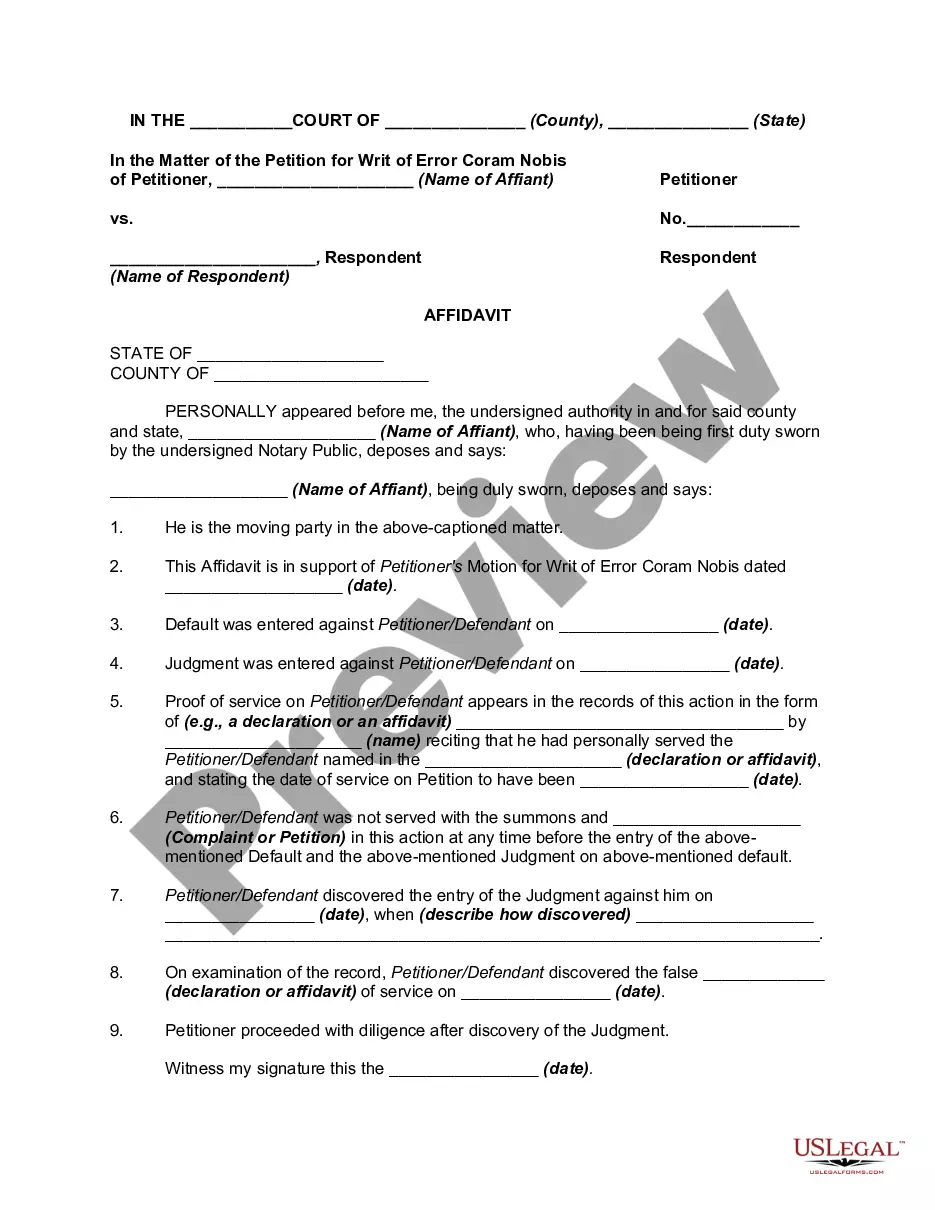
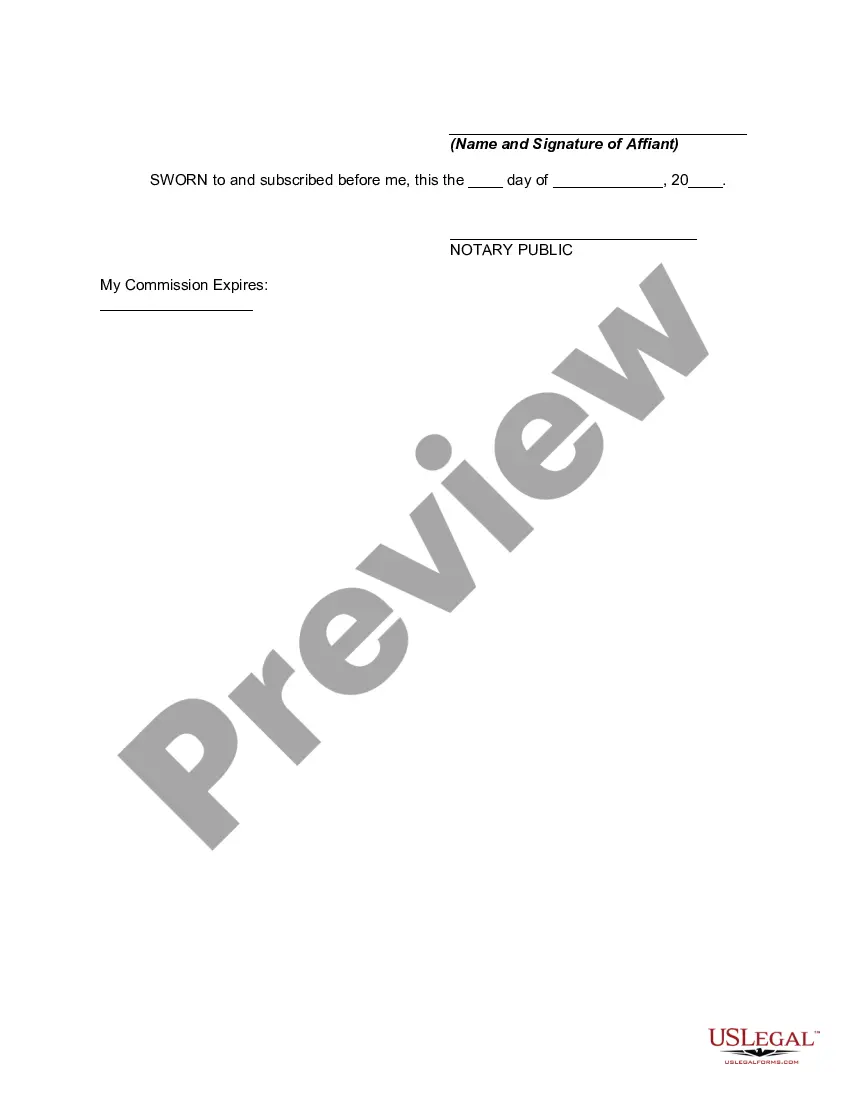
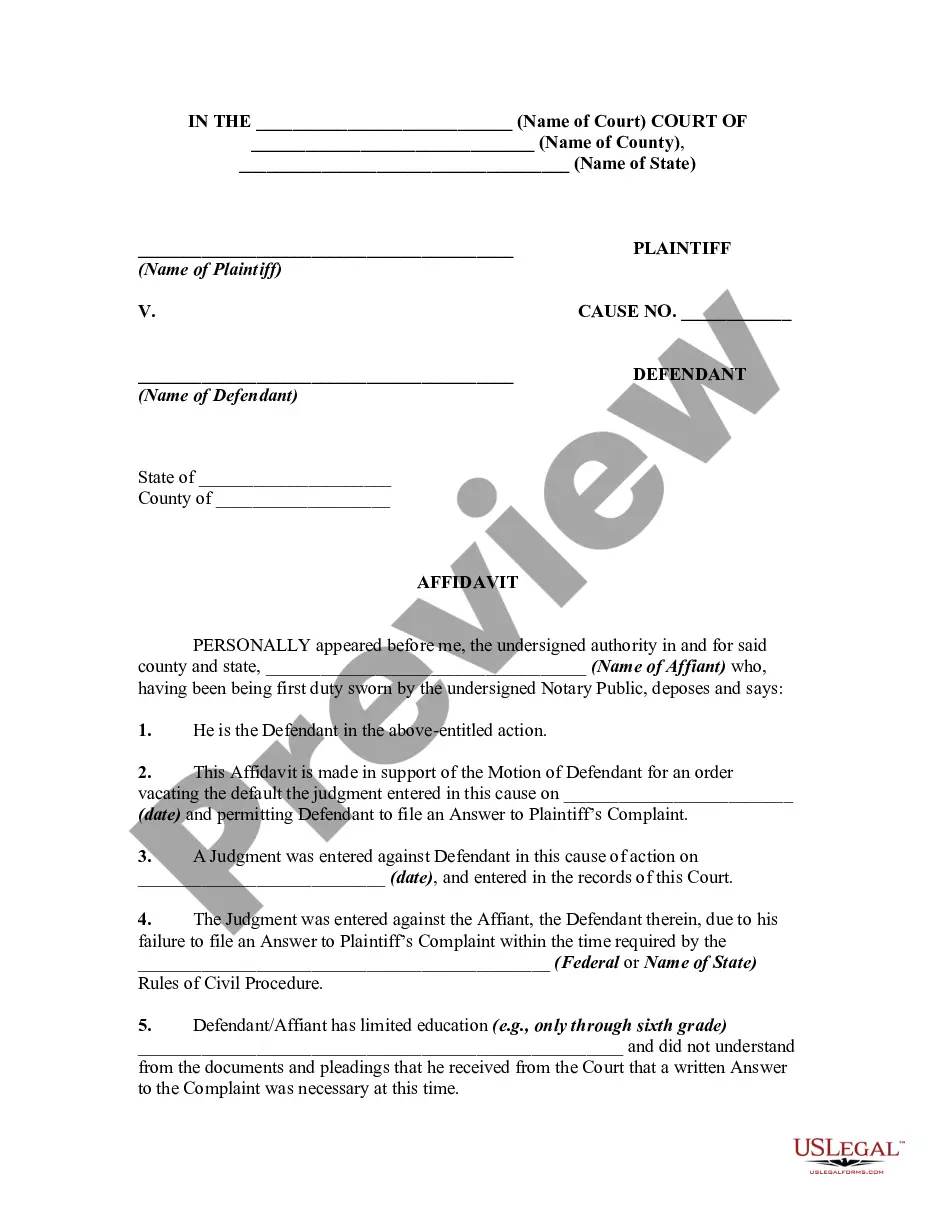
Get your form ready online
Our built-in tools help you complete, sign, share, and store your documents in one place.
Make edits, fill in missing information, and update formatting in US Legal Forms—just like you would in MS Word.
Download a copy, print it, send it by email, or mail it via USPS—whatever works best for your next step.
Sign and collect signatures with our SignNow integration. Send to multiple recipients, set reminders, and more. Go Premium to unlock E-Sign.
If this form requires notarization, complete it online through a secure video call—no need to meet a notary in person or wait for an appointment.
We protect your documents and personal data by following strict security and privacy standards.

Make edits, fill in missing information, and update formatting in US Legal Forms—just like you would in MS Word.

Download a copy, print it, send it by email, or mail it via USPS—whatever works best for your next step.

Sign and collect signatures with our SignNow integration. Send to multiple recipients, set reminders, and more. Go Premium to unlock E-Sign.

If this form requires notarization, complete it online through a secure video call—no need to meet a notary in person or wait for an appointment.

We protect your documents and personal data by following strict security and privacy standards.
Looking for another form?
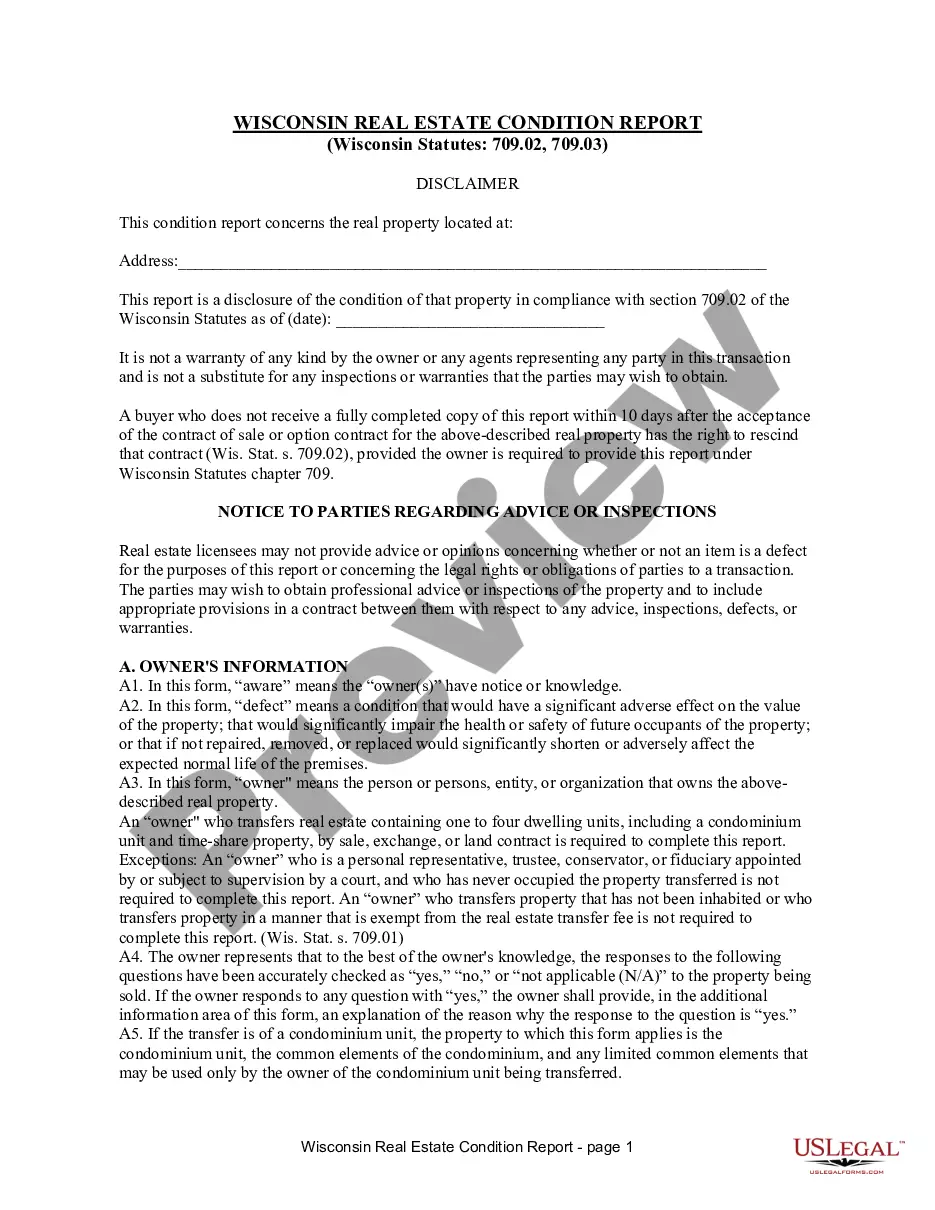
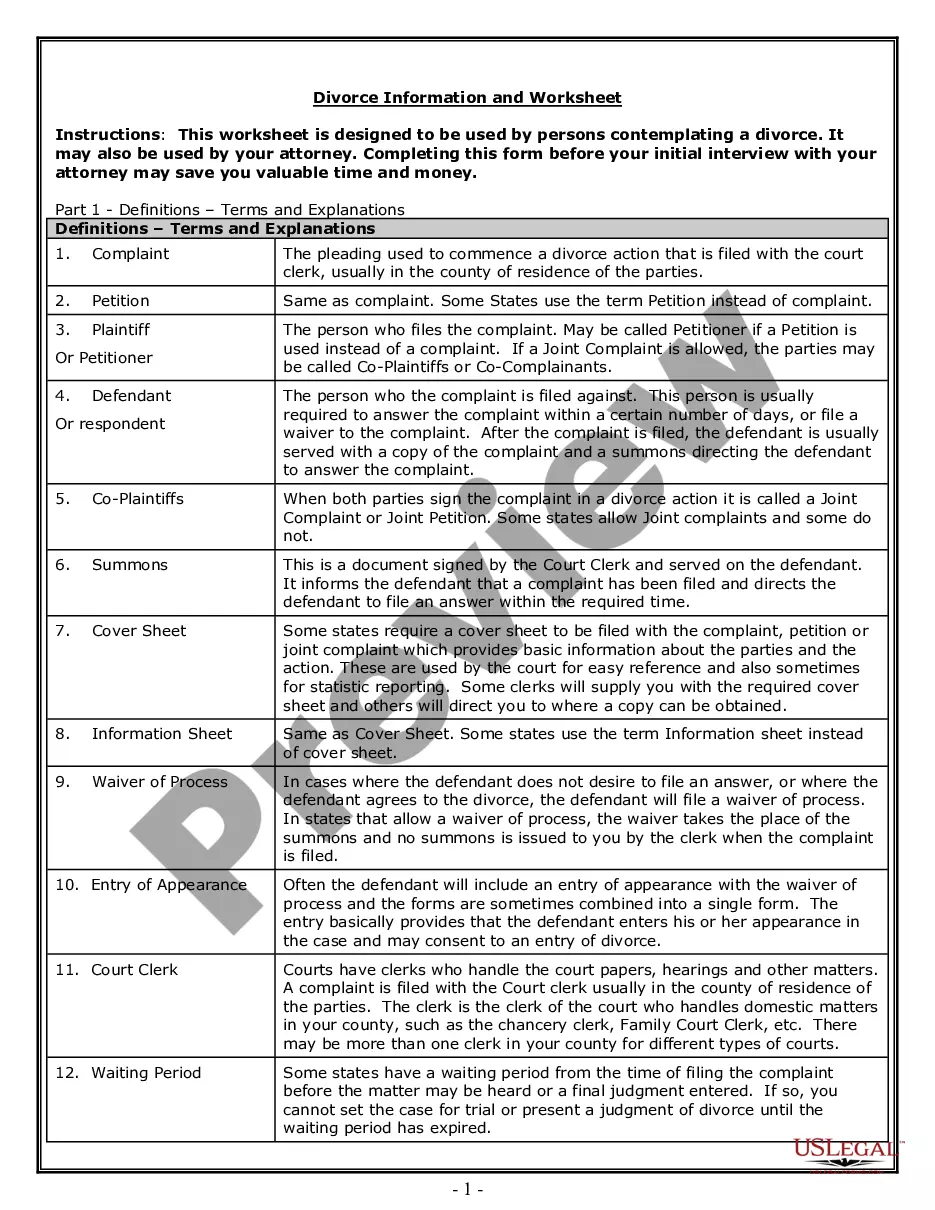
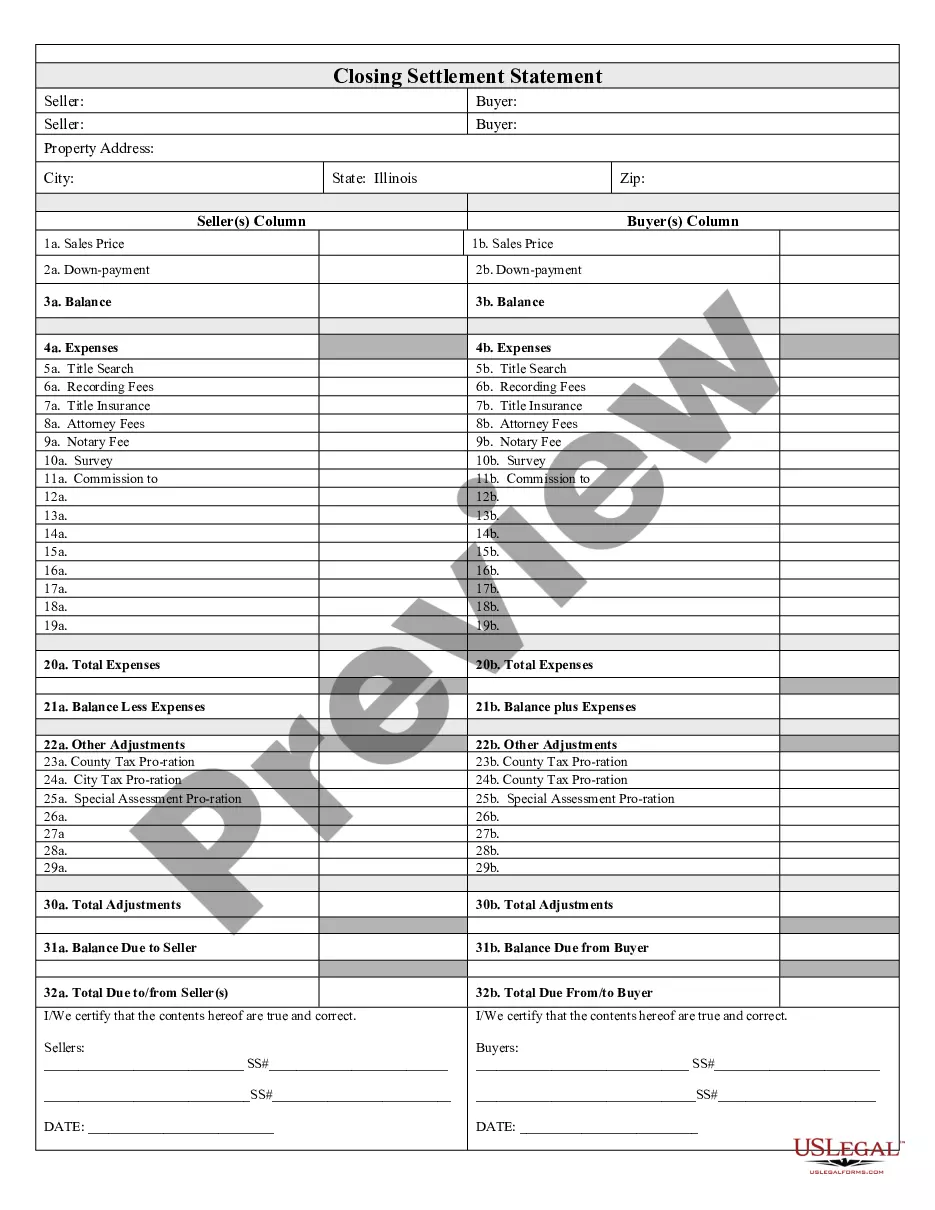
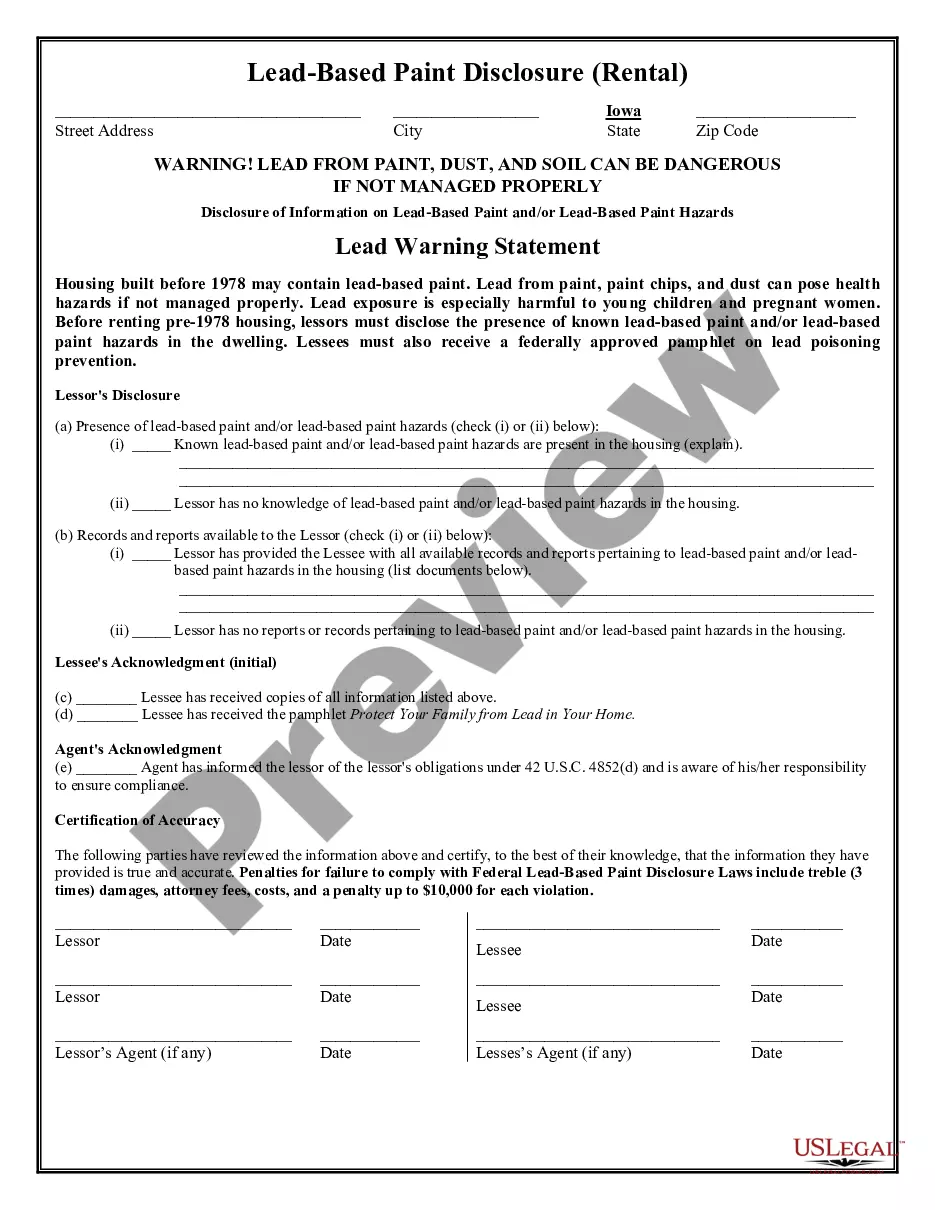
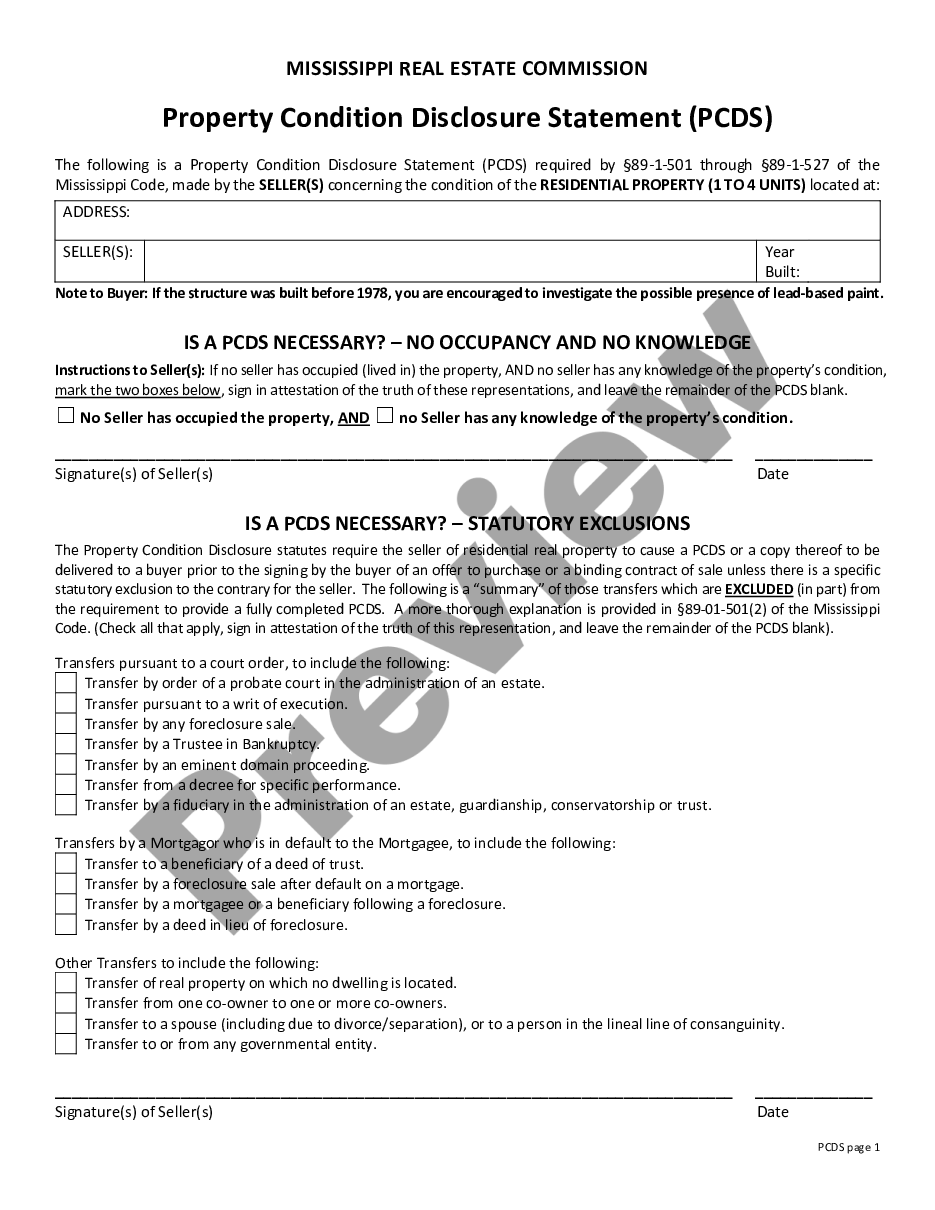
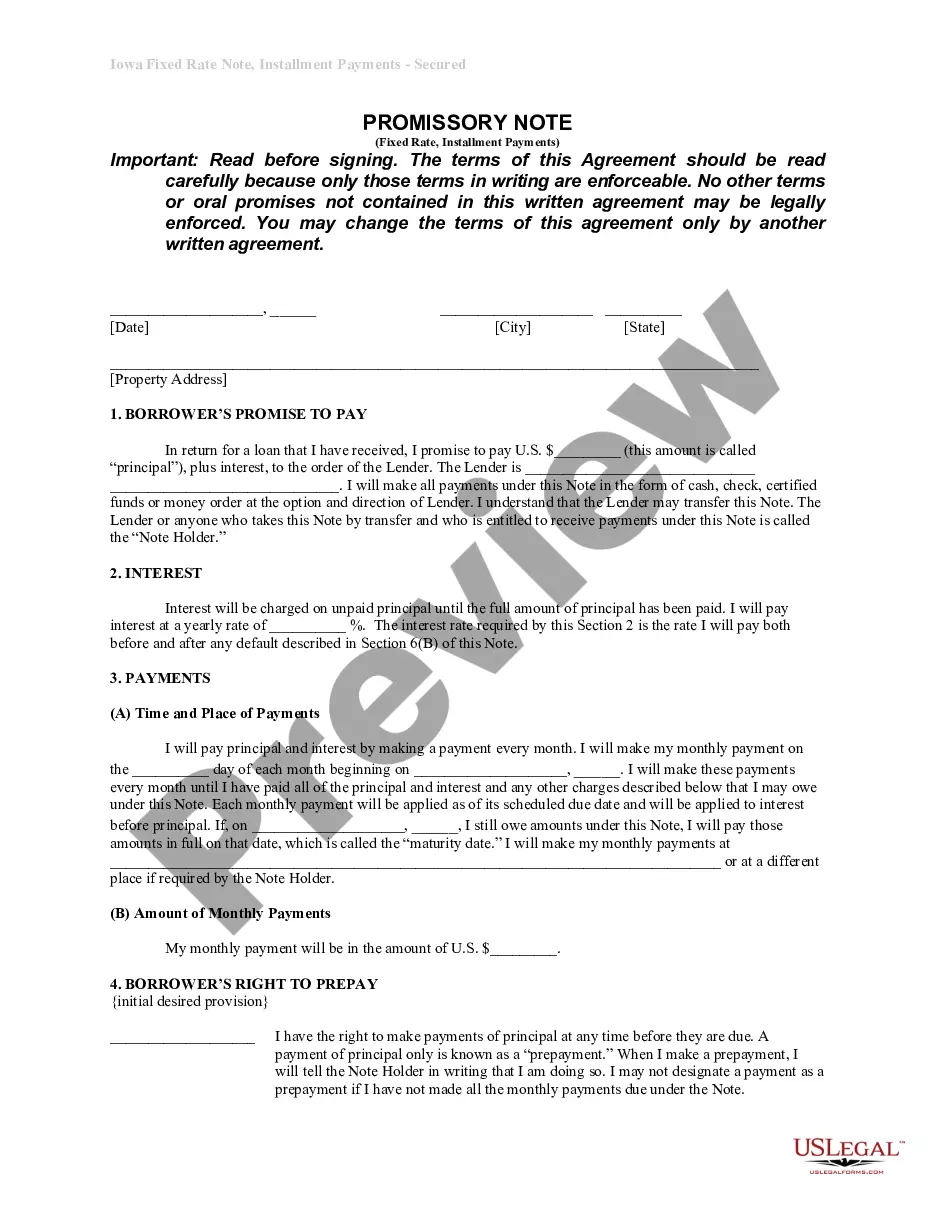
How to fill out Affidavit In Support Of Motion For Writ Of Error Coram Nobis Regarding Default And Default Judgment Taken Against Defendant Who Did Not Appear And Was Not Served?
The Error Code Format displayed on this page is a reusable formal template created by experienced attorneys in compliance with federal and state regulations.
For over 25 years, US Legal Forms has supplied individuals, businesses, and lawyers with more than 85,000 certified, state-specific forms for any commercial and personal situation. It’s the quickest, simplest, and most dependable method to access the documentation you require, as the service ensures bank-level data protection and anti-malware safeguards.
Choose the format you want for your Error Code Format (PDF, DOCX, RTF) and download the sample to your device.
- Search for the document you require and review it.
- Browse through the file you searched and preview it or examine the form description to confirm it meets your requirements. If it does not, use the search bar to find the correct one. Click Buy Now once you have found the template you need.
- Register and Log In.
- Select the pricing plan that fits your needs and set up an account. Use PayPal or a credit card for a swift payment. If you already possess an account, Log In and check your subscription to proceed.
- Obtain the fillable template.
Form popularity
FAQ
General error handling rules Don't fail silently. Follow the programming language guides. Implement the full error model. Avoid swallowing the root cause. Log the error codes. Raise errors immediately.
Perhaps the simplest example of error coding is adding a parity check bit. A bit string to be transmitted has a single bit concatenated to it to make a code word for transmission. The bit is a 1 or a 0 depending on the parity.
The general format of an error message includes the text of the message, and, if available, the COBOL traceback information, the name of the file or data item, and the parser information.
Error messages should be clearly indicated And you should be clear where that error has been made. You can do this by: Highlighting the field in question visually, usually with an outline around the input in a bright noticeable colour (usually red) Adding additional icons or visual cues to draw attention to the mistake.
Below mentioned are a few tips that when followed, error messages can also provide a pleasant experience to the user. Be Clear And Not Ambiguous. ... Be Short And Meaningful. ... Don't Use Technical Jargons. ... Be Humble ? Don't Blame User. ... Avoid Negative Words. ... Give Direction to User. ... Be Specific And Relevant. ... Avoid Uppercase Text.