Auto Bill Format
Description
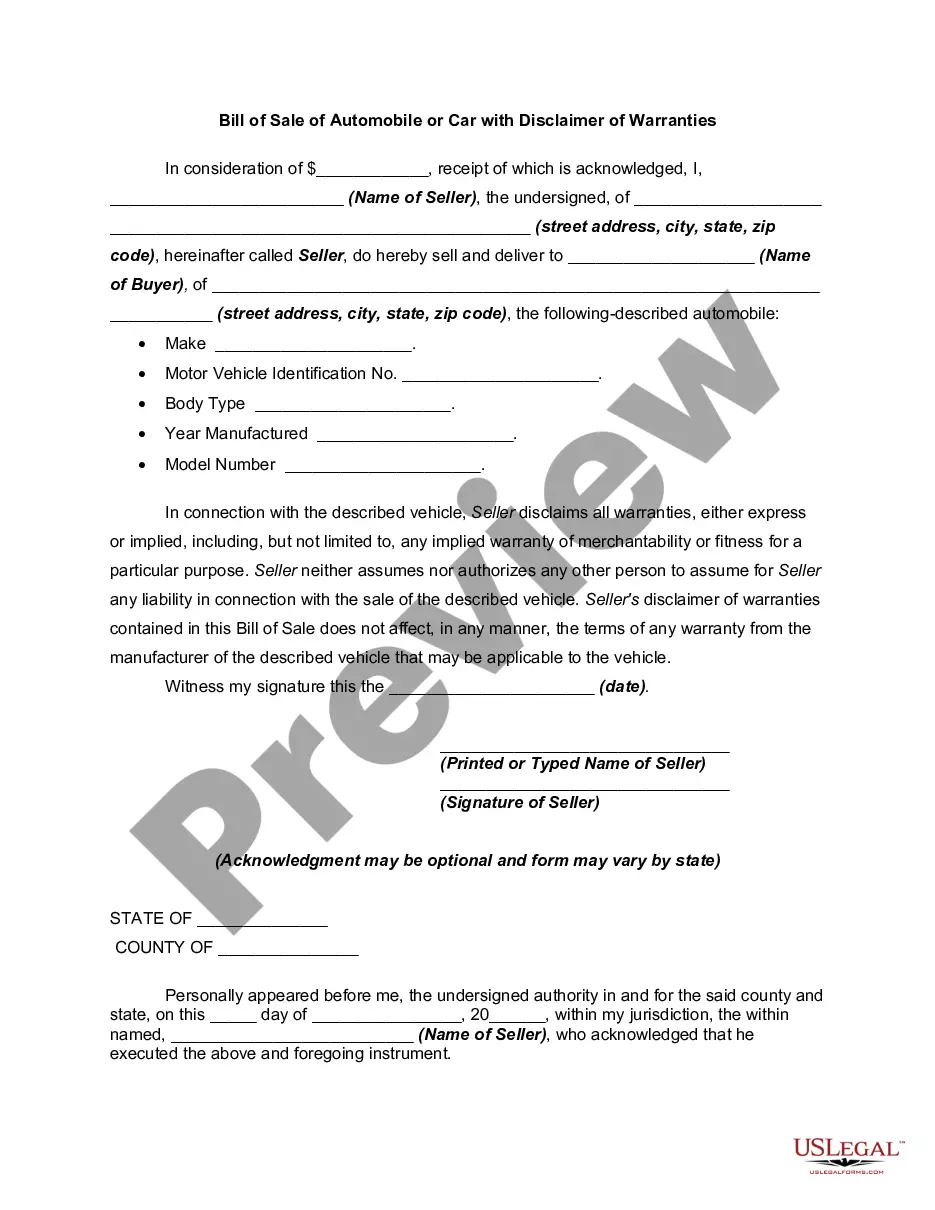

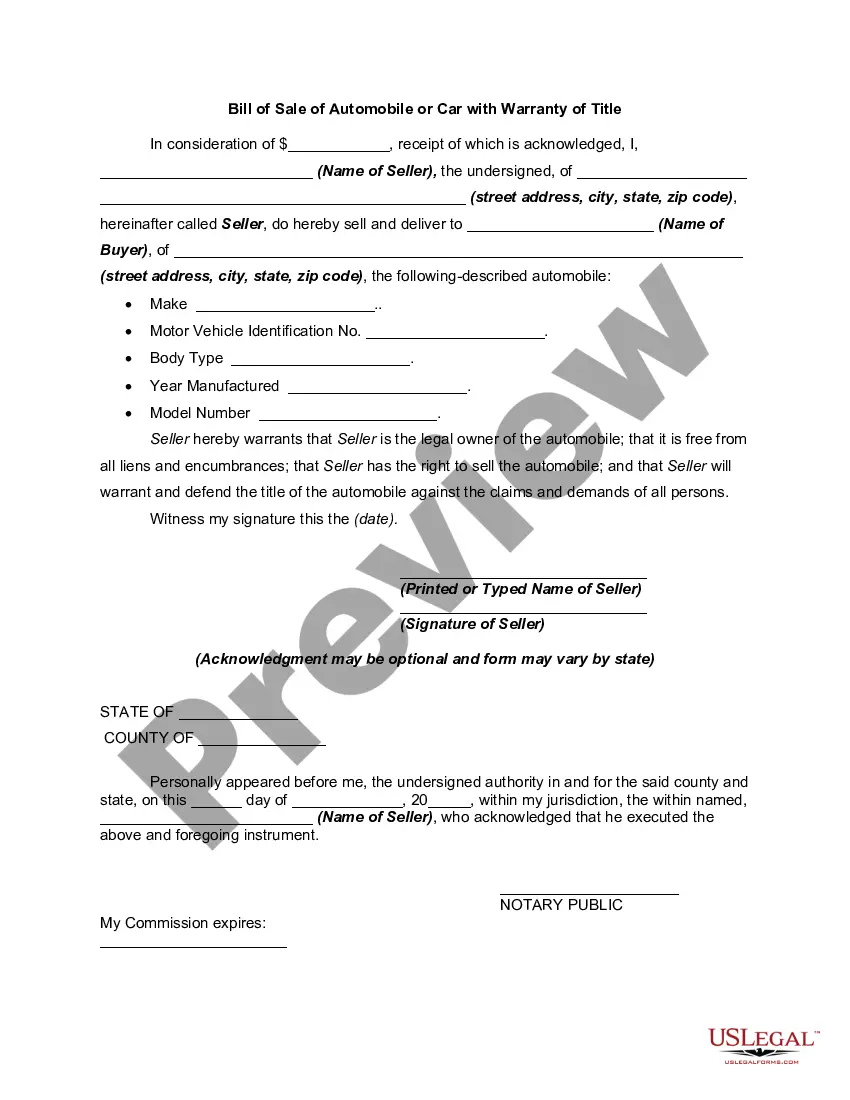
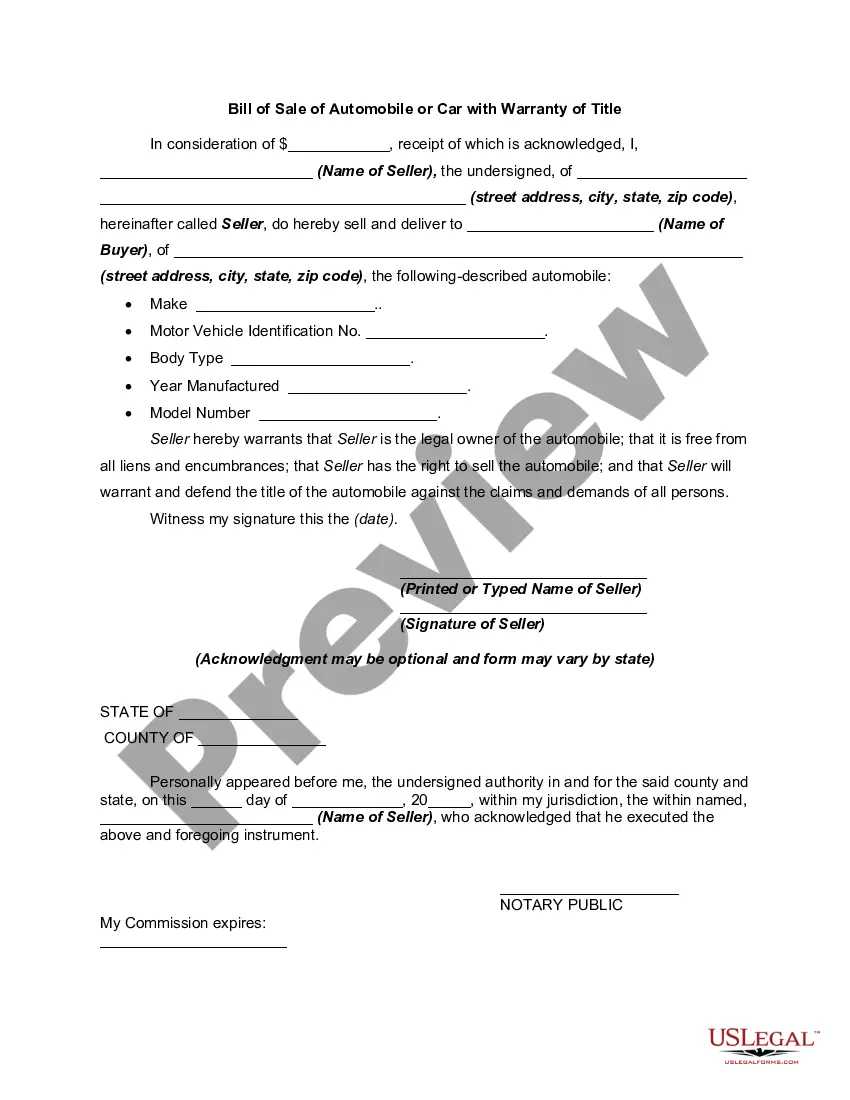
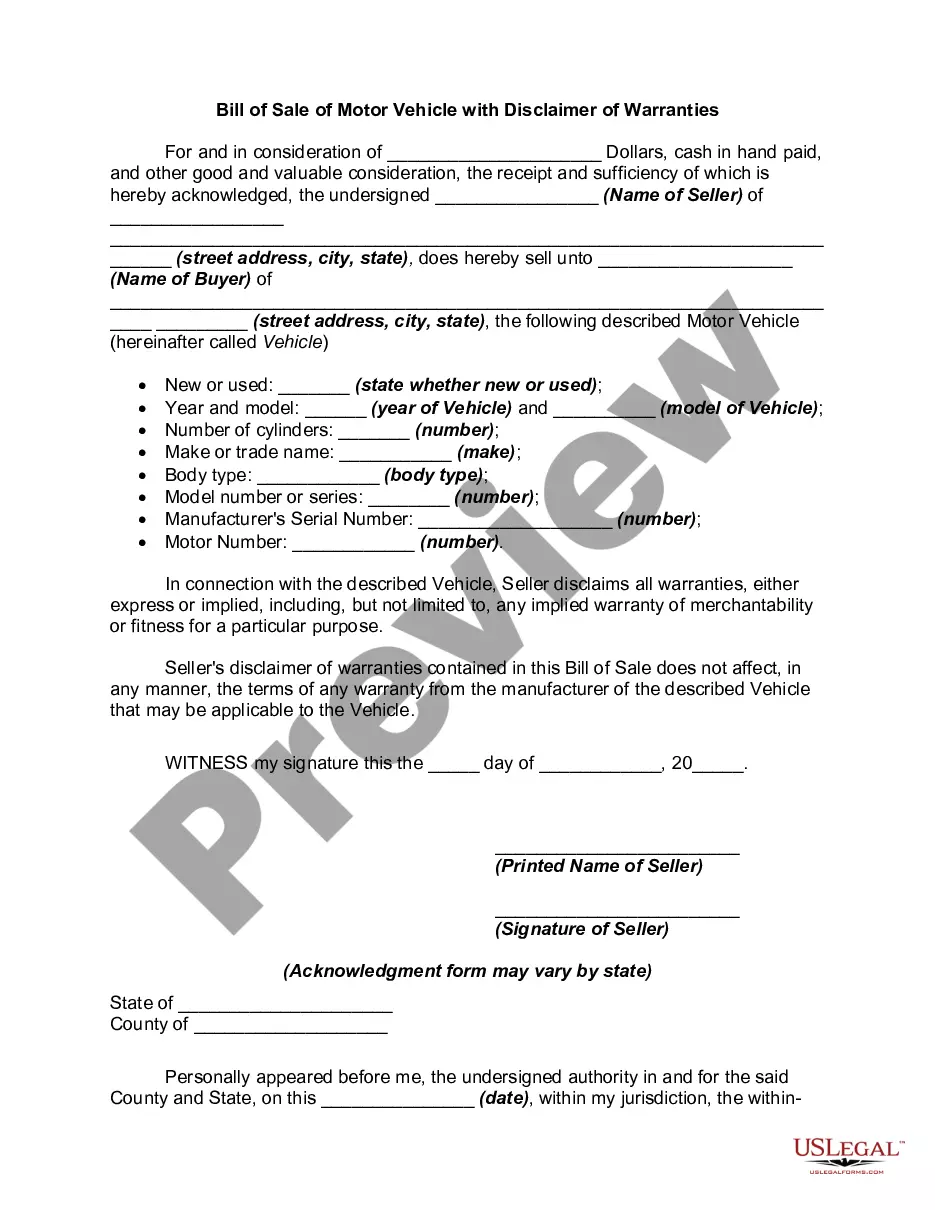
Get your form ready online
Our built-in tools help you complete, sign, share, and store your documents in one place.
Make edits, fill in missing information, and update formatting in US Legal Forms—just like you would in MS Word.
Download a copy, print it, send it by email, or mail it via USPS—whatever works best for your next step.
Sign and collect signatures with our SignNow integration. Send to multiple recipients, set reminders, and more. Go Premium to unlock E-Sign.
If this form requires notarization, complete it online through a secure video call—no need to meet a notary in person or wait for an appointment.
We protect your documents and personal data by following strict security and privacy standards.

Make edits, fill in missing information, and update formatting in US Legal Forms—just like you would in MS Word.

Download a copy, print it, send it by email, or mail it via USPS—whatever works best for your next step.

Sign and collect signatures with our SignNow integration. Send to multiple recipients, set reminders, and more. Go Premium to unlock E-Sign.

If this form requires notarization, complete it online through a secure video call—no need to meet a notary in person or wait for an appointment.

We protect your documents and personal data by following strict security and privacy standards.
Looking for another form?
How to fill out Bill Of Sale Of Automobile Or Car With Disclaimer Of Warranties?
Securing a reliable source for the latest and pertinent legal templates constitutes a significant portion of navigating bureaucracy.
Selecting the appropriate legal documents demands accuracy and meticulousness, which underlines the necessity of sourcing Auto Bill Format samples exclusively from reputable providers, such as US Legal Forms. An incorrect template can squander your time and hinder your current situation.
Eliminate the stress associated with your legal documents. Explore the extensive US Legal Forms catalog where you can locate legal templates, assess their relevance to your situation, and download them instantly.
- Utilize the catalog navigation or search feature to find your template.
- Examine the description of the form to ascertain if it aligns with your state and regional requirements.
- Check the form preview, if available, to verify that the form is indeed what you need.
- Return to the search and seek out the correct template if the Auto Bill Format does not fulfill your specifications.
- If you are confident about the form’s applicability, proceed to download it.
- If you are a registered user, click Log in to verify your identity and access your selected forms in My documents.
- If you do not possess an account yet, click Buy now to acquire the form.
- Select the pricing option that best meets your requirements.
- Complete the registration to finalize your transaction.
- Conclude your purchase by choosing a payment method (credit card or PayPal).
- Select the file format for downloading Auto Bill Format.
- Once the form is saved on your device, you can edit it using the editor or print it out to complete manually.
Form popularity
FAQ
Creating a bill format in Excel is straightforward. Begin with a header that includes your company details and the customer's information. Use clear labels for each section, and utilize Excel's features to calculate totals automatically. For a more polished auto bill format, explore the ready-made templates from US Legal Forms, designed to fit your billing requirements effortlessly.
Creating an automatic bill in Excel involves setting up a template that includes all necessary billing fields. You can use formulas to calculate totals and automate recurring charges. Additionally, consider using the US Legal Forms platform, which offers customizable templates that can simplify your auto bill format and enhance your billing process.
To automate invoice data to Excel, you can use data import features available in Excel. By integrating with accounting software or online invoicing tools, you can directly pull invoice data into your spreadsheet. This saves you time and reduces errors, ensuring your auto bill format is always accurate and up to date.
To create an automotive invoice effectively, begin using the auto bill format, which includes your business name and contact details. Next, provide the customer’s information and describe the services conducted, along with parts used and their prices. Don’t forget to calculate the total and specify payment methods. A clear and organized invoice enhances transparency and ensures swift payments from clients.
To make a billing spreadsheet, start by selecting software like Excel or Google Sheets. Create columns for item descriptions, quantities, unit prices, and totals, which align with the auto bill format. By using formulas, you can automate calculations for efficiency as you track invoices. This organized layout simplifies bill management and enhances accuracy.
Creating a mechanic invoice in the auto bill format involves listing your business information at the top. Include customer details and a detailed breakdown of the services performed, parts used, and their costs. Highlight the total amount due and payment options to ensure clarity. This structured approach aids in maintaining professionalism and organizes transaction records efficiently.
To create a car invoice using an auto bill format, start by including your business name, address, and contact information at the top. Next, list the car details such as make, model, year, and VIN. Then, ensure you clearly itemize services or parts provided, alongside their respective costs. Finally, add the total amount due and any payment instructions for a seamless transaction.
Writing a billing involves clear communication of the services rendered and their corresponding costs. Start by including your business details at the top, followed by an itemized list of charges. Conclude with payment instructions and the total amount due, focusing on presenting this information in a straightforward auto bill format that enhances client understanding.
To create an automatic bill in Excel, start by setting up a template that includes fixed costs and formulas for calculations. Input your client’s information and billing details into defined cells. By saving this template, you can efficiently generate periodic invoices, focusing on an organized auto bill format for seamless billing.
Billing format refers to the structured way in which billing information is presented. This includes the layout, itemization of goods or services, and total amounts due. An effective billing format, particularly an auto bill format, enhances clarity, making it easy for clients to understand their obligations.