Mortgage Loan Form Template For Excel
Description
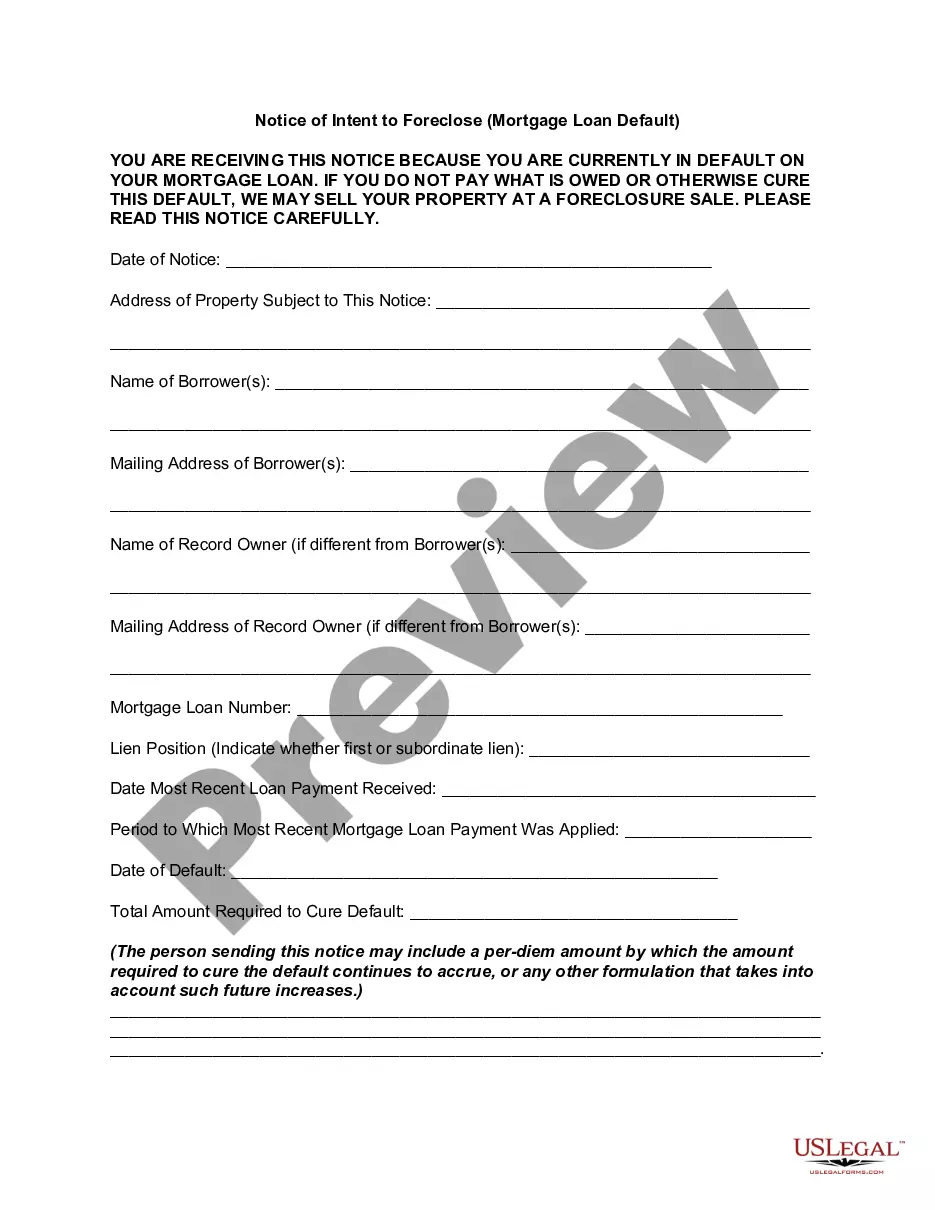
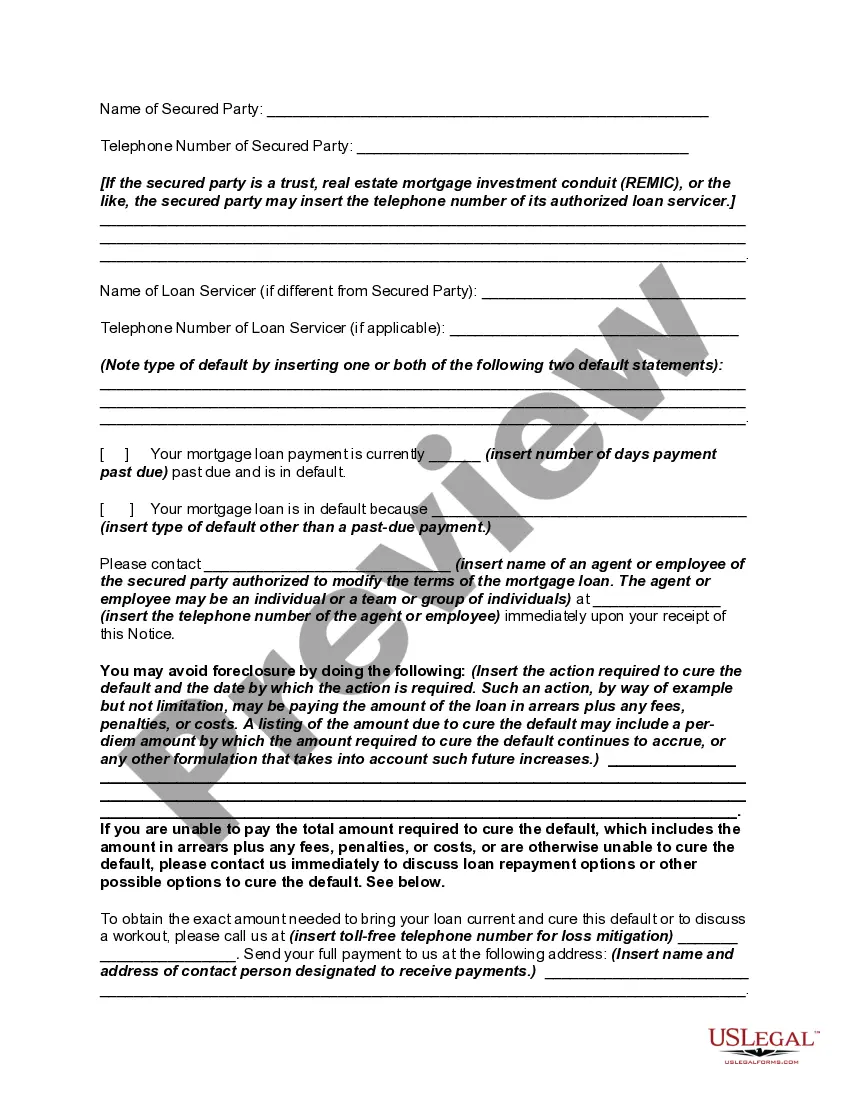
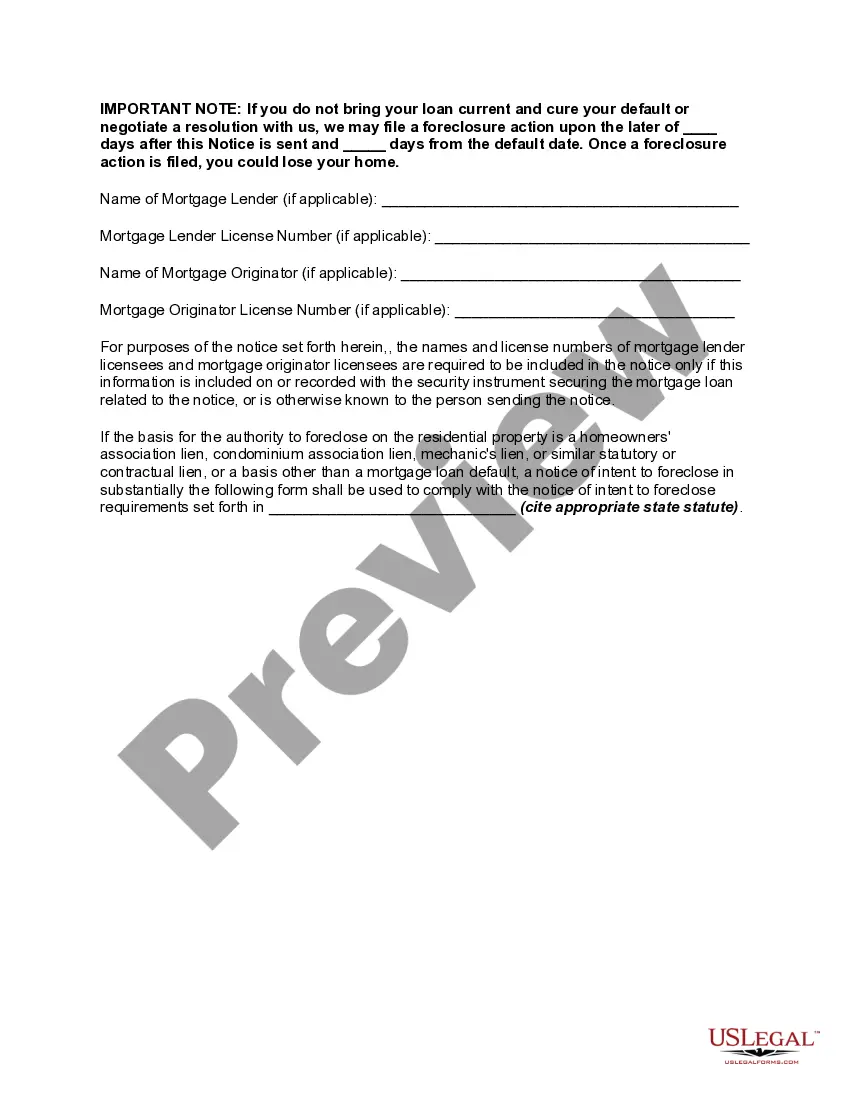
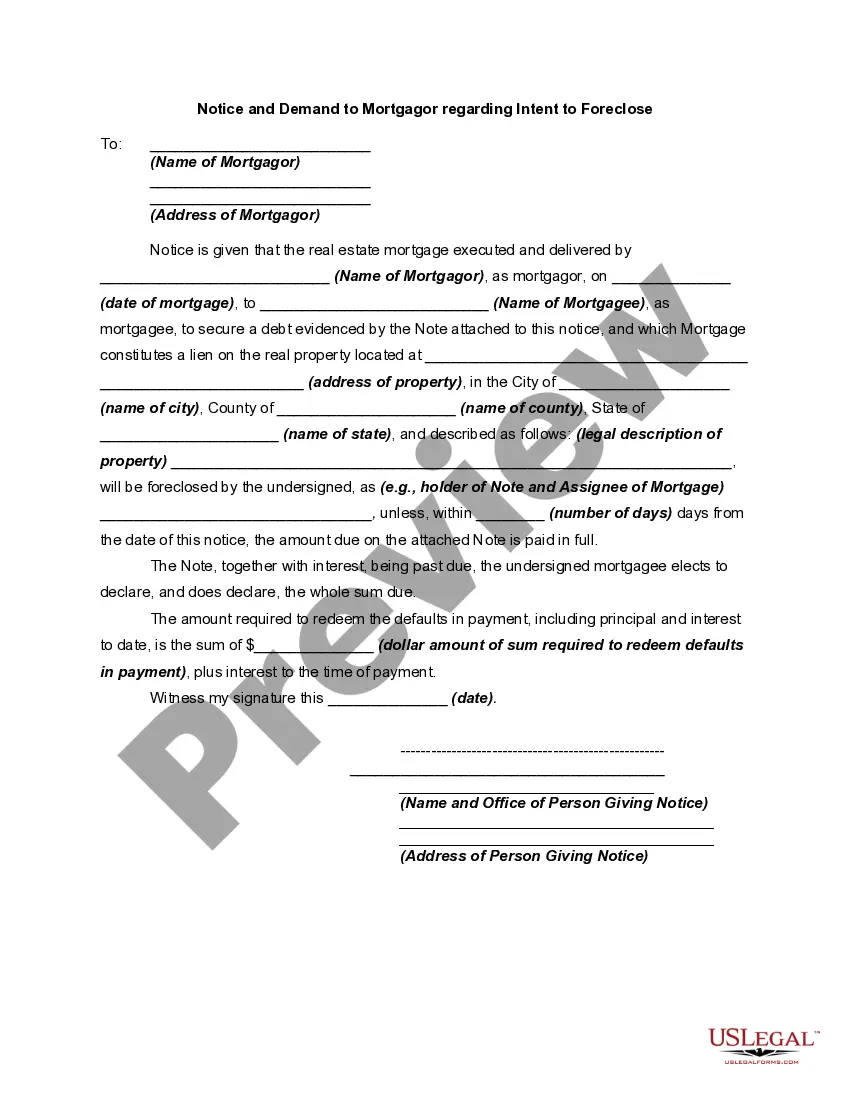
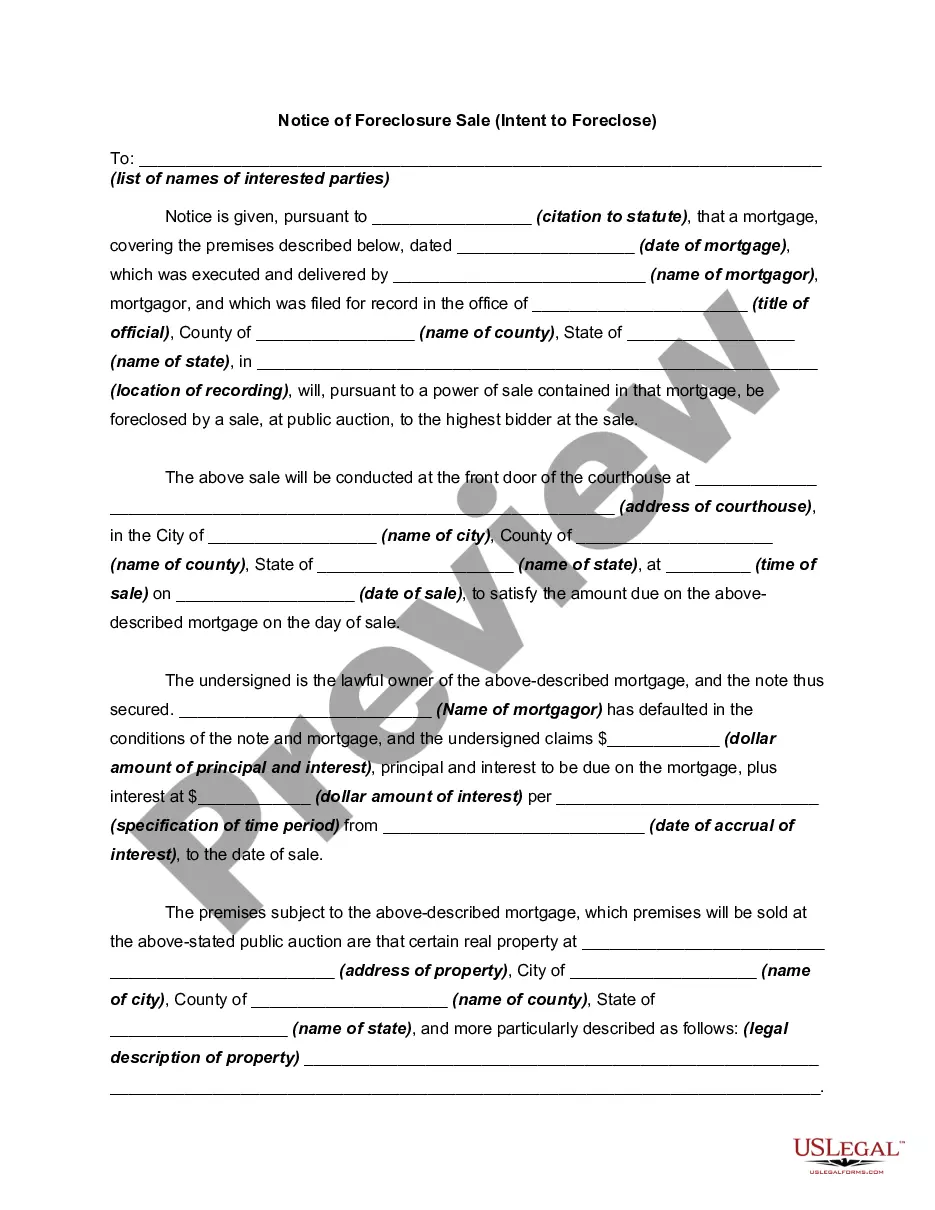
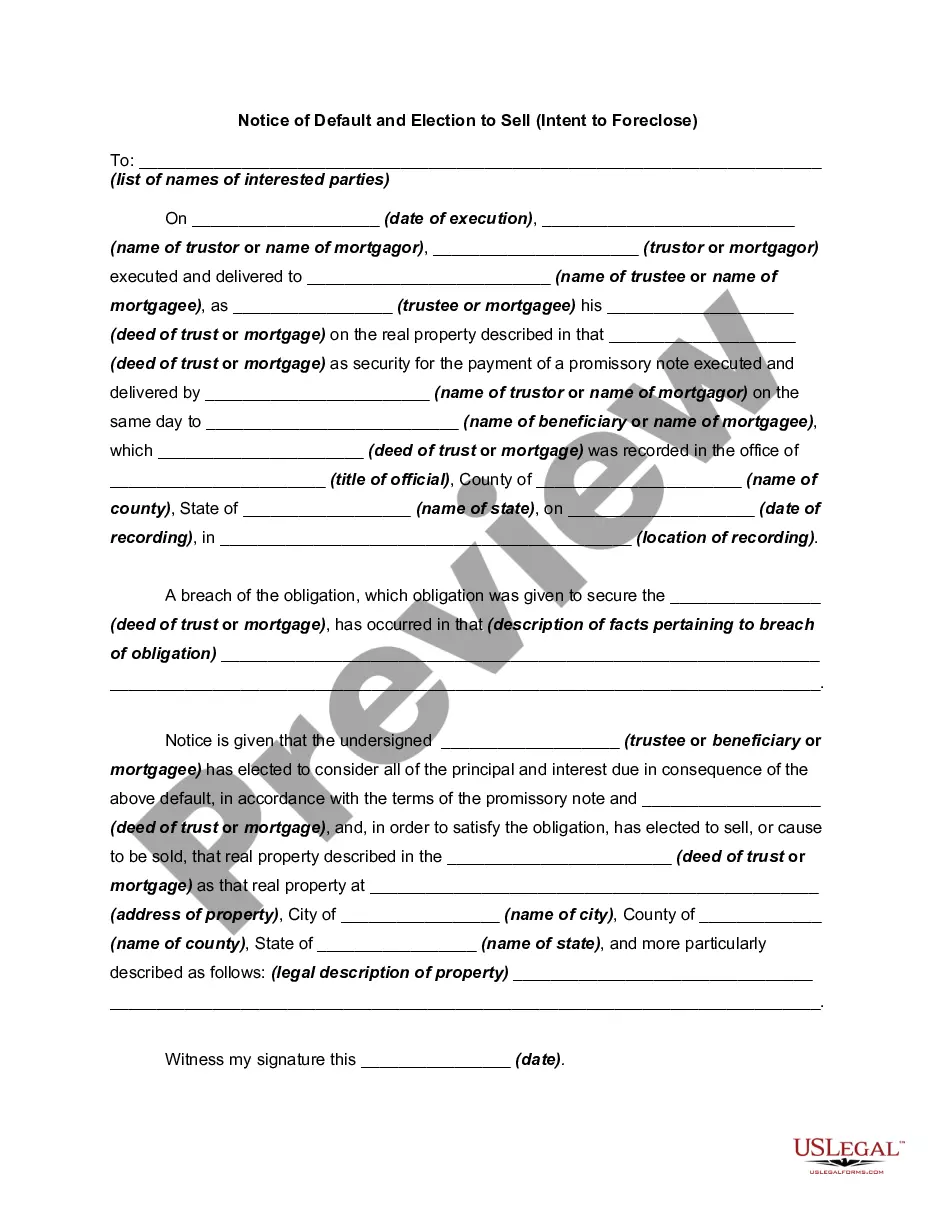
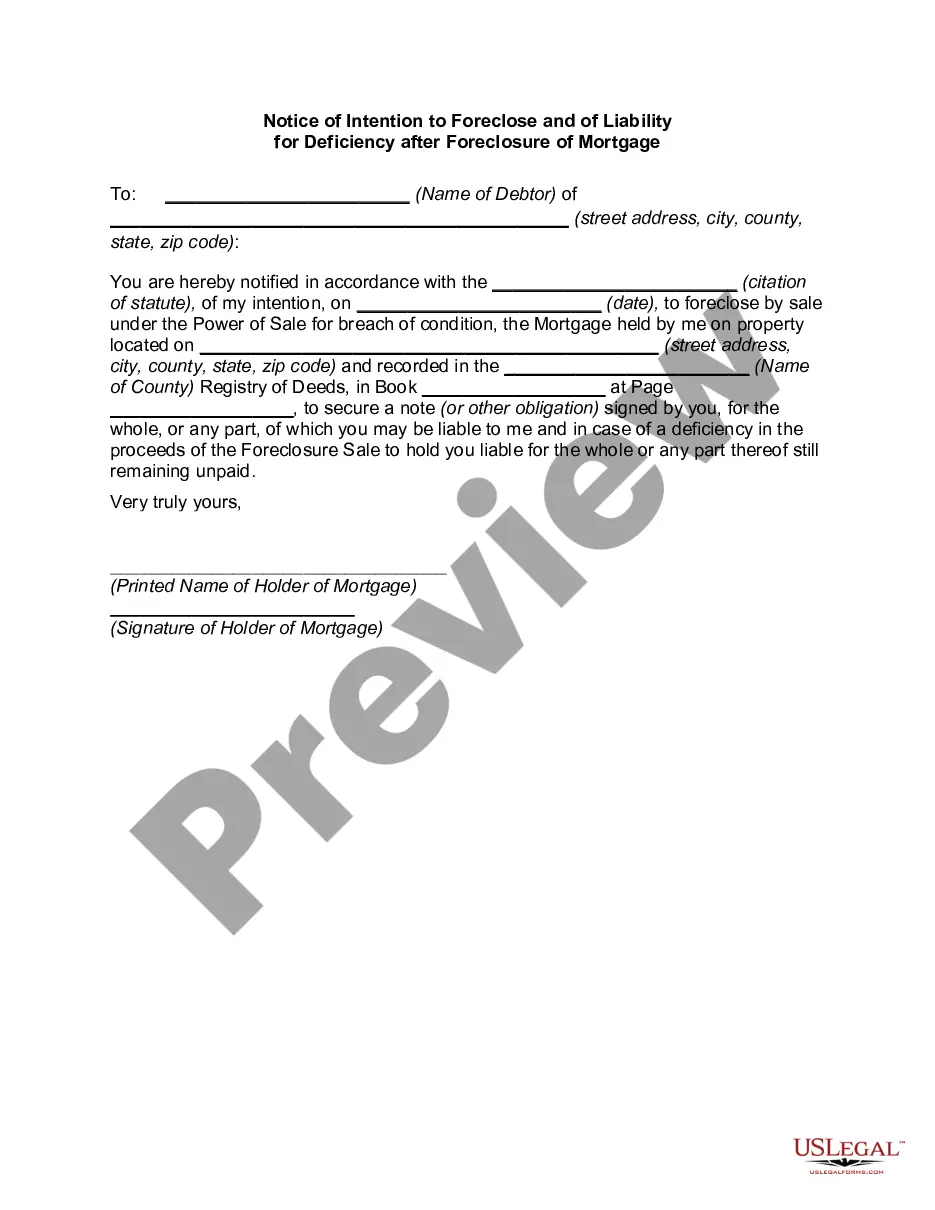
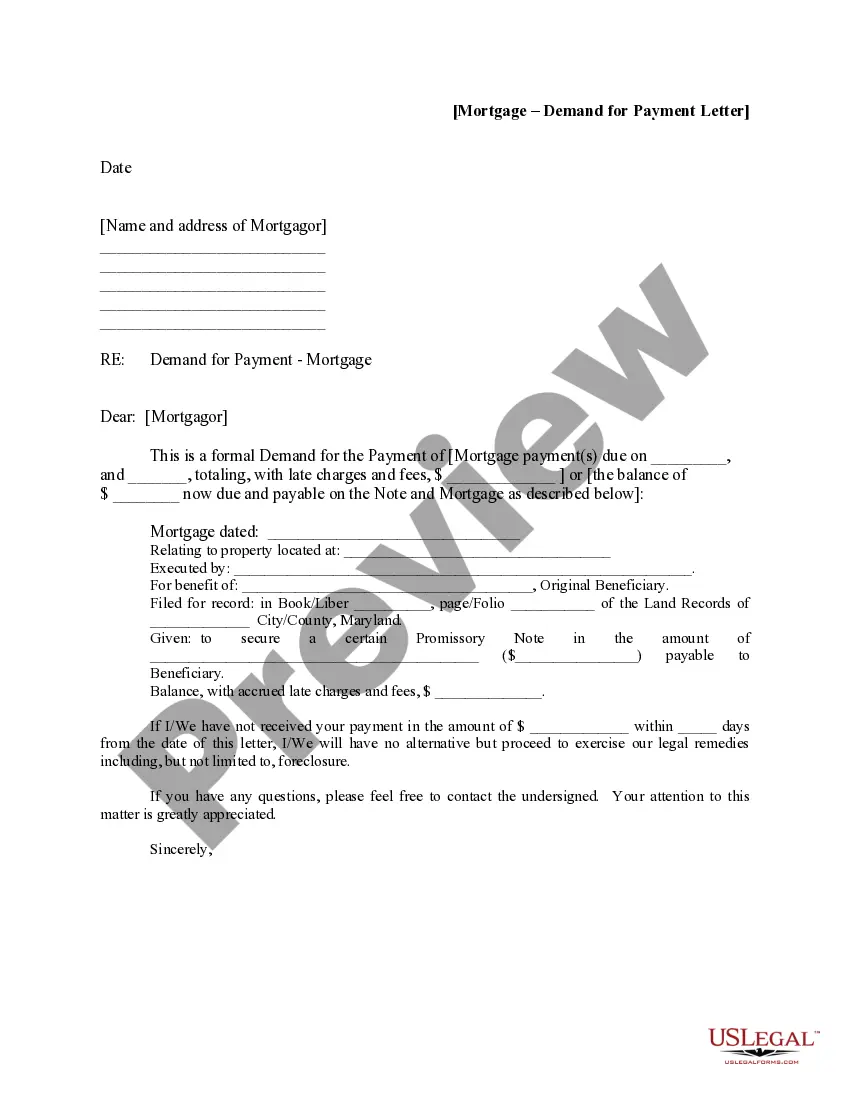
Get your form ready online
Our built-in tools help you complete, sign, share, and store your documents in one place.
Make edits, fill in missing information, and update formatting in US Legal Forms—just like you would in MS Word.
Download a copy, print it, send it by email, or mail it via USPS—whatever works best for your next step.
Sign and collect signatures with our SignNow integration. Send to multiple recipients, set reminders, and more. Go Premium to unlock E-Sign.
If this form requires notarization, complete it online through a secure video call—no need to meet a notary in person or wait for an appointment.
We protect your documents and personal data by following strict security and privacy standards.

Make edits, fill in missing information, and update formatting in US Legal Forms—just like you would in MS Word.

Download a copy, print it, send it by email, or mail it via USPS—whatever works best for your next step.

Sign and collect signatures with our SignNow integration. Send to multiple recipients, set reminders, and more. Go Premium to unlock E-Sign.

If this form requires notarization, complete it online through a secure video call—no need to meet a notary in person or wait for an appointment.

We protect your documents and personal data by following strict security and privacy standards.
Looking for another form?





How to fill out Notice Of Intent To Foreclose - Mortgage Loan Default?
Handling legal documents can be exasperating, even for the most proficient professionals.
When you’re interested in a Mortgage Loan Form Template for Excel and can’t find the time to search for the correct and current version, the process may become overwhelming.
Utilize a valuable resource library of articles, guides, and materials pertinent to your circumstances and needs.
Conserve energy and time searching for the documents you require, and take advantage of US Legal Forms’ enhanced search and Review feature to find the Mortgage Loan Form Template for Excel and obtain it.
Take advantage of the US Legal Forms online catalog, supported by 25 years of experience and trustworthiness. Transform your daily document management into a straightforward and user-friendly process today.
- If you have a subscription, Log Into your US Legal Forms account, search for the form, and obtain it.
- Check the My documents section to view the documents you’ve previously downloaded and to manage your folders as you wish.
- If this is your first time with US Legal Forms, create a free account and gain unlimited access to all the platform's benefits.
- Here are the steps to follow after accessing the form you need.
- Verify this is the correct form by previewing it and reviewing its details.
- Make sure that the template is authorized in your state or region.
- Select Buy Now when you’re prepared.
- Choose a subscription plan.
- Select the format you require, and Download, complete, sign, print, and send your document.
- Access state- or region-specific legal and business documents.
- US Legal Forms fulfills any needs you may have, from personal to business agreements, all in one location.
- Leverage advanced tools to complete and manage your Mortgage Loan Form Template for Excel.
Form popularity
FAQ
To prepare financial statements in Excel, utilize easy-to-use templates designed specifically for this purpose. A mortgage loan form template for Excel can also be adapted to help you track mortgage-related expenses and income for a comprehensive overview. Begin by organizing your data in clear categories, and leverage Excel's formulas to sum up your total assets, liabilities, and equity. This method allows you to create accurate and professional financial statements effortlessly.
Creating a mortgage schedule in Excel is straightforward. Start by using a mortgage loan form template for Excel, which provides a solid foundation for your calculations. Input your loan amount, interest rate, and term length, and Excel can automate the rest. You'll see your monthly payments breakdown into principal and interest over time, helping you understand your mortgage better.
To calculate total interest on a mortgage in Excel, you can use the PMT function combined with your loan details. Start by entering your loan amount, interest rate, and loan term into the appropriate cells. Then, use the formula to calculate your monthly payment and multiply it by the total number of payments. By using a mortgage loan form template for excel, this calculation becomes straightforward, allowing for easy adjustments and clear insights into your financial commitments.
Yes, Excel offers an amortization schedule template that simplifies the process of tracking mortgage payments. This template allows you to input your loan amount, interest rate, and term length. It automatically calculates both principal and interest amounts for each payment, providing a clear view of your loan's progression. Utilizing a mortgage loan form template for excel can enhance your financial planning and budgeting.
To figure out how much you must pay on the mortgage each month, use the following formula: "= -PMT(Interest Rate/Payments per Year,Total Number of Payments,Loan Amount,0)". For the provided screenshot, the formula is "-PMT(B6/B8,B9,B5,0)".
How to make a loan amortization schedule with extra payments in Excel Define input cells. As usual, begin with setting up the input cells. ... Calculate a scheduled payment. ... Set up the amortization table. ... Build formulas for amortization schedule with extra payments. ... Hide extra periods. ... Make a loan summary.
A mortgage calculator in Excel is not a built-in feature in Excel. But, we can make our mortgage calculator using some formulas. To make a mortgage calculator and calculate the amortization schedule, we need to create our categories column for all the types and data to be inserted.
=PMT(17%/12,2*12,5400) For example, in this formula the 17% annual interest rate is divided by 12, the number of months in a year. The NPER argument of 2*12 is the total number of payment periods for the loan.
Example DataDescriptionFormulaDescription=PMT(A2/12,A3,A4)Monthly payment for a loan with terms specified as arguments in A2:A4.=PMT(A2/12,A3,A4,,1)Monthly payment for a loan with with terms specified as arguments in A2:A4, except payments are due at the beginning of the period.DataDescription8 more rows