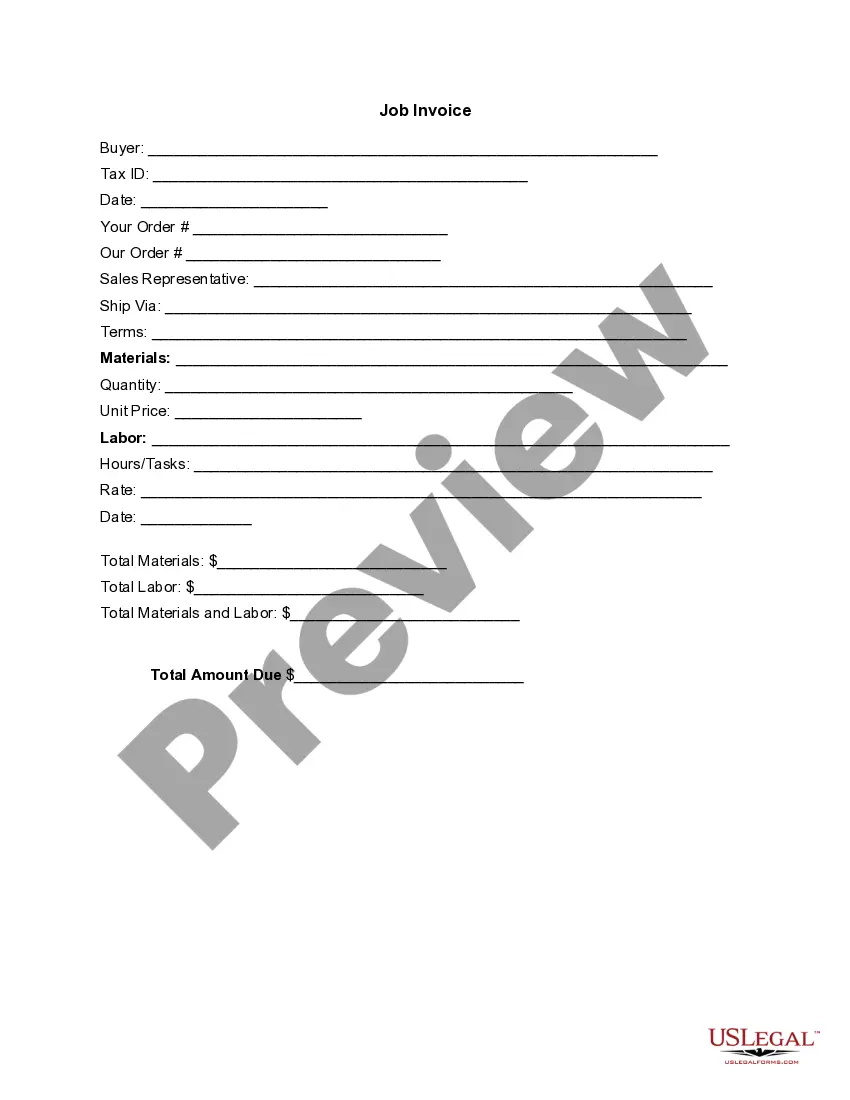
Invoice Template for Baker
What is this form?
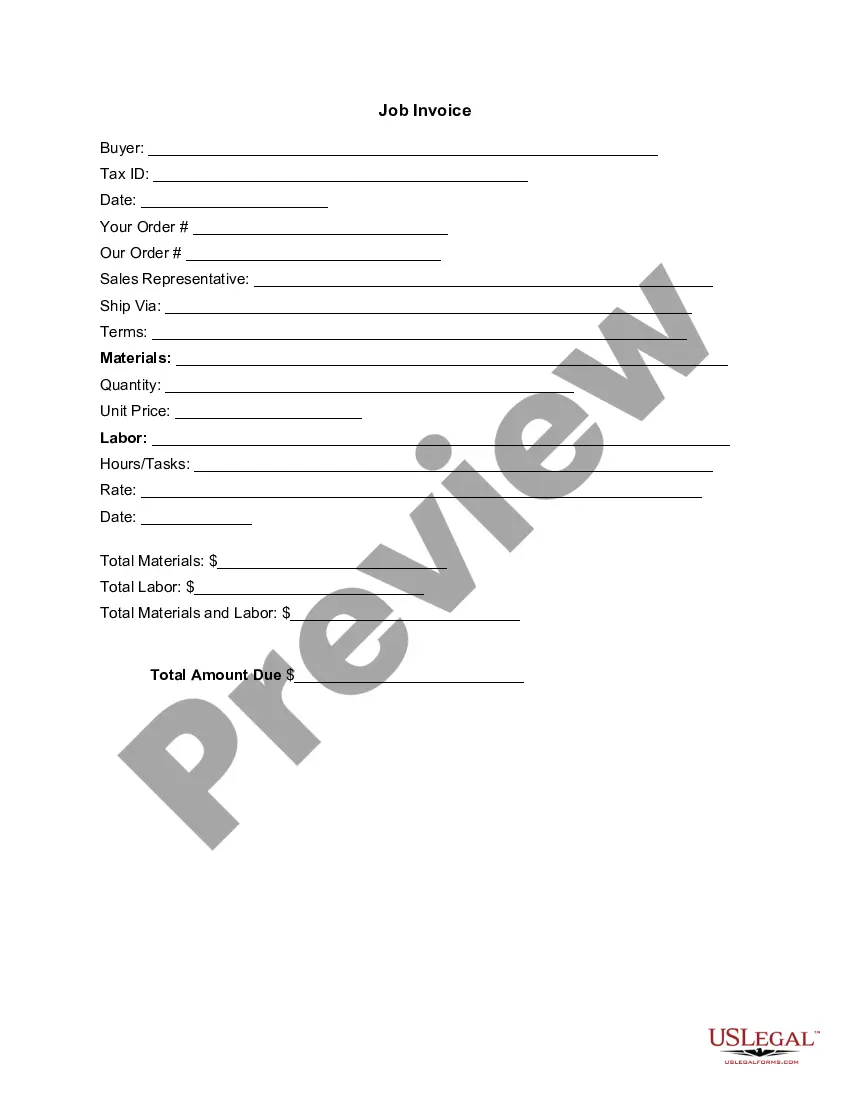
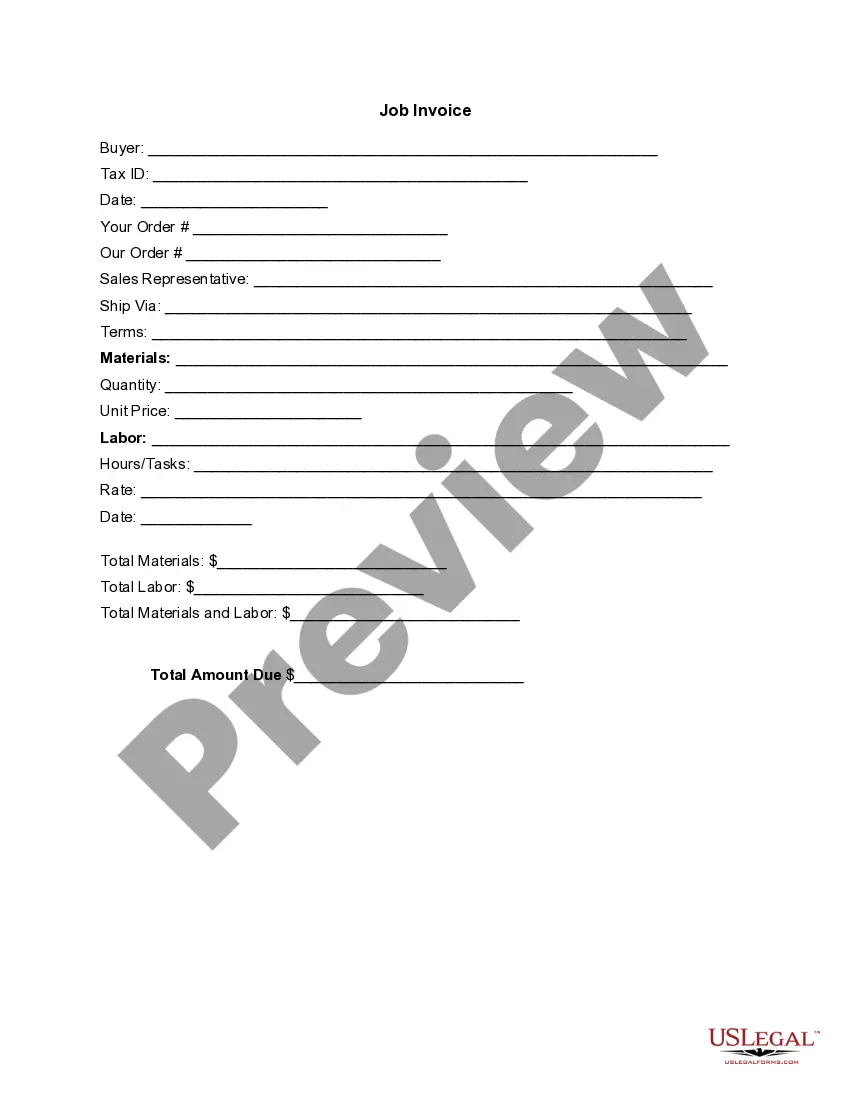
The Invoice Template for Baker is a professional document used to request payment for goods or services provided by a baker. This form includes detailed itemization of costs, making it distinct from other invoices by catering specifically to baking services or products. It helps ensure accurate record-keeping and clearer communication with clients.
Form components explained
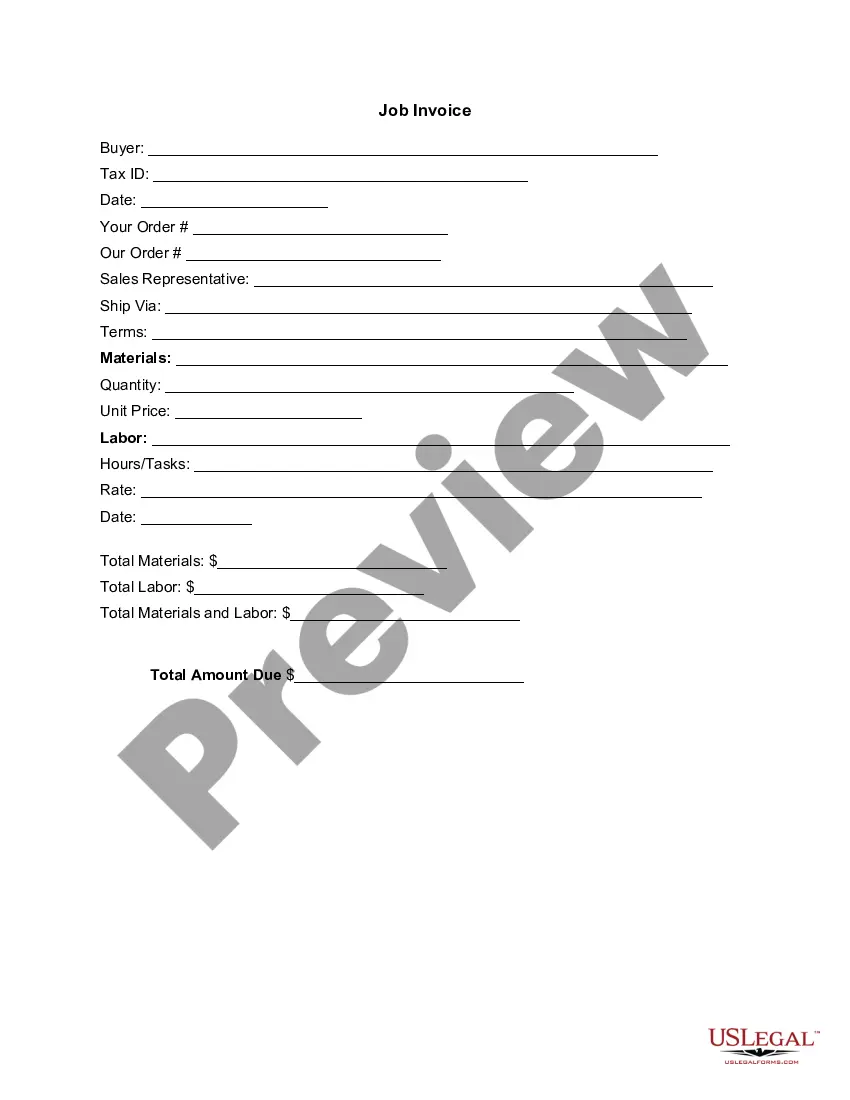
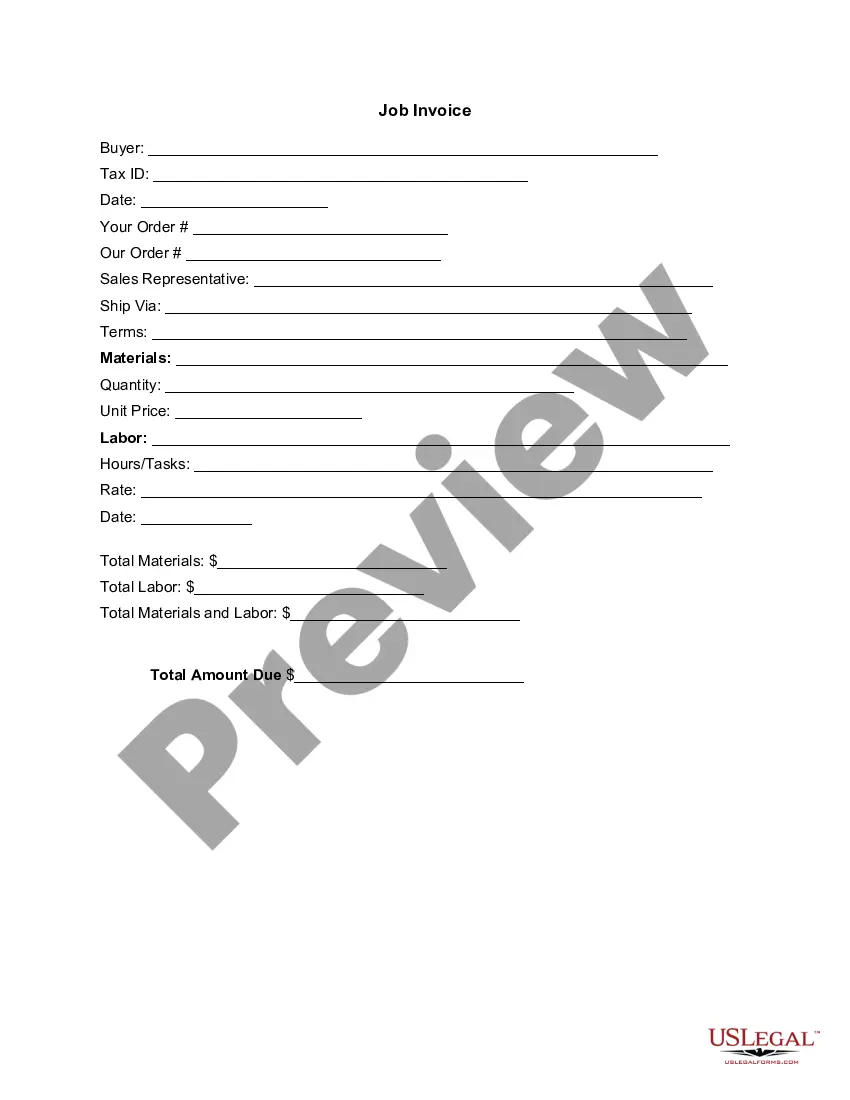
- Buyer information: Name and Tax ID of the recipient.
- Order details: Sections for your order, our order, and sales representative.
- Shipping information: Method and terms for shipping.
- Materials: Listing of ingredients or supplies used, along with quantities and prices.
- Labor details: Hours worked and rates charged for services rendered.
- Total amounts: Summary of costs for materials, labor, and total amount due.

When to use this form
This form is ideal for bakers who wish to bill clients after completing a project, such as a custom cake order or regular baked goods delivery. Use this invoice when you need to clearly outline the costs associated with your baking services and ensure clients have all necessary information for payment.
Who this form is for
- Bakers operating their own businesses.
- Baking professionals providing catering or personalized baking services.
- Establishments that need a standardized method to invoice clients for their goods.
How to prepare this document
- Enter the buyer's name and Tax ID at the top of the invoice.
- Specify the date of the transaction and order details.
- List materials and their corresponding prices in the materials section.
- Document labor services, including hours worked and hourly rate.
- Calculate totals for materials, labor, and the overall amount due.
Does this form need to be notarized?
This form does not typically require notarization unless specified by local law. Ensure that all details are accurate to avoid issues during payment processing.
Get your form ready online
Our built-in tools help you complete, sign, share, and store your documents in one place.
Make edits, fill in missing information, and update formatting in US Legal Forms—just like you would in MS Word.
Download a copy, print it, send it by email, or mail it via USPS—whatever works best for your next step.
Sign and collect signatures with our SignNow integration. Send to multiple recipients, set reminders, and more. Go Premium to unlock E-Sign.
If this form requires notarization, complete it online through a secure video call—no need to meet a notary in person or wait for an appointment.
We protect your documents and personal data by following strict security and privacy standards.

Make edits, fill in missing information, and update formatting in US Legal Forms—just like you would in MS Word.

Download a copy, print it, send it by email, or mail it via USPS—whatever works best for your next step.

Sign and collect signatures with our SignNow integration. Send to multiple recipients, set reminders, and more. Go Premium to unlock E-Sign.

If this form requires notarization, complete it online through a secure video call—no need to meet a notary in person or wait for an appointment.

We protect your documents and personal data by following strict security and privacy standards.
Common mistakes to avoid
- Failing to include all costs associated with materials or labor.
- Not including the buyer's Tax ID, which can delay payment processing.
- Leaving out clear payment terms, leading to confusion about payment due dates.
Why use this form online
- Convenient downloading and customization to fit specific business needs.
- Editable format allowing for quick updates and changes as necessary.
- Reliability, knowing the form has been drafted with legal standards in mind.
Looking for another form?


Form popularity
FAQ
Download the basic Simple Invoice Template in PDF, Word or Excel format. Open the new invoice doc in Word or Excel. Add your business information and branding, including your business name and logo. Customize the fields in the template to create your invoice. Name your invoice. Save
PayPal (Web, iOS, Android) for creating invoices on mobile devices. Square (Web, iOS, Android) for accepting in-person and online payments. Wave (Web, iOS, Android) for invoicing and accounting for small businesses. Zoho Invoice (Web, iOS, Android) for invoice workflows.
PayPal (Web, iOS, Android) for creating invoices on mobile devices. Square (Web, iOS, Android) for accepting in-person and online payments. Wave (Web, iOS, Android) for invoicing and accounting for small businesses. Zoho Invoice (Web, iOS, Android) for invoice workflows.
The name of your company. The name of your customer. The date the services were provided. Invoice number. A description of services rendered. Quantity of hours spent on services rendered. The price you're charging for the services or your hourly rate.
Download the basic Simple Invoice Template in PDF, Word or Excel format. Open the new invoice doc in Word or Excel. Add your business information and branding, including your business name and logo. Customize the fields in the template to create your invoice. Name your invoice. Save
Download the Square Invoices app on your iOS or Android device. Create your free Square account or sign in with your existing Square account. Tap the '+' sign on the navigation bar and select 'Invoice'.When your clients receive the invoice in their email, they can pay you securely online.
Make your invoice look professional. The first step is to put your invoice together. Clearly mark your invoice. Add company name and information. Write a description of the goods or services you're charging for. Don't forget the dates. Add up the money owed. Mention payment terms.
Include Contact Information. Add the Invoice Date. Establish a Simple Invoice Numbering System. List Your Services. Add Your Payment Terms. Include the Amount Due and the Payment Due Date.