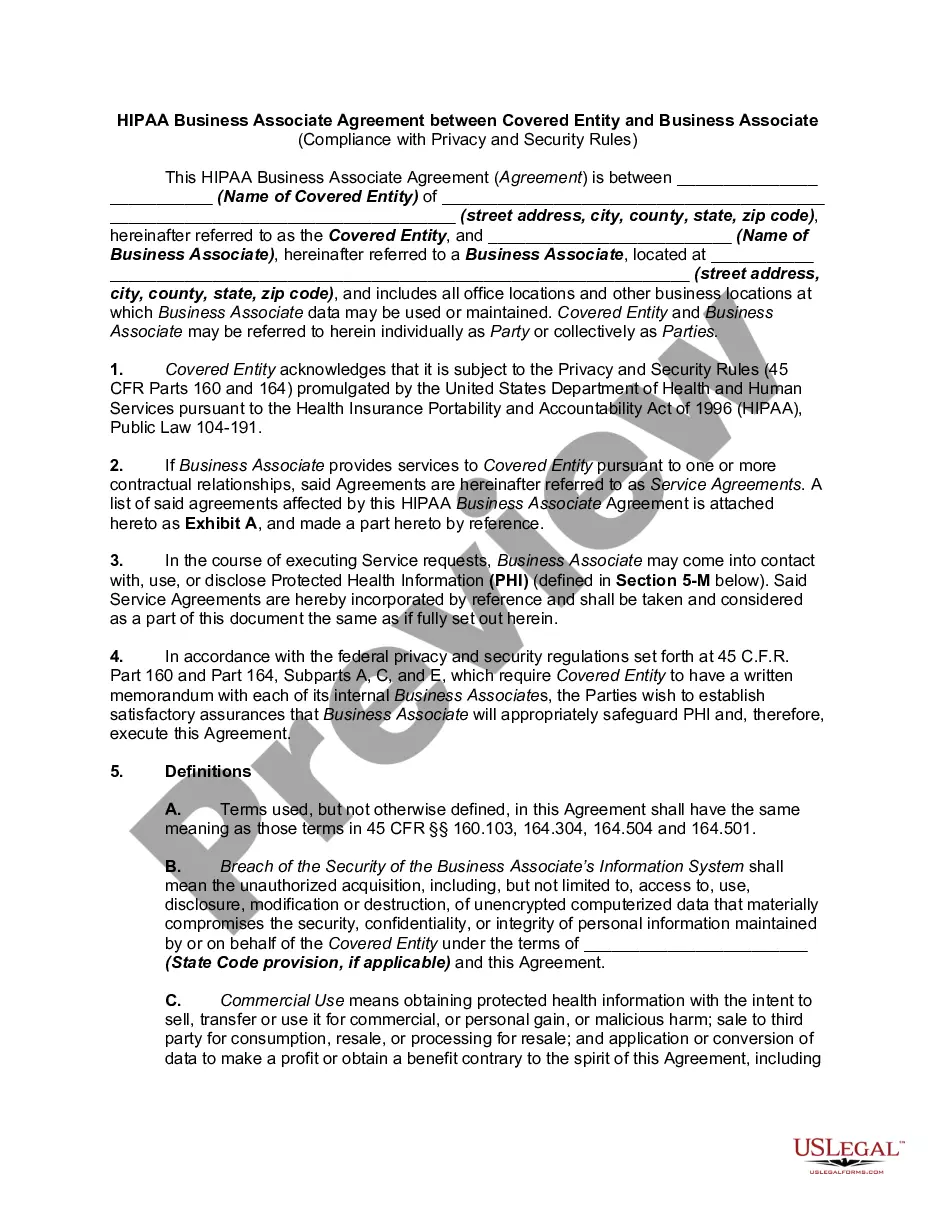
Hipaa Business Associate Agreement Template For Employees
Description
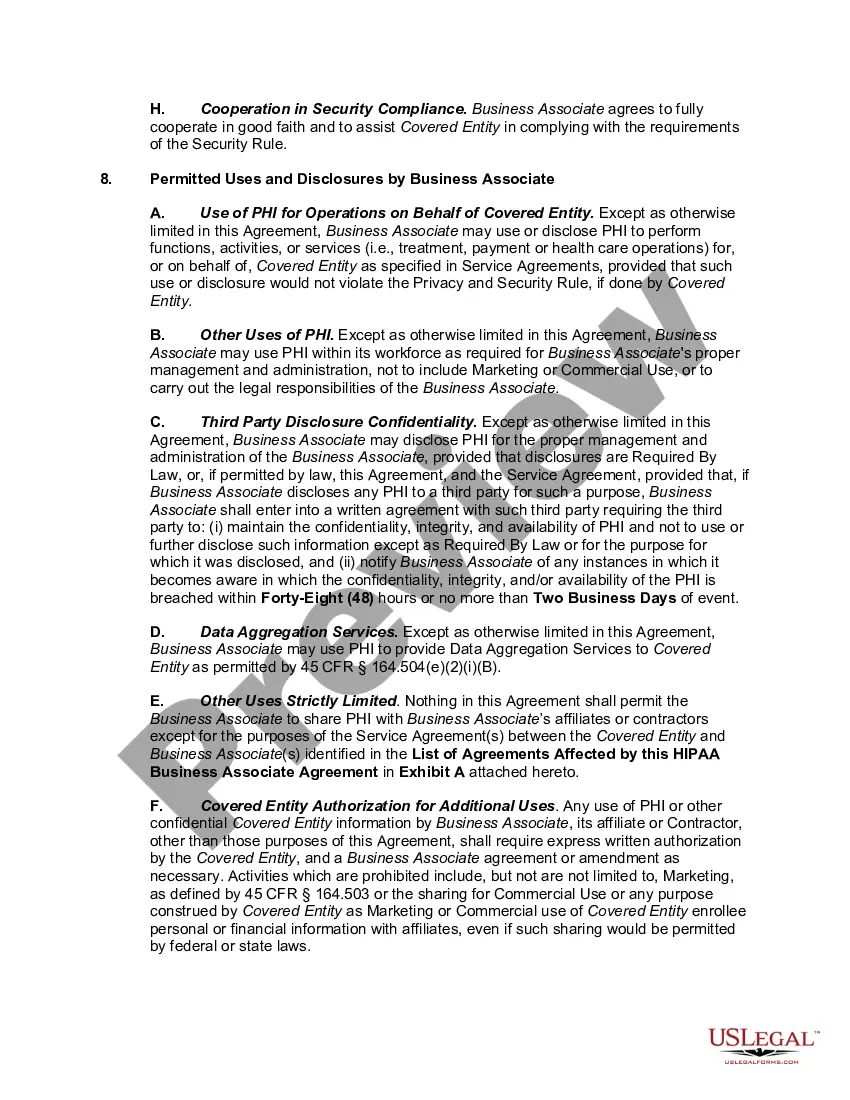

Get your form ready online
Our built-in tools help you complete, sign, share, and store your documents in one place.
Make edits, fill in missing information, and update formatting in US Legal Forms—just like you would in MS Word.
Download a copy, print it, send it by email, or mail it via USPS—whatever works best for your next step.
Sign and collect signatures with our SignNow integration. Send to multiple recipients, set reminders, and more. Go Premium to unlock E-Sign.
If this form requires notarization, complete it online through a secure video call—no need to meet a notary in person or wait for an appointment.
We protect your documents and personal data by following strict security and privacy standards.

Make edits, fill in missing information, and update formatting in US Legal Forms—just like you would in MS Word.

Download a copy, print it, send it by email, or mail it via USPS—whatever works best for your next step.

Sign and collect signatures with our SignNow integration. Send to multiple recipients, set reminders, and more. Go Premium to unlock E-Sign.

If this form requires notarization, complete it online through a secure video call—no need to meet a notary in person or wait for an appointment.

We protect your documents and personal data by following strict security and privacy standards.
Looking for another form?

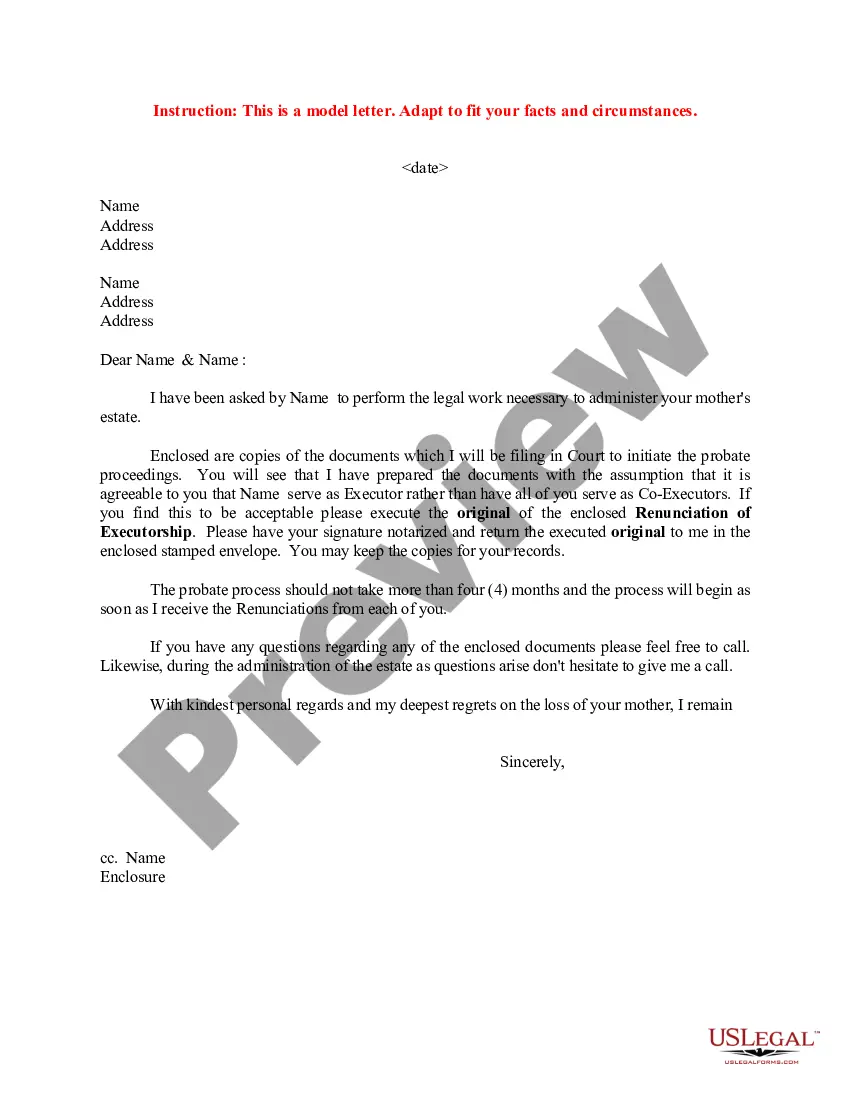
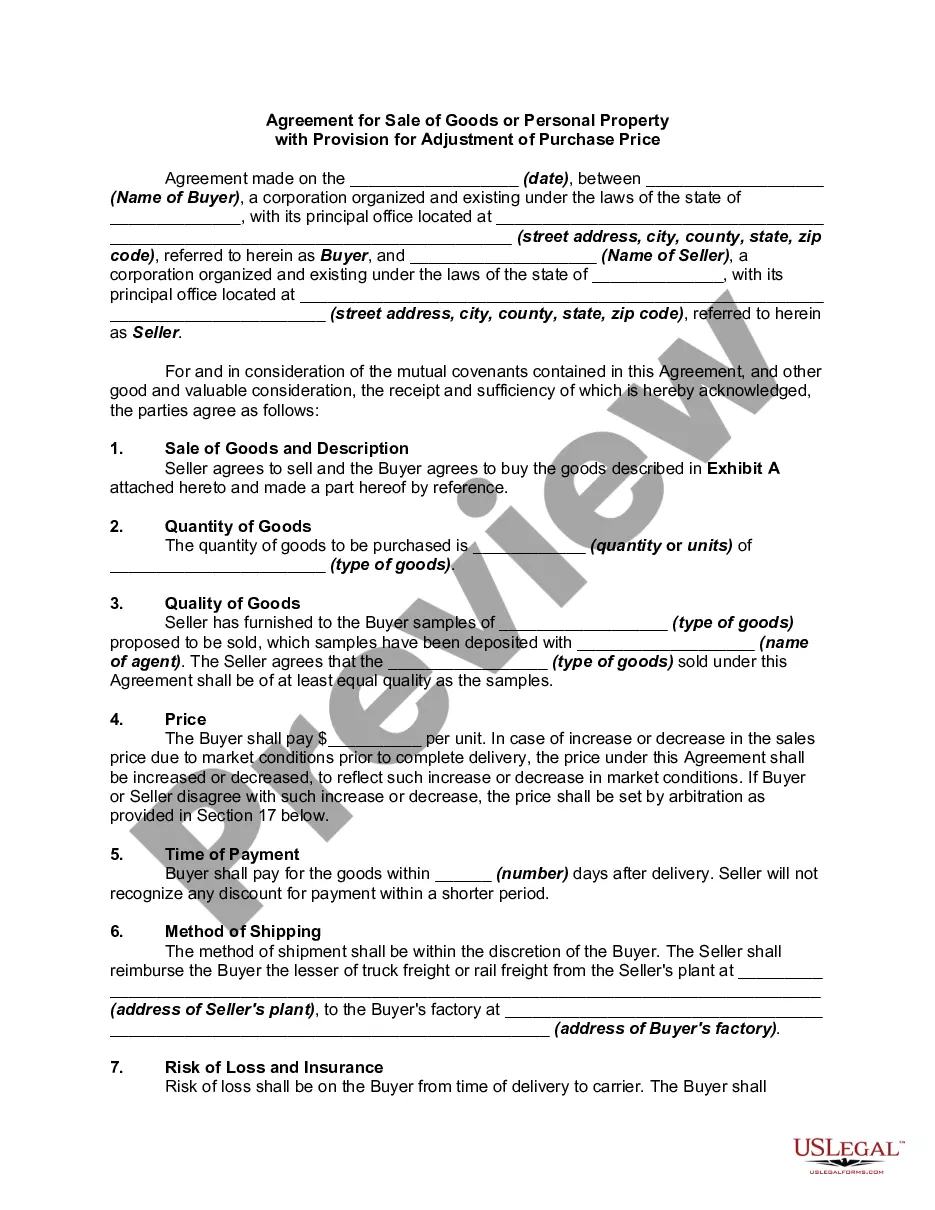
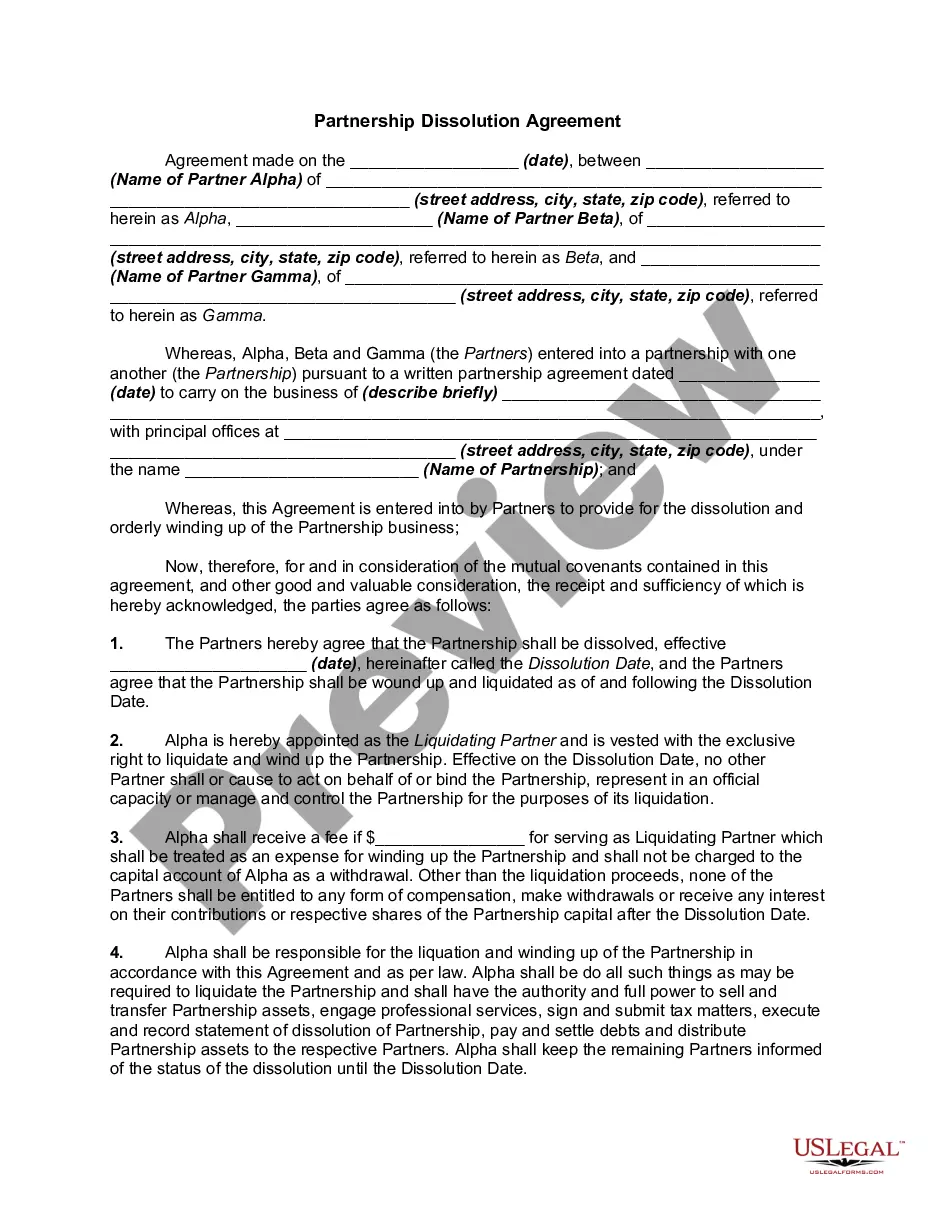
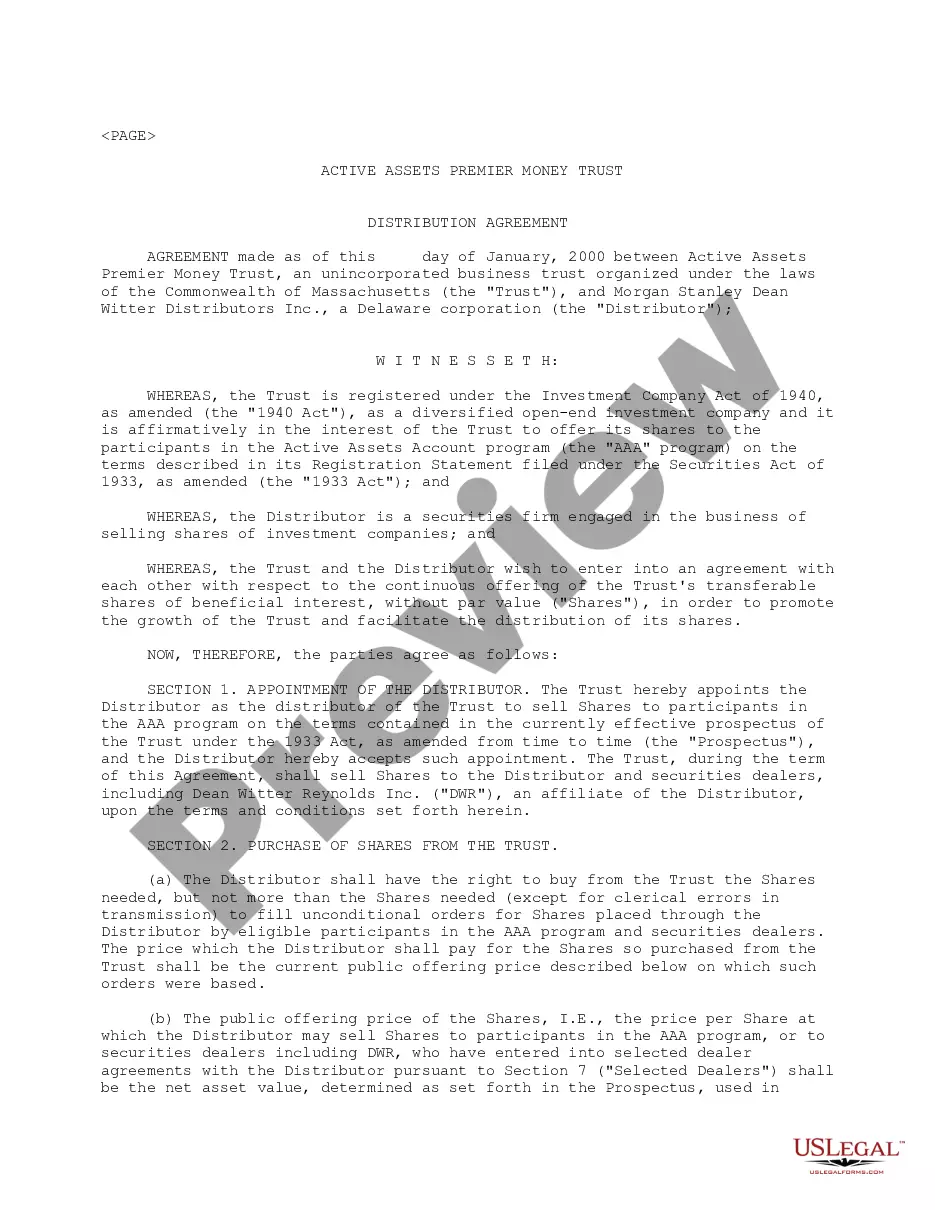

How to fill out HIPAA Business Associates Agreement?
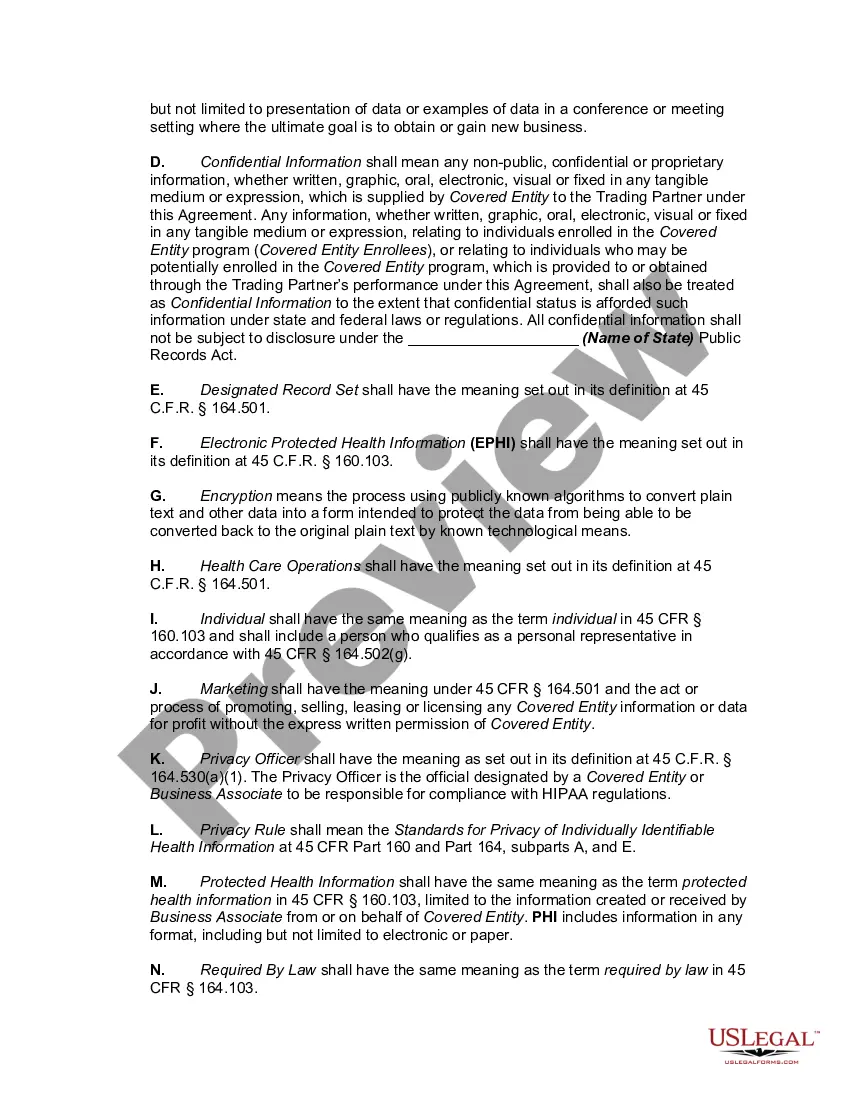
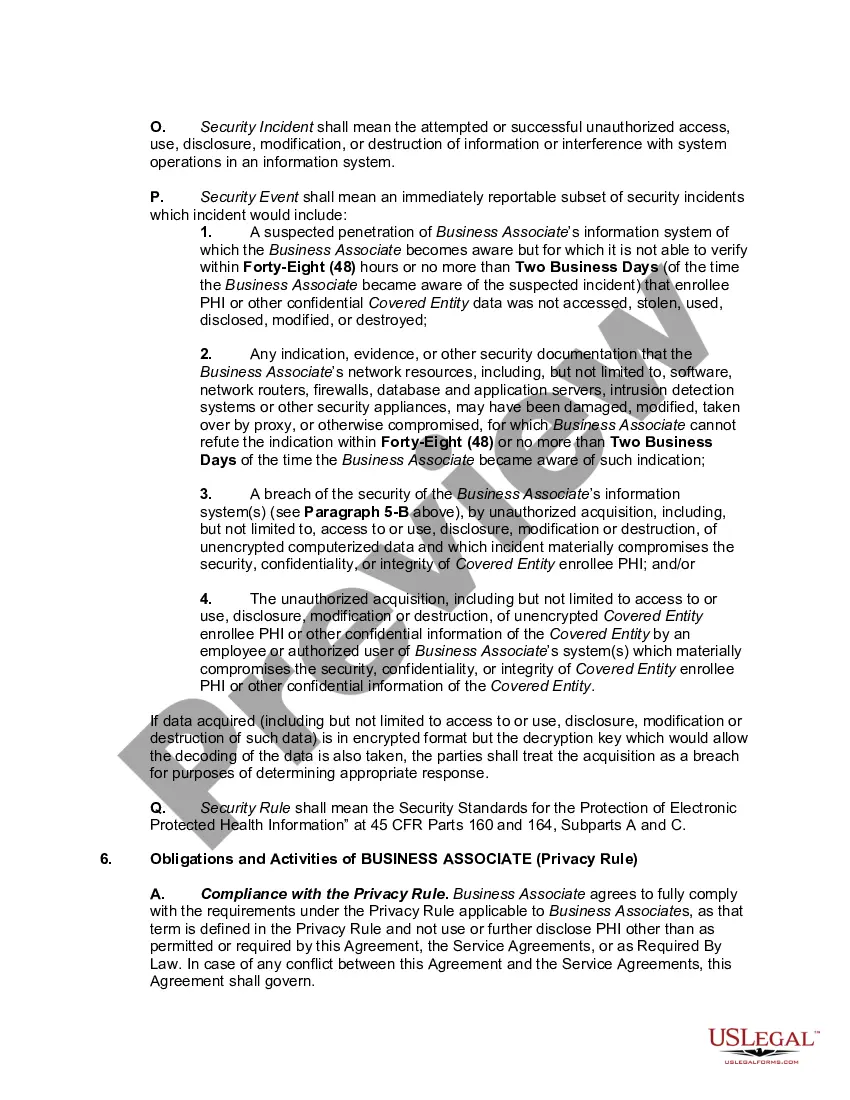
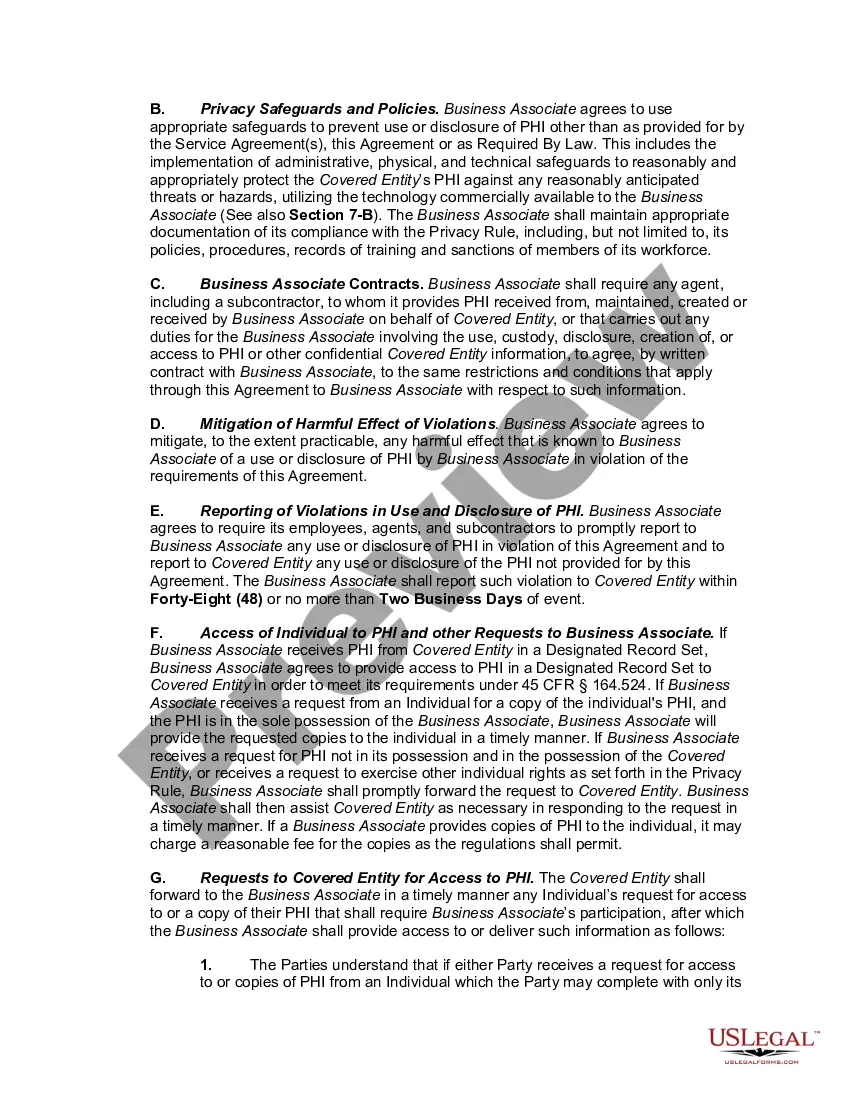
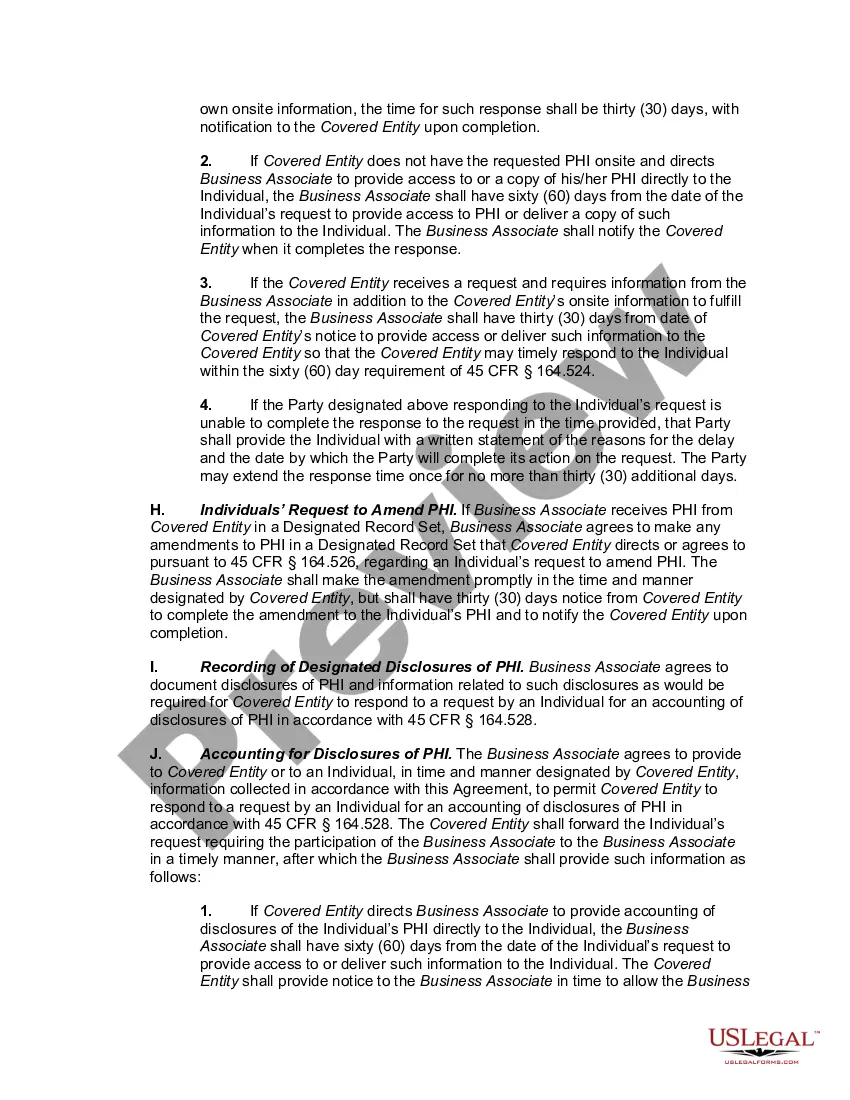
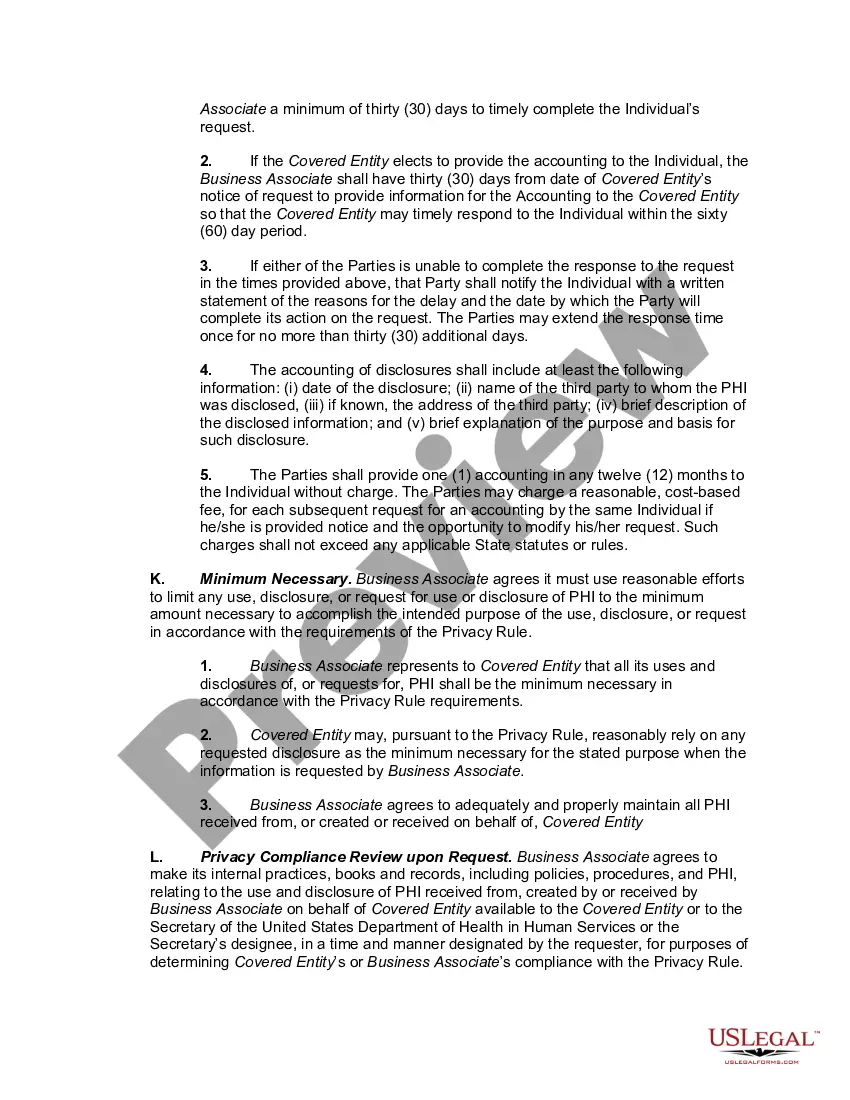
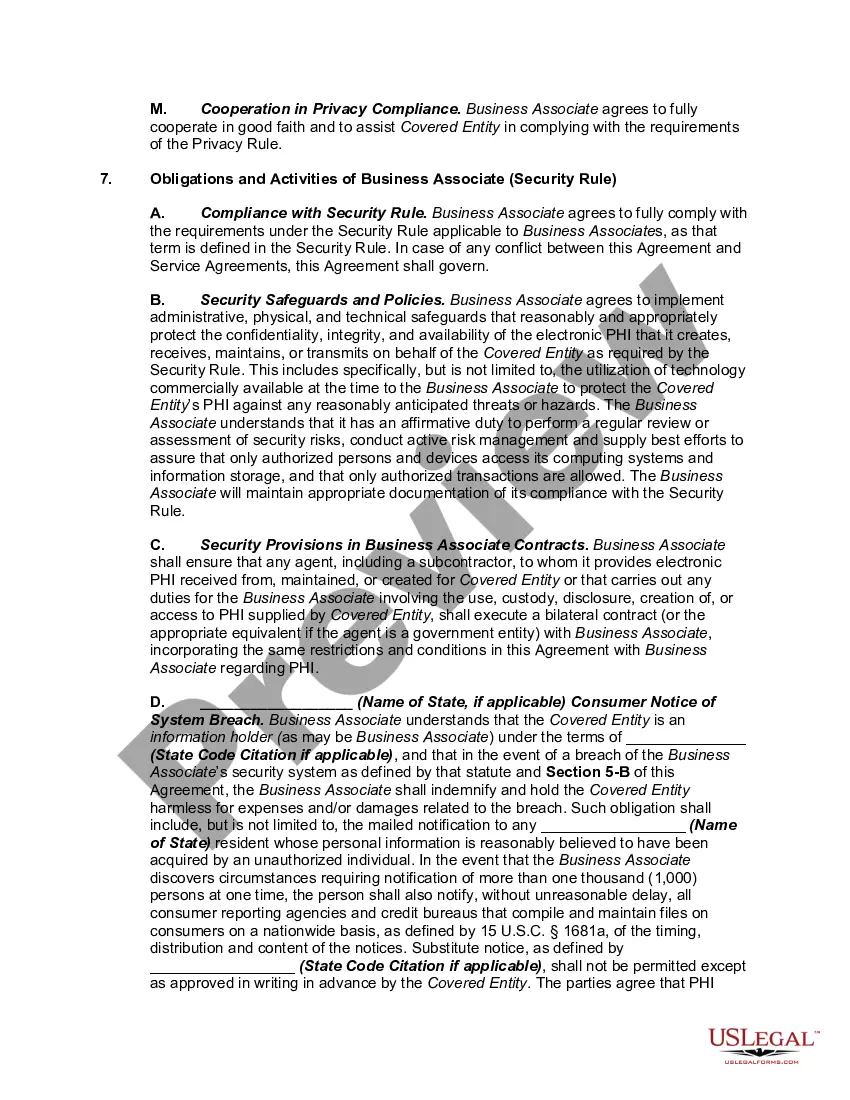
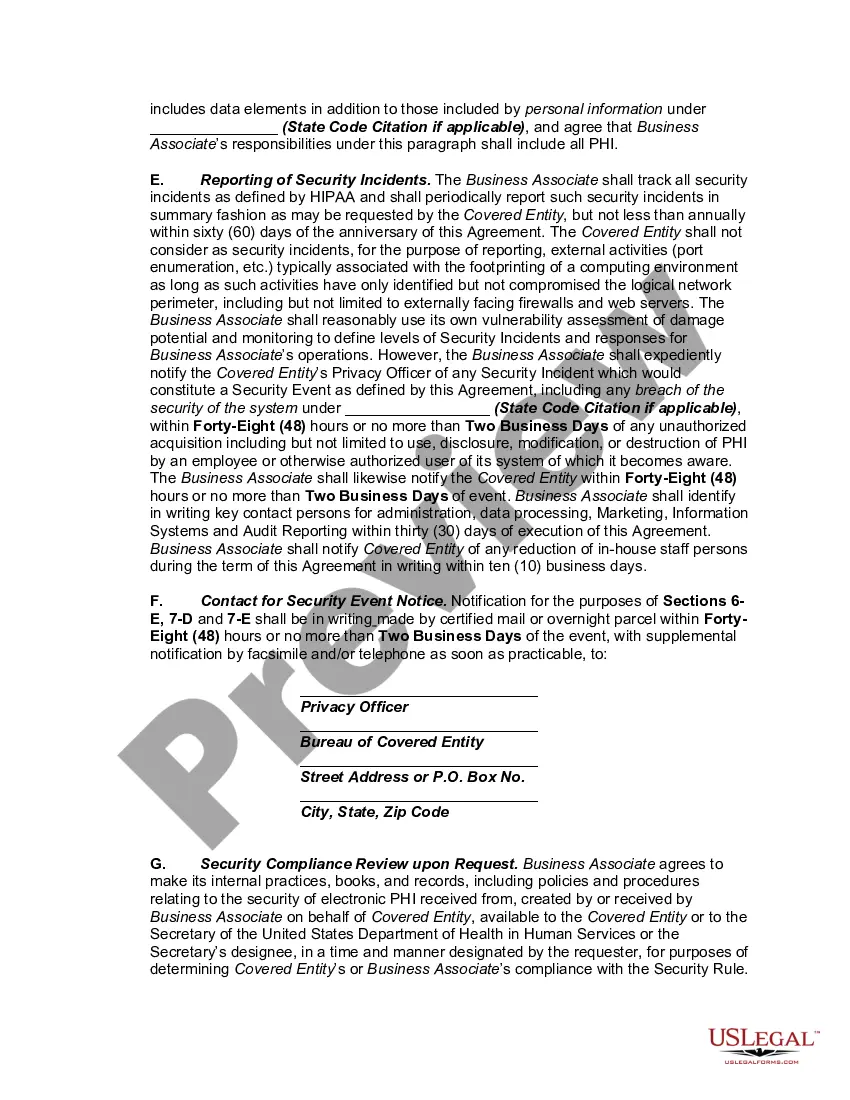
The Hipaa Business Associate Agreement Template For Employees displayed on this page is a versatile legal template created by skilled lawyers in accordance with state and national regulations.
For over 25 years, US Legal Forms has supplied individuals, businesses, and legal professionals with more than 85,000 validated, state-specific templates for various business and personal circumstances. It’s the fastest, simplest, and most trustworthy method to acquire the documents you require, as the service ensures bank-level data security and anti-malware safeguards.
Re-download your documents as needed. Access the My documents section in your profile to retrieve any previously saved templates. Enroll in US Legal Forms to have authentic legal templates for every aspect of life conveniently available.
- Explore the document you require and examine it.
- Scan through the file you requested and preview it or review the form details to ensure it meets your requirements. If it doesn’t, use the search function to locate the correct one. Click Buy Now once you have found the template you want.
- Register and Log In.
- Select a pricing plan that works for you and create an account. Use PayPal or a credit card to complete a swift payment. If you already possess an account, Log In and review your subscription to proceed.
- Acquire the fillable template.
- Choose the format you desire for your Hipaa Business Associate Agreement Template For Employees (PDF, DOCX, RTF) and download the sample to your device.
- Complete and sign the documents.
- Print the template to fill it out manually. Alternatively, utilize an online multifunctional PDF editor to quickly and accurately complete and sign your form electronically.
Form popularity
FAQ
A business associate must comply with several HIPAA requirements, including safeguarding protected health information and reporting breaches. They should also implement appropriate safeguards to protect sensitive data. To facilitate this compliance and streamline the process, a Hipaa business associate agreement template for employees can be a valuable tool.
If you are engaged in business activity, a business registration certificate can be obtained by filing an application, either through the Business for West Virginia Website or by filing a BUS-APP with the Tax Commissioner.
Making a Will in West Virginia Decide what property to include in your will. Decide who will inherit your property. Choose an executor to handle your estate. Choose a guardian for your children. Choose someone to manage children's property. Make your will. Sign your will in front of witnesses. Store your will safely.
As per Section 31B-1-103 of the West Virginia LLC Act, an Operating Agreement isn't required for an LLC in West Virginia. But while it's not required in West Virginia to conduct business, we strongly recommend having an Operating Agreement for your LLC.
There is no Maryland state law requiring an LLC to have an operating agreement. However, if you don't have one, your LLC will be governed by Maryland's default LLC statutes, and you may run into difficulty if you need to prove your ownership of the LLC or if you face a lawsuit.
Is an operating agreement required in West Virginia? No. West Virginia's statute's don't explicitly state that LLCs must have an operating agreement. However, you'll need an operating agreement for several important tasks, like opening a business bank account and maintaining limited liability.
This practice area includes elderly abuse, nursing home law, general estate planning issues, long-term care needs, Medicare, Medicaid, and the care of mentally ill elderly patients.
In Virginia, you are not required to have an operating agreement submitted to the Virginia state corporation commission. However, it is still strongly recommended as it provides crucial information that may be helpful in times of disagreement regarding how to operate the LLC.
Below, we'll take you through each step required to start your West Virginia LLC. Name Your LLC. ... Designate a Registered Agent. ... Submit LLC Articles of Organization. ... Write an LLC Operating Agreement. ... Get an EIN. ... Open a Bank Account. ... Fund the LLC. ... File State Reports & Taxes.